CARFACE Car Widgets & Lyrics for iOS
About CARFACE Car Widgets & Lyrics
Customize CarPlay with widgets, viral sounds, dynamic lyrics, and CarTV screen mirroring.
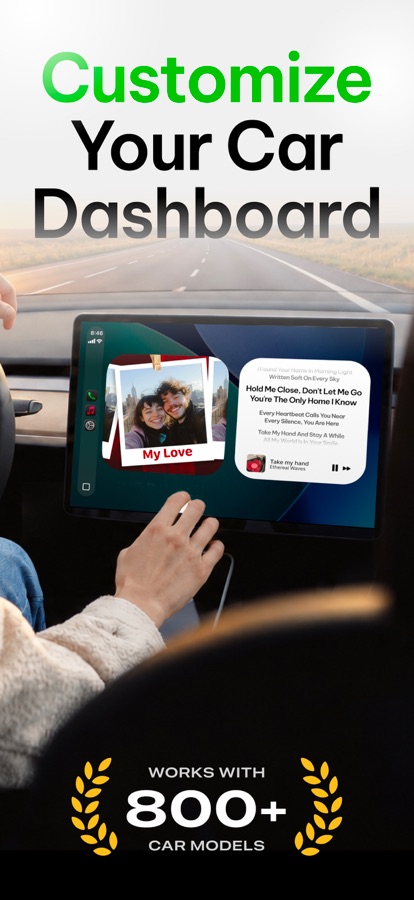
Make every drive feel more personal with CarFace. Customize your CarPlay screen with personalized widgets, add fun sounds to your driving routine, enjoy real-time song lyrics, and explore your own media with CarTV.
Compatible with most popular vehicle brands, including Ford, Toyota, Jeep, Tesla, Nissan, Acura, Audi, BMW, Buick, Cadillac, Chevrolet, Chrysler, Dodge, GMC, Jaguar, Land Rover, Lexus, Lincoln, Mercedes-Benz, MINI, RAM, Rivian, Volkswagen, Volvo, and more.
Feature that Matters:
CUSTOM CAR WIDGETS
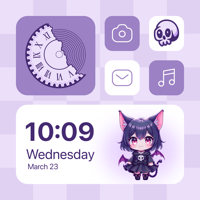
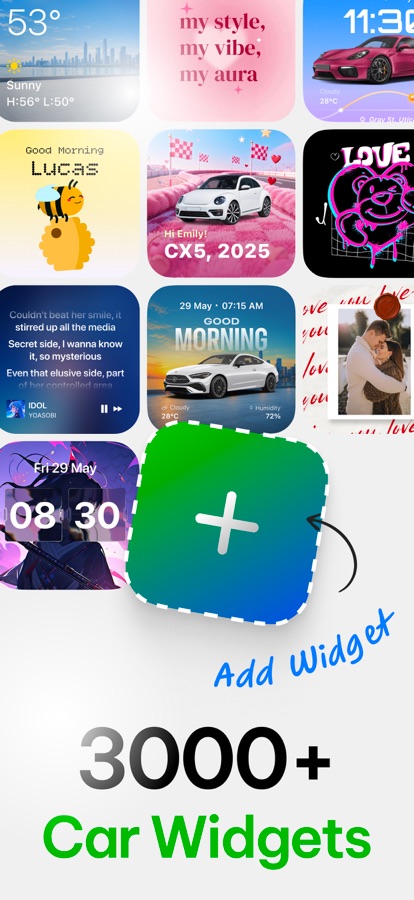
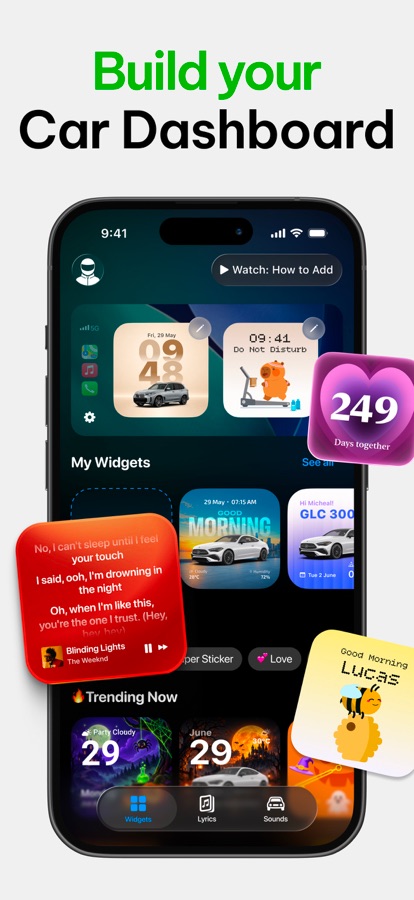
Personalize your dashboard with photos, vehicle visuals, and layouts that match your style. CarFace gives you complete control over how your Car screen looks and feels.
– Add couple of photos, favorite memories that move with your vibe.
– Choose from multiple personalized layouts
– Create a dashboard that reflects your personality
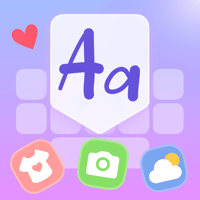
– Explore categories including Pets & Animals, Daily Affirmations, Bible Verses, Cars & Automotive, Seasonal Themes, Custom Photos, and more
DYNAMIC LYRICS
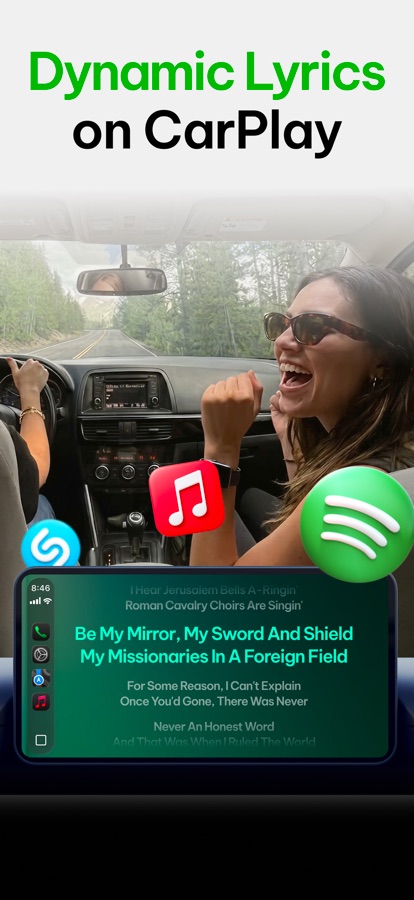
CarFace brings real-time lyrics directly to your CarPlay screen, making every drive feel like your own karaoke session.
– Real-time lyrics for Apple Music and Spotify
– Instantly identify songs with Shazam integration
– Live Activities support for quick lyric access
– Beautiful lyric cards for sharing
Disclaimer: Lyrics powered by Musixmatch
CUSTOM DRIVE SOUNDS
Add personality to your driving routines with custom sound effects. Choose startup tones, engine sounds, EV-inspired sounds, and fun audio clips.
– Custom connect & disconnect sounds
– Viral and trending audio
– Engine and EV startup tones
– Quick preview and easy setup
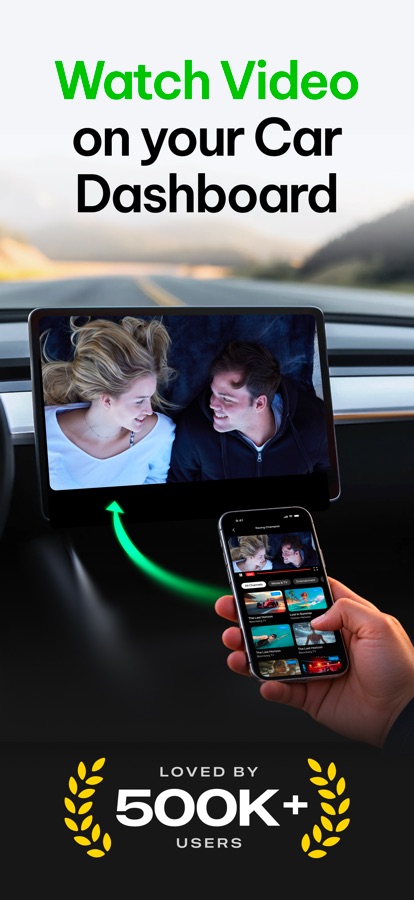
CARTV WATCH YOUR OWN CHANNELS IN THE CAR
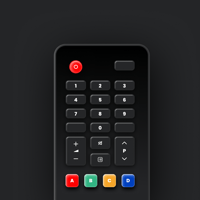
Add an M3U/M3U8 playlist link from your IPTV provider or your own media server, browse channels by group, and watch on your iPhone or on your CarPlay display while parked. Mirror your iPhone screen to the car display with Screen Mirroring. Carface does not provide any channels or content — you can only add playlists you have permission to access.
Privacy and Security
Your data stays on your device whenever possible.
No personal information is sold or shared with third parties. Data is only used to support app functionality and improvements.
The payment will be charged to your iTunes Account within 24 hours prior to the end of the free trial period – if applicable – or at the confirmation of your purchase. Price may vary depending on the region or country.
Your subscription automatically renews unless auto-renew is turned off at least 24-hours before the end of the current period. You can cancel auto-renewal at any time, but this will not affect the currently active subscription period.
Your iTunes Account will be charged for renewal within 24-hours prior to the end of the current period, and identify the cost of the renewal.
Any unused portion of a free trial period, if offered, will be forfeited if you purchase a subscription to that publication where applicable.
Privacy Policy: https://kainsuite.com/privacy-policy/
Terms of Use: https://kainsuite.com/terms-conditions/
Download CARFACE Car Widgets & Lyrics for iOS for free — the latest version (1.2.1) is now available for installation on your iPhone or iPad.
What's New in the Latest Version 1.2.1
– Improve performance
– Fix bugs
CARFACE Car Widgets & Lyrics App Info
- Version 1.2.1
- Updated November 12, 2026
- Requires OS iOS 26.0 and up
- Category Maps & Navigation
- Developer Kain Suite Pte. Ltd.
- Age Rating 4+