Driver: Dash Cam & Trip Log for iOS
About Driver: Dash Cam & Trip Log
Keep your phone storage free. Uploaded drives leave the device and stay in Cloud Gallery.
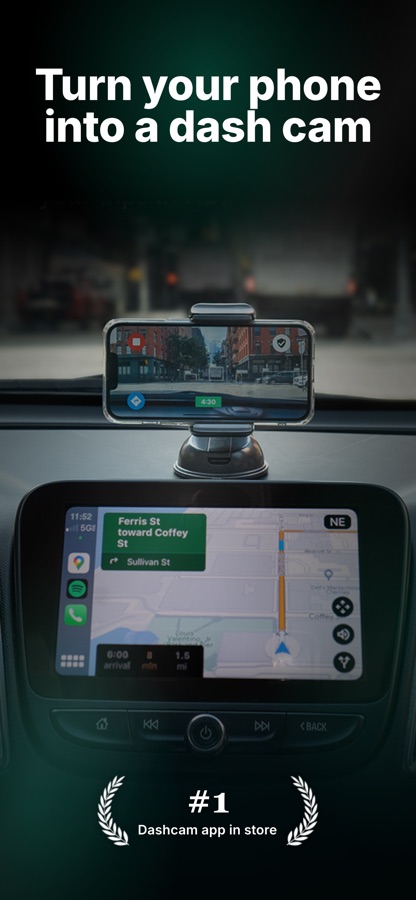
Turn your phone into a dual-camera dash cam. Auto-record trips, back them up to Driver Cloud, and share a link when you need proof.
4.6 stars from 19,000+ drivers on the App Store who skipped a bulky camera and used the phone they already carry.
WHAT YOU GET
• Dash cam recording on a mount, with dual camera (road + cabin) on iPhone XS and newer
• Pocket Drives when your phone stays in your pocket — trip log, speed, and events without video
• Clip Capture saves a 1-minute clip from your trip for easy access
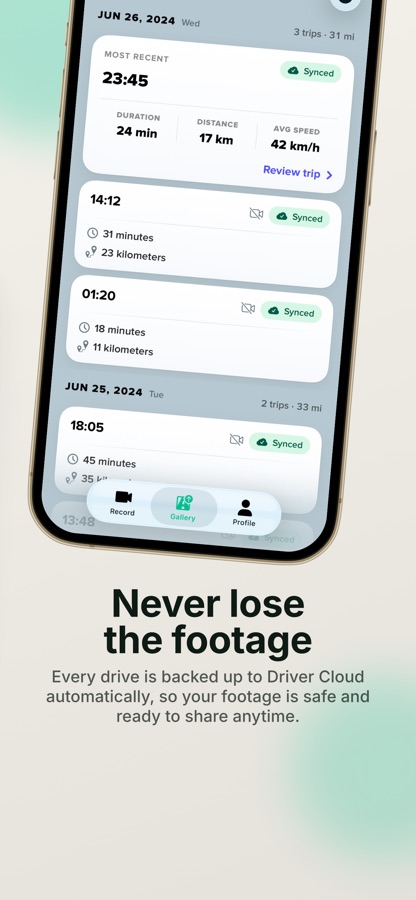
• Uploaded trips come off the phone after they reach Driver Cloud, so they don’t fill your storage
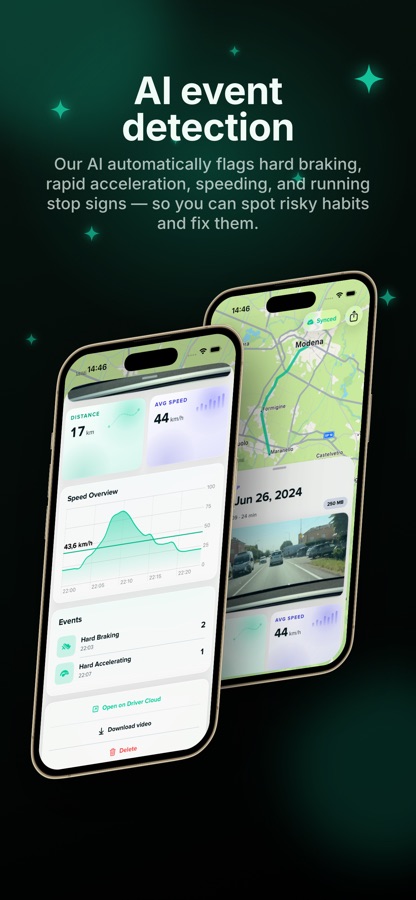
• AI coaching that flags hard braking, speeding, stop signs, and near-misses
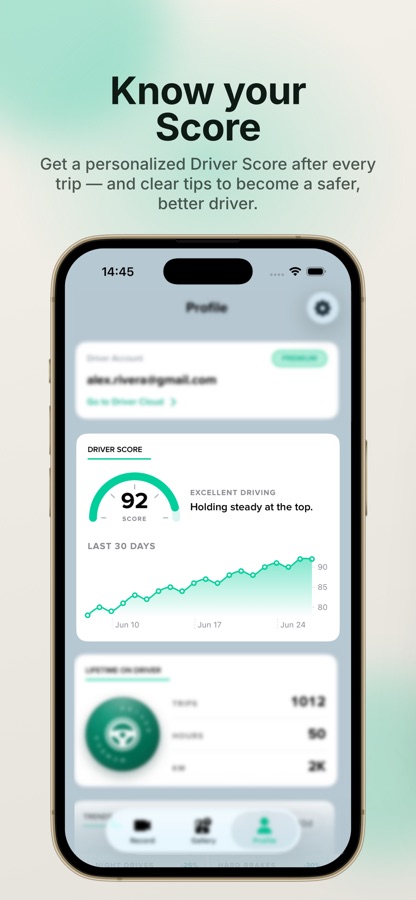
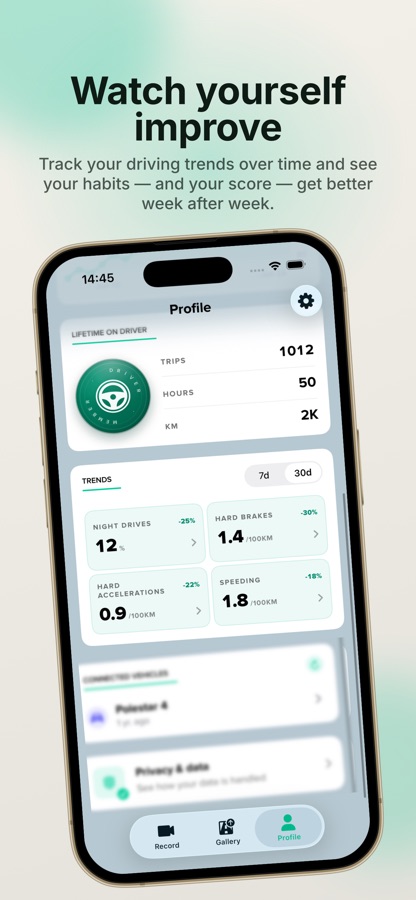
• DriverScore and trends so you can see habits improve week after week
• Driver Cloud backup and a shareable trip link for insurance, work, or family
• Driver Rewards: limited by location and membership. After an approved application, eligible trips can earn Points you redeem for gift cards, deposit, or merch
• Apple CarPlay, so you can record while you navigate and listen to music
HOW IT WORKS
1. Mount your phone, or leave it in your pocket
2. Driver records the trip and adds location, speed, and events
3. Footage and logs upload to Driver Cloud — open any drive later, even from another phone
“This does the job effectively, with a device I already own.” — App Store review
DRIVER PREMIUM
• HD cloud lookback (up to 90 days)
• 24/7 roadside assistance in the U.S.
• Camera and video customization
TIPS
• Connect CarPlay to record alongside maps and music
• Use a landscape dash mount
• Plug in on longer drives
• Avoid direct sun on hot days
Driver is ad-free. Download free and keep every trip within reach.
We will charge your iTunes account when you purchase a Premium subscription plan. Your account will automatically be charged for renewal within 24-hours prior to the end of the current subscription period unless you disable auto-renew. You can turn off auto-renewal at any time by going to your Account Settings on the App Store after purchase.
Privacy Policy: https://www.drivertechnologies.com/how-we-protect-your-privacy
Terms and Conditions: https://www.drivertechnologies.com/terms-and-conditions
============
Note: GPS is required. Like other GPS-based apps, continued use of GPS running in the background can hurt your device’s battery life. Other factors, such as temperature, battery health, and other apps running in the background can also affect battery performance.
Terms of Use (EULA): https://www.apple.com/legal/internet-services/itunes/dev/stdeula/
Download Driver: Dash Cam & Trip Log for iOS for free — the latest version (7.1.5) is now available for installation on your iPhone or iPad.
What's New in the Latest Version 7.1.5
Thanks for driving with us! Here’s what’s new in this update:
– A new recording screen shows your timer, distance and points at a glance.
– Double-tap the camera view while recording to save a clip, with a quick flash to confirm.
– A fresh launch screen with a short animated intro when you open Driver.
– A redesigned first-time setup for some new users.
Driver: Dash Cam & Trip Log App Info
- Version 7.1.5
- Updated November 10, 2026
- Requires OS iOS 18.0 and up
- Category Maps & Navigation
- Developer Driver Technologies Inc.
- Age Rating 9+