A short drama can get from a ruined wedding to a secret inheritance in the time it takes to order coffee. The trouble usually starts a few episodes later, when the app asks you to watch an ad, spend coins, or subscribe before the next cliffhanger. The best short drama app for you depends as much on how you unlock the ending as on what’s in the catalog.
ReelShort is a good first download for classic one-minute melodrama. DramaBox is worth trying if you like browsing different series and saving titles for later. FreeReels is the Android pick to check first if you’re comfortable watching ads, while DramaWave and ShortMax are worth comparing if you want offline downloads or subtitles. For short dramas based on web novels, start with GoodShort.
Best short drama apps at a glance
| App | Best for | Access or feature to check |
| ReelShort | Fast-moving vertical originals | Opening episodes, coin unlocks, and subscription coverage |
| DramaBox | Browsing and saving multiple series | Ad-free access and subscription terms |
| GoodShort | Web-novel adaptations and romance | Premium membership and where the preview ends |
| ShortMax | Dubbed dramas and offline viewing | Audio, subtitles, and downloads for your chosen title |
| NetShort | Hidden identities, reunions, and revenge | VIP benefits vary by series and episode |
| DramaWave | Vertical browsing and offline downloads | Subtitle options and download access |
| FreeReels | Trying an ad-supported catalog on Android | Ads, in-app purchases, and differences between the apps |
| FlexTV | International mini-series and playback controls | Available audio, playback speed, and casting support |
| MoboReels | One- to three-minute dramas with subtitles | Downloads and premium ad-free playback |
| Playlet | Family feuds, romantic comedy, and revenge | What the membership unlocks for a specific series |
| FlickReels | Vertical originals and AI-assisted stories | Whether a title uses the style you want |
| My Drama | Exclusive originals and offline viewing | Where the free preview ends and which episodes can be downloaded |
This comparison uses public store listings and developer descriptions. Catalogs, free previews, and paid features can vary by country, device, and title.
1. ReelShort — Best for classic one-minute dramas
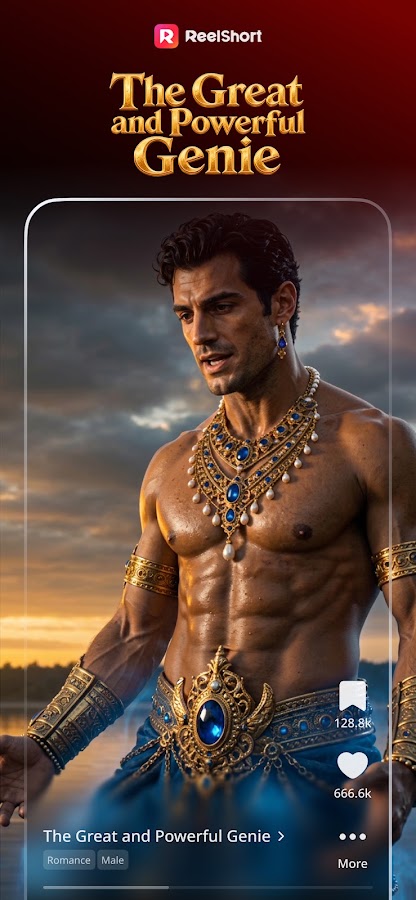
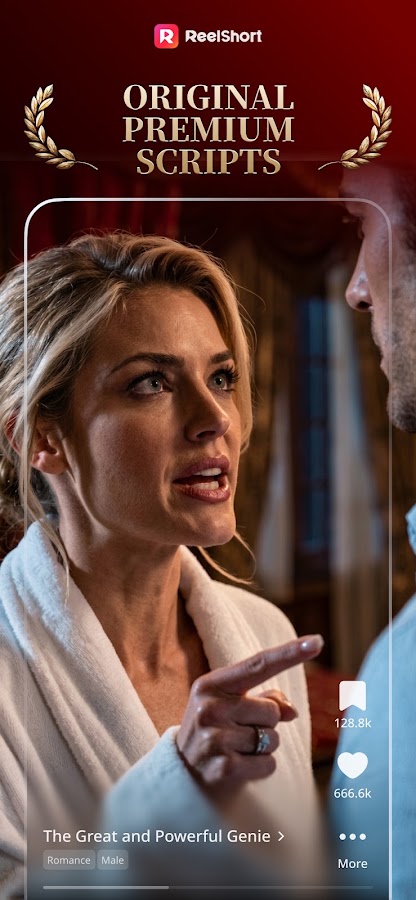
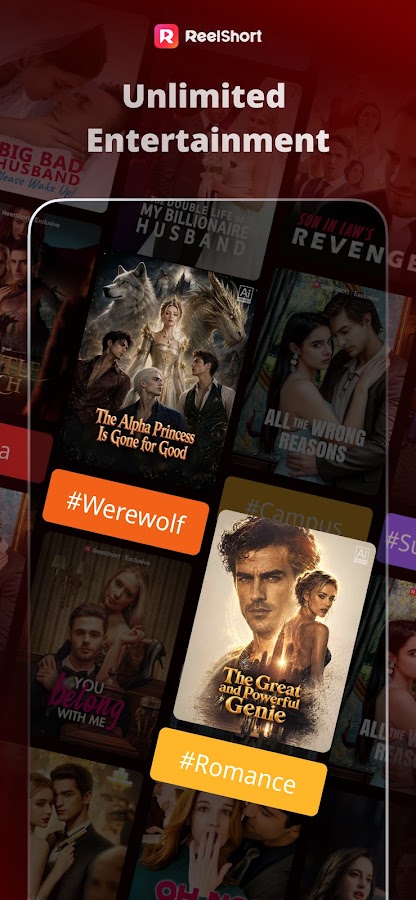
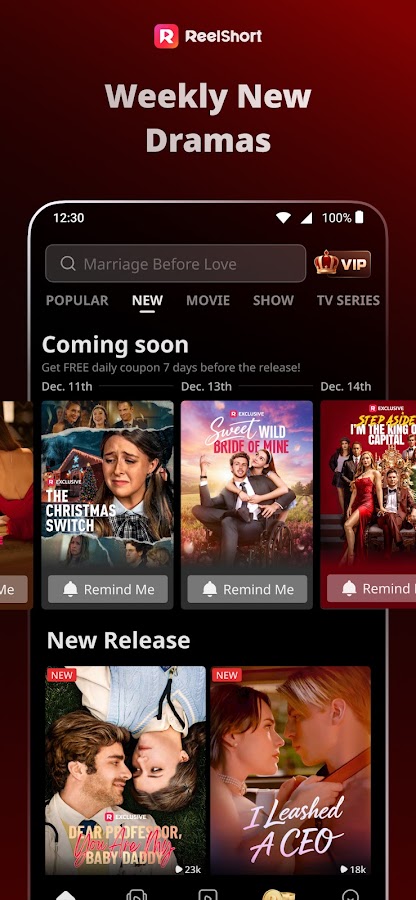
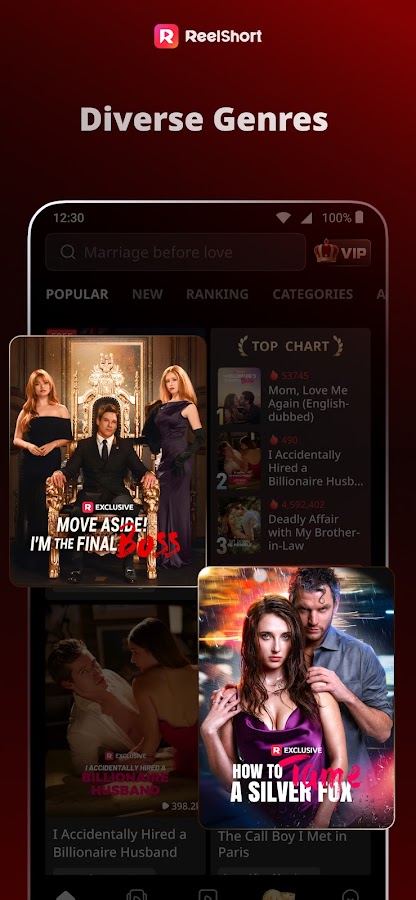
ReelShort is a good introduction to the format. Its portrait-first originals get to the conflict quickly, whether the setup is a secret relationship, a billionaire romance, or a comeback after a public humiliation. A single episode may spend most of its runtime on one reveal, which is part of why the stories work in short sessions.
The app offers free opening episodes on many titles and uses coins to unlock later chapters. ReelShort also offers a subscription. If a trailer brought you to the app, find the exact series and check how many chapters remain after the preview. That gives you a better basis for choosing between episode unlocks and a subscription.
2. DramaBox — Best for browsing different series
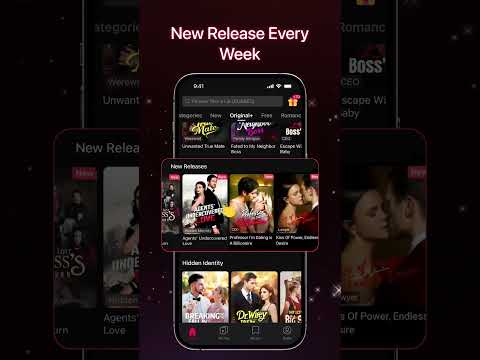

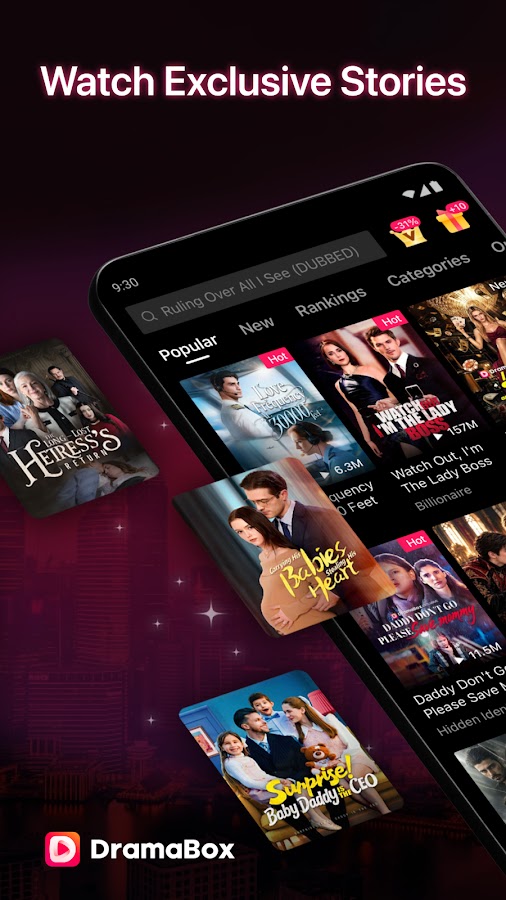
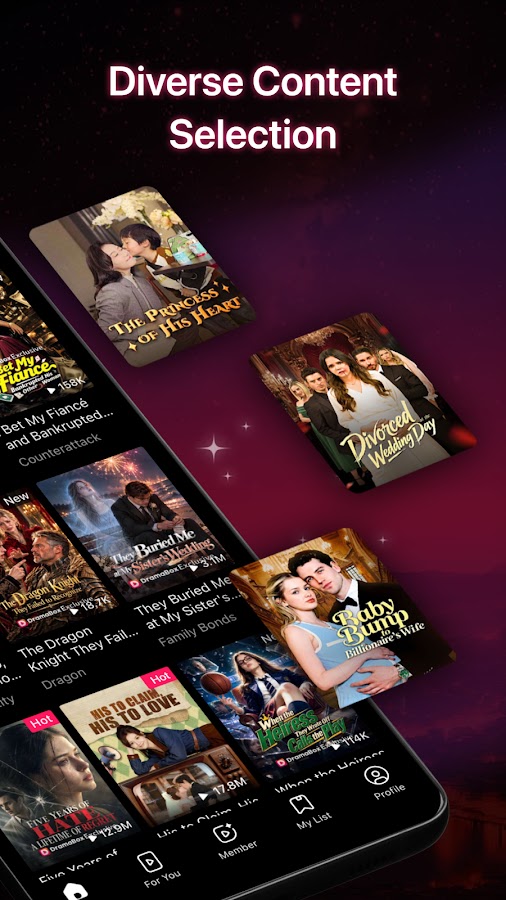
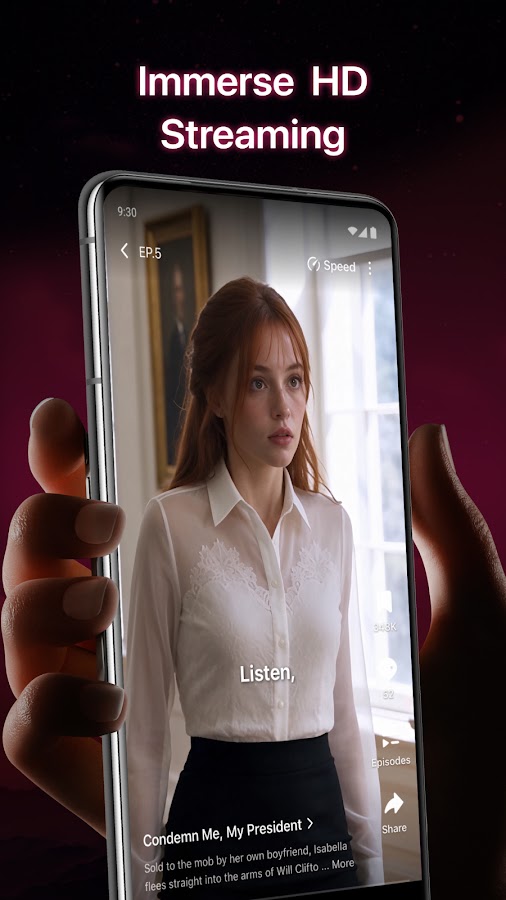
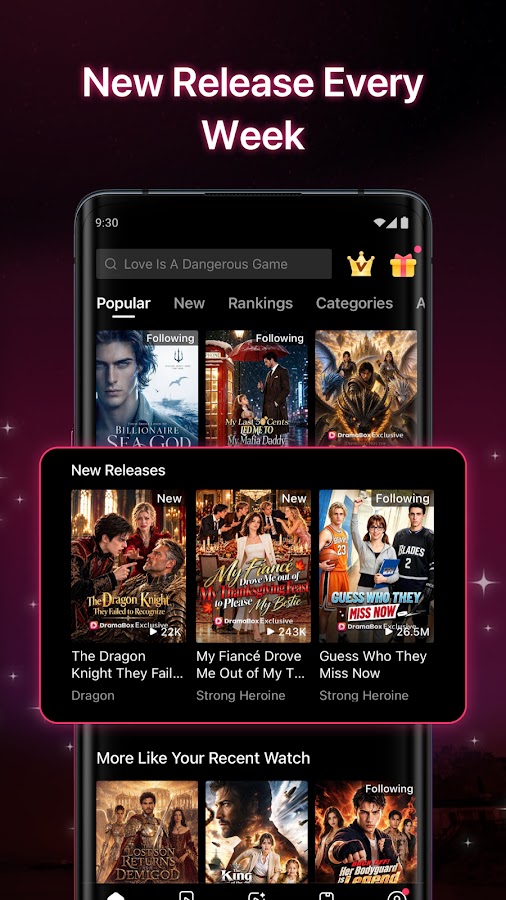

DramaBox makes sense if you want to look around before settling on one show. Its store listing describes personalized recommendations, trending titles, and the ability to save favorites. Those tools are handy when you’re trying a few opening episodes and want to pick up the one you liked later.
Google Play labels DramaBox as containing ads and in-app purchases, and the App Store listing describes subscription options and ad-free viewing. Check the offer attached to the series you want to finish, especially if uninterrupted playback matters to you.
3. GoodShort — Best for web-novel adaptations
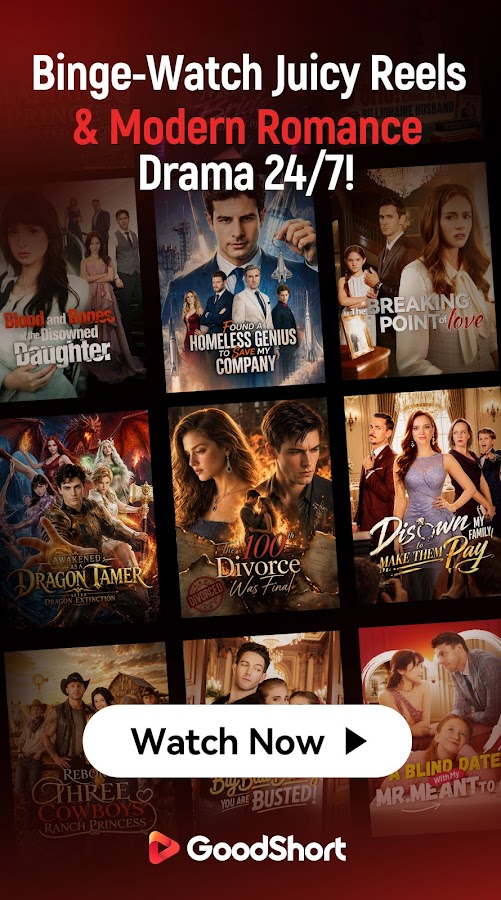

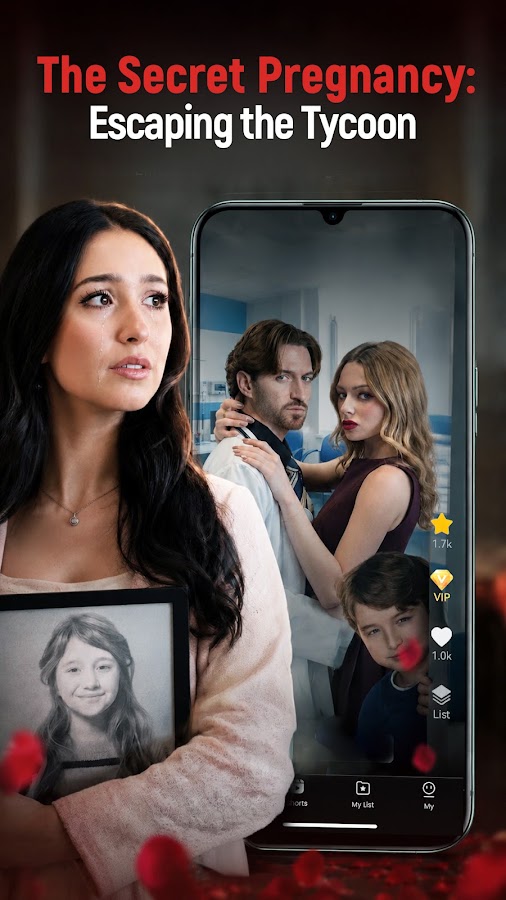
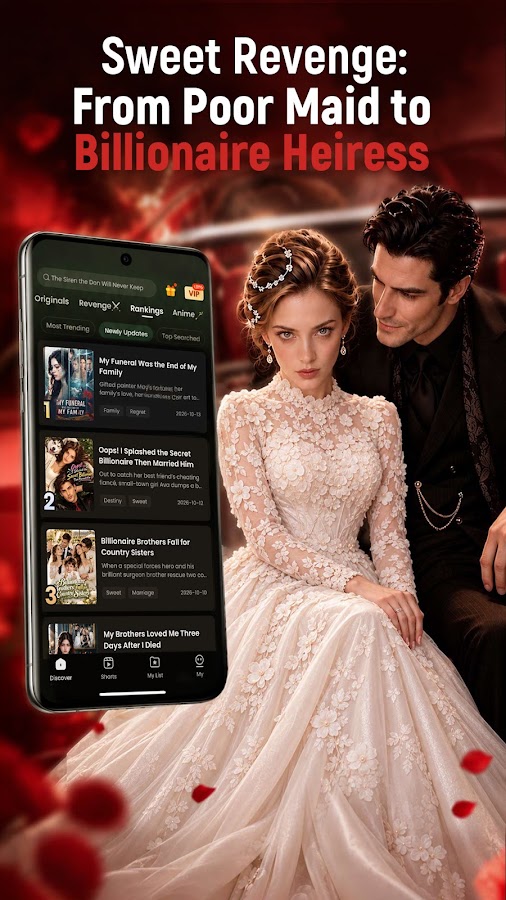

GoodShort stands out for short dramas adapted from novels. Its catalog leans into contemporary romance, wealthy love interests, and high-concept plots. A relationship that would take a novel several chapters to complicate can unravel here before the first few episodes are over.
It’s a natural pick if you already read serialized romance and enjoy watching familiar plot devices play out on screen. The app offers a premium membership. If you came looking for an adaptation of a particular novel, search for the title first and check the episode list before choosing a plan.
4. ShortMax — Best for dubbed dramas and offline downloads
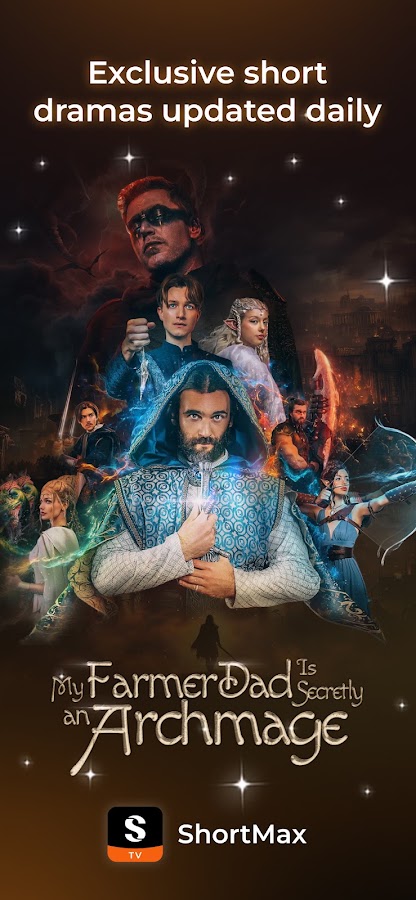
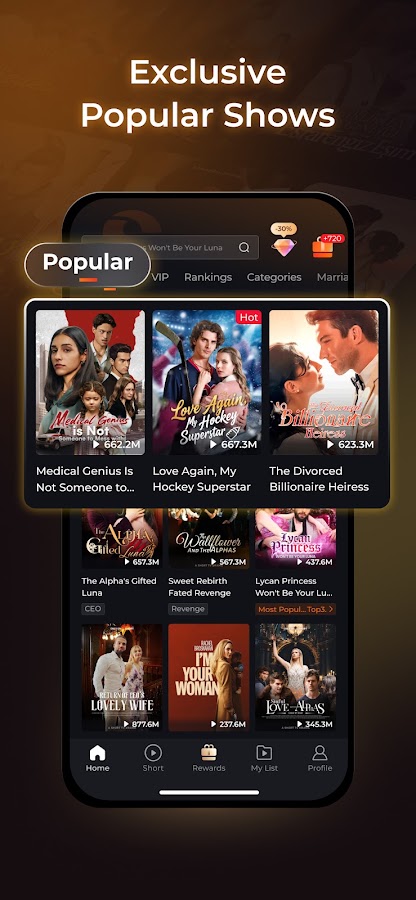
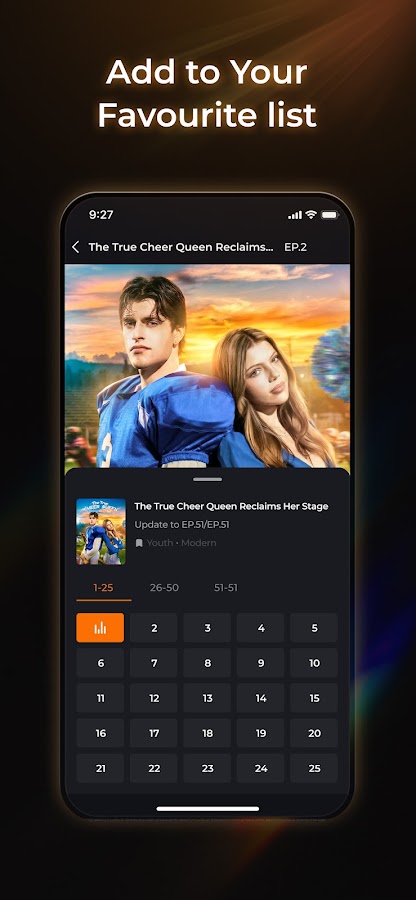
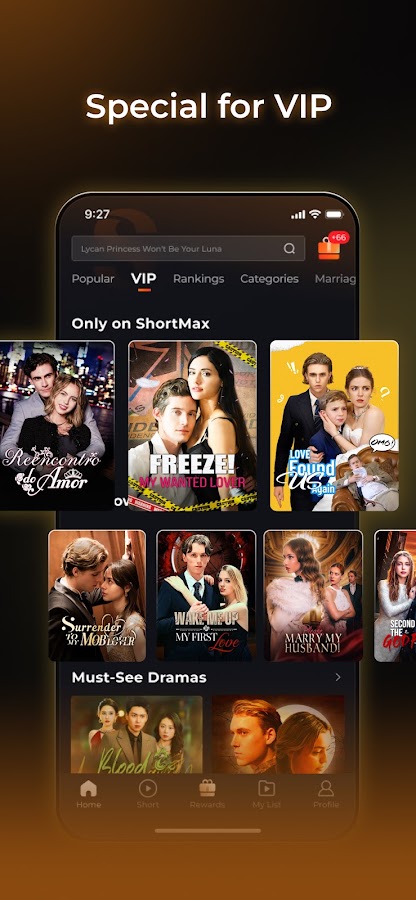
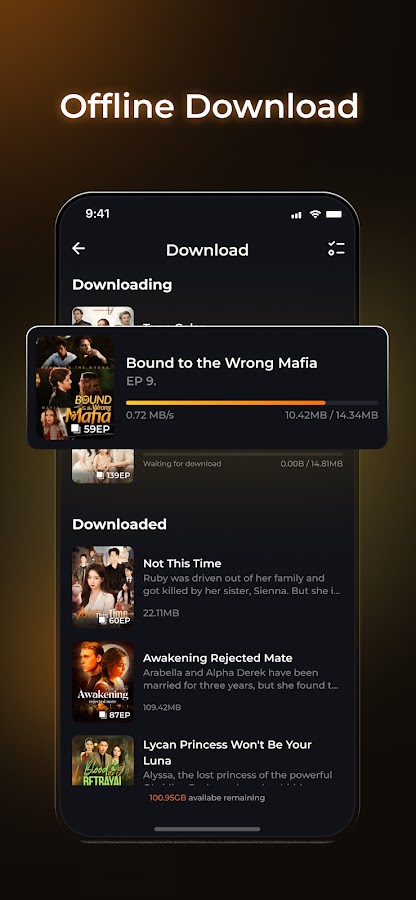

ShortMax is worth trying if you switch between English-language mini-series and Asian short dramas. Its listings highlight American, Korean, Chinese, and Japanese titles, along with subtitles, dubbing, and offline downloads.
Check the episode player for your preferred audio and subtitle options. The language of the app interface and the languages available for a particular show are separate details. For a flight or commute, download an episode and open it with your phone in airplane mode before you leave.
5. NetShort — Best for hidden-identity and second-chance stories
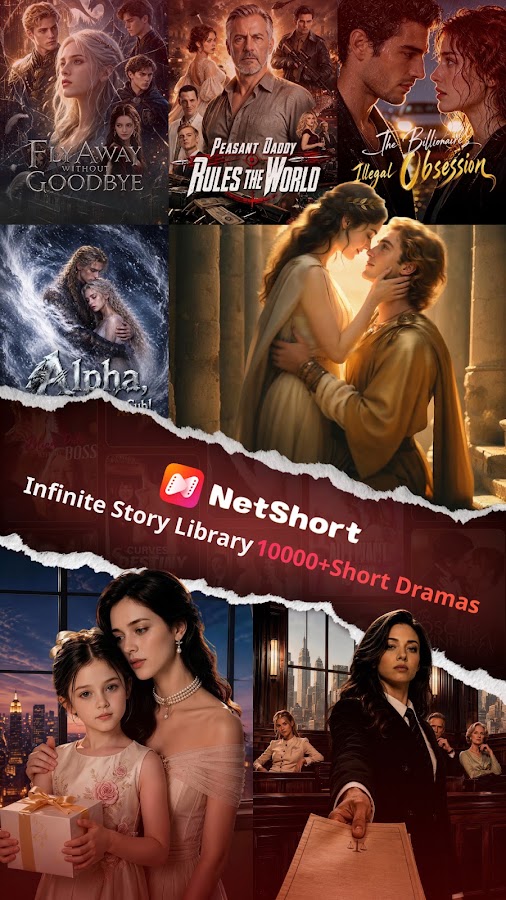
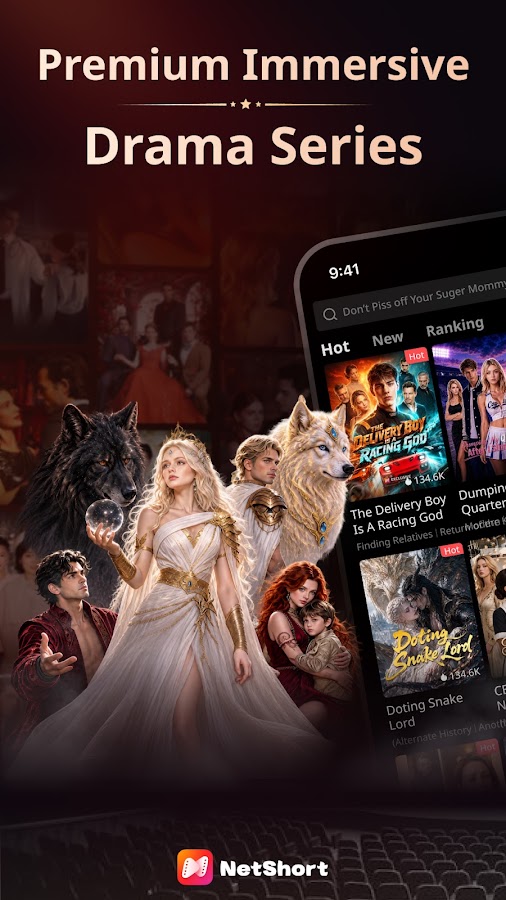
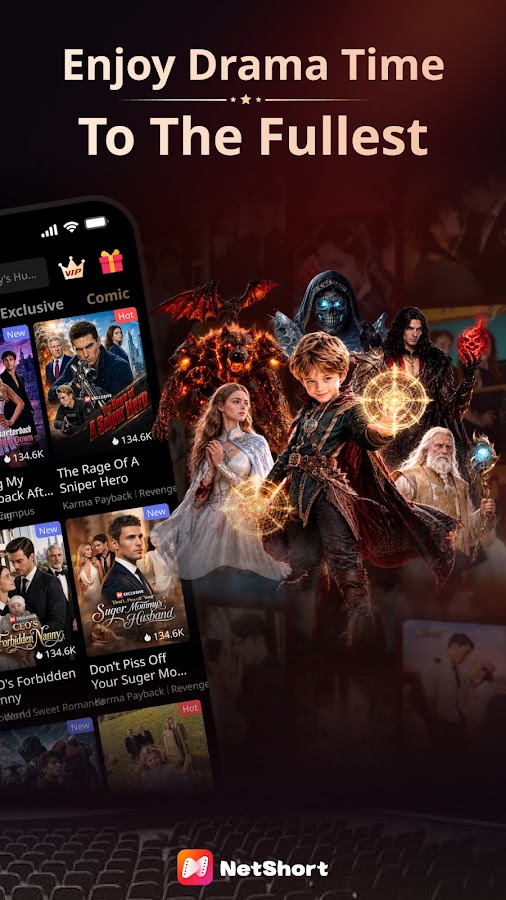
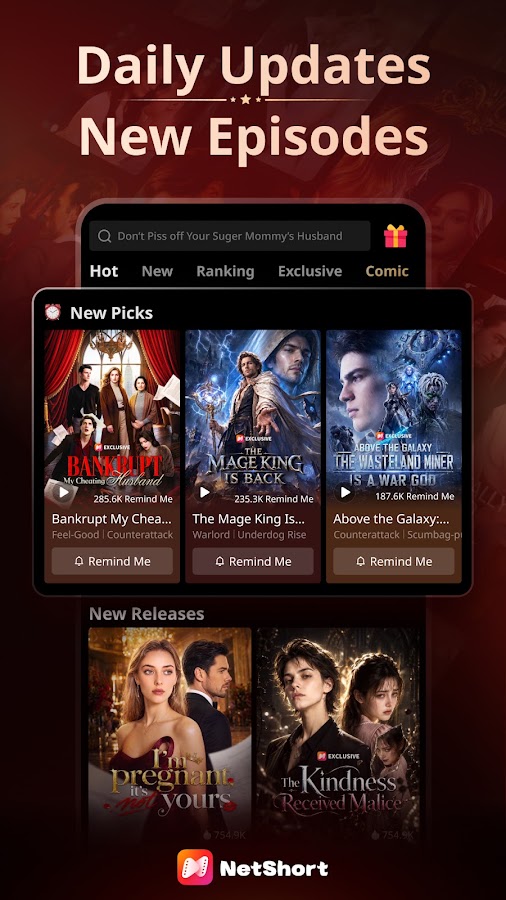
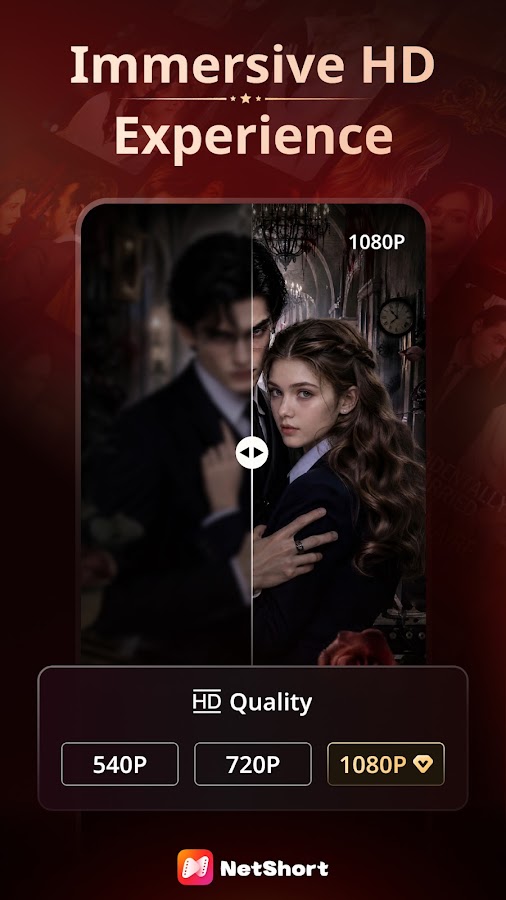

NetShort is a good fit if a family secret, a mistaken identity, or an awkward reunion is enough to sell you on a series. Its catalog includes romance, fantasy, revenge, and suspense, with episodes built around quick reveals and confrontations.
The service lists VIP benefits such as ad-free viewing where available, downloads for supported content, and access to more episodes in selected series. If you’re considering VIP to finish one show, check what the plan unlocks for that title.
6. DramaWave — Best for discovering shows in a vertical feed
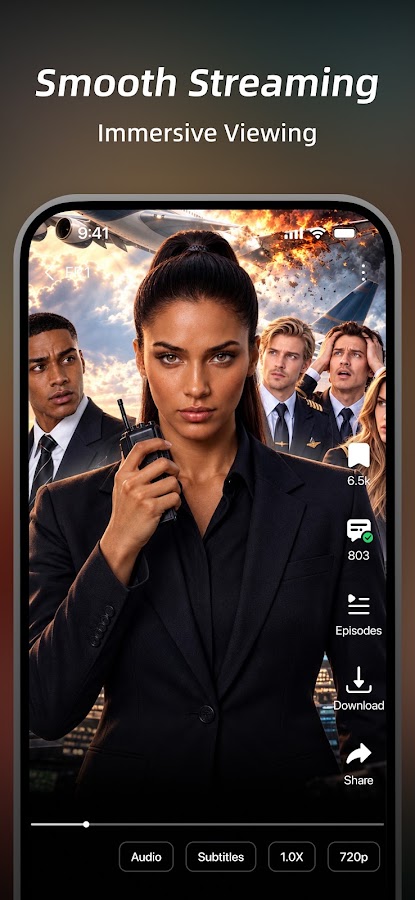
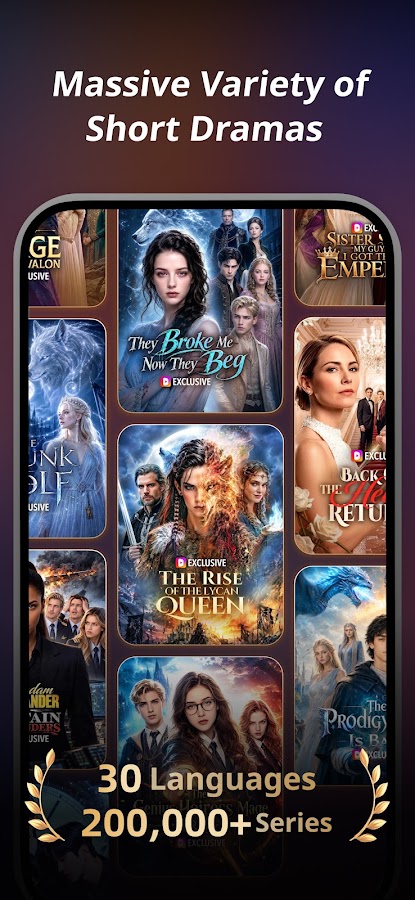
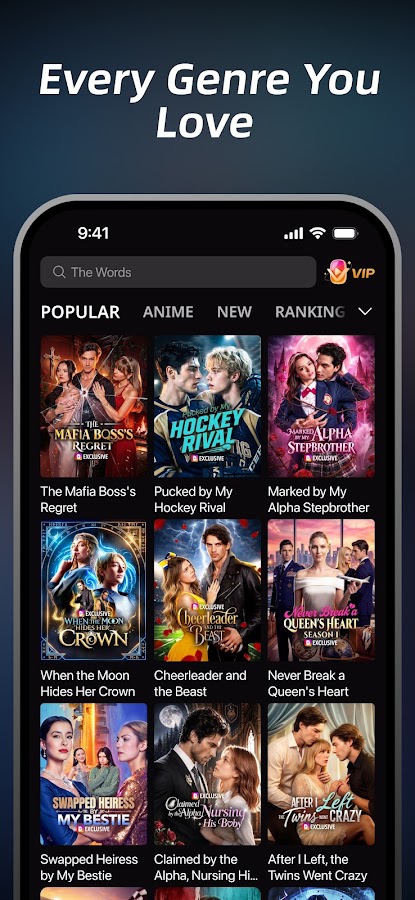
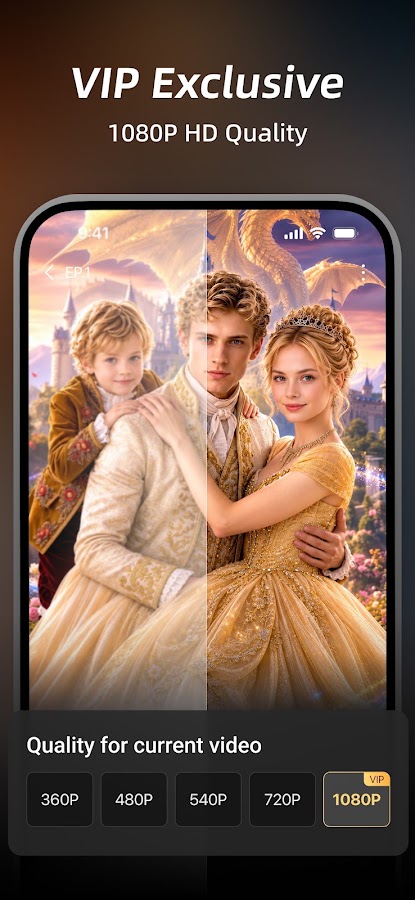
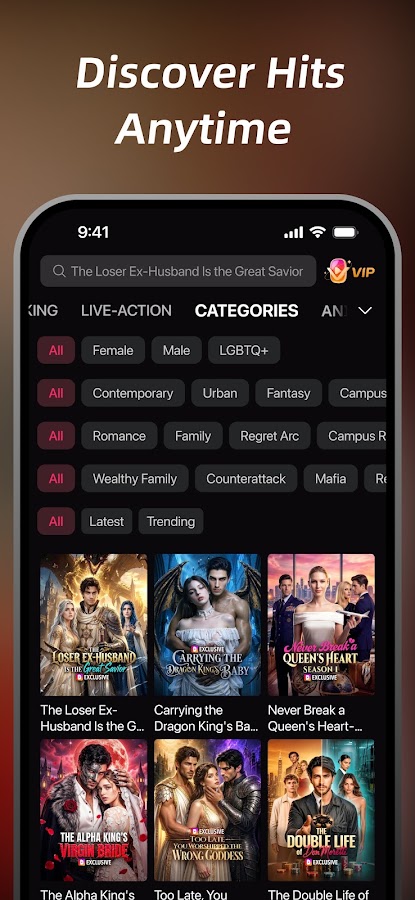

DramaWave gives you a full-screen portrait feed for finding a series and lists on-screen comments as a playback feature. That combination suits viewers who prefer trying a scene before reading a synopsis. It also lists multilingual subtitles and offline downloads, which make it a practical option for watching in transit.
If a clip catches your eye, open the full series page. There you can check episode order and see which chapters you can play or download. DramaWave also offers a subscription for exclusive content.
7. FreeReels — Best Android pick to try if you don’t mind ads
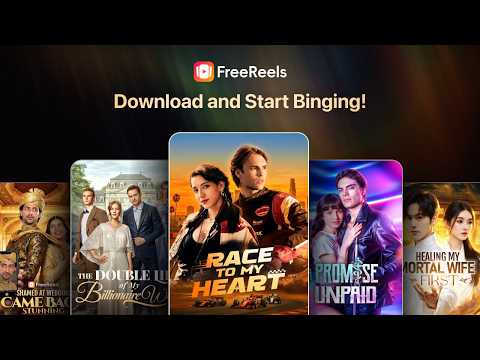
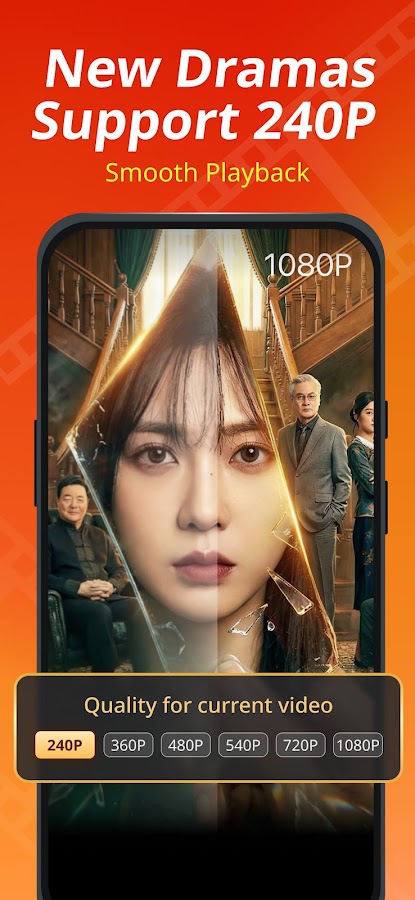
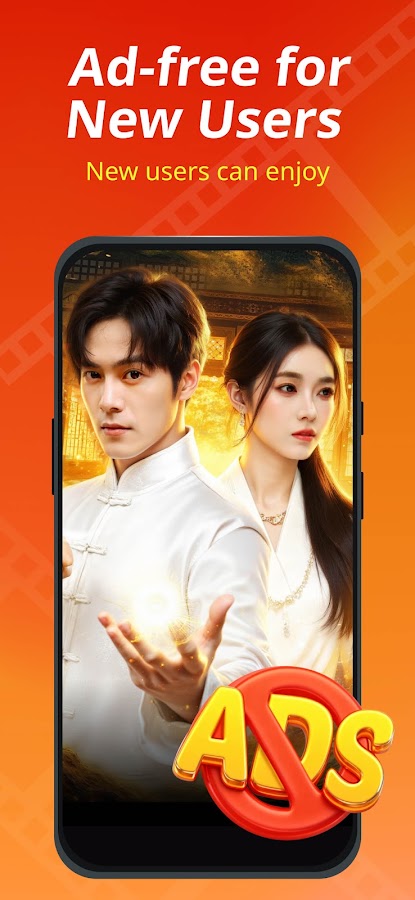
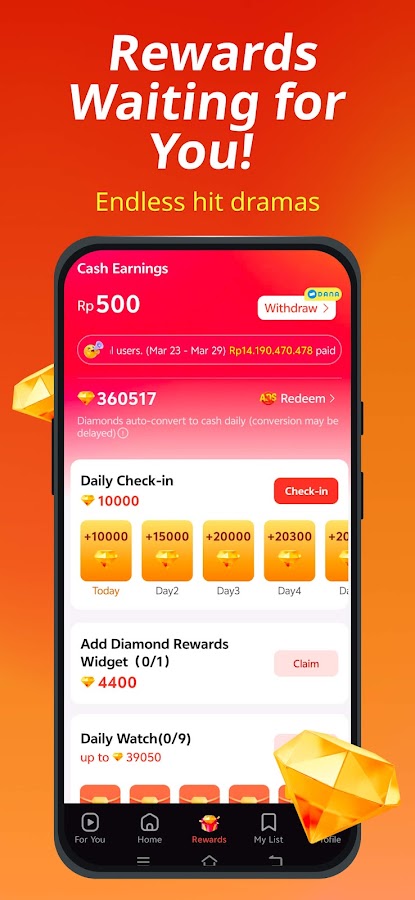
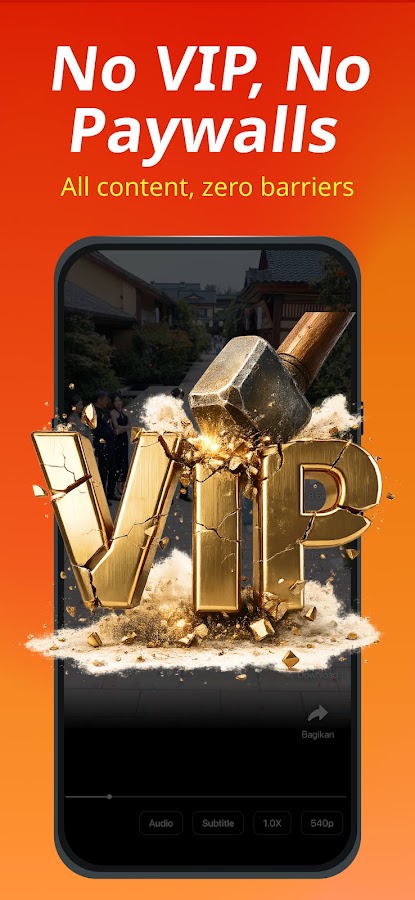
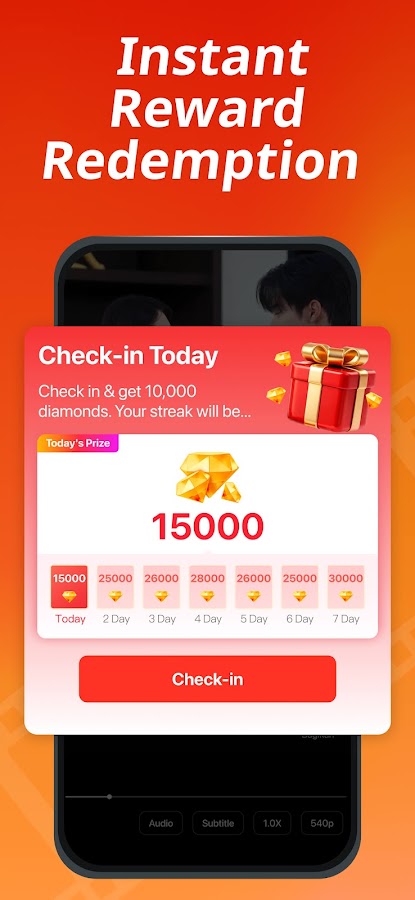
FreeReels is a sensible starting point if your first question is how much of a short drama you can watch without paying. Its Android listing includes romance, suspense, family stories, and K-dramas. Google Play marks it as containing both ads and in-app purchases, so try a series and see what happens after the opening episodes before assuming you can watch the full run for free.
On iPhone, look for DramaReels: Dramas and Series, a separate App Store listing from the same developer. It carries its own in-app purchases. Check the iPhone app for your chosen title and its viewing options even if you’ve already found the show in FreeReels on Android.
8. FlexTV — Best for international short dramas and playback controls
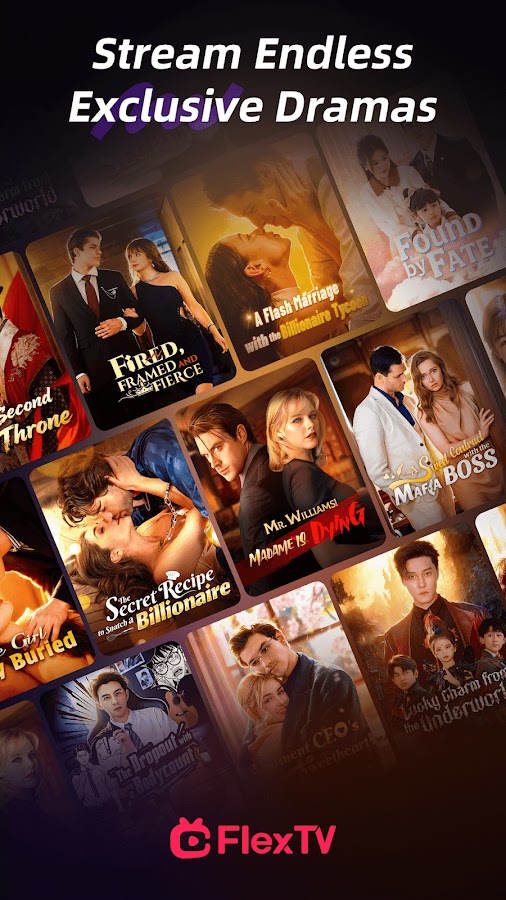
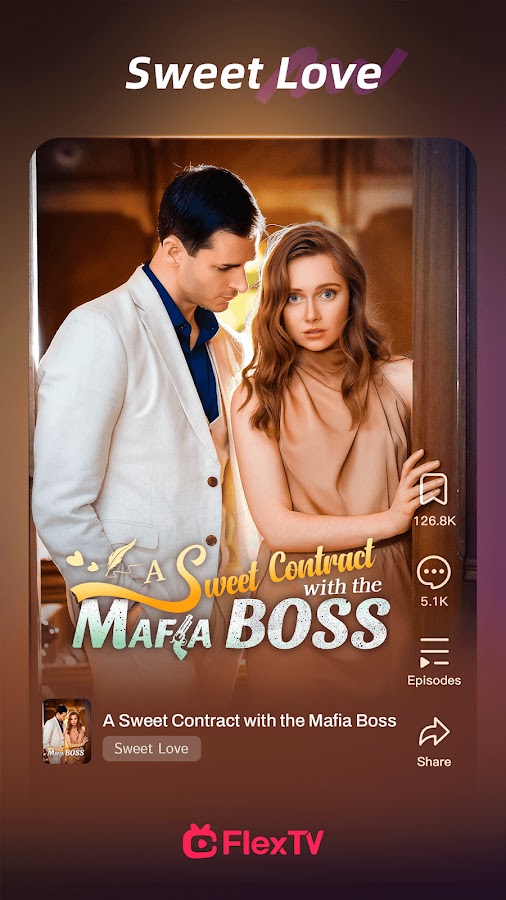
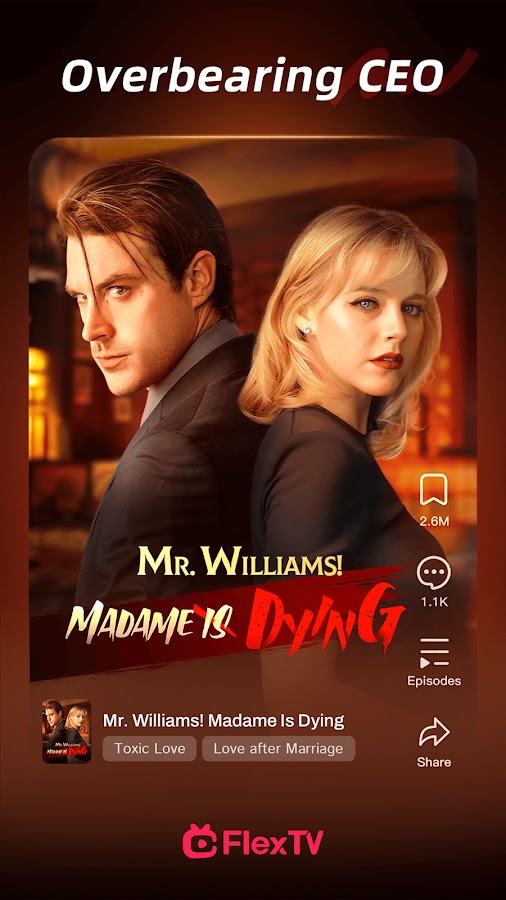
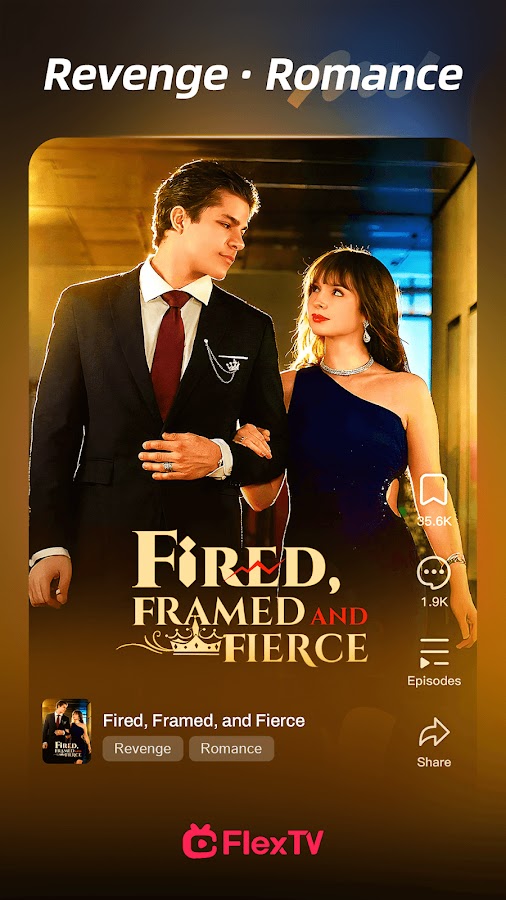
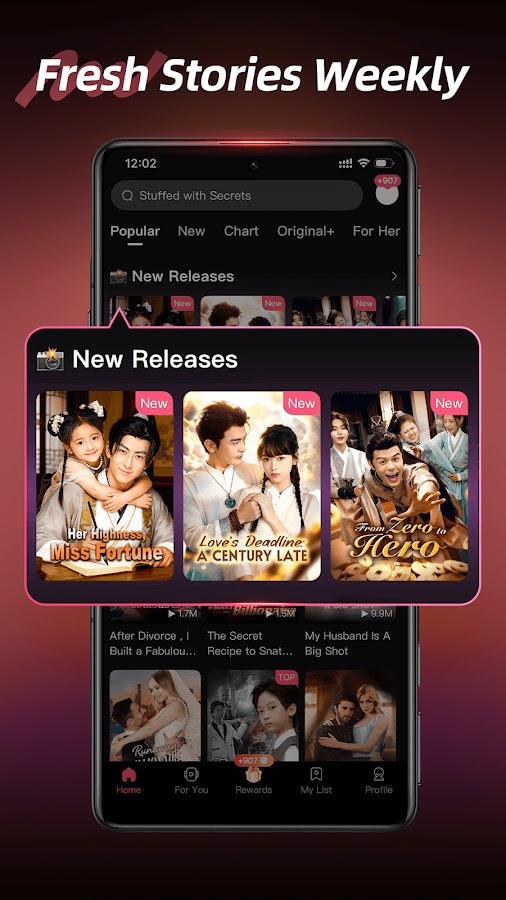

FlexTV describes a catalog that includes Korean, Japanese, Chinese, and English-language productions. It’s worth a look if you want to switch between modern romance, suspense, and time-travel stories.
Its iPhone listing also mentions adjustable playback speed, watch history, and casting. Playback speed is particularly handy when you want more time to read subtitles or plan to watch several short episodes back to back. Check casting on your own setup if you expect to move from phone to TV.
9. MoboReels — Best for one- to three-minute episodes
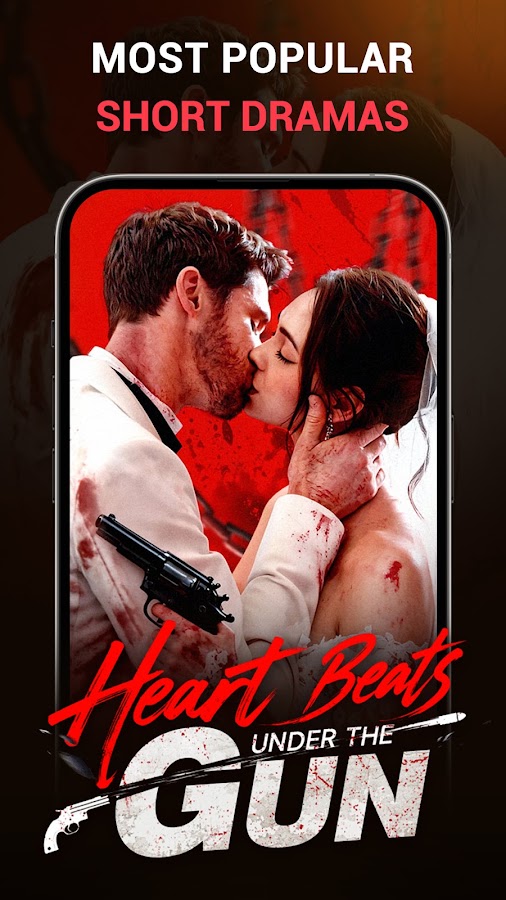
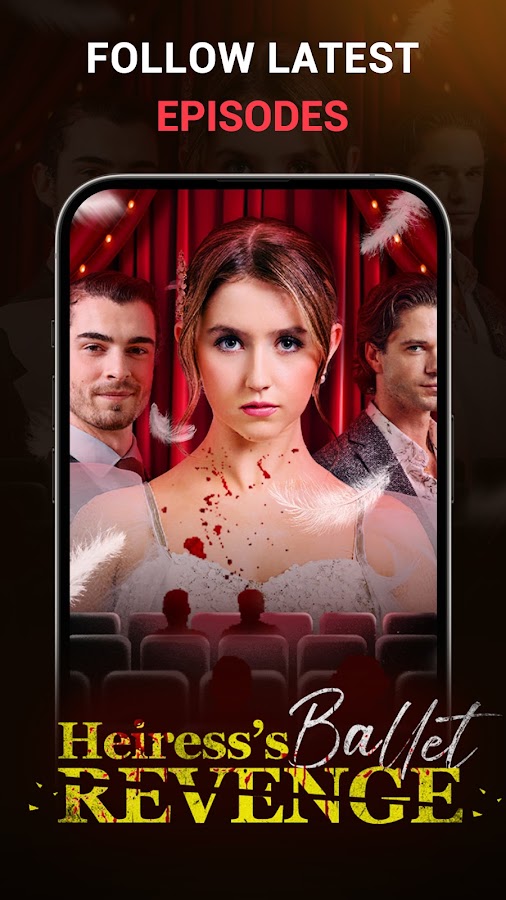
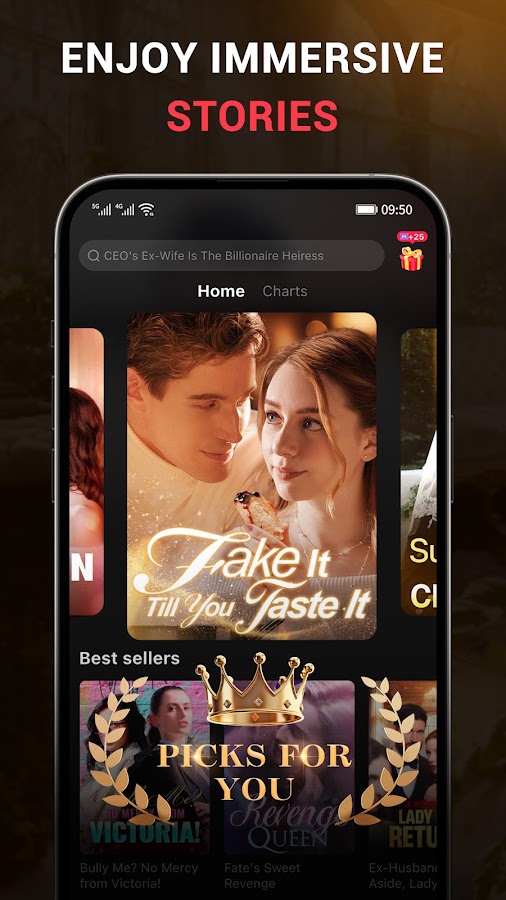
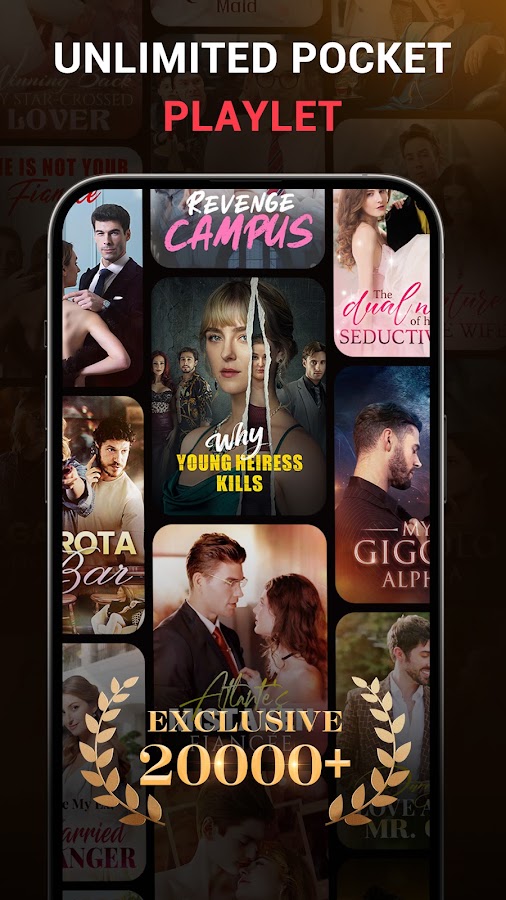
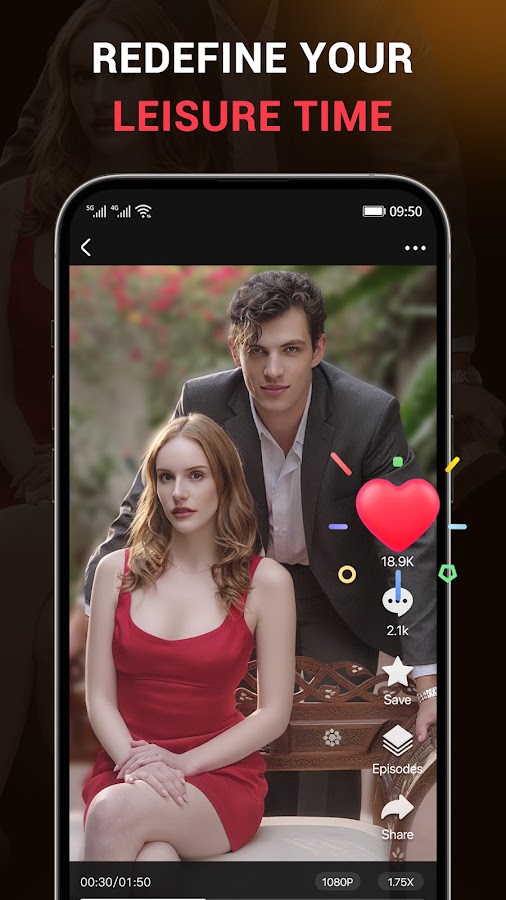

MoboReels lists episodes that typically run one to three minutes, with familiar short-drama plots such as revenge, secret billionaires, supernatural romance, and family conflict. It’s a good fit if you like a clean stopping point every few minutes and still want enough time in an episode for a scene to develop.
Its iOS listing describes full-screen vertical playback, multilingual subtitles, offline downloads, and a premium ad-free option. Check the language and download controls on the actual series before committing to it for a trip.
10. Playlet — Best for family feuds and romantic comedy


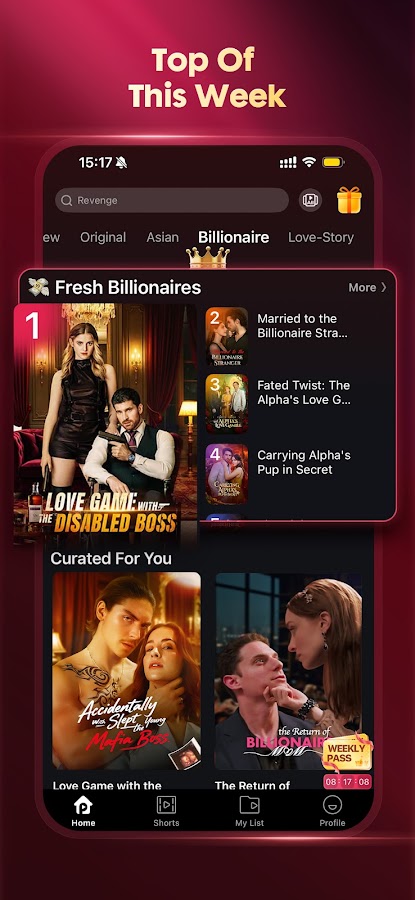
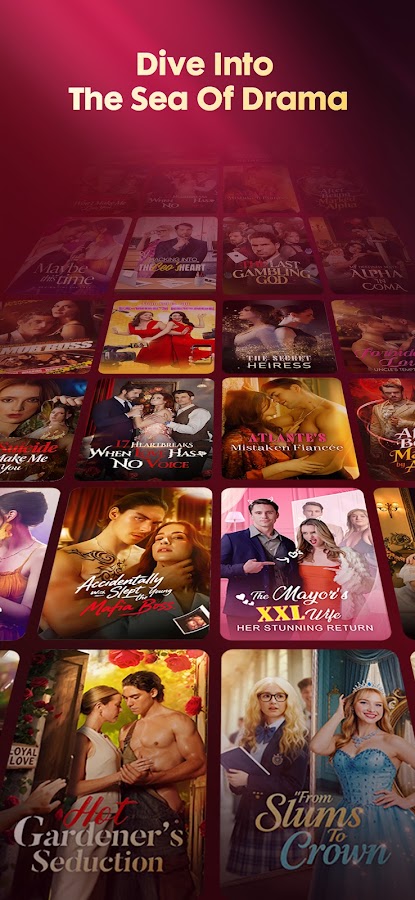

Playlet’s listed genres include romantic comedy, family drama, revenge, and werewolf stories. It’s a good place to look when you want the pace of a ReelShort series but would rather watch a messy family dispute or a comedy built around a bad first impression.
Playlet offers a membership that unlocks dramas and includes other perks. If you’re comparing it with DramaBox or ReelShort, open the series that interests you on each service and check the access prompt. Two similar-looking shows can have very different paths to the final episode.
11. FlickReels — Best for vertical dramas with AI-assisted content

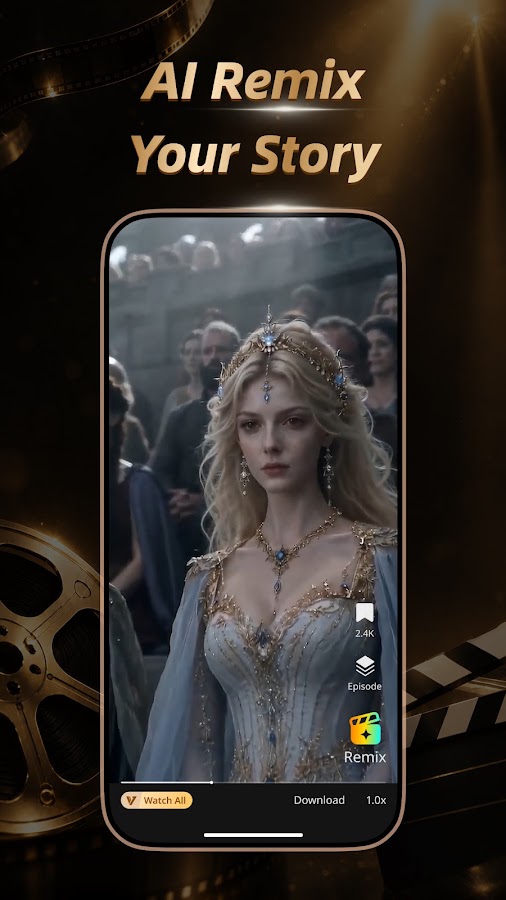
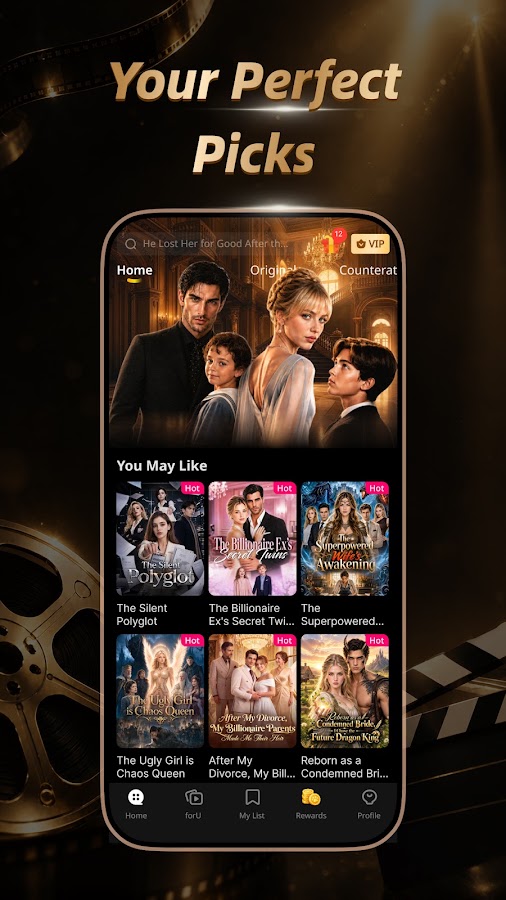
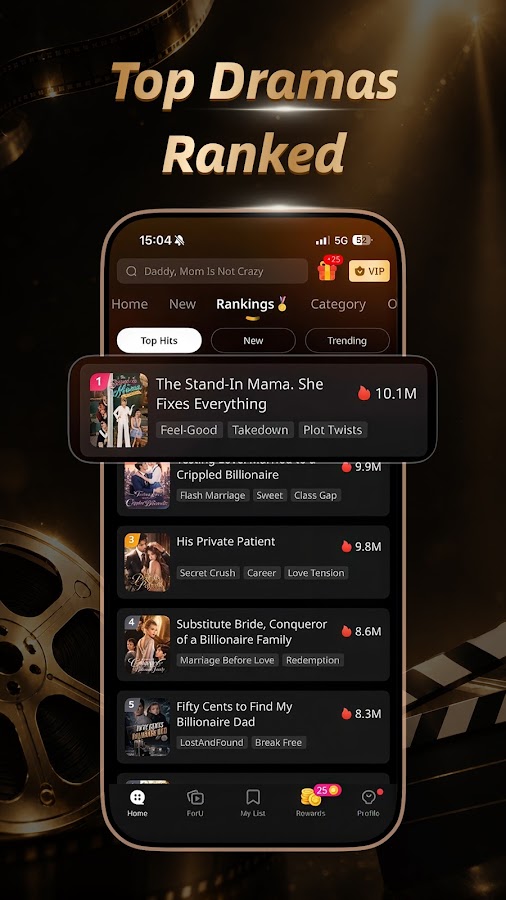
FlickReels combines vertical dramas and original stories with AI-assisted content. Its catalog description covers familiar genres such as revenge, fantasy, and CEO romance, while the app also promotes AI-assisted story creation.
If you prefer a specific visual style, sample the opening scenes before spending anything. FlickReels is worth browsing when you’re curious about how AI-assisted storytelling looks alongside other mini-series in the same app. It offers in-app purchases and a subscription.
12. My Drama — Best for exclusive originals and watching offline
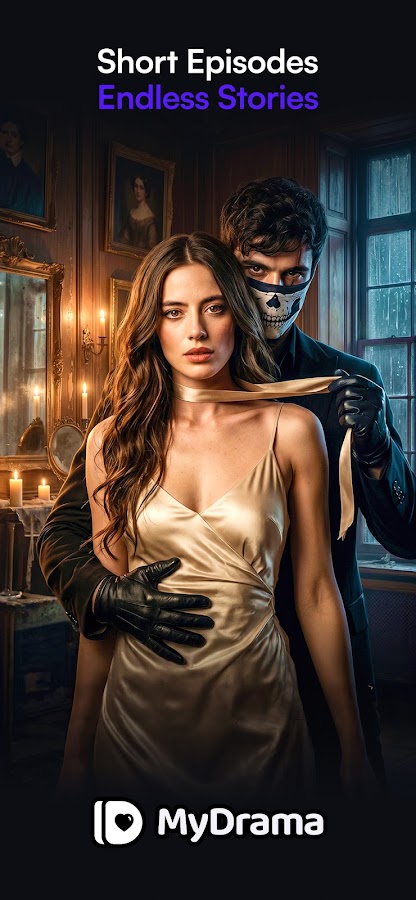
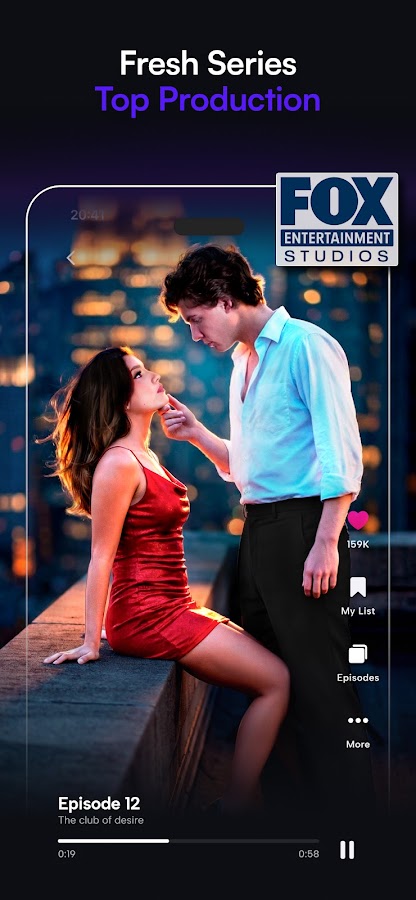
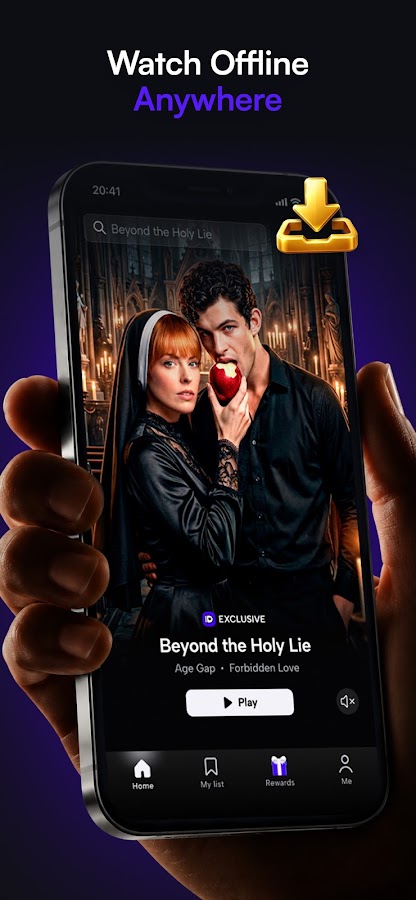
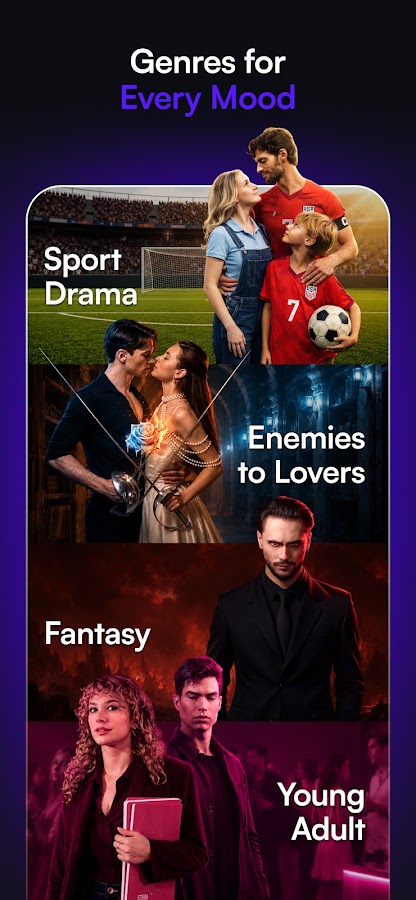
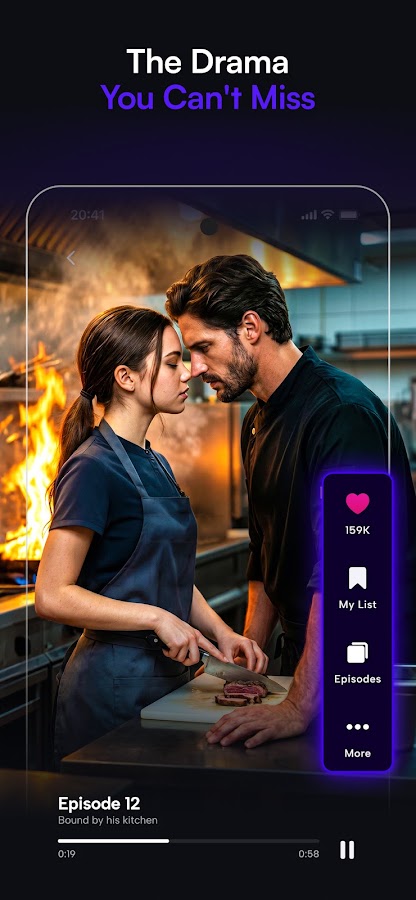

My Drama puts its exclusive originals at the center of the catalog. Its story descriptions lean toward romance, mafia intrigue, supernatural relationships, and mysteries. The Android listing describes free opening episodes, and the service promotes paid access to its wider library.
My Drama also advertises offline viewing. If you’re installing it before a trip, open the exact series and try downloading an episode before you leave. That gives you a chance to confirm the title plays without a connection.
How to choose a short drama app before you pay
Start with one series you actually want to finish. Watch the preview, open the episode list, and check the first locked chapter. An app might offer to unlock the episode after you watch an ad, charge in-app coins, or include it in a subscription. If you’re looking at coins, check how far your balance will take you through the remaining chapters.
Next, decide how you watch. If you tend to watch two or three episodes at a time, occasional ads may be acceptable. If you want to finish a series in one sitting, check how often ads interrupt playback and whether a subscription includes the rest of that series. Check the renewal period on the purchase screen as well.
Finally, check subtitles, dubbing, and downloads inside the episode player. A store listing can tell you that the app supports those features. The player tells you whether they’re available for the show you picked.