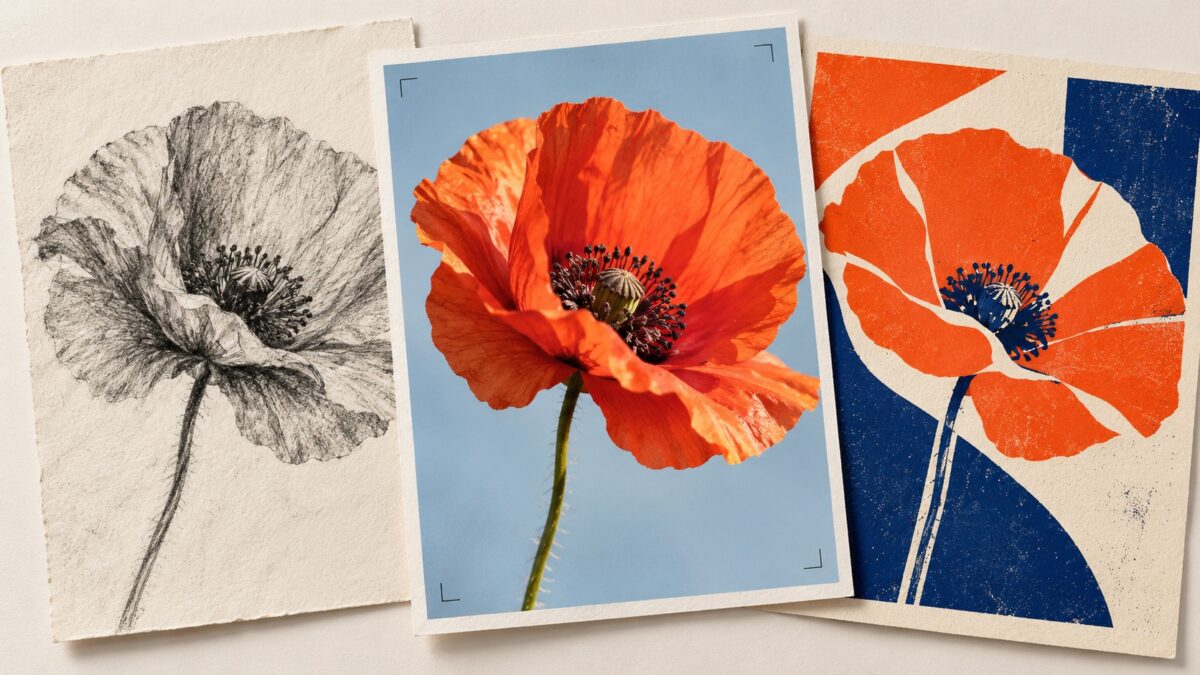
A good AI image generator app should do more than produce an impressive first picture. It should help you change an awkward composition, keep the parts you like, and export something useful. A beautiful illustration that leaves no room for a headline can still be the wrong image for your project.
For conversational image editing, start with ChatGPT or Google Gemini. For exploring styles and visual concepts, consider Leonardo.Ai, Adobe Firefly, or ImagineArt. For turning a generated image into a finished social post, Canva is the most directly relevant option in this selection.
Below, we compare 12 AI image generator apps by workflow, creative focus, and practical limitations. These are use-case recommendations based on their advertised features, rather than a scored image-quality benchmark. Results depend on the model, prompt, settings, and account access.
Best AI Image Generator Apps: Quick Comparison
| App | A useful starting point for | Main workflow | What to consider |
| Adobe Firefly | Image creation and generative editing | Generate a scene, then refine it | Available tools and models depend on access |
| Leonardo.Ai | Concept art and visual exploration | Explore models, styles, and image variations | More settings can mean a longer learning curve |
| Imagine / ImagineArt | Illustrations, avatars, and creative assets | Combine a text prompt with a visual direction | Store names and featured tools can differ |
| WOMBO Dream | Wallpapers and expressive artwork | Enter a prompt and choose an art style | Presets can steer the result strongly |
| starryai | Illustrations and style experiments | Generate art and explore variations | Fine details still need inspection |
| DaVinci | Quick visual ideas | Describe an image and explore styles | Complex scenes may require several attempts |
| Wonder | Straightforward AI art generation | Enter a prompt and select a style | Verify the developer when searching by name |
| Gencraft | Variations from text or reference images | Generate, compare, and refine ideas | Reference-based output can alter original details |
| SeaArt AI | Character art and creative exploration | Explore styles and generate images | Check model options and sharing settings |
| ChatGPT | Detailed instructions and follow-up edits | Create and revise through conversation | Revisions can change details you wanted to keep |
| Google Gemini | Image generation within an AI assistant | Describe a scene and request changes | Features depend on account and regional access |
| Canva | Social posts and finished layouts | Generate an image inside a design | Exact typography is better added as editable text |
Platform note: Android listings were confirmed for all 12 apps. Corresponding iPhone listings were also confirmed for Adobe Firefly, Leonardo.Ai, ImagineArt, WOMBO Dream, starryai, DaVinci, Gencraft, ChatGPT, Google Gemini, and Canva. Matching iPhone versions of Wonder and SeaArt AI were not confirmed during this review. Check your local storefront before choosing an app; similarly named products may have different developers.
1. Adobe Firefly: For Image Generation and Generative Editing
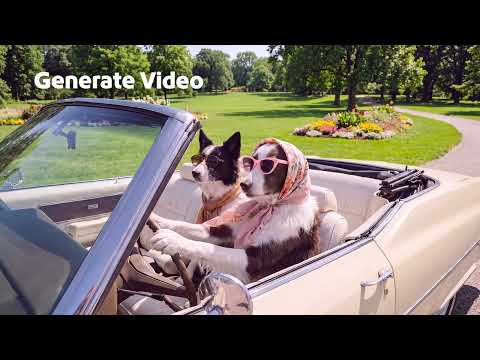
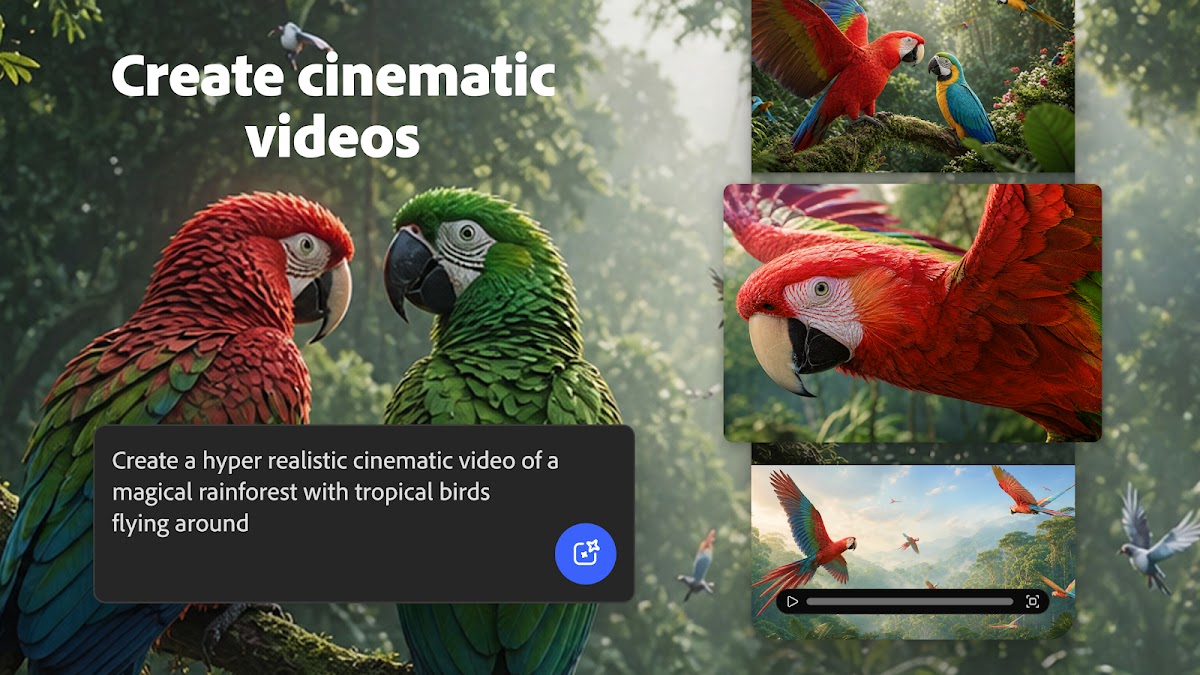
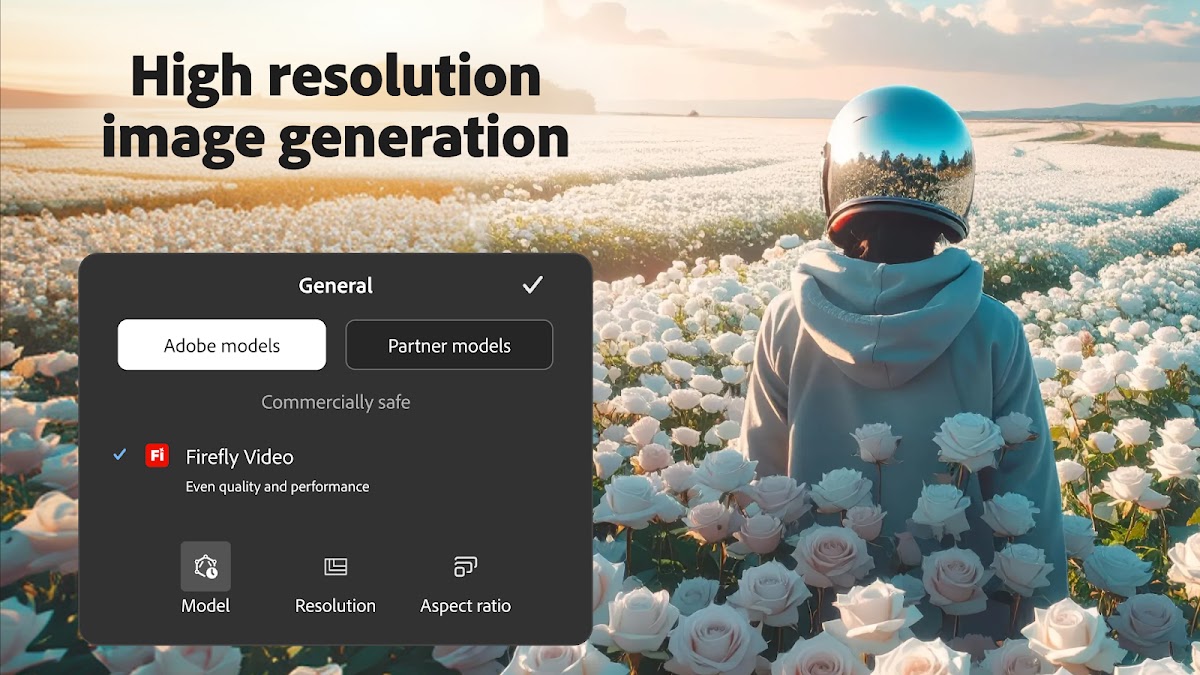
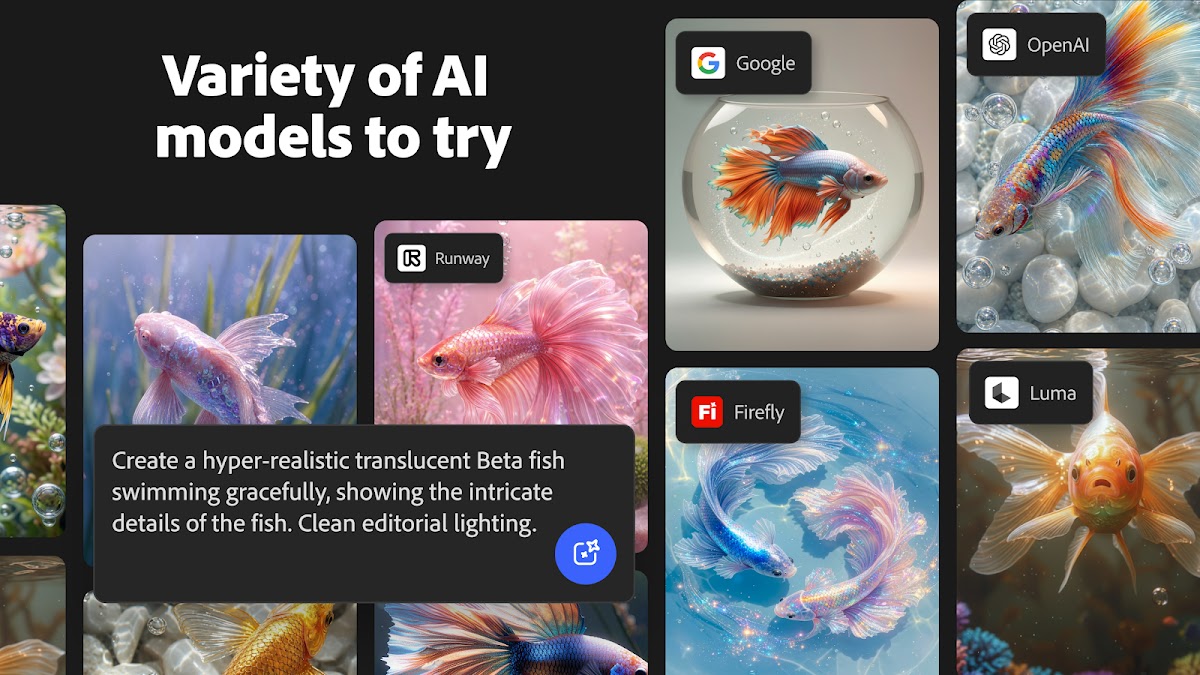
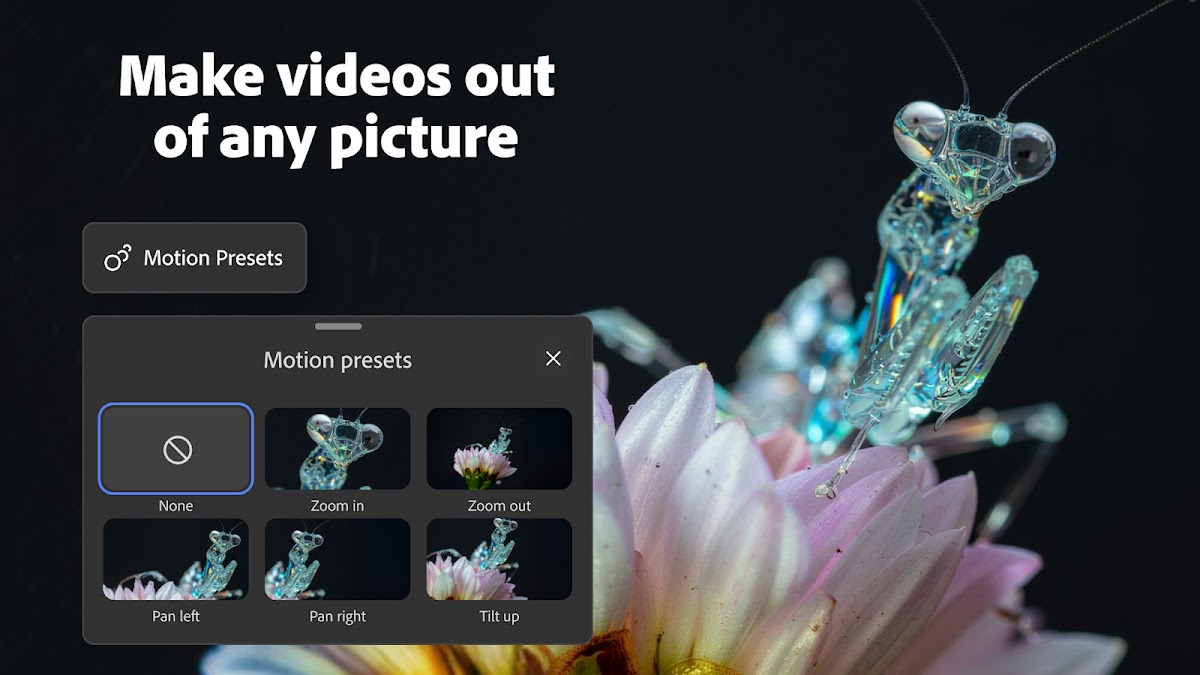
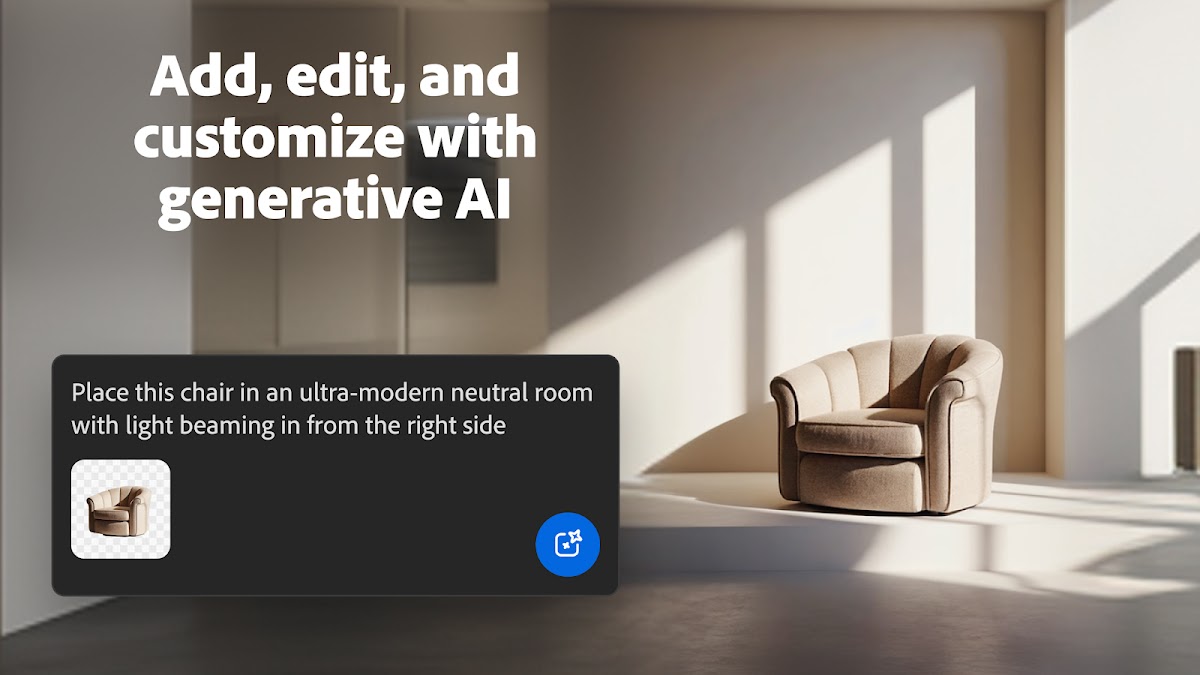

Adobe Firefly suits projects where creating the first image is only the beginning. You might need an illustration for a banner, then want a different background, a wider composition, or a change to one part of the scene.
Its mobile app combines AI generation with editing tools, making it relevant to creators who expect to revise their work. The exact selection of tools and models can change with your account and app version.
For a useful first prompt, specify the intended layout:
Editorial illustration of a mountain cabin, muted green palette, wide composition, empty space on the left for a headline.
That gives the generator a practical brief rather than just a subject.
Choose it when: you want to generate and refine visual assets in the same creative workflow.
Watch for: assuming that every Firefly model or feature has identical usage terms. Check the terms that apply to your chosen tool before commercial use.
2. Leonardo.Ai: For Concept Art and Exploring Visual Directions
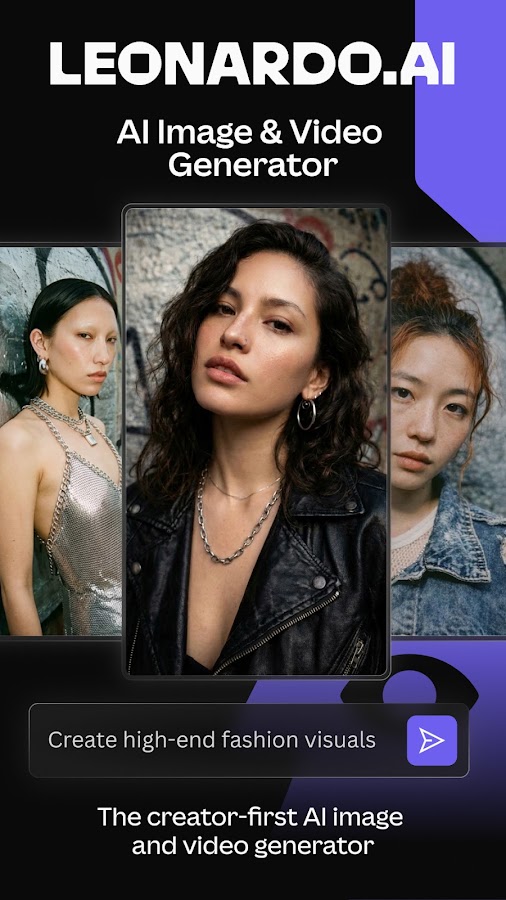
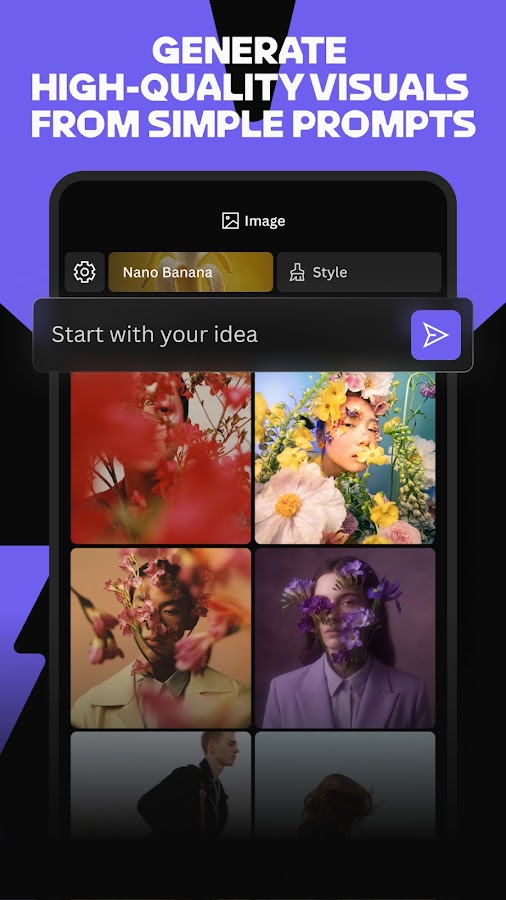
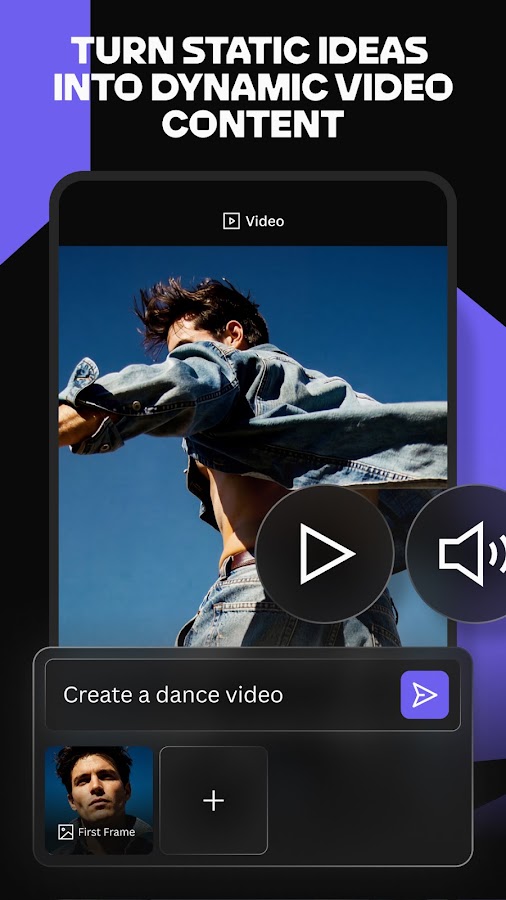
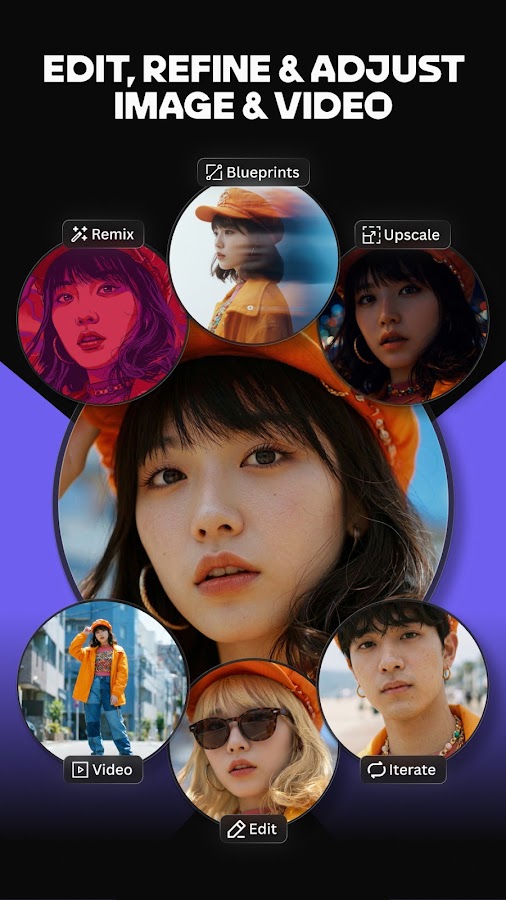
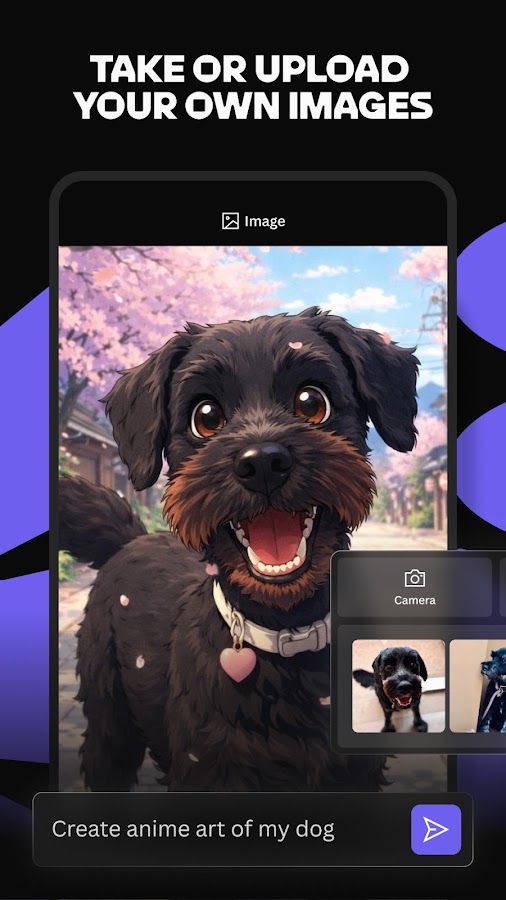
Leonardo.Ai is worth considering when you want to compare several interpretations of an idea. Character concepts, environments, editorial illustrations, and mood-board images all benefit from this kind of exploration.
Its mobile offering includes image generation, editing, and upscaling. Model choice matters: changing the underlying model can affect the result as much as rewriting the prompt.
Keep the subject and composition consistent while comparing styles. Generate the same coastal village as a watercolor illustration, a cinematic environment concept, and a restrained editorial drawing. You will learn more from that comparison than from changing every setting at once.
Choose it when: you enjoy exploring options and want more creative controls.
Watch for: treating an upscale as a factual repair. Added detail can look convincing while changing faces, textures, or small objects.
3. Imagine / ImagineArt: For Illustrations and Creative Assets
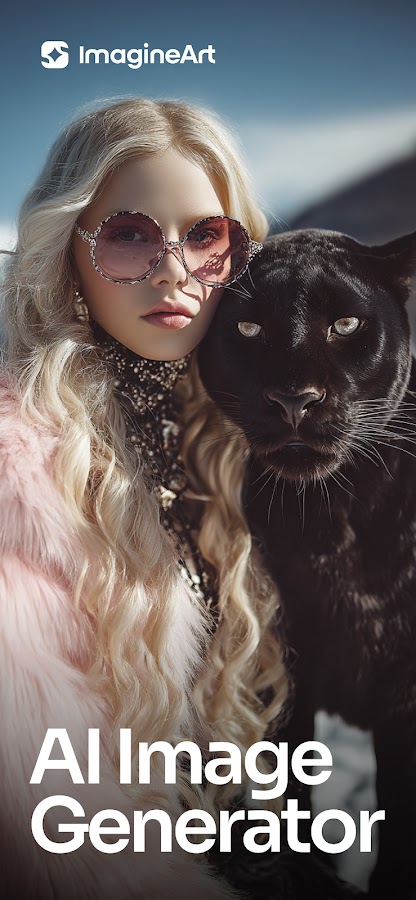
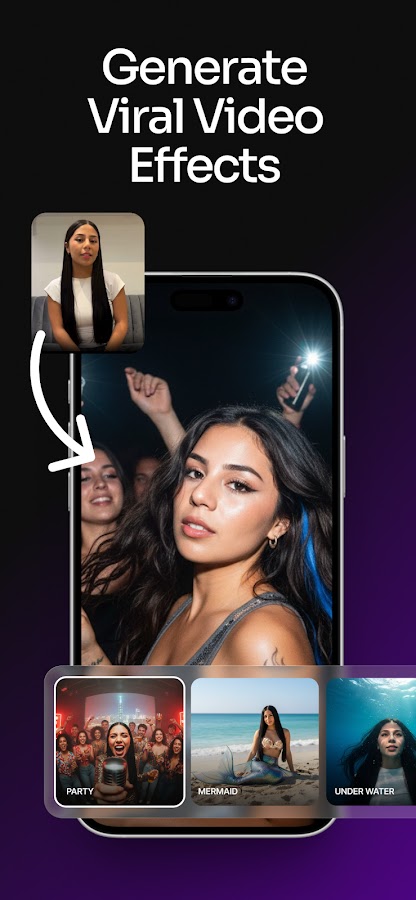
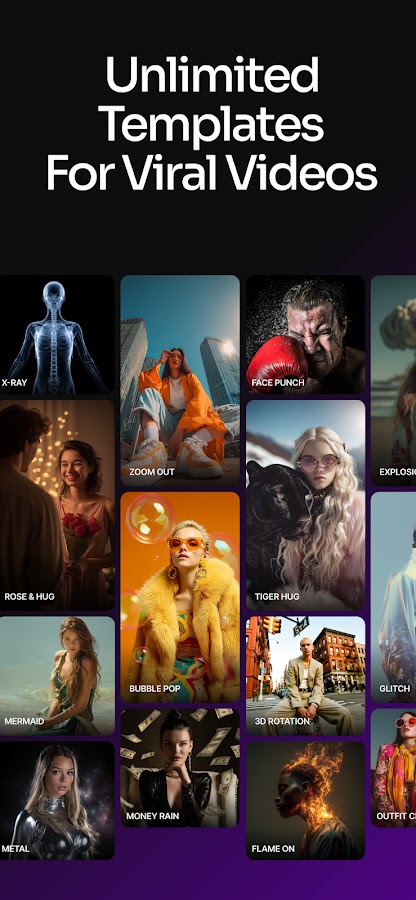

Imagine, also branded as ImagineArt, offers image generation alongside other creative tools. Its text-to-image workflow is relevant to avatars, illustrations, poster concepts, and decorative visual assets.
It is a useful candidate if you prefer starting with a clear visual idea and exploring several treatments. Describe the subject, medium, palette, and composition instead of relying on a long string of adjectives.
For example:
A red fox curled inside a ceramic teacup, flat editorial illustration, cream background, rust and navy palette.
This establishes a coherent direction and gives you specific features to assess in the result.
Choose it when: you want a dedicated creative app for trying multiple image styles.
Watch for: changing app-store names. Confirm that you have the ImagineArt product from Vyro rather than an unrelated app using “Imagine.”
4. WOMBO Dream: For Wallpapers and Expressive AI Art
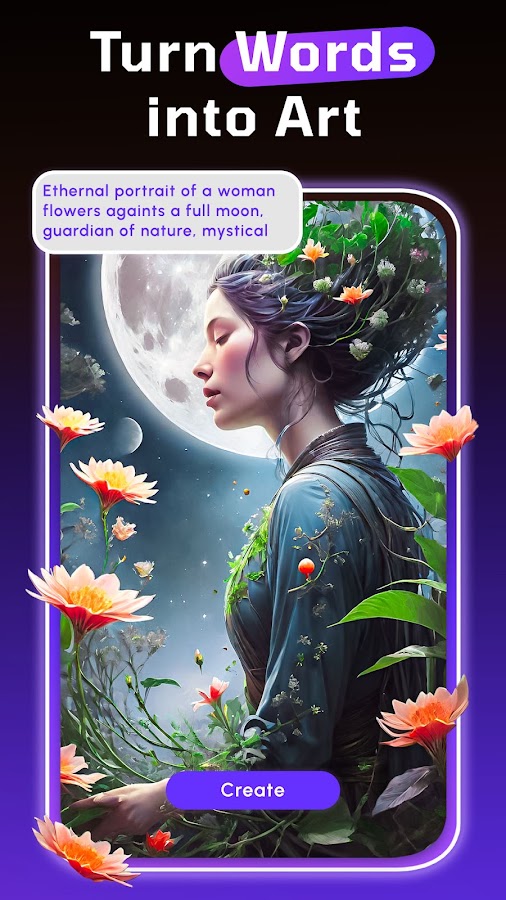
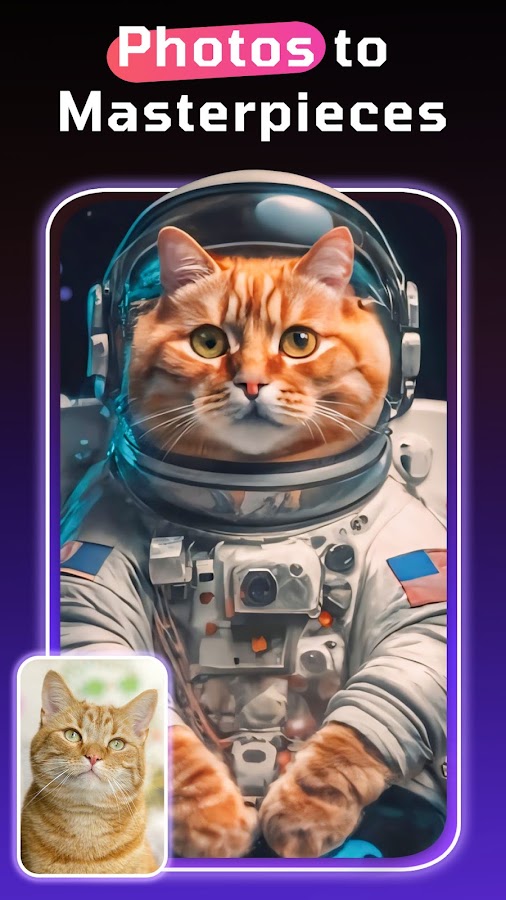
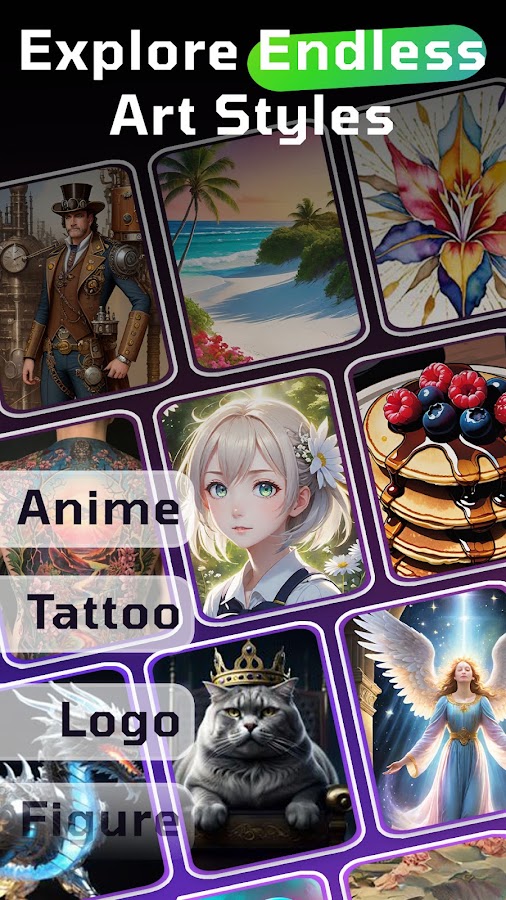
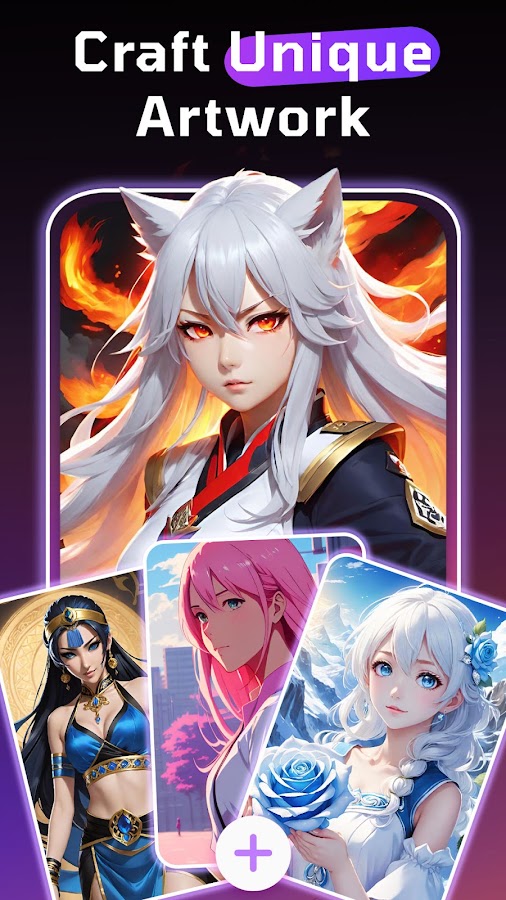
WOMBO Dream has a straightforward starting point: describe an idea, choose an art style, and generate an image. Its emphasis on visual styles makes it relevant to fantasy scenes, abstract compositions, illustrated portraits, and phone wallpapers.
Use the shape of the final image to guide the prompt. A wallpaper needs a vertical composition, and a busy subject near the top can compete with the clock and notifications.
Try a brief such as:
A solitary lighthouse above a dark sea, painterly texture, vertical composition, quiet sky in the upper third.
Choose it when: you want stylized artwork without starting with a complicated interface.
Watch for: style presets that overpower the original idea. Simplify the scene before adding more prompt instructions.
5. starryai: For Illustrations and Style Experiments
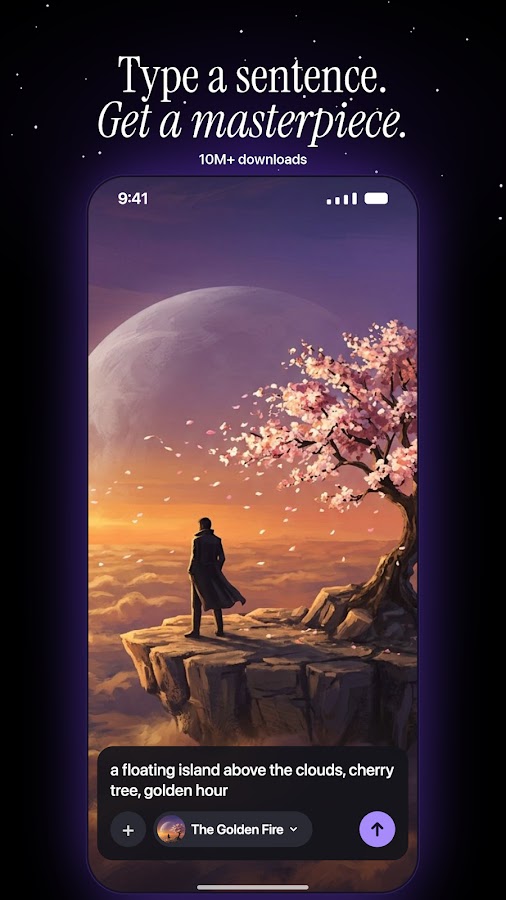
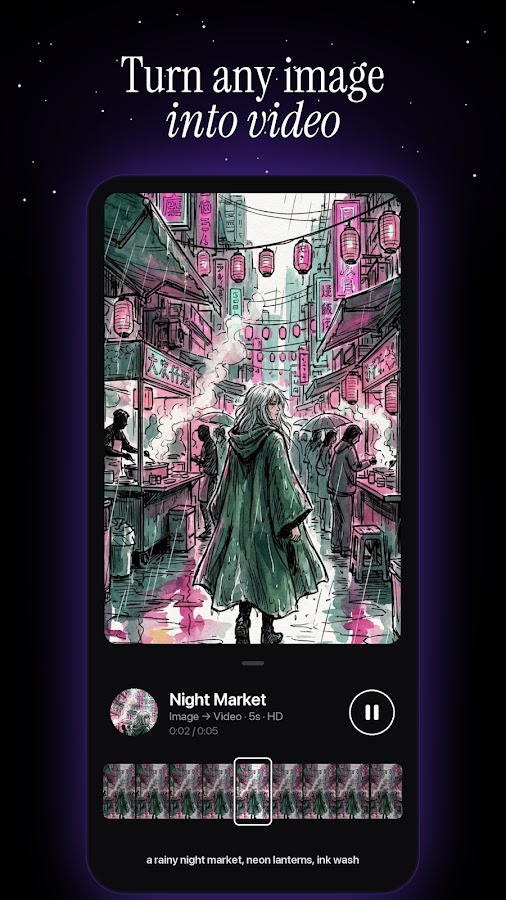
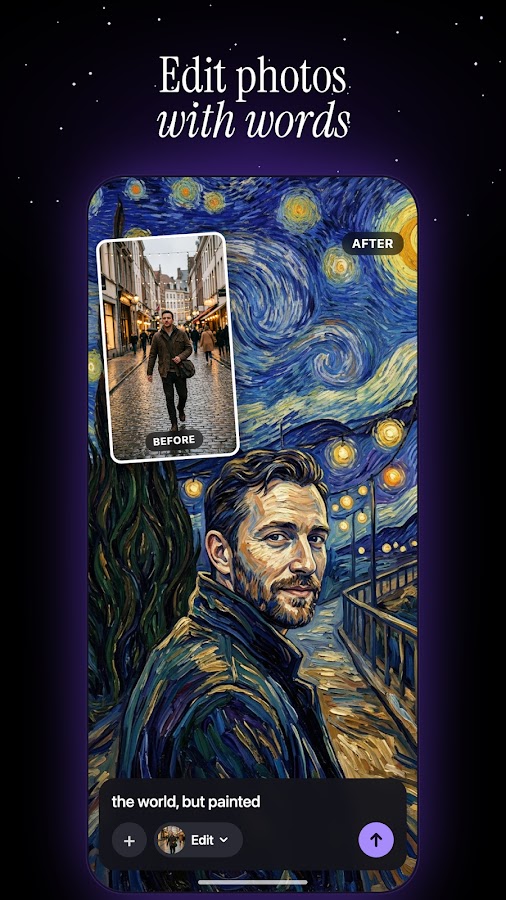
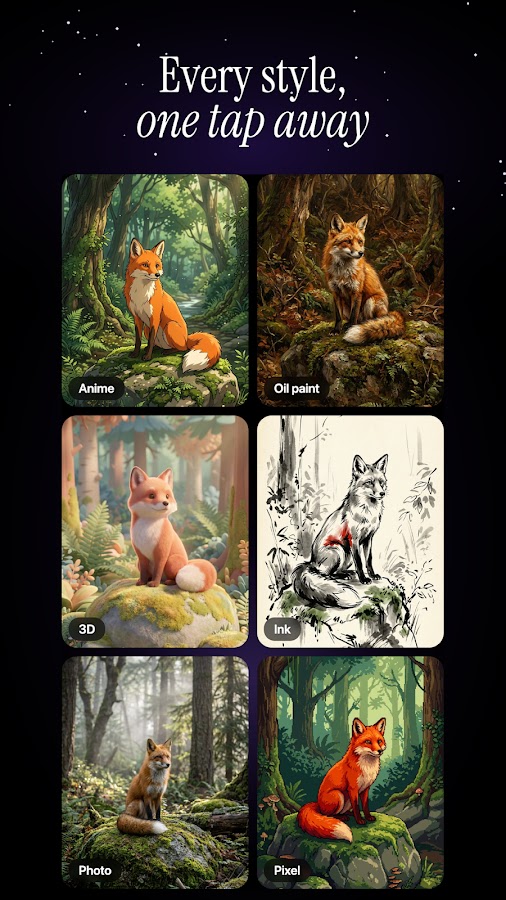
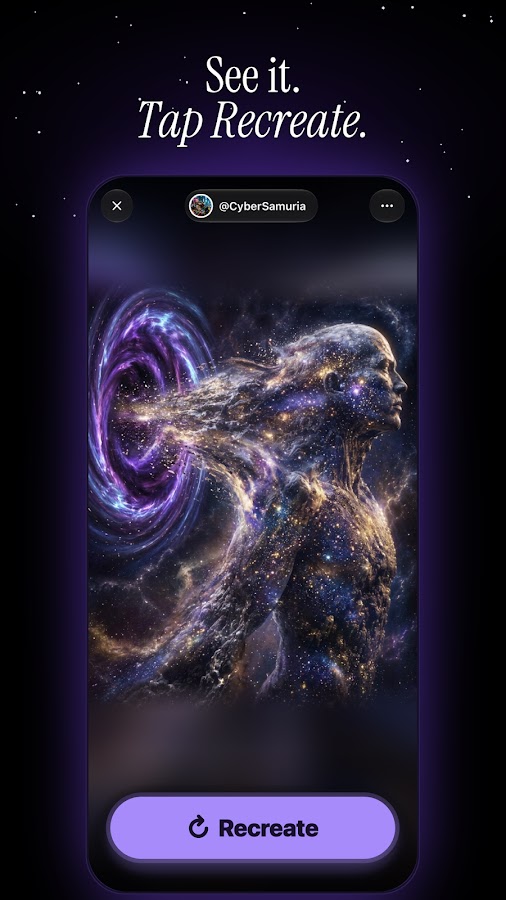
starryai supports text-to-image creation, image variations, and photo-based creative workflows. It is a useful option for exploring illustrated scenes, portraits, and different treatments of the same subject.
The most productive approach is to change one element at a time. Keep the scene fixed while adjusting the medium, then compare the results. Once you have a style you like, refine the framing or lighting.
For a small collection of images, repeat a short visual specification: the same palette, background treatment, framing, and level of detail. This improves consistency, although it does not guarantee identical characters or objects.
Choose it when: experimenting with aesthetics is a central part of the project.
Watch for: variations that drift away from the original character or composition.
6. DaVinci: For Quick Image Ideas
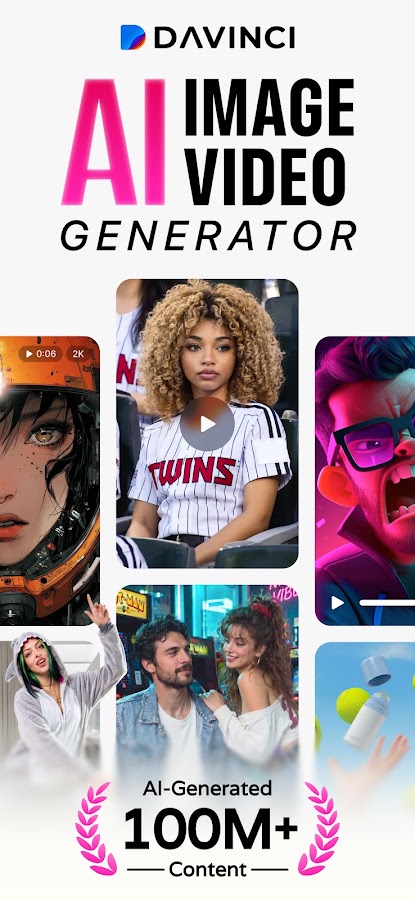
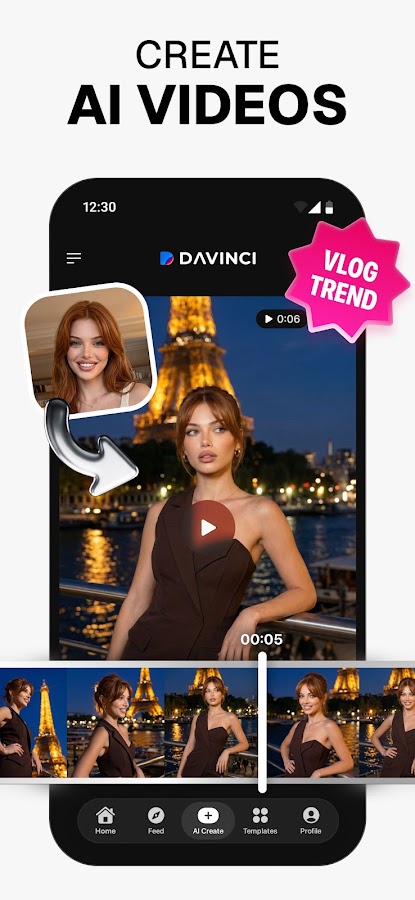
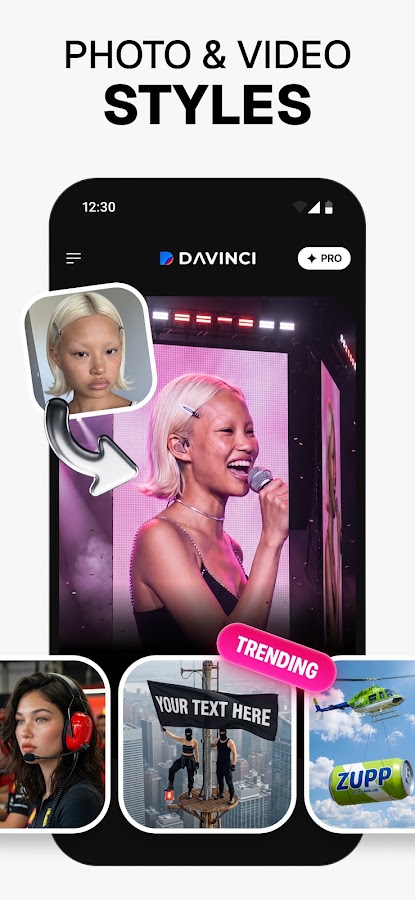
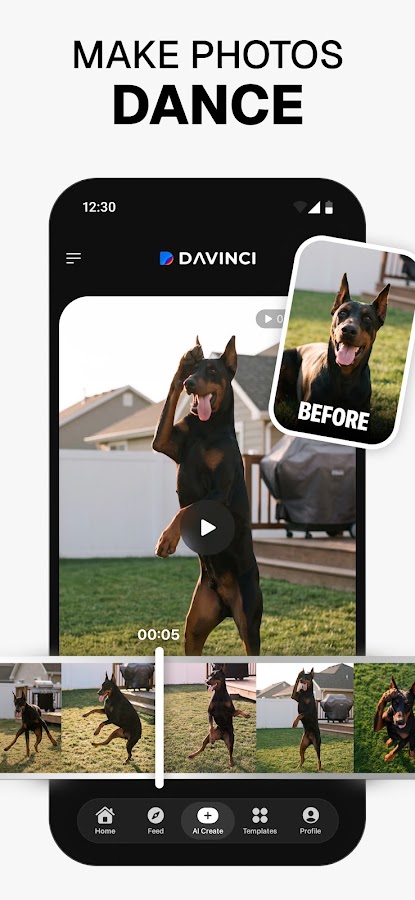
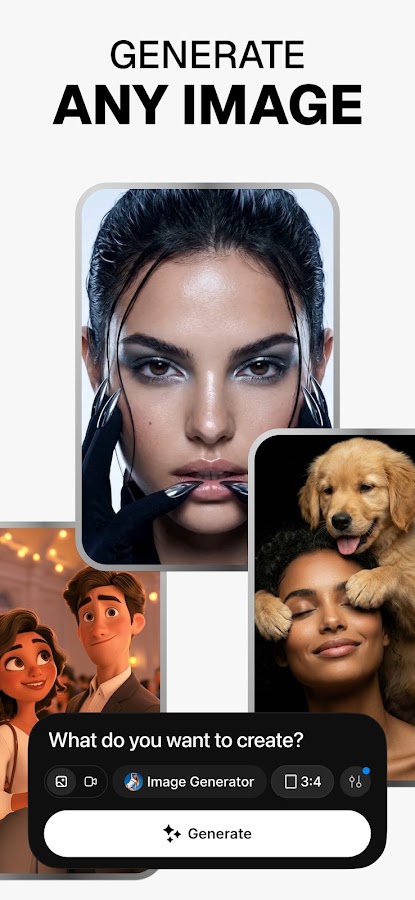
DaVinci is a dedicated AI image generator for turning descriptions into pictures. It suits users who want to explore a visual idea without first learning a broader design platform.
Start with a manageable scene: one main subject, one location, and a clear style.
“A small bakery on a rainy street, warm window light, watercolor illustration” is easier to assess than a crowded scene containing multiple people, signs, reflections, and actions.
Use early generations to choose a direction. Once the composition works, refine the details that matter to the final image.
Choose it when: you want quick creative drafts and style exploration.
Watch for: accepting the first attractive result without inspecting hands, faces, lettering, and background objects.
7. Wonder: For a Simple Prompt-and-Style Workflow
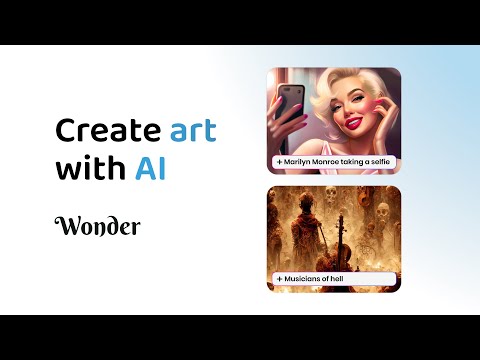
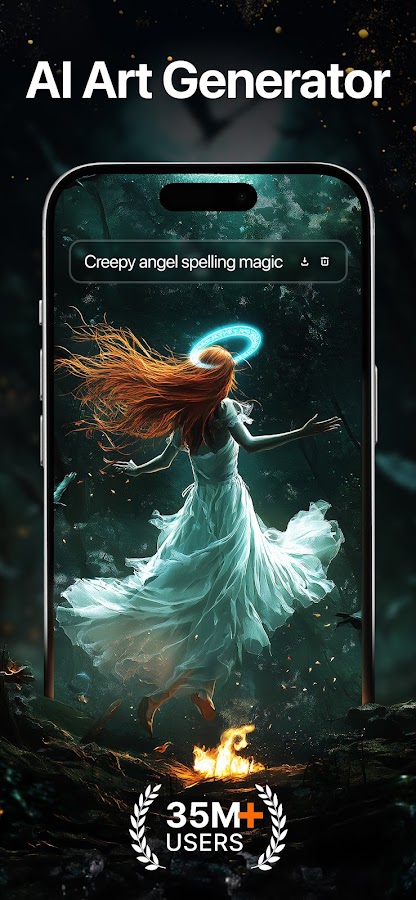
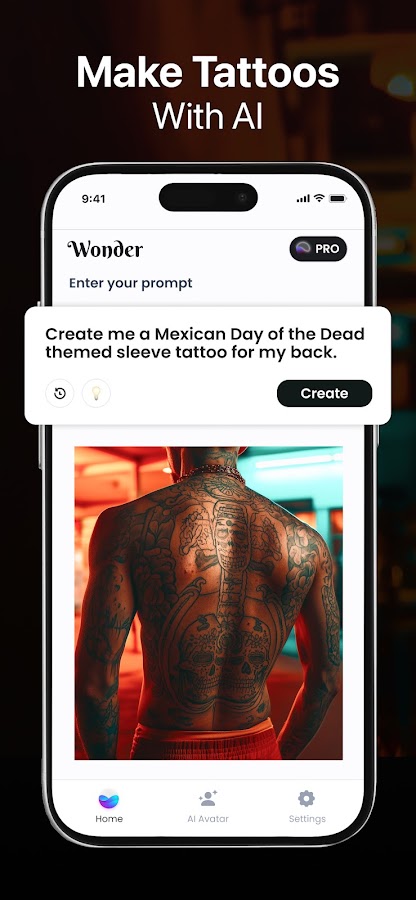
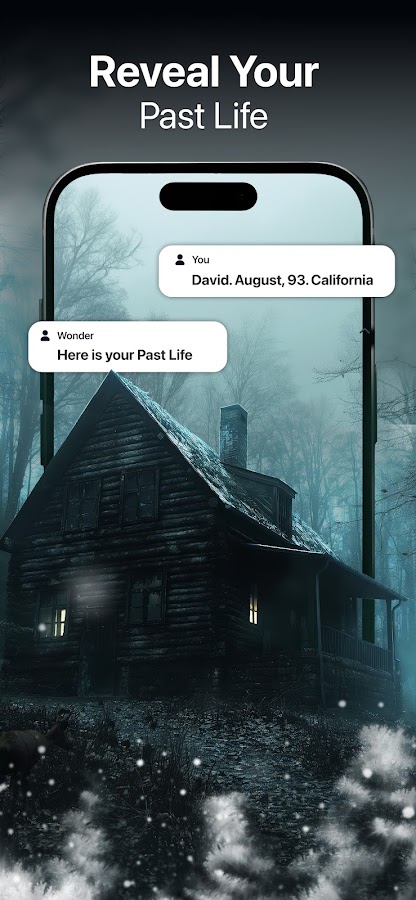
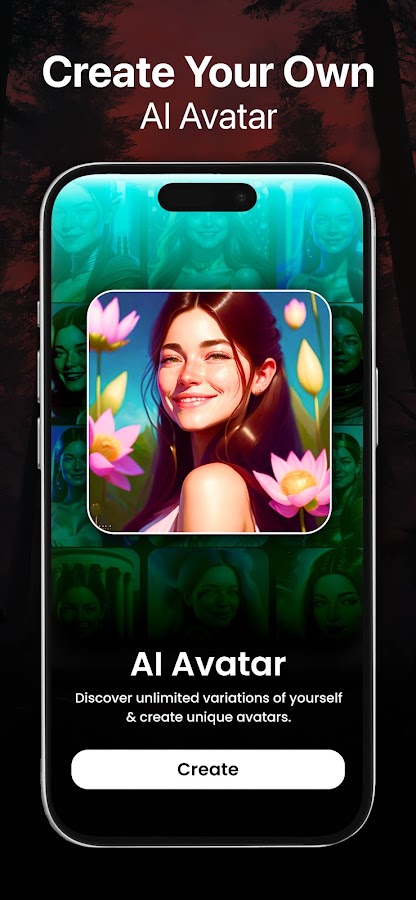
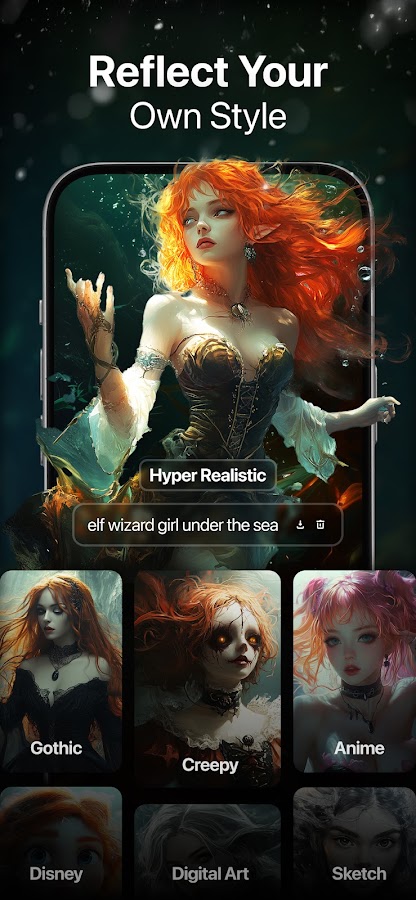

Wonder focuses on turning text descriptions into AI artwork with a choice of styles. This makes it relevant to casual image creation, decorative illustrations, and visual experiments.
It is a reasonable starting point if you want to describe something and see how different treatments change its appearance. Keep the initial prompt short enough that you can identify which instructions the app followed.
If the output feels too generic, add a specific location, material, or viewpoint:
A paper sculpture of a whale, photographed from above on a pale blue background.
This provides more direction than “beautiful whale art.”
Choose it when: you prefer a direct image-generation workflow.
Watch for: unrelated apps with similar names. The Android app discussed here is Wonder from Codeway; a matching iPhone listing was not confirmed for this review.
8. Gencraft: For Text Prompts and Reference-Based Variations
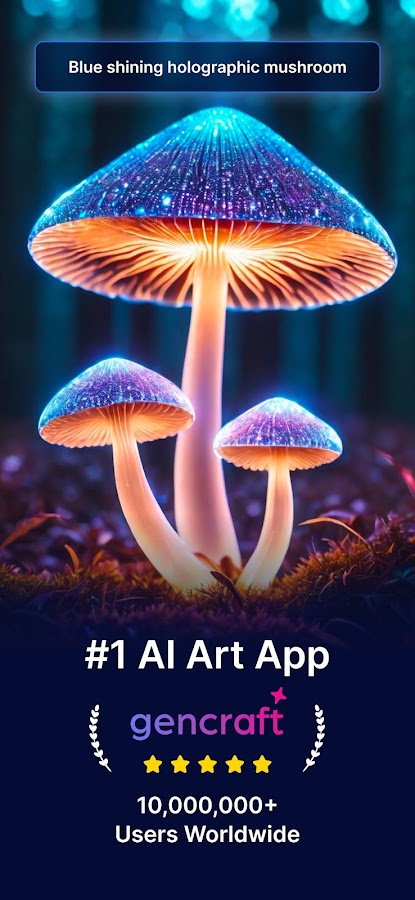
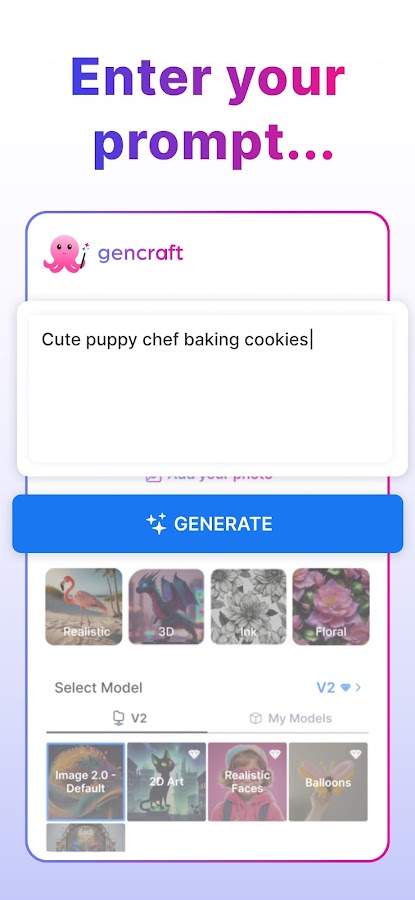
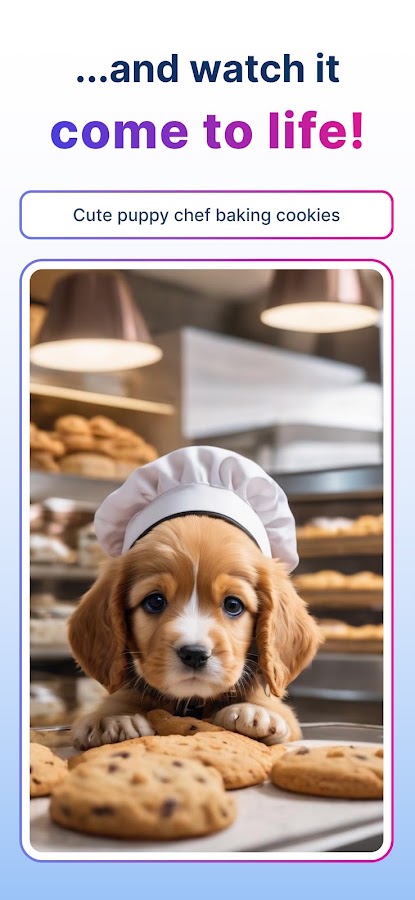
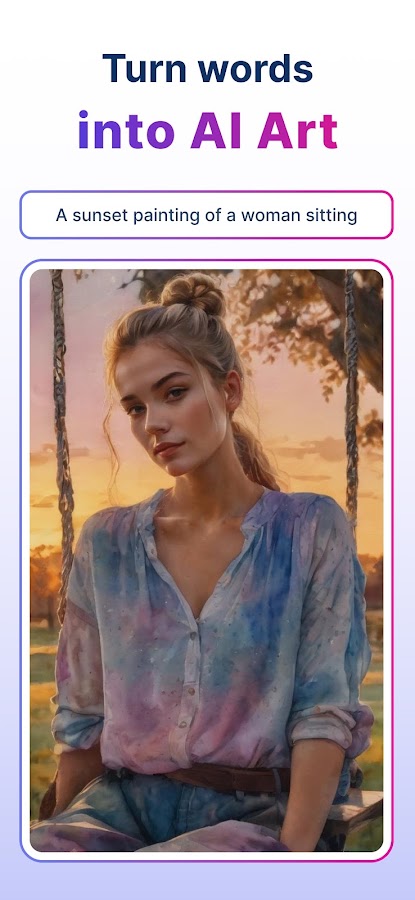
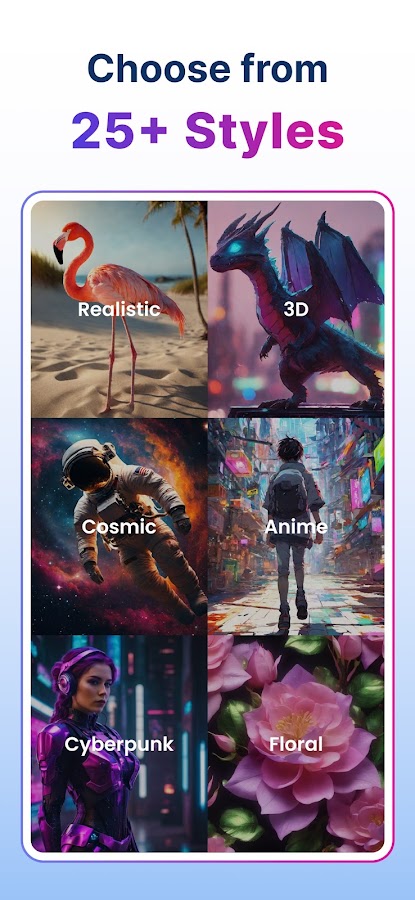
Gencraft supports image creation from words and reference images. This is useful when you have an initial visual direction but want to explore alternative interpretations.
A reference can communicate composition, color, or atmosphere more efficiently than a long description. Pair it with a focused instruction explaining what to preserve and what to change.
For example:
Keep the diagonal composition and cool color palette; reinterpret the scene as a hand-painted travel illustration.
Treat the result as a new interpretation rather than a precise reproduction.
Choose it when: you like comparing variations from a written or visual starting point.
Watch for: changes to product details, facial features, or other elements that need exact preservation.
9. SeaArt AI: For Character Art and Creative Exploration
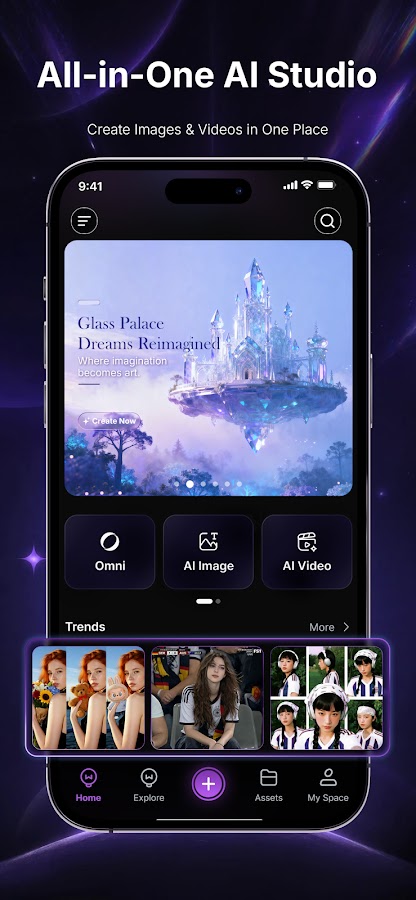
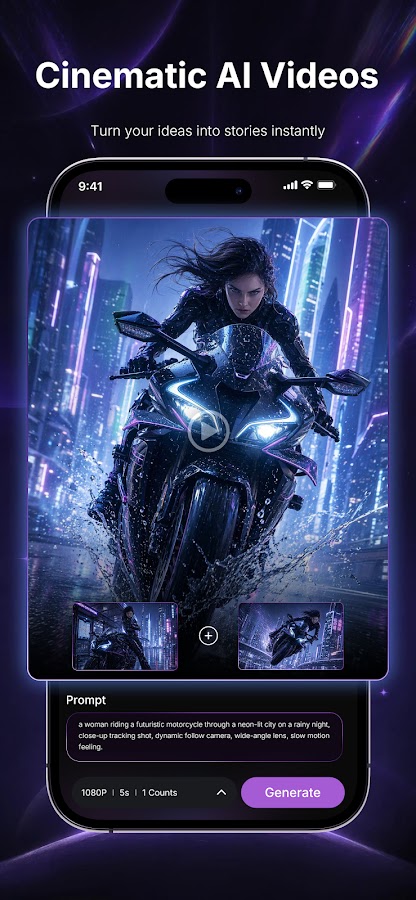
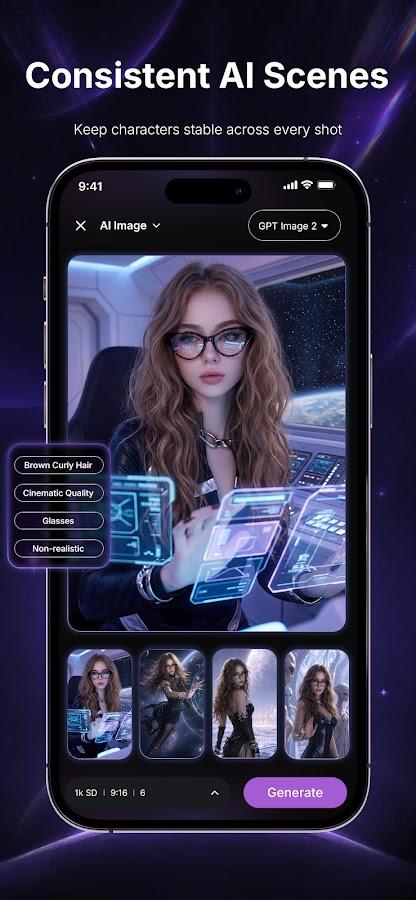
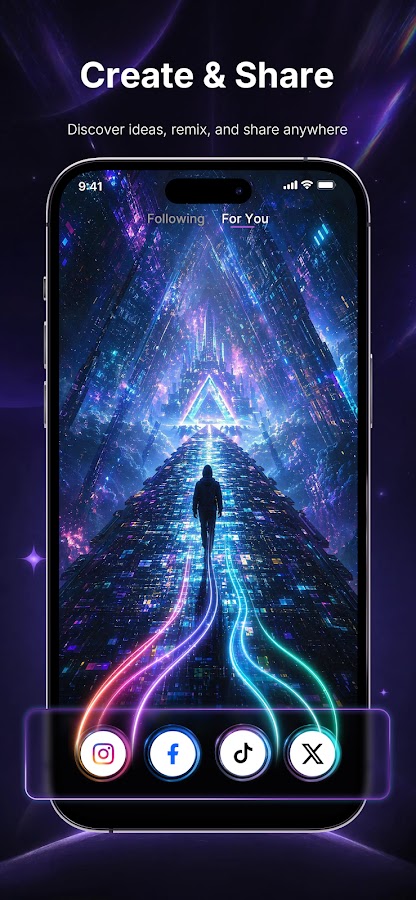
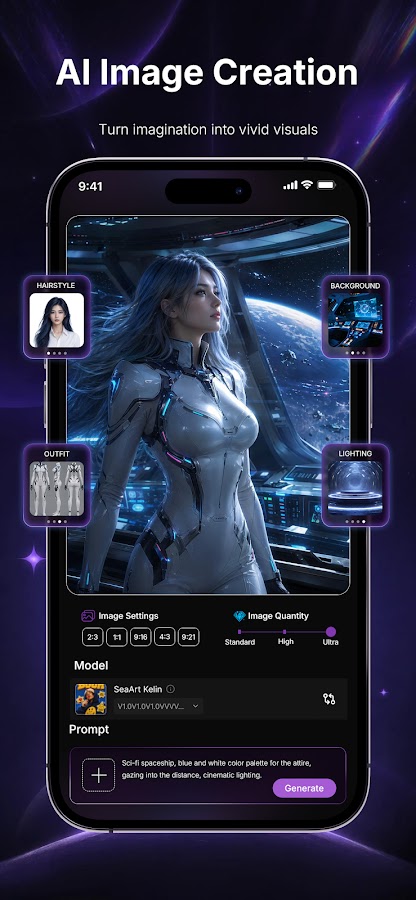

SeaArt AI combines image generation with a broader set of creative features. It is worth exploring for character concepts, illustrated scenes, and experiments with different visual treatments.
For character work, define visible characteristics rather than vague personality labels. Specify clothing, hairstyle, pose, expression, and environment. A consistent written description gives you a more useful starting point for related images.
Do not assume that a character will remain identical across separate generations. Check the face, costume, accessories, and proportions each time.
Choose it when: you want to explore character-focused imagery and different styles on Android.
Watch for: platform identity. A corresponding iPhone listing was not confirmed during this review, so verify the official product before downloading a similarly named app. Also check whether your creations are private or shared.
10. ChatGPT: For Detailed Instructions and Conversational Editing
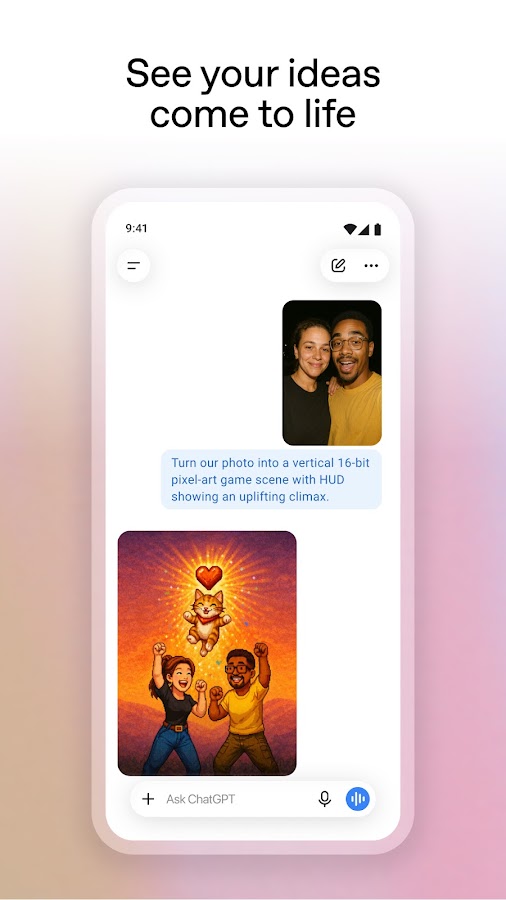
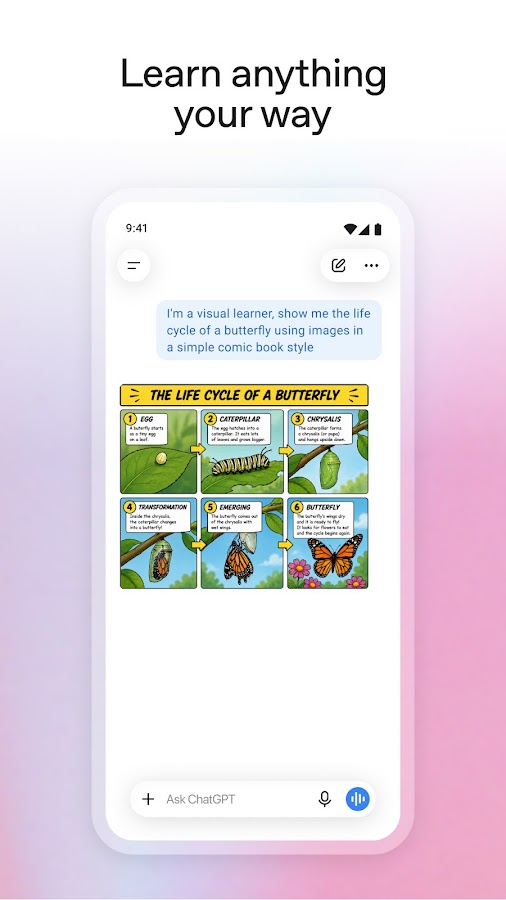
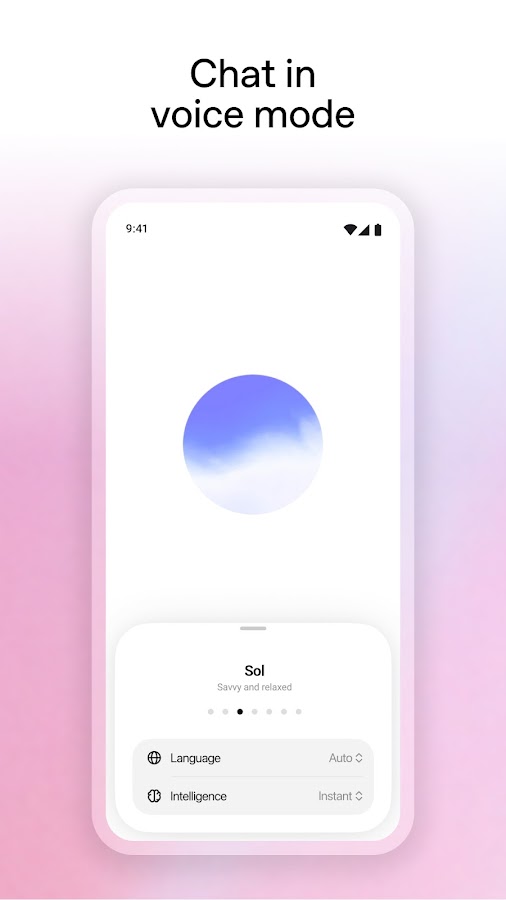
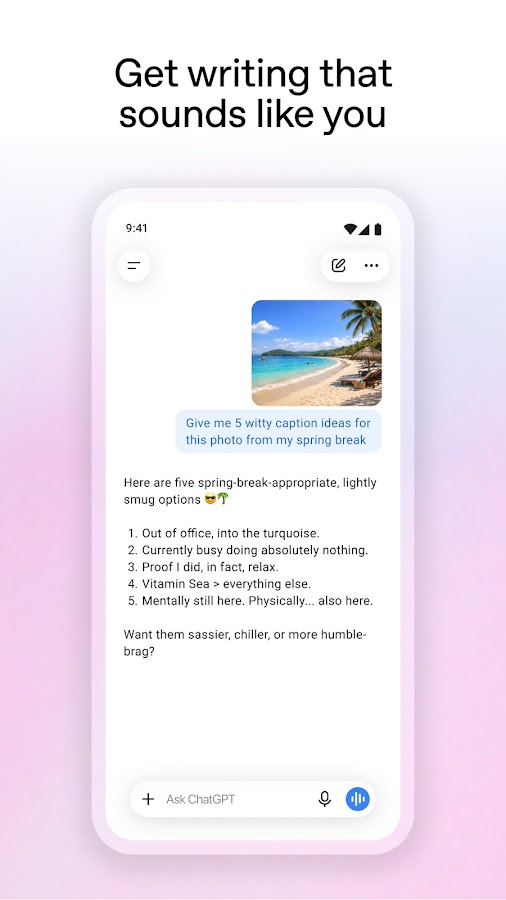
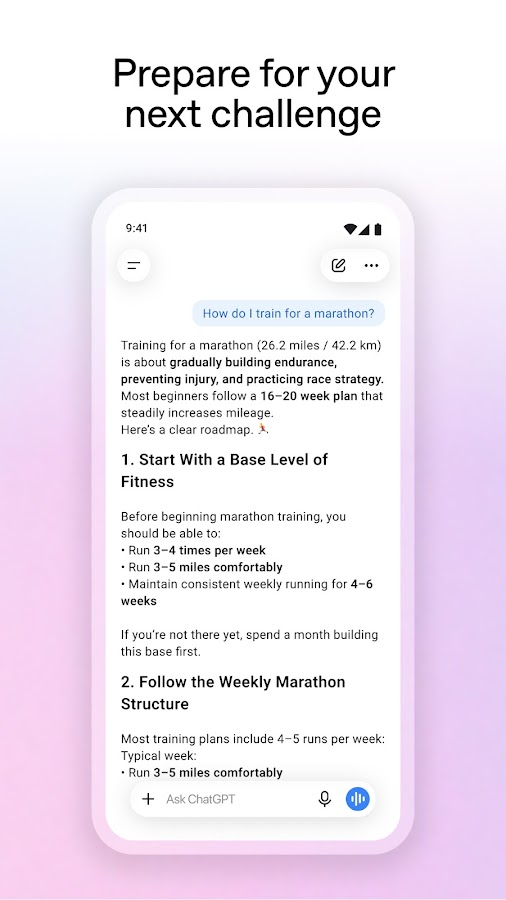
ChatGPT is useful when you can describe the result you want but would rather refine it through conversation than explore a panel of controls.
You can generate an image, assess it, and request a focused change:
- “Make the room brighter.”
- “Move the subject to the right.”
- “Keep the composition but use a softer palette.”
The official mobile app supports image creation and transformations of uploaded images.
For a more controlled workflow, ask for one meaningful revision at a time. State what should stay the same as well as what should change, then inspect the new version.
Choose it when: your brief is detailed or you expect several rounds of verbal feedback.
Watch for: revisions that alter previously correct details. Keep useful versions instead of assuming that each new generation will be an improvement.
11. Google Gemini: For Image Creation Inside an AI Assistant
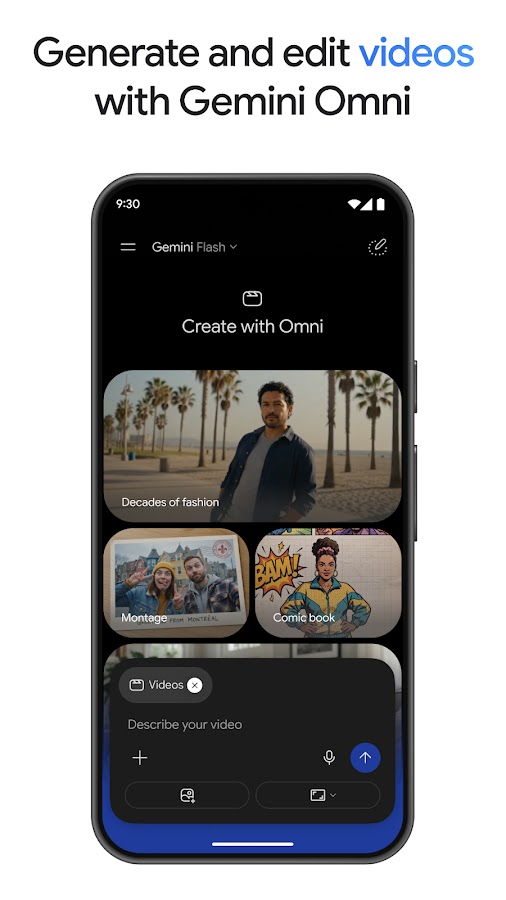
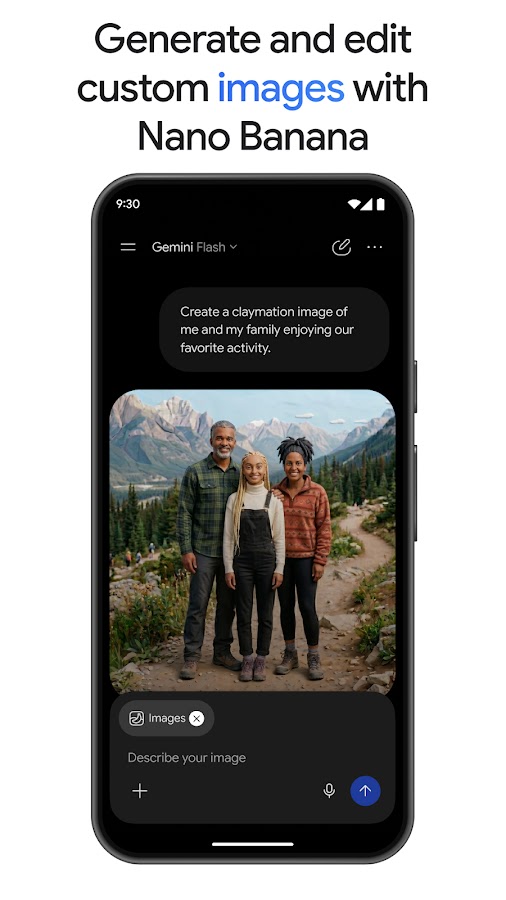
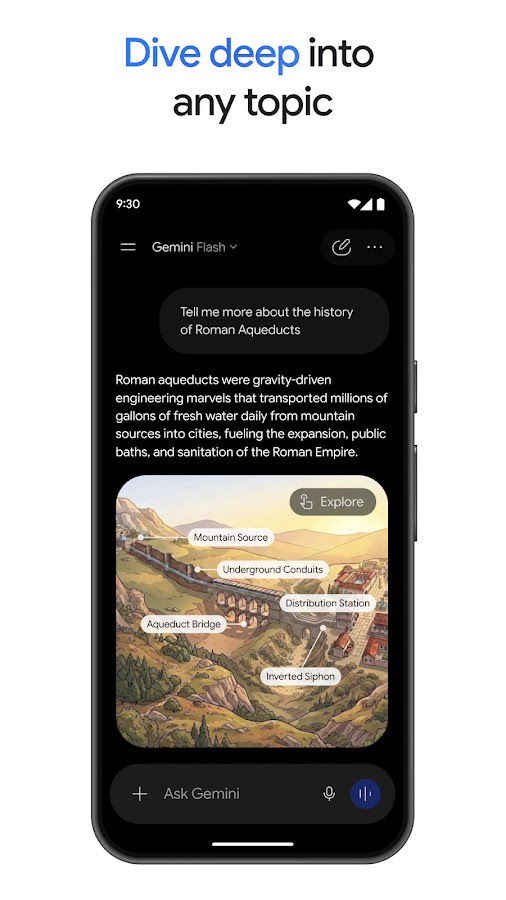
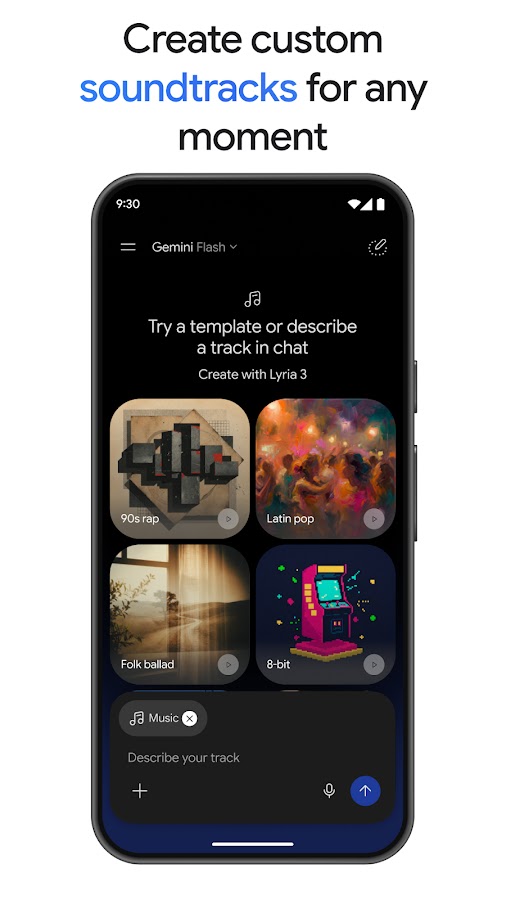
Google Gemini offers an assistant-based approach to image creation. It is relevant if you want help developing an idea, writing a prompt, and requesting visual changes within the same conversation.
The practical advantage is continuity. You can explain the intended audience and format before generating, then narrow the brief through follow-up instructions.
A useful request includes the image’s role:
Create a clean illustration for an article about learning a language, with two people talking in a café, no lettering, and enough empty space for a headline.
Choose it when: you want an AI assistant that can also help with visual tasks.
Watch for: assuming every account has the same image tools. Model access, account eligibility, and regional availability can affect the experience.
12. Canva: For Turning AI Images Into Finished Designs
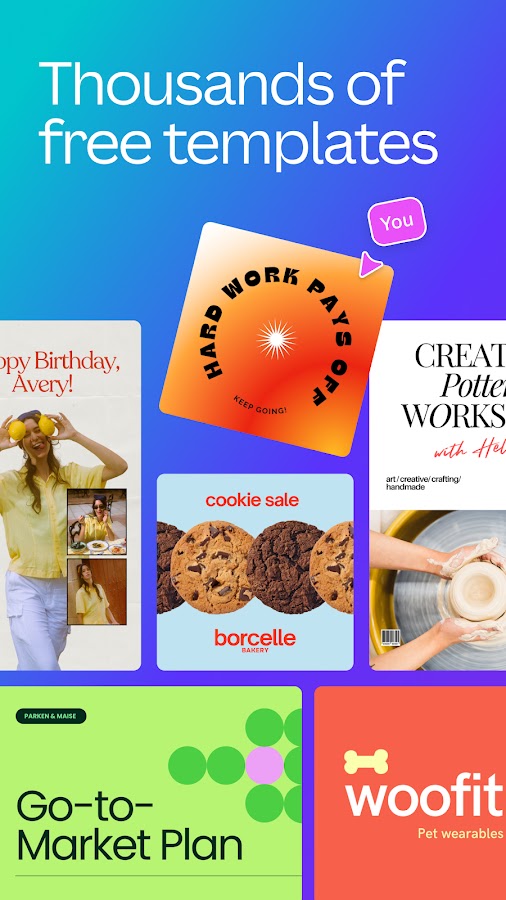
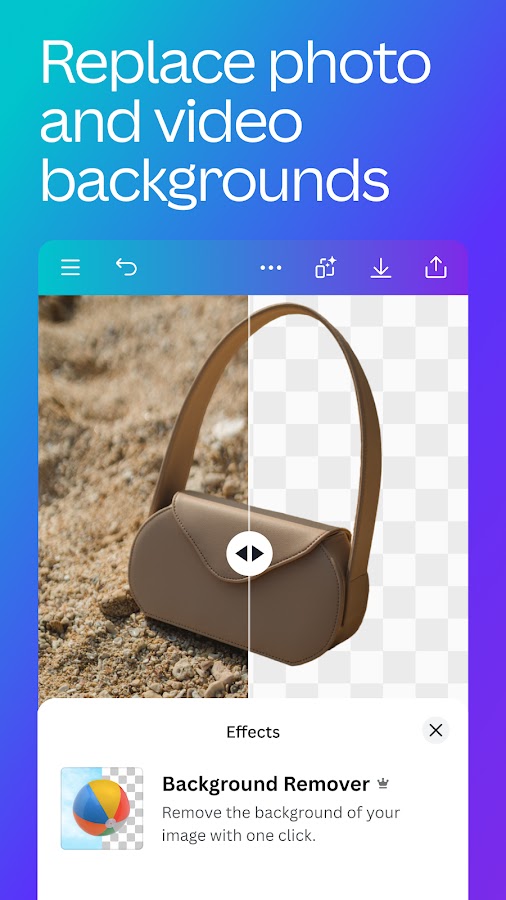
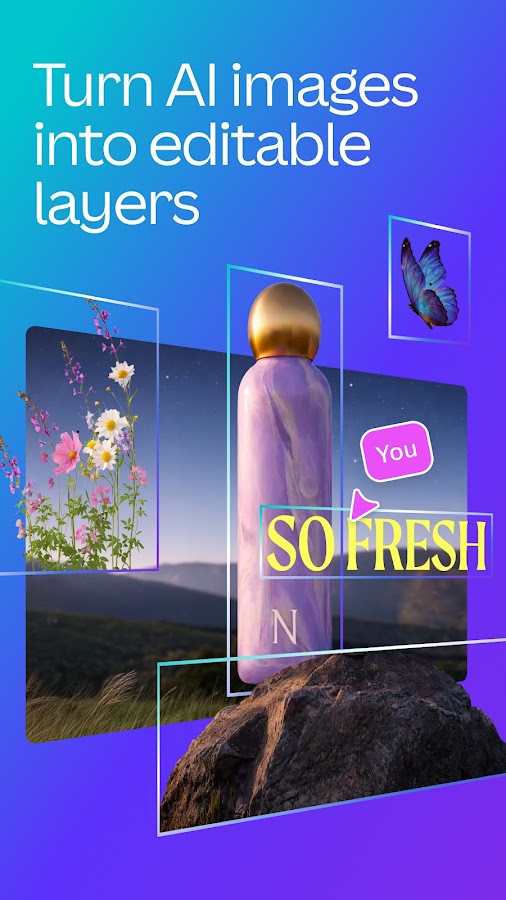
Canva is especially relevant when the final deliverable is a social post, presentation slide, thumbnail, or promotional graphic. Its AI image generator sits within a wider design environment.
That changes the workflow. Generate a background or illustration, place it in a layout, then add editable headings, brand colors, shapes, and other design elements.
For text-heavy graphics, generate the picture without lettering. Add the actual words using Canva’s text tools so you can control spelling, spacing, alignment, and readability.
Choose it when: you need to finish and publish a design after generating the image.
Watch for: visual clutter. A generated background, several fonts, decorative shapes, and a large headline can compete for attention on a small screen.
How to Choose the Right AI Image Generator App
For realistic pictures
Start with Adobe Firefly, Leonardo.Ai, ChatGPT, or Google Gemini, then compare the available models using the same brief. None should be treated as an automatic winner for every subject.
Describe observable details: natural skin texture, soft window light, ordinary clothing, and a believable location. Inspect anatomy, reflections, shadows, and repeated objects before using the result.
For illustrations, fantasy scenes, and AI art
Consider WOMBO Dream, starryai, ImagineArt, DaVinci, Wonder, Gencraft, or SeaArt AI. Choose by the styles you actually enjoy and the amount of control you need.
A library of presets can help you discover a direction, but consistency across several images still requires a clear brief.
For social media and marketing graphics
Start with Canva if you need the generated image inside a complete layout. Consider Firefly, Leonardo.Ai, or a conversational assistant when the image itself requires more exploration or revision.
For product marketing, check that generated scenes preserve the item’s shape, labels, and distinguishing features. A convincing picture can still misrepresent the product.
For editing an existing image
Look for image upload and editing features rather than text-to-image alone. ChatGPT, Firefly, Leonardo.Ai, and Gemini are relevant starting points, subject to the tools available in your account.
If exact preservation matters, compare the result with the original at full size. Generative editing can alter details outside the intended change.
How to Write Better AI Image Prompts on Your Phone
A practical prompt structure is:
Subject + setting + medium + composition + lighting + required constraints.
Start with the details that determine whether the image will work. Add secondary details only when necessary.
Prompt for a realistic editorial image
A woman reading beside a large apartment window on an overcast morning, candid editorial photograph, natural skin texture, soft daylight, muted colors, medium-wide framing, no lettering.
Prompt for a phone wallpaper
A small observatory on a snowy mountain beneath a deep blue night sky, restrained digital illustration, vertical composition, observatory in the lower third, uncluttered upper half, no text.
Prompt for a social post background
Minimal illustration of citrus fruit and green leaves on an off-white background, flat shapes, warm orange and olive palette, square composition, clear empty area in the center for a headline, no lettering.
Prompt for a focused revision
Keep the subject, color palette, and framing. Remove the objects in the background and replace them with a plain warm-gray wall.
These are starting points, not guarantees. If the app misses a requirement, simplify the scene or make one targeted revision before rewriting the entire prompt.
What to Check Before Saving or Publishing
- Details: inspect faces, hands, repeated objects, shadows, reflections, and any lettering.
- Dimensions: check the actual exported pixel size, rather than relying on a sharp-looking preview.
- Cropping: confirm that the subject survives the crop required by your website or social platform.
- Access limits: review generation allowances, export restrictions, and any watermark conditions before committing to a workflow.
- Privacy: check upload handling and sharing settings before using personal photographs or unpublished work.
- Usage terms: confirm that the relevant app, model, and plan permit your intended use. Permission to use an output does not guarantee exclusivity or clear third-party rights.
FAQ
Which App Should You Start With?
Choose one app around your immediate task: ChatGPT for revisions through conversation, Leonardo.Ai for exploring visual directions, Firefly for generation and editing, or Canva for a finished social graphic. For expressive artwork, try a style-focused option such as WOMBO Dream or starryai.
Test a small set of real briefs before committing to a workflow. The useful question is whether you can create, revise, and export the images you need with an acceptable amount of effort.