A free AI app can help you rewrite an awkward email, understand a document, edit a photo, or practice a difficult English sound. The harder part is finding out what remains free after the first few attempts. A download button tells you very little about message limits, generation credits, export restrictions, or subscriptions.
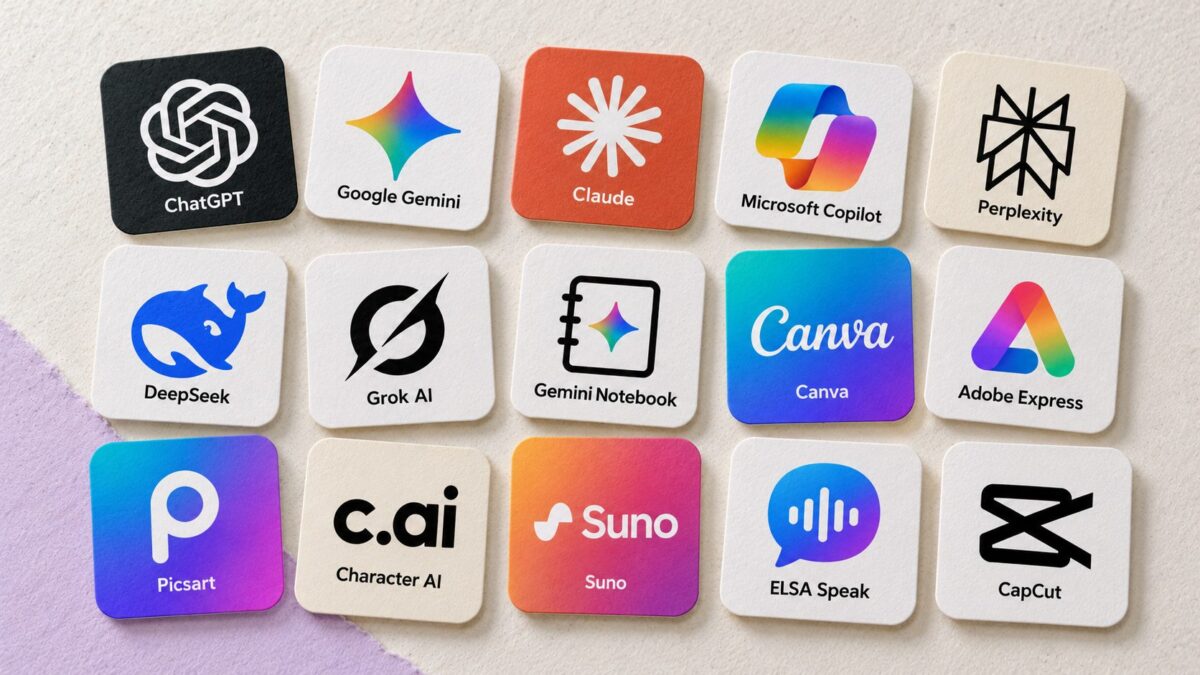
This guide compares 15 AI apps for iPhone and Android by the jobs they handle and the restrictions that matter. Some offer an ongoing free service; others provide a free editor with limited AI access. You will also find alternatives within the list, so reaching one app’s limit does not leave you without another option. Availability and allowances can vary by country, account, device, and app version.
Best Free AI Apps at a Glance
| App | Best suited to | Main free-access limitation to check |
| ChatGPT | General assistance, writing, and explaining images | Model usage and separate tool limits |
| Google Gemini | Everyday assistance and Google-related tasks | AI usage allowance and feature eligibility |
| Claude | Drafting, editing, and document discussions | Usage caps, especially with longer material |
| Microsoft Copilot | General questions and Microsoft-related workflows | Account requirements and subscription-only features |
| Perplexity | Web research with source references | Advanced research, models, and upload allowances |
| DeepSeek | Text assistance, reasoning, and coding questions | Service capacity and regional availability |
| Grok AI | Conversational assistance and web-informed answers | Free-tier usage and access to advanced capabilities |
| Gemini Notebook | Studying and questioning your own sources | Source, generation, and usage limits |
| Canva | Social graphics, presentations, and visual layouts | AI allowance and premium assets |
| Adobe Express | Graphics, short videos, and AI-assisted design | Generative allowance and premium tools |
| Picsart | Creative photo editing and visual effects | AI credits and premium editing features |
| Character AI | Fictional conversations and creative roleplay | Premium features, ads, and eligibility restrictions |
| Suno | Experimenting with AI-generated songs | Generation, download, and commercial-use restrictions |
| ELSA Speak | English pronunciation practice | Limited lesson and feature access |
| CapCut | Mobile video editing with optional AI tools | AI features, credits, and export conditions |
These recommendations describe suitable use cases rather than a performance ranking. No single app is the strongest choice for every task.
1. ChatGPT: A Flexible Starting Point for Everyday AI
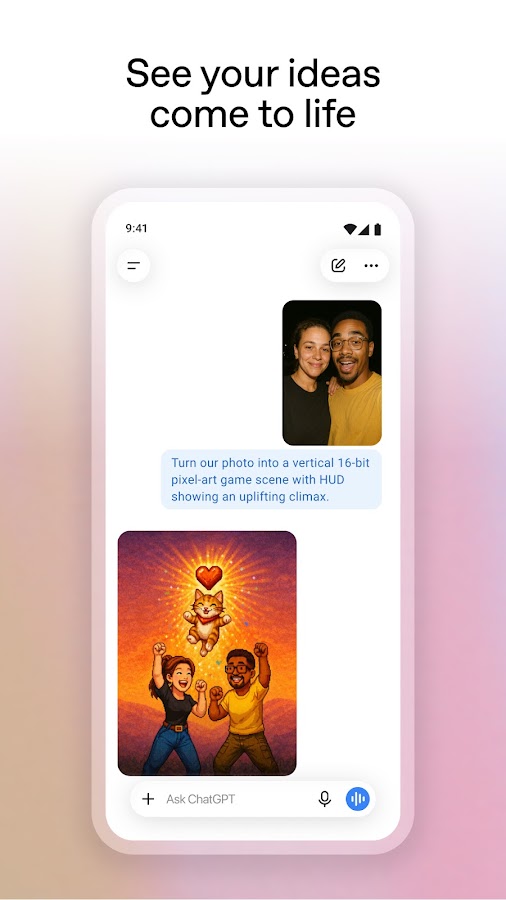
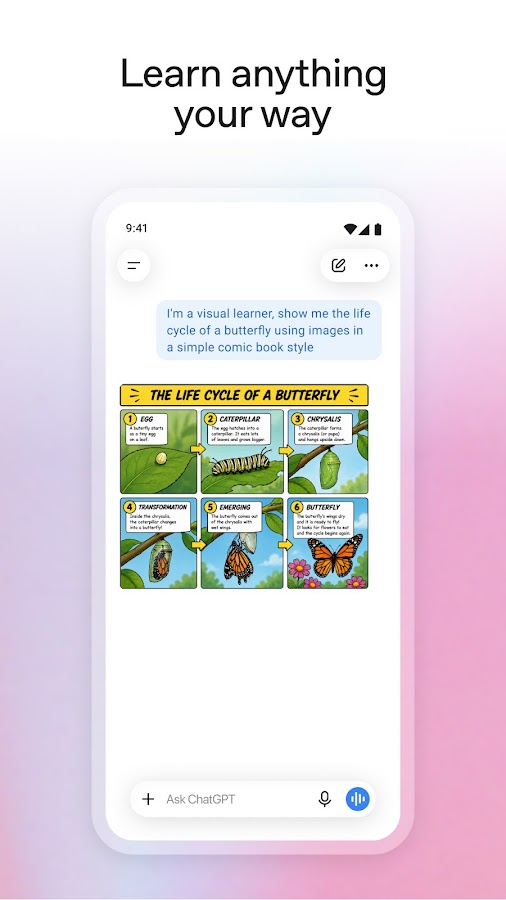
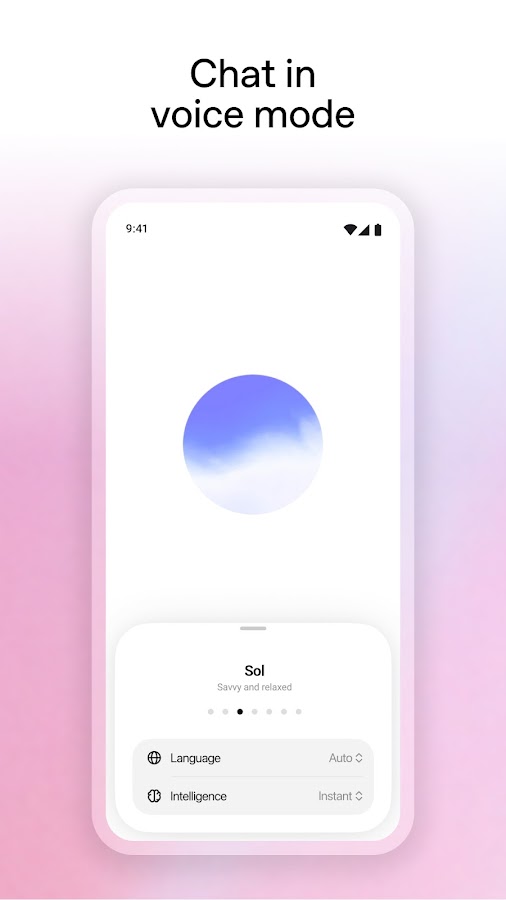
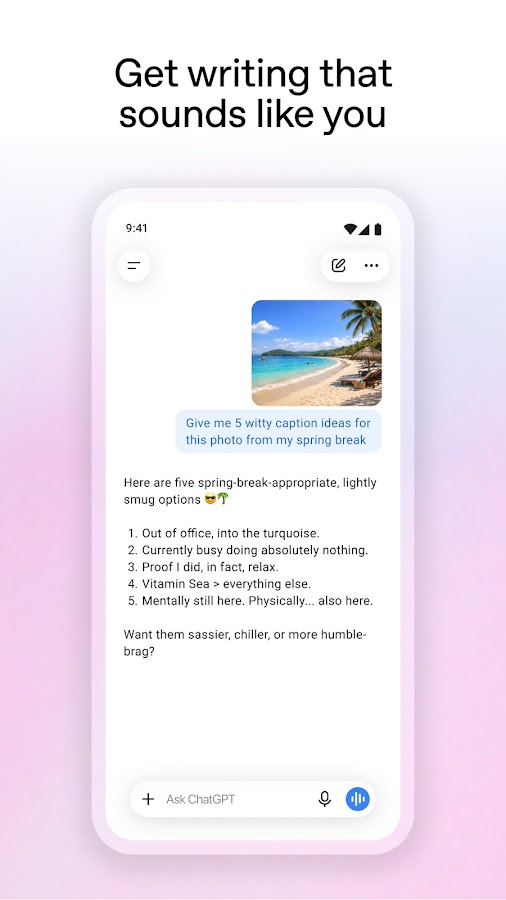
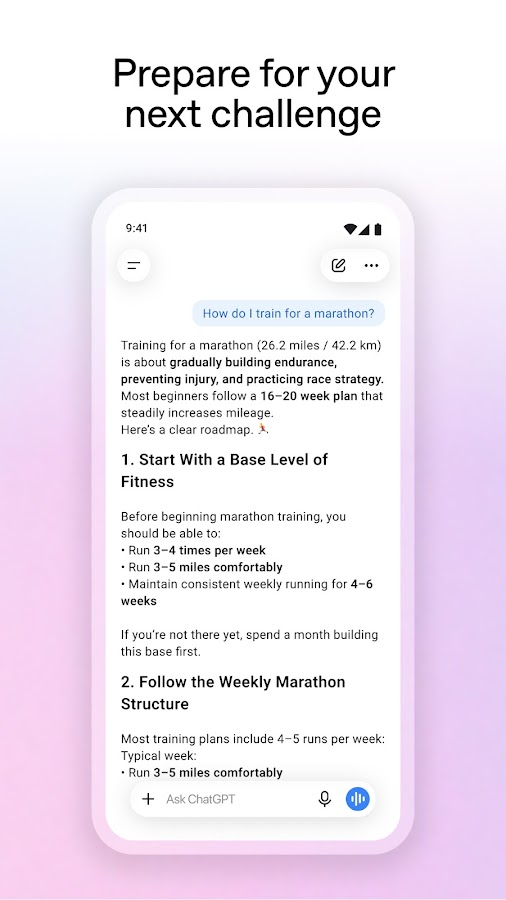

ChatGPT is a practical first choice if you want one app for several different jobs. Ask it to shorten an email, explain an unfamiliar concept, suggest a meal from available ingredients, or discuss an uploaded image. Follow-up questions are particularly useful: you can ask for a simpler explanation, a different tone, or a version tailored to a specific situation instead of starting again.
The free tier includes more than basic text chat, but its tools do not come with unlimited access. File uploads, image creation, and model use can have separate restrictions, so exhausting one allowance does not necessarily block everything else. Avoid choosing the app around an assumed number of free messages: limits and available models can change. Consider Claude for an alternative writing workflow, Gemini for Google-related tasks, or Perplexity when checking web sources is the priority.
2. Google Gemini: An Assistant for Google-Centered Routines
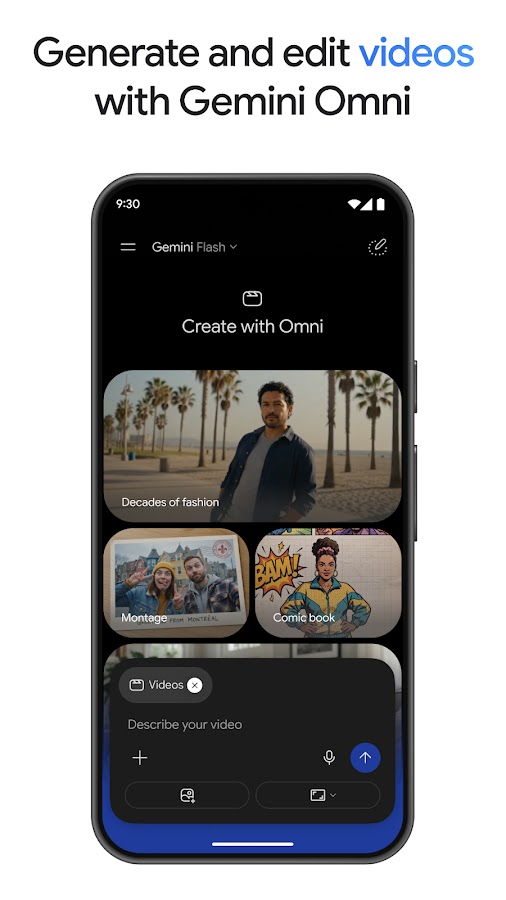
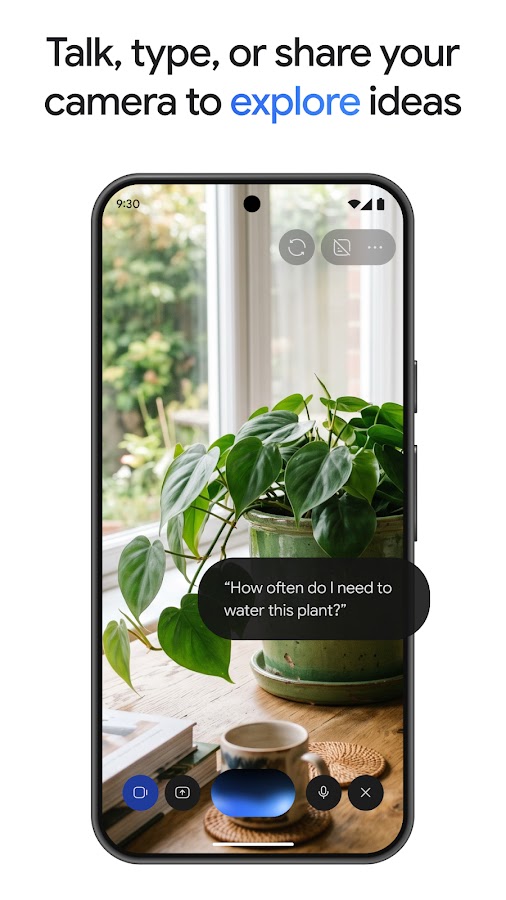
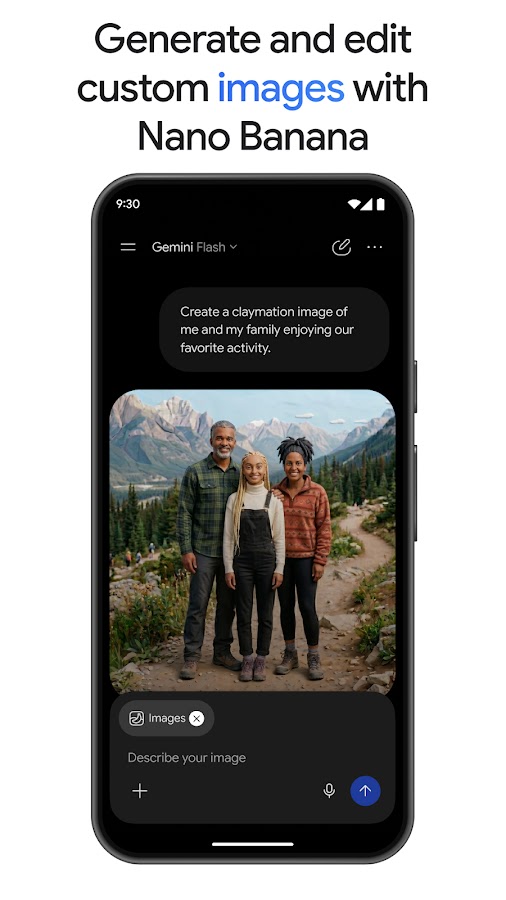
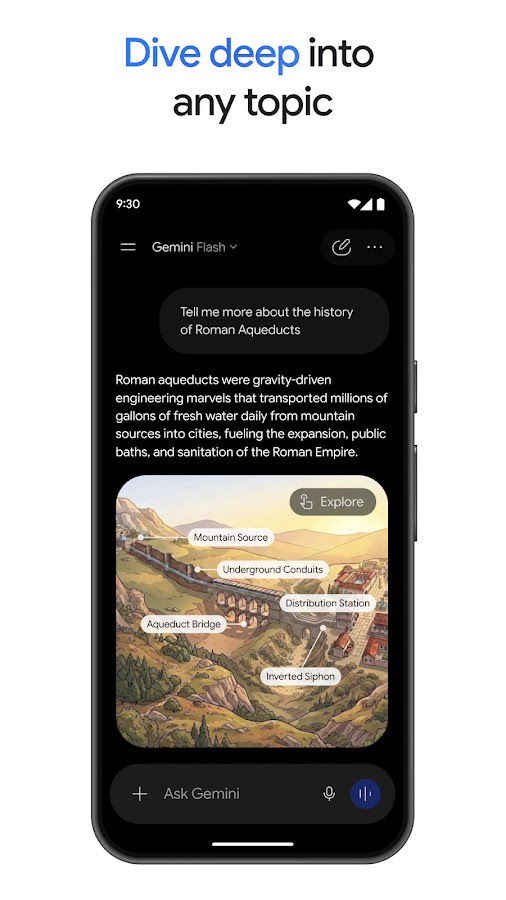
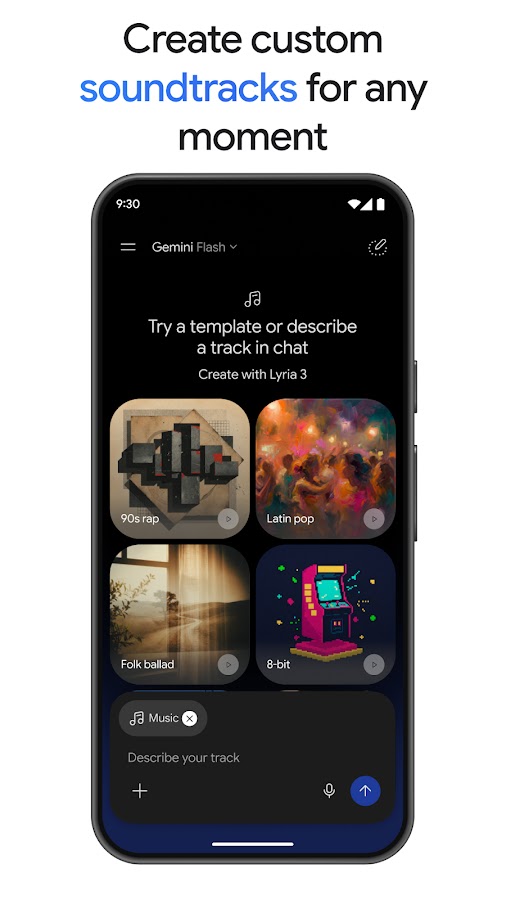

Google Gemini suits people who already rely on Google services and want a conversational assistant on their phone. It can help explain information, draft text, discuss images, and work through everyday questions. Where supported, its voice experience makes it useful for talking through an idea rather than typing a carefully structured prompt. Connected-app features can also reduce the need to move information manually between services.
Free access has usage and feature restrictions, and some capabilities depend on your account, language, region, or device. Do not assume that every feature shown in a product announcement is available in your mobile app or free plan. Gemini is worth comparing with ChatGPT for general assistance and Copilot for Microsoft-related work. For questions about a fixed collection of documents, Gemini Notebook provides a more source-focused approach.
3. Claude: A Useful Option for Writing and Document Discussions
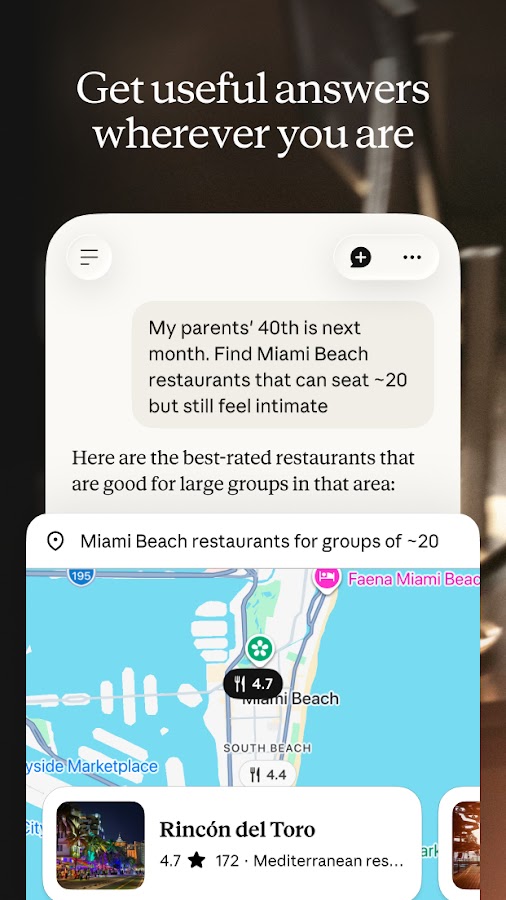
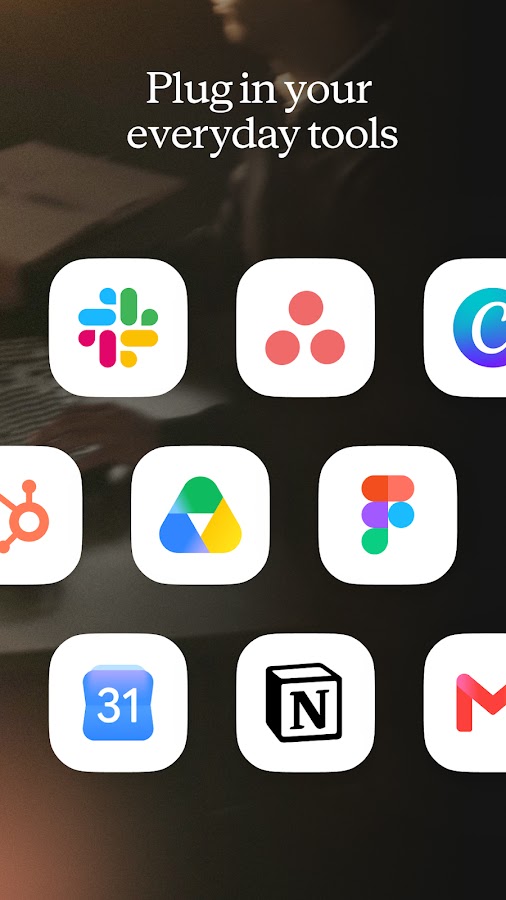
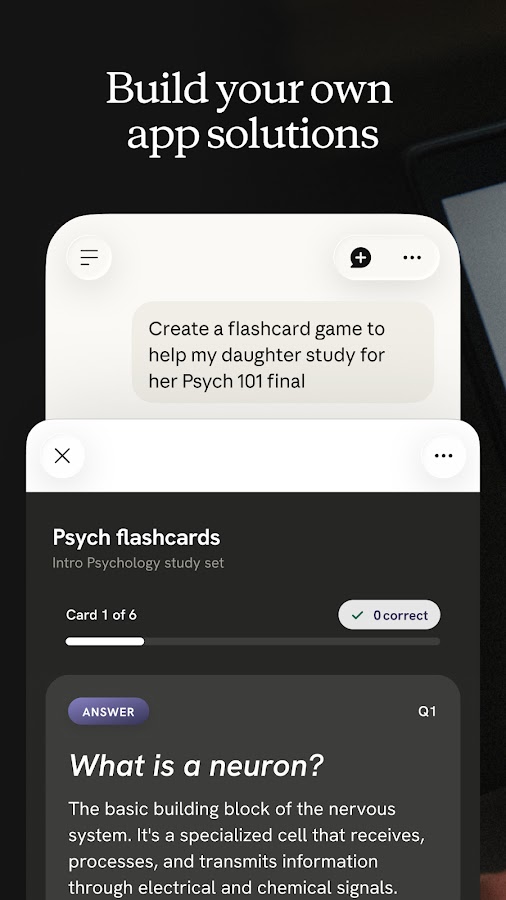

Claude is worth trying when your task involves shaping an argument, improving a draft, or understanding a document. Give it an audience, a purpose, and examples of wording you dislike, then ask for a revision. It can also help compare passages, identify unclear reasoning, or explain difficult material. Its value comes from an iterative conversation: asking why a paragraph feels vague often produces a more useful result than requesting a complete rewrite immediately.
The free plan has usage caps, and a long conversation or substantial document can consume more of the available allowance than a short question. Access to particular models and features also depends on the plan. If you reach a limit, save your working draft outside the chat so you can continue later. ChatGPT and DeepSeek are alternatives for text-heavy work; Gemini Notebook is more appropriate when you want answers tied to an organized set of sources.
4. Microsoft Copilot: General Assistance with a Microsoft Connection
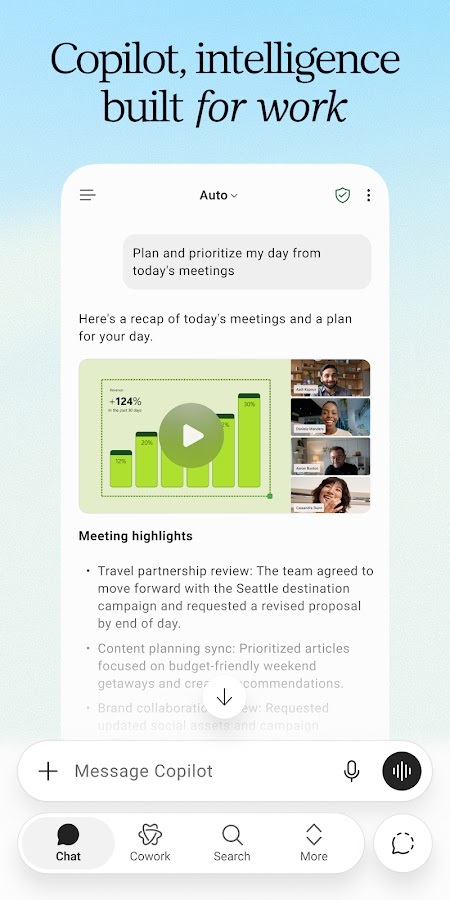
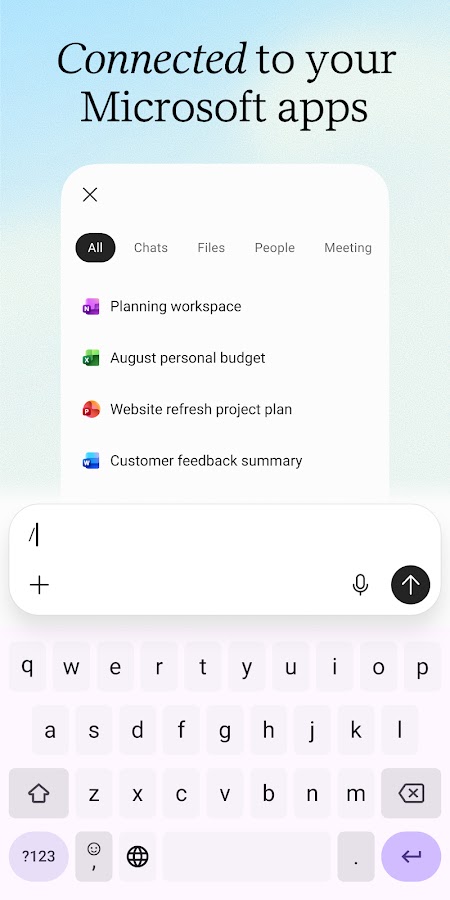
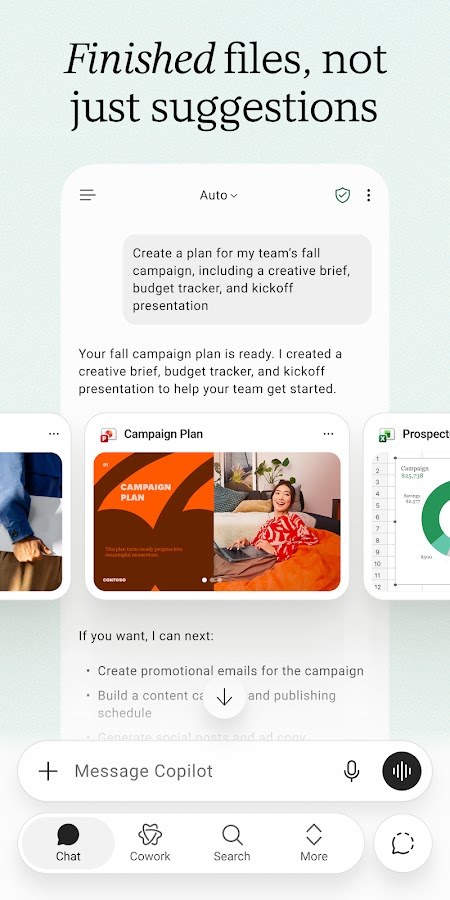
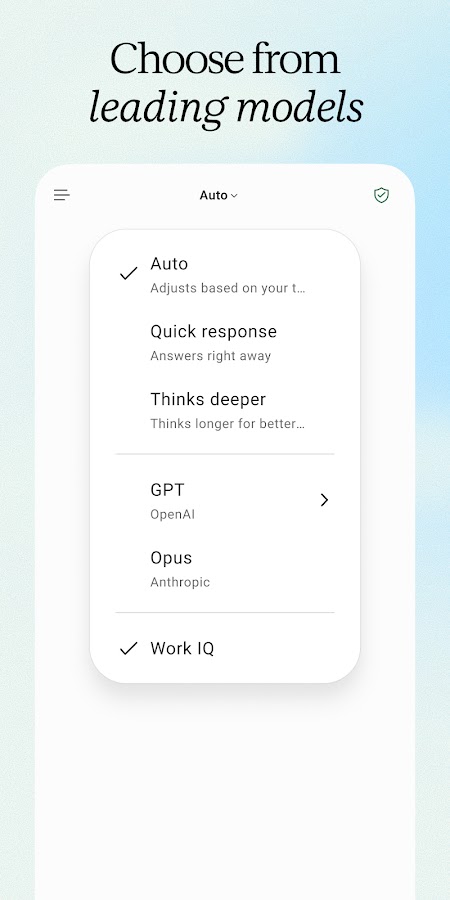
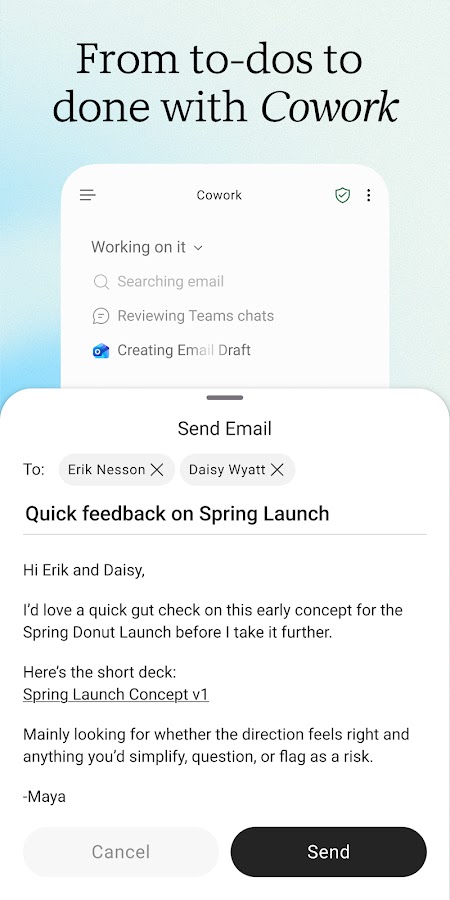

Microsoft Copilot can help with questions, drafting, explanations, and other everyday AI tasks. It is especially relevant if your work already involves Microsoft apps and documents. However, distinguish the general assistant from features operating inside particular Microsoft services: asking a question in chat and having AI work directly with a spreadsheet are different capabilities with different access requirements.
Microsoft offers free access, while more advanced functionality and higher allowances can require an eligible subscription or organizational account. The experience can also differ between personal and work accounts. Check what your signed-in account actually includes before relying on a demonstrated feature. ChatGPT or Gemini may be simpler alternatives for general conversation, while Canva and Adobe Express are more focused options for creating visual material.
5. Perplexity: AI Search with References You Can Inspect

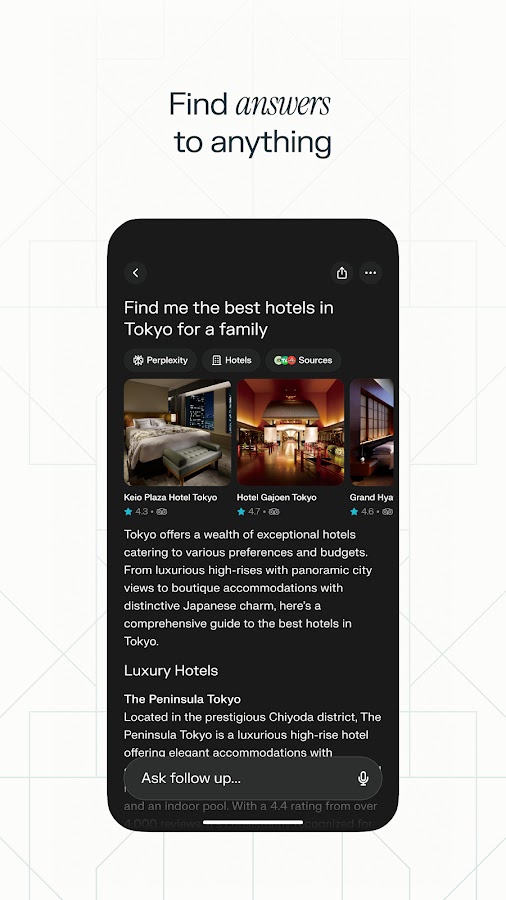
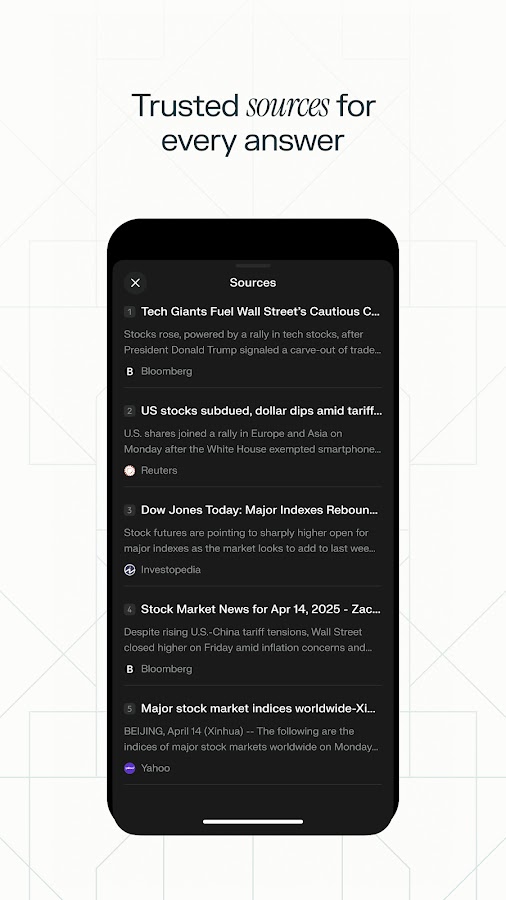
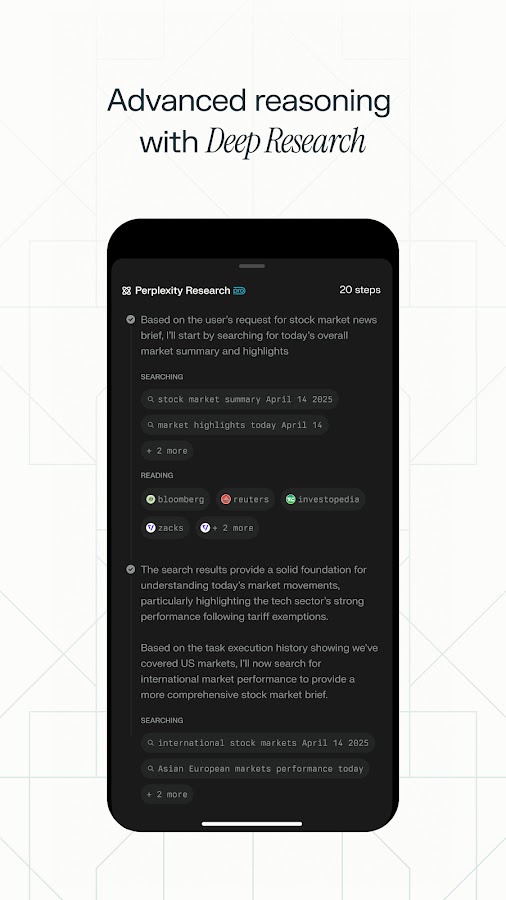
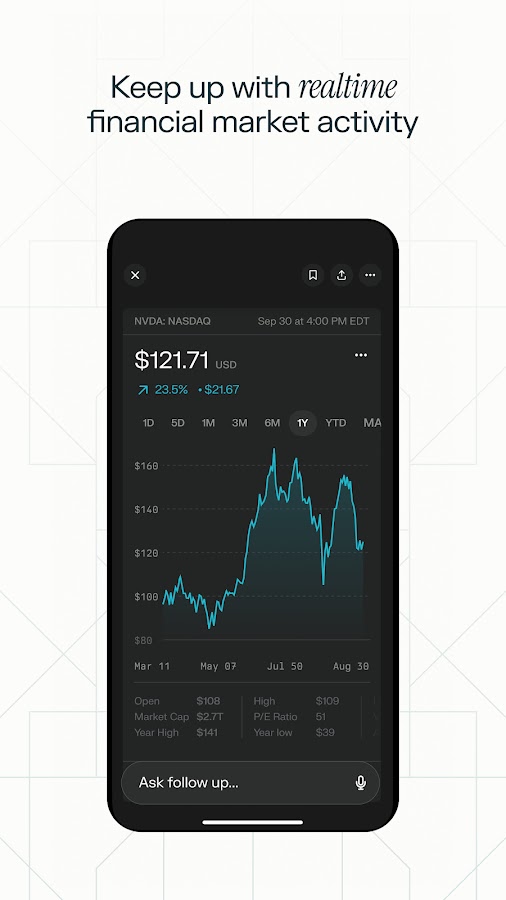

Perplexity is useful when you want to research a question and examine the material behind an answer. Rather than treating the response as the final destination, use it to find relevant sources, refine a question, and discover terminology for further research. This makes it a practical option for comparing unfamiliar products, understanding a developing topic, or getting an initial overview before reading more deeply.
The free service supports everyday research, while advanced research modes, model choices, and file-related features have plan-dependent restrictions. References still need checking: a cited page may support only part of a sentence or describe an older situation. Choose Perplexity for finding information across the web, and Gemini Notebook for exploring a collection you supply yourself. ChatGPT and Gemini offer alternative ways to combine conversation with web information.
6. DeepSeek: Free Text Assistance for Reasoning and Coding Tasks
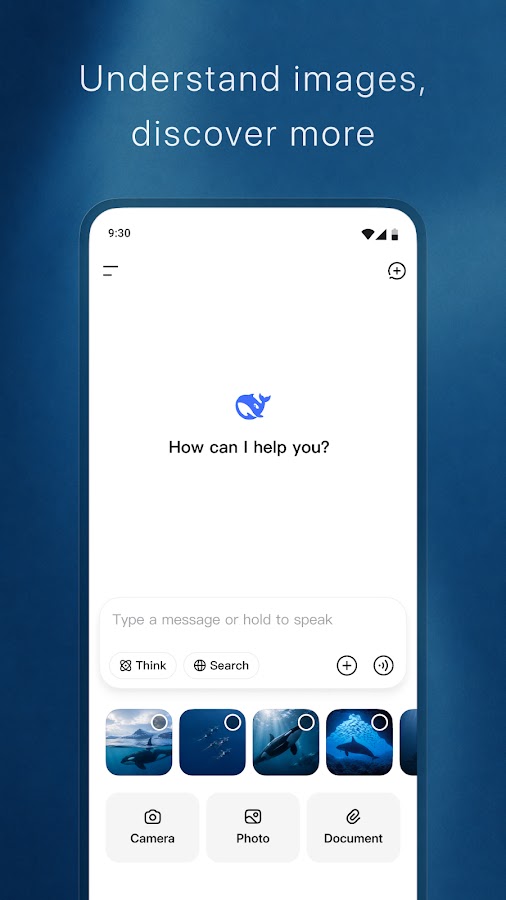
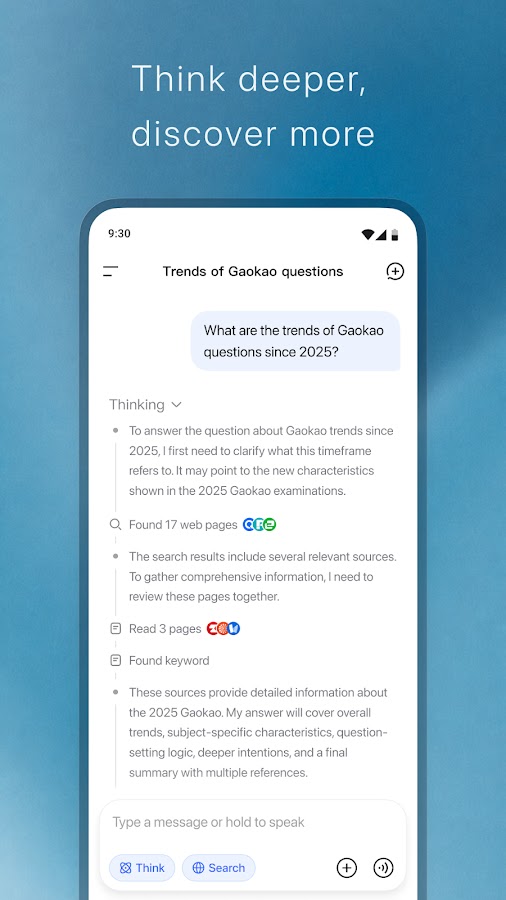
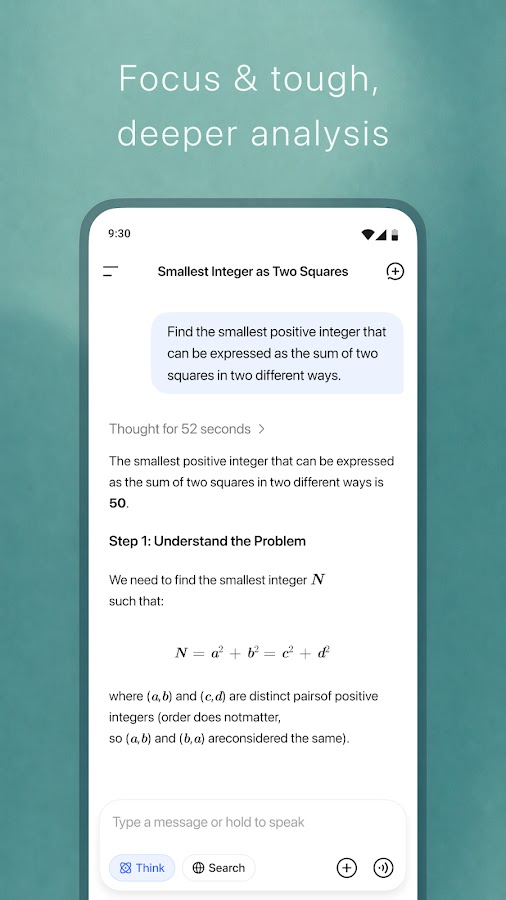
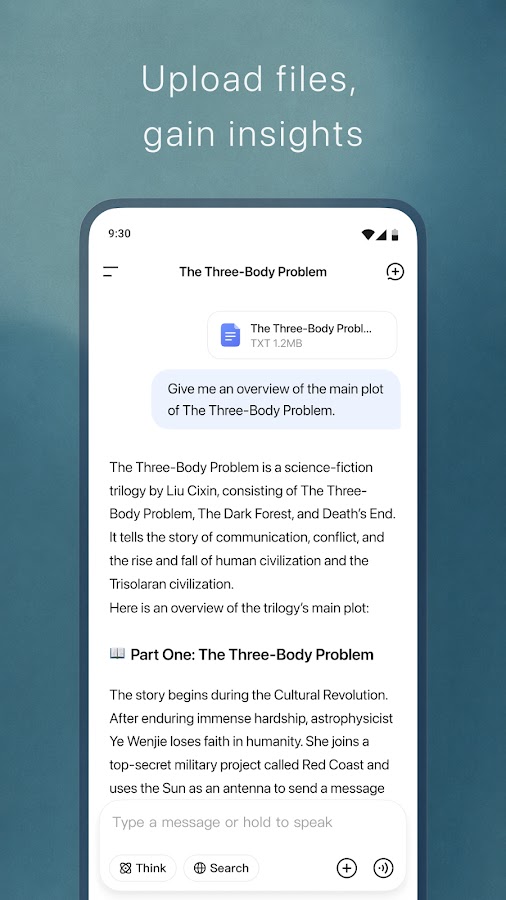

DeepSeek’s official assistant offers a free way to work with questions, writing, and coding problems. It can explain a calculation, suggest an outline, help interpret code, or walk through a problem in stages. For a useful comparison with another AI assistant, give both the same task and judge the answer against something you can verify, such as a working calculation or the requirements of your draft.
Free access should not be confused with guaranteed availability or an unlimited professional service. Capacity, network conditions, and regional access can affect your experience. Keep the mobile assistant separate from developer API offerings, which have their own terms. DeepSeek is an alternative to ChatGPT or Claude for text-heavy work, but test your actual task rather than assuming that a model’s reputation predicts every answer you will receive.
7. Grok AI: Another Conversational Assistant to Compare
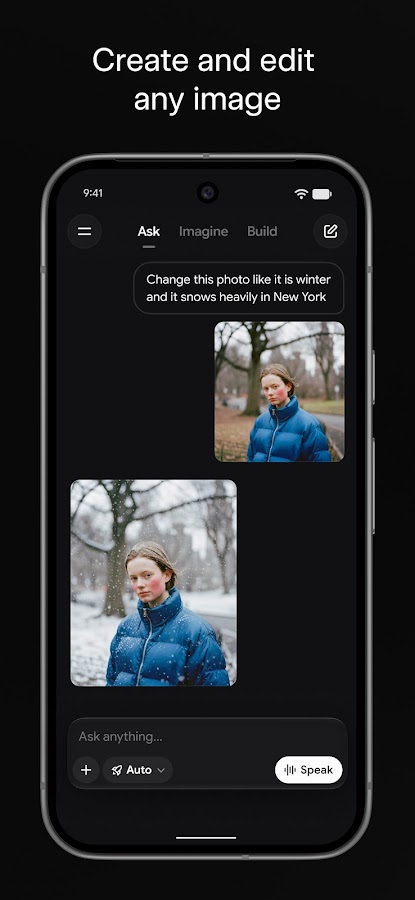
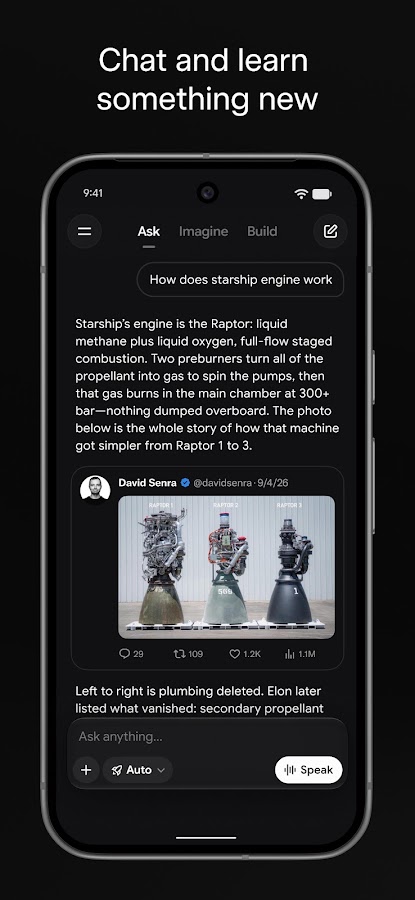
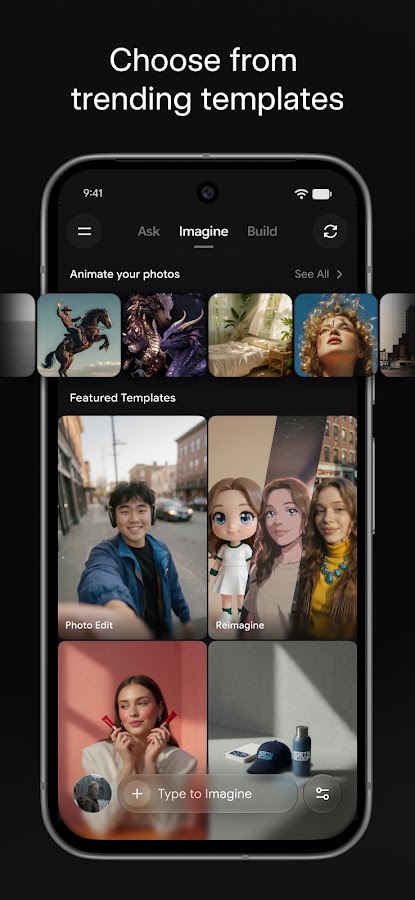
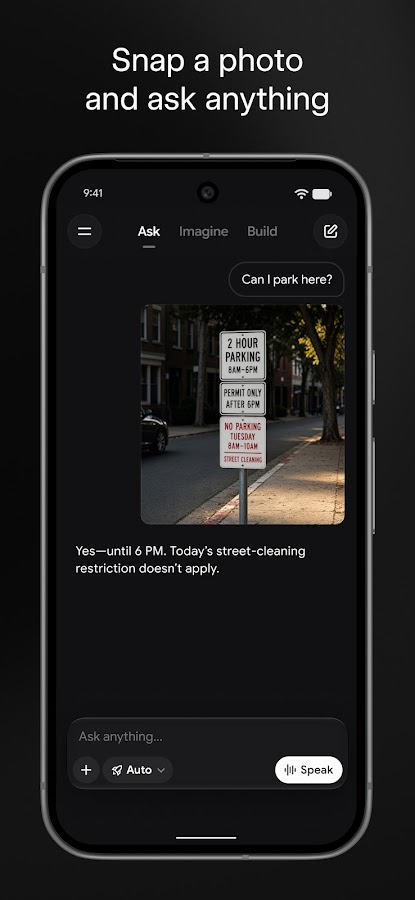
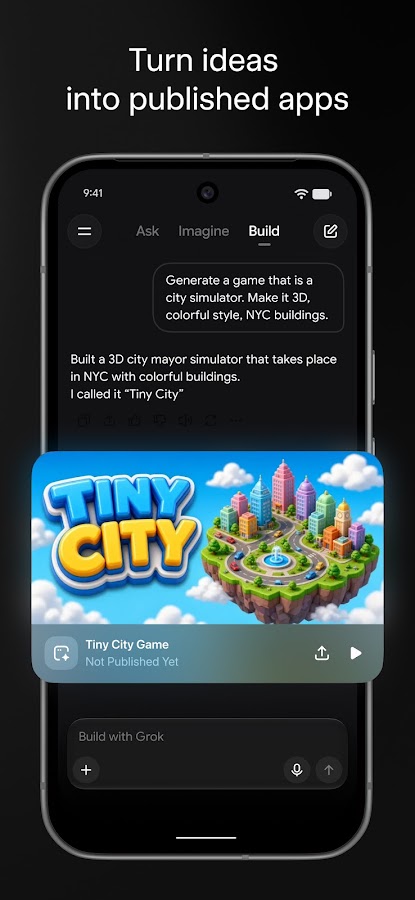

Grok AI combines conversational assistance with capabilities for exploring information and working through questions. Depending on current access, the app also offers voice and other tools. It is a useful additional option when comparing how assistants explain a topic, challenge an assumption, or respond to a creative brief. A different answer can reveal a missing angle, although disagreement between assistants does not establish which one is correct.
Grok has a free tier with usage restrictions, while advanced capabilities and higher allowances depend on the available plan. Check the current mobile interface rather than relying on older descriptions of access through X. For source-led research, compare it with Perplexity; for editing, compare it with Claude or ChatGPT. Keep factual verification separate from tone: a confident or entertaining answer can still contain errors.
8. Gemini Notebook: AI for the Sources You Bring
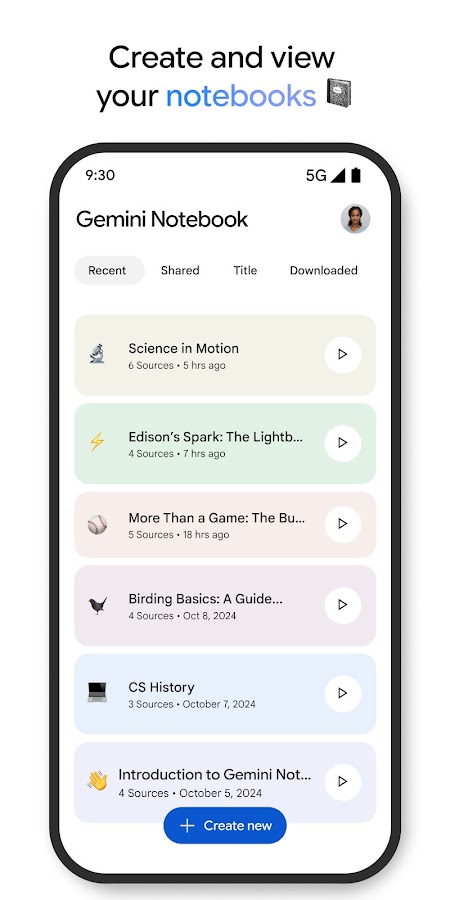
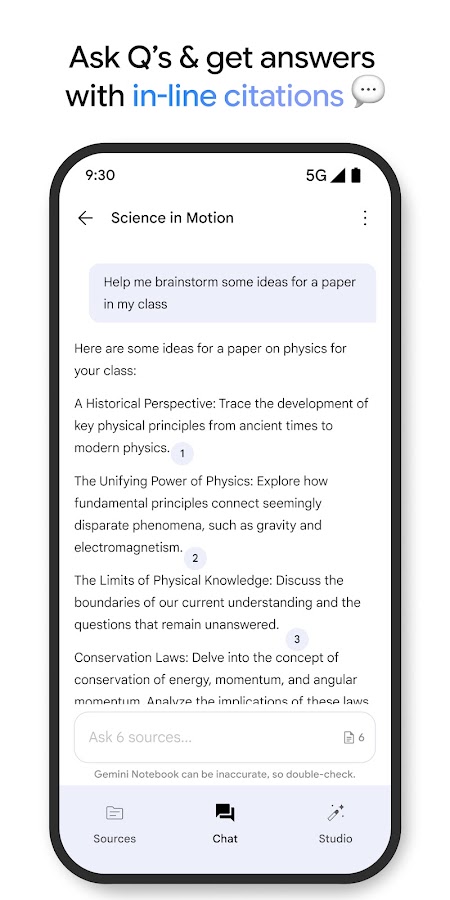
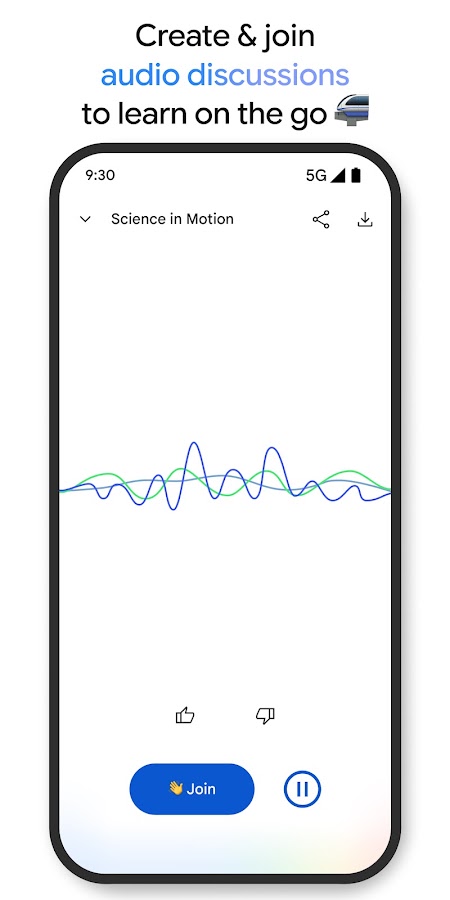
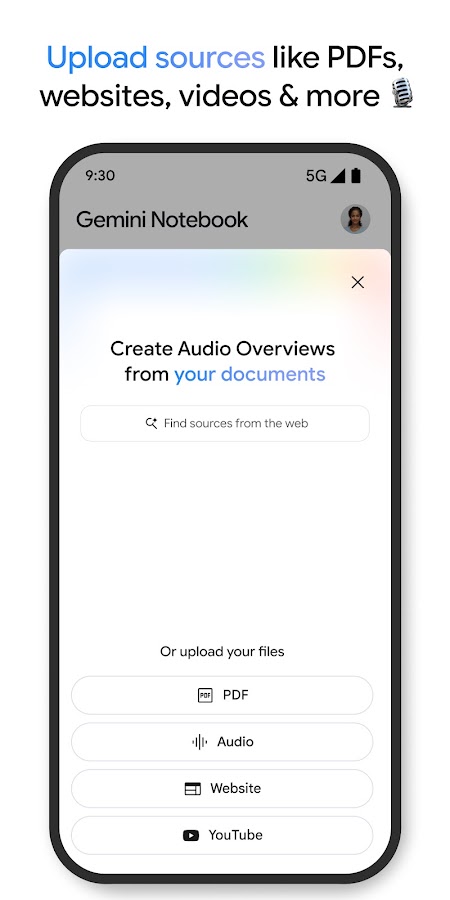

Gemini Notebook, formerly NotebookLM, is designed around a collection of material you provide. Add supported sources, then ask questions, request summaries, or explore connections between them. Its audio overviews offer another way to revisit information while away from your desk. For students, researchers, and writers, this approach can be more useful than asking an open-ended chatbot to answer from a general knowledge base.
The free offering has limits on usage and source-related or generated outputs, with higher allowances available through eligible upgrades. Mobile and web capabilities may also differ. References make answers easier to inspect, but an incomplete source collection can still produce an incomplete picture. Use Perplexity to discover material, then consider Gemini Notebook for studying selected sources. Claude and ChatGPT are alternatives for discussing individual documents without building the same notebook workflow.
9. Canva: AI Assistance Inside a Visual Design App
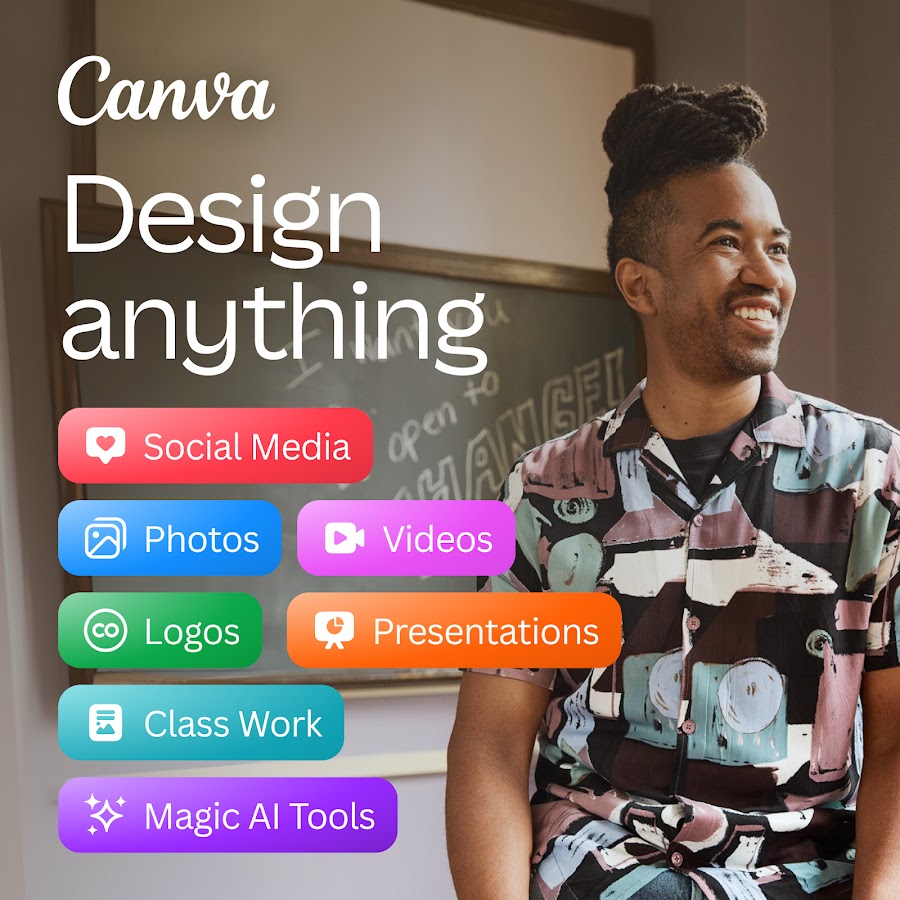

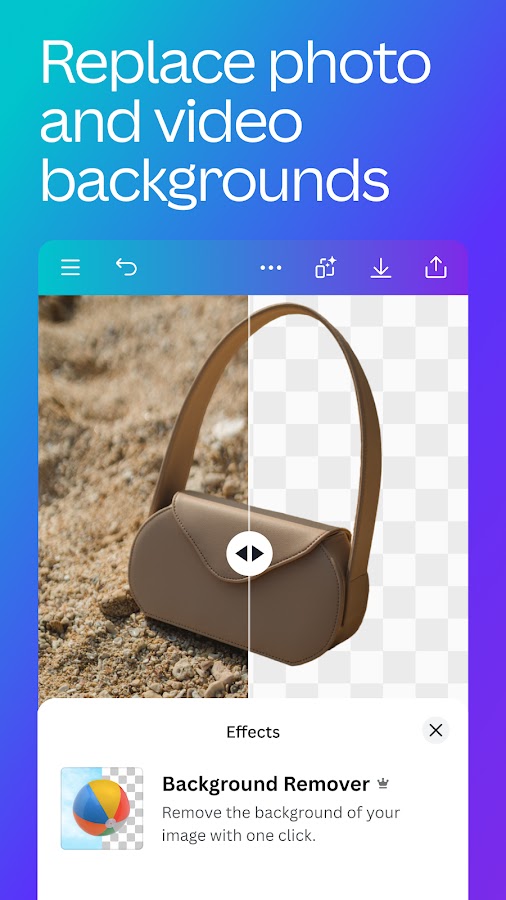
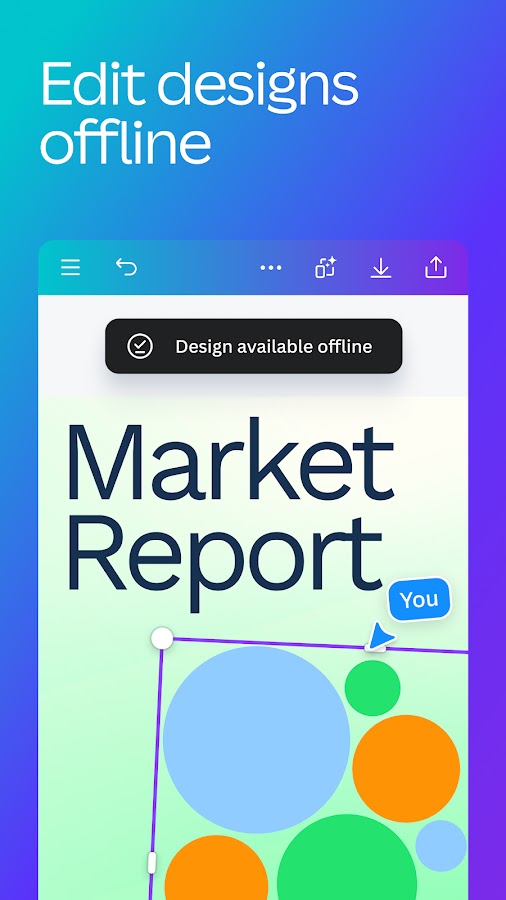
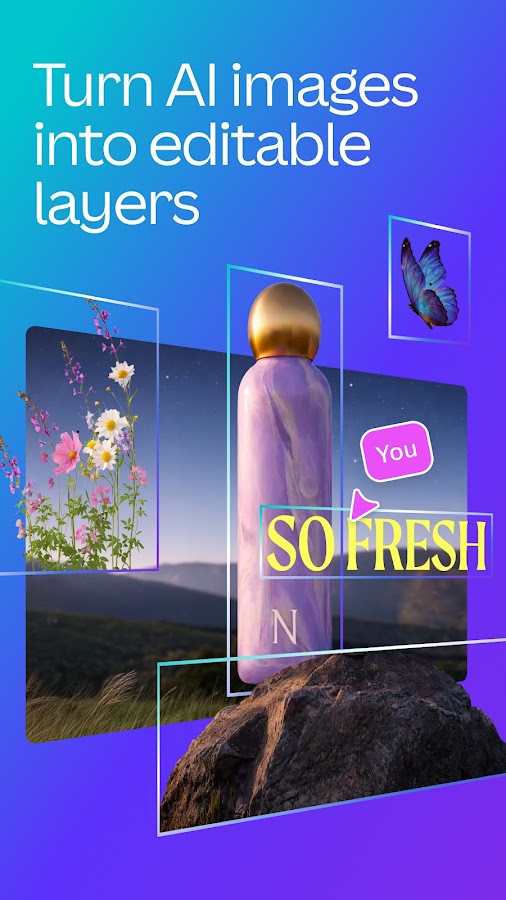
Canva combines AI tools with an editor for presentations, social posts, posters, and other visual formats. This matters because generating an image is only one step in making a usable design. You still need readable text, appropriate dimensions, consistent spacing, and a sensible layout. Canva lets you continue working on those details within the same project instead of treating an AI-generated picture as a finished deliverable.
The free plan provides useful design tools, but AI access and premium content have their own conditions. Usage allowances can differ by tool, and third-party apps inside Canva may apply separate rules. Check the selected assets and AI features before committing to a design you need to export. Adobe Express is the closest alternative in this list for a similar workflow; Picsart is more focused on creative photo editing, while CapCut suits video-led projects.
10. Adobe Express: Design and Short-Form Content with AI Tools
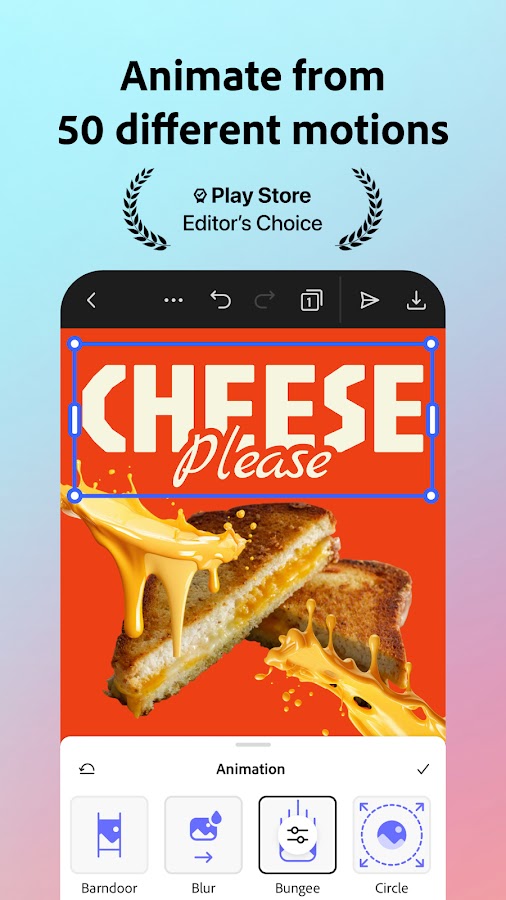
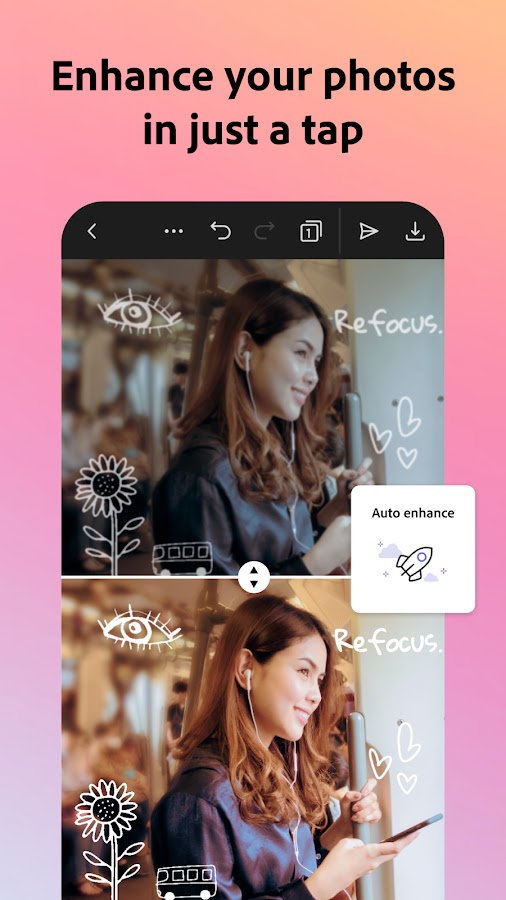
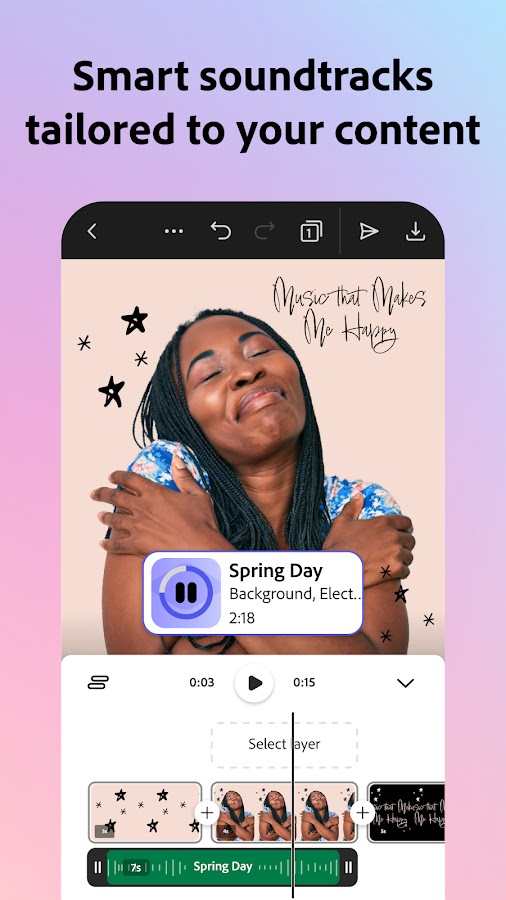
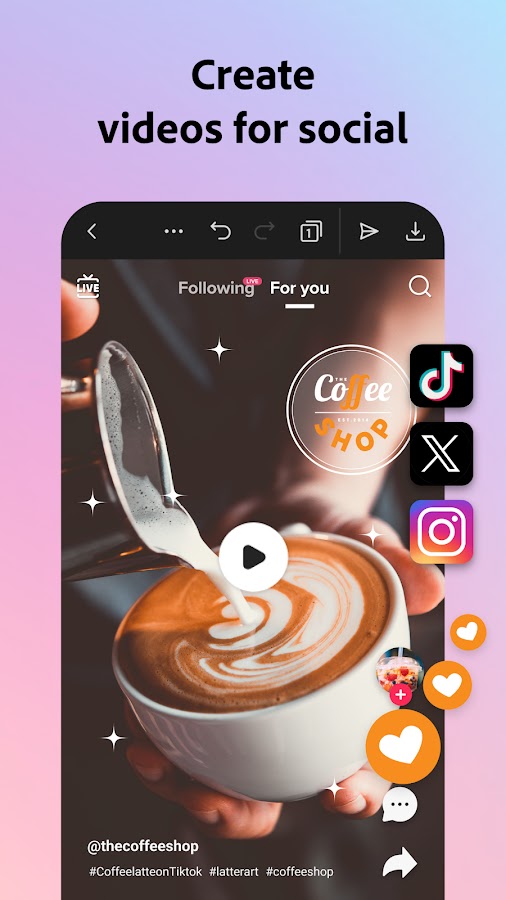
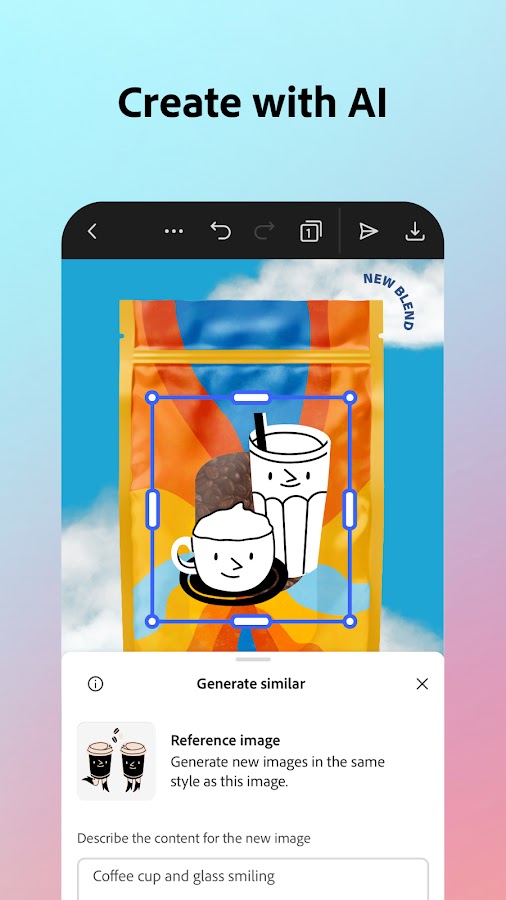
Adobe Express is another practical choice for turning an idea into a social graphic, promotional visual, or short video. Its combination of layouts, editing tools, and generative features suits users who need to produce content rather than spend a session experimenting with prompts. For example, you can develop a visual concept and then adjust its text and composition for the intended format.
Free users receive limited access to generative features, while some tools and assets require an upgrade. The relevant question is whether your specific workflow fits the free allowance, including any changes you expect to make before exporting. Canva is a useful comparison for layouts and templates. Picsart offers a different approach to image effects, and CapCut is worth considering when editing a sequence of video clips is the main task.
11. Picsart: Creative Photo Editing Beyond a Chat Window
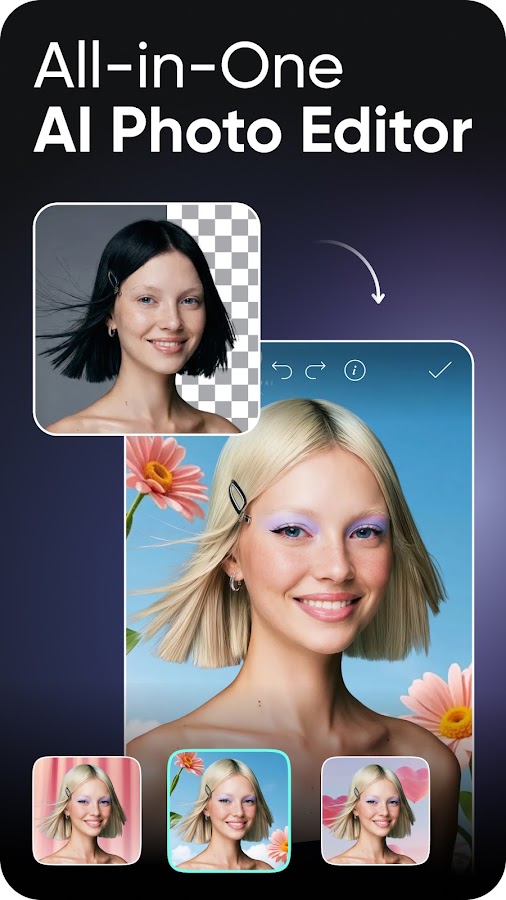
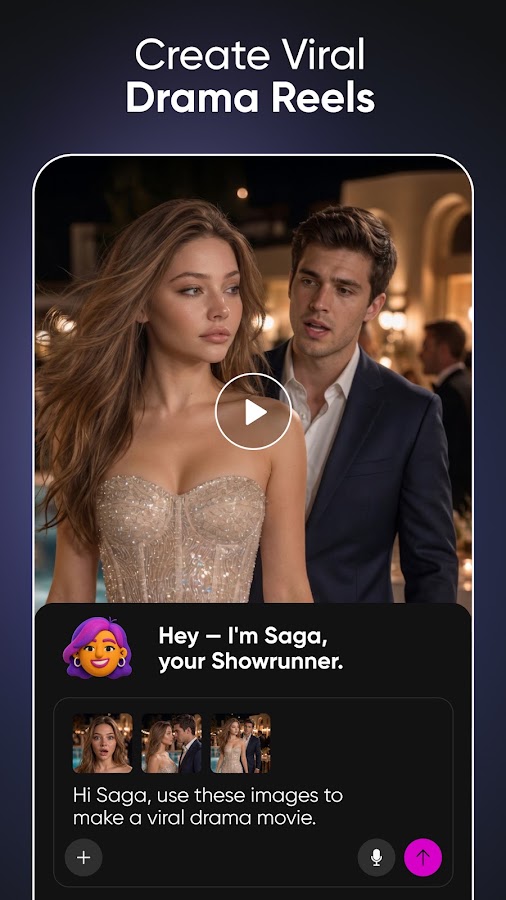
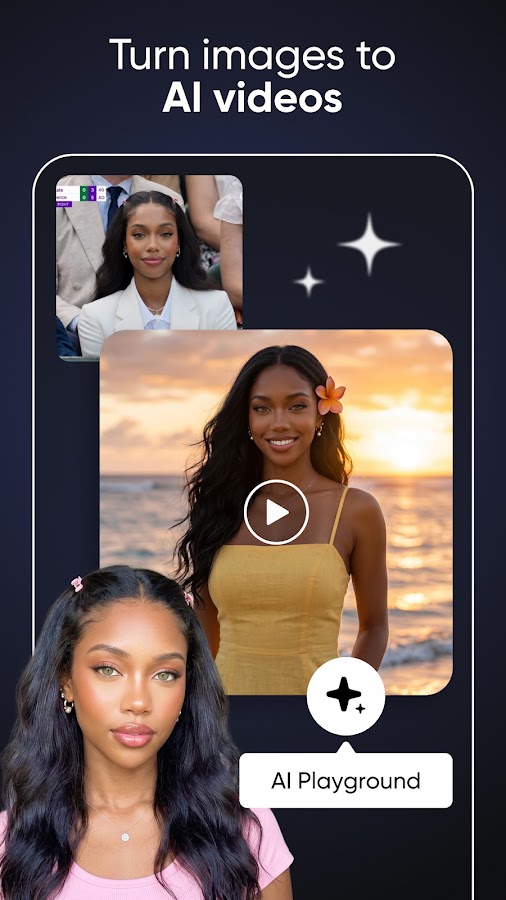
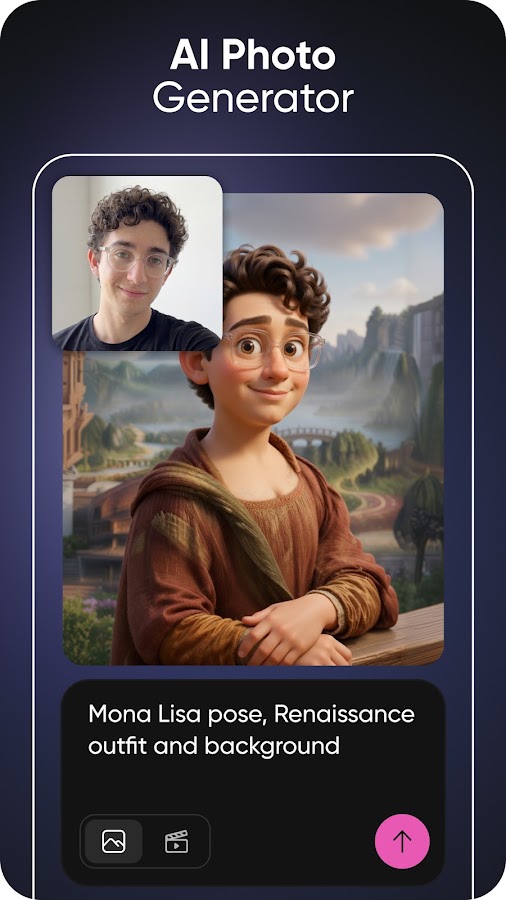
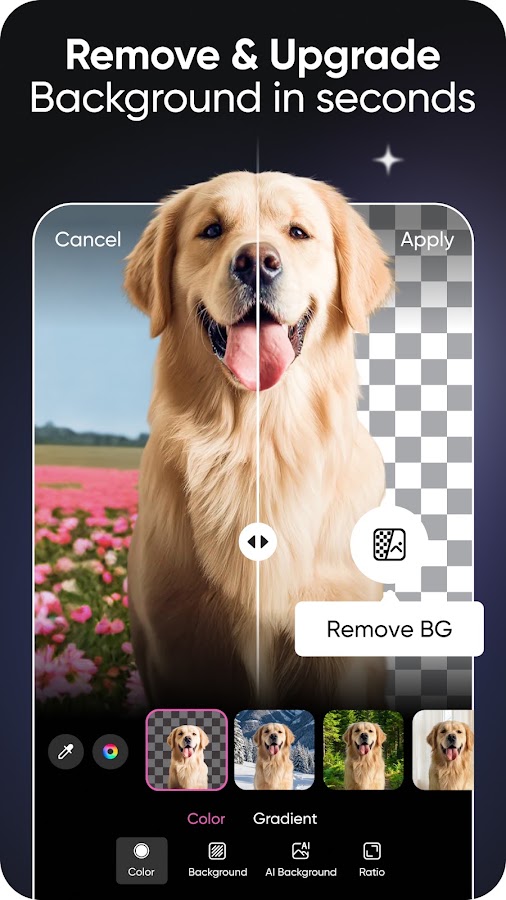

Picsart is useful for people who want to edit photographs, combine images, experiment with effects, and create expressive visuals on a phone. AI features sit alongside conventional editing tools, so you can refine a result manually rather than keep generating alternatives. That combination suits thumbnails, informal promotional graphics, collages, and social content where the final composition matters as much as the initial image.
Free access does not include every AI tool, effect, or premium asset. Credits govern access to some AI functions, and subscription features can appear alongside free tools in the editor. Before starting a project, check the particular tool and the conditions for saving the result. Compare Picsart with Canva or Adobe Express for layout-based work. For a text prompt that needs discussion before becoming an image, ChatGPT provides a different starting point.
12. Character AI: Fictional Conversations and Creative Roleplay
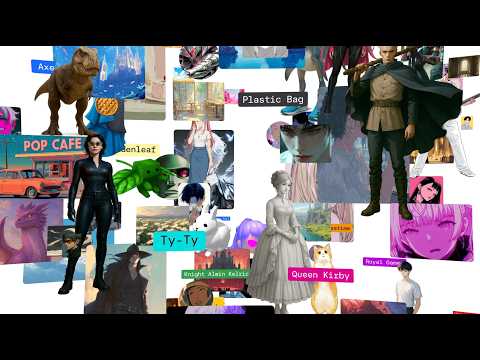
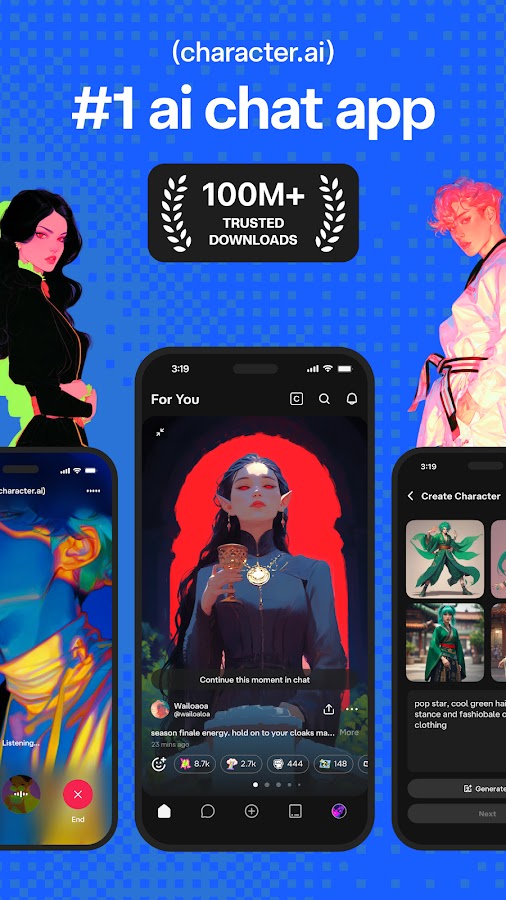
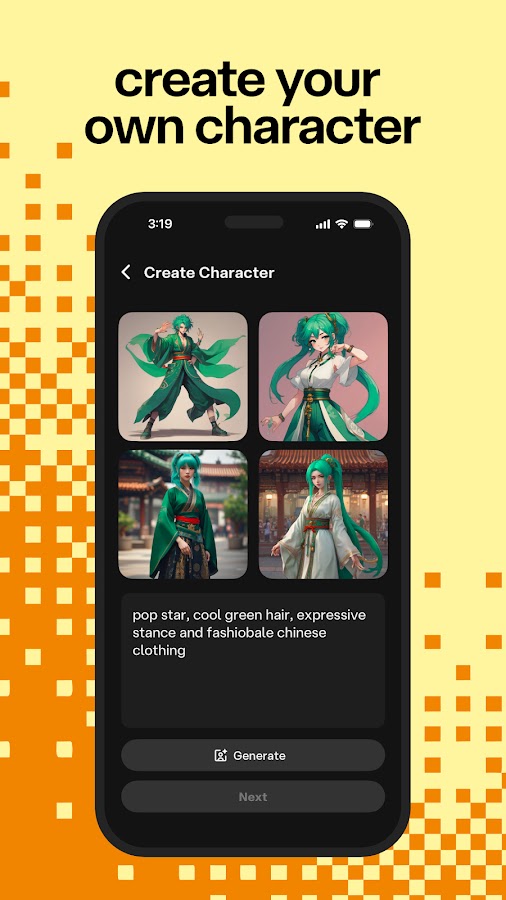
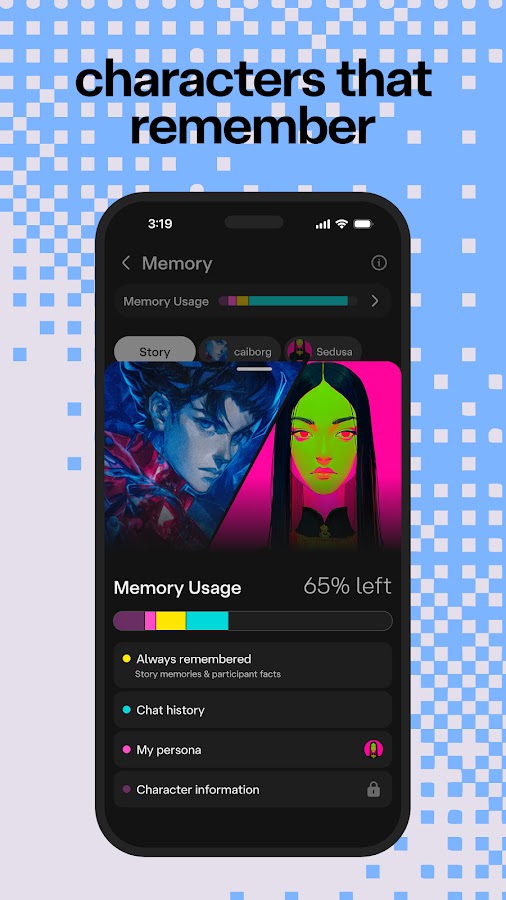
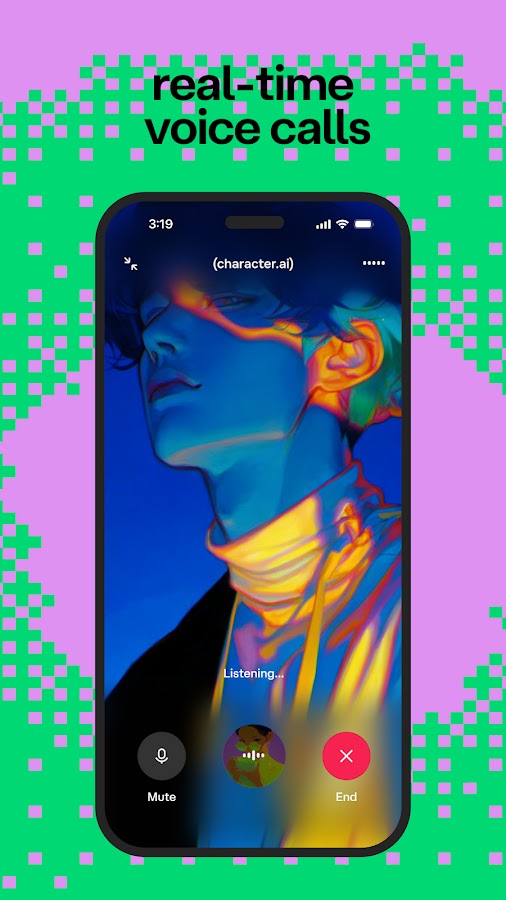
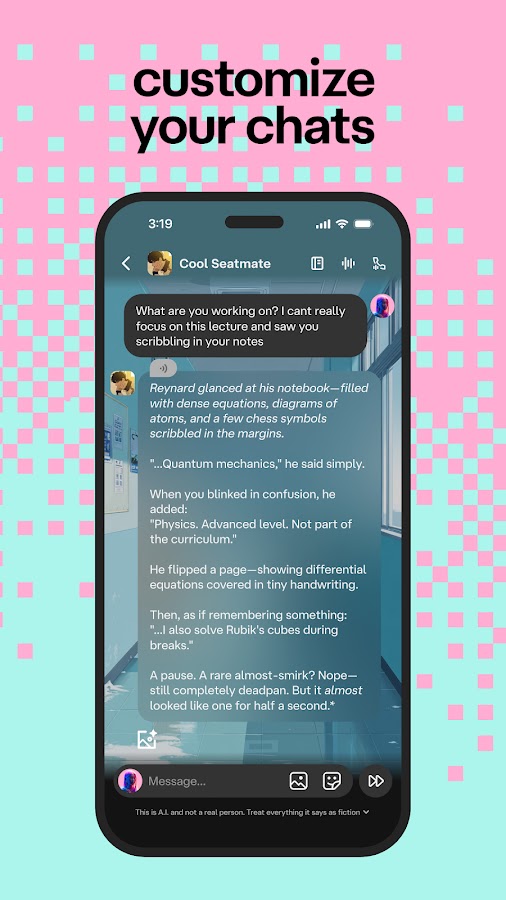
Character AI focuses on conversations with fictional or user-created characters. It can support story experiments, improvised dialogue, and entertainment, making it different from a source-focused research assistant. A writer might use it to explore how a character reacts to an unexpected event, then rewrite the exchange independently. The benefit is conversational experimentation rather than dependable factual knowledge.
Core messaging is available free, but premium chat styles, memory-related features, other tools, and the advertising experience can differ by plan. Age and regional eligibility also affect access. Characters can invent details and lose continuity, so their answers should not be treated as evidence about real people or events. ChatGPT and Claude are alternatives when you want more explicit control over a writing brief; ELSA Speak is more suitable for structured pronunciation feedback.
13. Suno: AI Music Experiments with Important Usage Restrictions
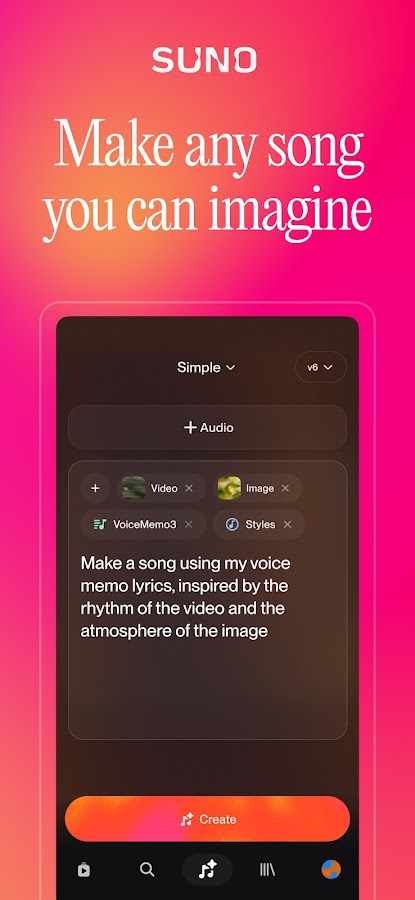
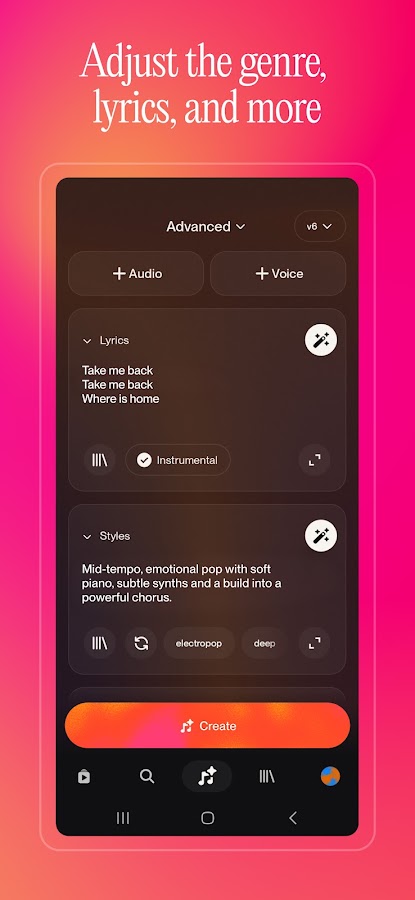
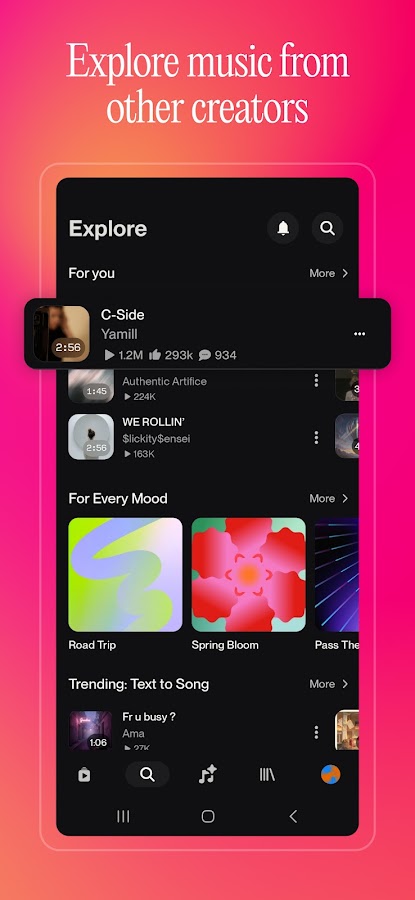
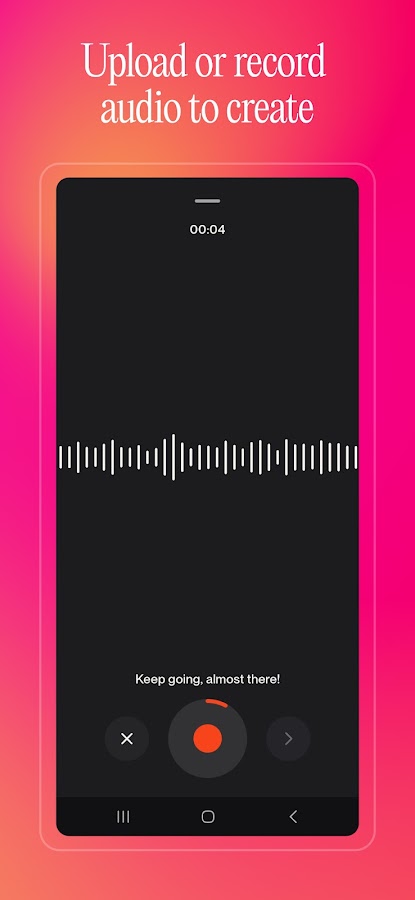
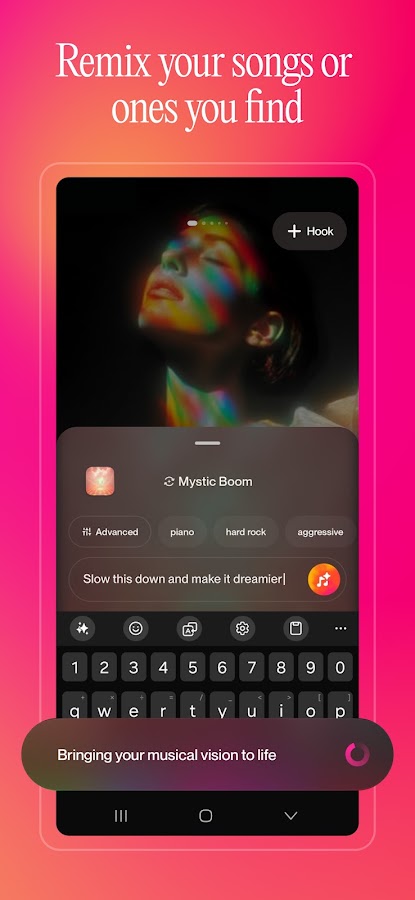

Suno generates songs from descriptions, allowing you to explore combinations of genre, mood, lyrics, and vocal style without first building an arrangement yourself. It is useful for trying out a musical idea or hearing how a lyric might work in a different setting. Its free offering makes experimentation possible, but the ability to create or listen to a track is separate from the right to download and publish it elsewhere.
Check three things independently: generation access, download entitlement, and commercial-use rights. Free-plan songs generally have non-commercial restrictions, and current download rules can involve limited trial access or paid entitlements. Do not assume that a free generation can become monetized background music for a video. ChatGPT or Claude can help develop lyrics, while CapCut can edit a video using audio you are entitled to use; neither replaces Suno’s music-generation workflow.
14. ELSA Speak: Focused AI Feedback for English Pronunciation
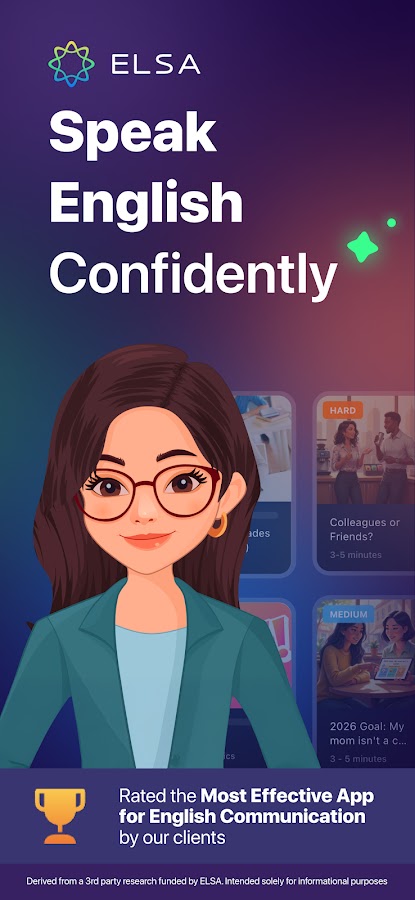
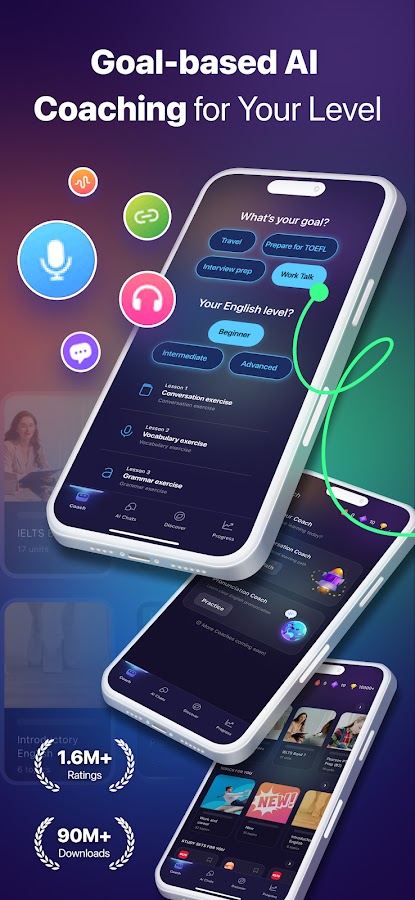
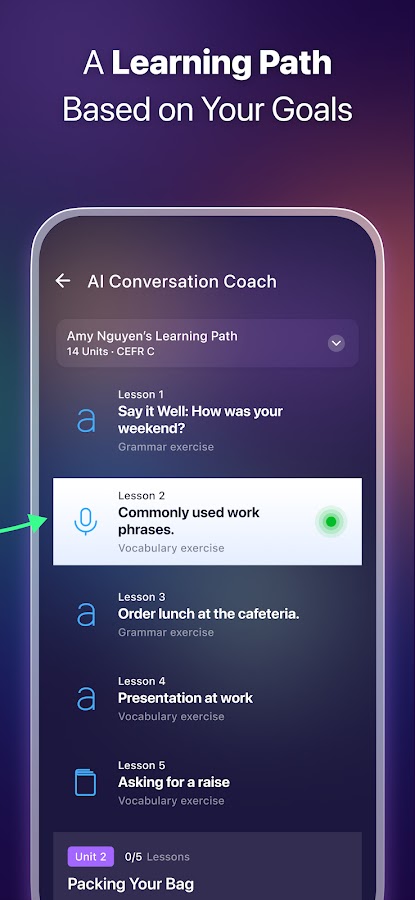
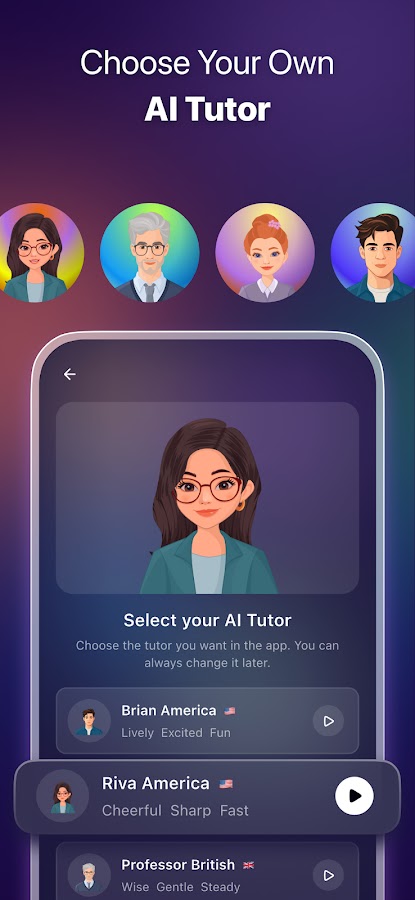
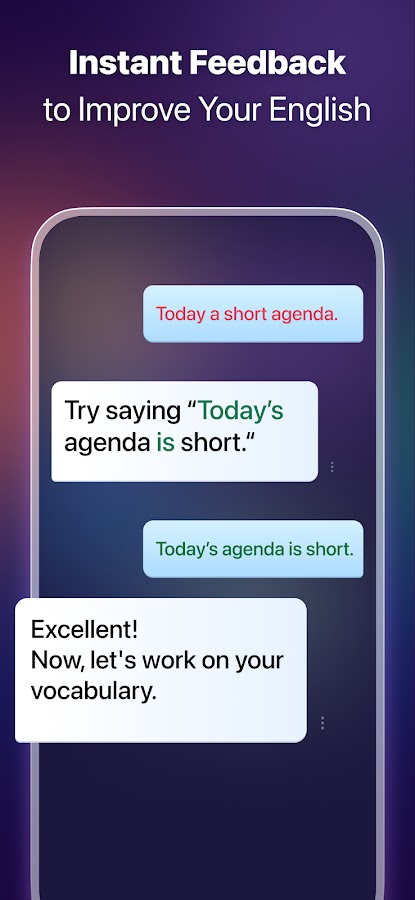

ELSA Speak is designed for learners who want feedback on spoken English. Instead of simply continuing a conversation, it uses speech analysis to help identify pronunciation issues and guide practice. This makes it useful when you can read and understand a phrase but struggle to say it clearly. Short, repeated practice with a specific sound or sentence is often easier to act on than a broad instruction to improve your speaking.
The free version gives access to a limited portion of the learning experience; broader lessons and advanced features depend on the available plan. Check the difference between ongoing free access and a temporary premium trial during onboarding. ELSA’s feedback is a training aid, not a complete assessment of your ability to communicate. For less structured conversation practice, compare it with ChatGPT or Gemini, while remembering that general AI conversation and pronunciation instruction serve different purposes.
15. CapCut: A Free Video Editor with Selective AI Access
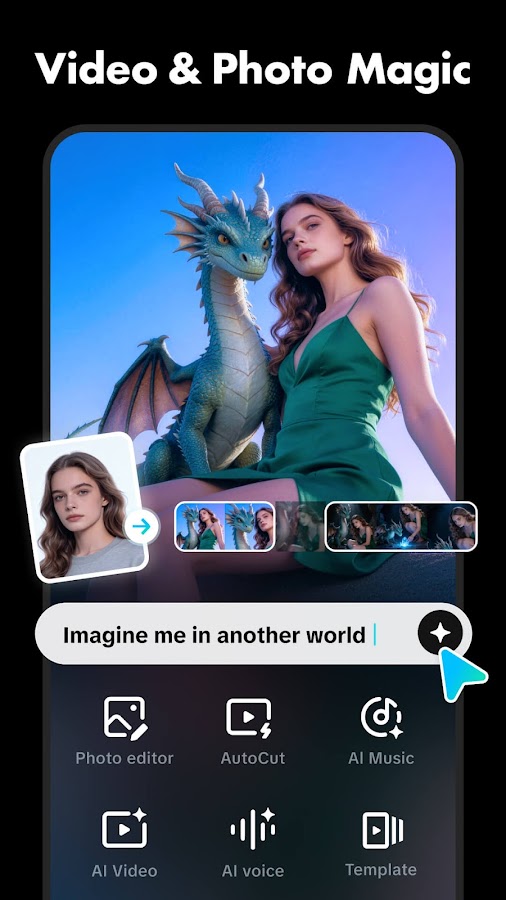
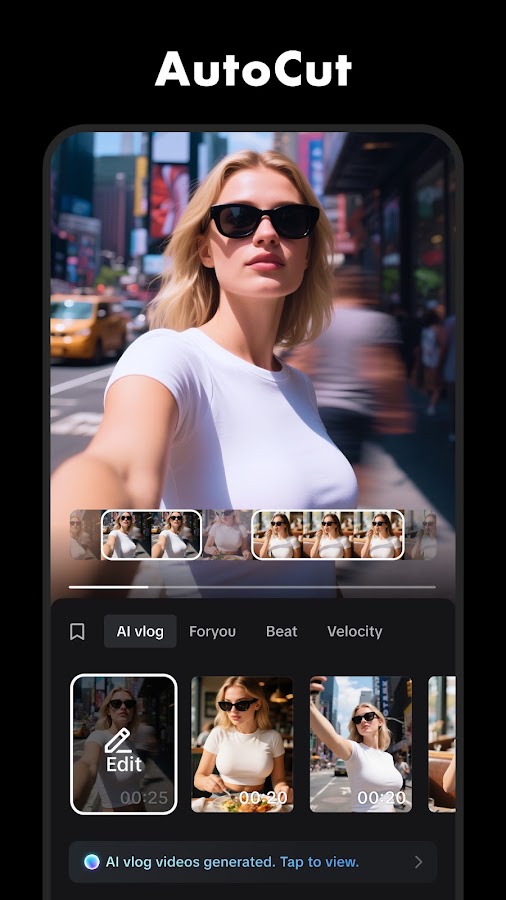
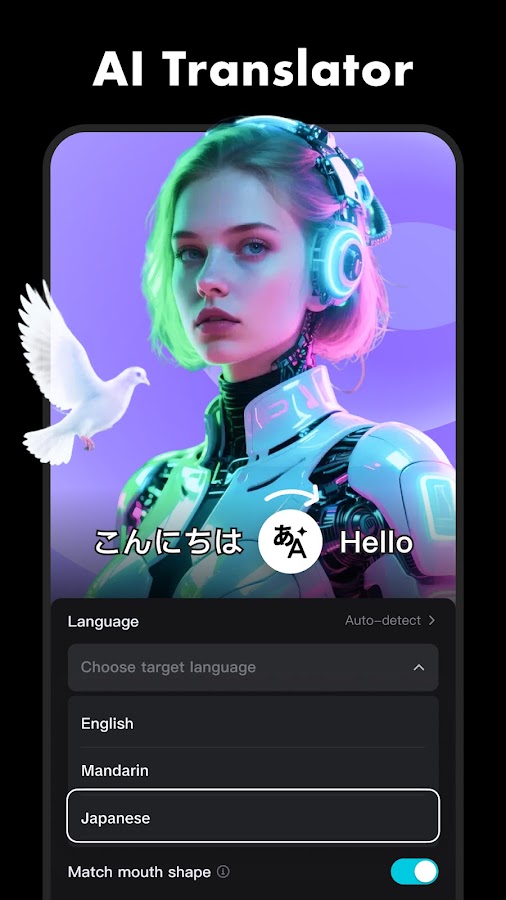
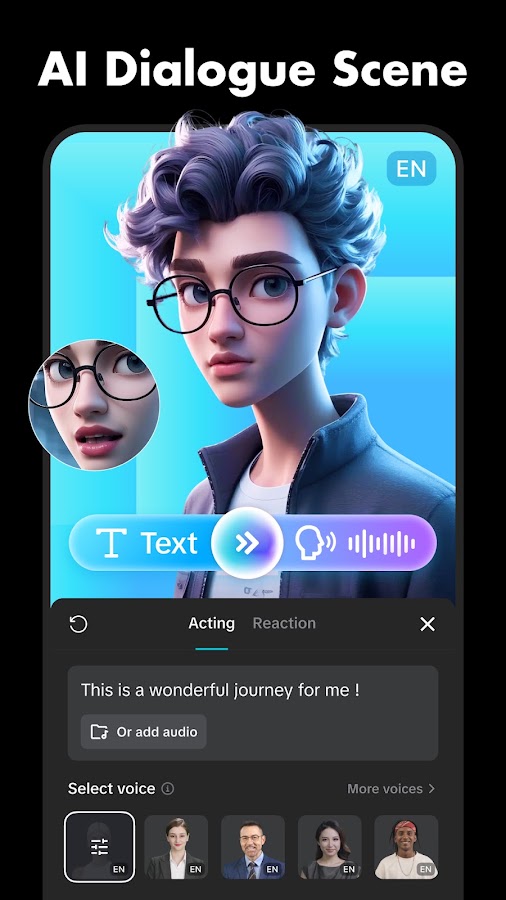
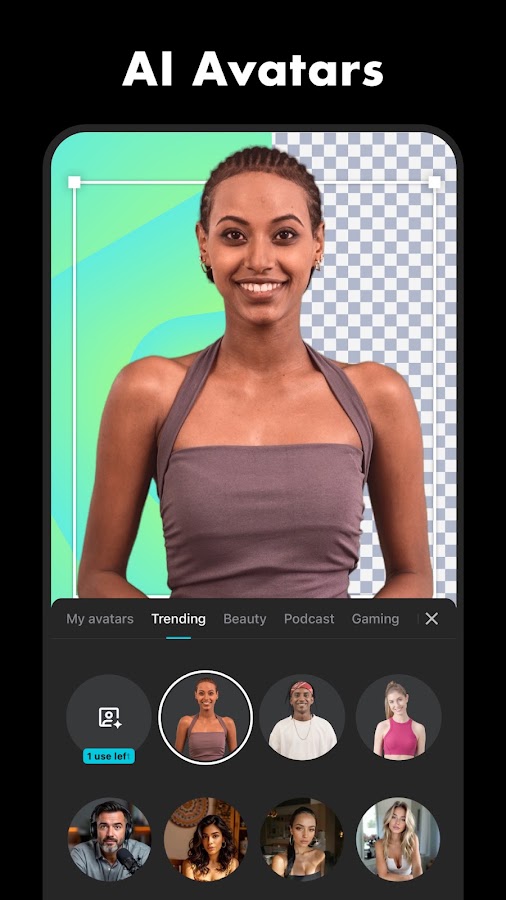

CapCut is worth considering if your final output is a video. Its editing environment handles tasks such as trimming clips, arranging footage, adding text, and adjusting audio, with AI tools available alongside those controls. Features such as automatic captions and background-related editing can reduce repetitive work when included in your account’s access. The advantage is being able to refine the result directly on the timeline.
CapCut needs the clearest qualification in a free AI apps comparison: free editing does not guarantee free access to its AI toolset. Some caption functionality, advanced AI tools, effects, or export options can require a subscription or credits, with conditions varying by version and region. Test a short export before editing an entire project. Canva and Adobe Express offer alternative options for simpler videos, although each also has restrictions on AI and premium features.
How to Choose an AI App You Can Keep Using for Free
Choose around a recurring task rather than the largest feature list. Start with one general assistant, then add a specialist only when it solves a clear problem. For example, ChatGPT plus ELSA Speak covers different needs; installing several general chatbots may mostly give you overlapping functions.
Before relying on a free plan, check:
- What resets: A daily allowance, a monthly credit balance, and a one-time trial are different offers.
- What you can save: Generation access does not guarantee an unrestricted download or export.
- What requires an upgrade: A free editor may display paid effects and AI tools within the same project.
- What you may publish: Commercial rights depend on the product, plan, content, and applicable terms.
- What the mobile app includes: Web features may be absent or behave differently on a phone.
Use a small real task to test the full process. Generate the answer or asset, make a revision, and try saving or exporting it. That reveals practical restrictions much faster than browsing a feature list.
Frequently Asked Questions
Conclusion
The most useful free AI setup starts with a task you repeat. Choose a general assistant for everyday questions, a source-focused app for studying documents, or a creative editor for images and video. Add another app when it fills a gap rather than duplicating what you already have.
For this shortlist, the decisive details are the limits: how much you can do, whether you can save the result, and what you are allowed to publish. An app that completes your actual workflow within its free access is a better choice than one with an impressive feature list you cannot use without upgrading.