You know the words. You understand the question. Then someone expects an answer, and a sentence that looked simple in your head refuses to come out. Speaking needs its own practice: listening, finding words, forming a response, and saying it before the conversation moves on.
The best AI language learning apps for speaking practice give you somewhere to rehearse that process. Some offer open conversations and role-play. Others analyze individual sounds, explain pronunciation, or help you organize a longer spoken answer. Choosing between them starts with identifying what holds you back.
This guide compares ten AI speaking apps for Android and iOS by their learning format, feedback, and most useful applications. Speak, Talkpal, Praktika, Univerbal, and LingoLooper offer options beyond English. ELSA Speak, Loora AI, BoldVoice, and Stimuler AI focus on spoken English, while Learna combines conversation with broader language exercises.
Best AI Speaking Apps at a Glance
For a structured speaking routine, start with Speak. For English pronunciation, compare ELSA Speak and BoldVoice. For regular English conversation, consider Loora AI. Talkpal is worth exploring when language choice matters, while LingoLooper offers a distinctive game-based approach.
These recommendations reflect each app’s learning format and advertised features rather than a measured ranking of learning results.
| App | Strongest fit | Main practice format | Main consideration |
| Speak | Learners who want structure before open conversation | Spoken lessons, repetition, and AI dialogue | Course availability depends on your starting language |
| ELSA Speak | English learners seeking detailed speech feedback | Pronunciation exercises and AI role-play | English-focused |
| Talkpal | Learners practicing different languages | Voice chat, calls, debates, and scenarios | Check the experience in your particular language |
| Praktika | Learners who prefer an on-screen tutor | Avatar conversations and guided lessons | Available courses can differ between versions |
| Loora AI | Adults building conversational English | Adaptive conversations and role-play | Better suited to learners who already know the basics |
| Univerbal | Learners rehearsing specific situations | Scenario-based conversations and custom tasks | Works best with a clear practice goal |
| Learna AI | Learners combining speaking with foundational study | AI dialogue, grammar, vocabulary, and reading | Check which courses your version offers |
| LingoLooper | Learners motivated by exploration and games | Spoken interactions in virtual 3D settings | Less conventional than a lesson-based course |
| BoldVoice | English speakers working on clarity and American pronunciation | Coach videos, targeted drills, and AI feedback | Specialized in accent and pronunciation work |
| Stimuler AI | Learners practicing extended answers and exam-style speaking | Short speeches, AI conversations, and speaking tests | Automated exam scores are practice estimates |
All ten apps have Android and iOS versions. Store availability, device requirements, language courses, and feature access can vary by region and release. A free download does not necessarily include unrestricted speaking practice.
1. Speak: Structured Lessons That Lead into Conversation
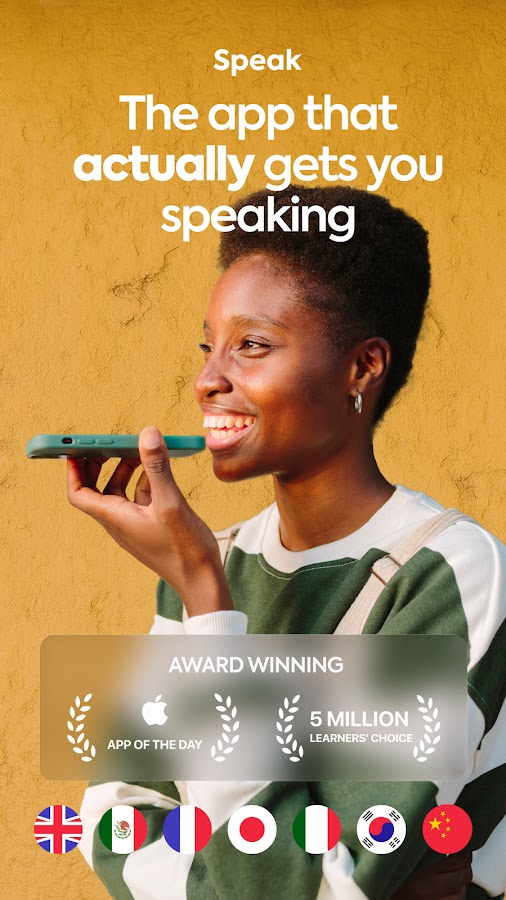
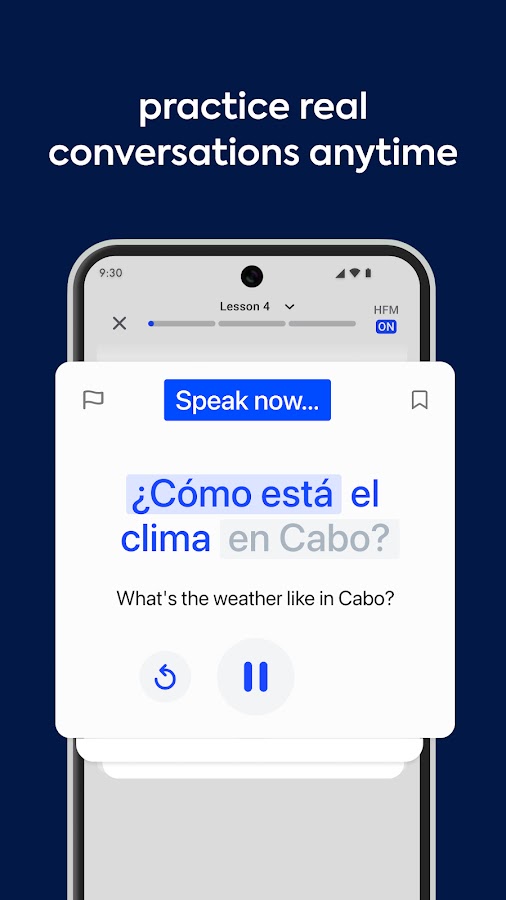
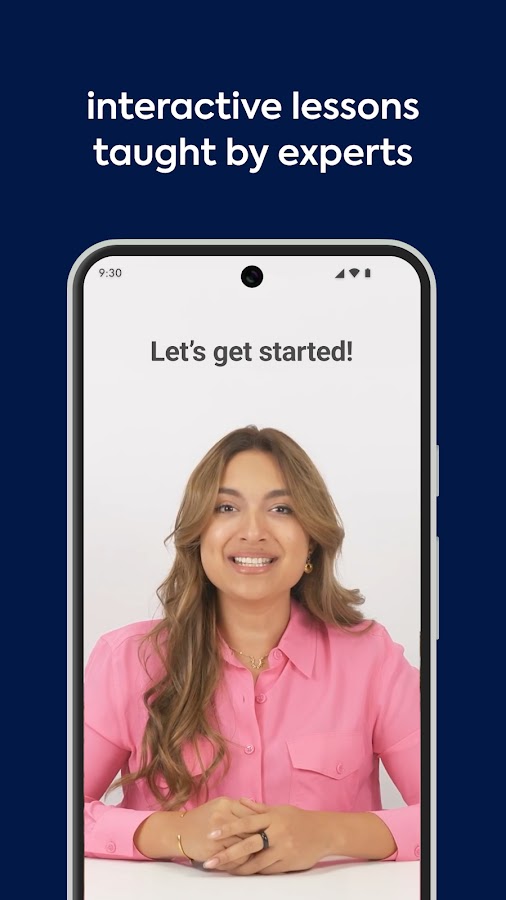
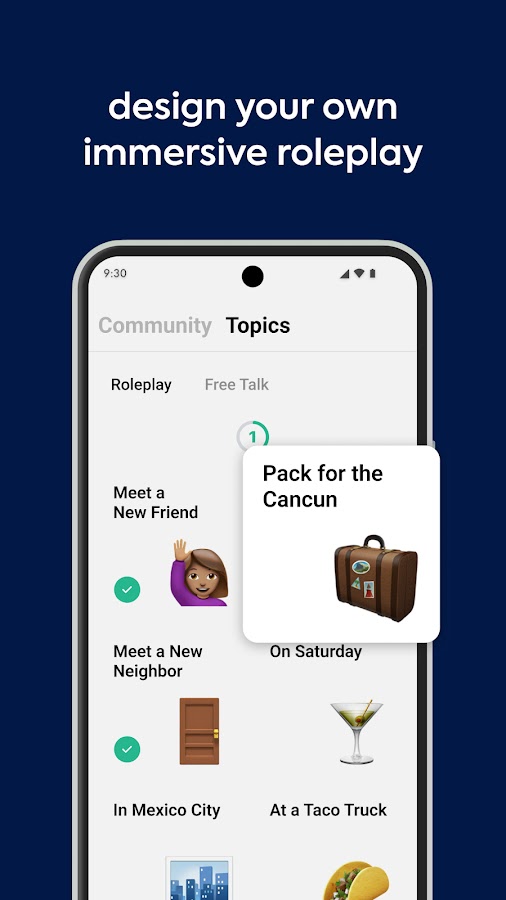
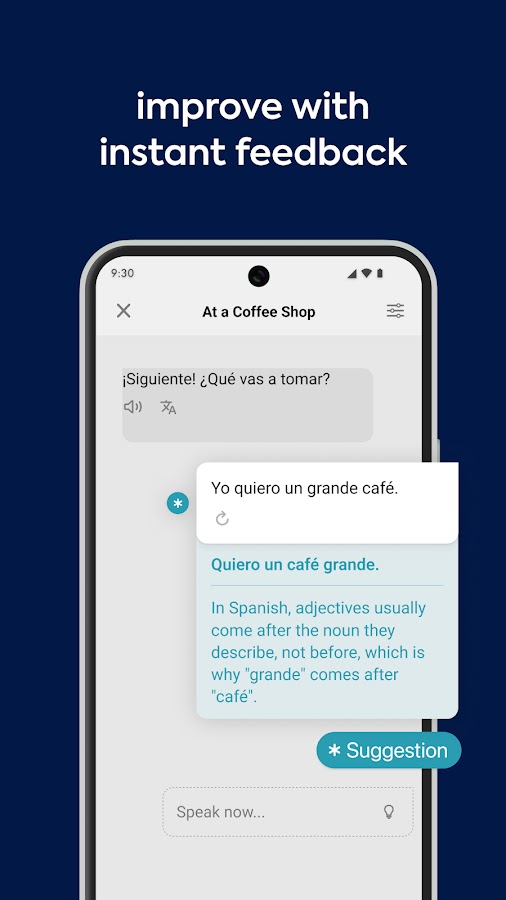

Speak is a strong option if an empty conversation screen leaves you wondering what to say. Its approach moves from learning useful expressions to practicing them aloud and applying them in a conversation with Speak Tutor. That sequence gives speaking practice a purpose: you first acquire language you can use, then try retrieving it while responding to someone. The app provides feedback on pronunciation and phrasing, with additional personalization depending on your subscription.
Choose Speak if you want a repeatable routine rather than having to invent every session yourself. For example, you could learn expressions for making plans, practice them, and then negotiate a meeting time with the AI tutor. Check the course combination before subscribing: English speakers can study several other languages, while English-learning courses are organized around supported native languages. This matters if you expect explanations in a particular language.
2. ELSA Speak: Detailed Feedback for Spoken English
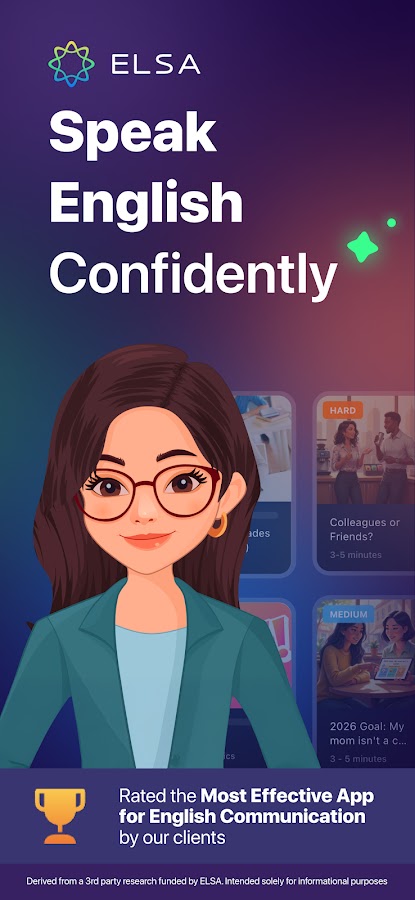
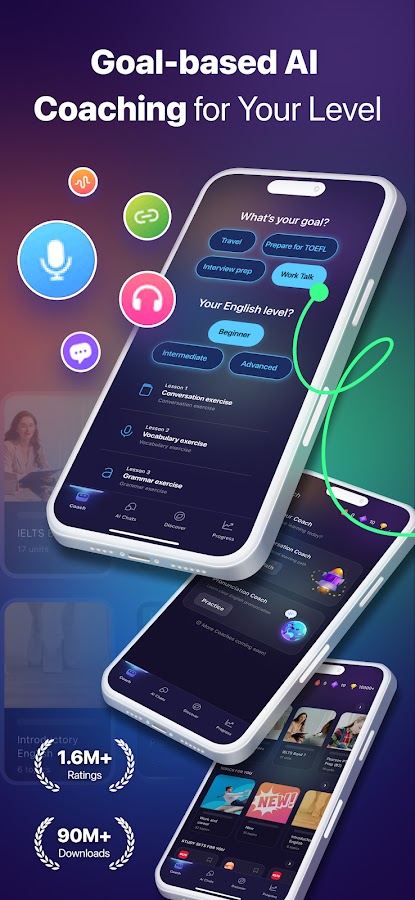
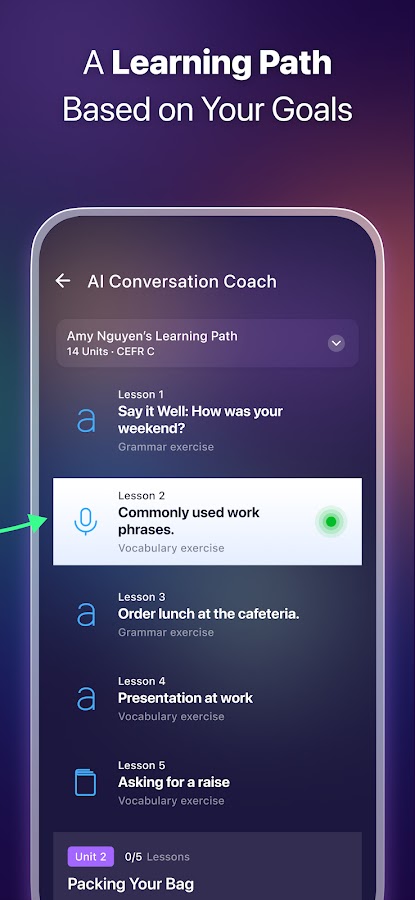
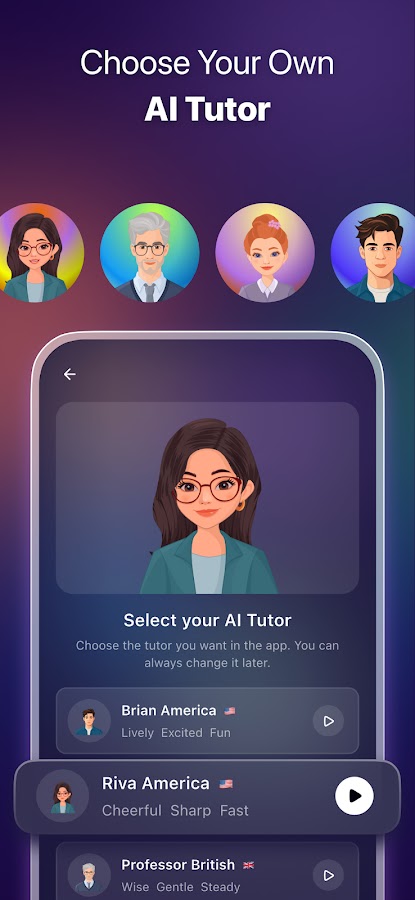
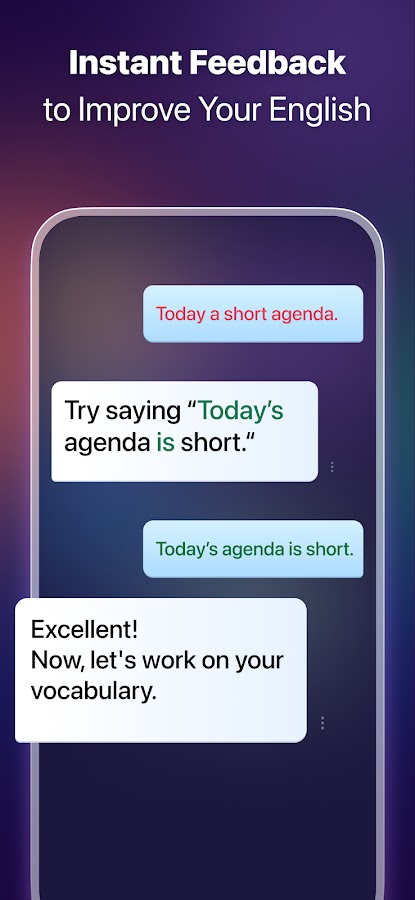
ELSA Speak combines English pronunciation training with conversation practice. Its pronunciation tools help you examine how you say words and phrases, while AI role-play lets you rehearse situations such as interviews, meetings, travel, and casual conversation. This combination is useful when you can express an idea but suspect that particular sounds or delivery habits make it harder to understand.
ELSA is worth considering if you want corrections you can revisit through focused exercises. A useful session might begin with a role-play, continue with work on a recurring pronunciation issue, and finish by repeating the original answer. Keep the goal practical: clearer communication matters more than chasing a perfect app score. ELSA focuses on English, so learners seeking Spanish, French, or another target language should consider the multilingual alternatives below.
3. Talkpal: Flexible Speaking Practice Across Languages
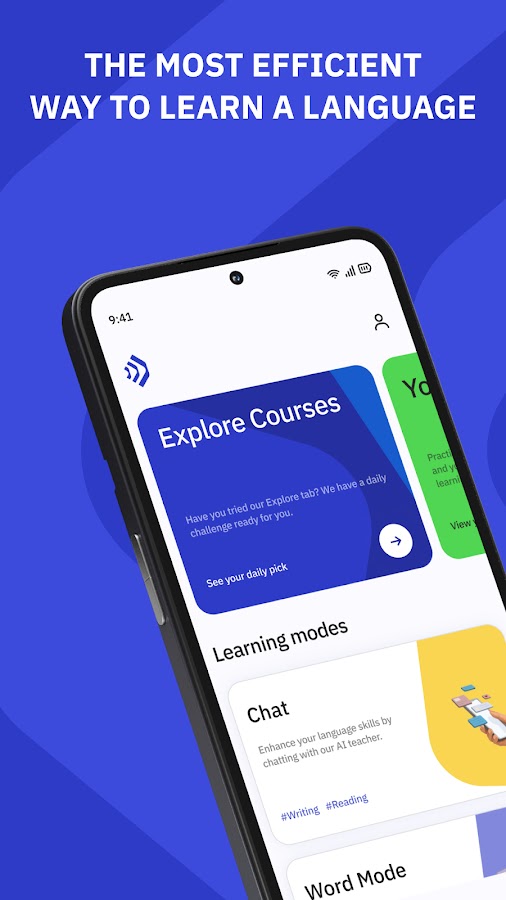
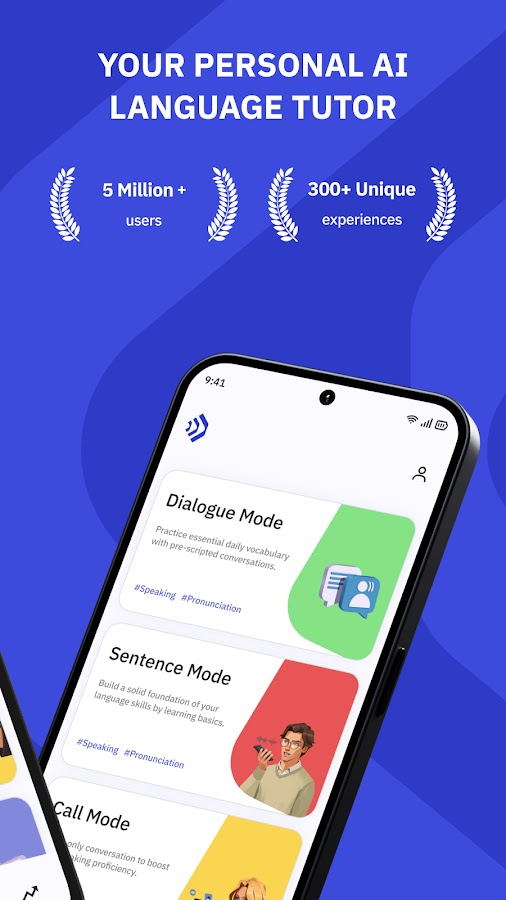
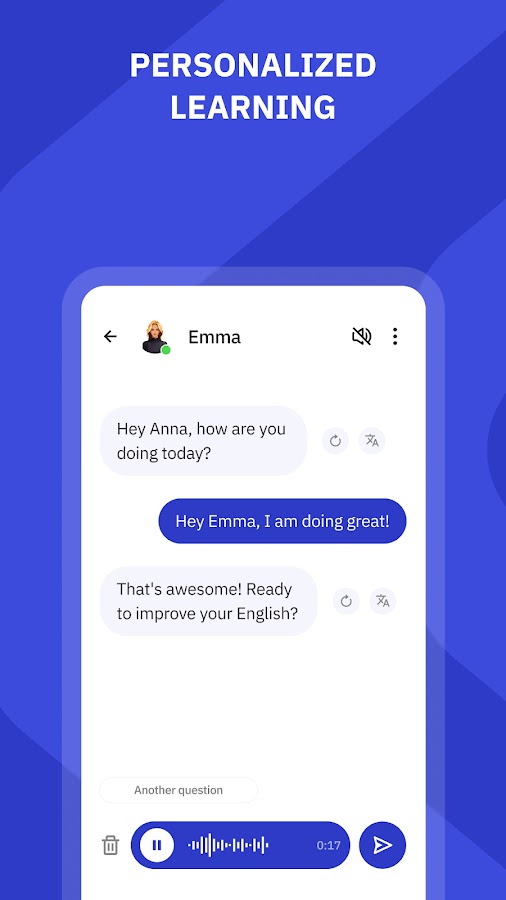
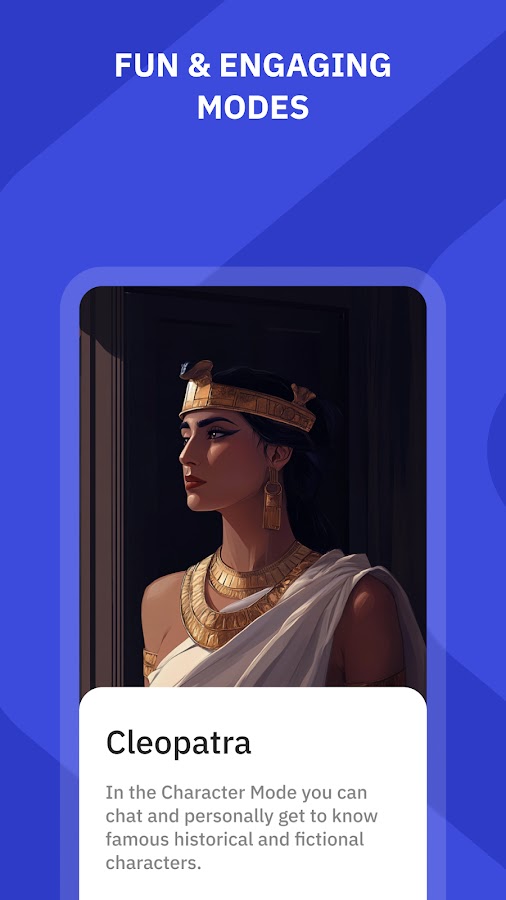
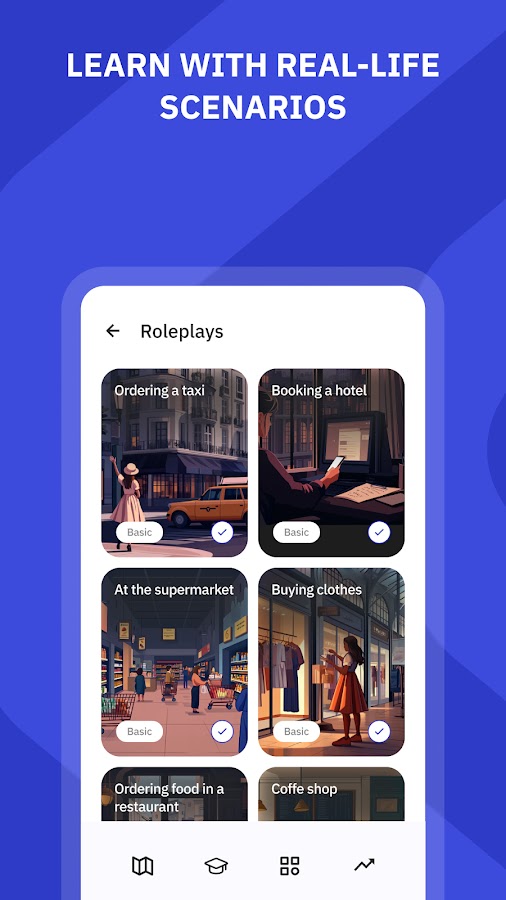

Talkpal offers a broad choice of languages and several ways to practice them, including voice conversations, role-play, debates, and Call Mode. The variety gives you room to change the demands of a session. Ordering lunch calls for short, functional responses; defending an opinion requires explanation, examples, and the ability to respond to a challenge. Both are useful, but they train different speaking habits.
Talkpal suits learners who already have a foundation and want more opportunities to use it. Give each session a concrete task: explain a problem to a landlord, discuss a book, or negotiate a deadline. That makes the conversation easier to evaluate afterward. Because its language coverage is extensive, explore your chosen language before committing to a longer routine. Talkpal’s AI features require an internet connection.
4. Praktika: Speaking Practice with AI Avatar Tutors
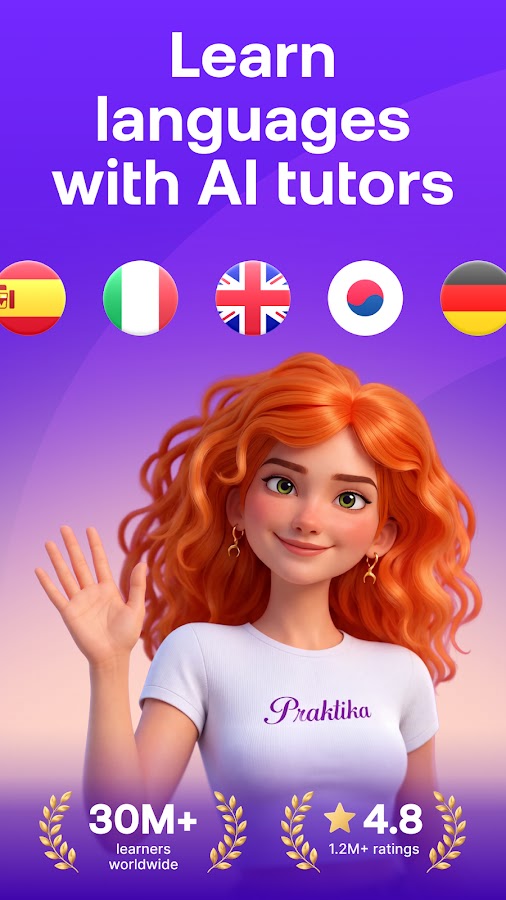
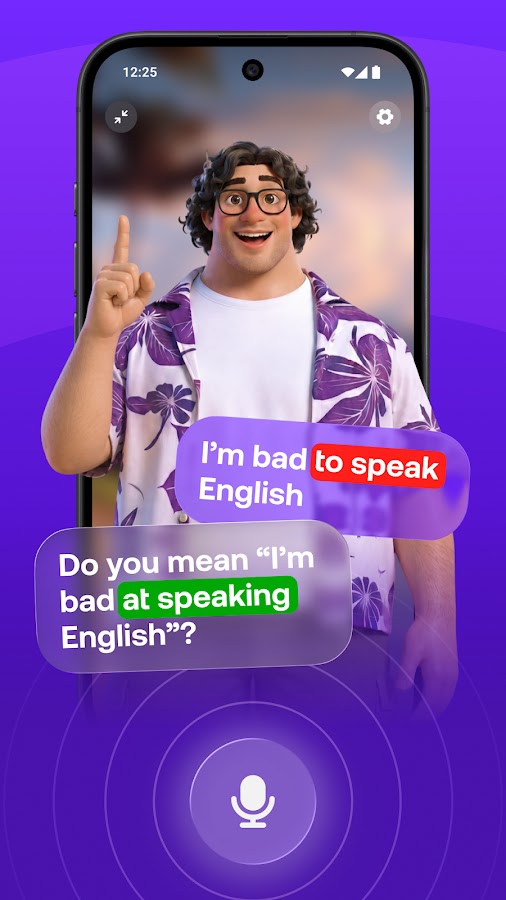
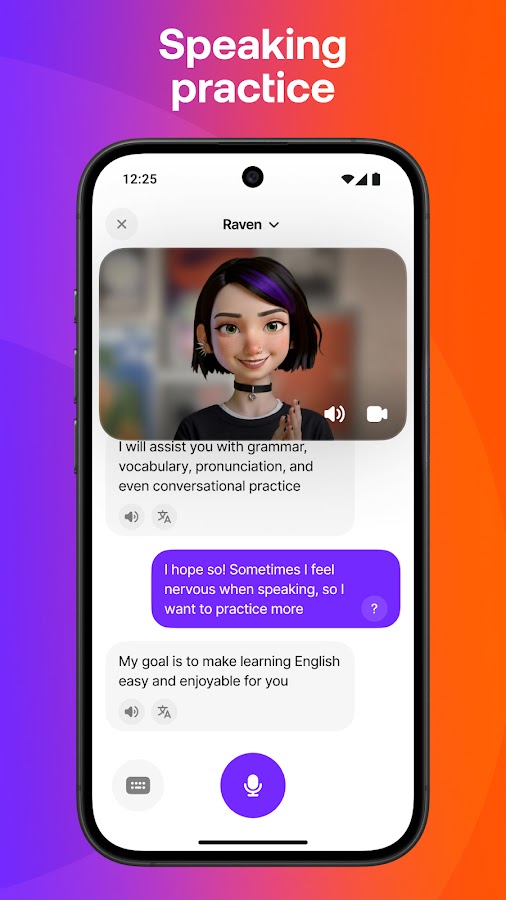
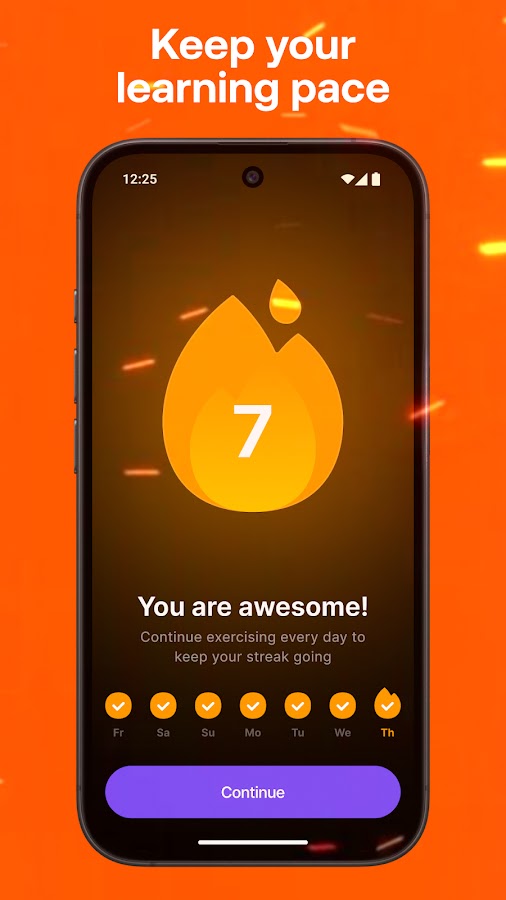
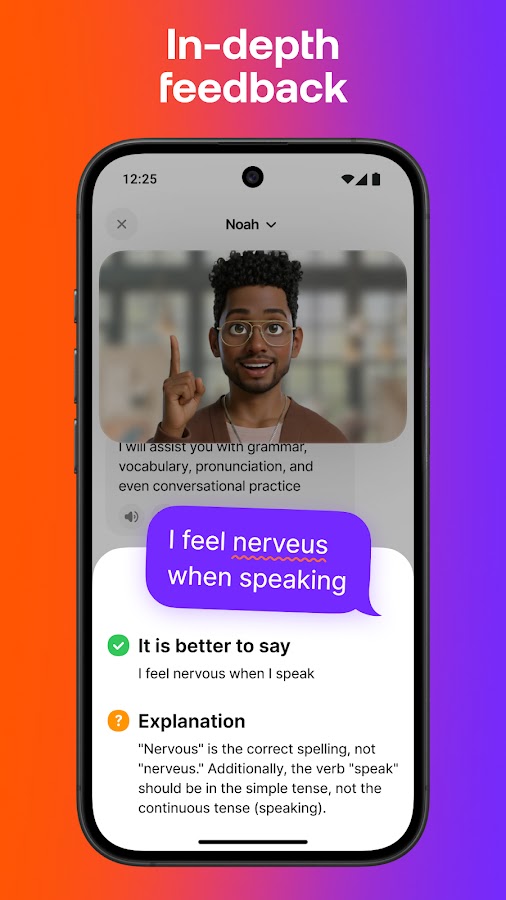

Praktika uses animated AI tutors to make language practice feel more like an on-screen conversation. Its lessons cover everyday situations, travel, and professional communication, alongside opportunities to talk more freely. Feedback addresses pronunciation, grammar, and word choice. Native-language support can also help beginners understand an explanation without abandoning the session when they get stuck.
Praktika is a good candidate if a visible conversation partner helps you stay engaged. Rehearsing a hotel check-in or explaining a work problem gives you a manageable reason to speak, with the option to repeat and improve. The app now offers multiple target languages, although course availability can differ between platform versions and updates. Check your desired language in the app rather than assuming every advertised course is available on your device.
5. Loora AI: English Conversations with Room to Keep Talking
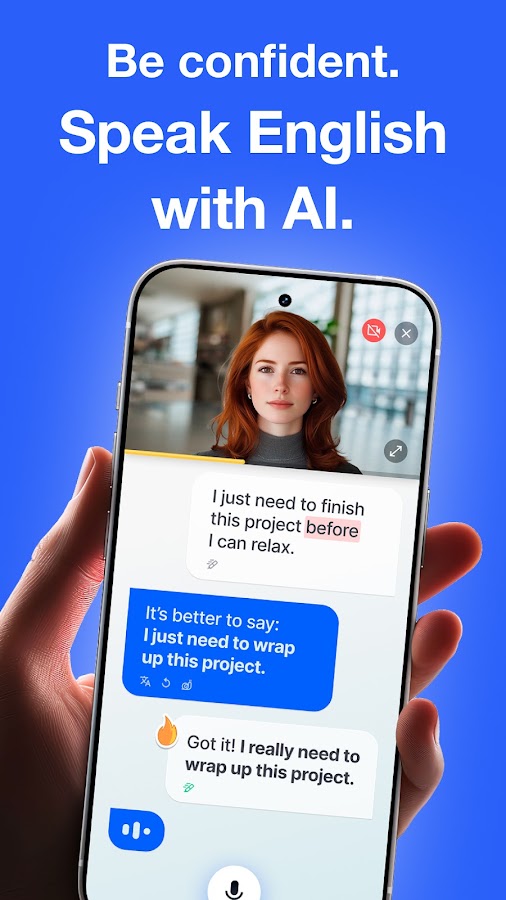
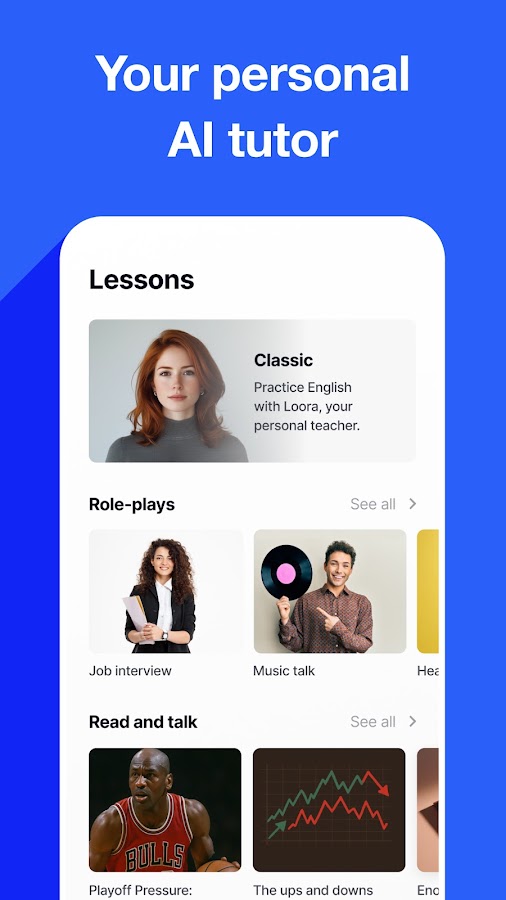
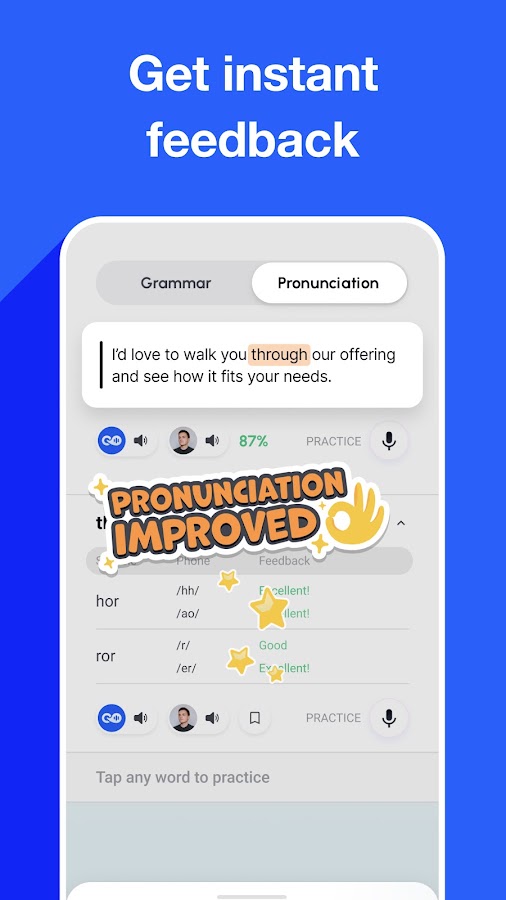
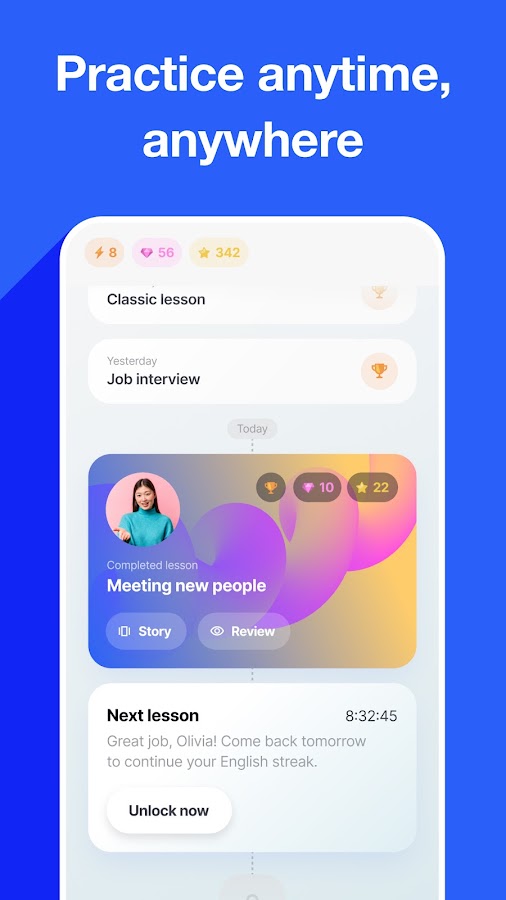
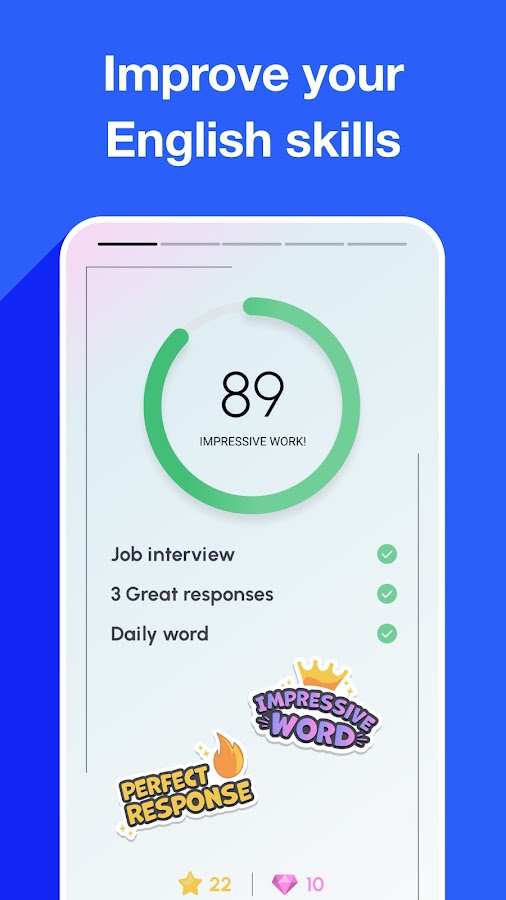

Loora AI focuses on conversational English for adult learners who already know the basics. Its practice options include regular conversations, role-play, and Read and Talk lessons, with feedback on grammar and pronunciation. Corrections are available through the conversation transcript, allowing you to examine an answer after saying it. This approach suits learners who need space to finish a thought before studying what went wrong.
Consider Loora if you understand English reasonably well but struggle to speak at length without rehearsing every sentence. Discuss a recent event, explain a decision, or summarize something you have read. Then choose one correction to use in a fresh answer. Complete beginners may need more foundational support first: Loora’s emphasis is on using English in conversation rather than teaching every basic word and sentence pattern from the beginning.
6. Univerbal: Rehearsing the Conversations You Actually Need
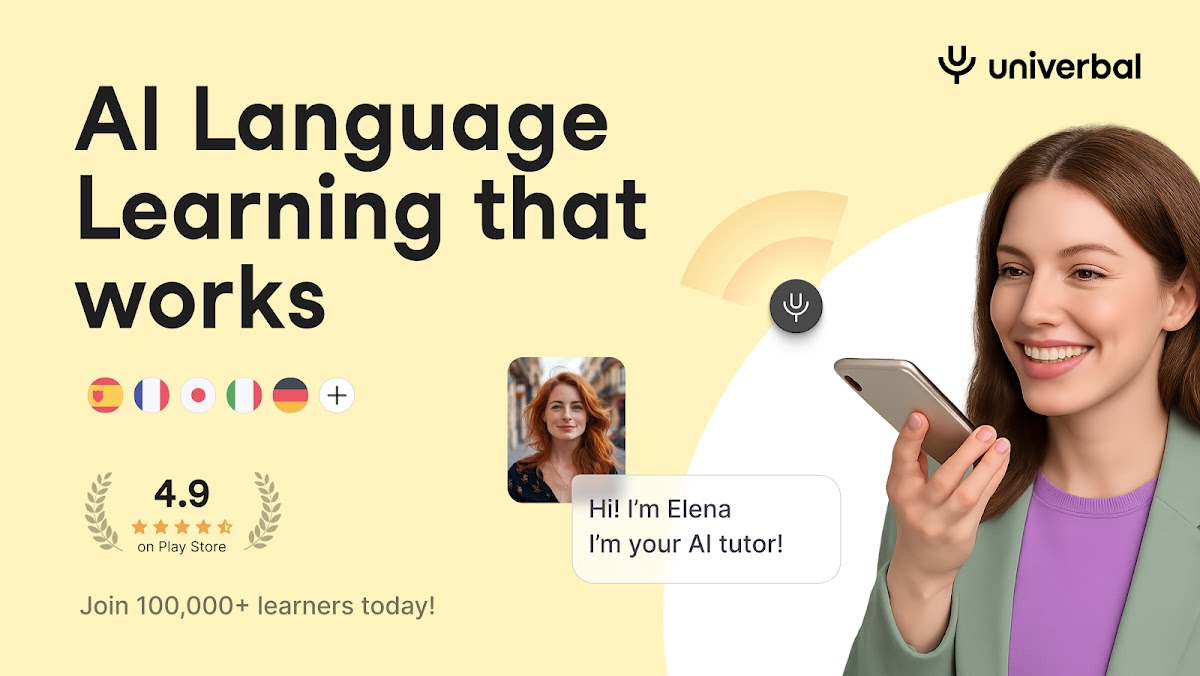
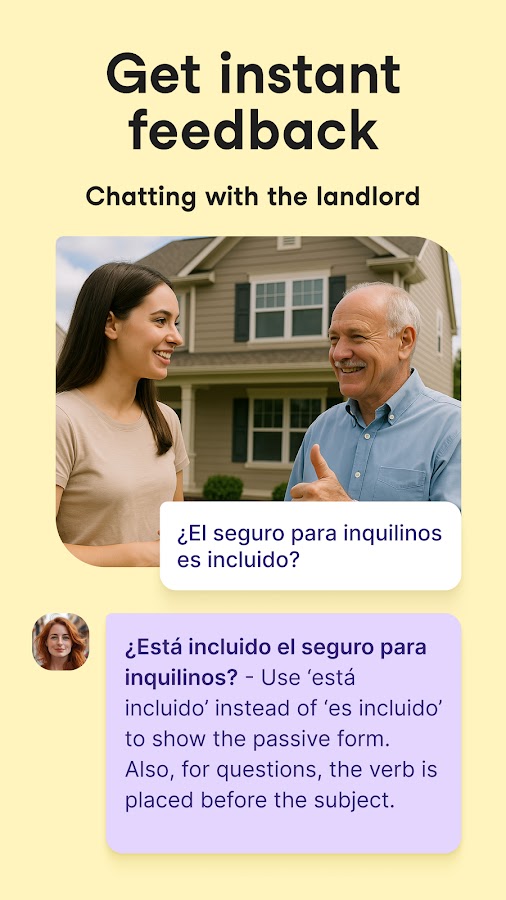
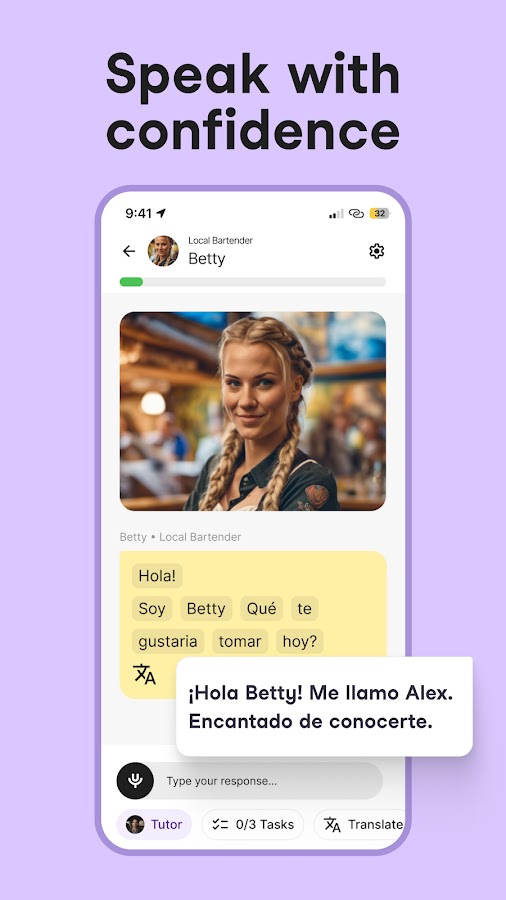
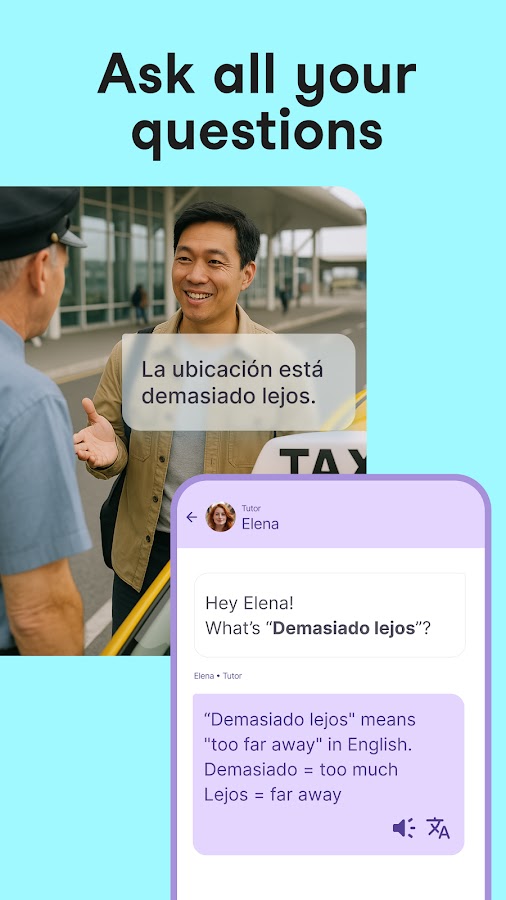
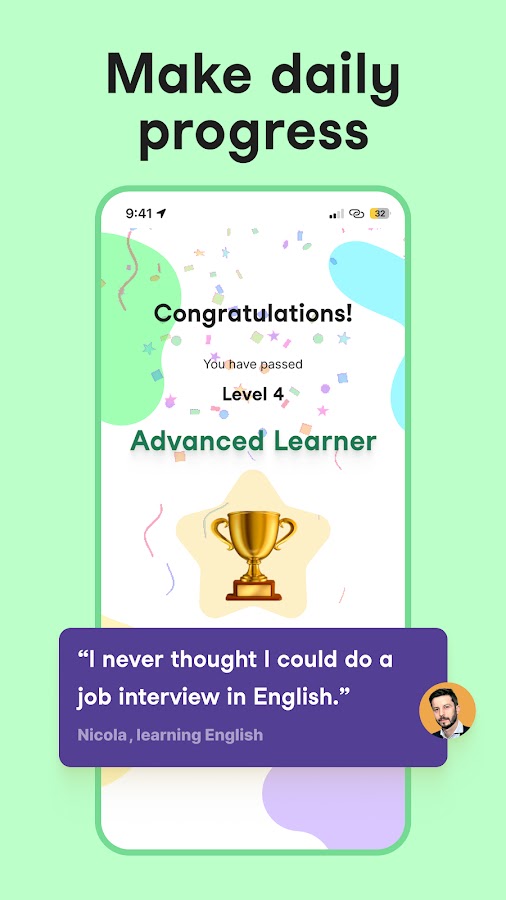

Univerbal organizes speaking practice around real-world situations and allows learners to bring their own scenarios. Instead of discussing a random topic, you can prepare for a doctor’s appointment, a job interview, or an interaction after moving abroad. Its AI tutor provides corrections and support during practice, with multiple target languages available, including English, Spanish, French, German, and Italian.
Univerbal is particularly useful when you can describe an upcoming conversation clearly. Specify who you are speaking to, what you need to achieve, and what could go wrong. For a rental viewing, that might mean asking about heating, clarifying the deposit, and explaining your preferred move-in date. A scenario with a practical outcome gives you a better measure of progress than simply completing another chat.
7. Learna AI: Speaking Alongside Grammar and Vocabulary
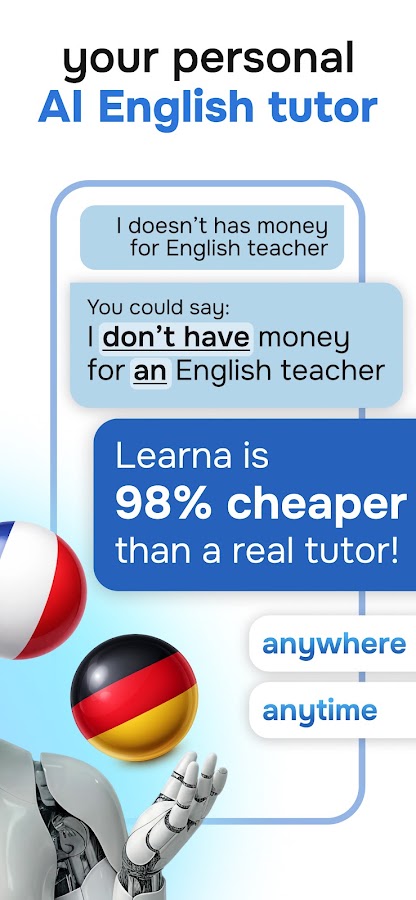
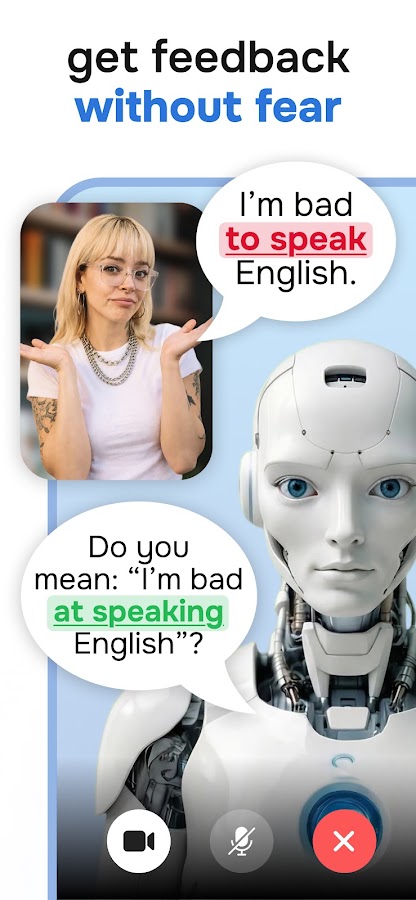
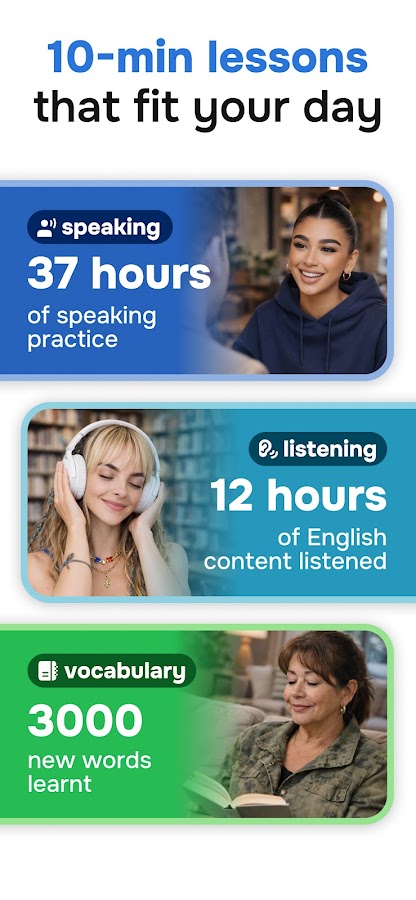
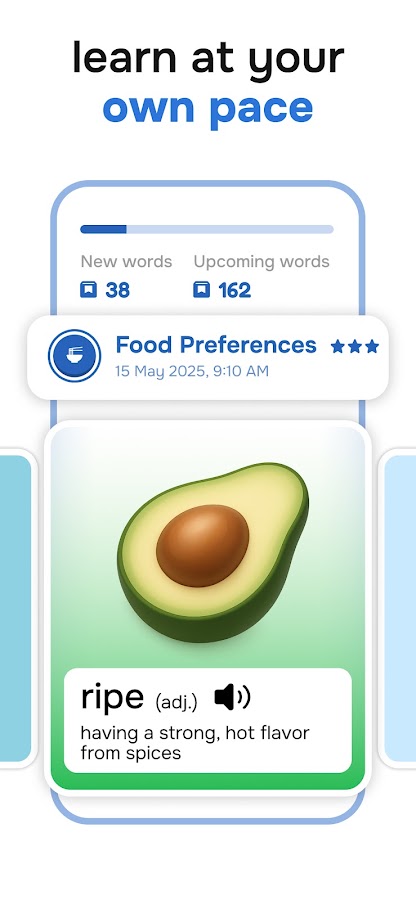

Learna AI combines conversation with grammar, vocabulary, pronunciation, and reading exercises. Its virtual tutor guides practice and provides feedback, making it an option for learners who want speaking included in a broader study routine. It can be particularly appealing when a conversation exposes gaps that need more explanation or reinforcement before you try again.
Choose Learna if you prefer moving between foundational exercises and spoken application. After practicing a grammar pattern, use it to describe something from your own life; after learning vocabulary, bring those words into a dialogue. English is a central offering, with additional language courses advertised in some versions and markets. Check the courses available in your installation, since store descriptions and language options can differ.
8. LingoLooper: AI Conversation in a Virtual 3D World
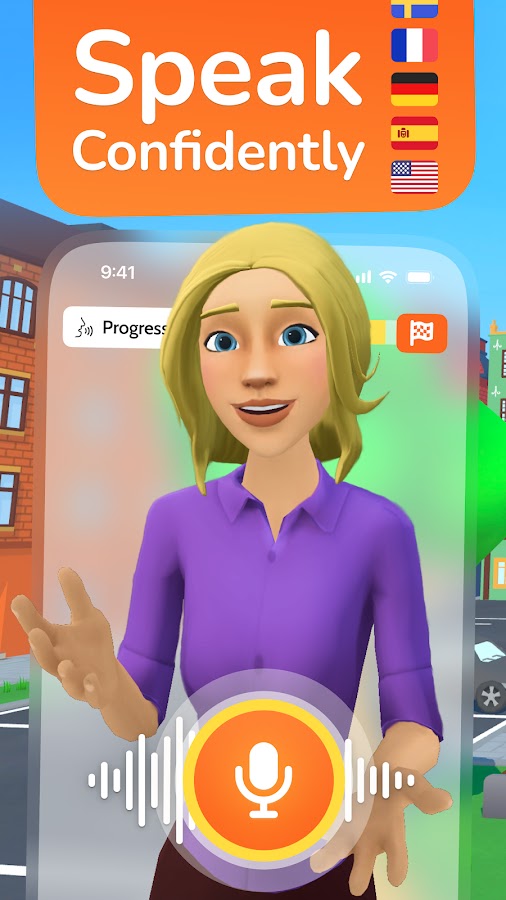
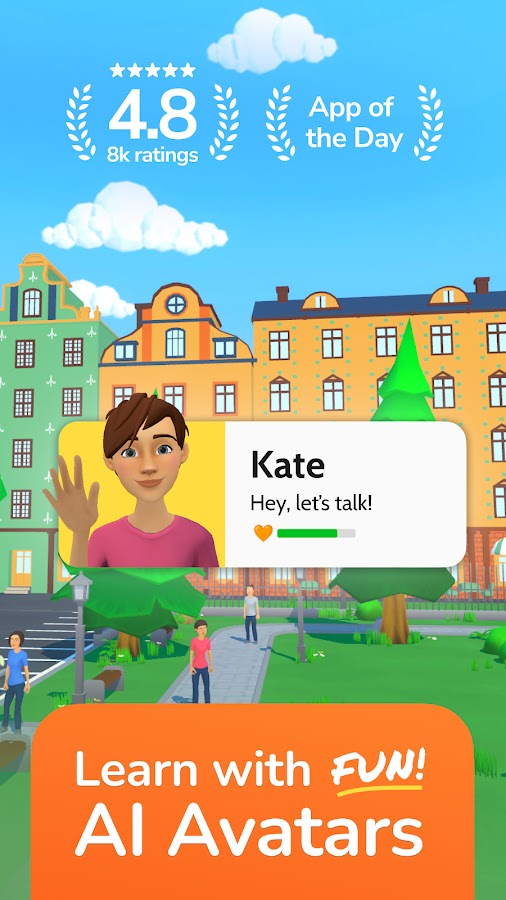
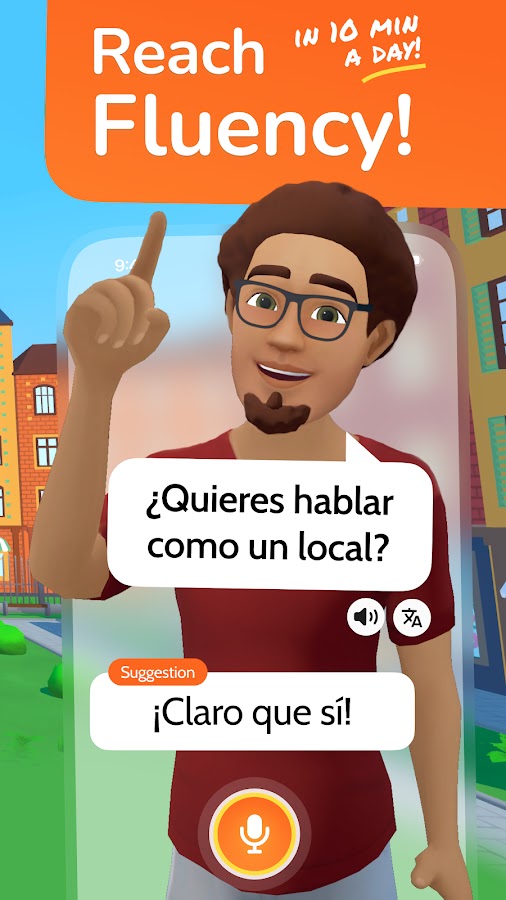
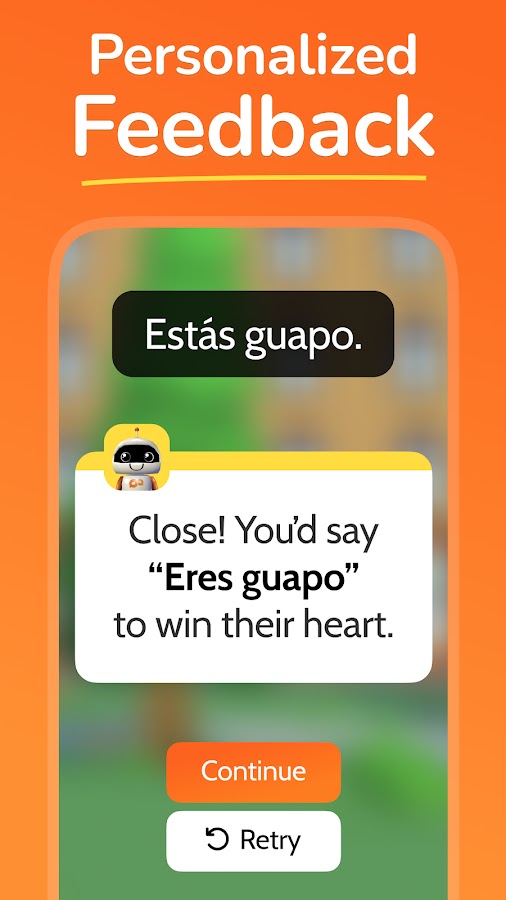
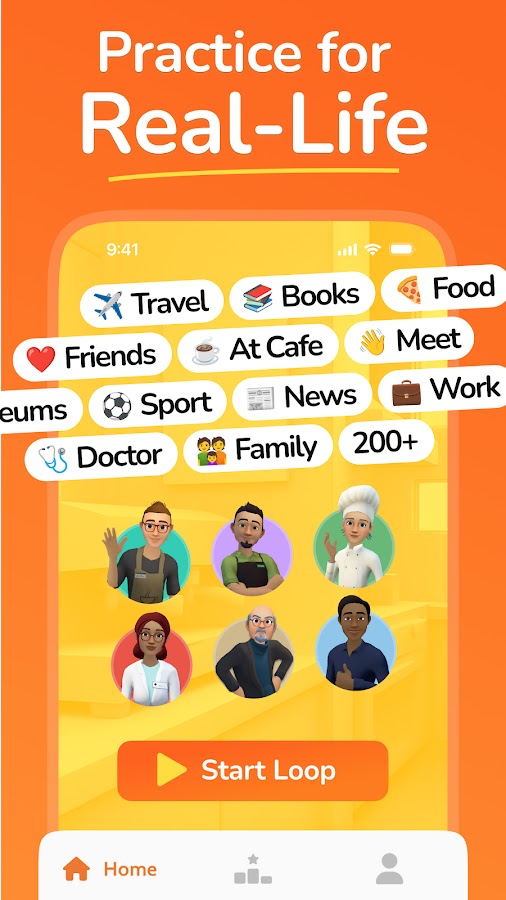
LingoLooper turns speaking practice into an activity inside virtual environments. You choose a setting, meet AI characters, and speak aloud in situations such as visiting a café or talking in a park. Suggested phrases and playback support help when you run out of words. The app also lets you save useful language and review feedback, giving conversations a connection to later study.
LingoLooper is worth considering if exploration motivates you more than completing conventional lessons. A location supplies an immediate reason to speak, which can make it easier to start practicing. Learners with some basic knowledge may find the experience more accessible, although suggestions support beginners too. To make each session useful, leave with a few expressions you can say independently rather than relying on prompts throughout every interaction.
9. BoldVoice: English Pronunciation with Coaching Explanations
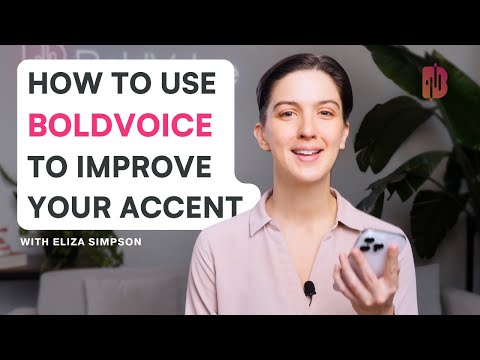
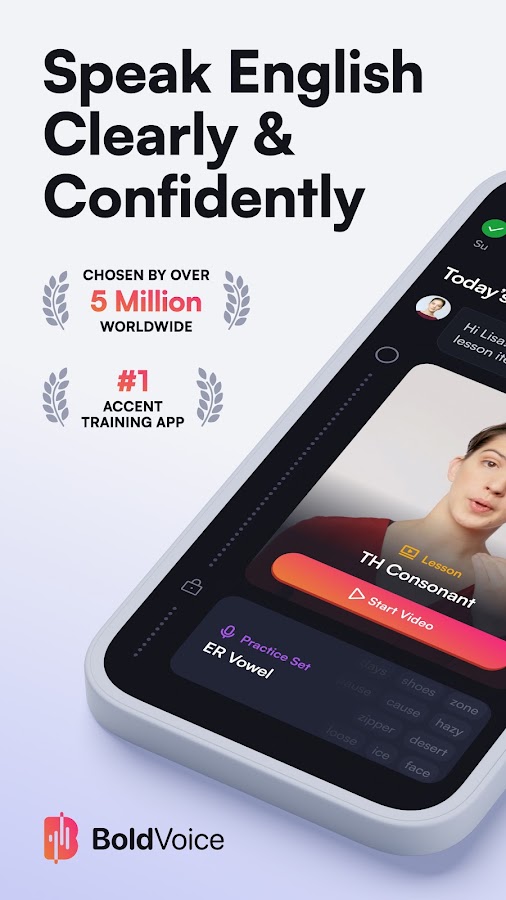
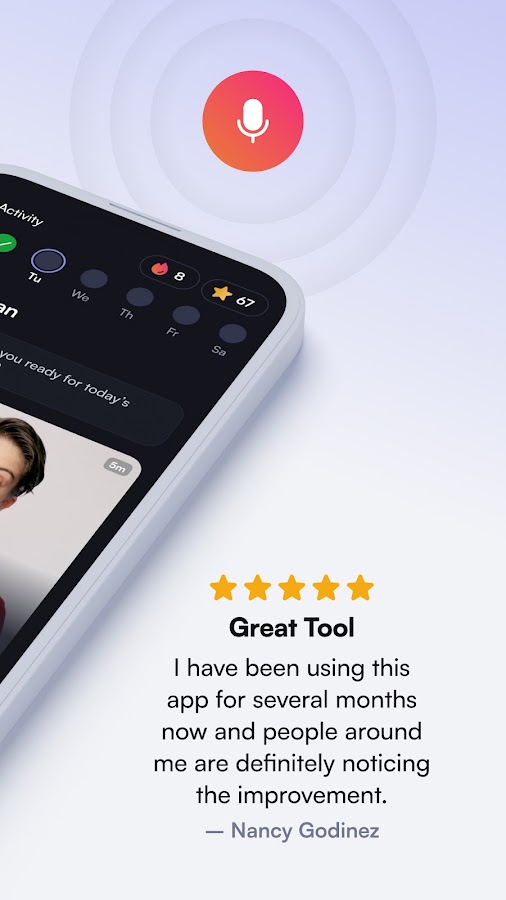
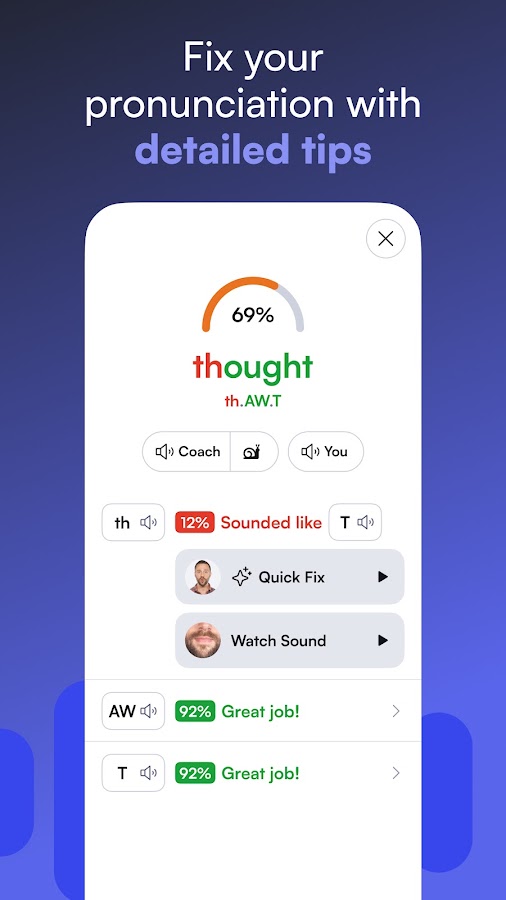
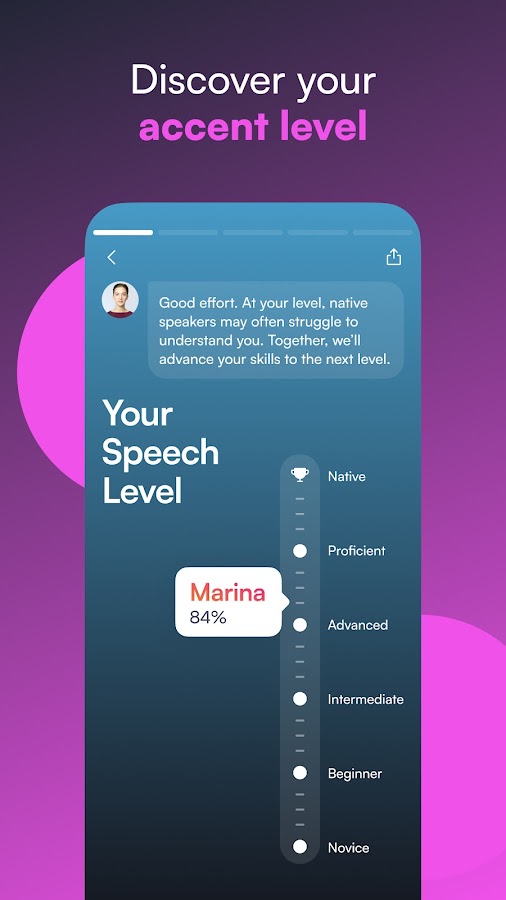
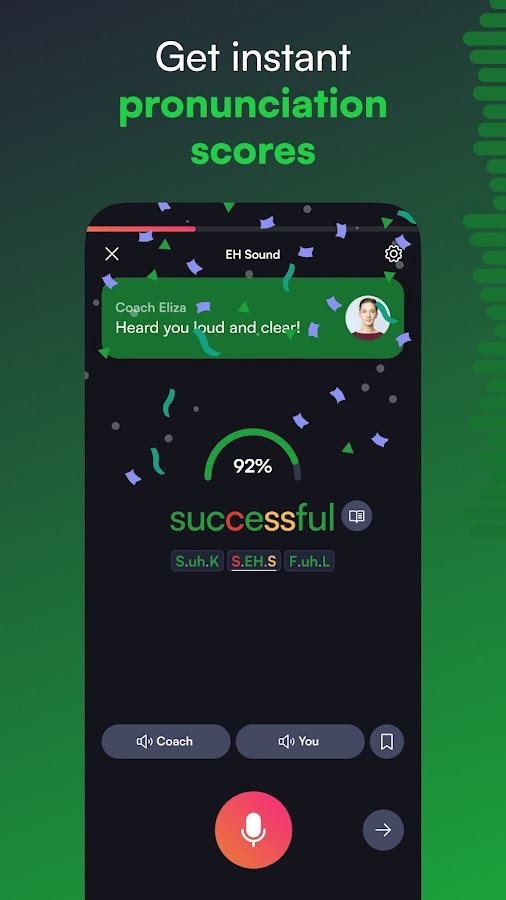
BoldVoice specializes in English pronunciation and American accent training. It combines video lessons from accent coaches with AI analysis of recorded speech. Its exercises address sounds, stress, and clarity, while conversation and role-play features provide opportunities to apply that work. The instructional videos are an important distinction: seeing how to produce a sound can be more helpful than receiving a score alone.
BoldVoice is a strong fit if you already communicate in English but regularly have to repeat particular words or phrases. Use it to investigate a specific difficulty, practice the relevant movement or stress pattern, and then apply the change to a sentence you use at work or in daily life. Choose it for focused speech training, especially if American pronunciation matches your goals; broader vocabulary and grammar study may require additional resources.
10. Stimuler AI: Short Speeches and Exam-Style Speaking Practice
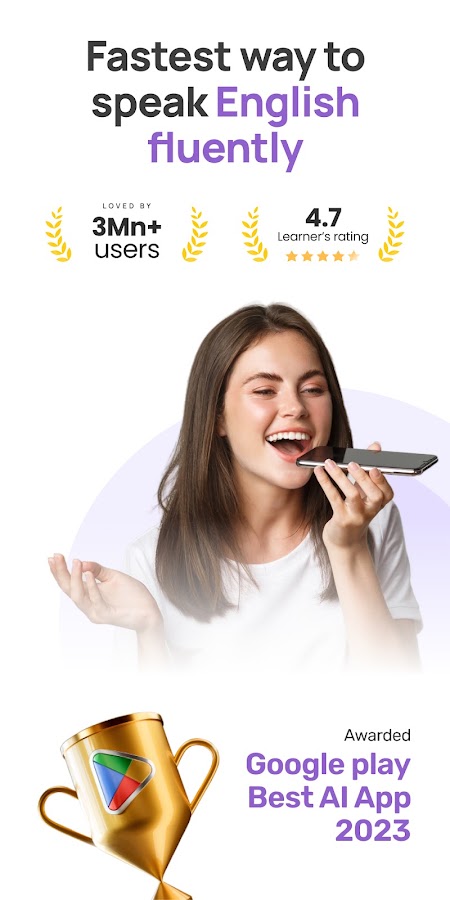
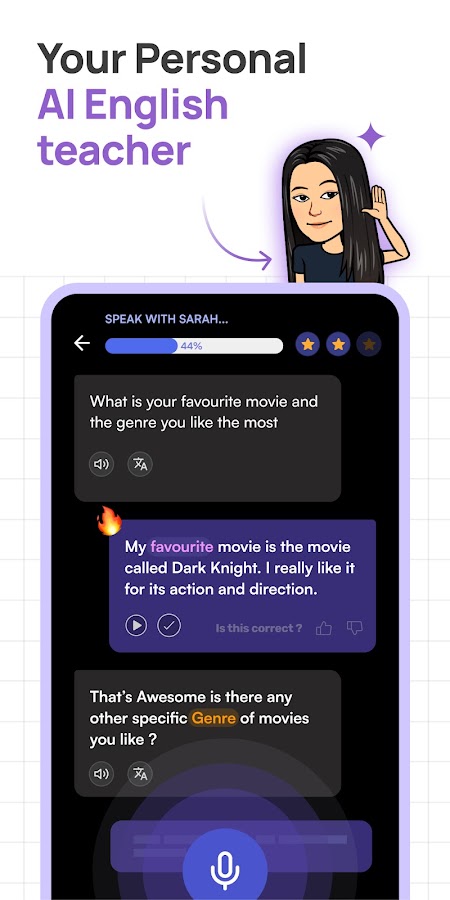
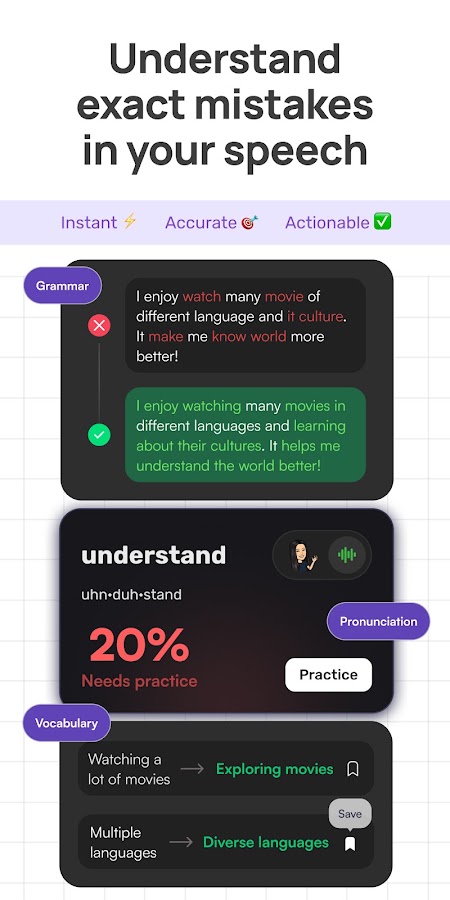
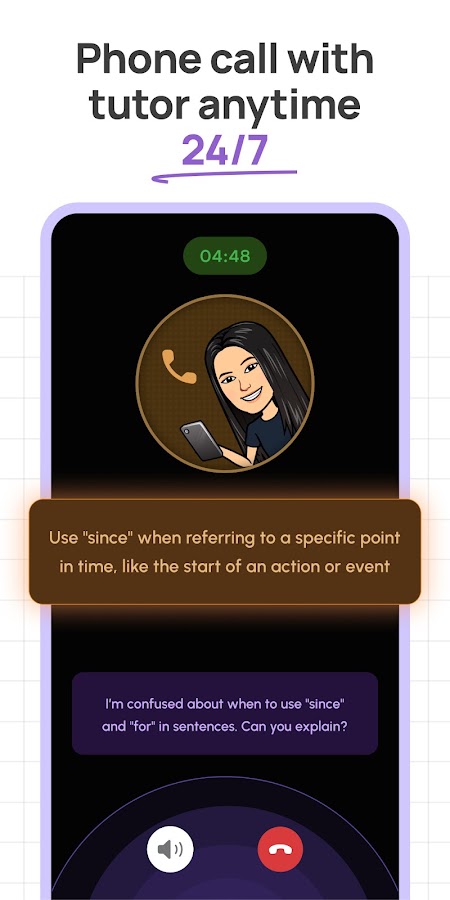
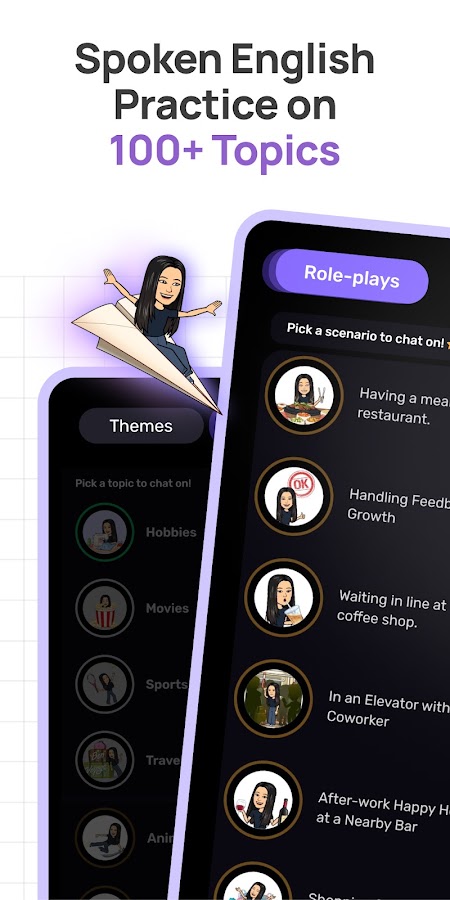

Stimuler AI offers English speaking exercises built around recorded answers, AI conversations, and speaking tests. Its short speech format asks you to respond to a topic and then review feedback on areas such as fluency, pronunciation, grammar, and vocabulary. This is useful when your difficulty is sustaining an answer: you can begin a response, but struggle to develop it beyond a few sentences.
Stimuler deserves consideration for interview preparation, presentations, and IELTS-style speaking practice. Work on giving a direct answer, adding a reason, and supporting it with an example before recording another attempt. The app also advertises IELTS mock speaking tests, but automated band estimates should be treated as practice feedback. They can help you identify weaknesses; they do not establish the score an examiner will award.
How to Choose an AI Language Learning App for Speaking Practice
Start with the problem you want your next month of practice to address.
- You freeze when asked a question: look at Speak, Loora AI, or Praktika for repeated spoken responses and conversation.
- People struggle to understand your pronunciation: compare ELSA Speak and BoldVoice.
- You need to rehearse a particular interaction: explore Univerbal or the role-play options in Talkpal.
- You lose interest in conventional lessons: consider LingoLooper’s virtual environments.
- You need grammar and vocabulary support alongside speaking: examine Learna AI.
- Your longer answers lack structure: consider Stimuler AI.
Before committing, try the same task in your shortlisted apps. Give a one-minute introduction, explain a familiar problem, and ask a follow-up question. Notice whether the app understands you, whether its corrections make sense, and whether you can apply the feedback in a second attempt.
The most useful app is the one that helps you change your next spoken answer. A detailed report has limited value if it leaves you unsure what to practice.
A Practical Routine for AI Speaking Practice
A short session can have a clear beginning, middle, and end:
- Choose one outcome. Ask for directions, explain a delay, or describe a work achievement.
- Speak before checking suggestions. Give yourself a chance to retrieve the language.
- Review one or two corrections. Choose mistakes that affect meaning or recur frequently.
- Repeat the task with a change. Add a complication or answer a different follow-up question.
- Recall the useful phrases later. Try saying them without opening the transcript.
Occasionally repeat a familiar task without preparation. Can you answer with fewer long pauses? Can you explain the same idea differently when a word disappears? Those observations provide practical evidence of progress alongside the app’s scores.
FAQ
Conclusion
Choose your AI speaking app around the conversation you want to handle better. Speak offers a structured route into dialogue. ELSA Speak and BoldVoice target pronunciation. Loora AI supports conversational English, while Talkpal, Praktika, Univerbal, and LingoLooper provide different ways to practice across languages. Learna adds foundational exercises, and Stimuler focuses attention on spoken responses and delivery.
Pick one practical goal, repeat it, and use the feedback in a new answer. For more mobile app comparisons and selection advice, explore the Indilini app collections.