Easy PDF Manager for iOS
About Easy PDF Manager
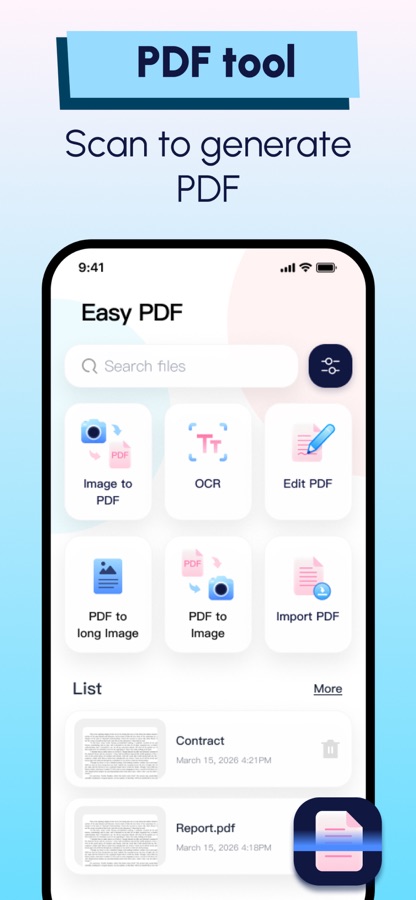
The PDF tool that turns multiple pages into one long, clear image. Also scan, OCR, annotate, and create PDFs from images. Offline – your data never leaves your device.
Easy PDF Manager is a professional PDF toolkit centered on one unique core feature: turning multi‑page PDFs into a single long image – perfect for sharing complete documents on social media, messaging apps, or anywhere you want recipients to see the full content.
Whether it’s an academic paper, product manual, or contract, Easy PDF Manager helps you export a long screenshot that preserves the original layout.
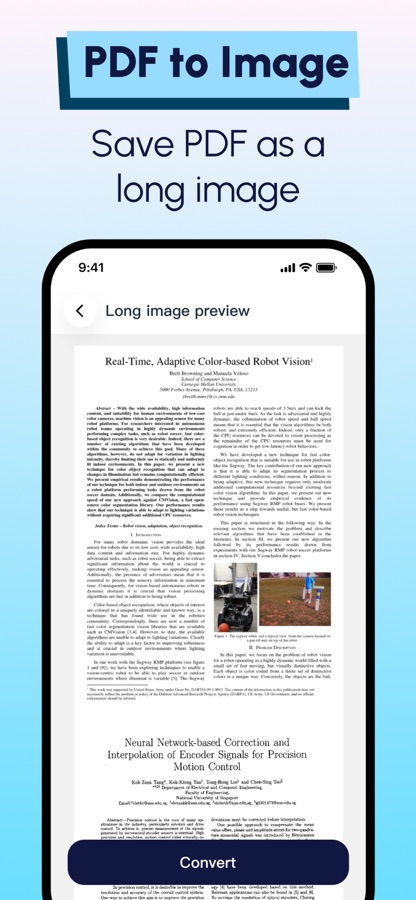
PDF to Long Image
Convert any PDF into long image with one tap
Ideal for sharing research papers, courseware, brochures, or contract previews
Long Image Preview
Preview the generated long image inside the app
Zoom in/out to check details before saving or sharing
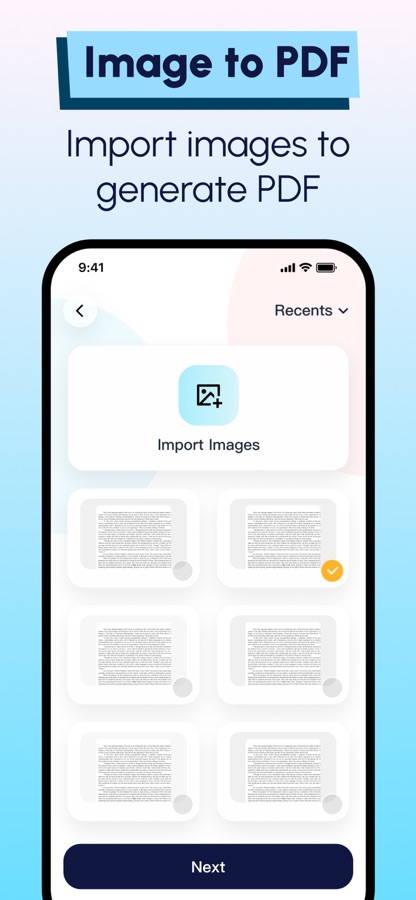
Image to PDF
Import multiple images from your photo library and combine them into a single PDF
Reorder images flexibly to organise your documents
Great for archiving photos, receipts, or screenshots as PDFs
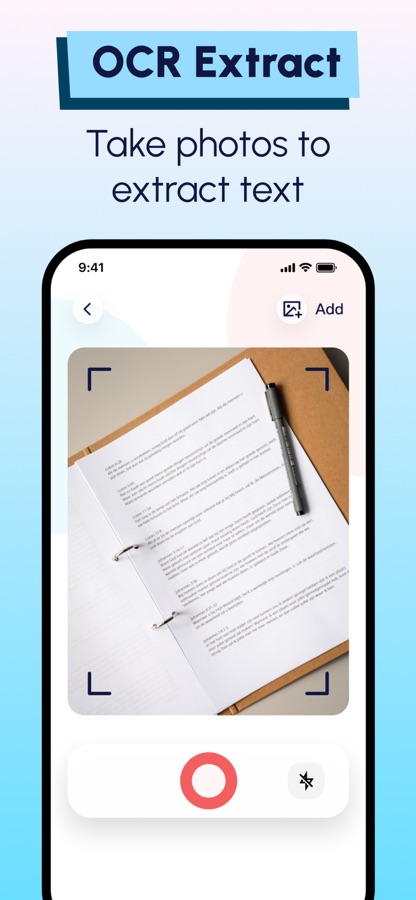
OCR Text Extraction
Take a photo or import an image to extract editable text instantly
Copy extracted text for note‑taking or further use
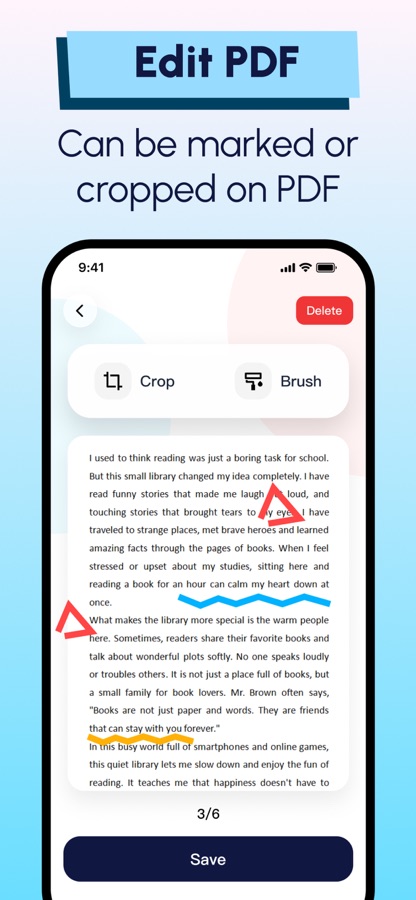
PDF Annotation & Crop
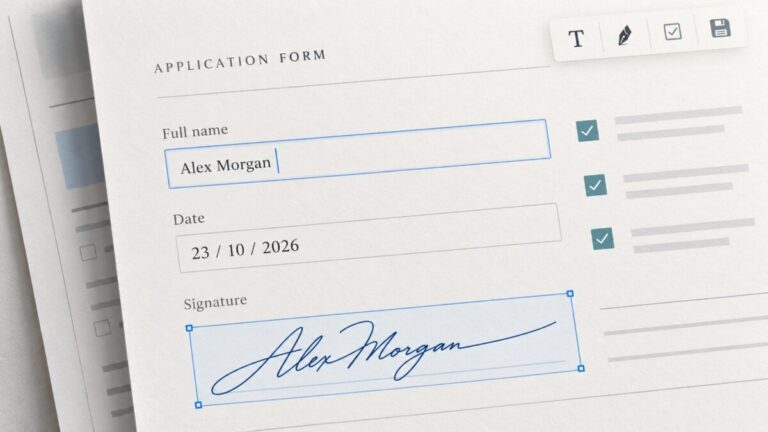
Draw freehand, highlight key content, and add markings on PDF pages
All processing happens entirely on your device – no mandatory cloud sync. Your documents are never automatically uploaded to any remote server. You stay in full control of your data.
All basic PDF functions are free to use with ad support. You can adjust ad tracking permissions anytime in iOS Settings.
Before using Easy PDF Manager, please read our complete Terms of Service and Privacy Policy to understand how we protect your personal data.
Download Easy PDF Manager for iOS for free — the latest version (1.1.3) is now available for installation on your iPhone or iPad.
What's New in the Latest Version 1.1.3
1. Fixed some bugs.
Easy PDF Manager App Info
- Version 1.1.3
- Updated November 7, 2026
- Requires OS iOS 16.6 and up
- Category Productivity
- Developer Fuzhou Moxing Technology Co., Ltd
- Age Rating 4+