Simple PDF Convert for iOS
About Simple PDF Convert
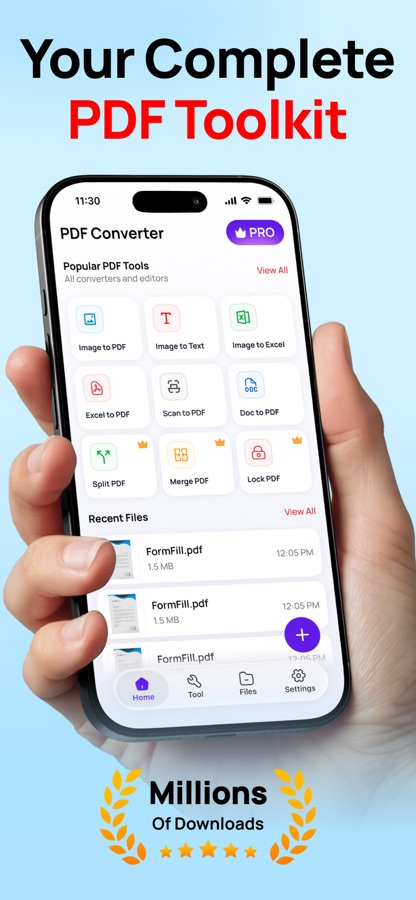
Turn your files, images, and scans into professional PDFs in seconds with our all-in-one Simple PDF Convert App.
Whether you need to scan documents, add a signature, lock sensitive files, or convert Word, Excel, and text into PDF — everything is just one tap away.
Key Features :
Scan to PDF – Instantly scan documents with your camera.
OCR Text Recognition – Extract text from images or scans.
QR & Barcode Scanner – Quickly scan and save codes.
QR Code Generator – Create custom QR codes anytime.
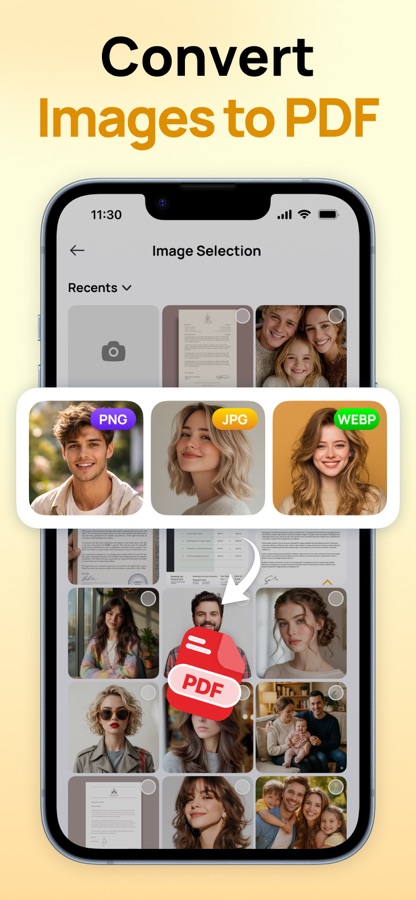
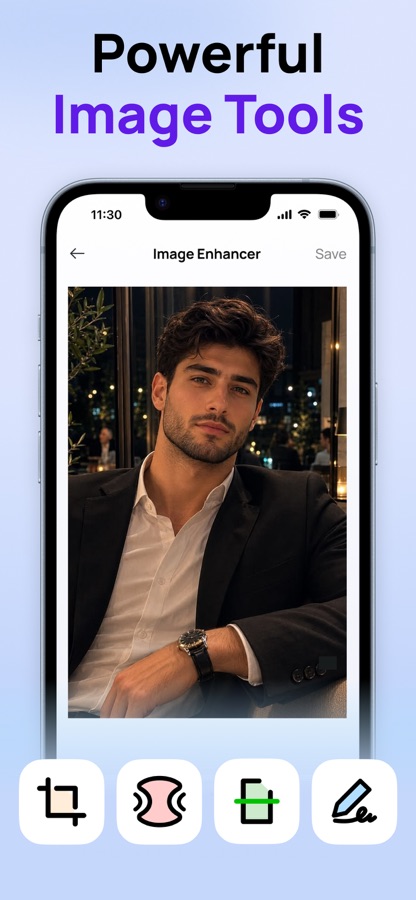
Image to PDF / Image to Text – Convert photos into PDFs or editable text.
Word, Excel, Text, Web to PDF – Convert files and webpages with ease.
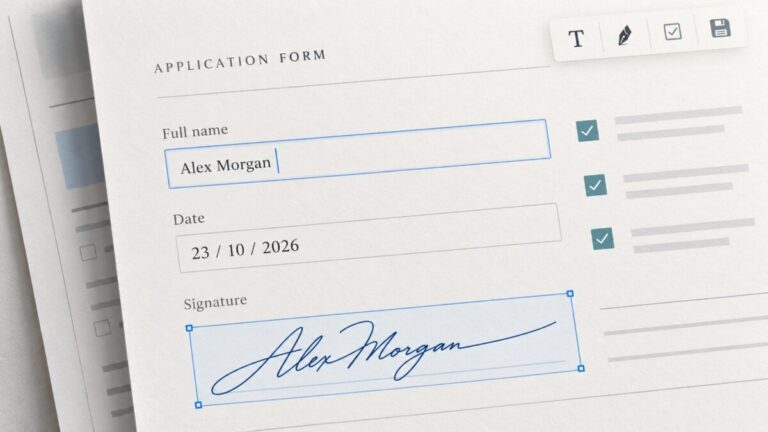
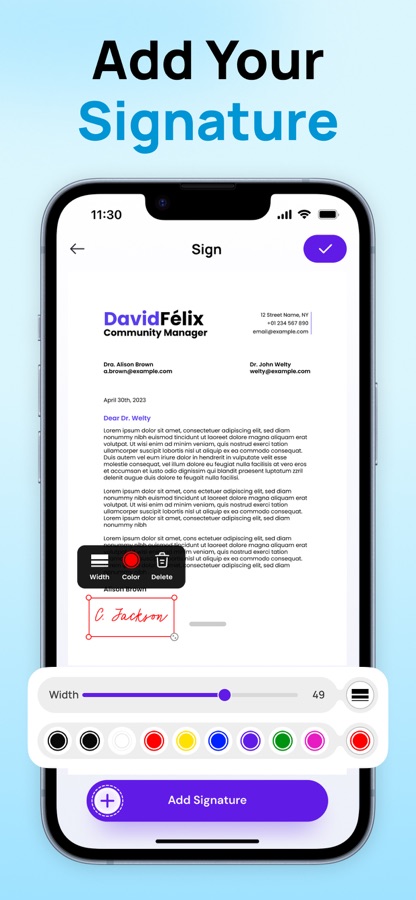
Add Signature – Sign documents digitally.
Lock & Protect PDFs – Secure your files with a password.
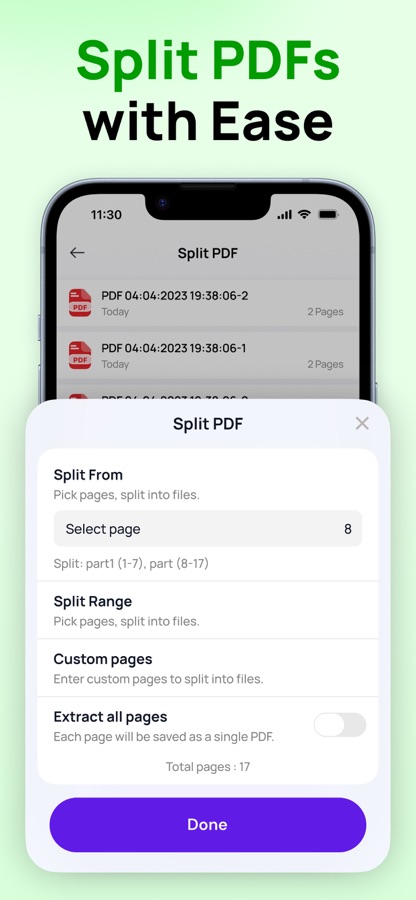
Merge & Compress PDFs – Combine multiple files or reduce PDF size.
Print PDFs – Send your documents straight to any printer.
Easy to Use :
When you launch the app for the first time, our simple introduction screens guide you through the main features, so you can get started right away without any confusion.
All-in-one PDF tool designed for productivity, business, and everyday use.
Download now and make your PDF tasks simple, fast, and secure.
Terms of Use : https://www.apple.com/legal/internet-services/itunes/dev/stdeula/
Privacy Policy : https://ummangukiya.blogspot.com/2025/09/subscriptions-policy-simple-pdf-convert.html
Download Simple PDF Convert for iOS for free — the latest version (1.1.1) is now available for installation on your iPhone or iPad.
What's New in the Latest Version 1.1.1
– improved app stability
Simple PDF Convert App Info
- Version 1.1.1
- Updated November 3, 2026
- Requires OS iOS 18.2 and up
- Category Tools
- Developer Umesh Mangukiya
- Age Rating 4+