TicketSwap: Buy & Sell Tickets for iOS
About TicketSwap: Buy & Sell Tickets
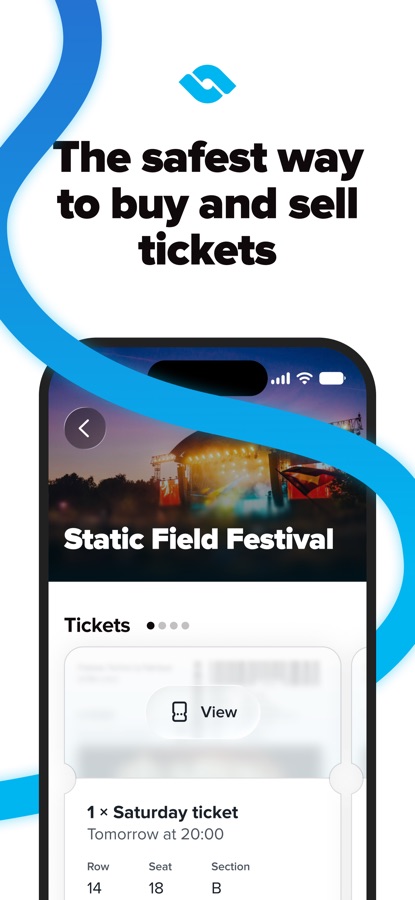
At TicketSwap, we’re all about getting fans to their favorite events – at a fair price. Over 19.2 million fans already use our app to buy and sell tickets to shows around the world. From concerts, festivals, club nights, sports events to theater, we’re on a mission to be every fan’s go-to marketplace.
Why fans love us
• Join a community of 19.2 million fans
• Buy and sell on a trusted marketplace
• Stay protected with SecureSwap™ technology
• Grab tickets backed by official organizers
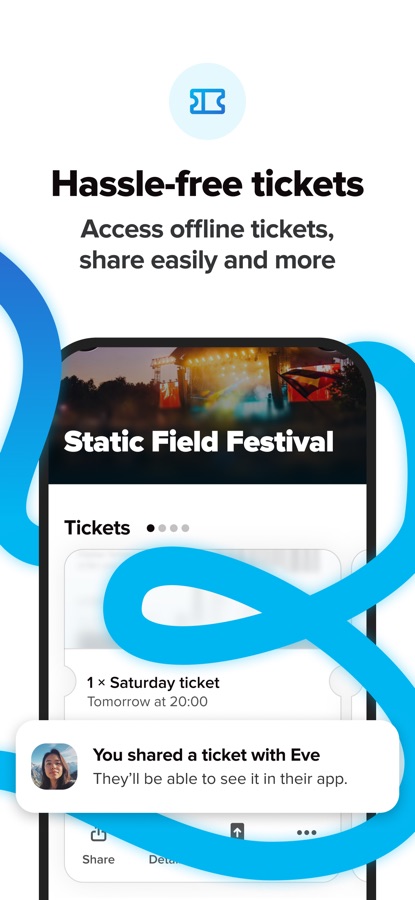
• Access your tickets offline
• Transfer tickets easily
• Resell tickets from popular providers
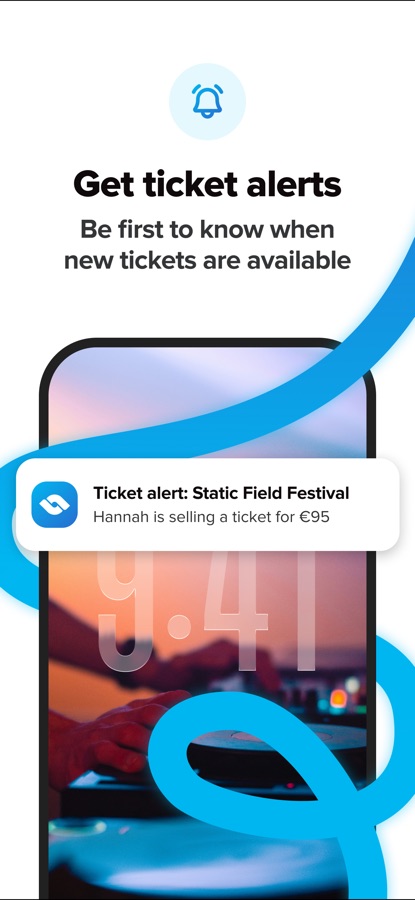
• Never miss out on events with ticket alerts
• Pay with Apple Pay, Wero, or major debit and credit cards
• Chat with our Support Team, 7 days a week
Find your next night-out
• Follow your favorite artists
• Save events you’re interested in
• Browse events by genre, venue, or city
• Discover nearby and last-minute events
• Get tickets for sold-out events with auto buy
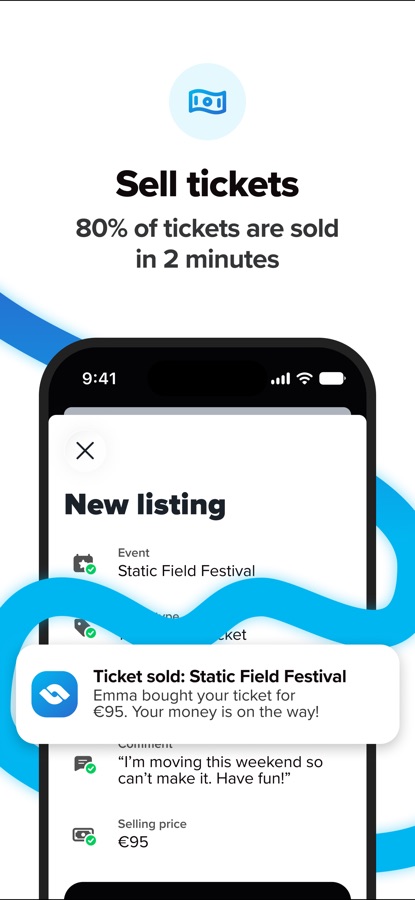
Selling tickets
1. Upload your file and select the tickets you want to sell
2. Set your selling price
3. Get notified and paid when your ticket is sold
Buying tickets
1. Search for the event you want to buy tickets for
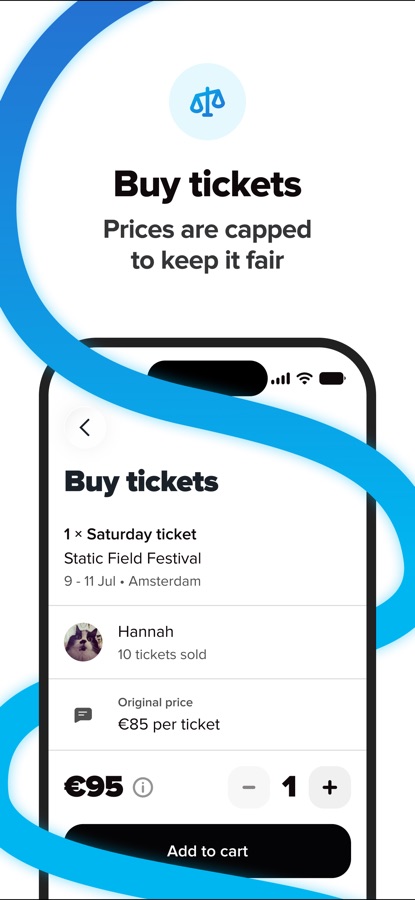
2. Add the tickets to your cart
3. Select a payment method to purchase the tickets
4. Enjoy the event!
FAQs
1. Is it safe to buy and sell tickets on TicketSwap?
Yes. We verify every seller and buyer, and use price caps to make sure fans can buy tickets quickly, fairly, and safely. Our specialized system checks tickets before they can even be put up for sale, and if you need any assistance, our Support Team is more than happy to help.
2. Can I sell a ticket I bought from another provider?
Yes. Simply transfer it from the original provider and sell it like any other ticket, it’s that easy.
3. Can I find tickets for sold-out events?
Of course! Search by artist, venue, or city, or browse our curated lists of upcoming shows. If it’s sold out, you can set a ticket alert and get a notification the moment a ticket is available or let our auto buy feature grab it for you.
4. How do I know my ticket is real?
For events using SecureSwap™ technology, the ticket is re-issued in your name, it can’t be resold or duplicated. So it’s yours alone, ready to scan at the door.
5. Are there any hidden fees when I buy a ticket?
Not at all. The price you see is the price you pay – no surprise costs at checkout.
_______________________
Download TicketSwap now to start buying and selling tickets safely. No hidden fees. No unfair prices. Just sign up with Apple, Facebook or email to get started.
Loving the app? Leave a review to help more fans discover TicketSwap.
Download TicketSwap: Buy & Sell Tickets for iOS for free — the latest version (26.11.439) is now available for installation on your iPhone or iPad.
What's New in the Latest Version 26.11.439
We’re always improving our app for our fans. This version includes a fix for signing in with Google, so you can log in with your Google account again. You can also watch videos right inside magazine articles, the Nearby filter shows events close to you from the very first time you use it, and the app works better with VoiceOver, larger text sizes and Reduce Motion – update your app now.
TicketSwap: Buy & Sell Tickets App Info
- Version 26.11.439
- Updated November 12, 2026
- Requires OS iOS 18.2 and up
- Category Entertainment
- Developer TicketSwap B.V.
- Age Rating 13+