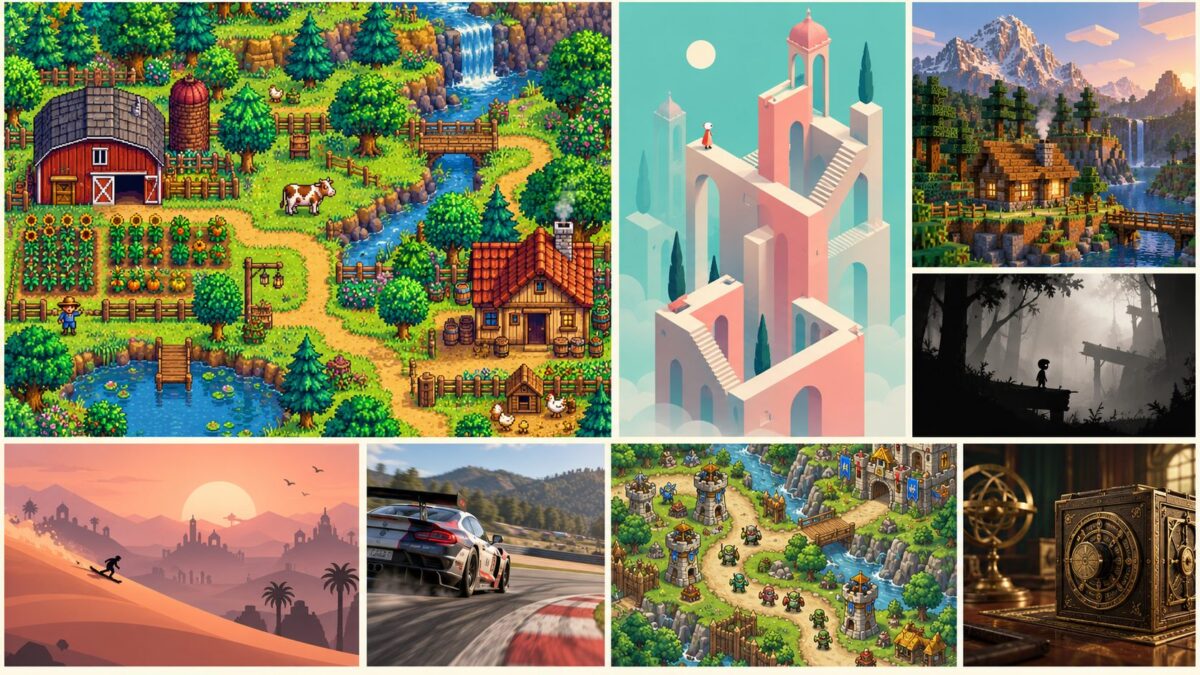
An offline game earns its place on your phone when the connection disappears. It should let you continue building a farm, solving a puzzle, or racing through a championship without waiting for a server to respond.
The best offline games for iPhone and Android offer more than a way to fill a few minutes. This selection includes open-ended adventures, demanding action games, thoughtful strategy, and shorter experiences with a proper ending. All 17 have versions for both platforms, although availability and included content can differ by country and device.
Here, offline means the main single-player experience can be played without a continuous internet connection after installation and setup. Downloads, purchase checks, account services, cloud saves, and certain modes may still need internet access. Launch your chosen game and test it in airplane mode before relying on it during a flight or a trip.
Best Offline Mobile Games: Quick Comparison
| Game | Genre | Best for | Offline scope and main consideration |
| Stardew Valley | Farming RPG | A long-term world to return to | Single-player farming and exploration |
| Minecraft | Sandbox survival | Building your own adventures | Local worlds; online servers and Realms need a connection |
| Terraria | Sandbox action-adventure | Exploration, crafting, and bosses | Single-player worlds; multiplayer is separate |
| Dead Cells | Action roguelite | Fast combat and repeated runs | Installed single-player content; download expansions first |
| Slay the Spire | Deck-building roguelike | Turn-based tactical decisions | Standard runs; online services are separate |
| Balatro | Card roguelike | Score combinations and replayability | Solo runs; test startup and account behavior before travel |
| Monument Valley | Perspective puzzles | A short, calm adventure | Installed story levels |
| The Room: Old Sins | Mechanical puzzles | Concentrated problem-solving | Downloaded single-player story |
| Mini Metro | Network-building strategy | Planning under growing pressure | Standard modes; daily challenges use online services |
| Alto’s Odyssey | Endless runner | Short, relaxed sessions | Core runs; online and advertising features are separate |
| LIMBO | Puzzle-platformer | A compact atmospheric story | Single-player campaign |
| BADLAND | Physics-based platformer | Timing and obstacle courses | Downloaded campaign; online features are separate |
| Kingdom Rush | Tower defense | Planning and replaying missions | Installed campaign missions |
| Iron Marines | Real-time strategy | Squad control and tactical battles | Installed campaign missions |
| Plague Inc. | Strategy simulation | Testing different approaches | Core solo play; newer online modes and purchases differ |
| Pocket City 2 | City builder | Building and exploring a city | Single-player city management |
| GRID Autosport | Racing | Longer racing sessions | Installed single-player events; download required content first |
This is a selection of offline games, not an exclusively free-games list. Some require a purchase or offer additional content. Offline support also does not automatically mean an app has no advertising or optional purchases.
1. Stardew Valley: Best for a Long-Term Offline Adventure
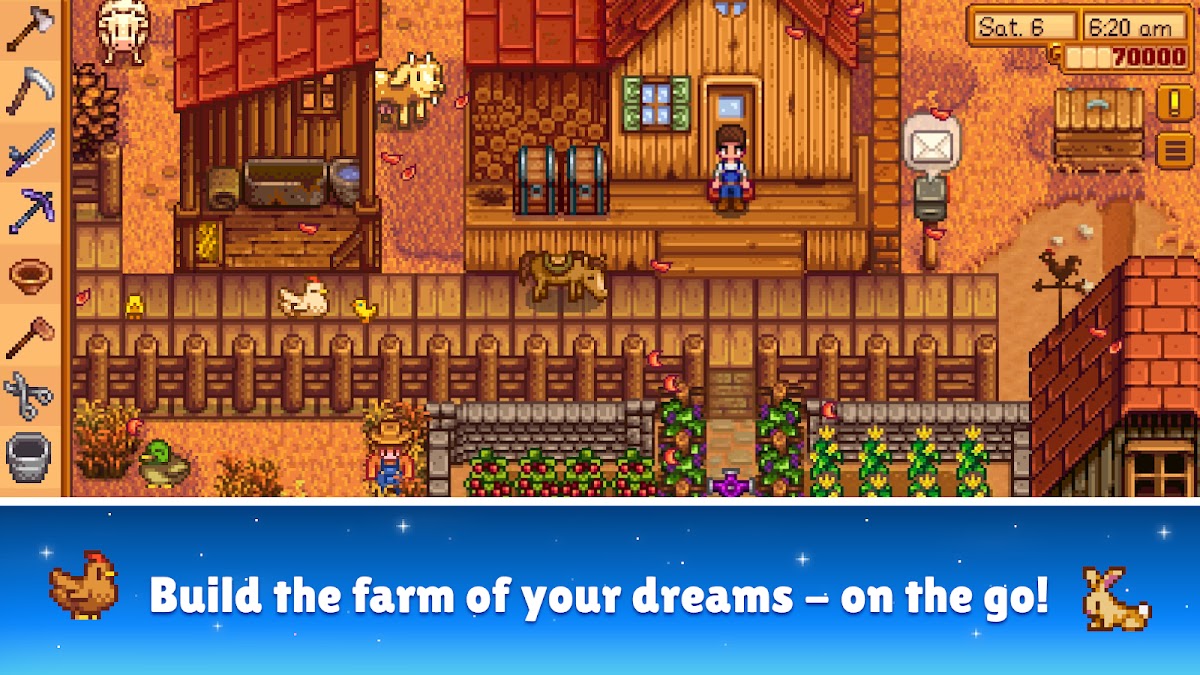
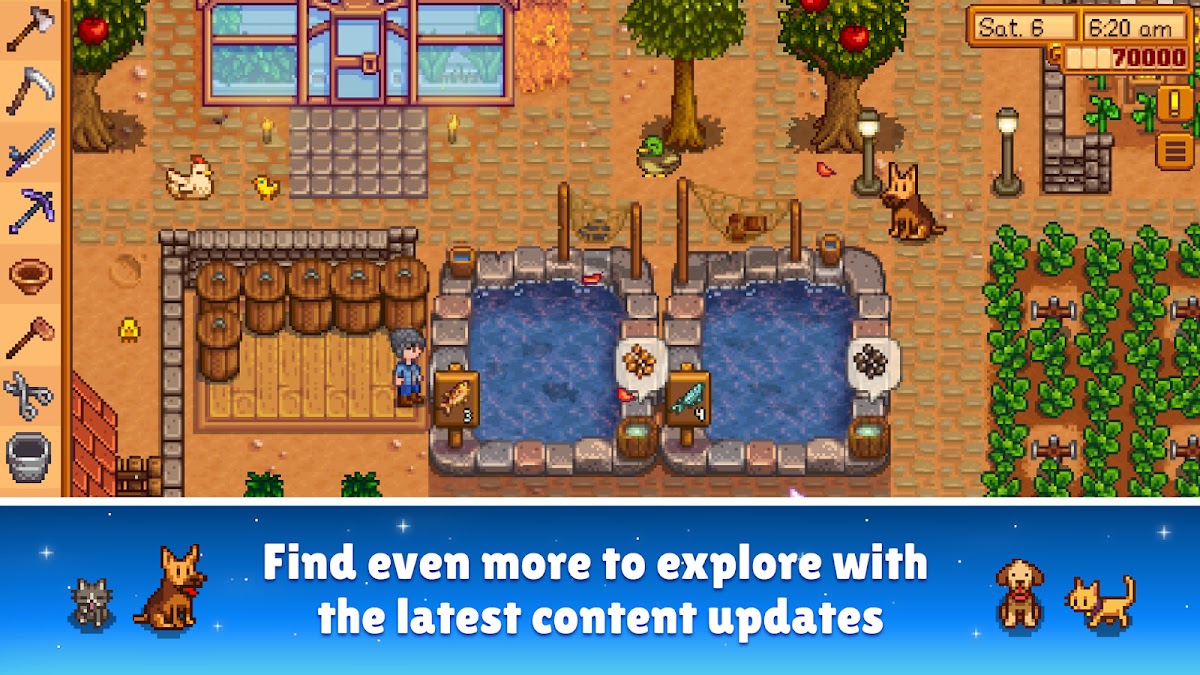
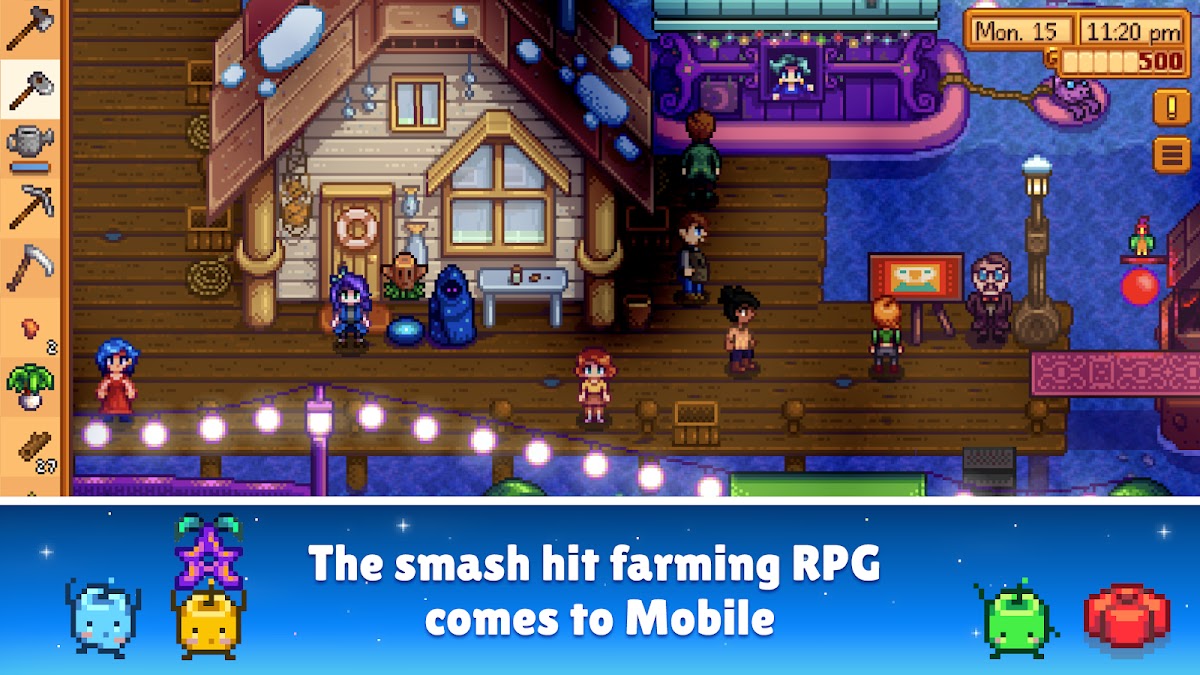
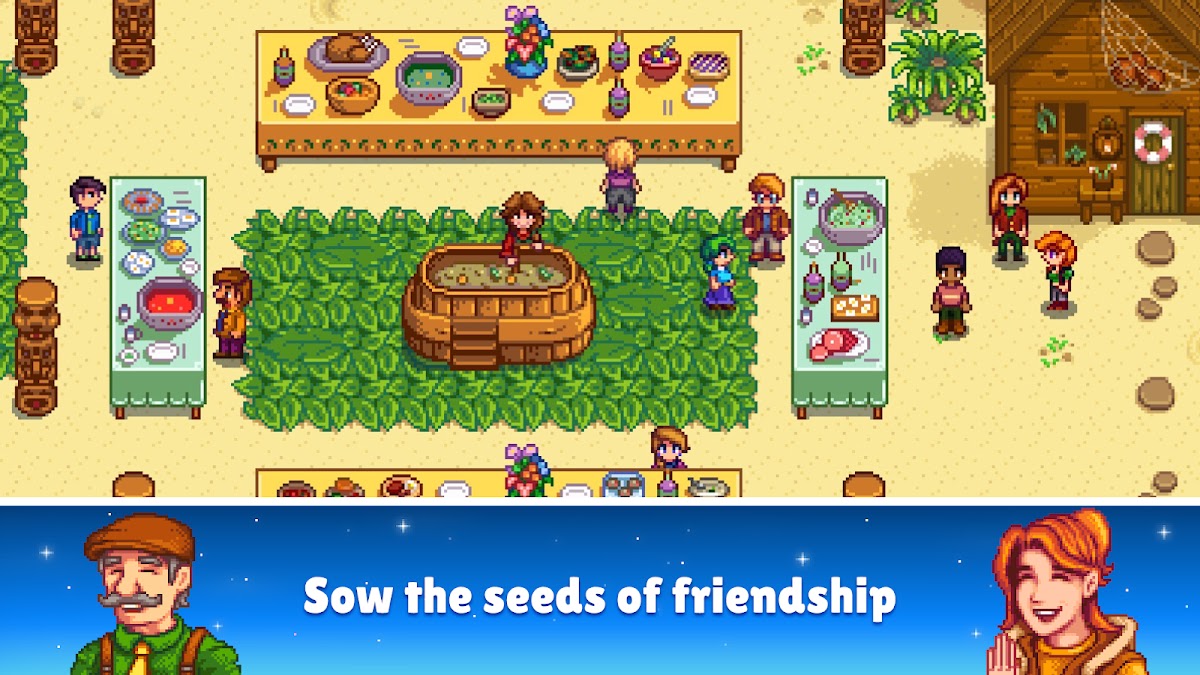


Stardew Valley starts with an overgrown farm and gives you room to decide what it becomes. Grow crops, raise animals, fish, explore mines, and get to know the town’s residents. The daily rhythm creates manageable goals: finish planting before the season changes, save for a useful upgrade, or bring the right supplies on your next expedition. There is enough direction to keep you moving without making every day feel prescribed.
Its single-player experience works offline, making it particularly suitable for returning to the same world throughout a journey. Mobile controls include conveniences such as automatic tool selection, although some activities still take practice on a small screen. Choose Stardew Valley if you want continuity and gradual progress. It is less suitable when you want immediate action: tending a farm and learning the town’s routines are central to its appeal.
2. Minecraft: Best for Building and Survival
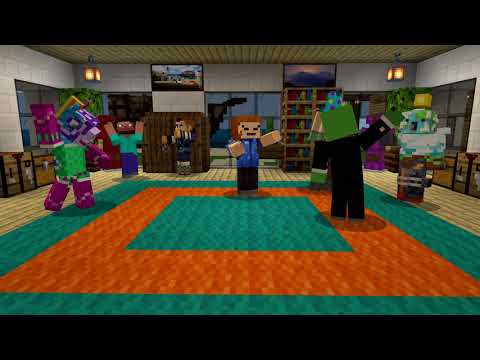
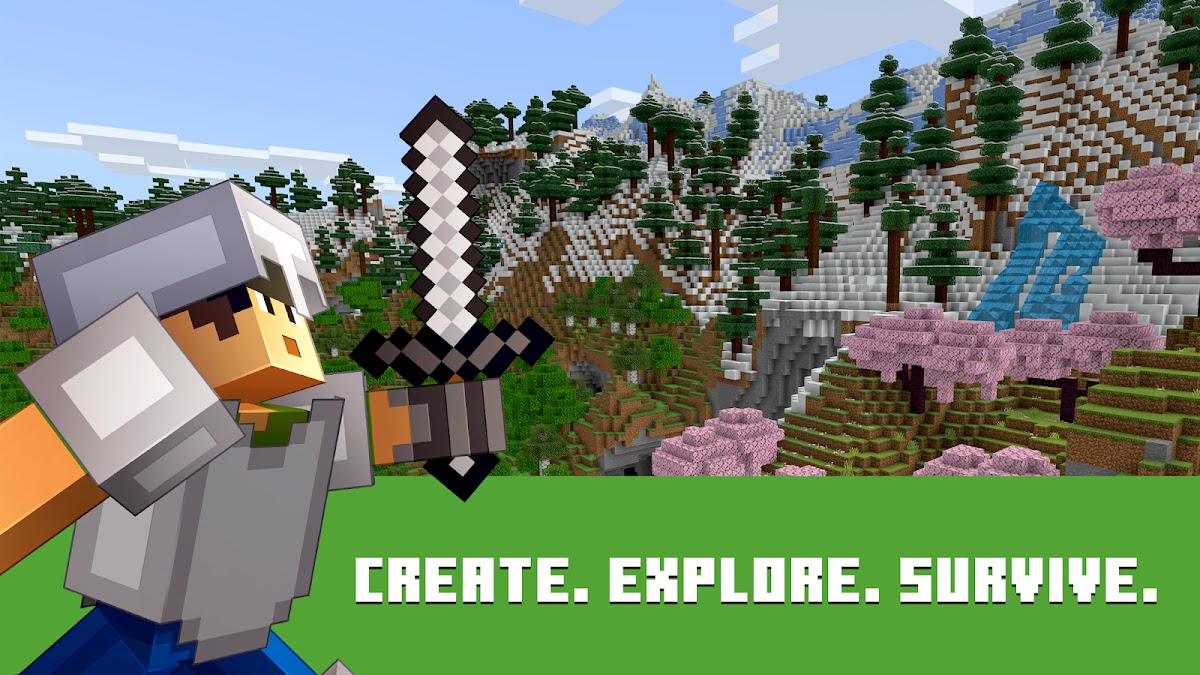
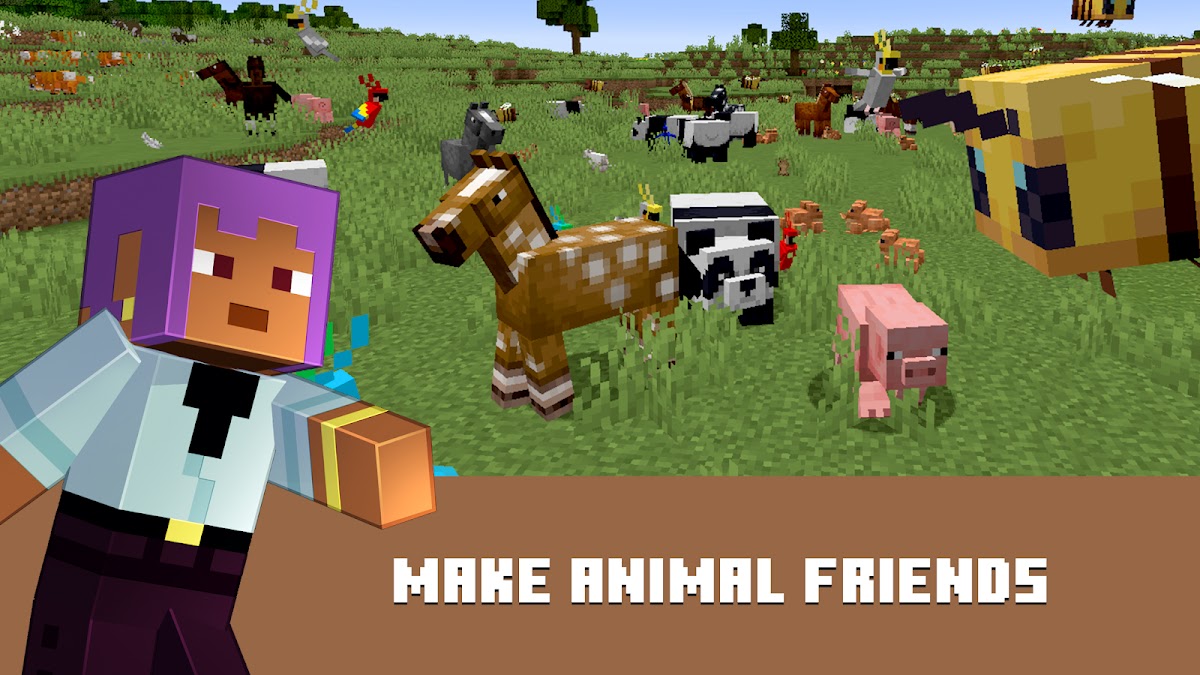
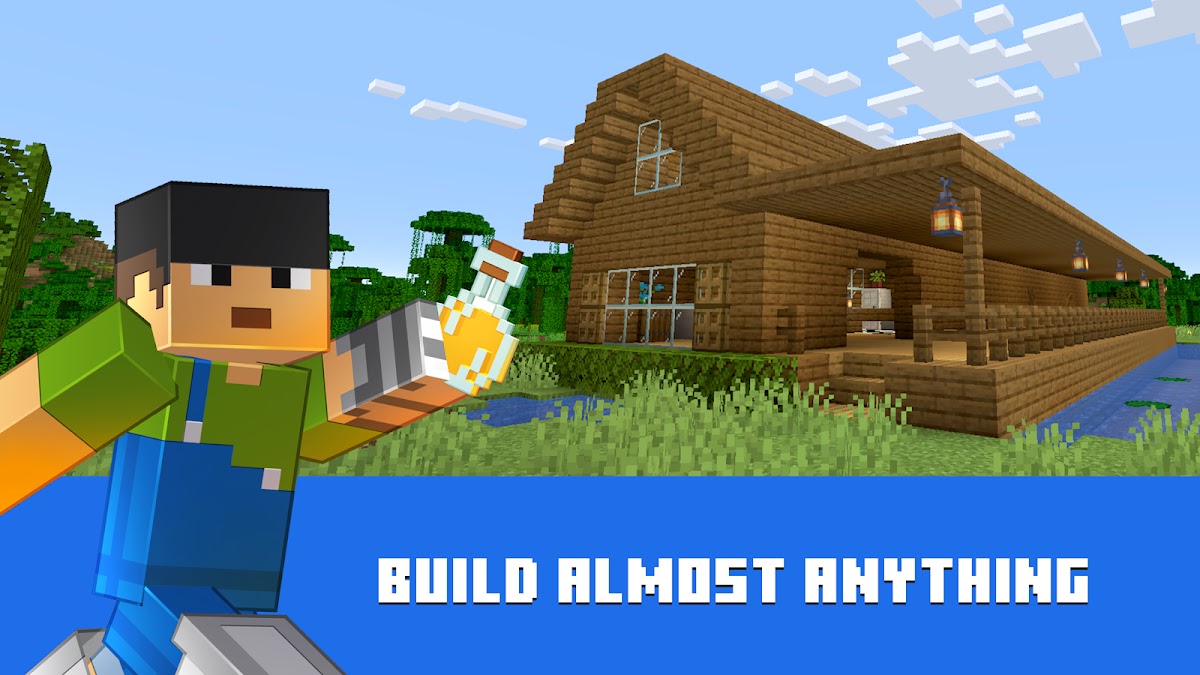
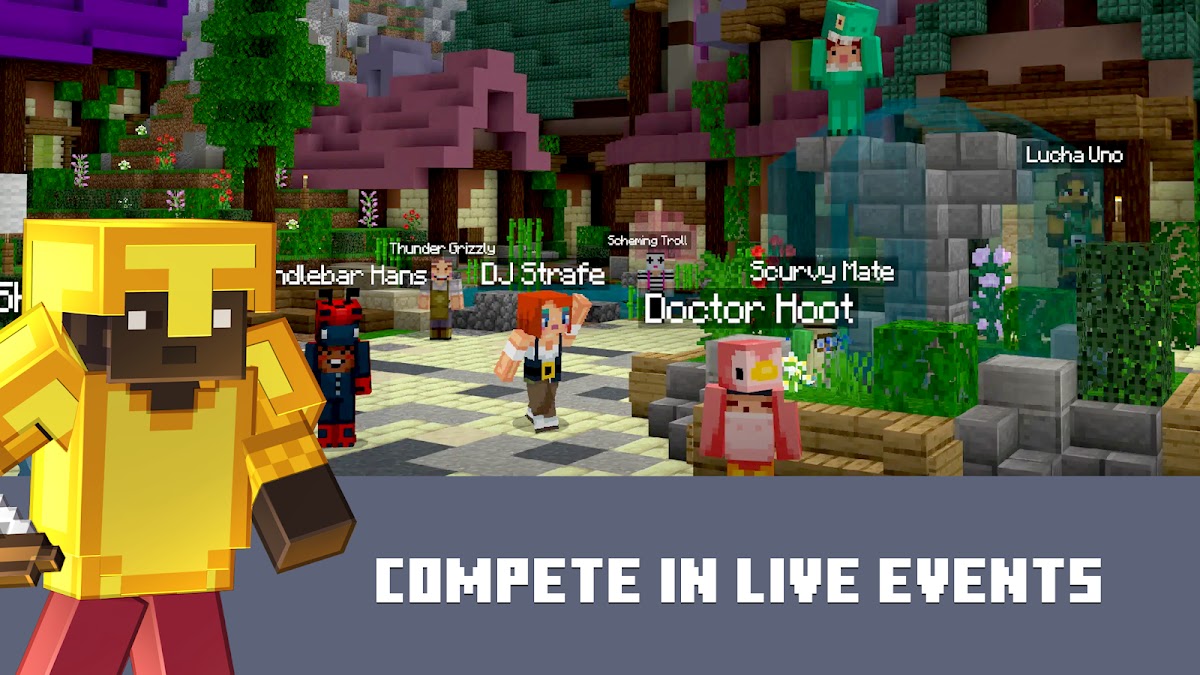
Minecraft is a strong choice when you want to set your own objectives. Build a house, explore caves, create a farm, or plan something much larger. Survival mode gives those projects practical stakes because materials must be gathered and danger managed. Creative mode lets you concentrate on construction without the same constraints. A single local world can become a continuing project across many sessions.
The mobile version supports offline play in local worlds. Realms, online servers, Marketplace browsing, and other connected services require internet access. Download any purchased content you intend to use and open the world before leaving a connection behind. Touch controls and interface settings deserve some adjustment, especially for building precisely. Minecraft is the flexible sandbox option here; Terraria offers a more combat-driven alternative with a clearer sequence of equipment upgrades and bosses.
3. Terraria: Best for Exploration and Crafting
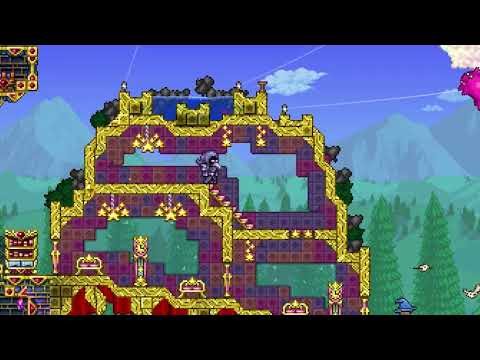
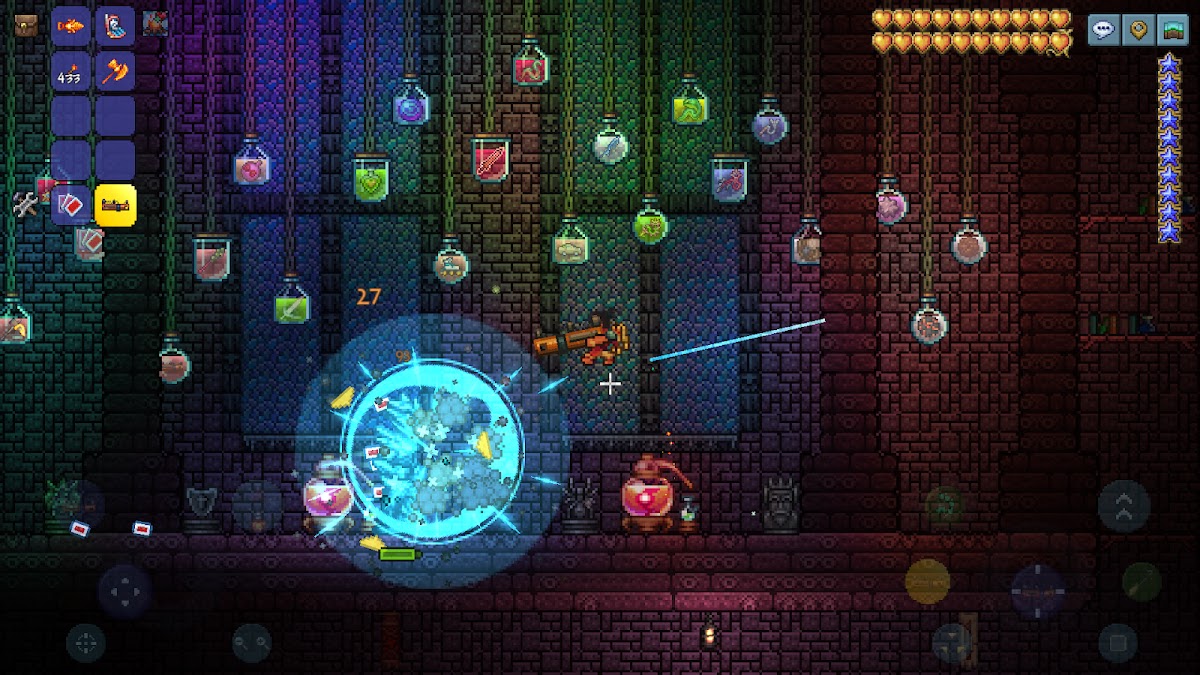
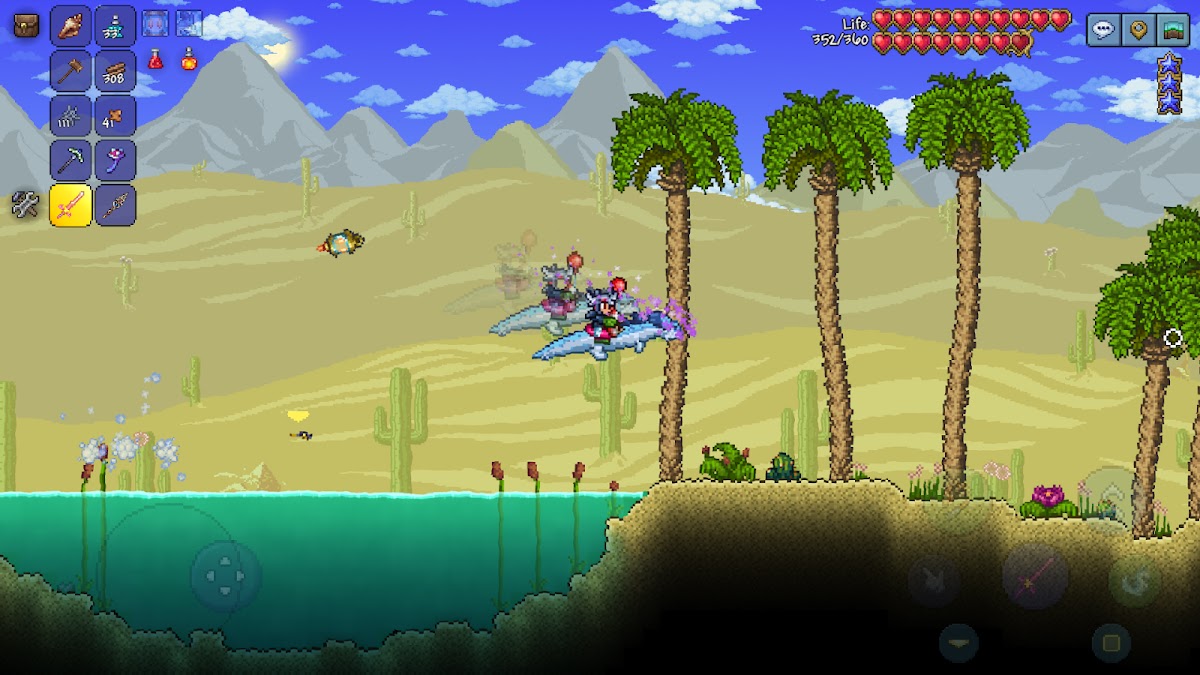
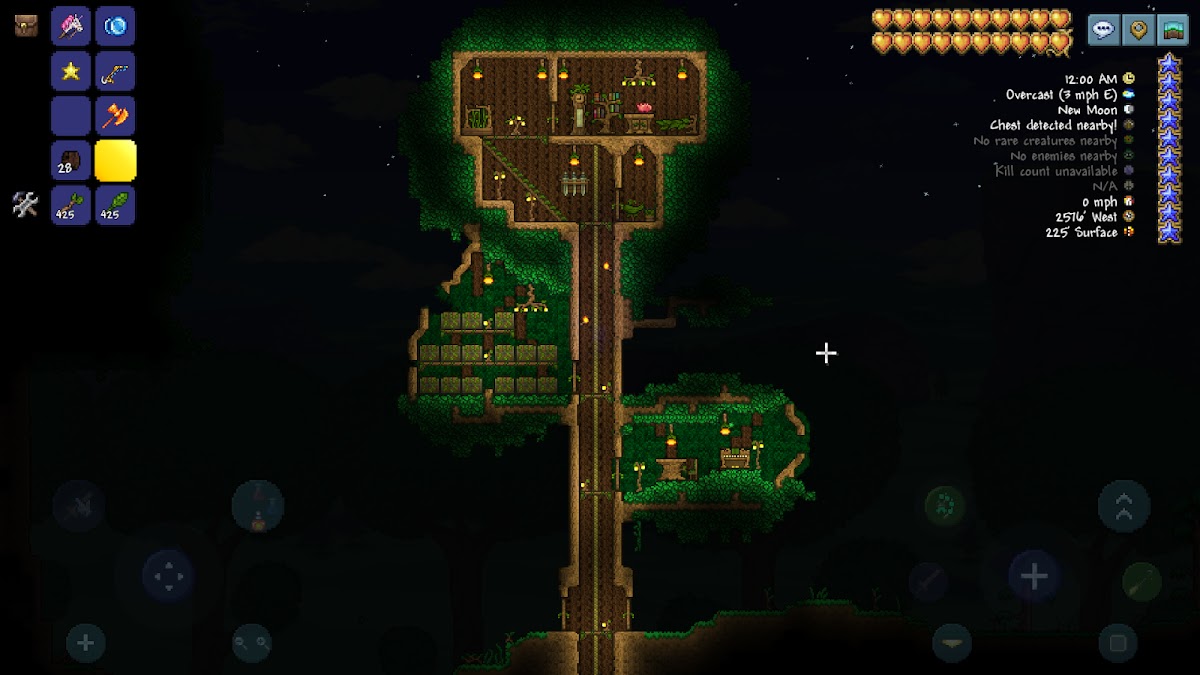
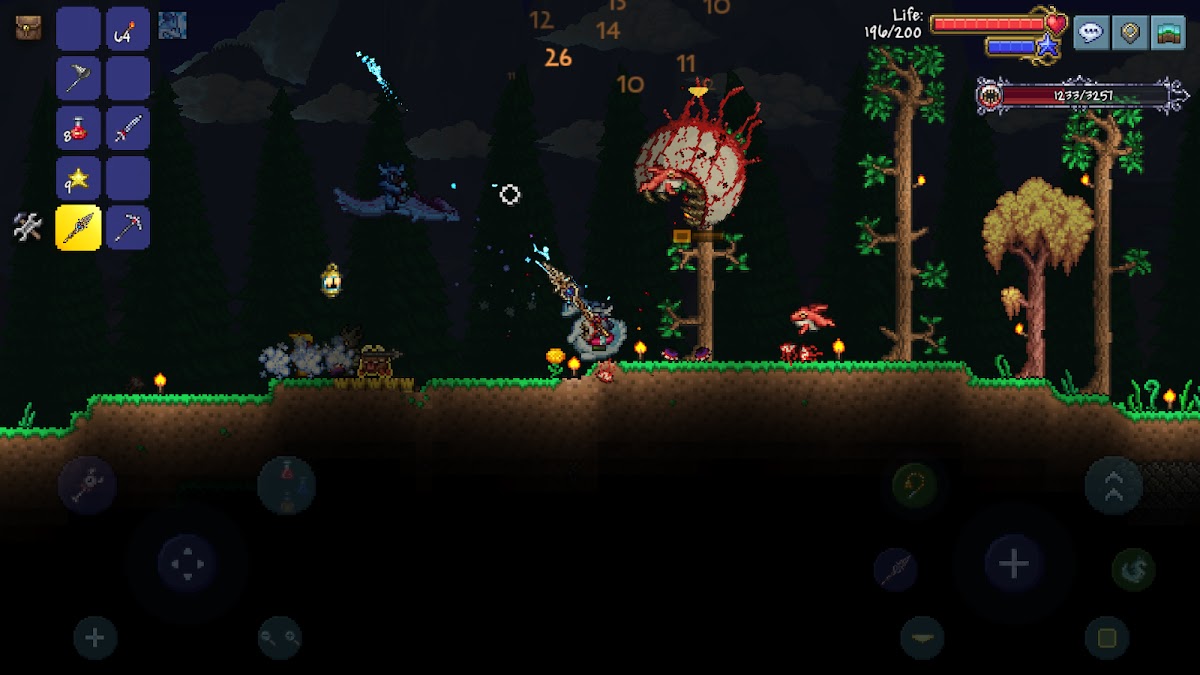
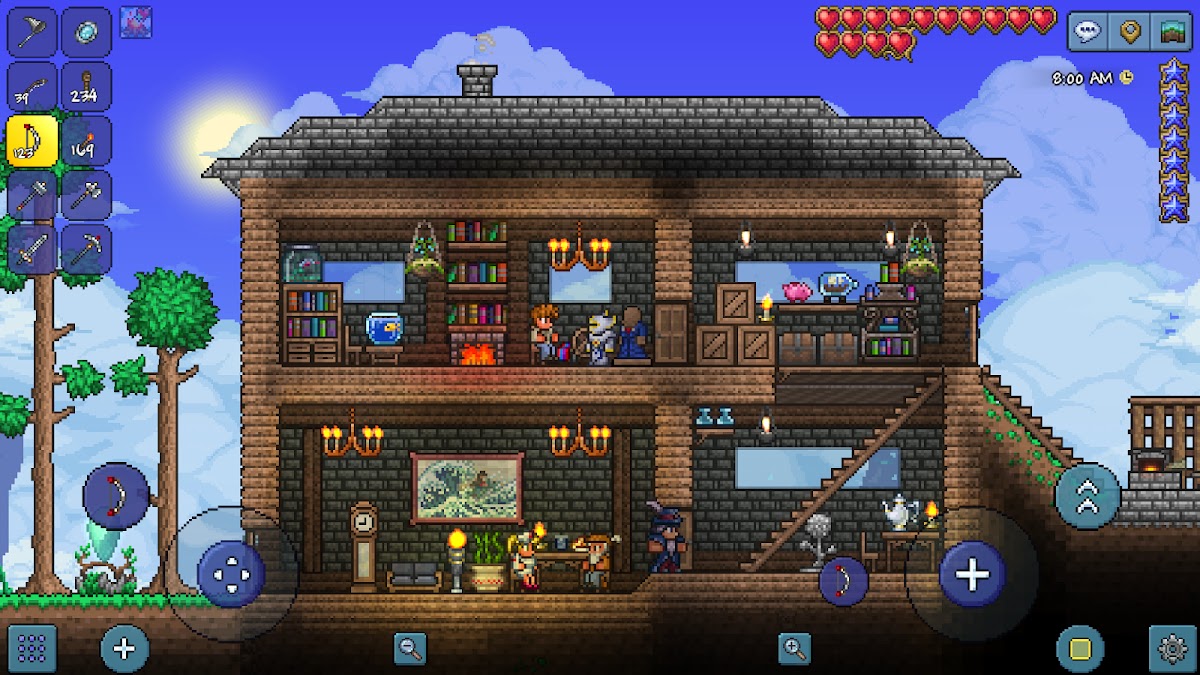
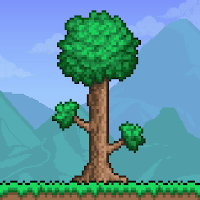
Terraria combines digging, building, equipment progression, and dangerous exploration in a two-dimensional world. A short search for materials can uncover a cavern, an unfamiliar enemy, or the next ingredient for a useful tool. Progress changes what you can attempt: better equipment opens routes that previously felt too risky, while bosses give your preparations a specific purpose.
Single-player worlds can be played offline once the game is installed. Multiplayer uses separate connection options and should not be confused with solo play. The main obstacle on a phone is the density of the controls and menus, particularly when managing equipment during combat. Spend time adjusting the interface before a longer session. Terraria suits players who want many hours of discovery and do not mind learning systems rather than following a tightly guided campaign.
4. Dead Cells: Best for Fast Offline Action

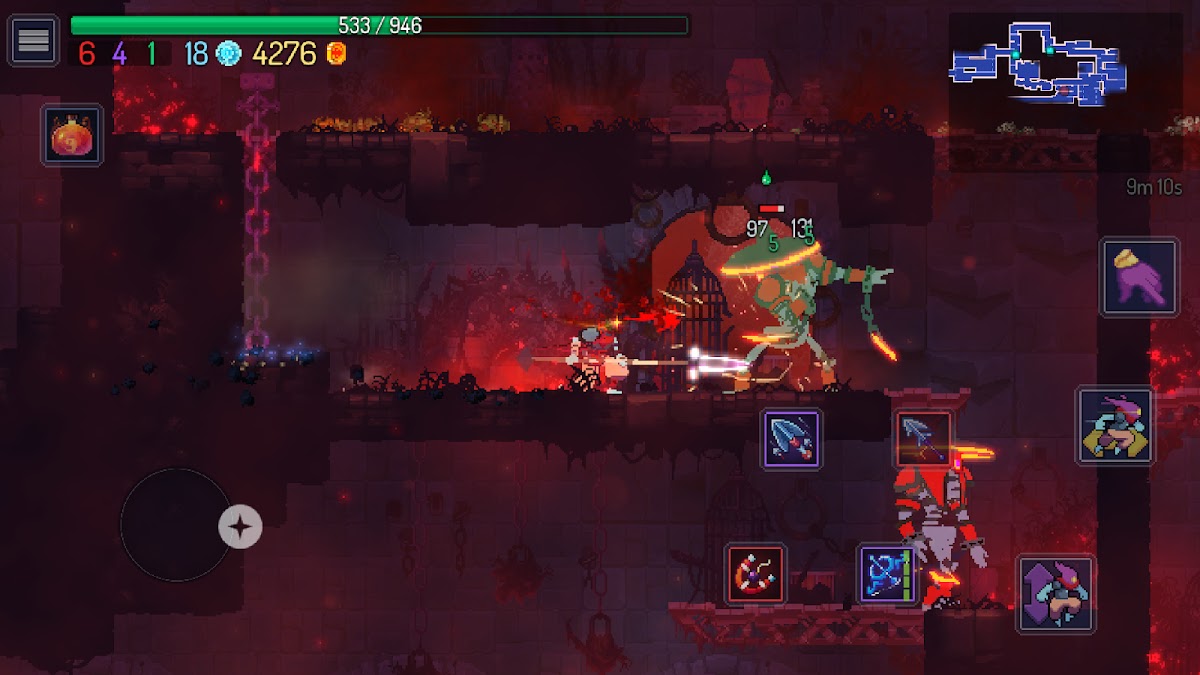
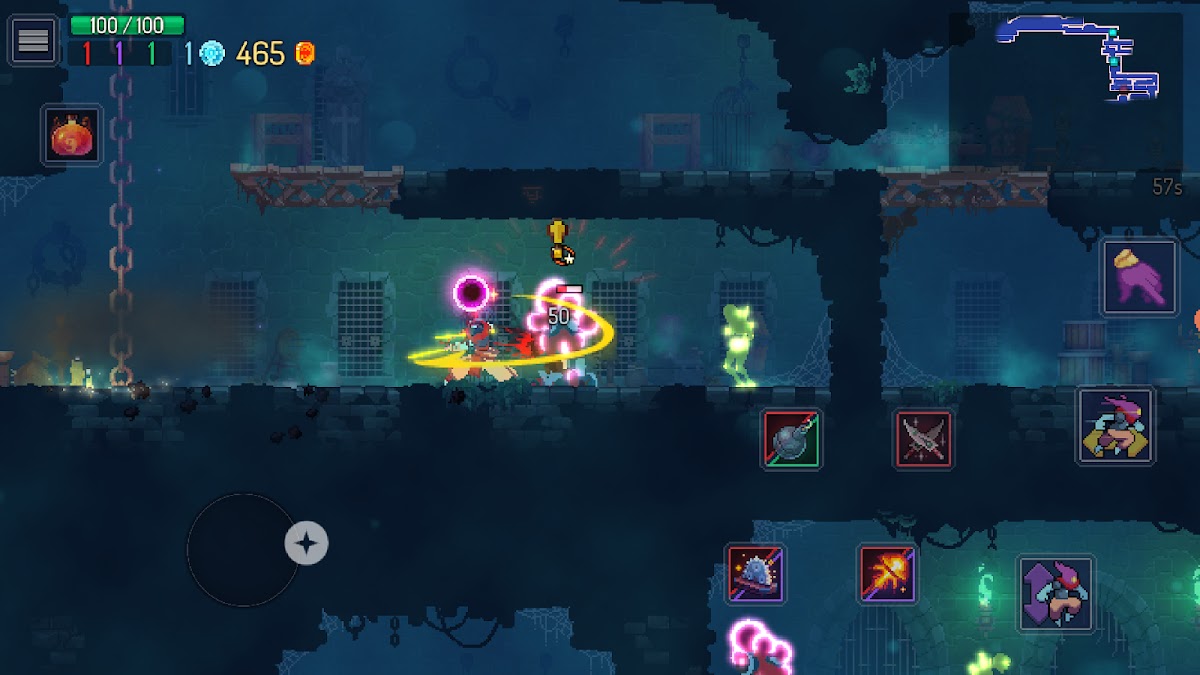
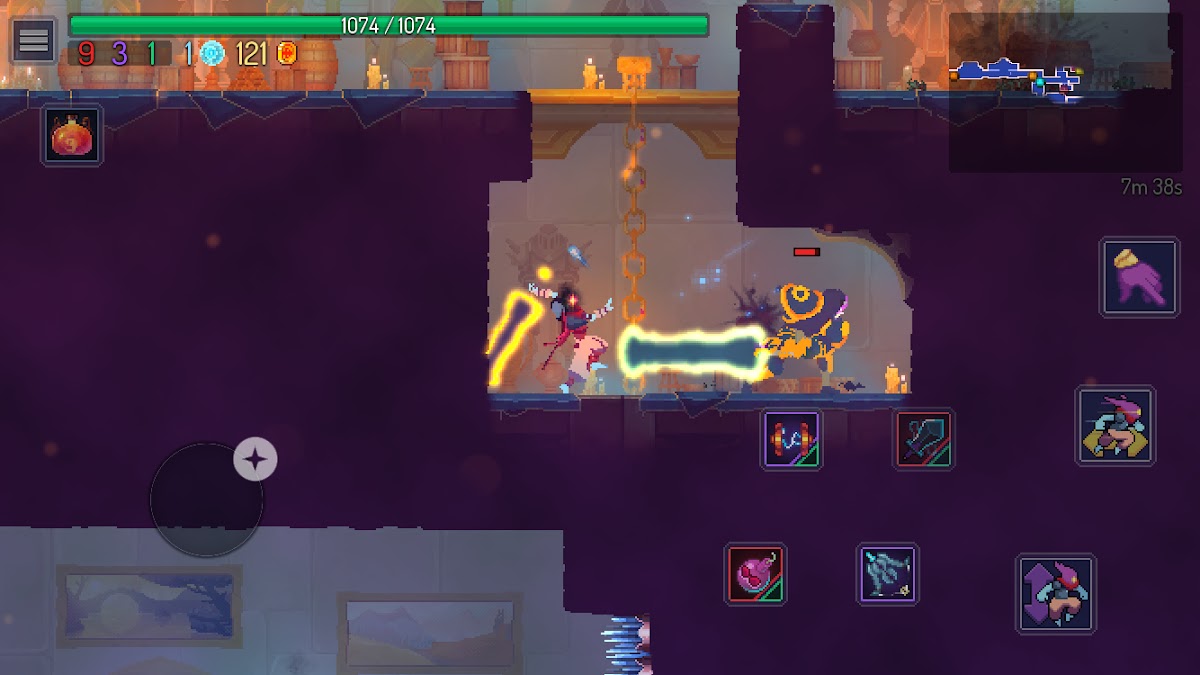
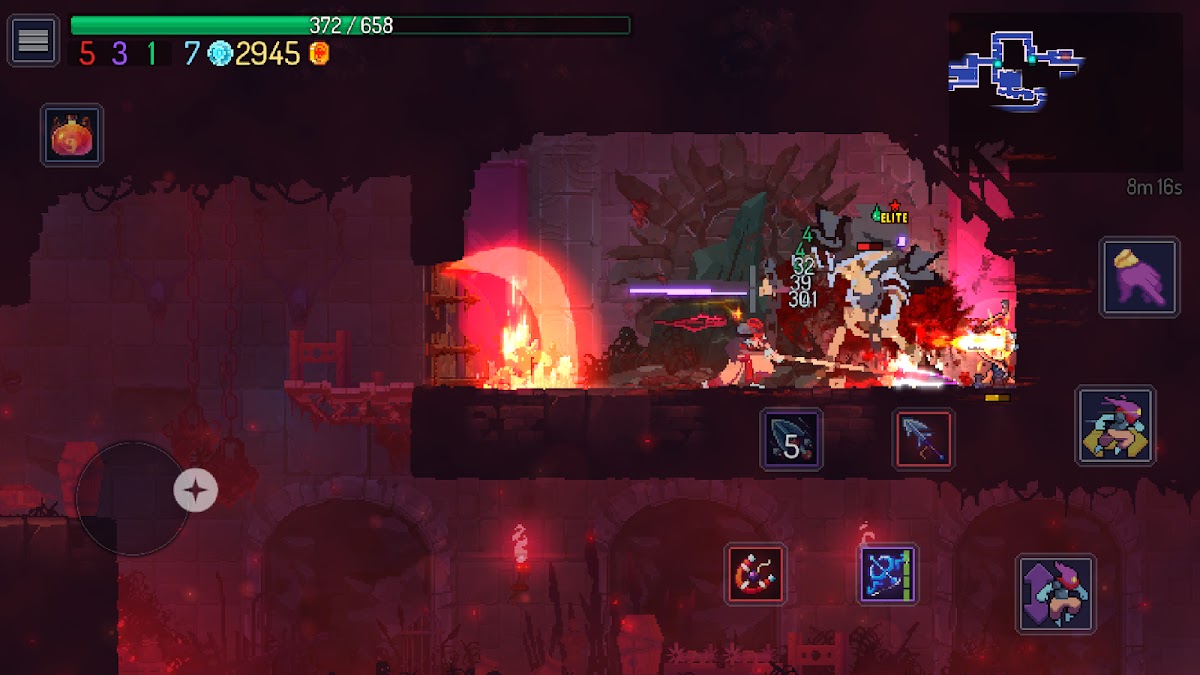

Dead Cells is built around movement, timing, and learning from failed attempts. You fight through changing routes, collect weapons, and decide which combination of abilities fits the run. Combat rewards deliberate aggression: dodge a strike, identify an opening, and respond before another enemy reaches you. Death ends the current attempt, but knowledge and permanent unlocks make later runs feel different.
The standalone mobile release supports offline single-player, with additional content downloaded separately where applicable. Choose your edition carefully: subscription editions have their own account requirements. Touch controls are customizable, but a supported controller may feel more comfortable for this kind of precise action. Dead Cells is a strong choice for focused play; it asks more attention and quicker reactions than the turn-based games on this list.
5. Slay the Spire: Best for Tactical Card Battles
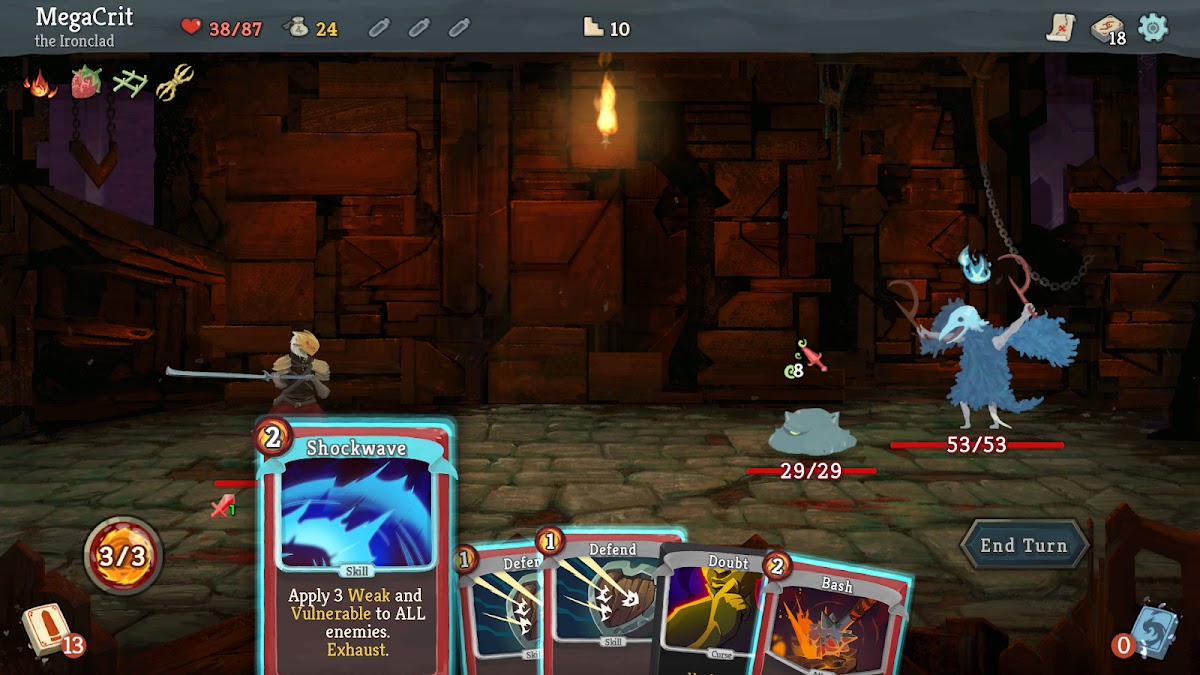
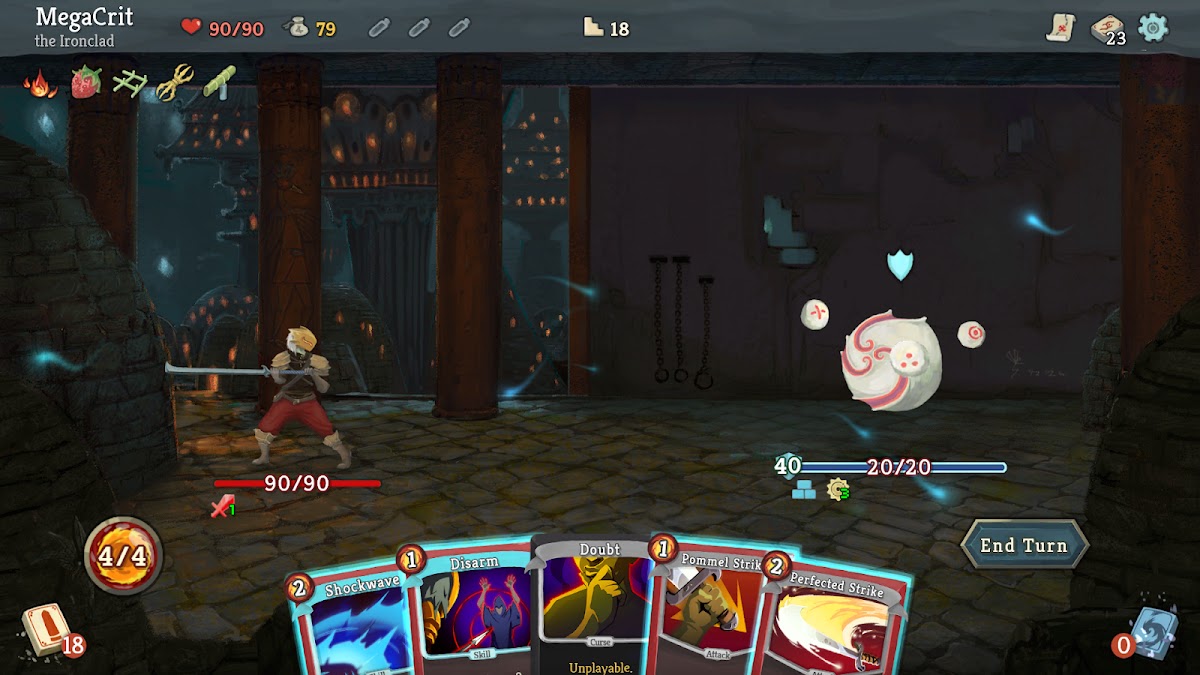
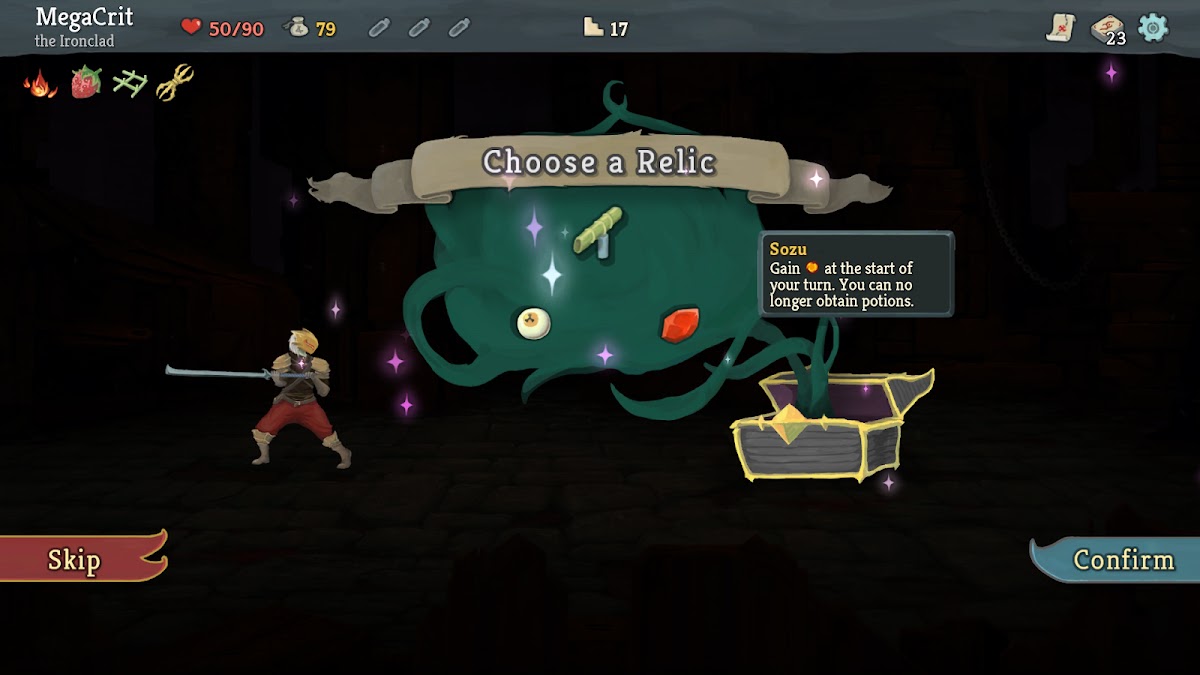
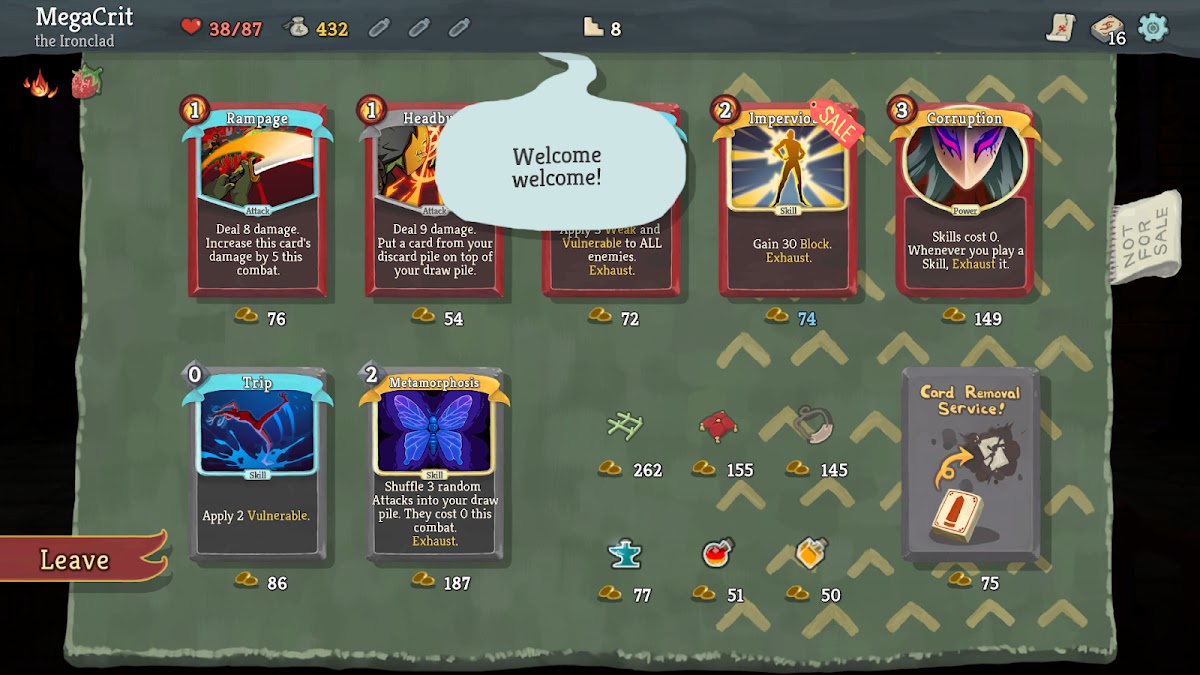
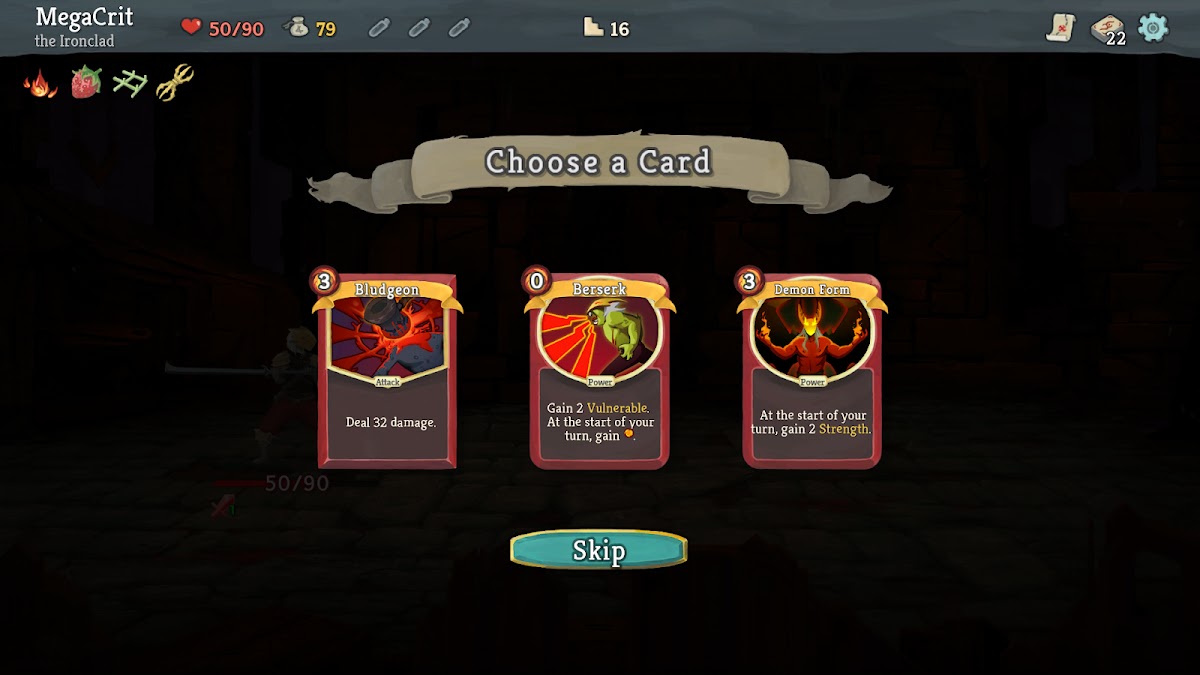

Slay the Spire turns building a deck into a sequence of difficult decisions. Each encounter offers information about enemy intentions, but your response depends on the cards you draw and the resources you have left. A powerful card can still weaken a deck if it disrupts how the rest works. Choosing a route through fights, shops, and events matters almost as much as playing the battles themselves.
Standard single-player runs are suitable for offline play, while online services and synchronization are separate considerations. Launch the installed game and confirm your save loads without a connection before travelling. Its turn-based structure removes reaction pressure, although card text can feel small on compact phones. Choose it if you enjoy understanding why a strategy works and adapting when the next reward refuses to cooperate.
6. Balatro: Best for Replayable Card Combinations

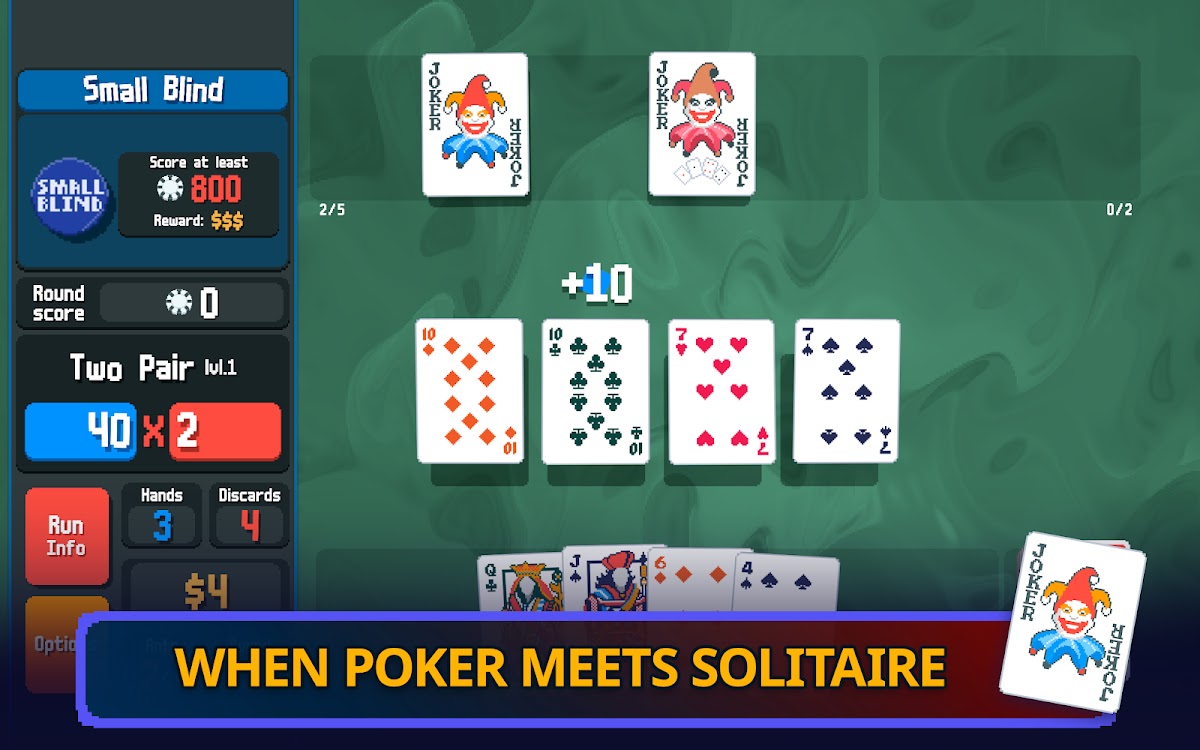

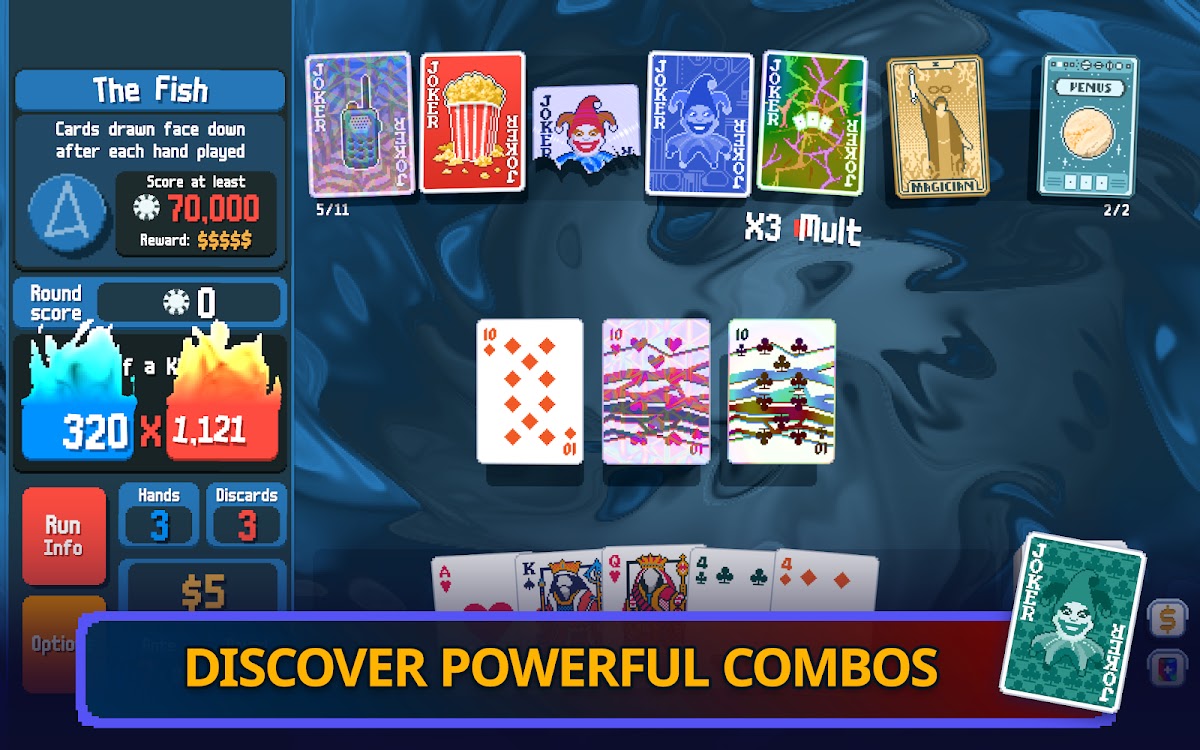
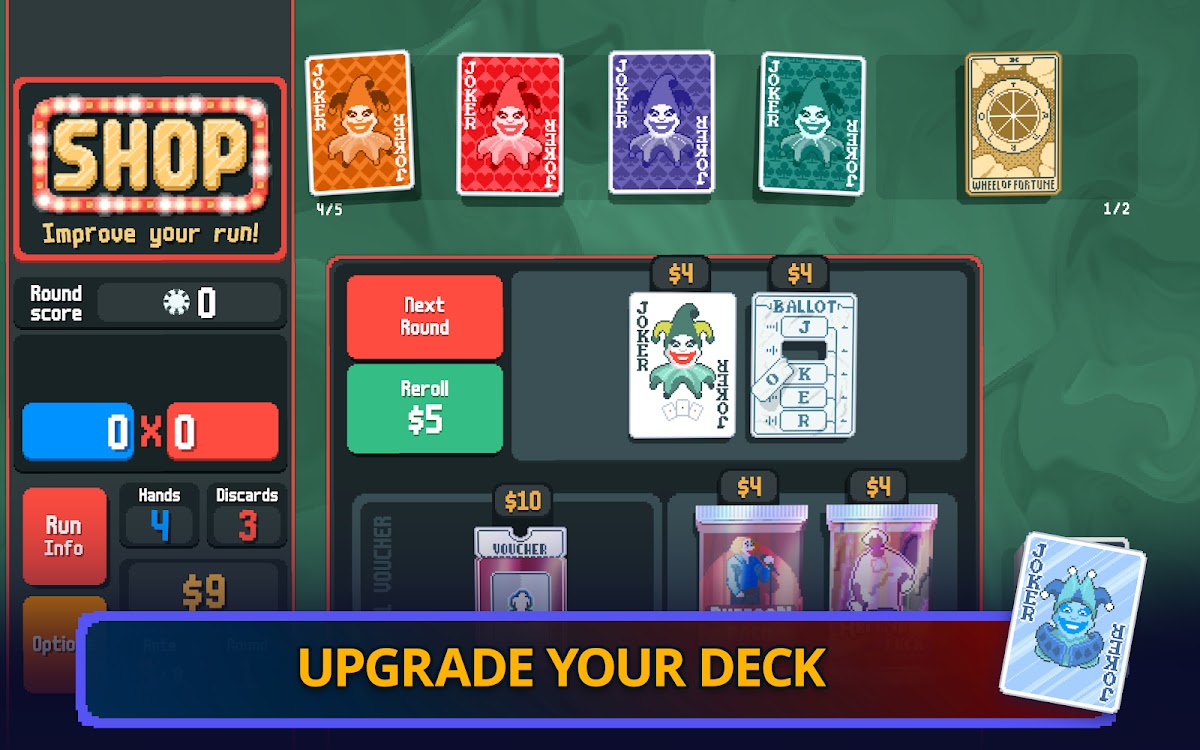
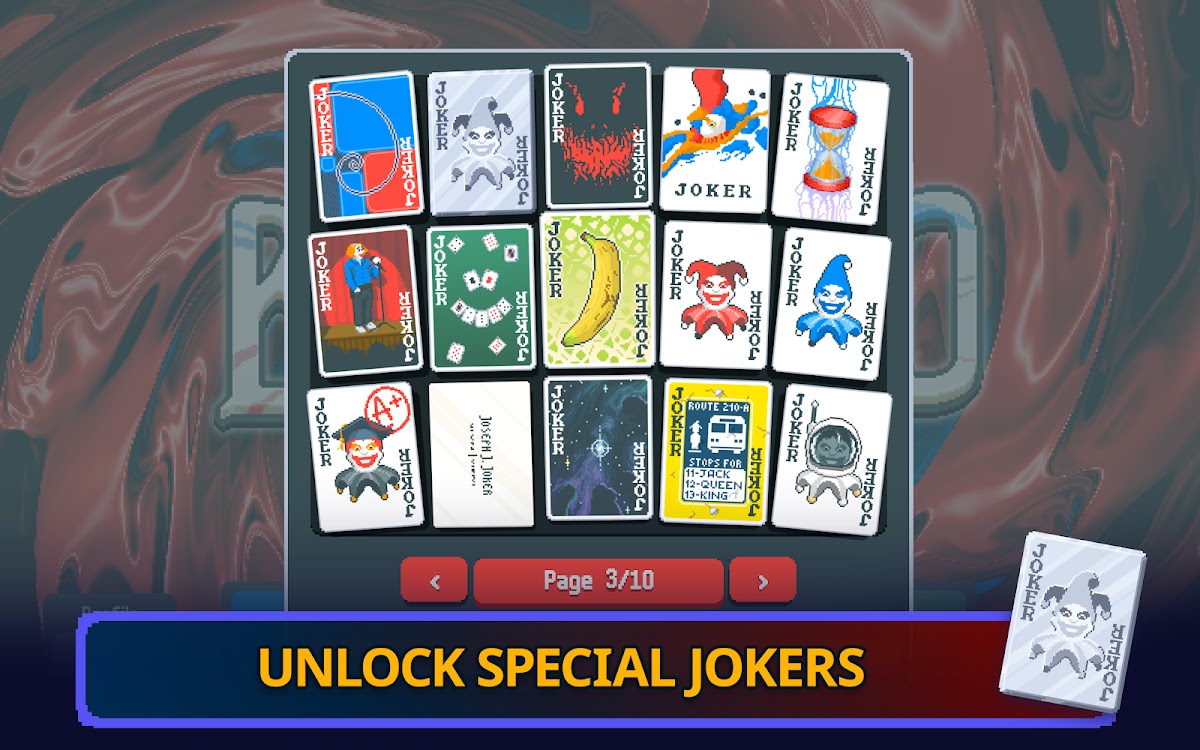

Balatro uses familiar poker hands as the foundation for a very different solo game. You aim to reach increasing score targets by combining cards, Jokers, upgrades, and multipliers. A modest hand can become the center of a winning strategy when the supporting effects line up. The interesting decisions come from choosing what to keep, what to sell, and when to abandon a plan that is no longer strong enough.
Its solo runs make it appealing for offline sessions, but check startup, account, and save behavior in your installed mobile version before a trip. Do not assume that a session already running proves a fresh offline launch will behave identically. Balatro uses poker imagery without real-money betting. Choose it for repeated experimentation and scoring combinations; Slay the Spire offers a more explicit focus on enemies, defense, and tactical combat.
7. Monument Valley: Best for a Calm Puzzle Adventure
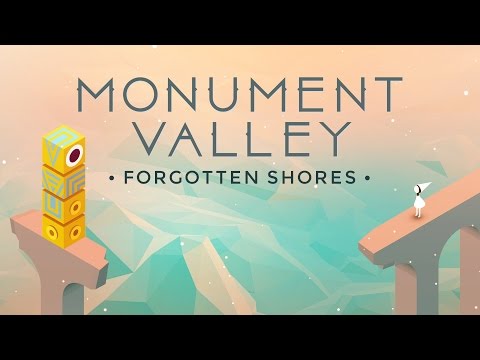
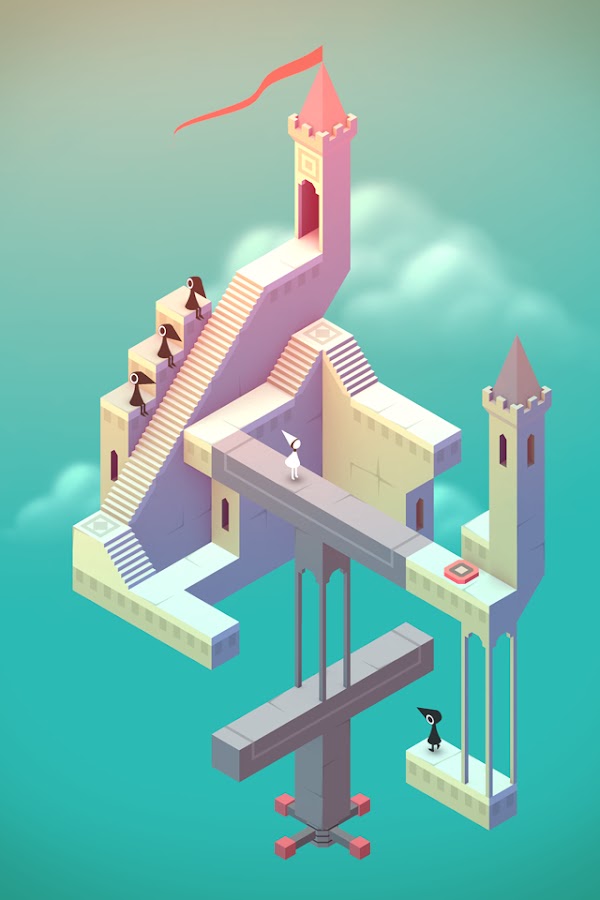
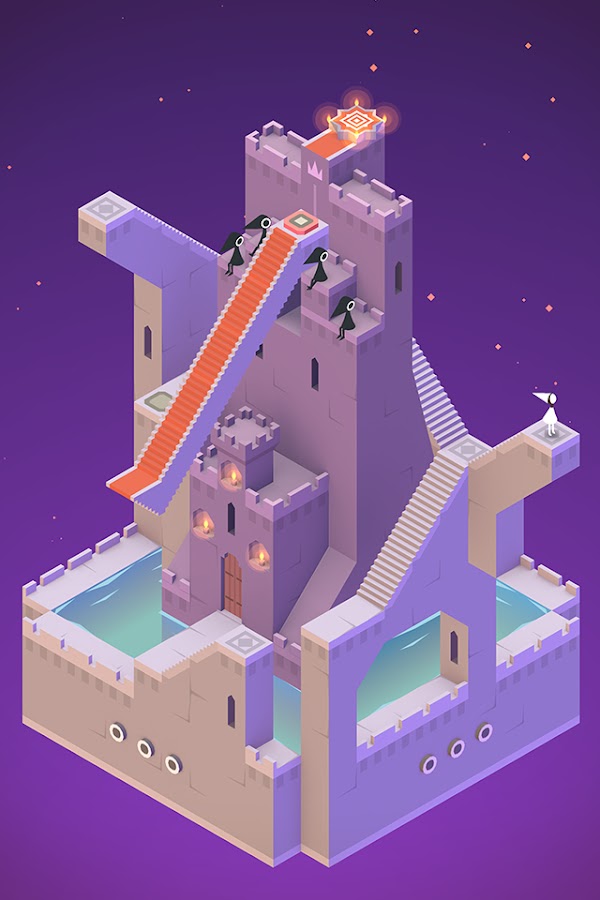
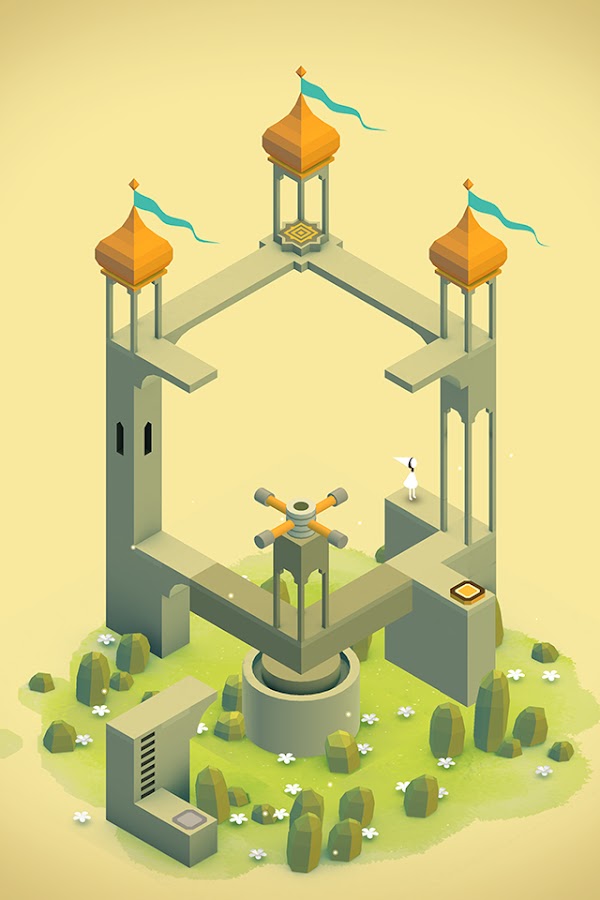
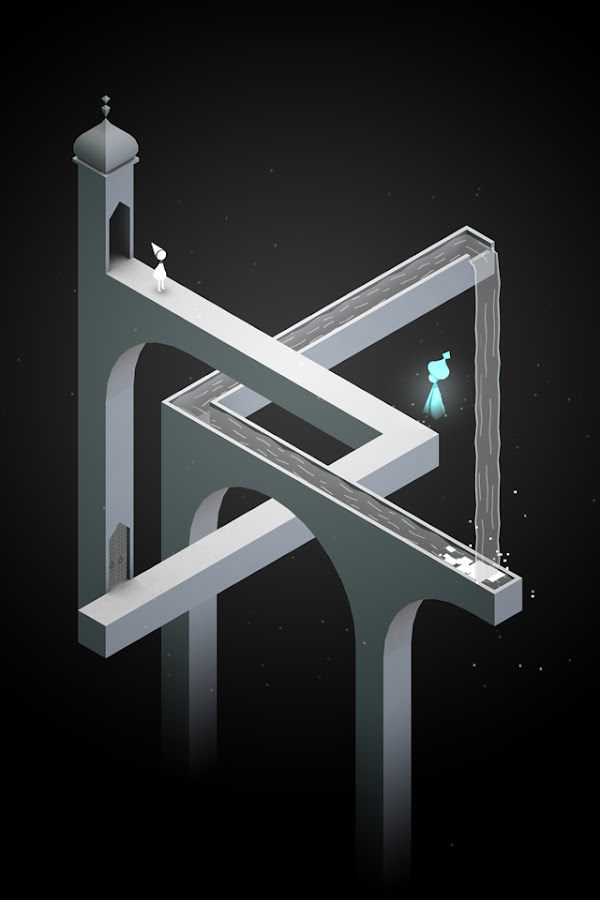


Monument Valley asks you to reconsider what a path can be. Rotate a structure, move a platform, or change your viewpoint, and disconnected architecture becomes a route forward. Its visual illusions are part of the puzzle rather than background decoration. The compact levels introduce ideas gradually, making discovery feel natural even when the geometry refuses to follow ordinary rules.
Installed story levels can be played offline, making this a good choice for a quiet flight or an evening without a reliable connection. Download any additional chapters you plan to use beforehand. The limitation is length and replayability: once you understand a puzzle, much of its surprise is gone. Choose Monument Valley for a carefully paced experience with an ending, rather than an endless source of new challenges.
8. The Room: Old Sins: Best for Mechanical Puzzles

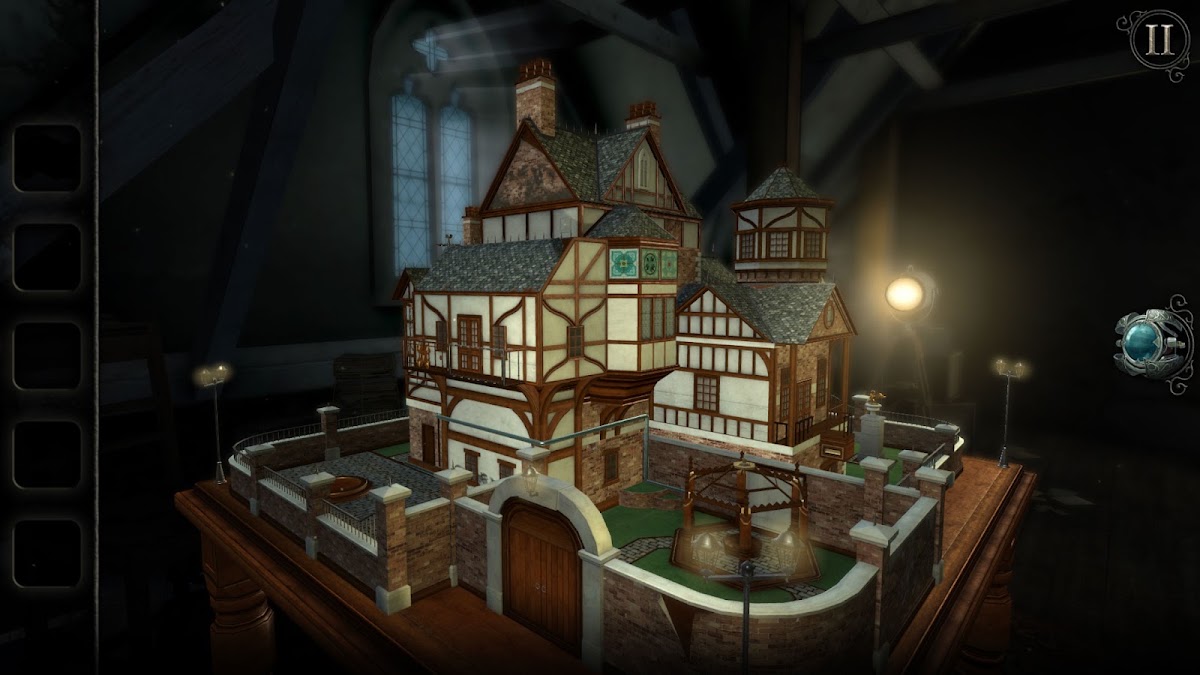
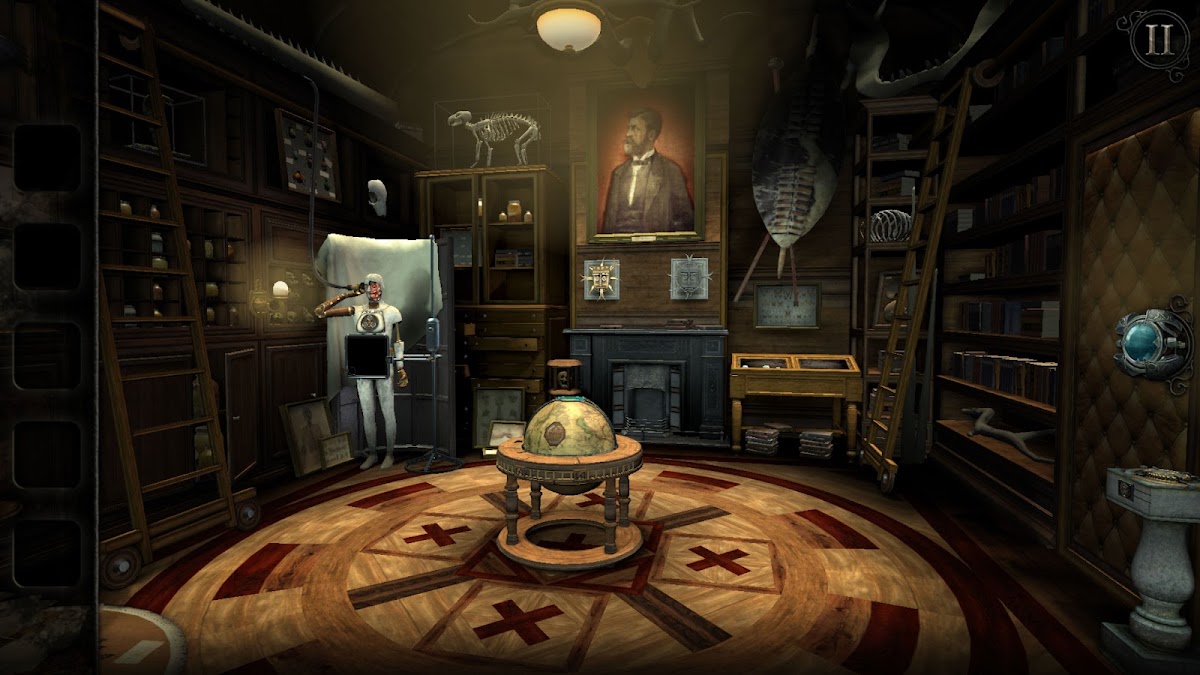
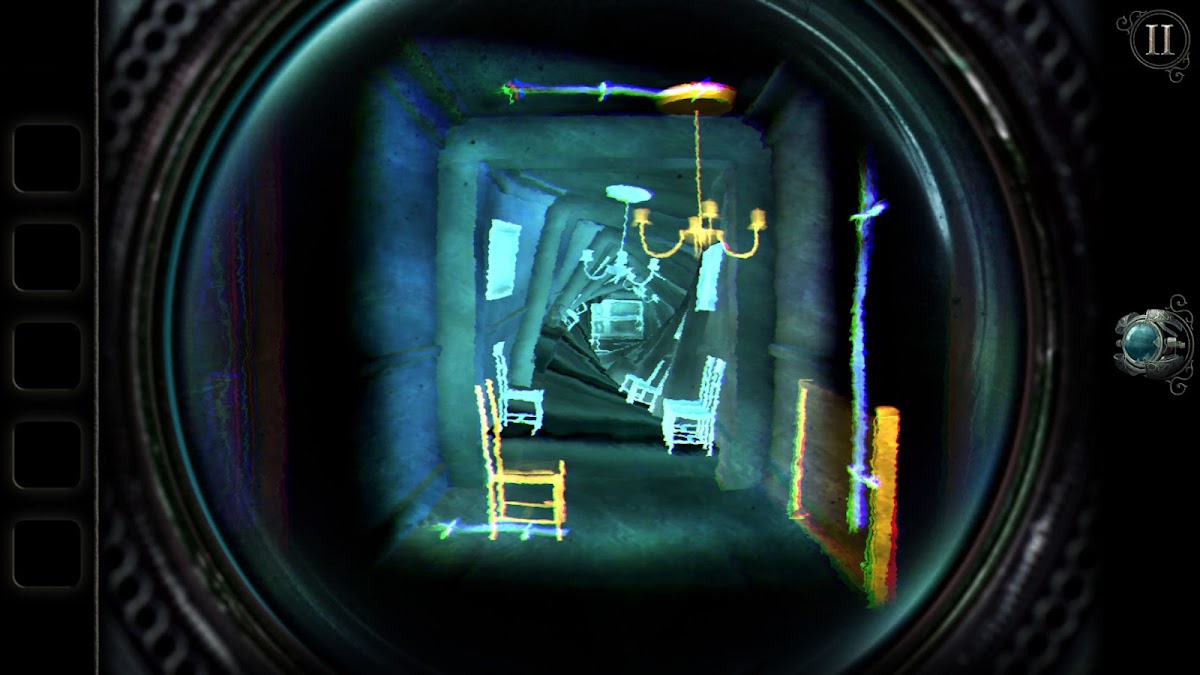
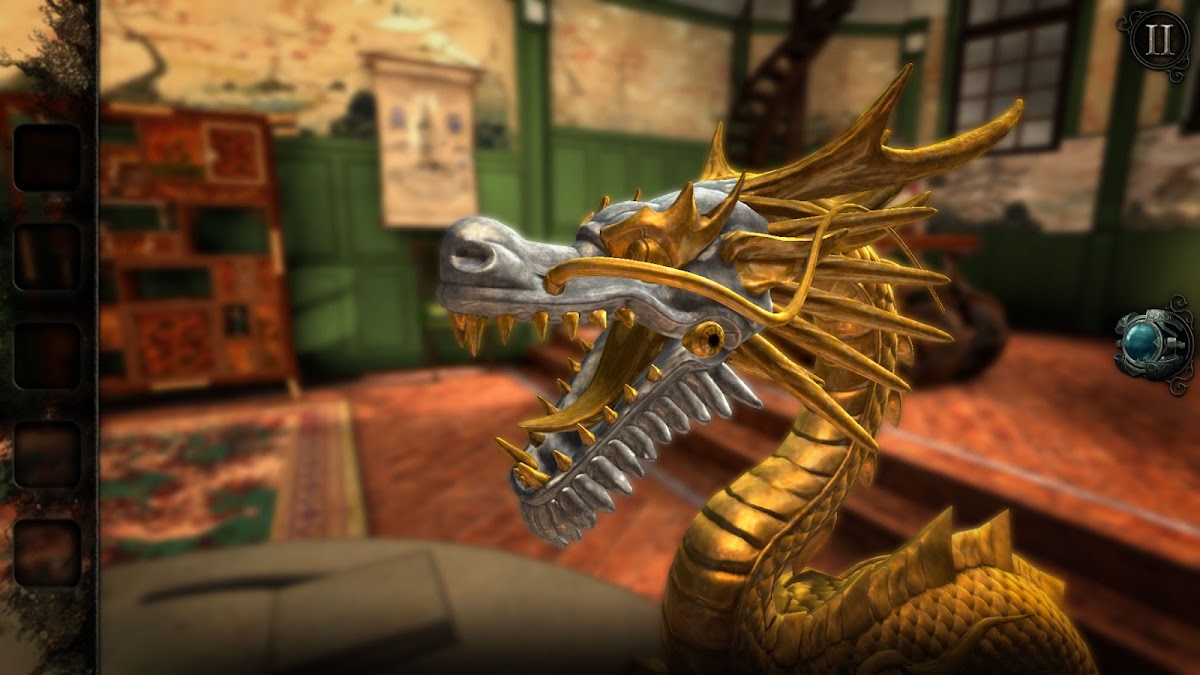
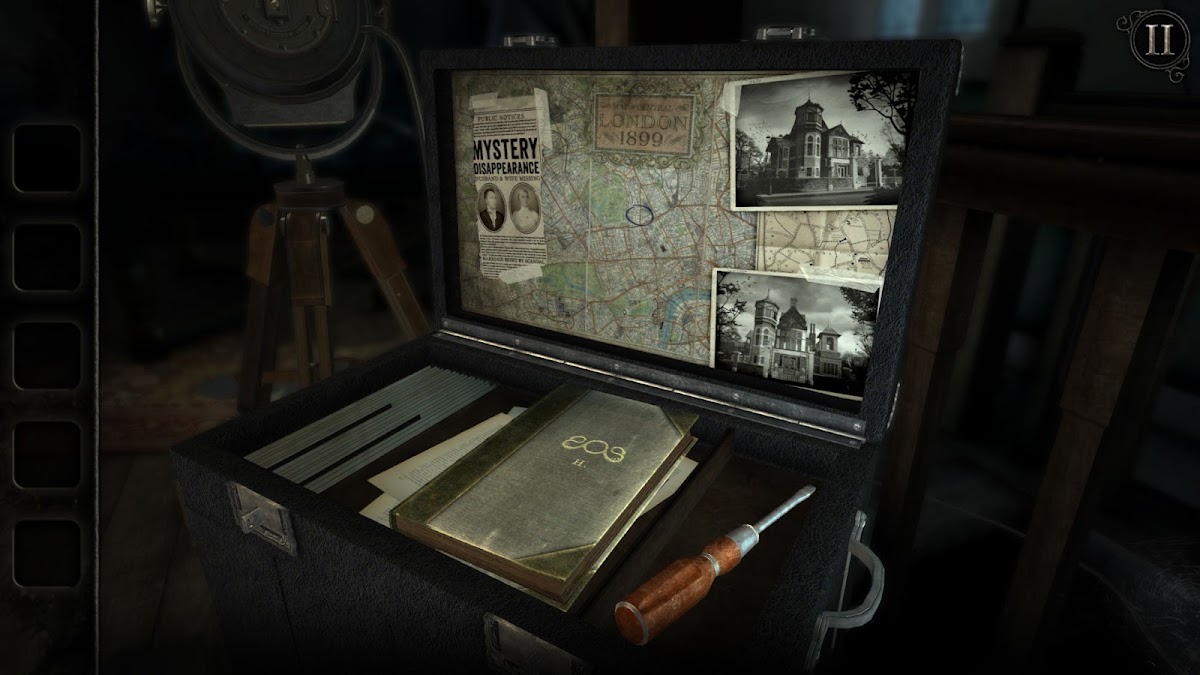
The Room: Old Sins centers its mystery on a detailed dollhouse and the spaces hidden within it. You examine objects, turn mechanisms, follow clues, and discover how one device changes another part of the puzzle. Observation matters: an unusual edge, symbol, or moving component can be the detail that makes an apparently sealed object understandable.
The downloaded single-player adventure is suited to offline play. Its tactile interactions work well on a touchscreen, although a larger display makes intricate details easier to inspect. This is a better choice for concentrated sessions than for playing while distracted. Pick it if you want a mystery structured around physical objects and mechanisms; Monument Valley is the gentler alternative if you prefer fewer details and a lighter atmosphere.
9. Mini Metro: Best for Strategy in Short Sessions
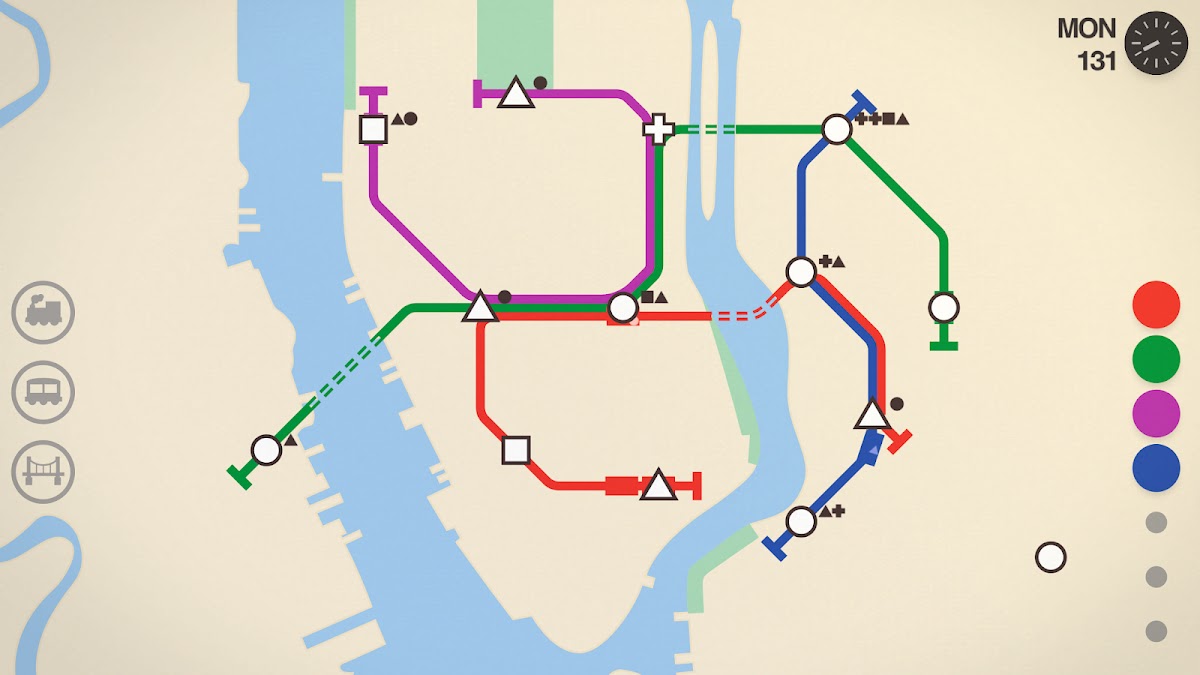
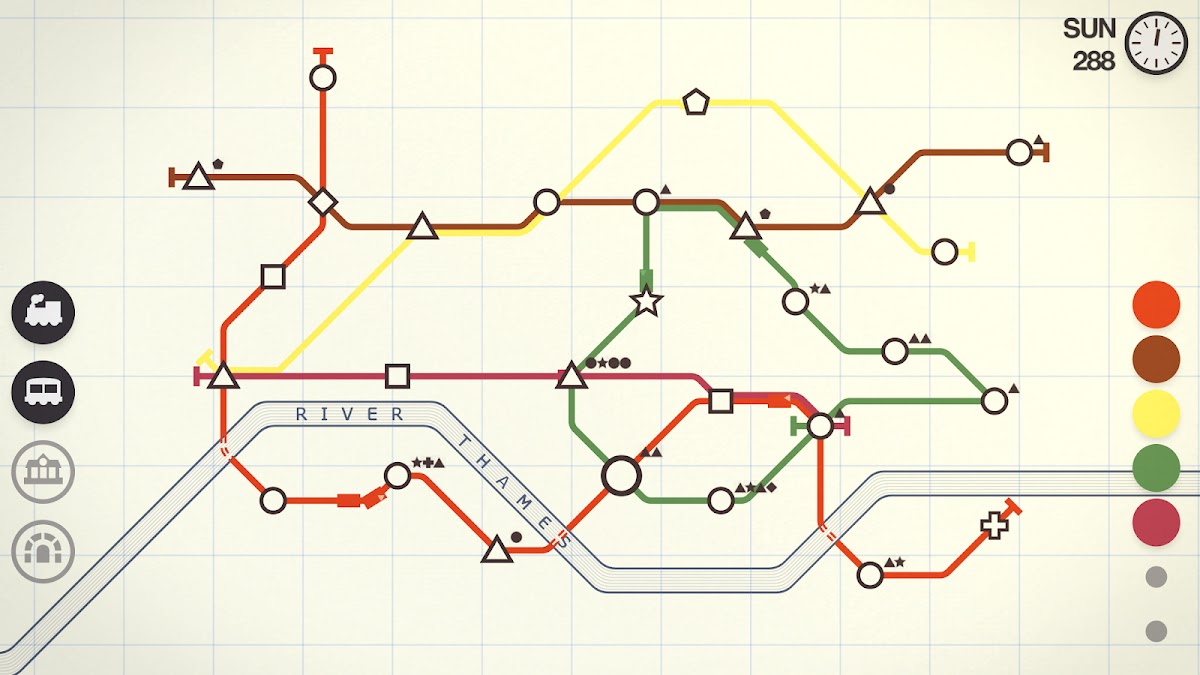
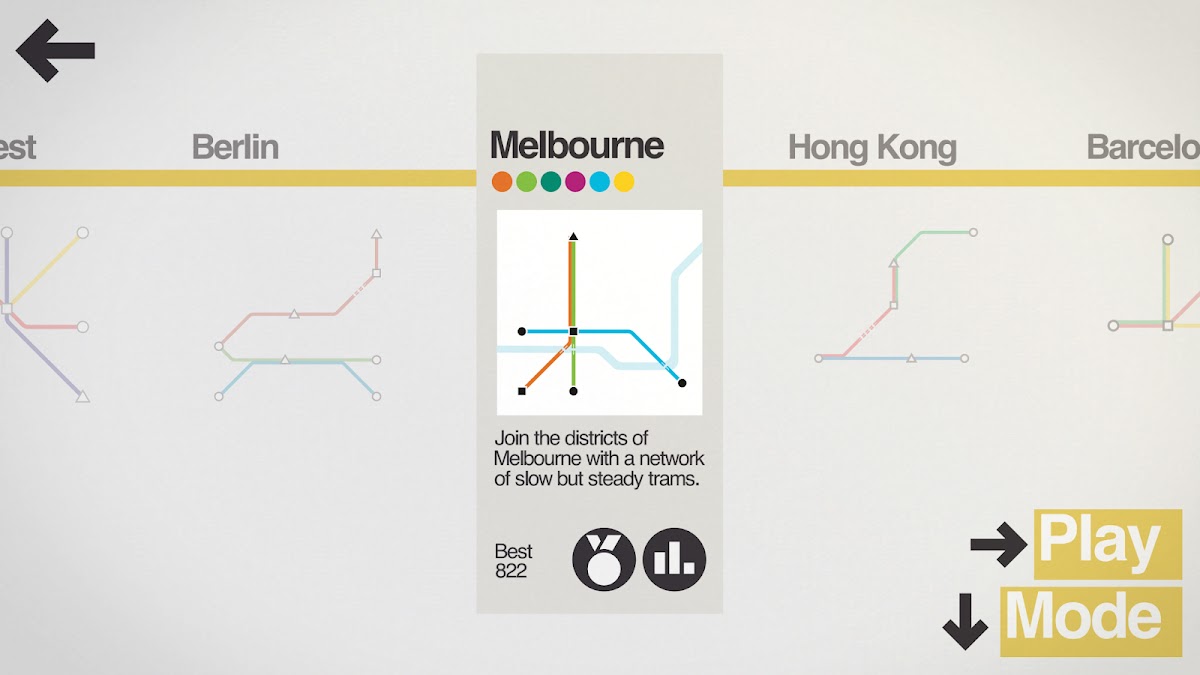
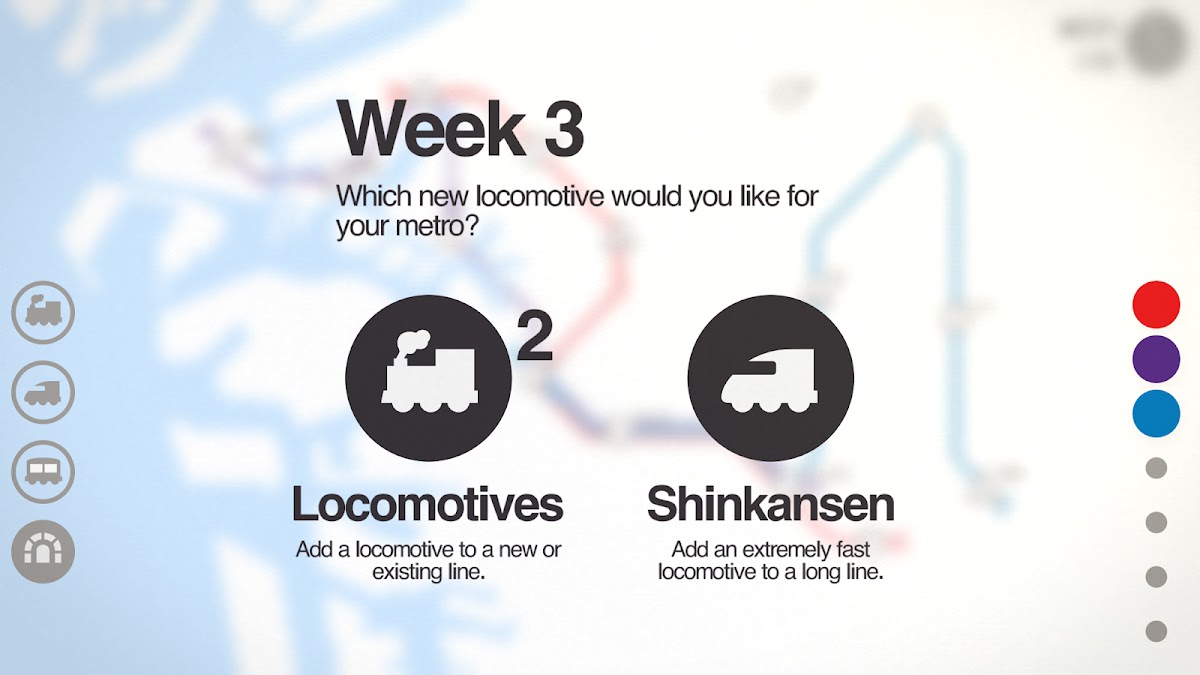
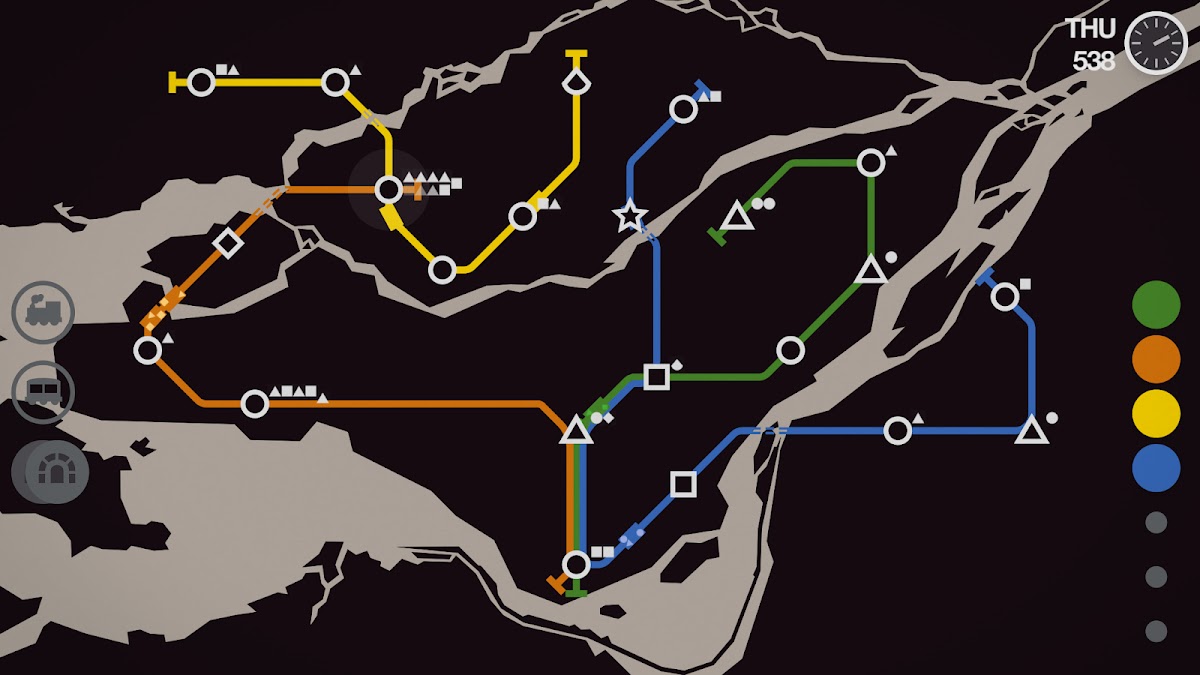

Mini Metro begins with a few stations and a simple transport network. As the city grows, new stops and passenger demand expose weaknesses in your design. You redraw lines, redistribute trains, and decide where scarce resources will prevent the next bottleneck. Its restrained graphics make the problem readable, even when keeping the whole network moving becomes difficult.
Standard modes work offline, while daily challenges and their shared results involve online services. It is easy to understand the basic actions, but building a stable network takes practice. A short session can be satisfying without committing to a large campaign. Choose Mini Metro for concentrated planning, especially if you enjoy improving a system and can accept that growth will eventually test every compromise you made.
10. Alto’s Odyssey: Best for Relaxed Offline Play
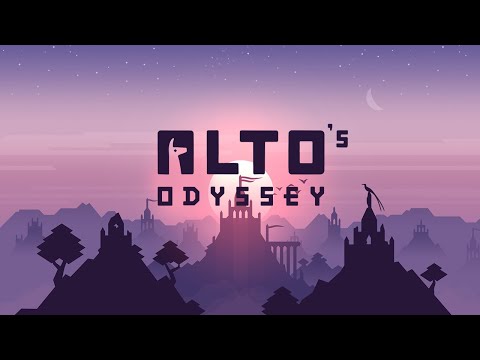

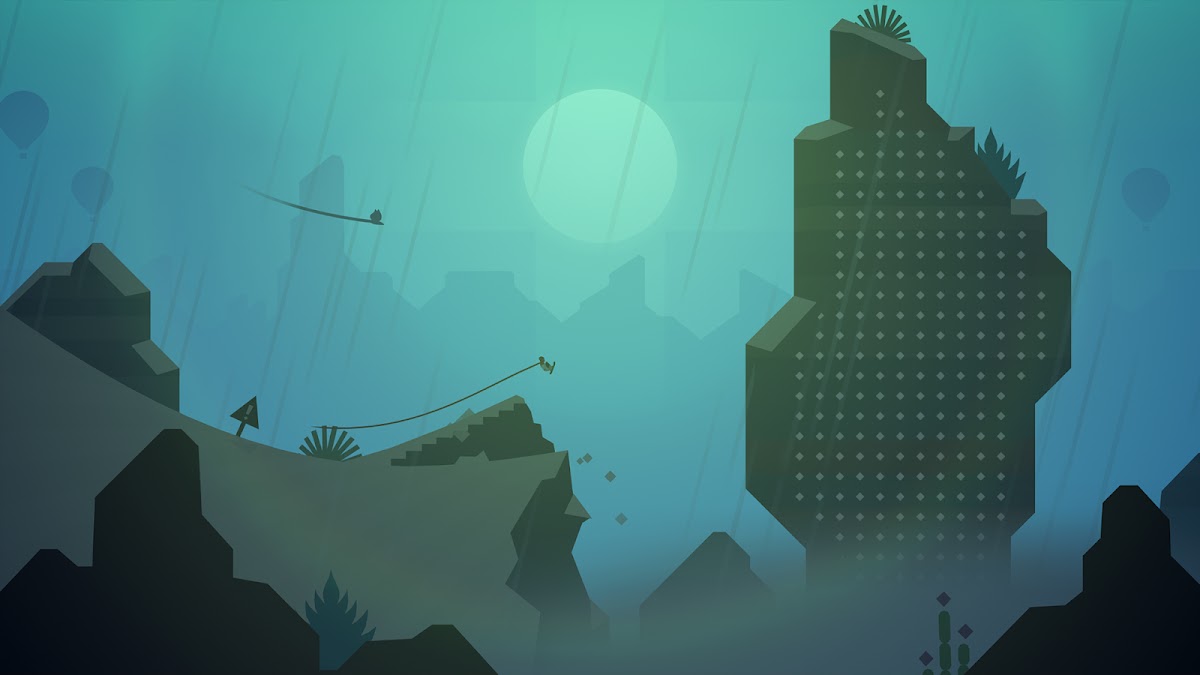




Alto’s Odyssey sends you sandboarding through dunes, canyons, and atmospheric landscapes. A small set of inputs covers jumping and tricks, while changing terrain keeps the movement interesting. Combining maneuvers becomes more satisfying as your timing improves, but the scenery and sound also make simply moving through the environment enjoyable.
The core running experience supports offline play. Online services, rewarded advertising, and purchase options are separate, and the Android and iPhone editions have different commercial arrangements. It is one of the easiest games here to approach in a short break, with less menu management than a strategy game. Choose it for accessible movement and atmosphere, rather than a detailed story or a world you can freely explore.
11. LIMBO: Best for a Short Atmospheric Campaign

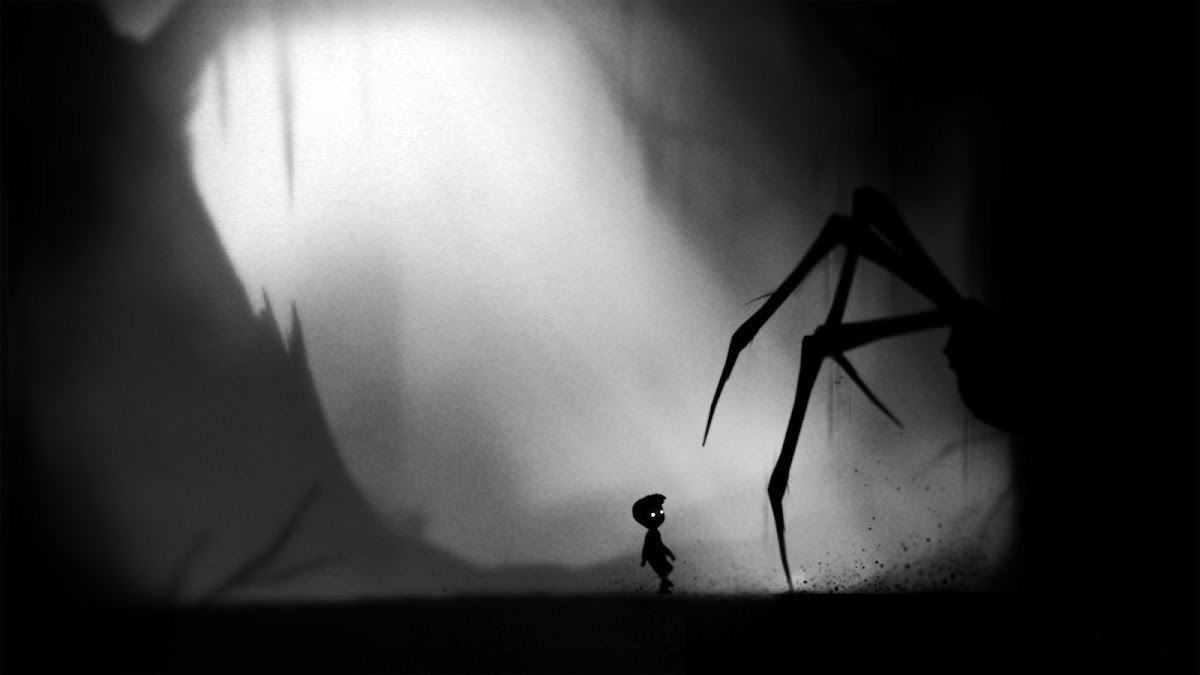





LIMBO places a small boy in a threatening black-and-white landscape and leaves much of its story unexplained. Progress depends on reading the environment, manipulating objects, and learning how hazards behave. A failed attempt often reveals the information needed for the next one. Sound, silhouettes, and movement carry the atmosphere without filling the screen with instructions.
Its single-player campaign can be played offline after installation. The controls are relatively simple, but some sections require careful timing and repeated attempts. Despite the small protagonist and minimal graphics, the unsettling scenes and violent deaths make it a poor choice for anyone expecting a gentle children’s game. Choose LIMBO for a compact, memorable adventure where solving the next obstacle matters more than collecting upgrades.
12. BADLAND: Best for Physics-Based Challenges
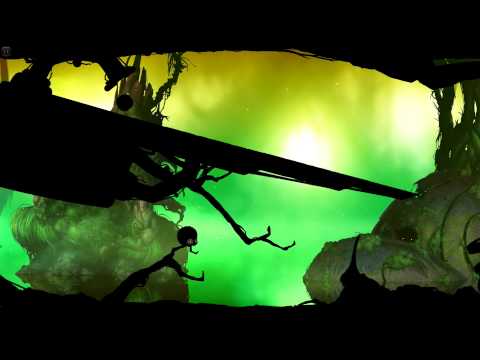
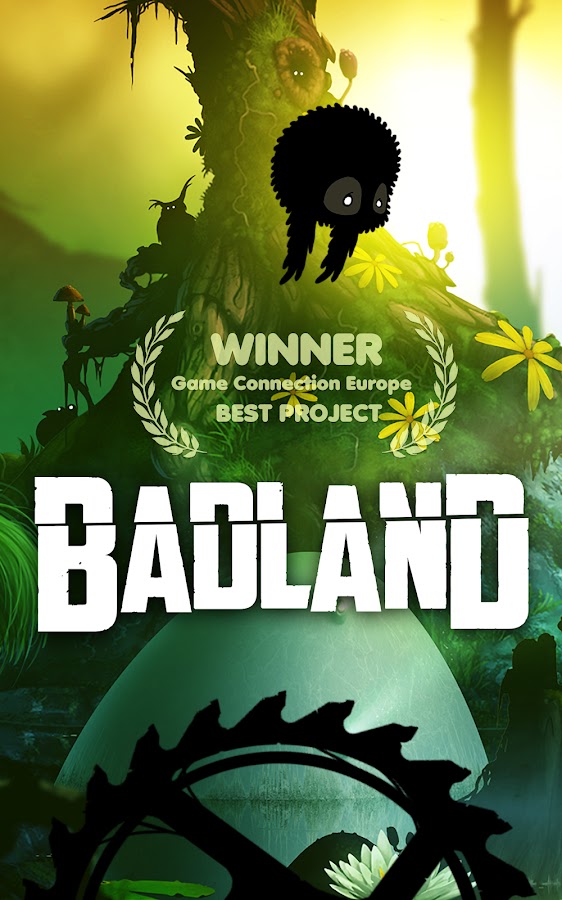
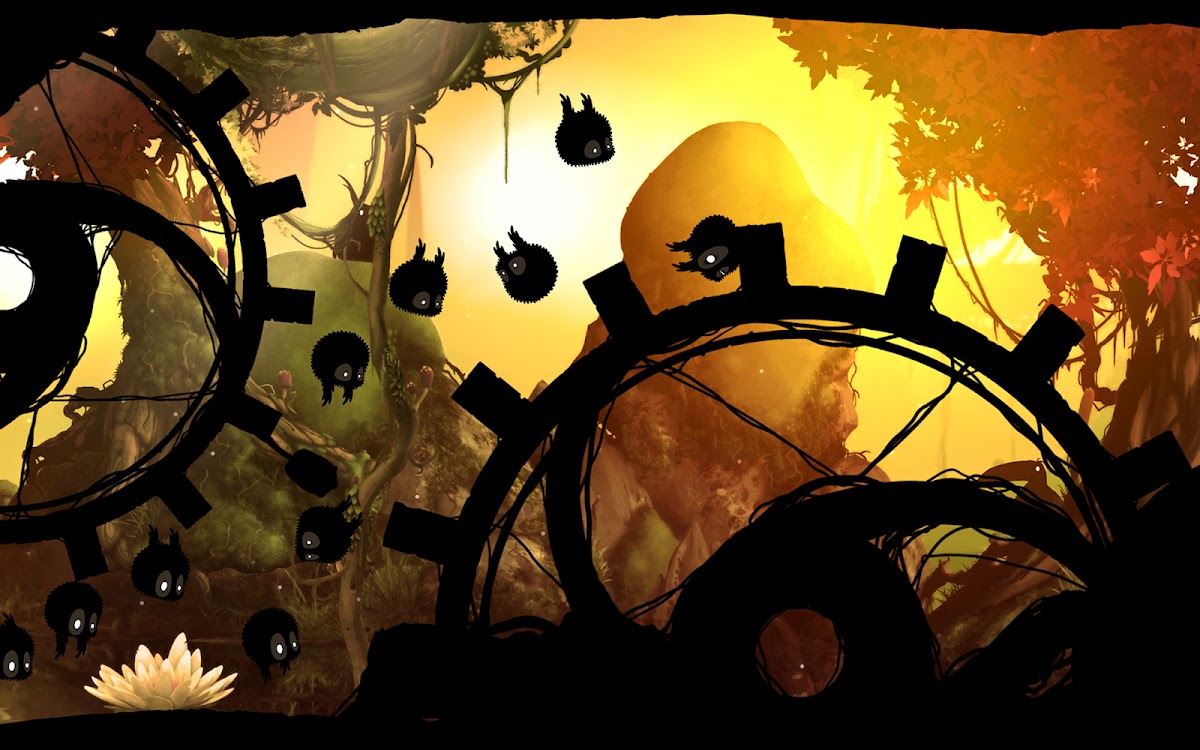
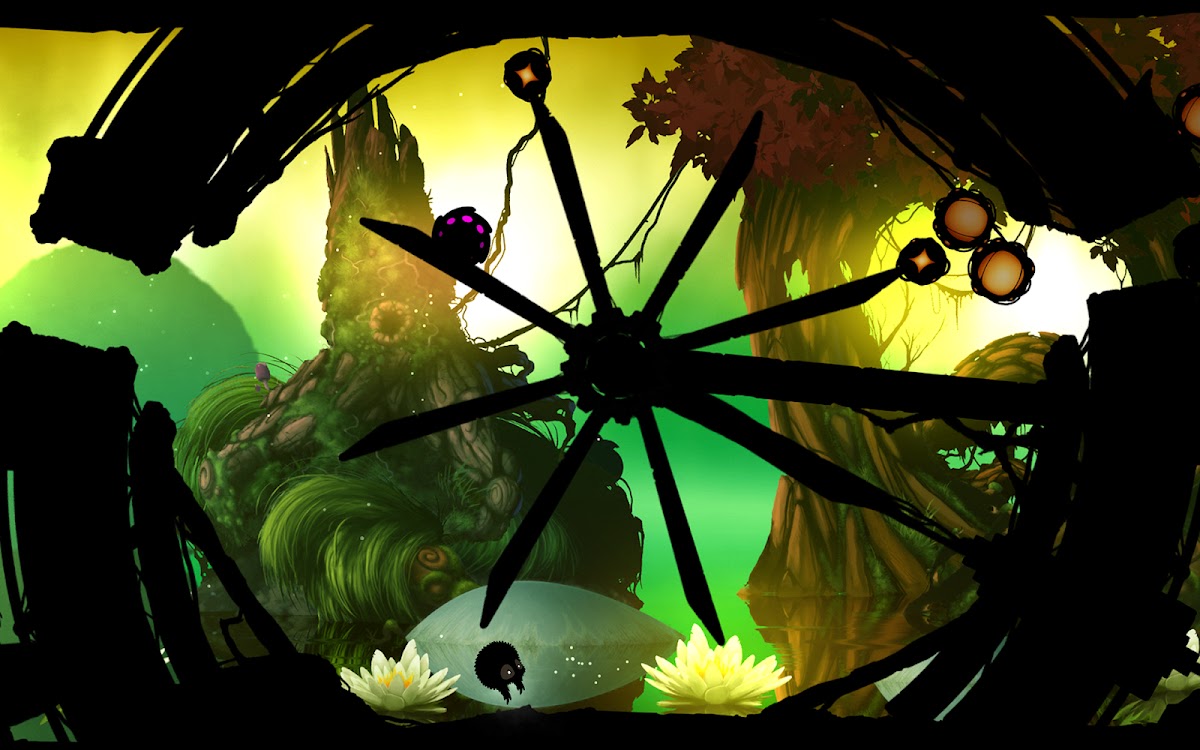
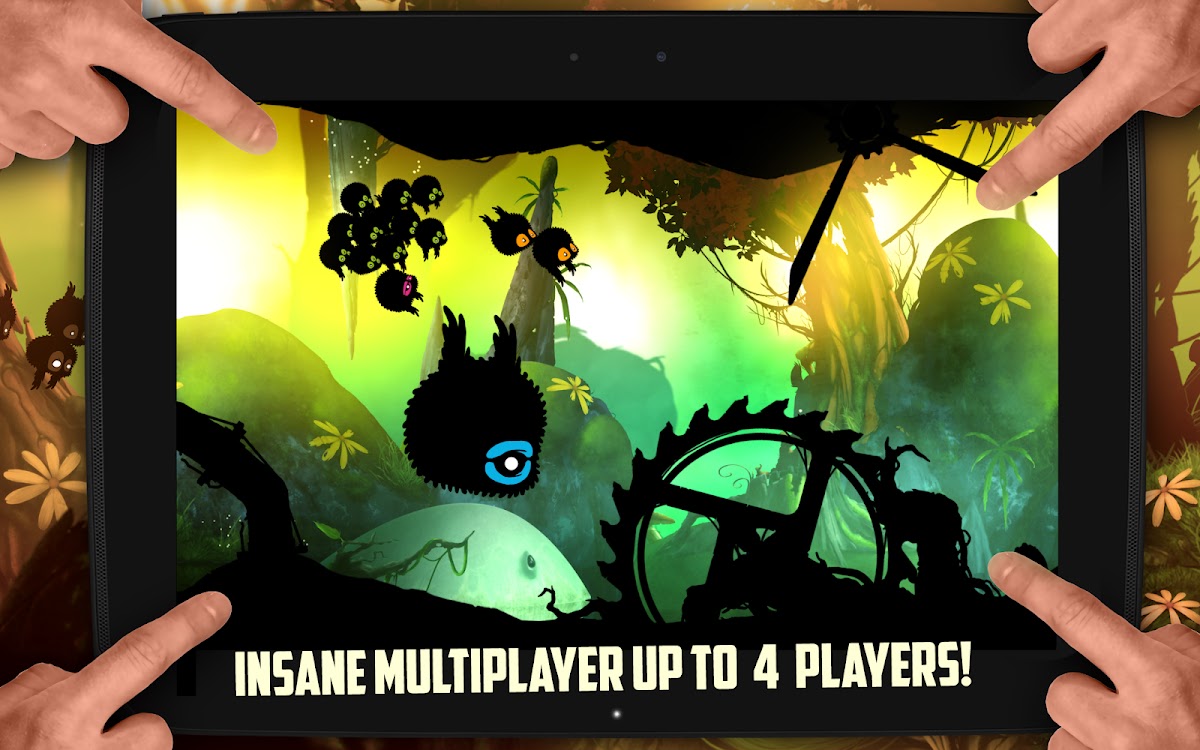
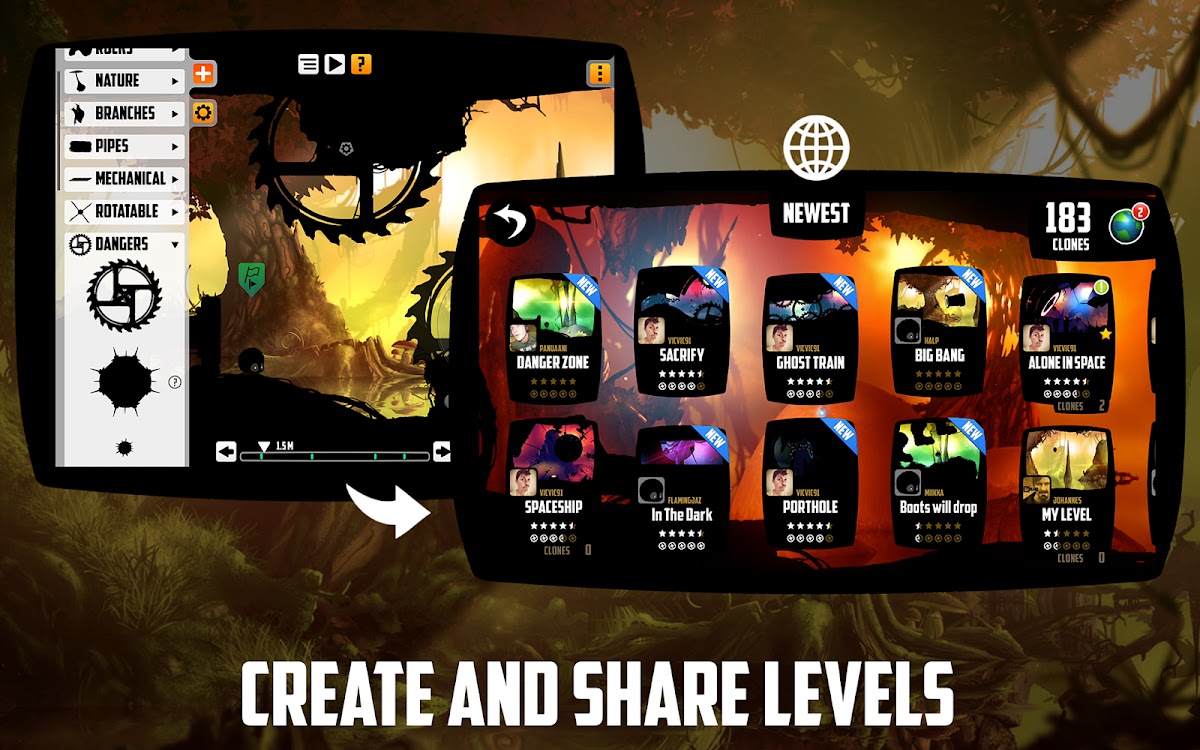

BADLAND combines side-scrolling movement with environmental traps and changing physics. Your creature squeezes through machinery, reacts to changes in size or speed, and sometimes becomes part of a group that must survive together. The contrast between its richly colored environments and dark silhouettes makes obstacles readable while preserving an unusual atmosphere.
Downloaded campaign levels support offline play. Online features and access to additional content depend on the edition, so check what is installed and unlocked before travelling. Simple input does not mean easy levels: the challenge often lies in momentum, timing, and understanding a moving obstacle. BADLAND works well for repeated short attempts, particularly if you enjoy physical interactions more than combat or menu-heavy progression.
13. Kingdom Rush: Best for Classic Tower Defense
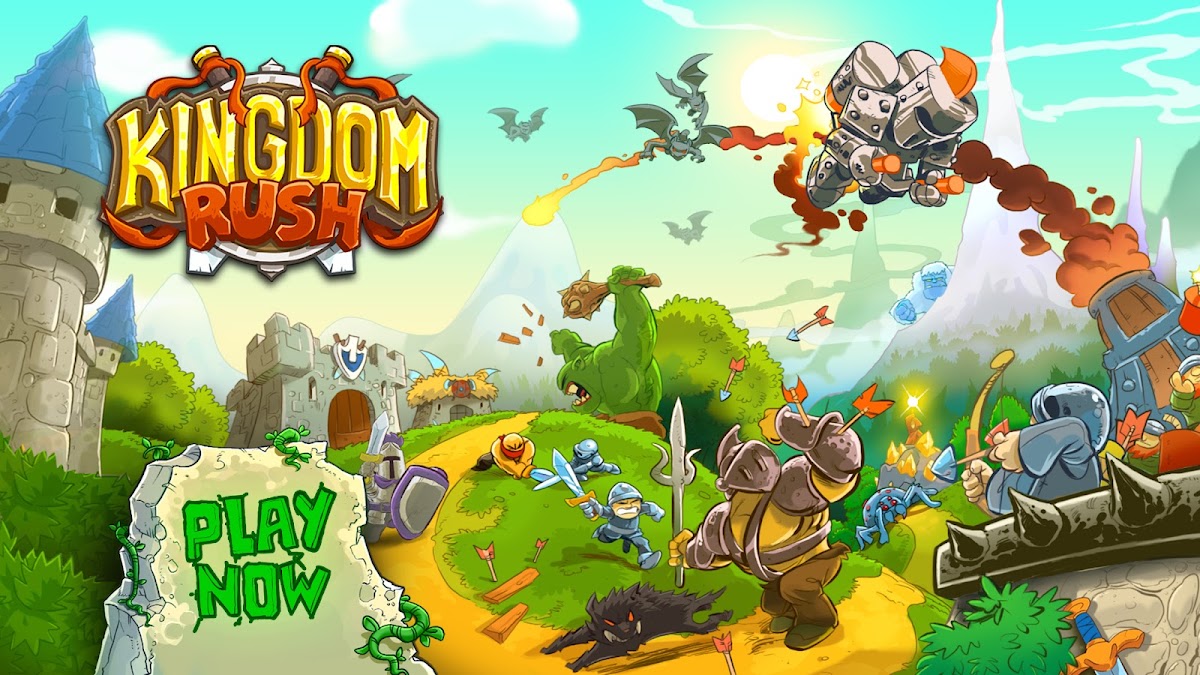
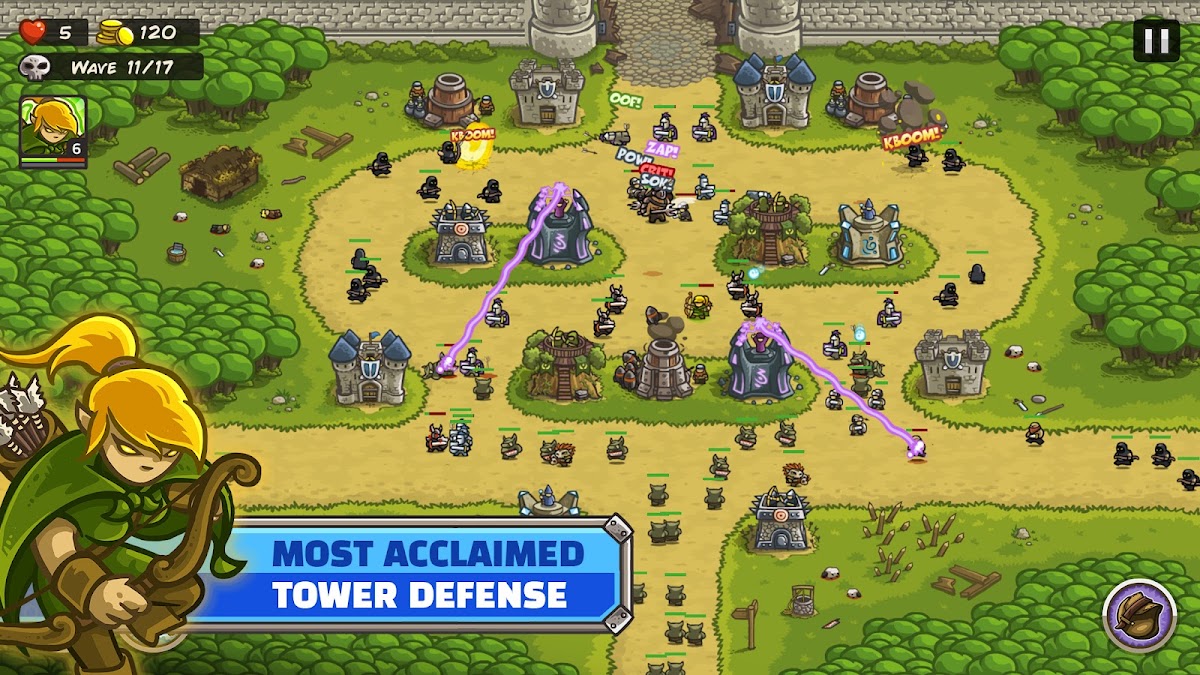
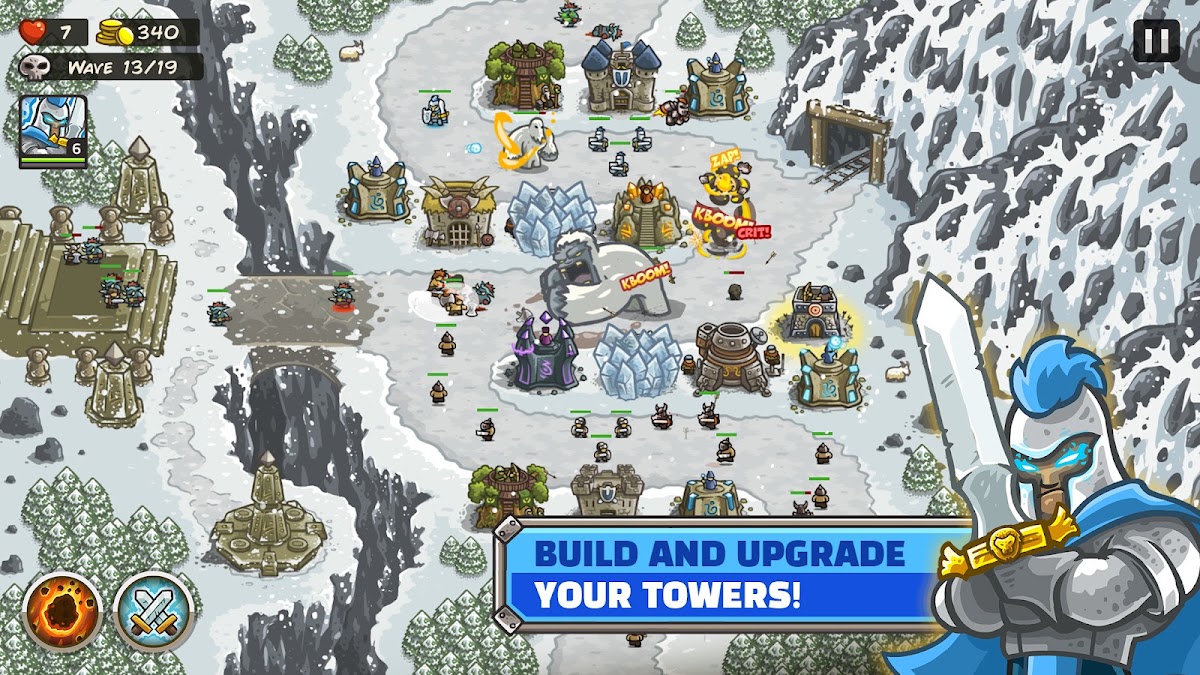
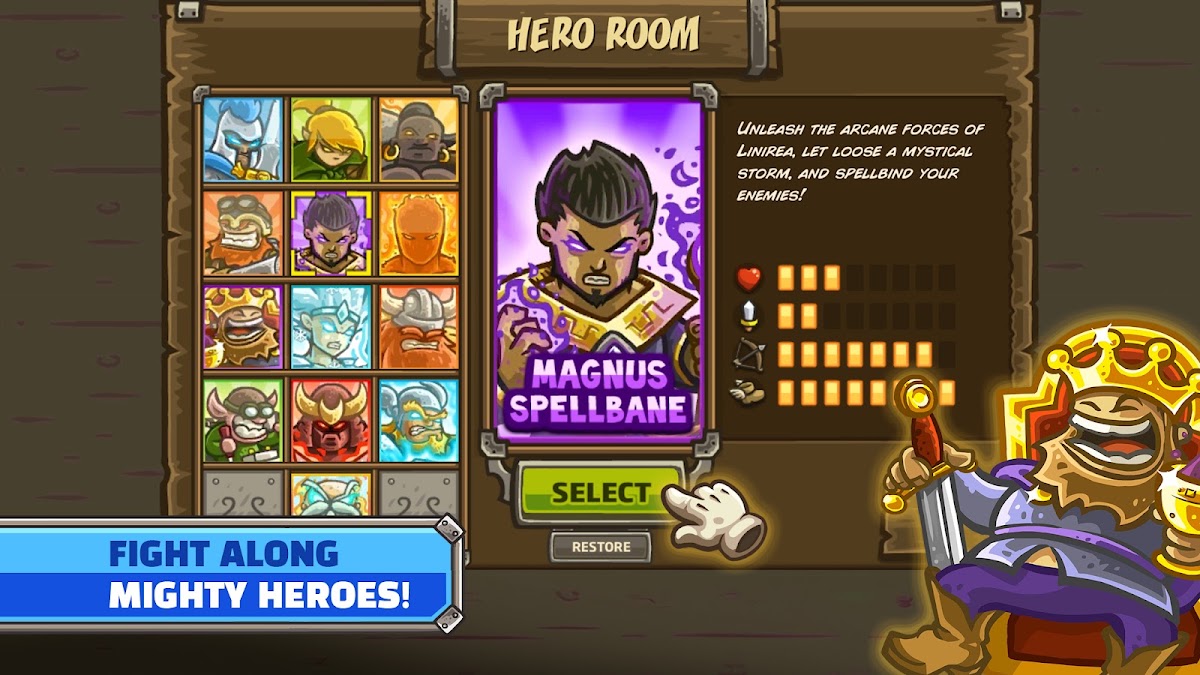
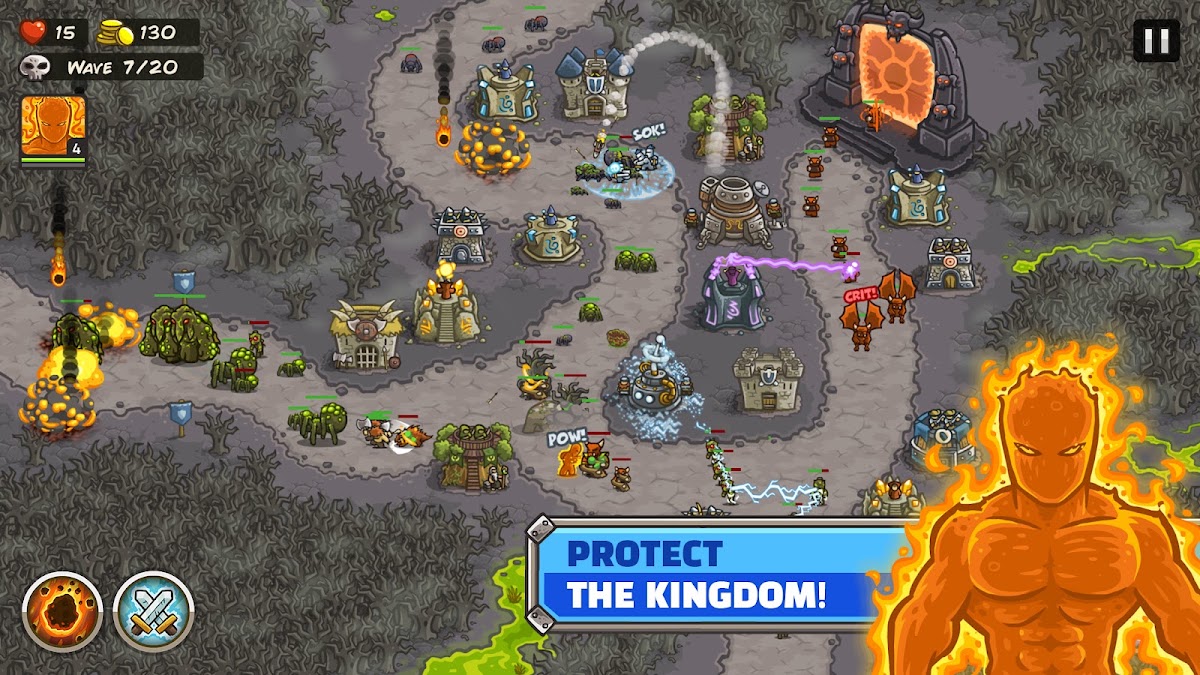
Kingdom Rush asks you to defend routes using towers, reinforcements, heroes, and well-timed abilities. Different enemies punish different weaknesses, so a layout that stops one wave may struggle against the next. Choosing where to place a tower matters, but so does deciding which upgrade addresses the threat you are actually facing.
The campaign supports offline play, making it useful for journeys where you want structured missions with clear objectives. Optional heroes and other purchases do not change the basic requirement to plan a workable defense, although included content differs between editions and platforms. Choose Kingdom Rush if you enjoy revisiting a mission to improve your approach. Iron Marines is the alternative when you want to move squads directly rather than build most of your strategy around fixed defenses.
14. Iron Marines: Best for Offline Real-Time Strategy

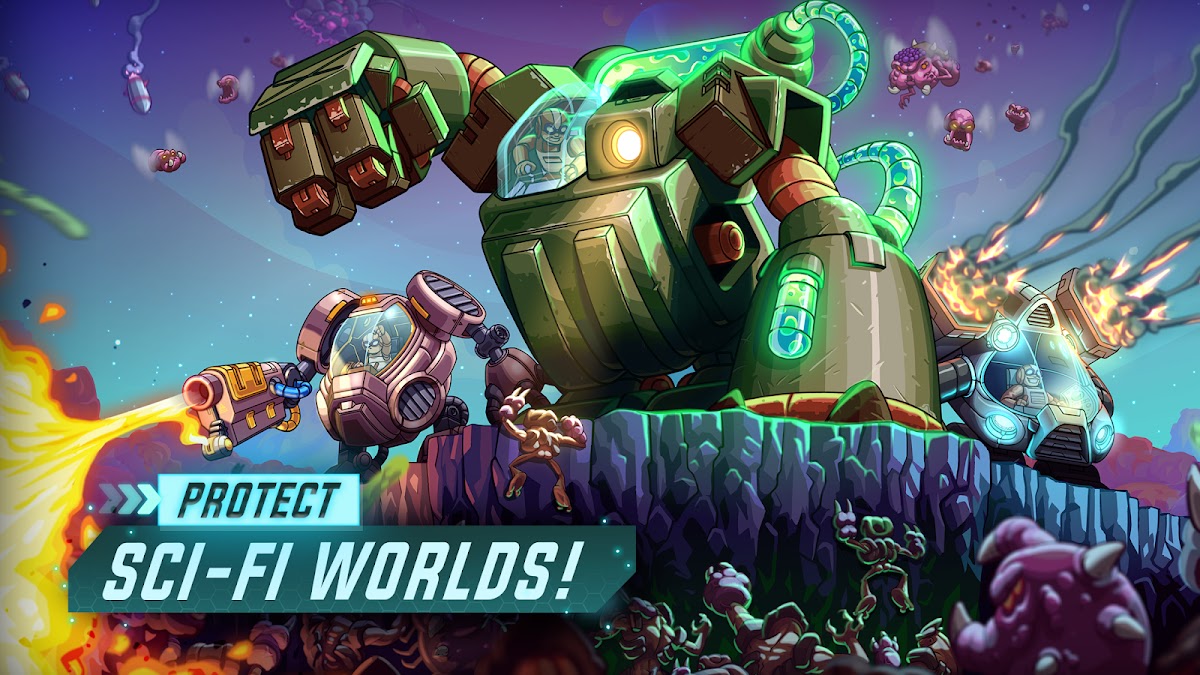
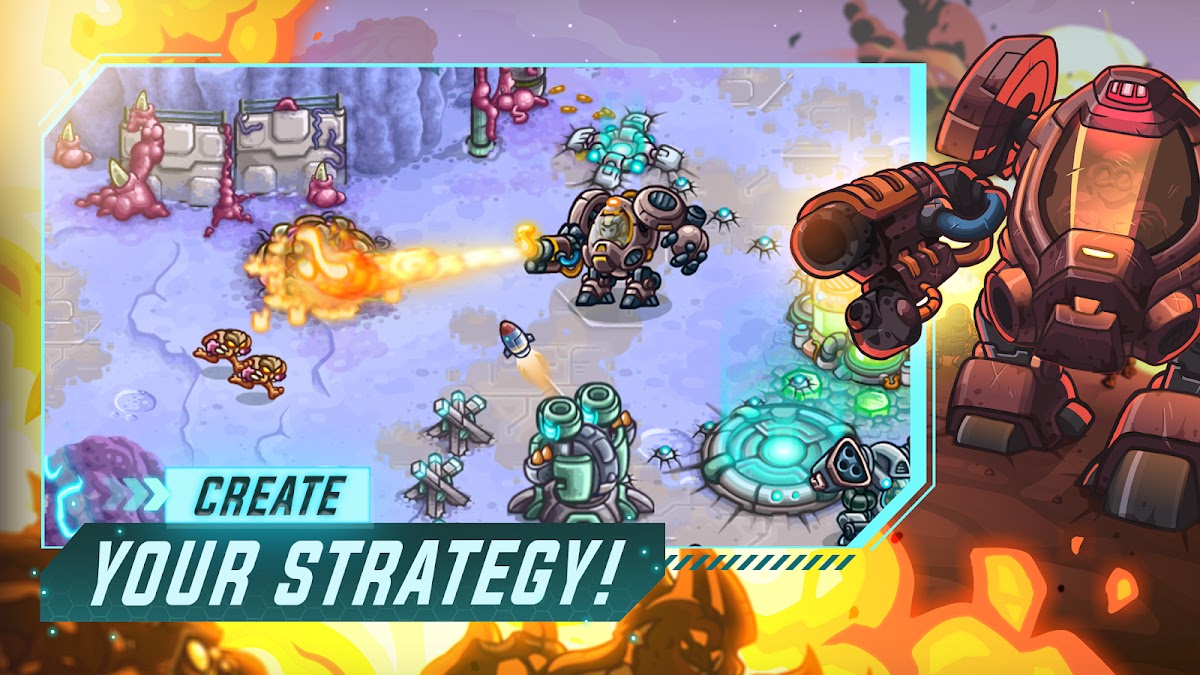
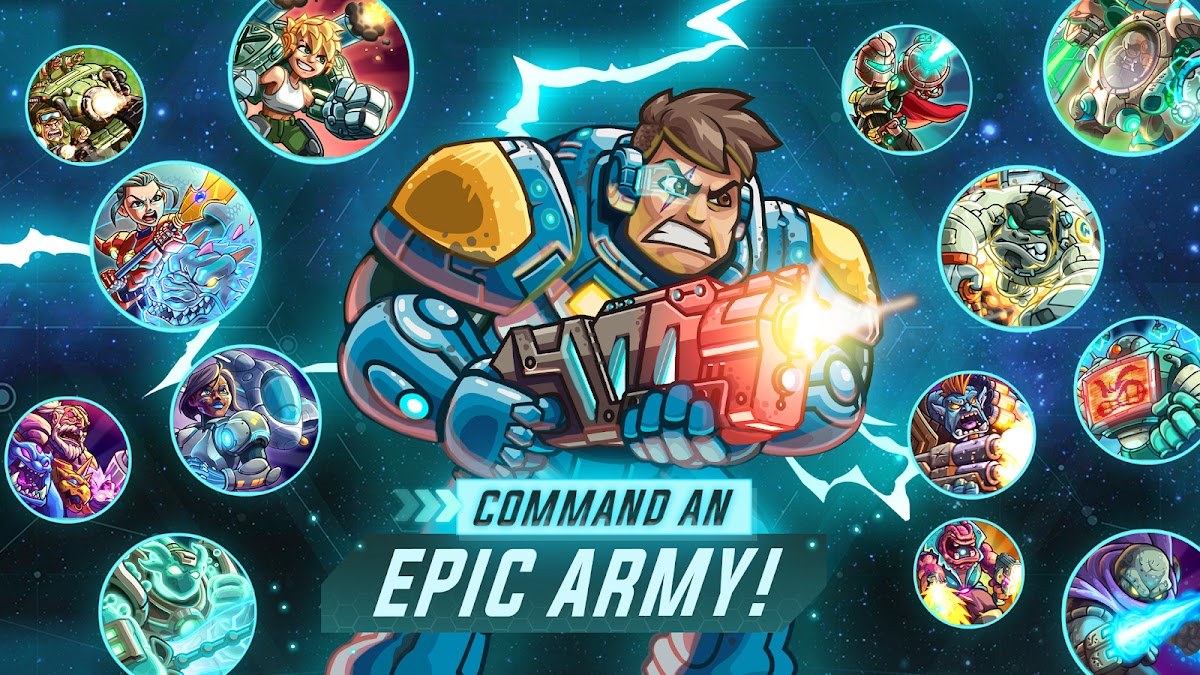
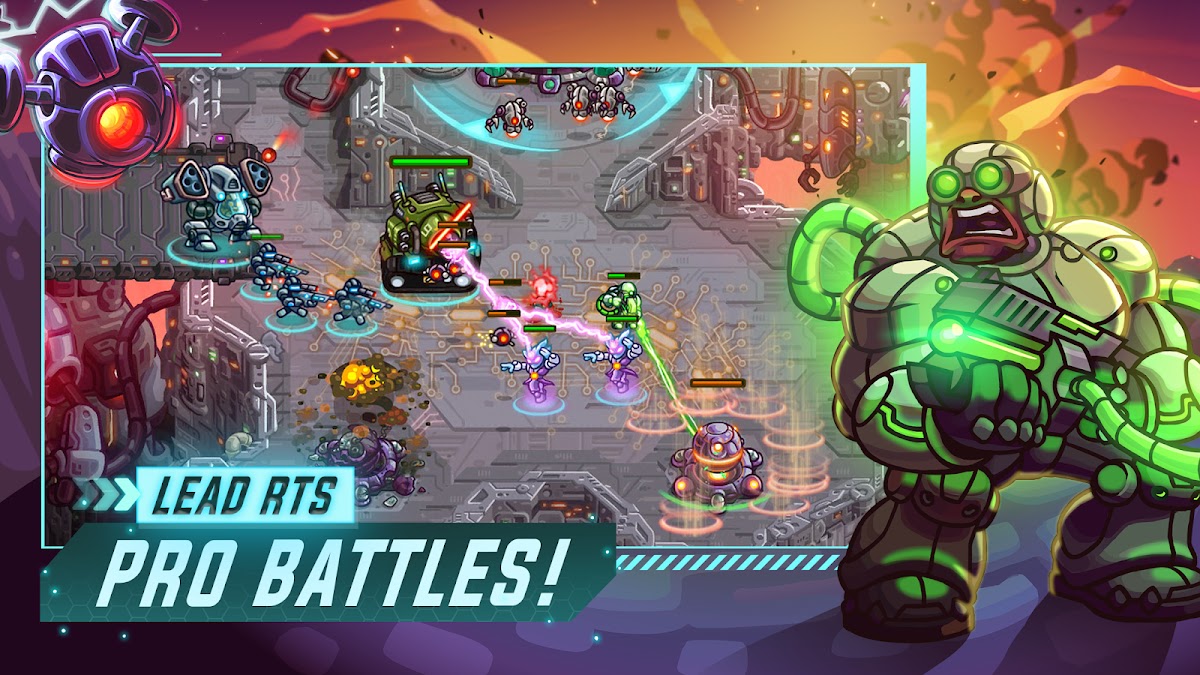

Iron Marines brings squad management and tactical objectives to compact science-fiction battlefields. You reposition troops, protect important locations, use hero abilities, and respond when pressure shifts to another part of the map. Missions ask you to balance offense with survival instead of simply sending everything toward the next target.
The installed campaign is designed for offline play. Additional heroes and purchases may require a connection to obtain or restore, so prepare the content you want beforehand. Its touch controls suit smaller tactical encounters, but juggling several threats still takes attention. Choose Iron Marines if tower defense feels too static and you want more direct control over the units deciding a battle.
15. Plague Inc.: Best for Experimenting with Strategy

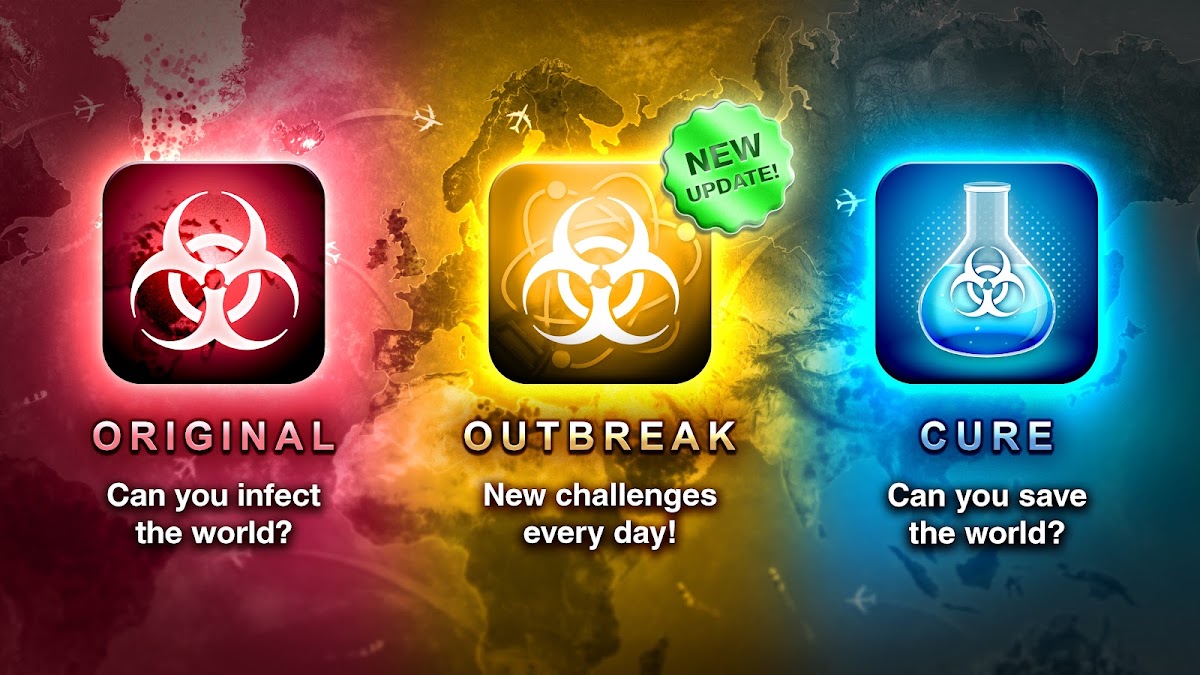
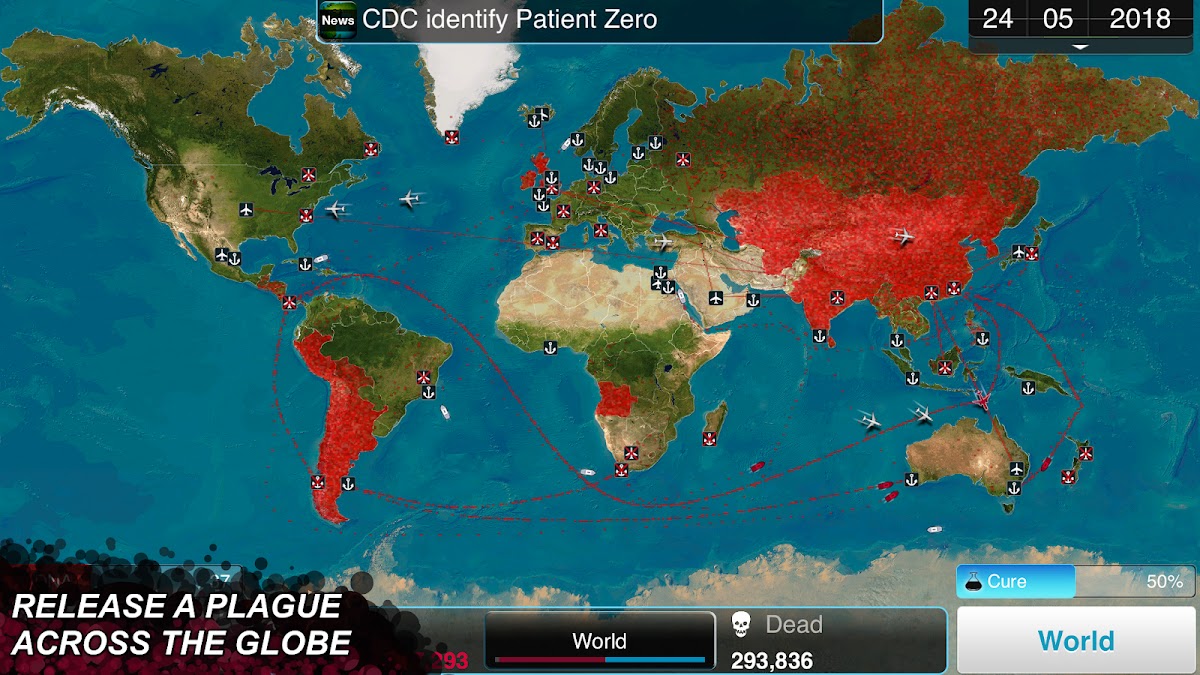
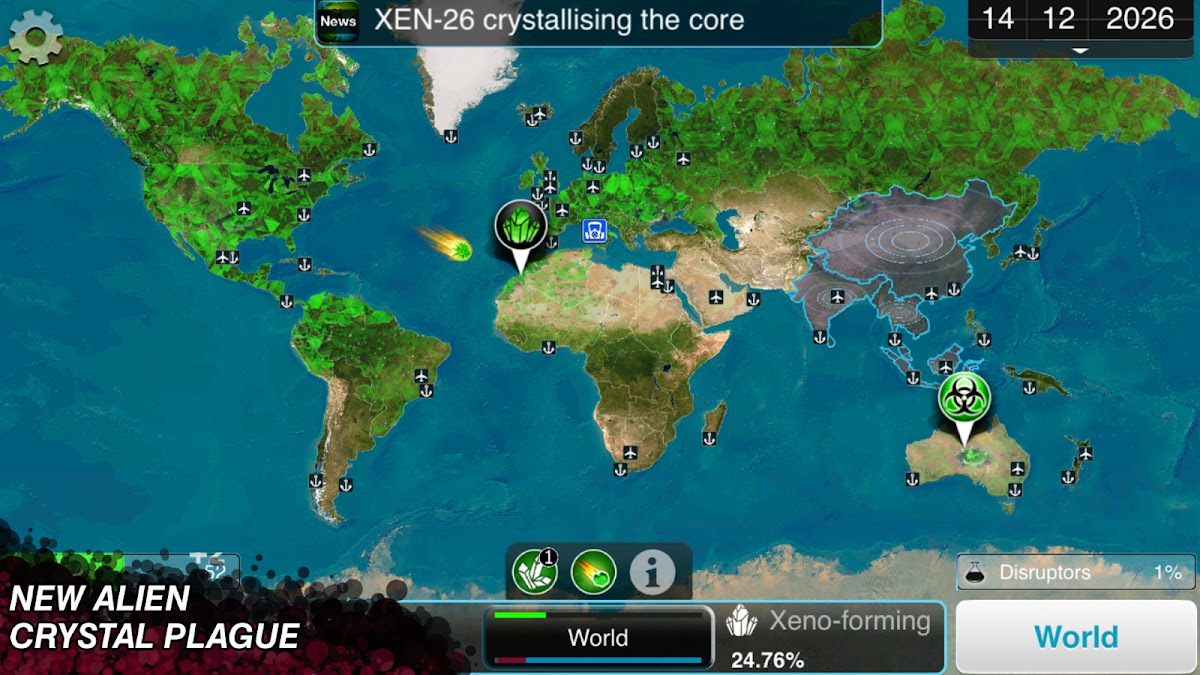
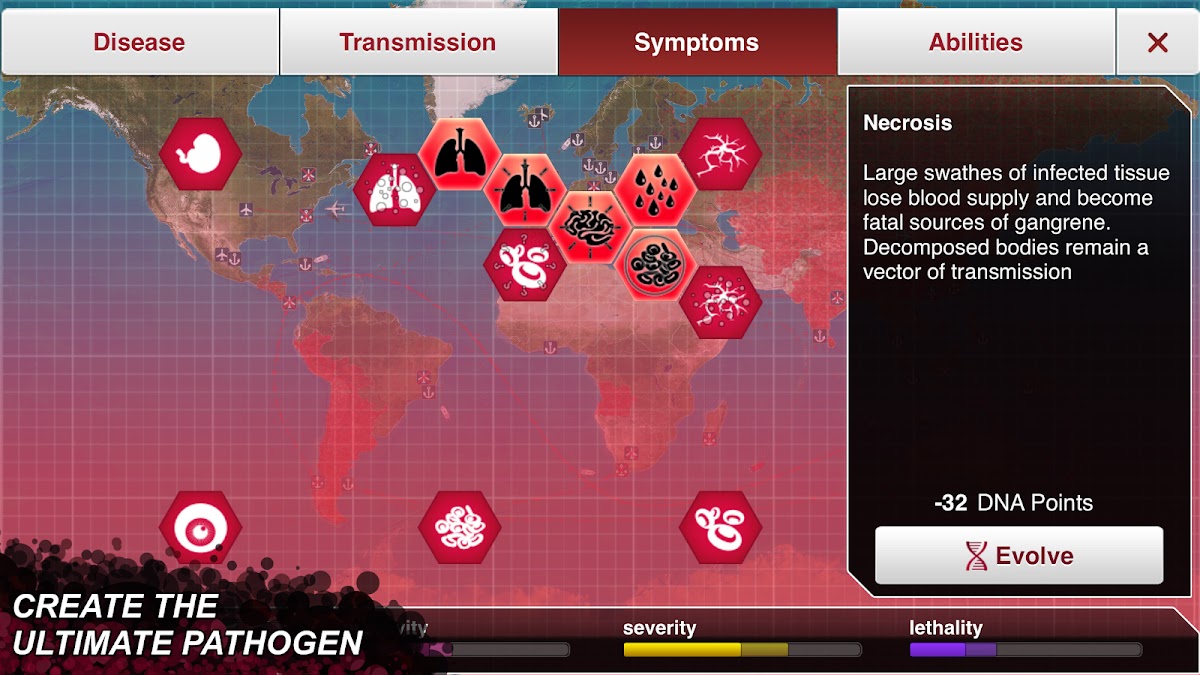


Plague Inc. turns a fictional global outbreak into a strategy problem. You adjust traits, respond to changing conditions, and decide how to balance spread, severity, and resistance to countermeasures. A plan that appears successful can fail because it leaves too little room for the next stage. Different pathogen types change the decisions enough to reward experimentation.
Core single-player gameplay can be played offline, but newer connected modes, downloadable scenarios, and purchase restoration have separate requirements. Verify access to any paid content before disconnecting. Its real-world references support the game’s presentation; it should be approached as entertainment rather than a reliable disease forecast. Choose it if you enjoy testing a hypothesis, watching the outcome, and revising your strategy on the next attempt.
16. Pocket City 2: Best for Offline City Building
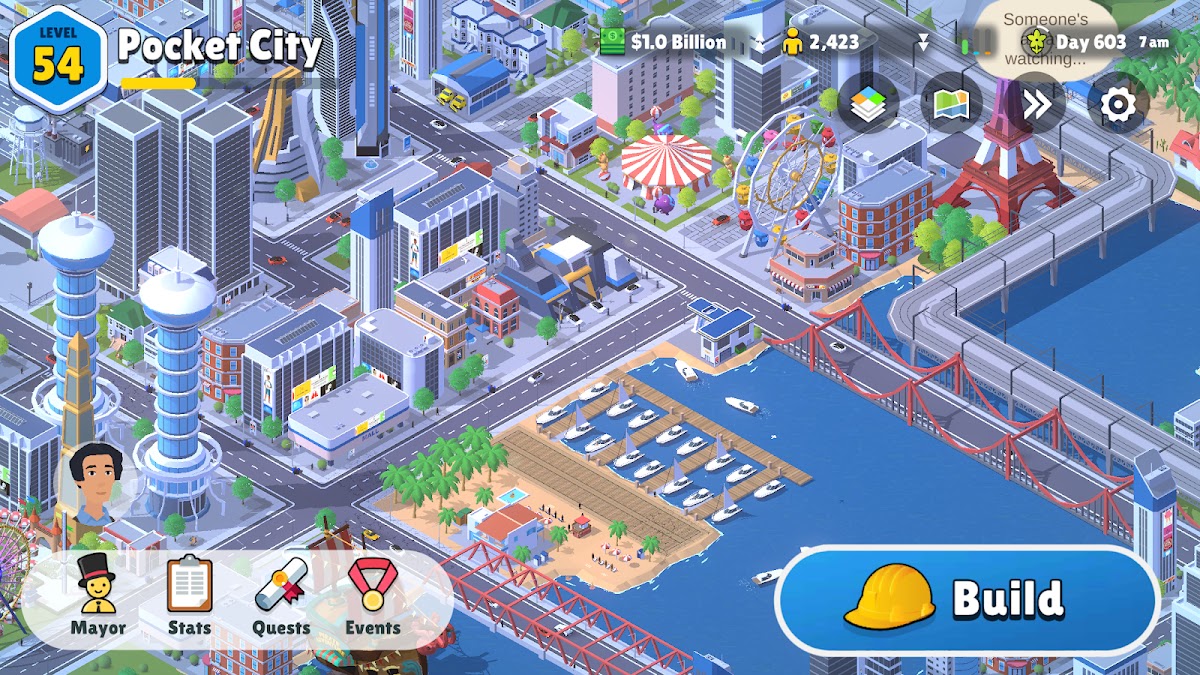
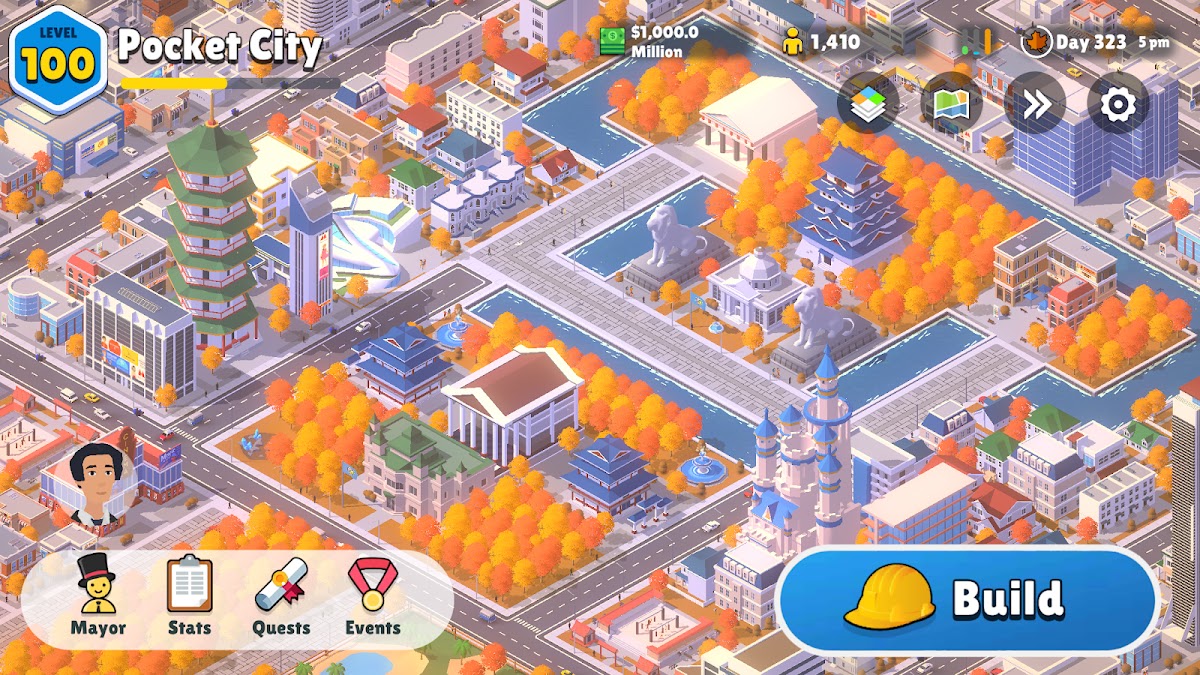
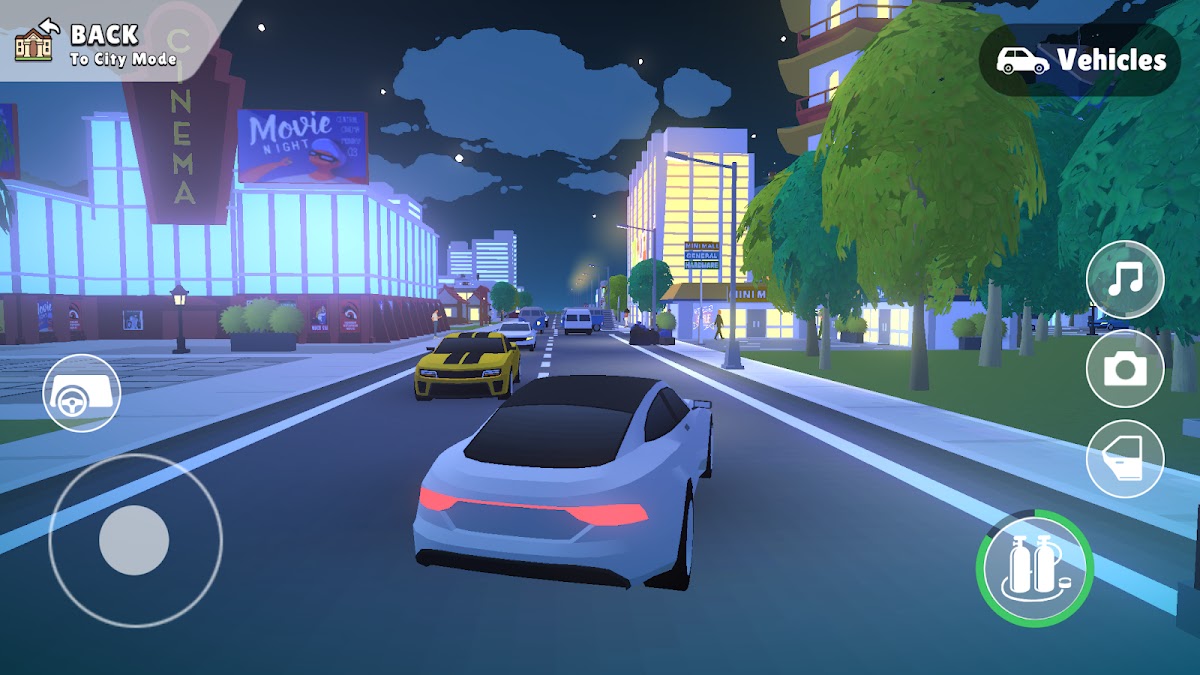
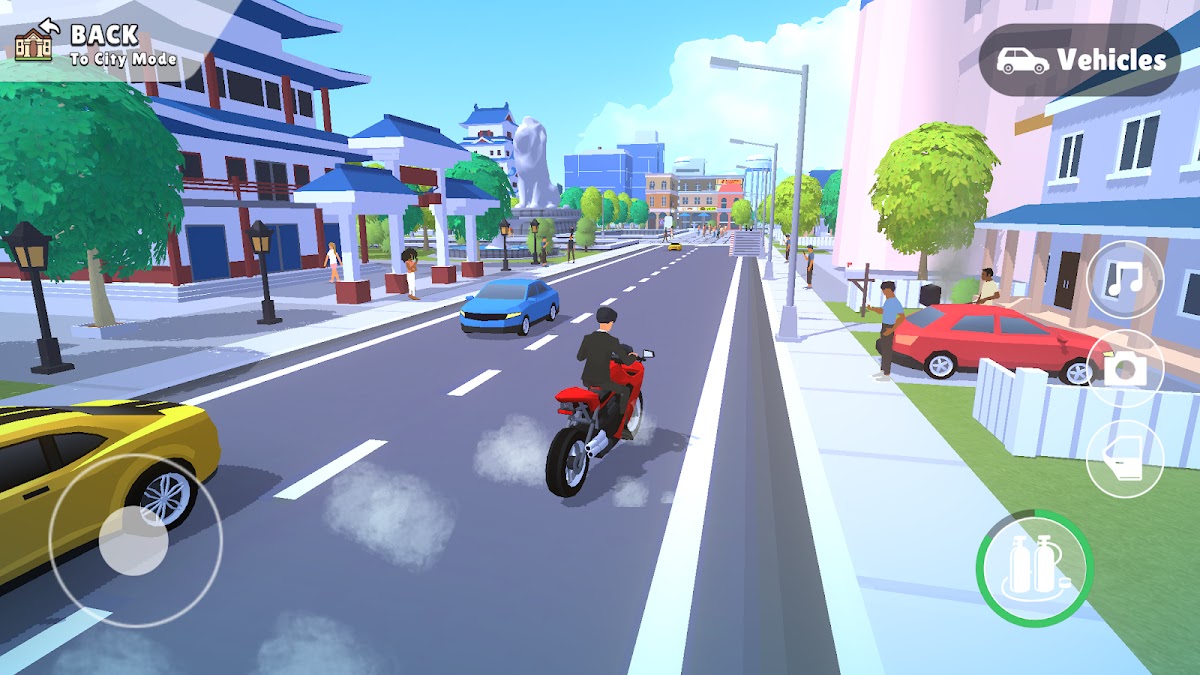

Pocket City 2 lets you plan roads, develop zones, place services, and build a city you can also explore as a character. That second perspective gives the simulation a more personal scale: the streets you designed become places you can visit. Events, activities, and disasters add variety beyond balancing another residential district against its infrastructure needs.
Single-player city management supports offline play. Sharing or downloading cities and other connected services need internet access. Progress is built around playing rather than long construction timers, making it useful when you want to accomplish something during a journey. Choose it for open-ended planning with a lighter touch than a large desktop city simulator. Mini Metro is the more focused alternative if you only want the transport-network problem.
17. GRID Autosport: Best for Offline Racing





GRID Autosport offers a more substantial racing experience than a succession of short mobile challenges. Its disciplines, circuits, handling options, and career structure give you reasons to learn a car and improve across repeated events. Adjusting assists and controls helps match the experience to how seriously you want to approach the driving.
Installed single-player races can be played offline, but preparation matters. Download the required game content and any packs you intend to use, then check that an event loads before leaving Wi-Fi. Device compatibility and available storage deserve attention, especially on older phones. Choose GRID Autosport if racing is the main activity you want from your offline library; it demands more from hardware and concentration than a lightweight puzzle game.
How to Prepare Offline Games Before a Flight or Trip
Installing an app is not always the final step. Before you disconnect:
- Launch it while connected. Finish setup, account prompts, and any purchase verification.
- Download the content you need. Check chapters, expansions, tracks, and optional assets.
- Create or load a save. Confirm that your intended world or campaign is available locally.
- Close the game and test a fresh launch in airplane mode. Load gameplay, not just the menu.
- Repeat the test after a major update. Startup and download behavior can change.
A locally saved campaign does not automatically mean cloud backup is current. Reconnect when convenient to use synchronization features where supported, particularly before changing devices or reinstalling a game.
Frequently Asked Questions
Conclusion
A useful offline library covers more than one mood. Stardew Valley or Terraria can provide a continuing adventure, Monument Valley offers a calmer change of pace, and Slay the Spire supplies strategic decisions without demanding quick reactions. Add Dead Cells for action or GRID Autosport for racing if those are the games you most want to spend time with.
Choose the experiences you enjoy, then prepare the exact versions on your phone. A downloaded campaign, a working local save, and a successful airplane-mode test matter more than an offline label alone. With those checked, losing the connection does not have to end the game.