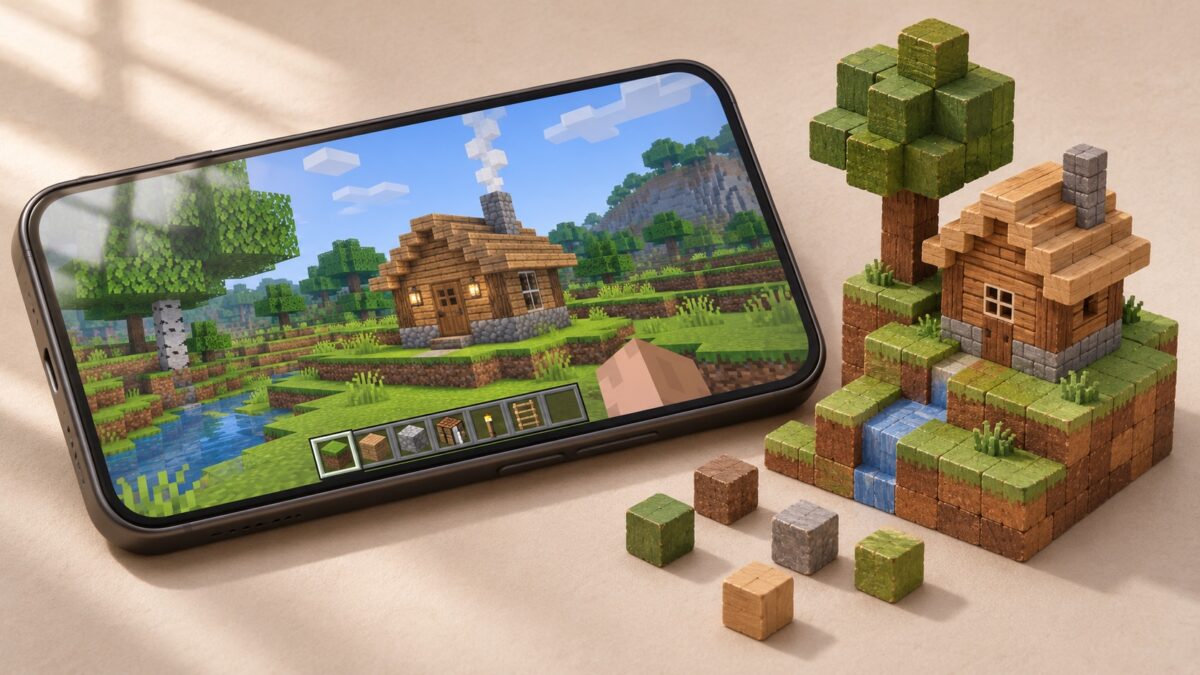
If you want to build in a 3D block world, gather resources, and switch to a separate Creative mode, start with Survivalcraft 2, MultiCraft, or RealmCraft. Mini World: CREATA is a better fit for designing maps and playing community-made minigames. If your favorite part of Minecraft is heading underground and coming back with enough ore for new gear, try Terraria.
All 15 Minecraft alternatives below are listed on Google Play. Ten also have a matching App Store listing. Platform availability and cross-play are separate, so check whether friends on Android and iPhone can join the same world before choosing a game for your group.
Minecraft alternatives for Android and iPhone compared
| Game | Best for |
| Survivalcraft 2 | Creative building, pistons, and survival shaped by weather |
| MultiCraft | Separate Creative and Survival modes and online servers |
| RealmCraft | Building farms, castles, and towns in a 3D block world |
| Mini World: CREATA | Creating maps and playing community-made minigames |
| Block Craft 3D | Building a village with guided projects |
| Crafting and Building | Building and decorating homes and visiting friends’ worlds |
| Craftsman: Building Craft | Straightforward block building and exploration |
| Block Craft: Sandbox World | Freeform 3D building and exploring caves and forests |
| Luanti | Installing community-made voxel games and mods |
| Exploration Lite Craft | Exploring a generated world, gathering materials, and crafting |
| X Survive | Terraforming, base building, and local Wi-Fi co-op |
| Terraria | 2D exploration, boss progression, and Journey Mode |
| LostMiner | Side-view mining, crafting, and a separate Creative mode |
| Block Story | A block world with RPG quests and rideable dragons |
| Growtopia | Online world building, seed splicing, and trading |
1. Survivalcraft 2 — moving machines and survival shaped by weather
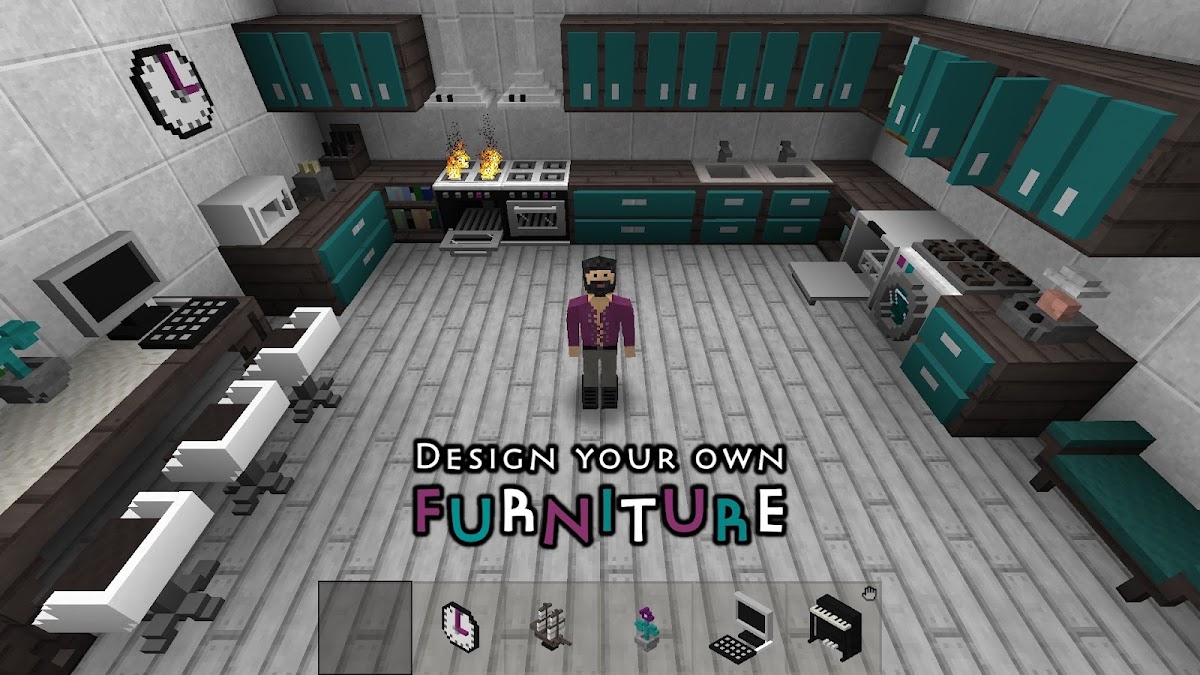
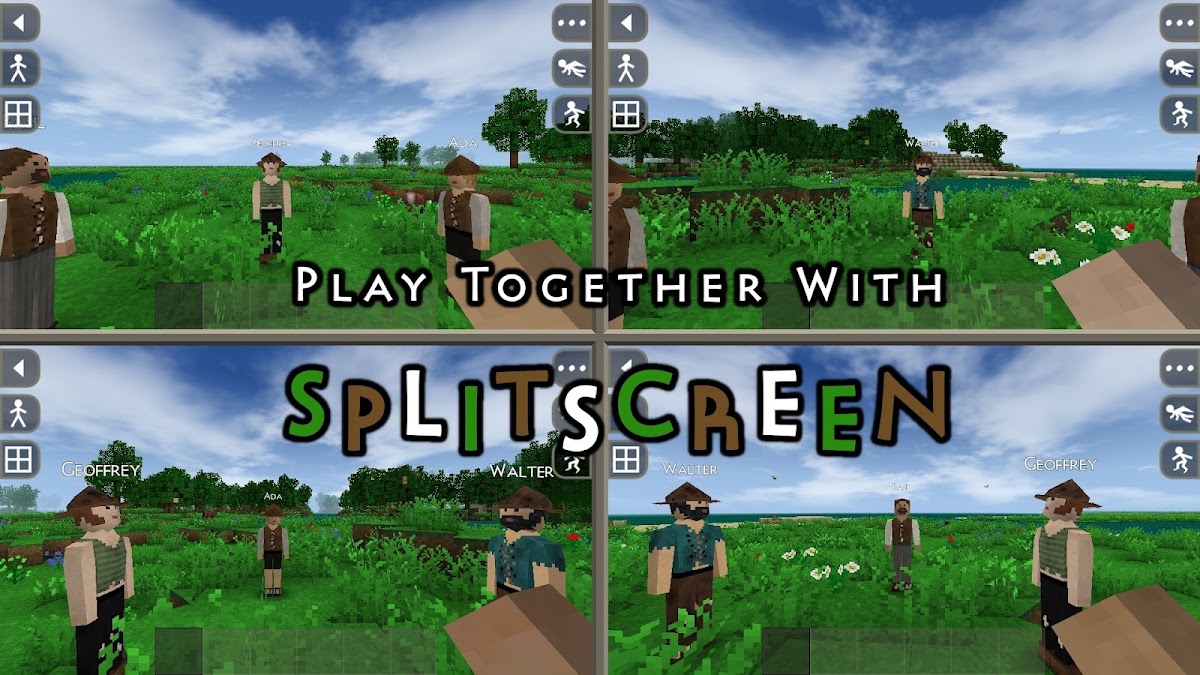
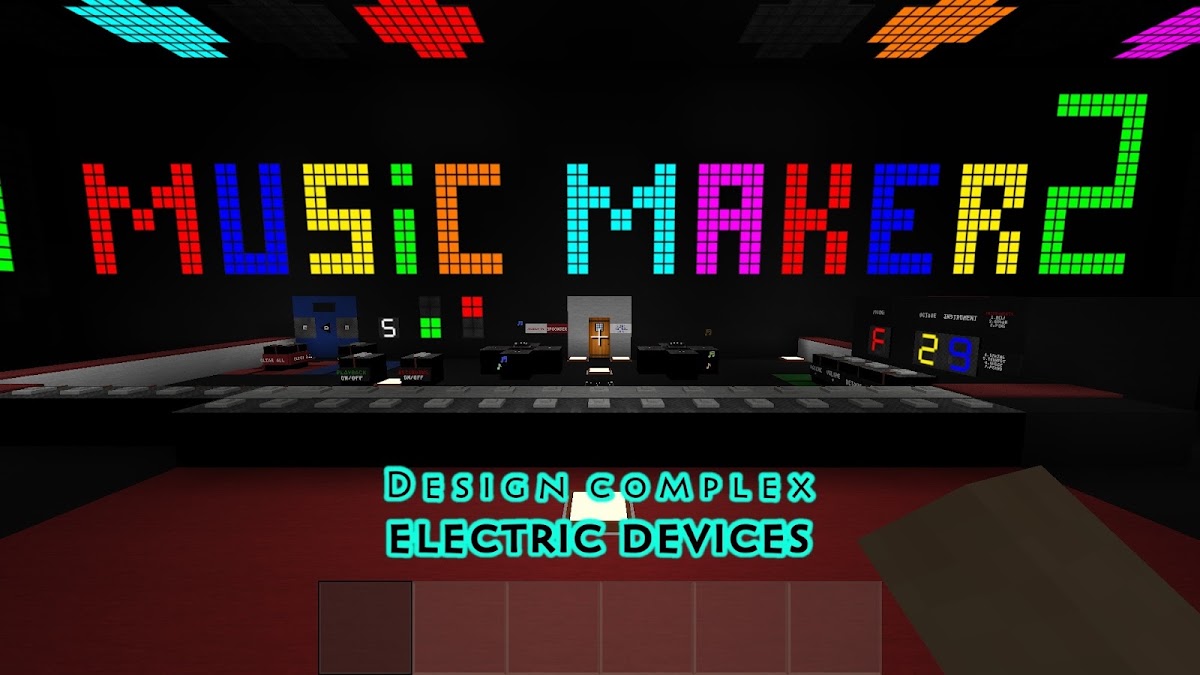
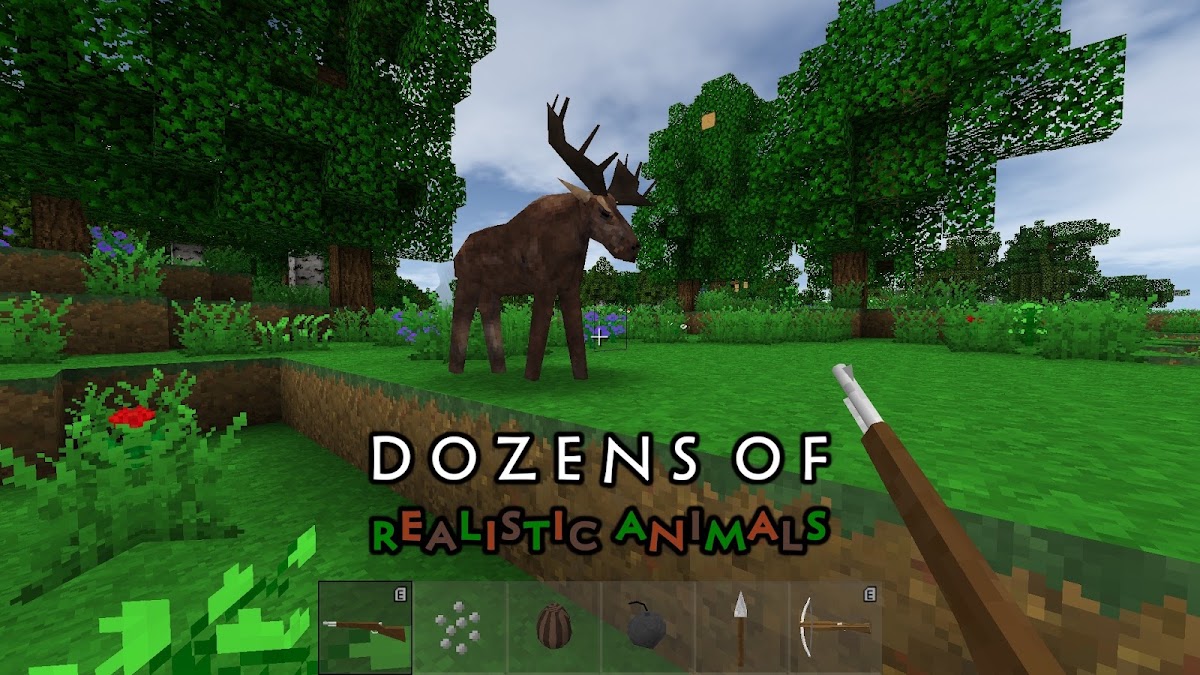
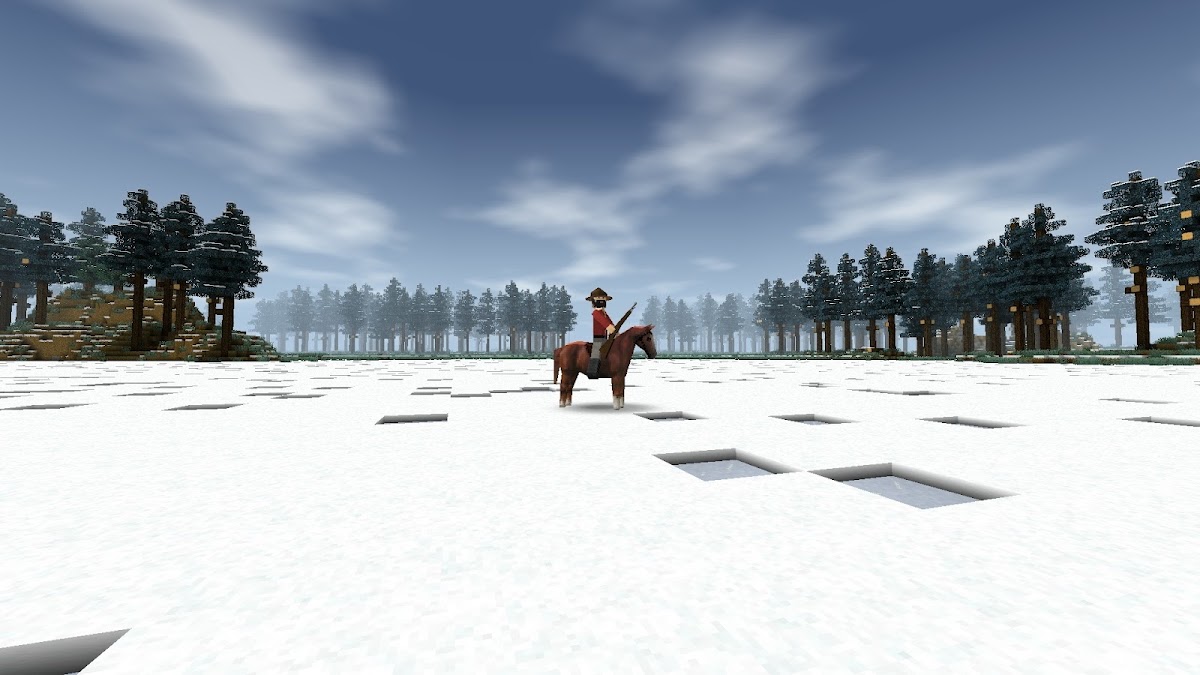
Clothing, shelter, crops, and tools all play a role in Survivalcraft 2. In Creative mode, you can experiment with pistons and build moving mechanisms. It’s the closest match here if your favorite Minecraft projects involve switches, moving parts, or a farm that does something. The game also supports local split-screen play on one device.
2. MultiCraft — block building and online servers
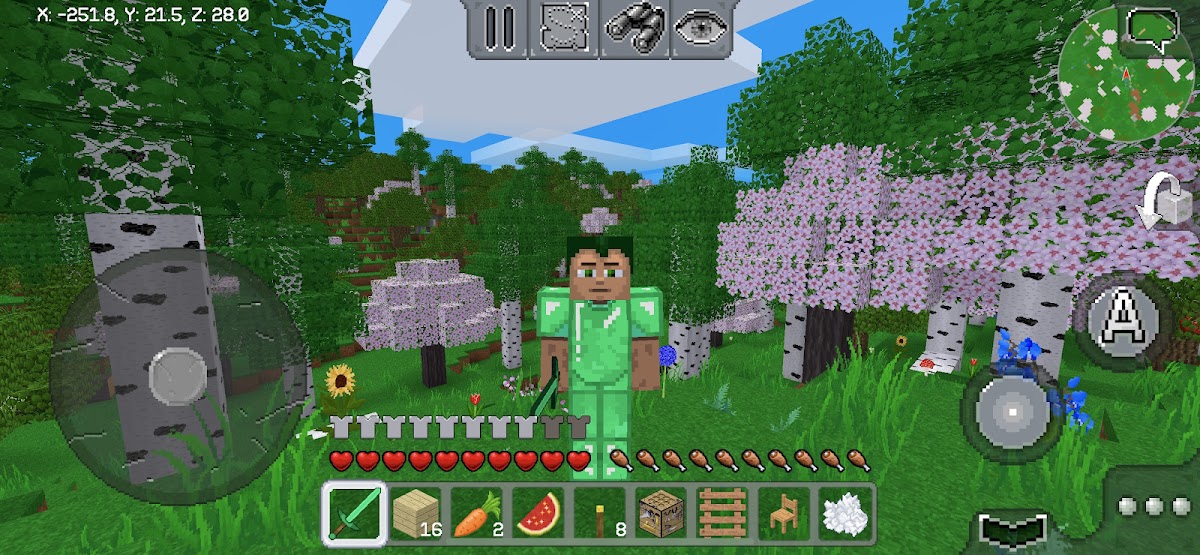
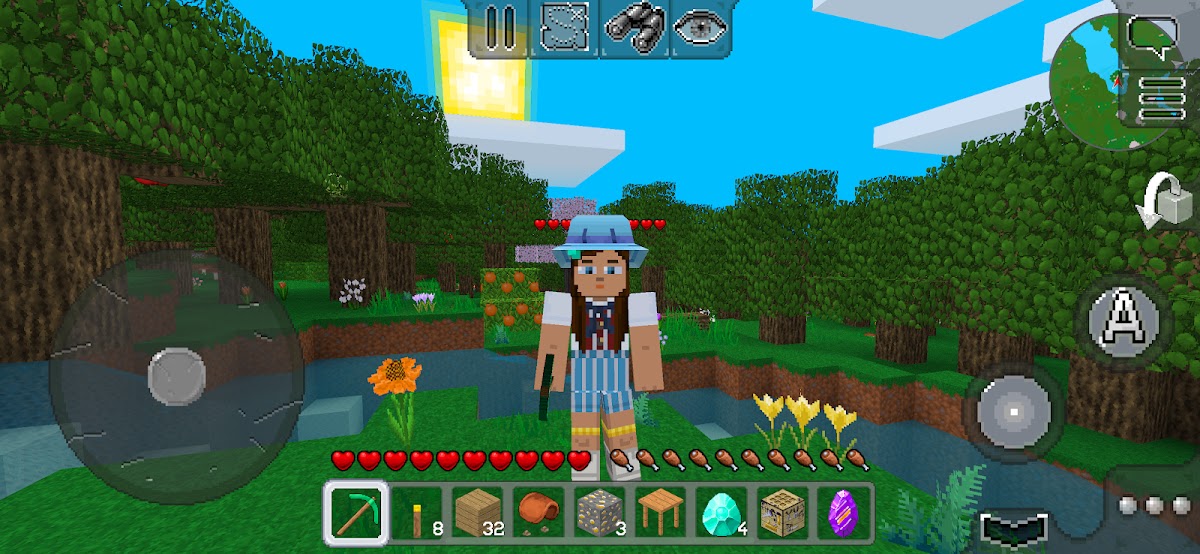
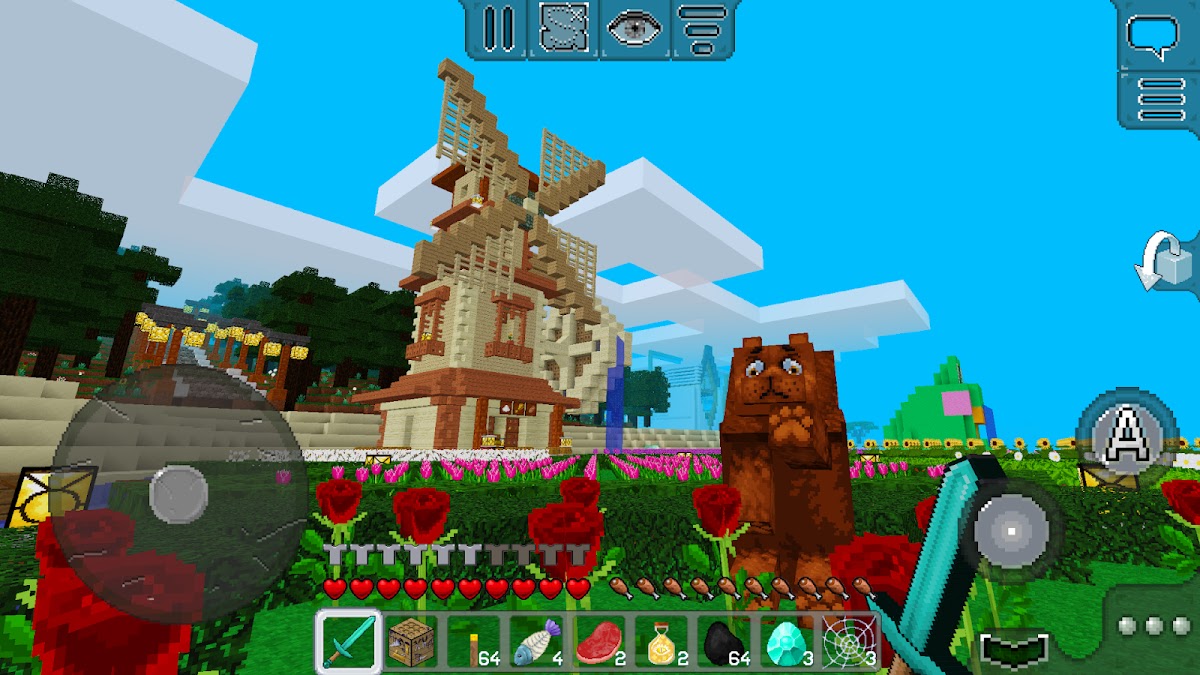
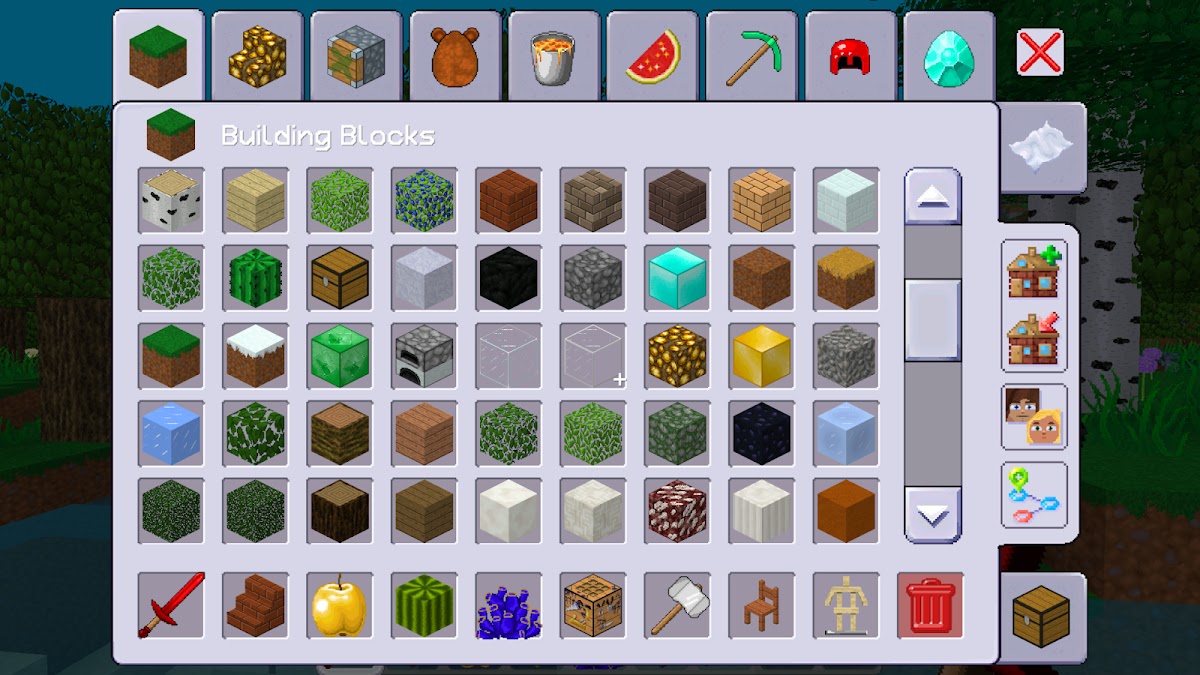
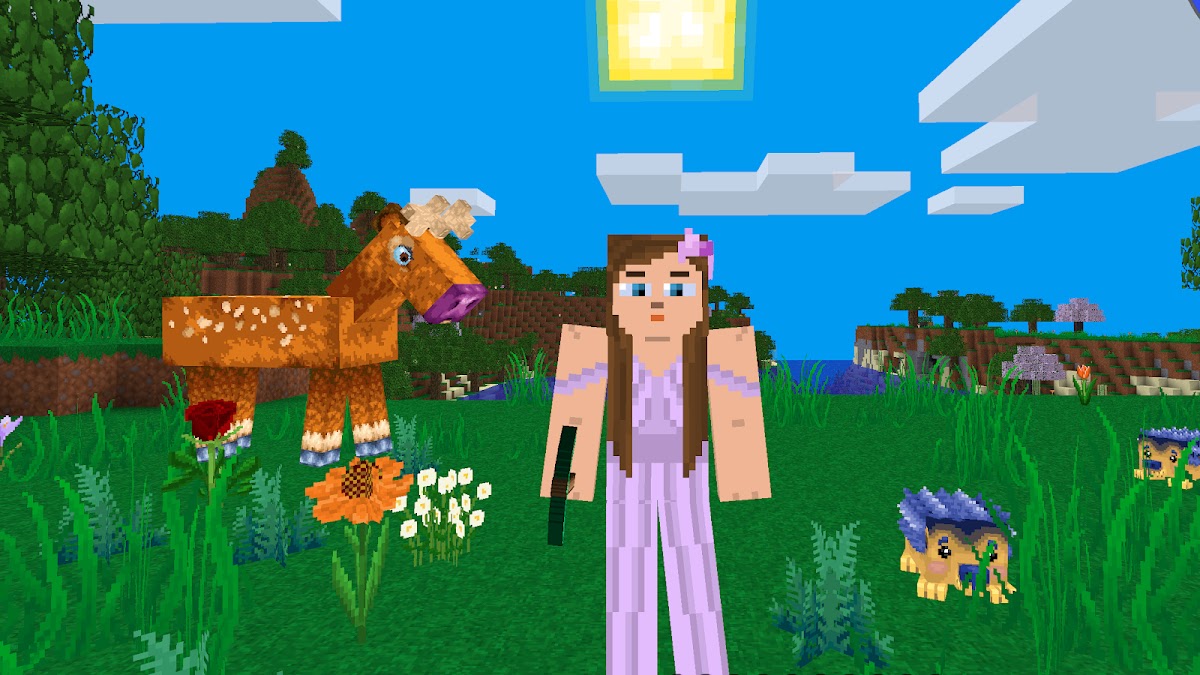
Gather wood and stone, craft tools, and build a shelter in Survival. When you want to focus on a project, open a separate Creative world and start placing blocks. MultiCraft also has online servers, making it a good starting point for players who want the familiar mining and building loop with the option to join a shared world.
3. RealmCraft — build farms, castles, and towns
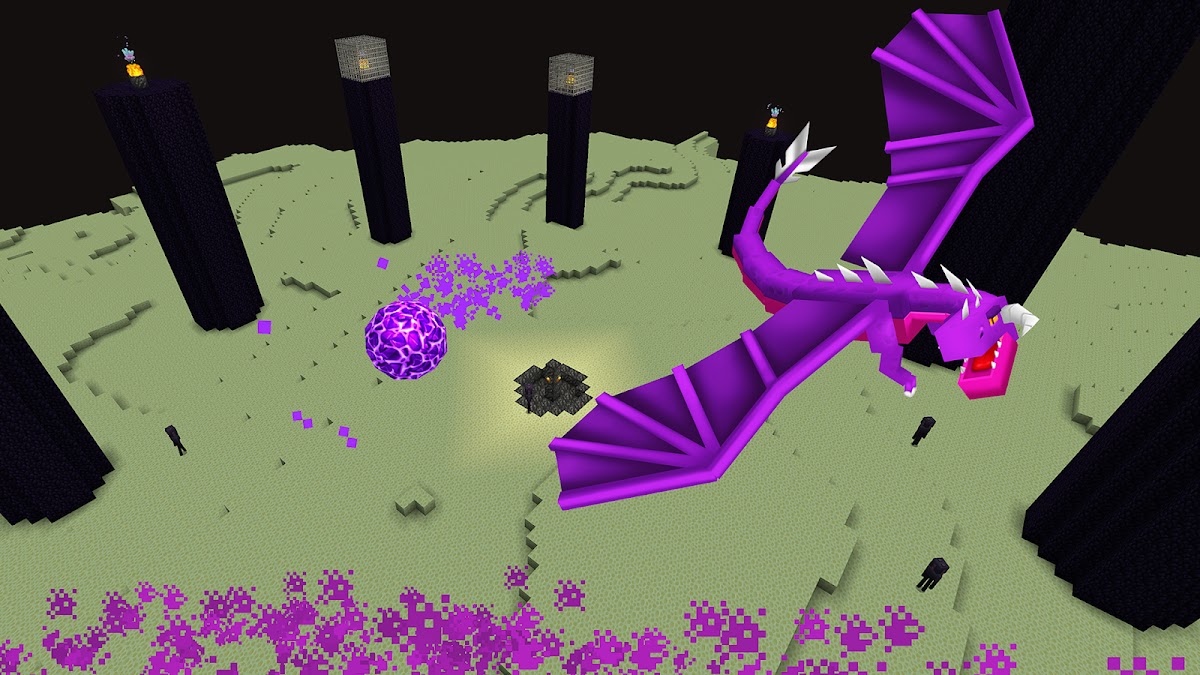
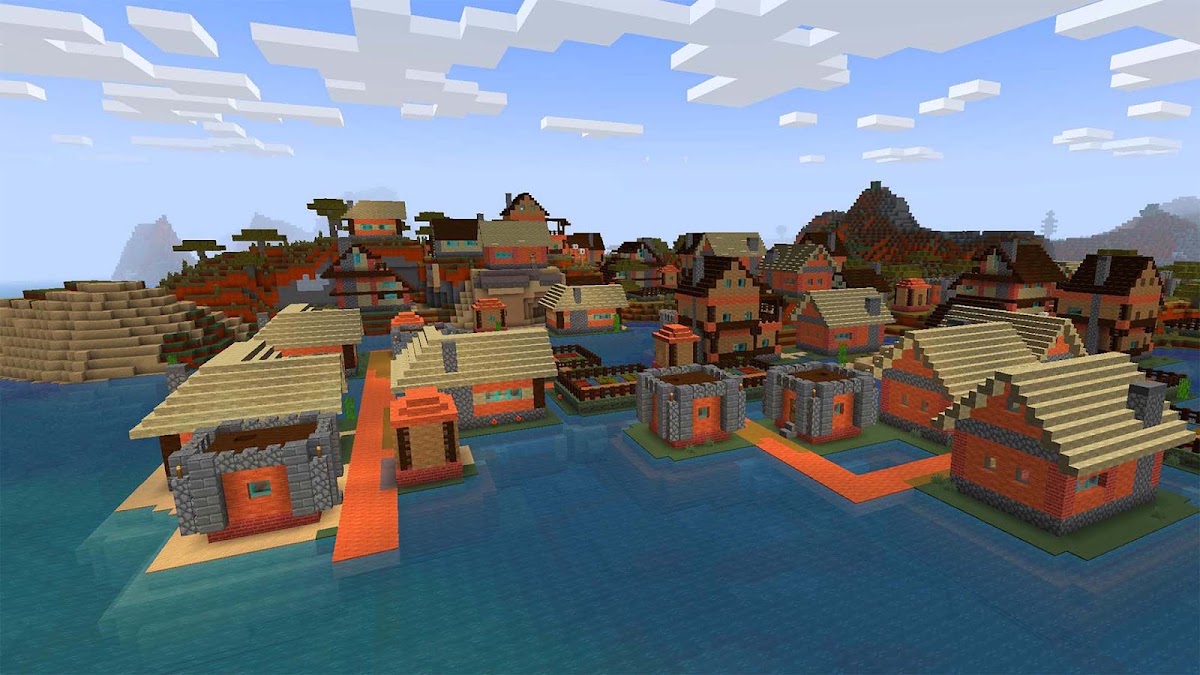
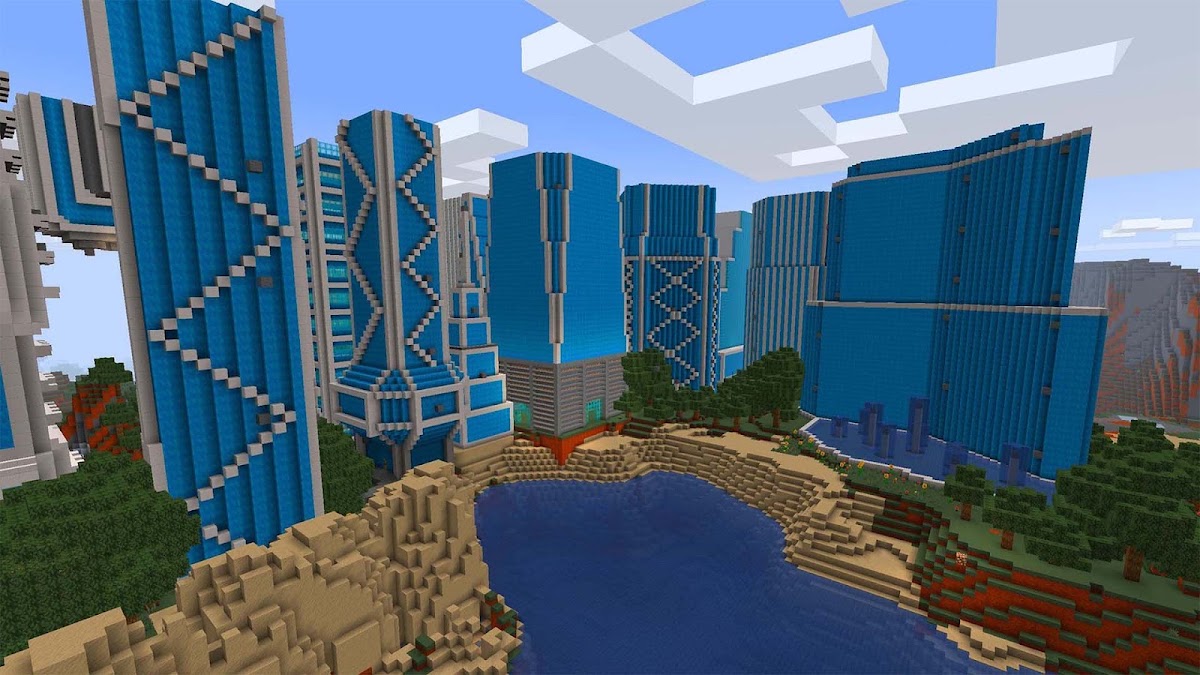
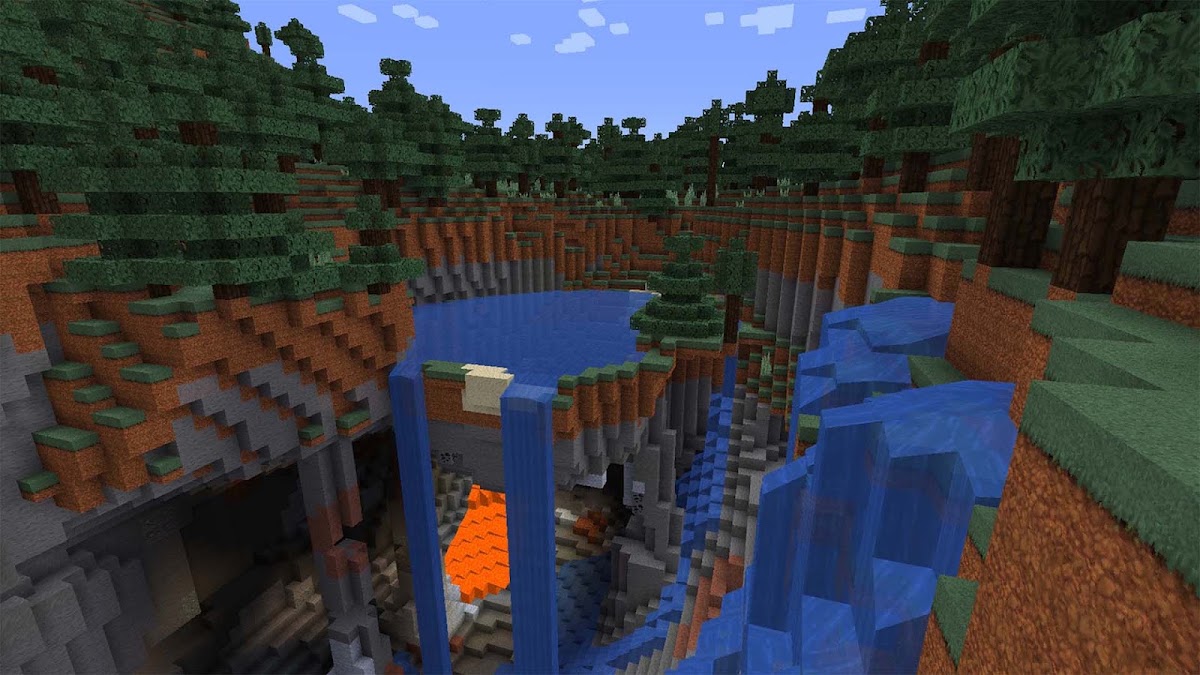
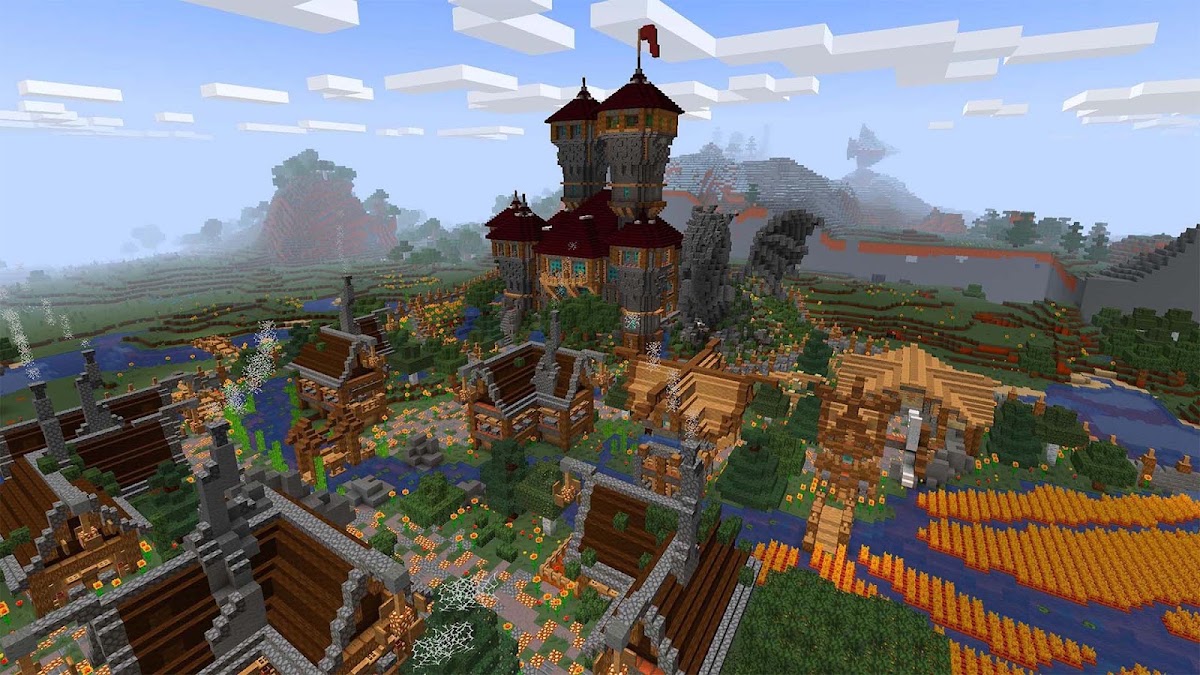
RealmCraft combines mining and crafting with separate Survival and Creative modes. You can reshape the terrain for a farm, build a fortress into a hillside, or develop a town across different biomes. Multiplayer worlds and minigames give you something else to do between builds.
4. Mini World: CREATA — custom maps and community minigames
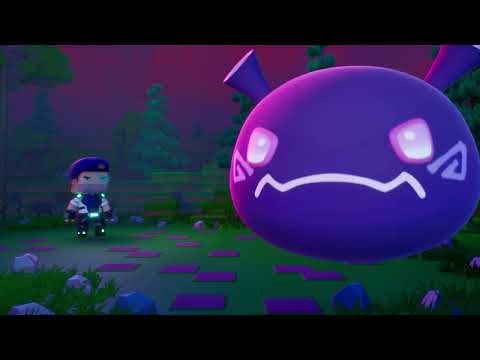
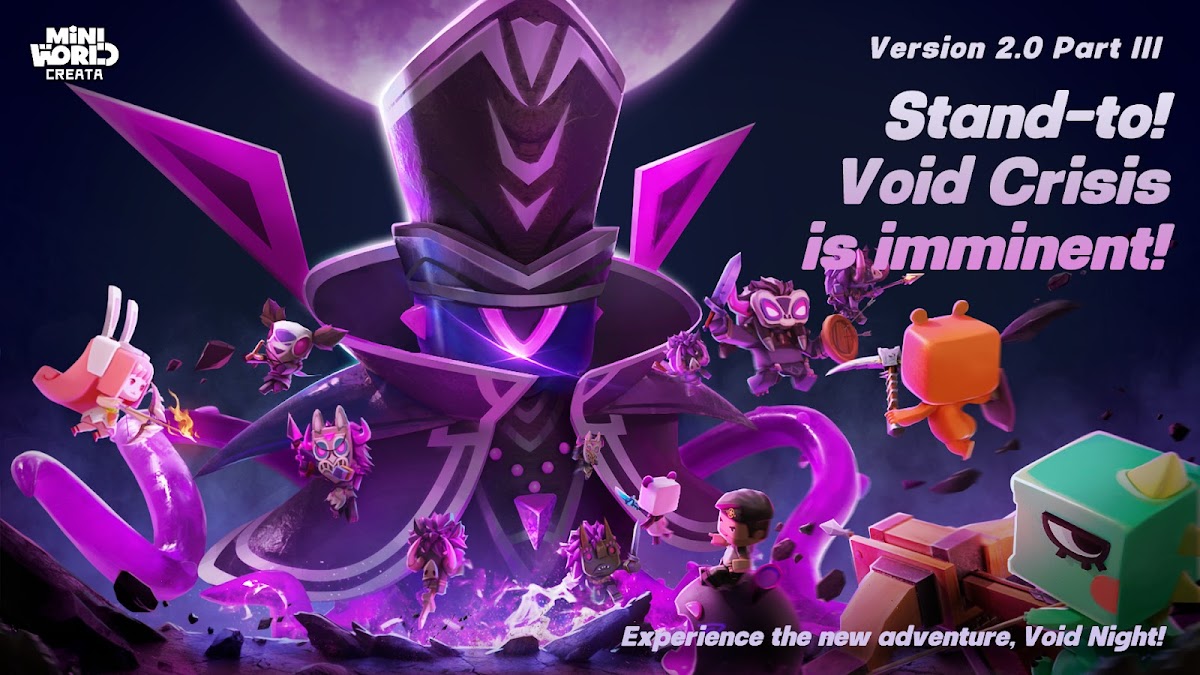
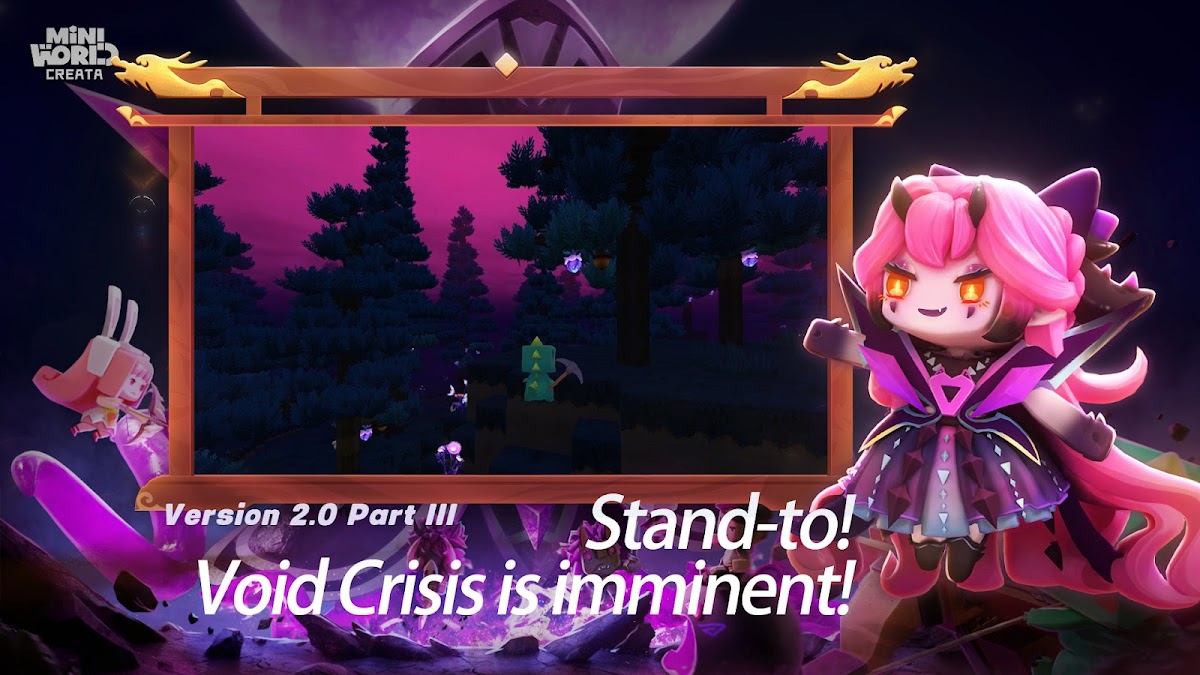
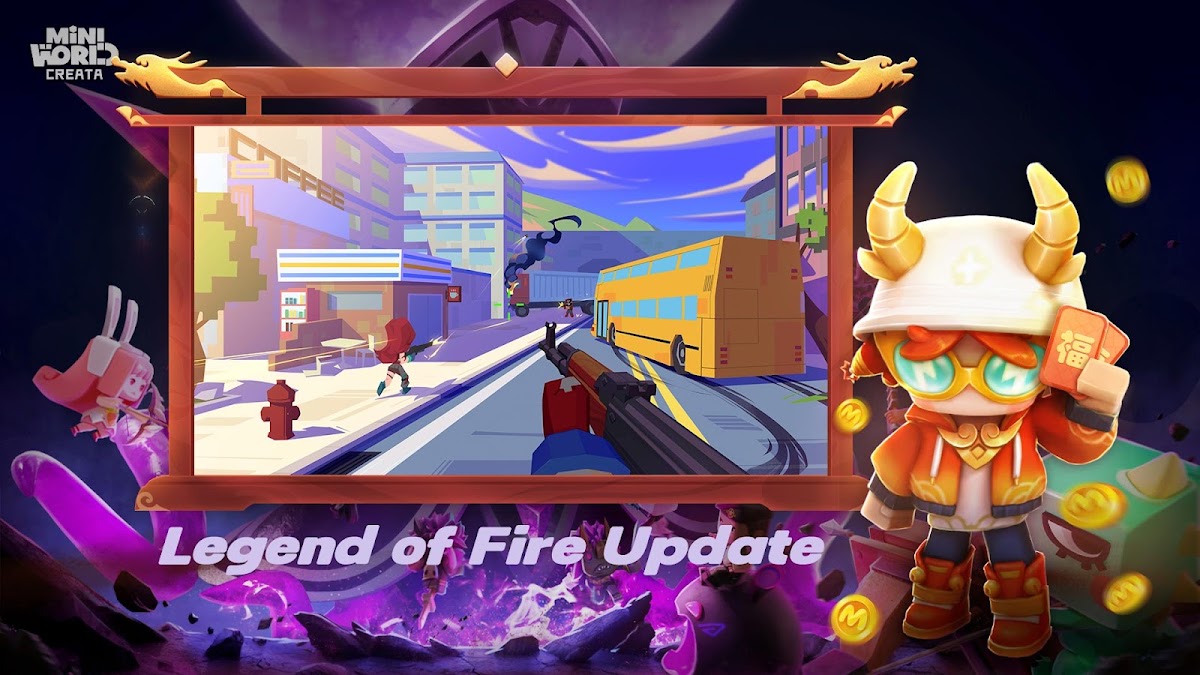
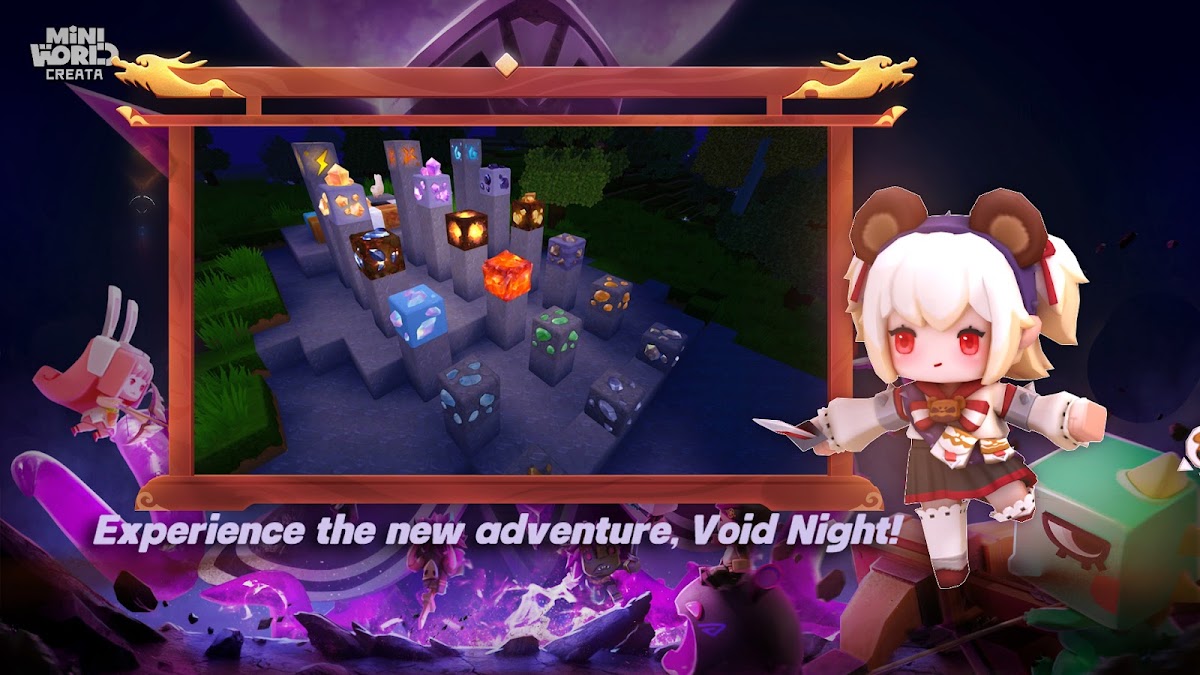
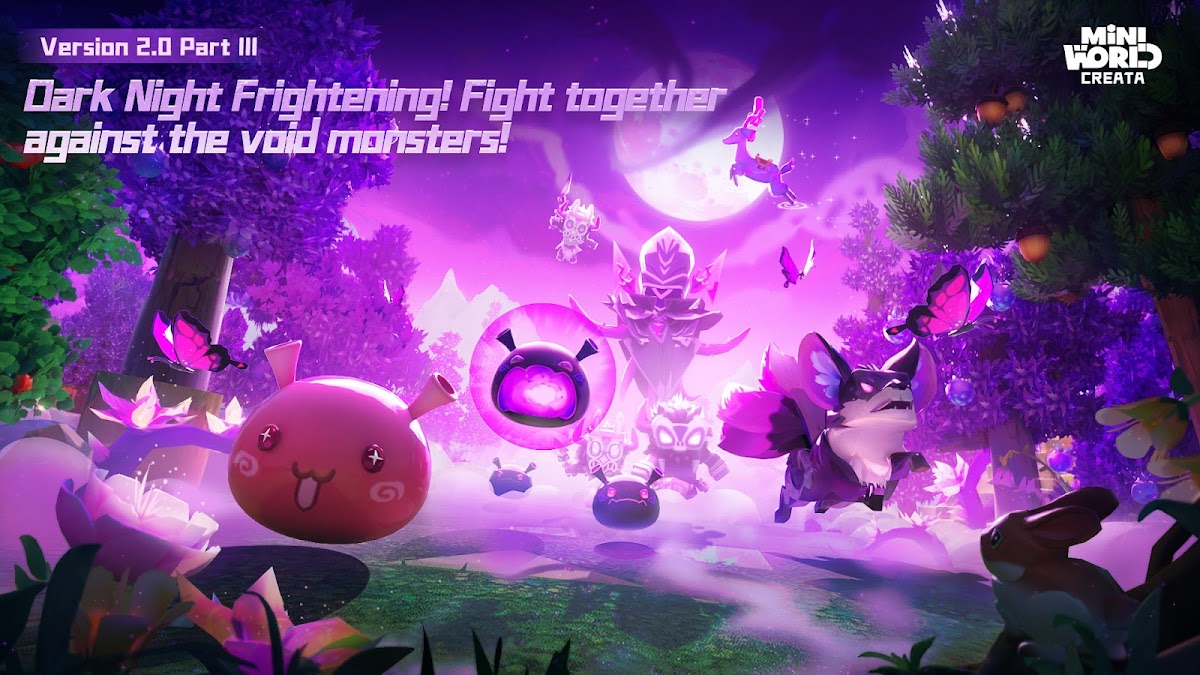
Mini World has a Survival mode and a Creation mode for designing your own maps. It’s a good choice if you like building spaces that other people can explore or turning a map into a challenge. You can also play minigames made by the community. The Google Play listing specifies offline single-player alongside online multiplayer.
5. Block Craft 3D — build a village one project at a time
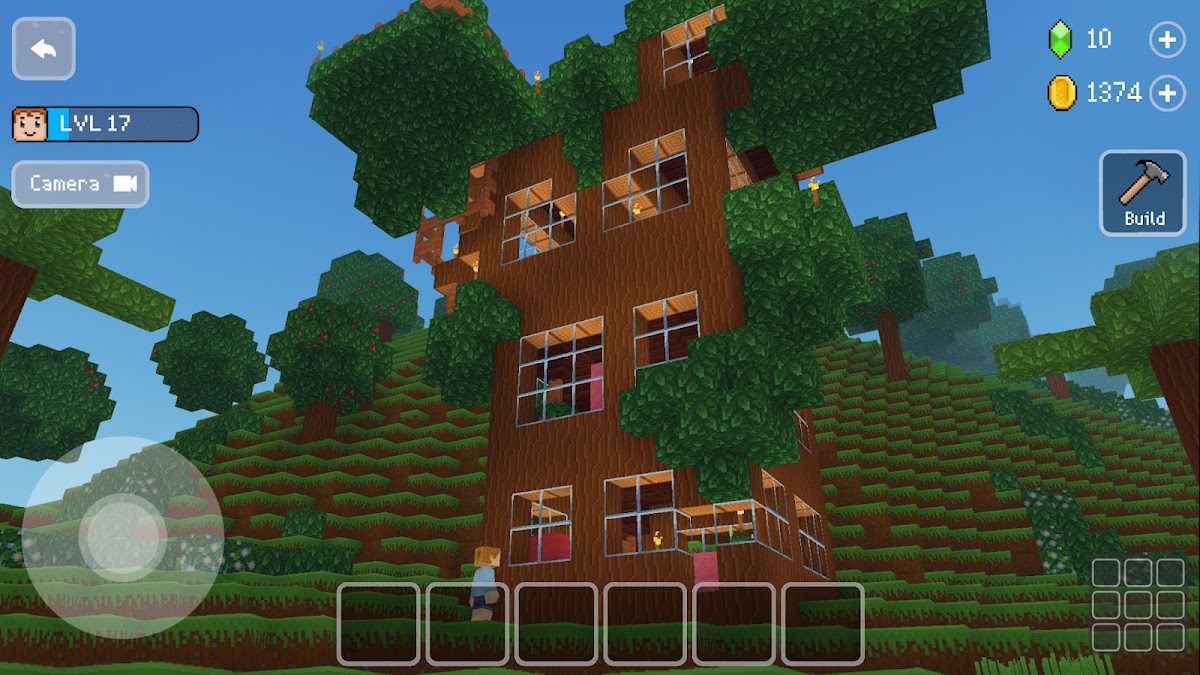
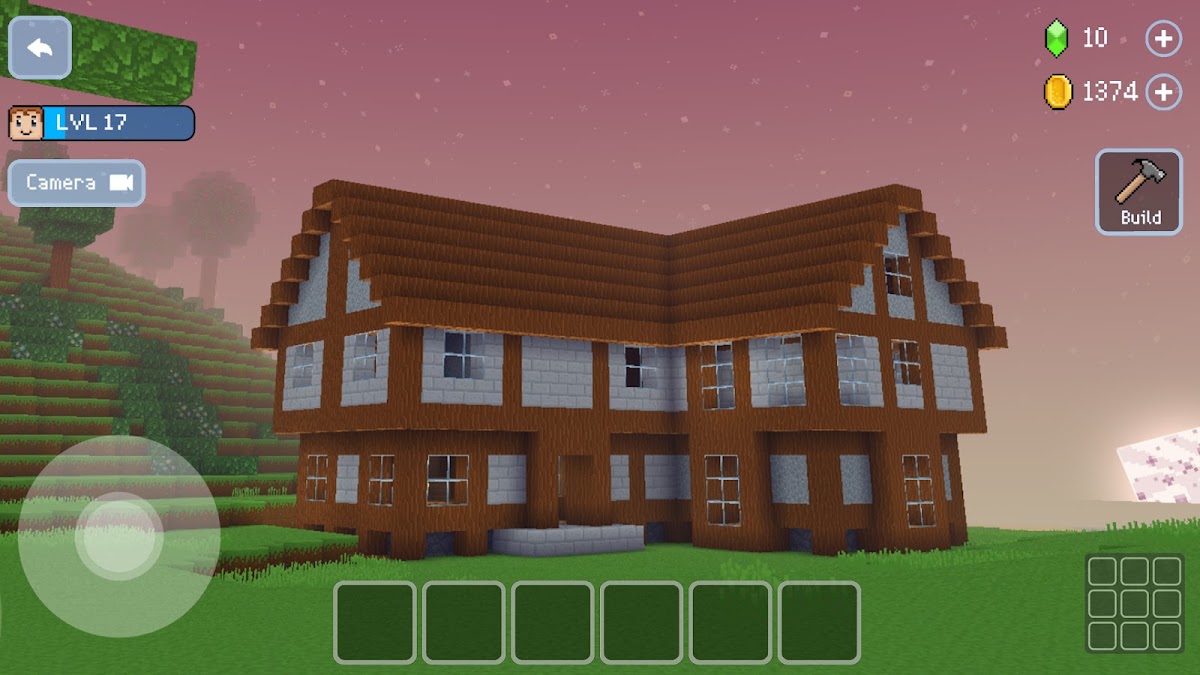
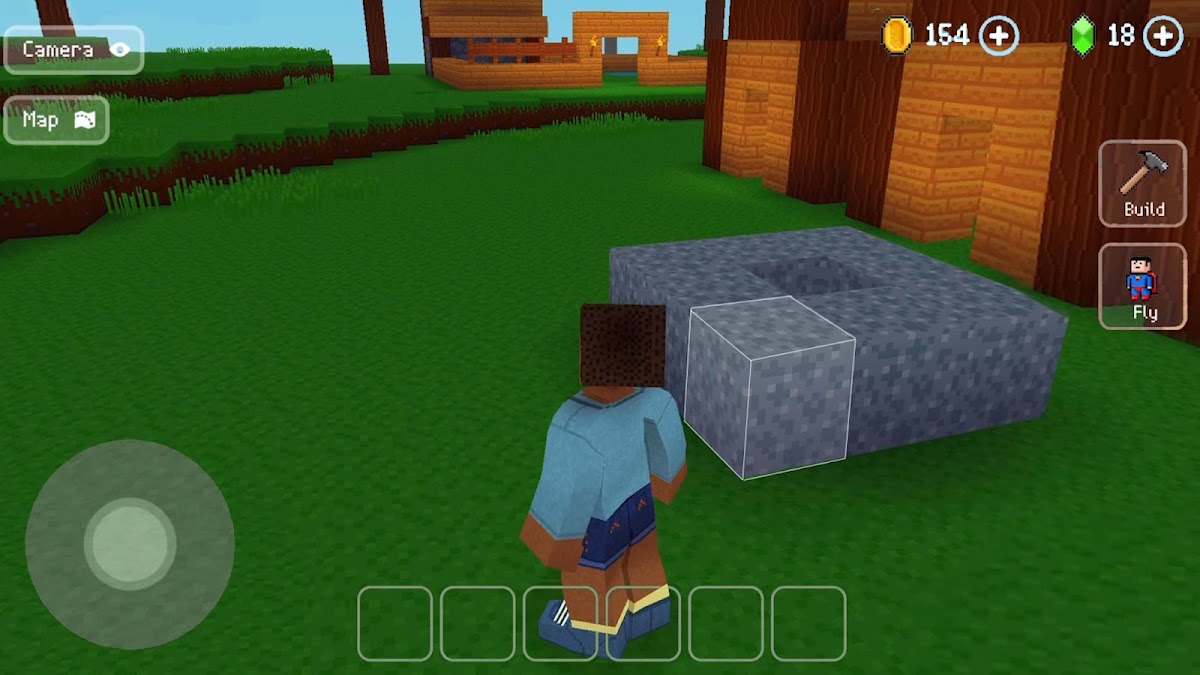
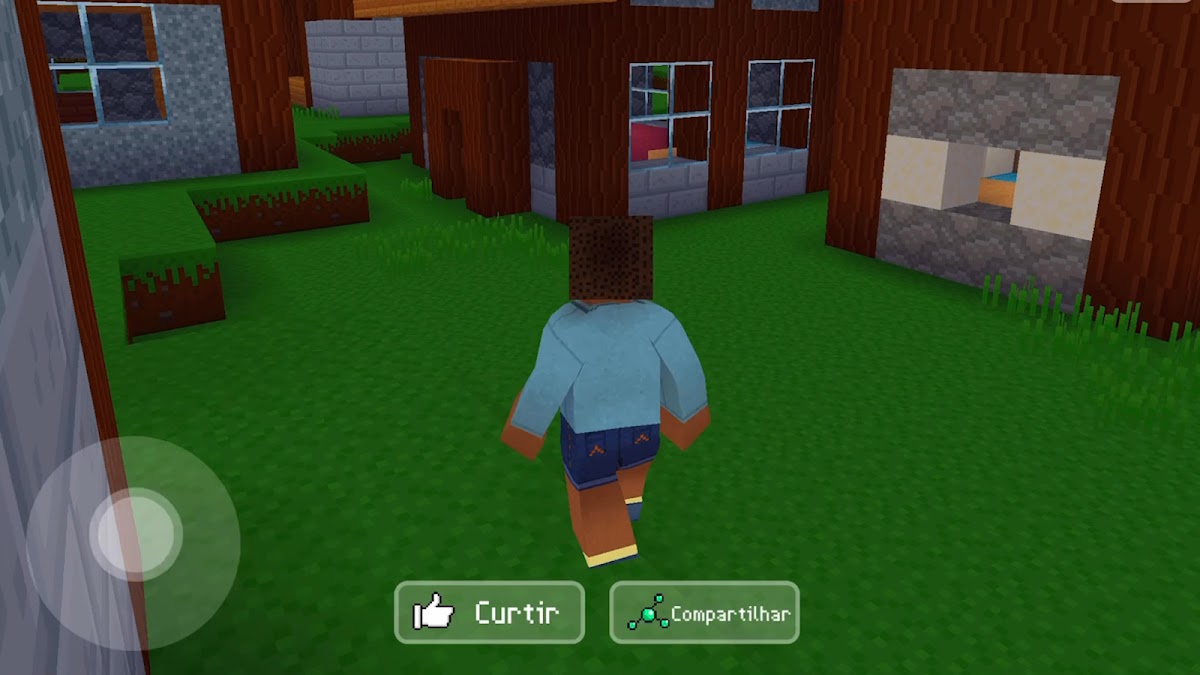
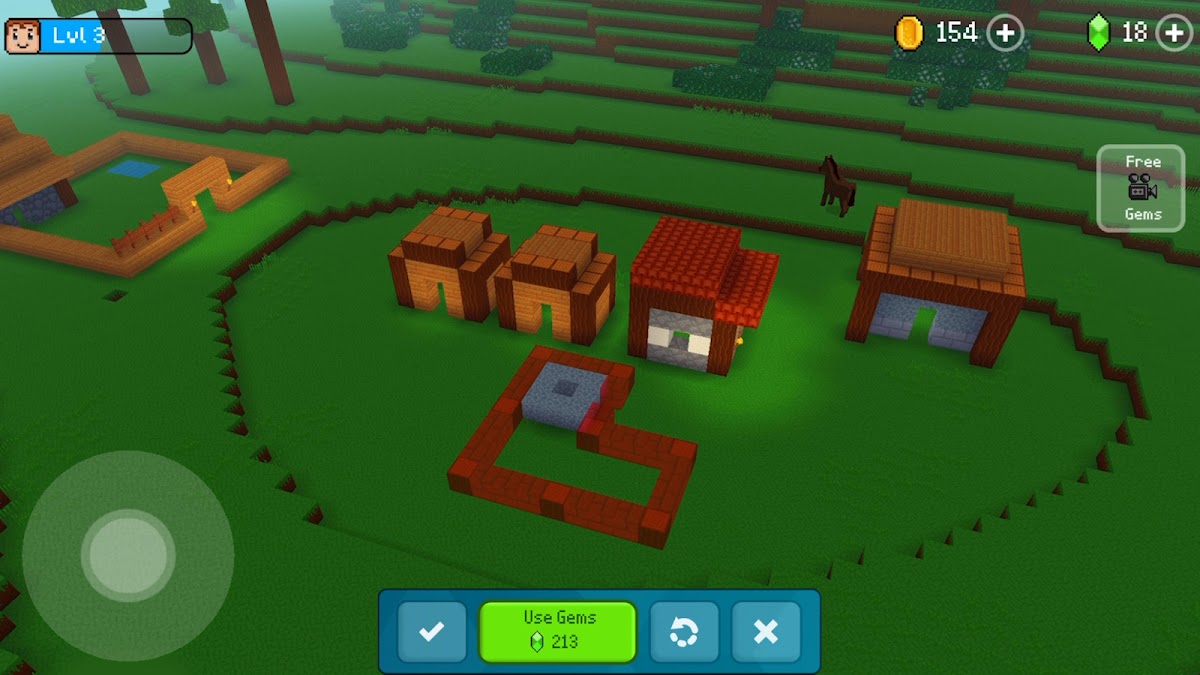
Start with a guided project and add buildings as the village takes shape. You can visit other players’ villages for ideas about layouts and structures. Pick Block Craft 3D if planning streets and houses is the part of Minecraft you keep coming back to.
6. Crafting and Building — houses, interiors, and friends’ worlds
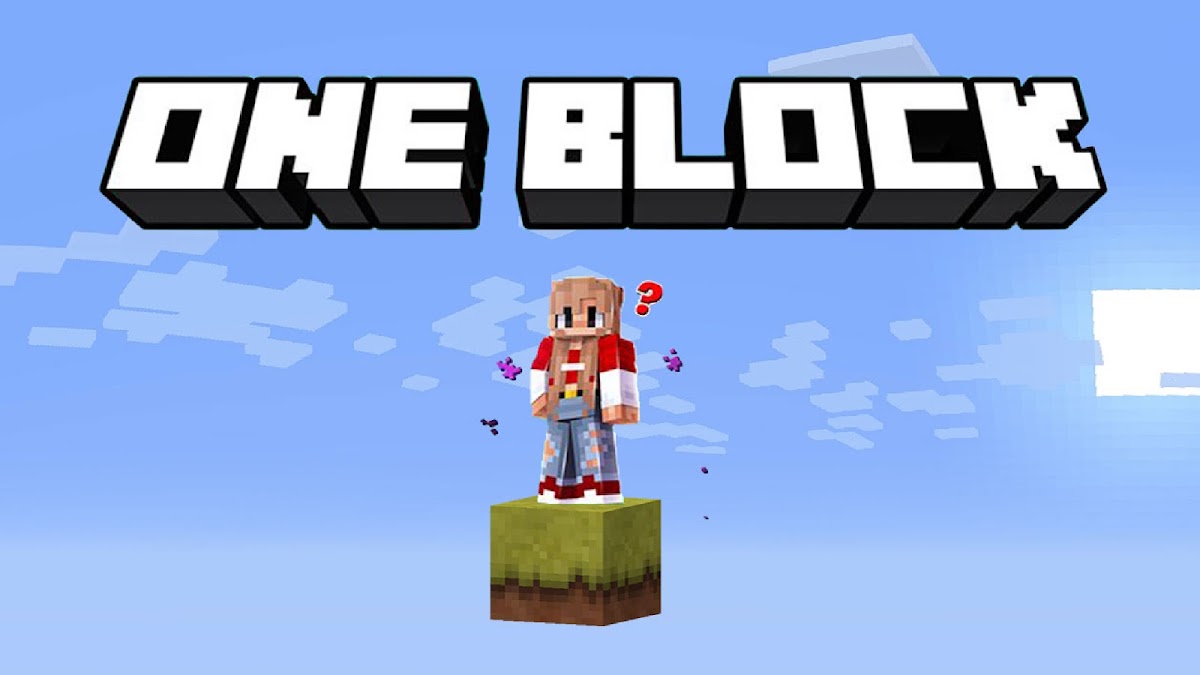
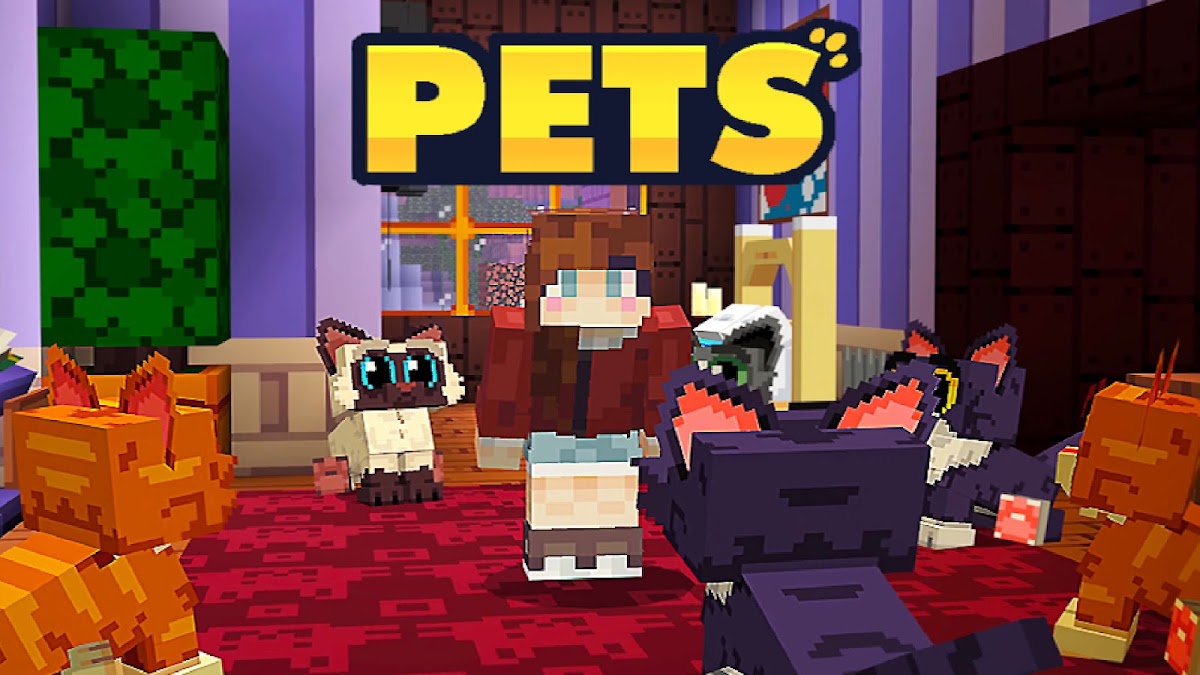
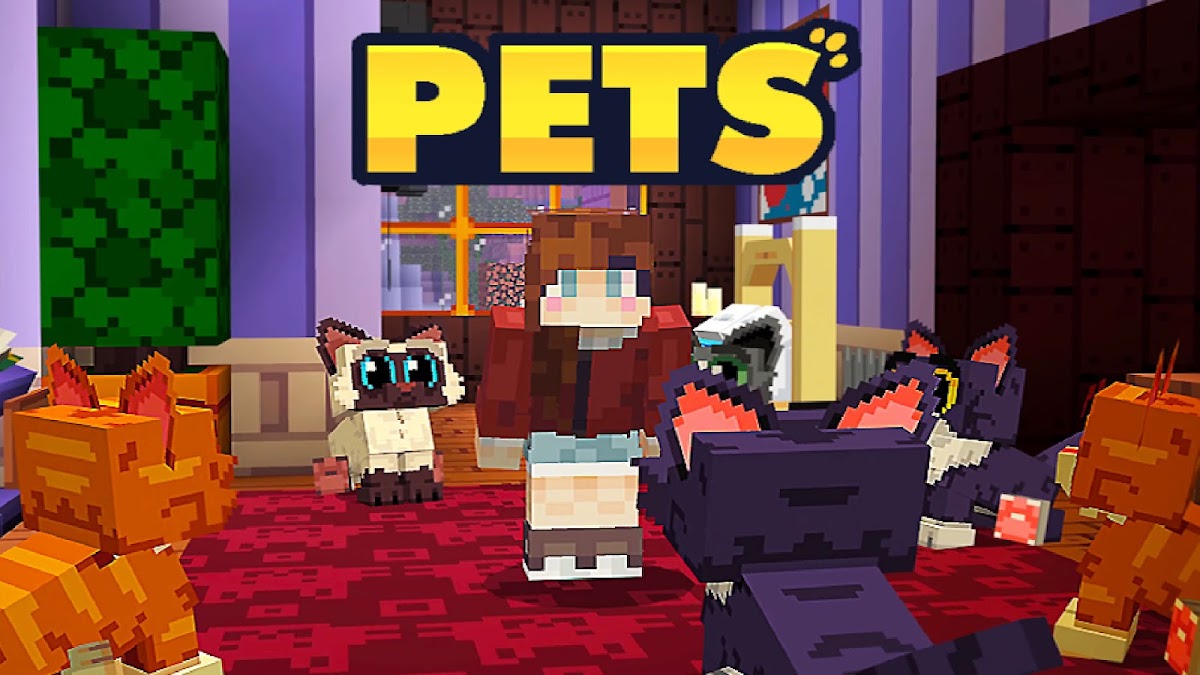
Build a house, furnish it, and visit a friend’s world to see what they’re making. The game works well for small projects you can keep expanding, such as turning one decorated room into a larger house. Search for the full title on Google Play, where several block-building games have similar names.
7. Craftsman: Building Craft — houses and castles in a block world
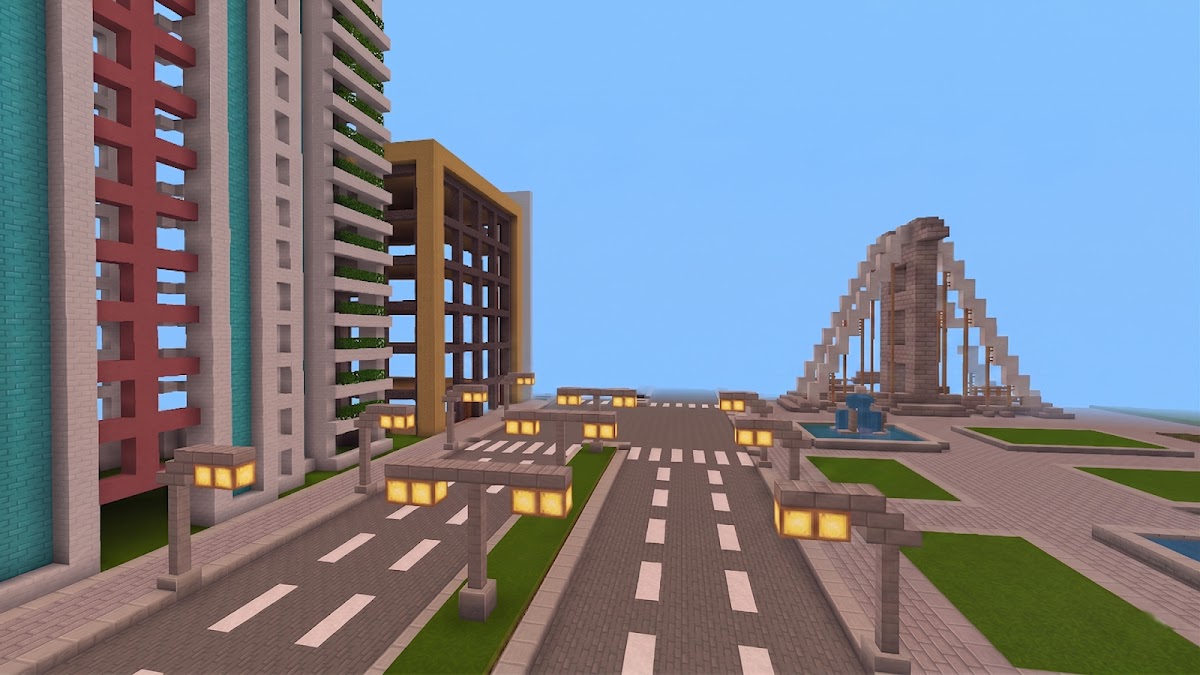
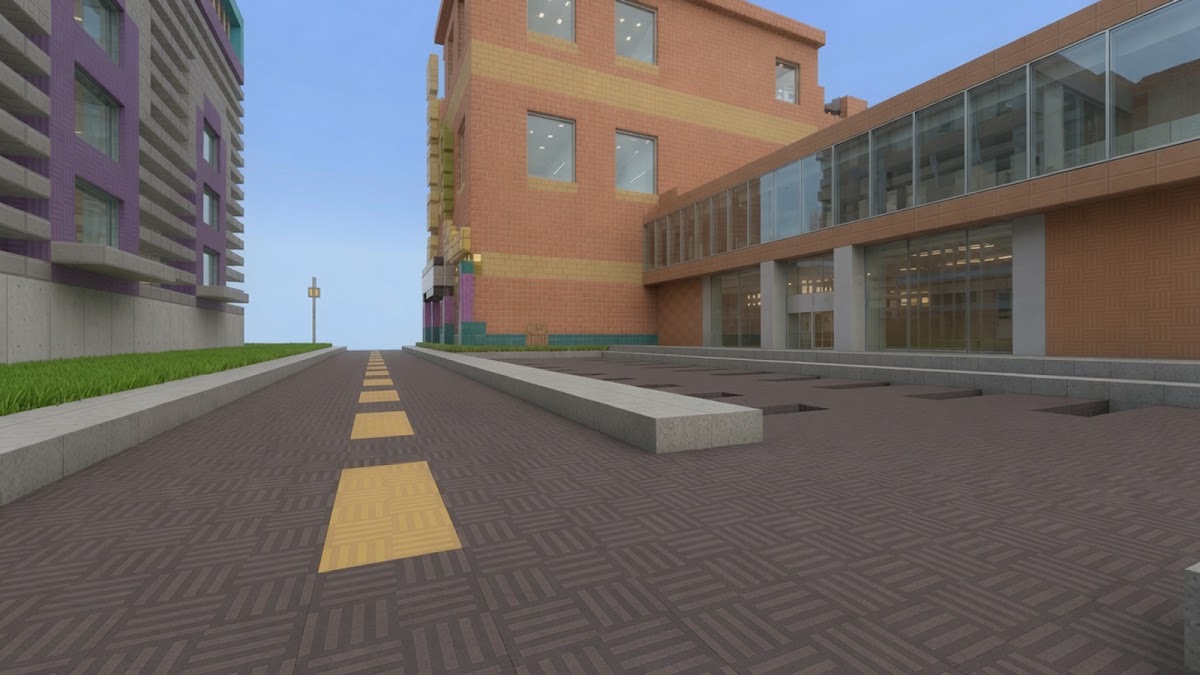
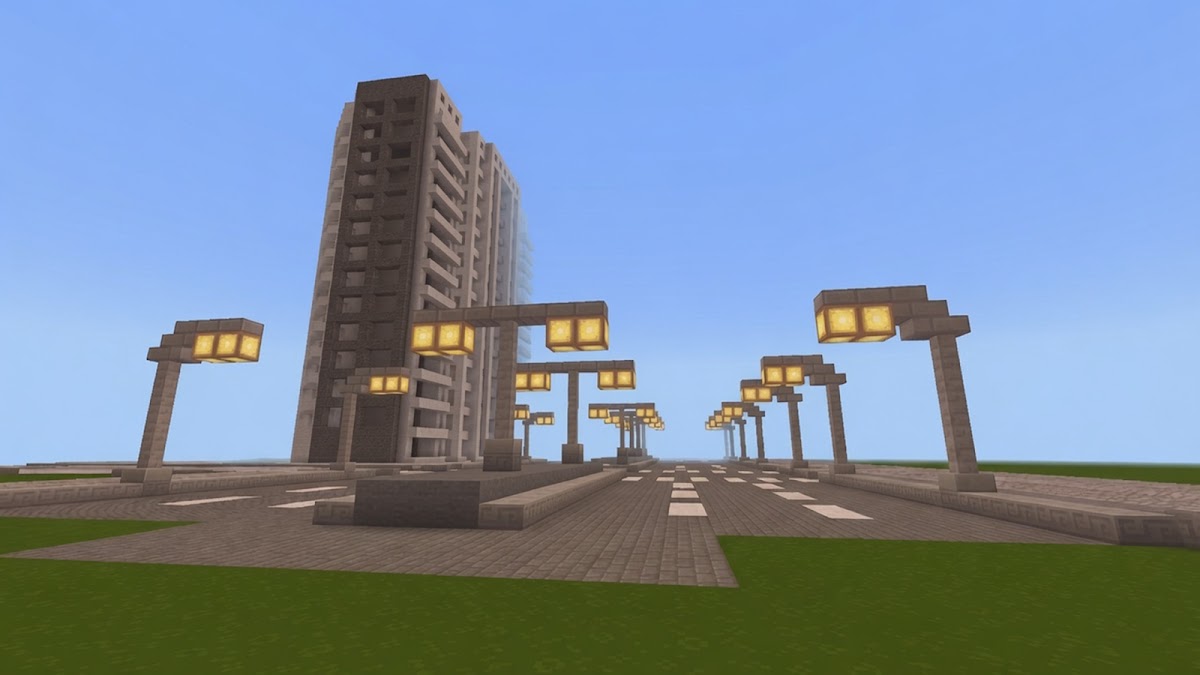
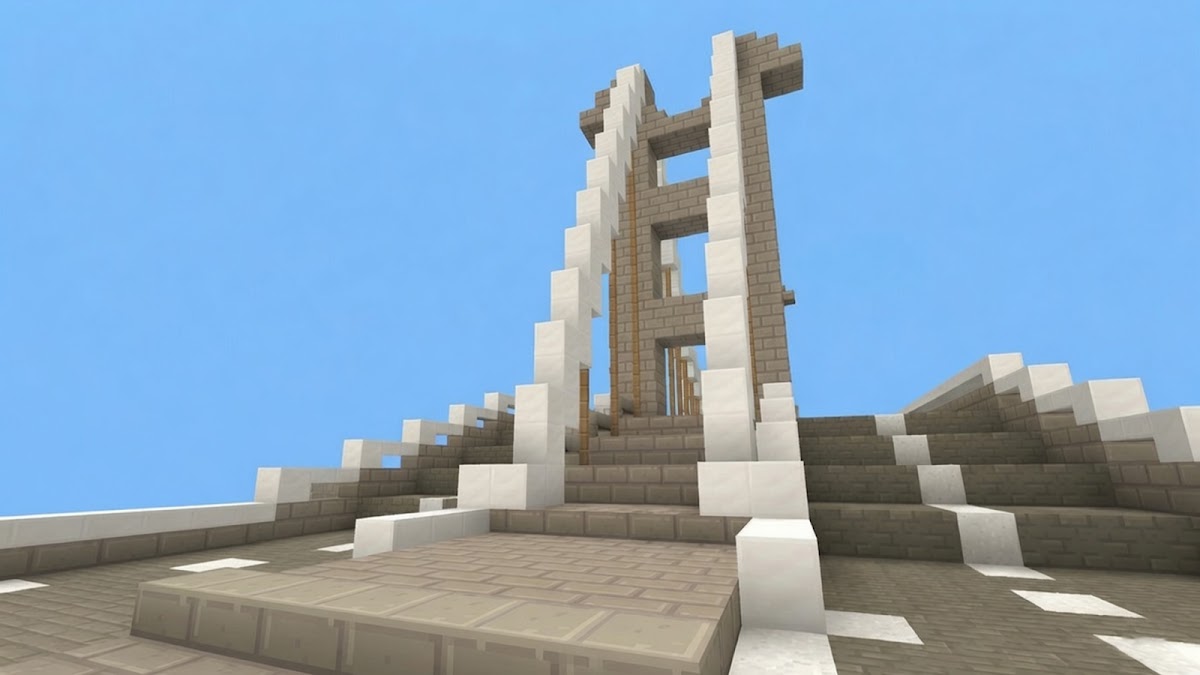
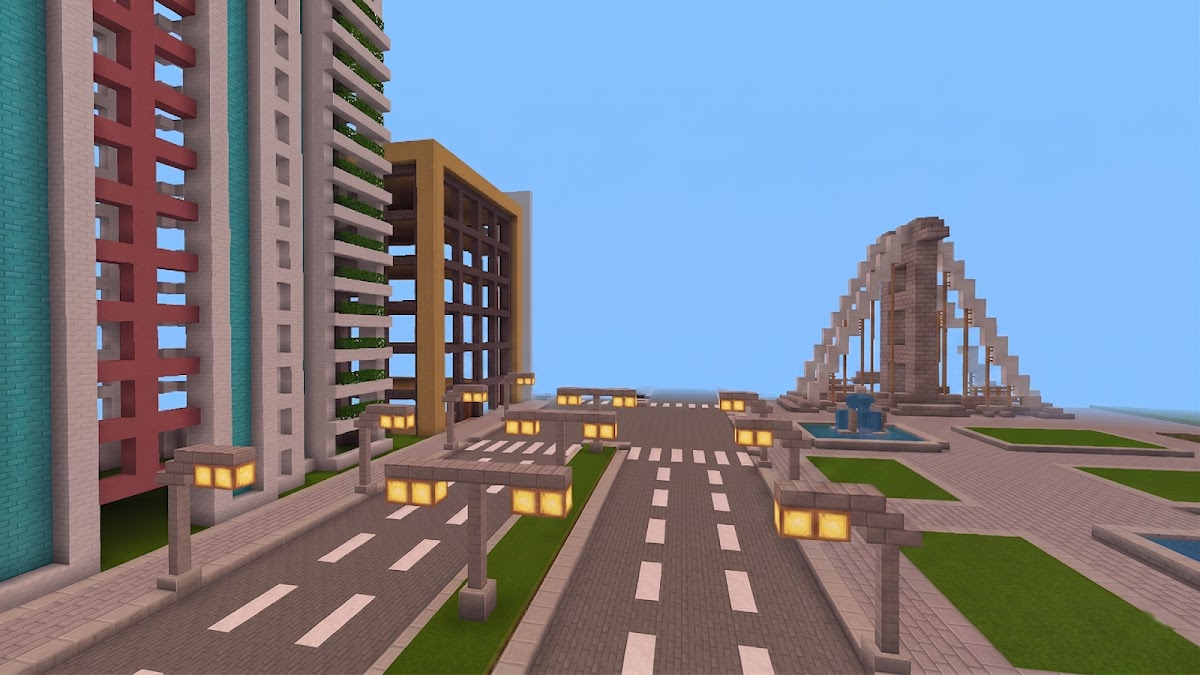
Craftsman gives you a block world to explore and space to build houses or castles. It suits players who already have a project in mind and want to get straight to placing blocks. The Android edition covered here is Craftsman: Building Craft.
8. Block Craft: Sandbox World — freeform 3D building
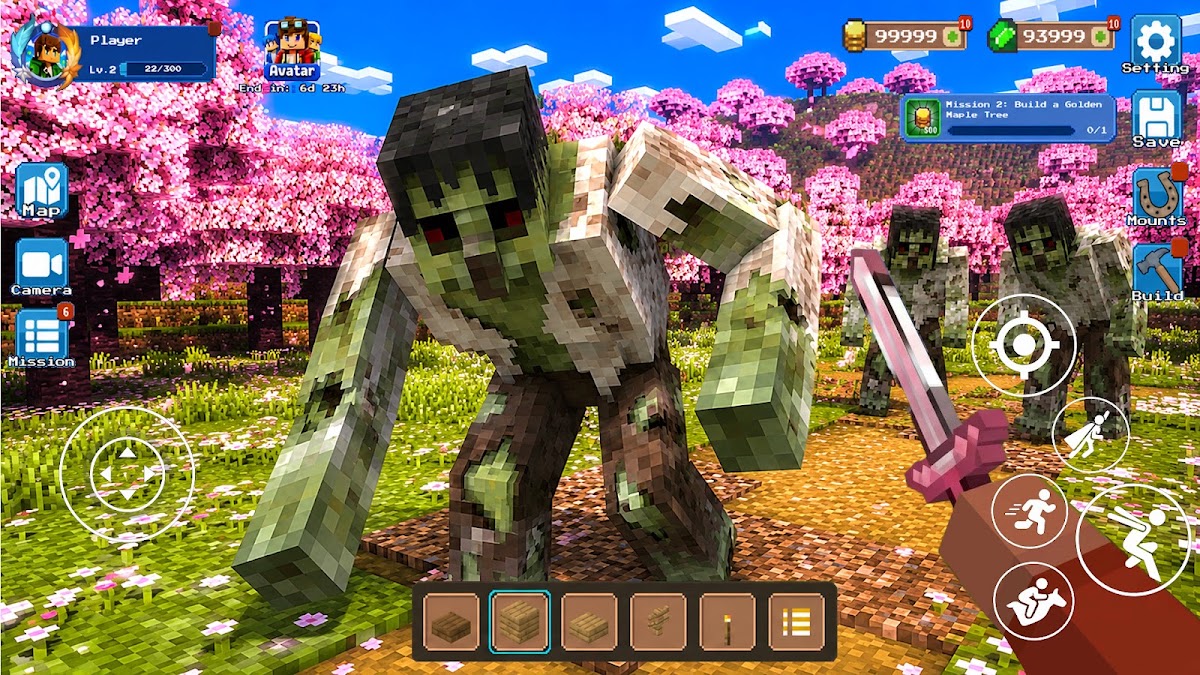
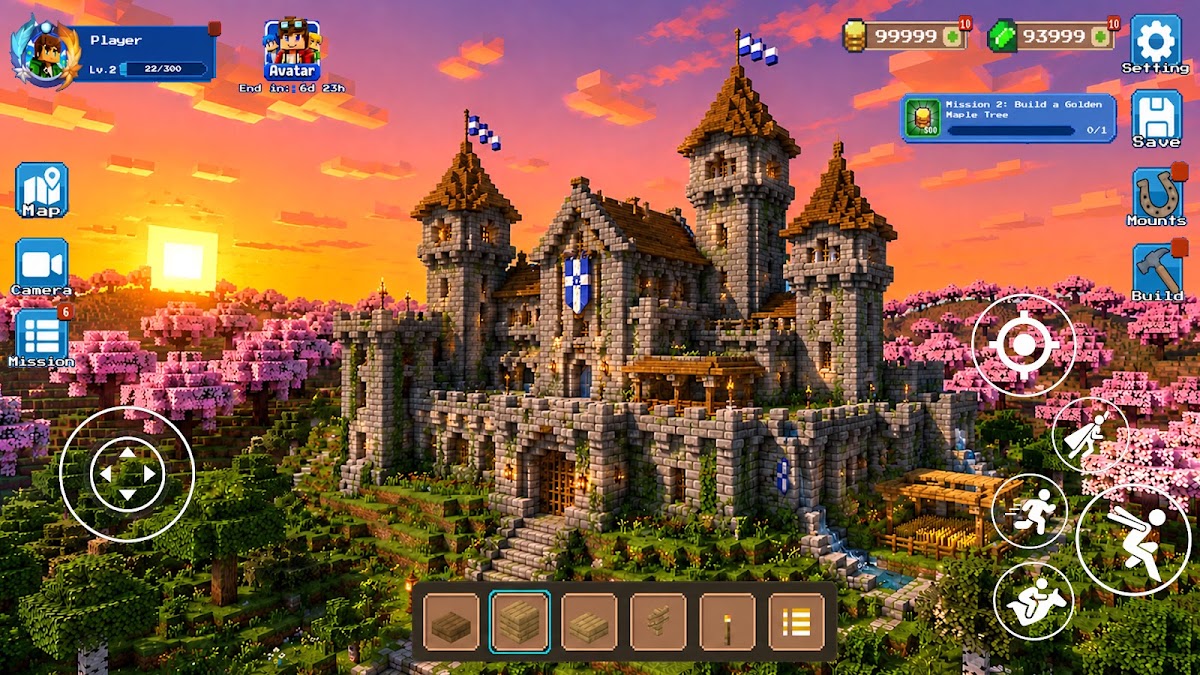
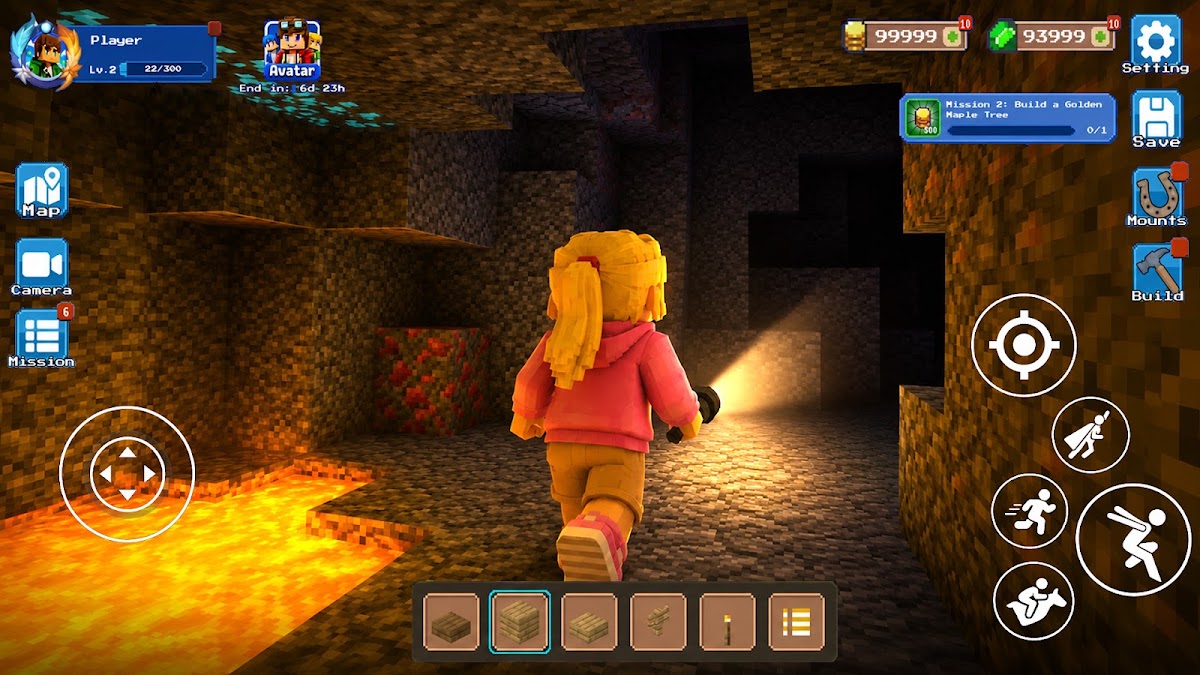
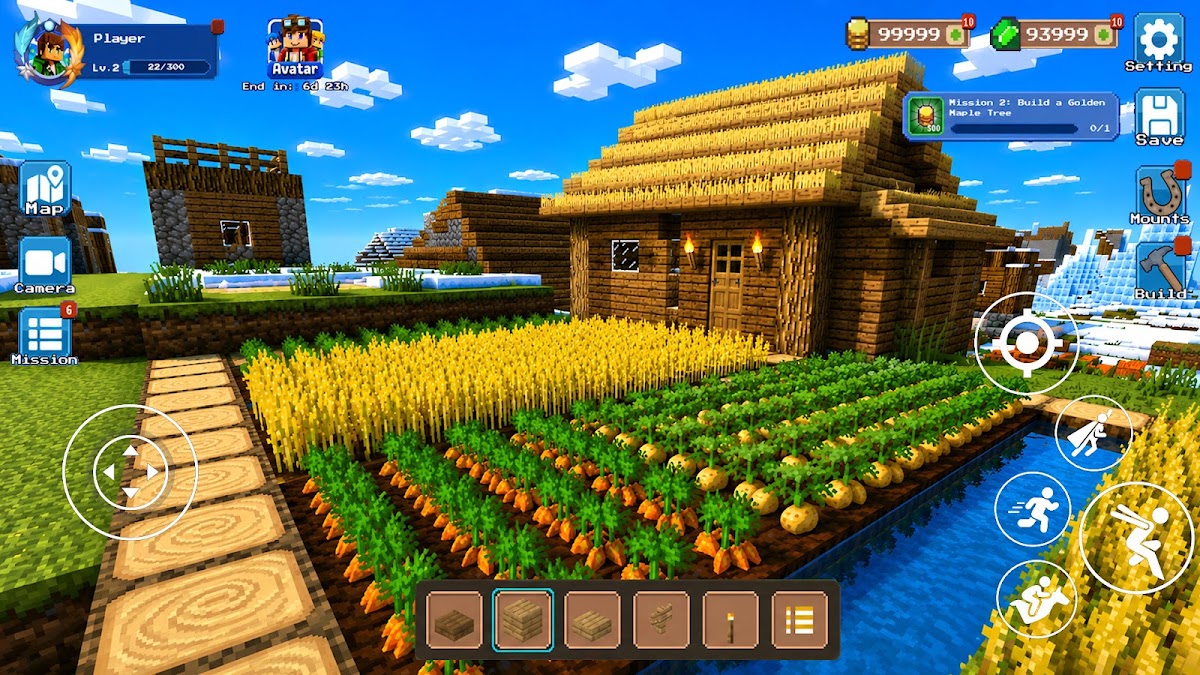
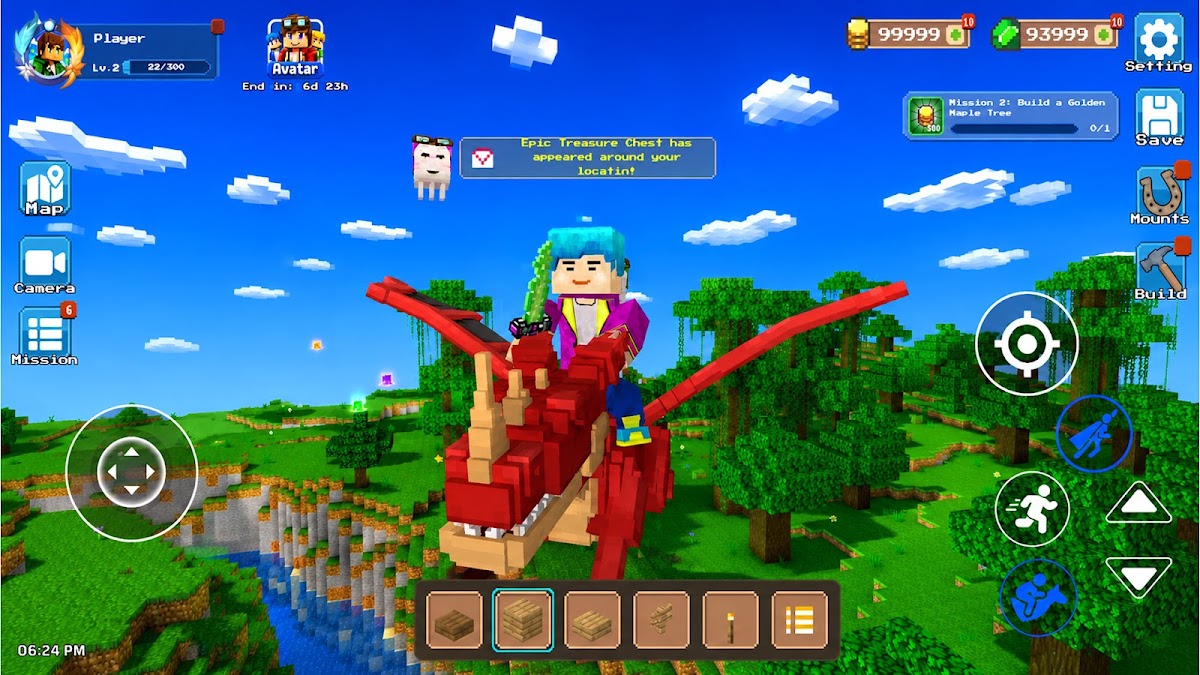
Explore forests, rivers, and caves, then pick a spot and build directly into the landscape. It’s a good fit if your builds usually begin with finding the right hill or riverbank. On Google Play, use the full title Block Craft: Sandbox World to find this edition.
9. Luanti — community-made voxel games and mods
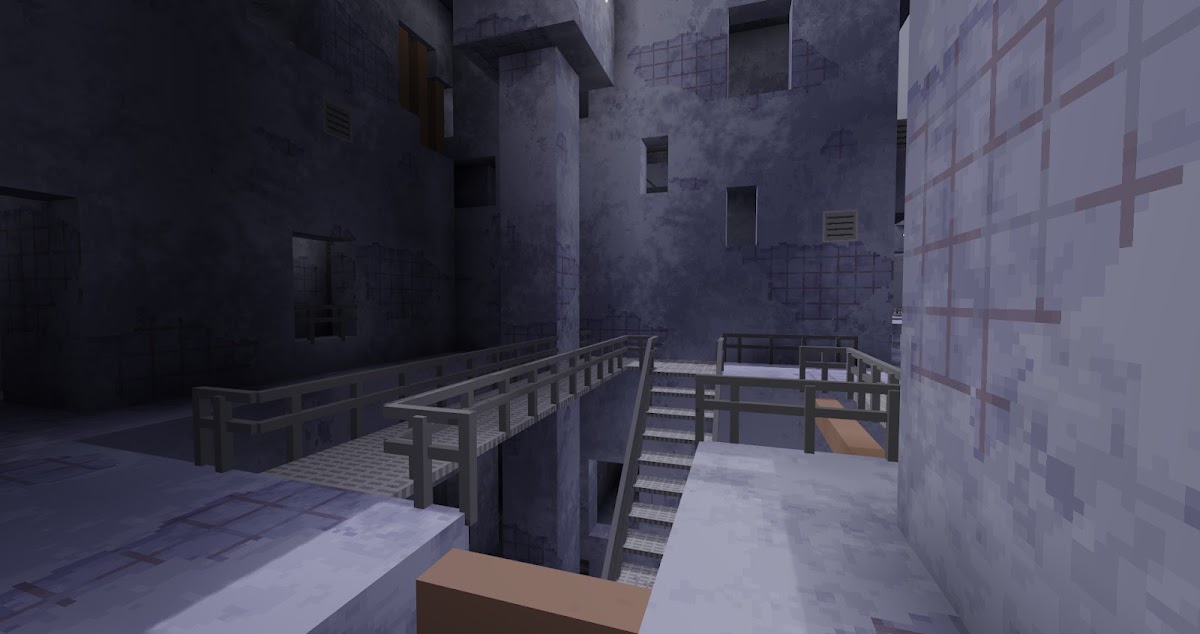
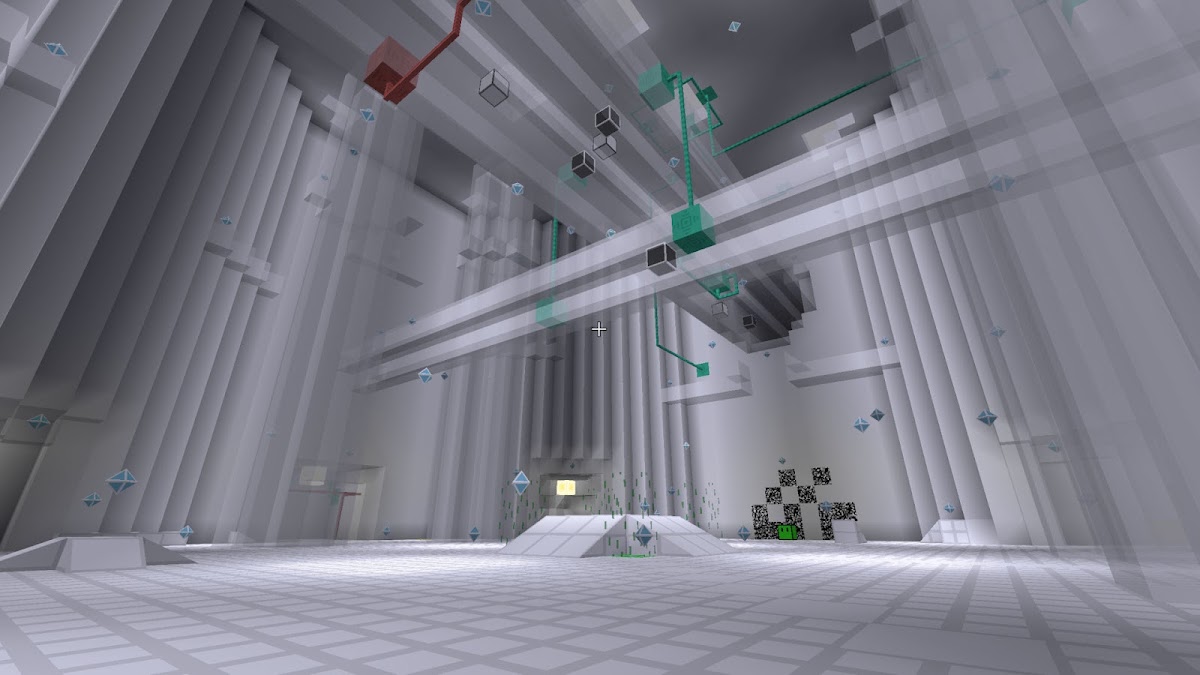
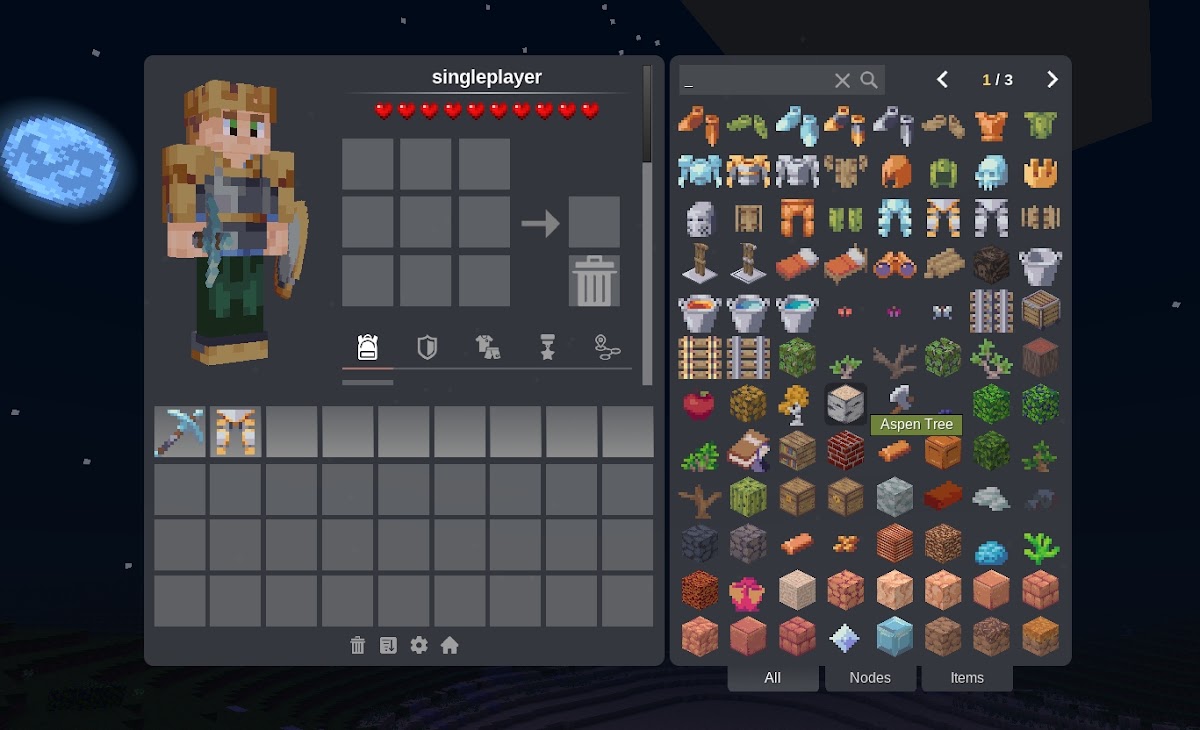
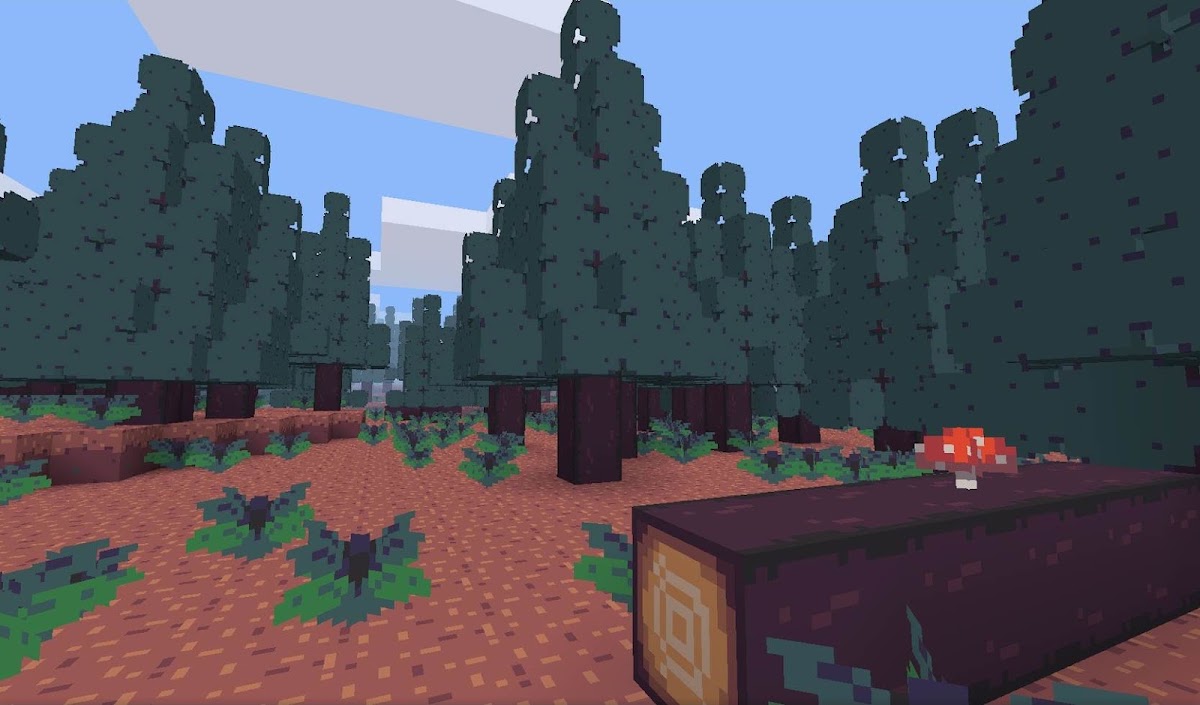
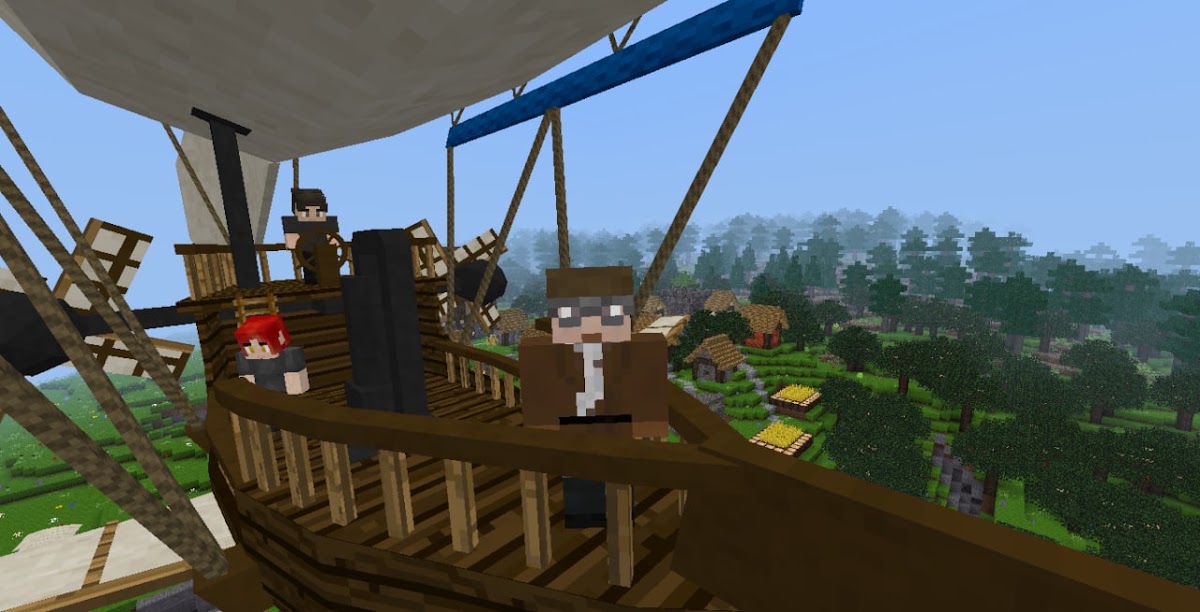
Formerly called Minetest, Luanti is a platform for community-made voxel games. After installing it, pick a game from the content browser. That choice determines what you can craft, how multiplayer works, and which creative tools you get. Luanti is a flexible option for Android players who like customizing how their worlds play.
10. Exploration Lite Craft — a generated world to mine and build in
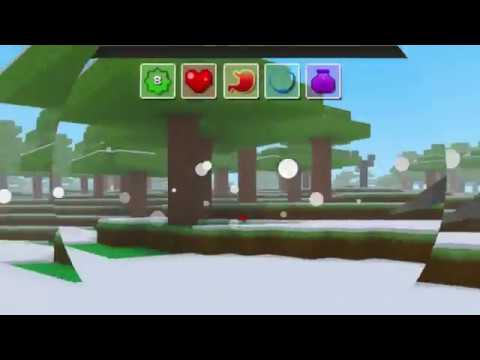
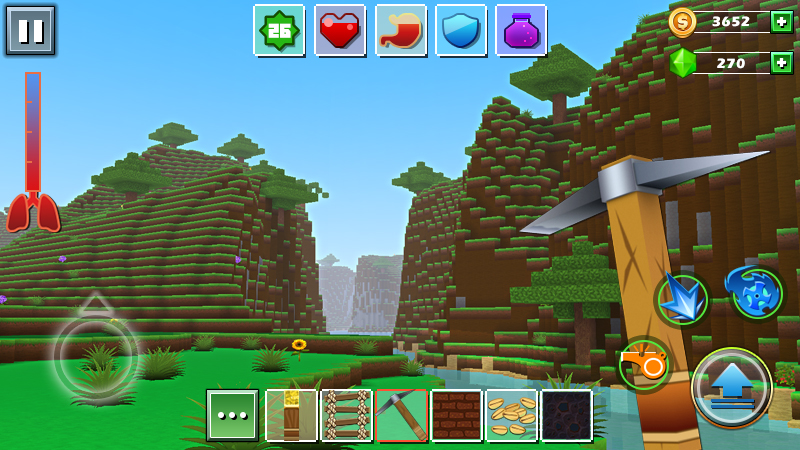
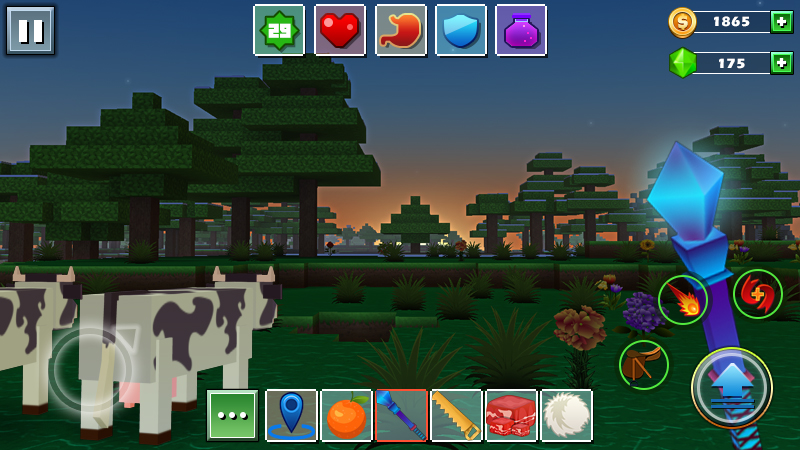
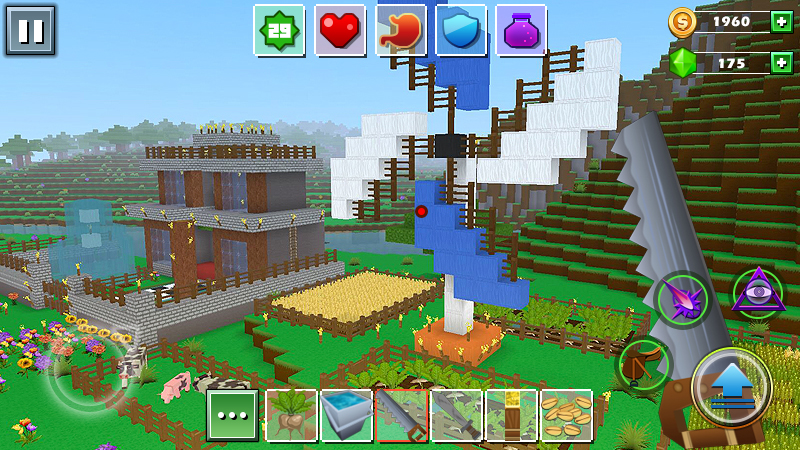
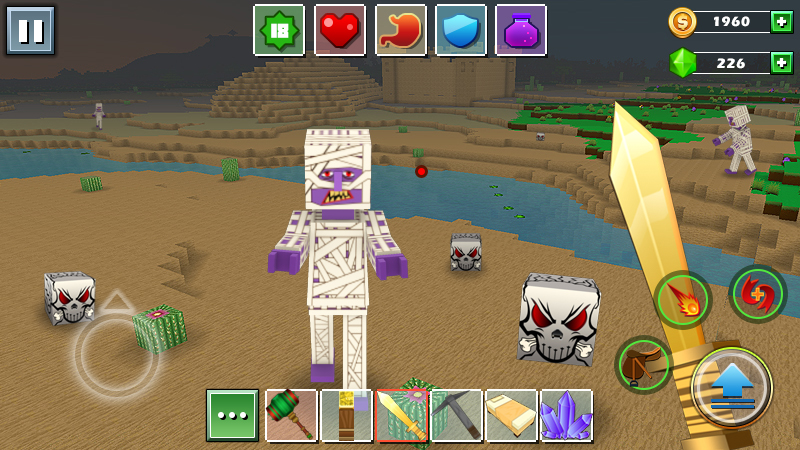
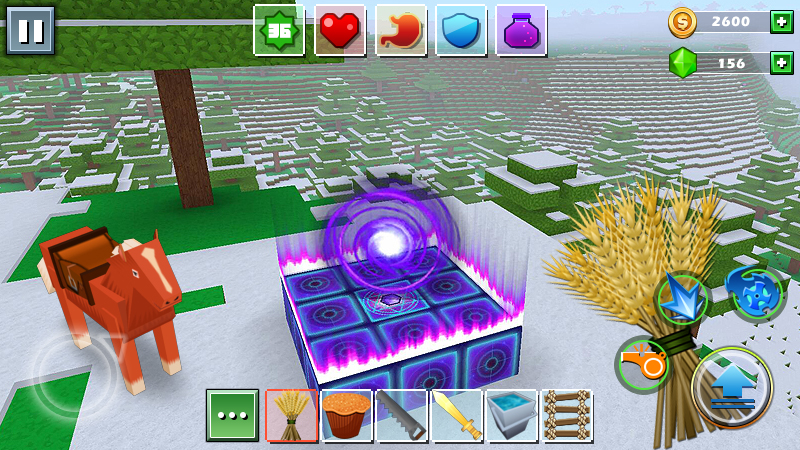
This sandbox combines crafting and building with a procedurally generated open world. It suits players who enjoy looking around a fresh map before deciding where to build. Search for Exploration Lite Craft by Mouse Mobile to find the Android edition covered here.
11. X Survive — terraform an island and build a base with friends
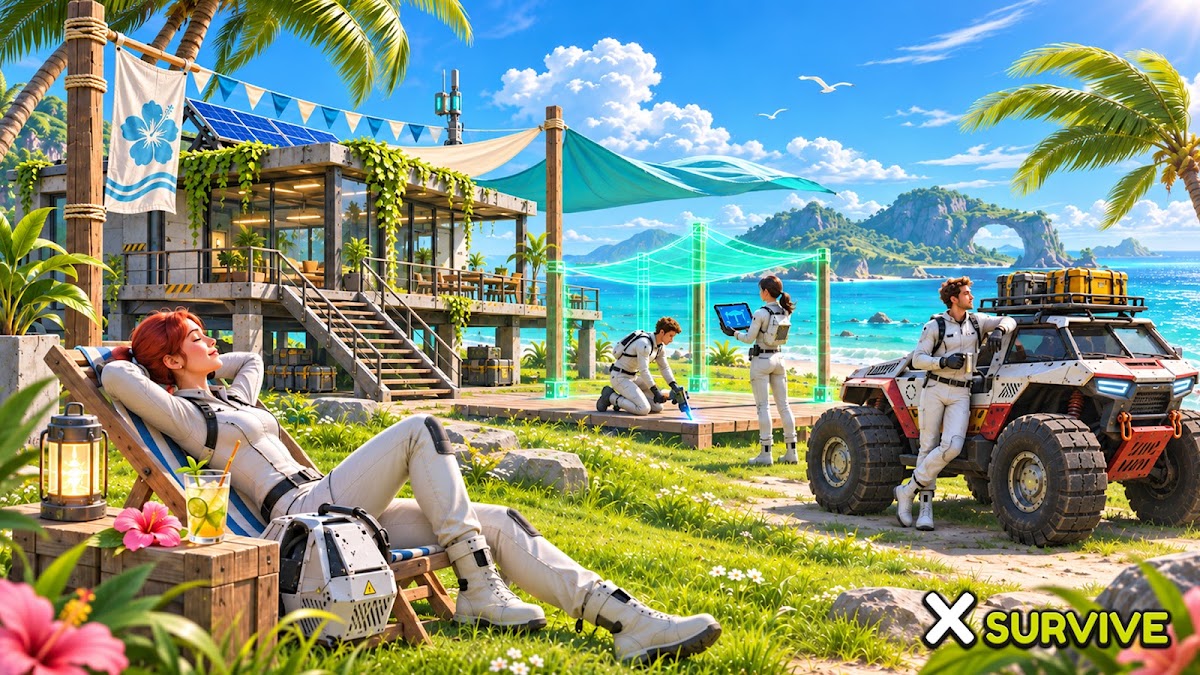
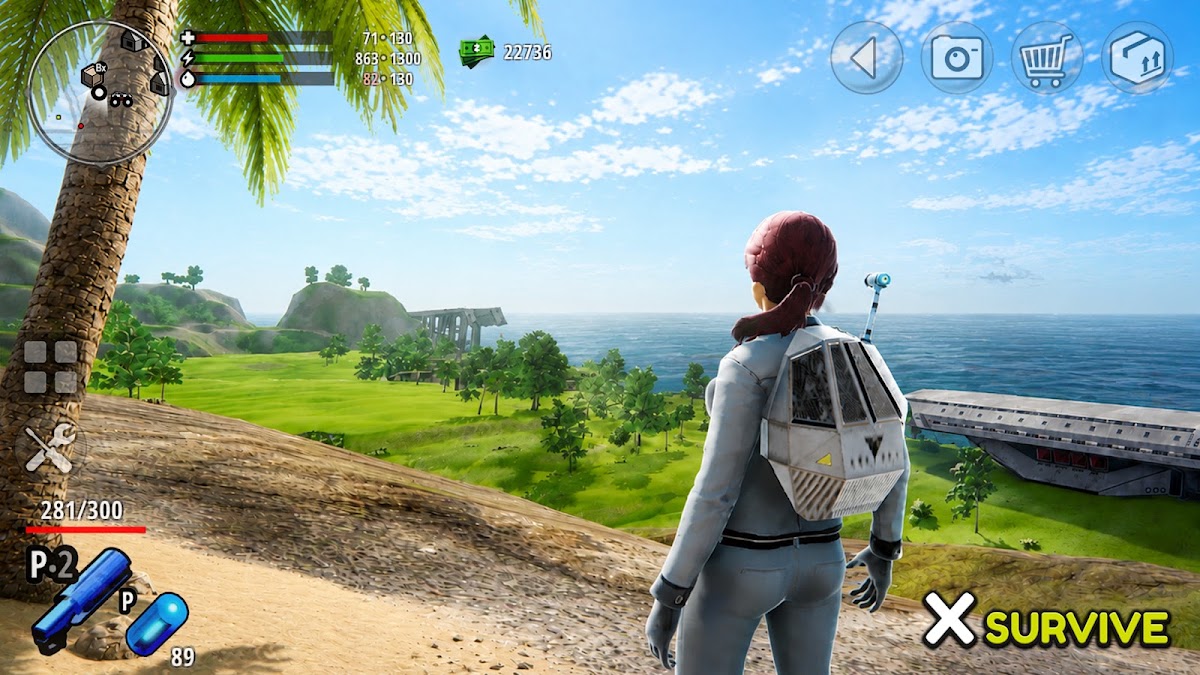
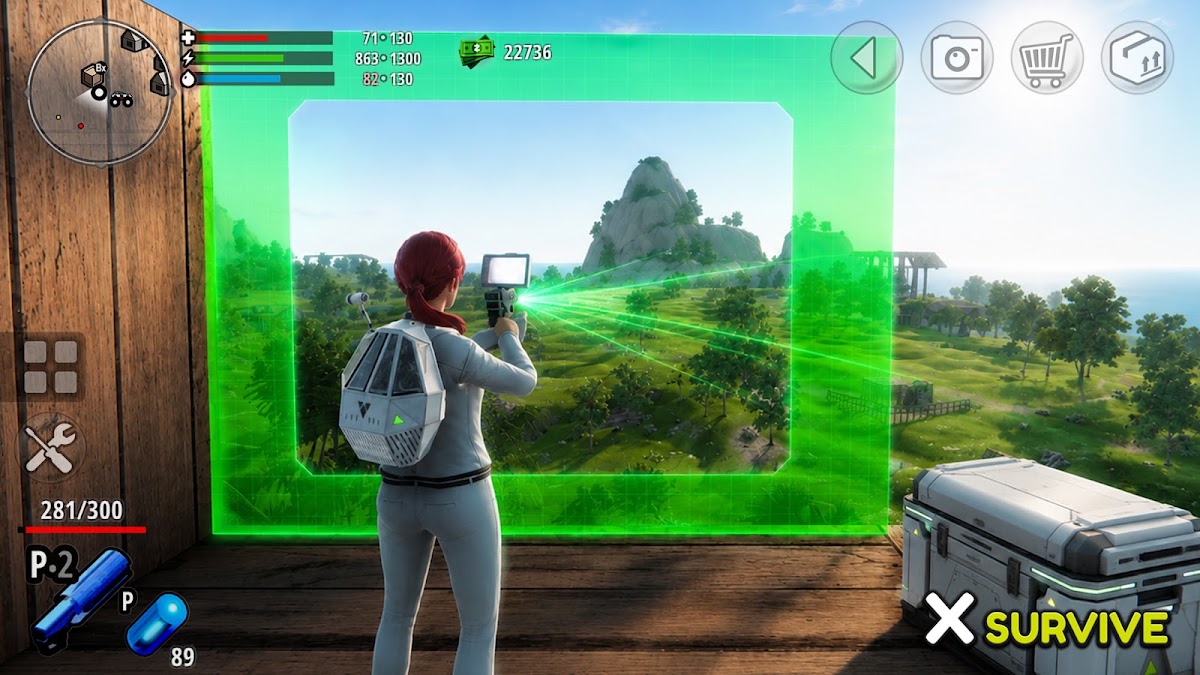
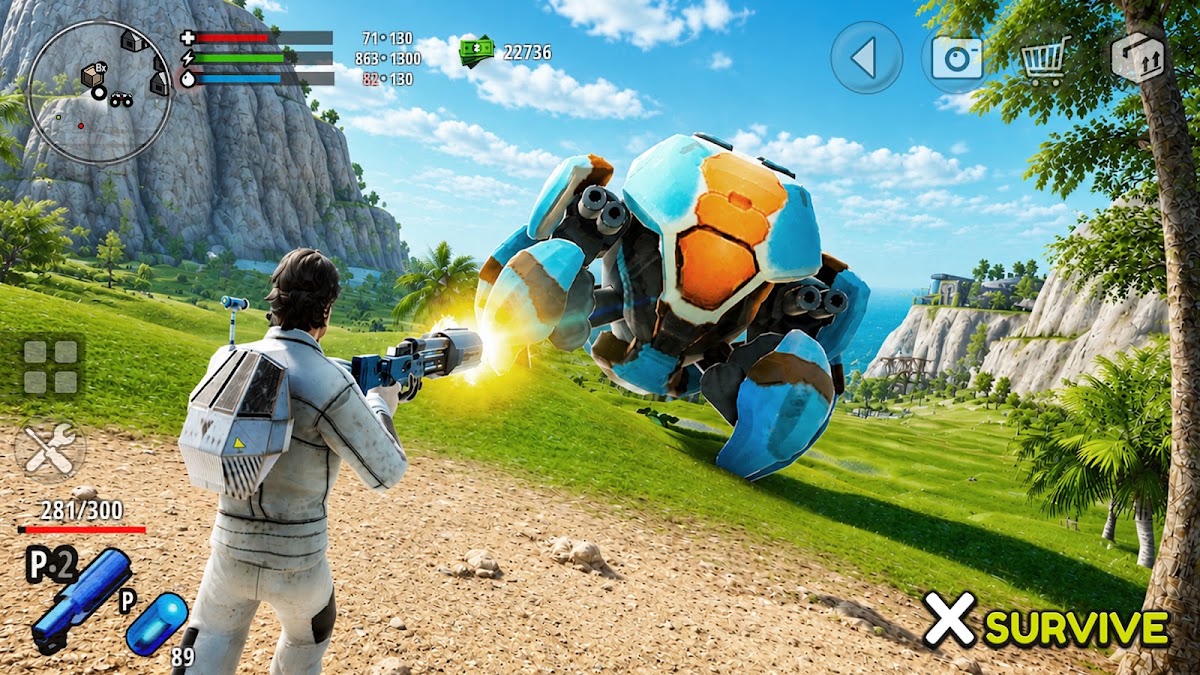
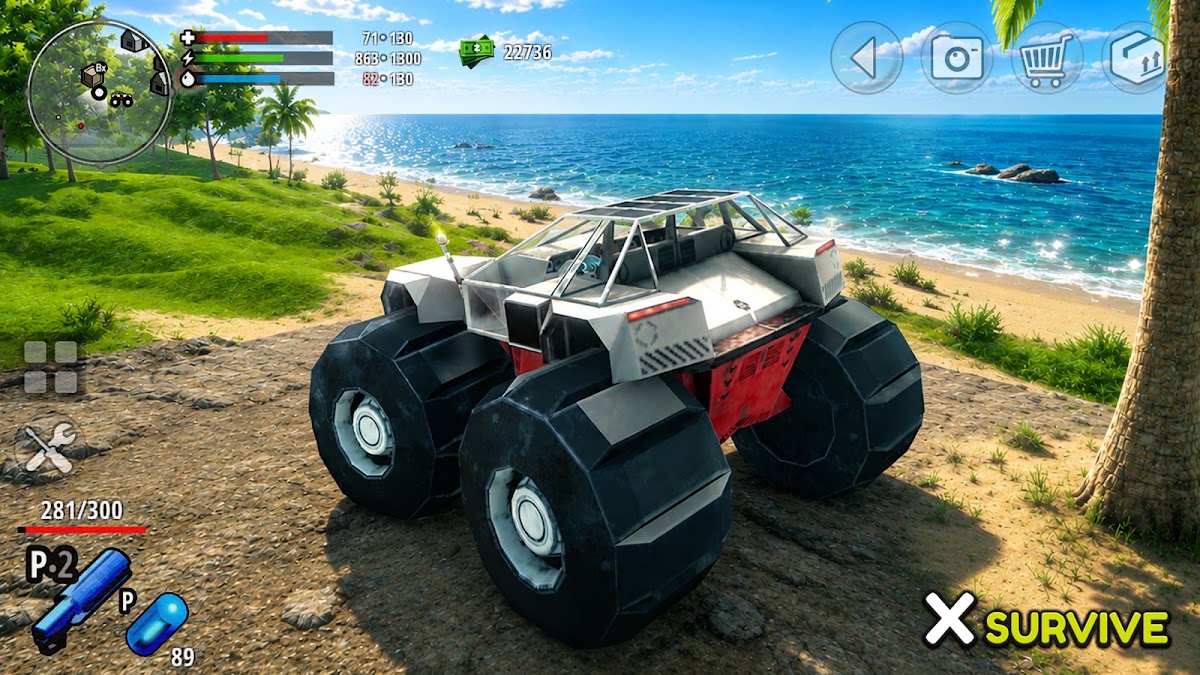
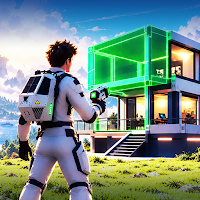
Dig tunnels, flatten terrain for a base, farm, drive vehicles, and craft equipment from scavenged materials. Solo play works offline, and up to four players can join over the same local Wi-Fi network. That makes X Survive a good pick for friends in the same room who want to work on one island together.
12. Terraria — 2D mining, crafting, and boss progression
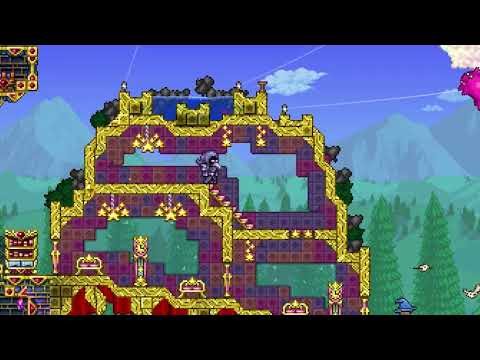
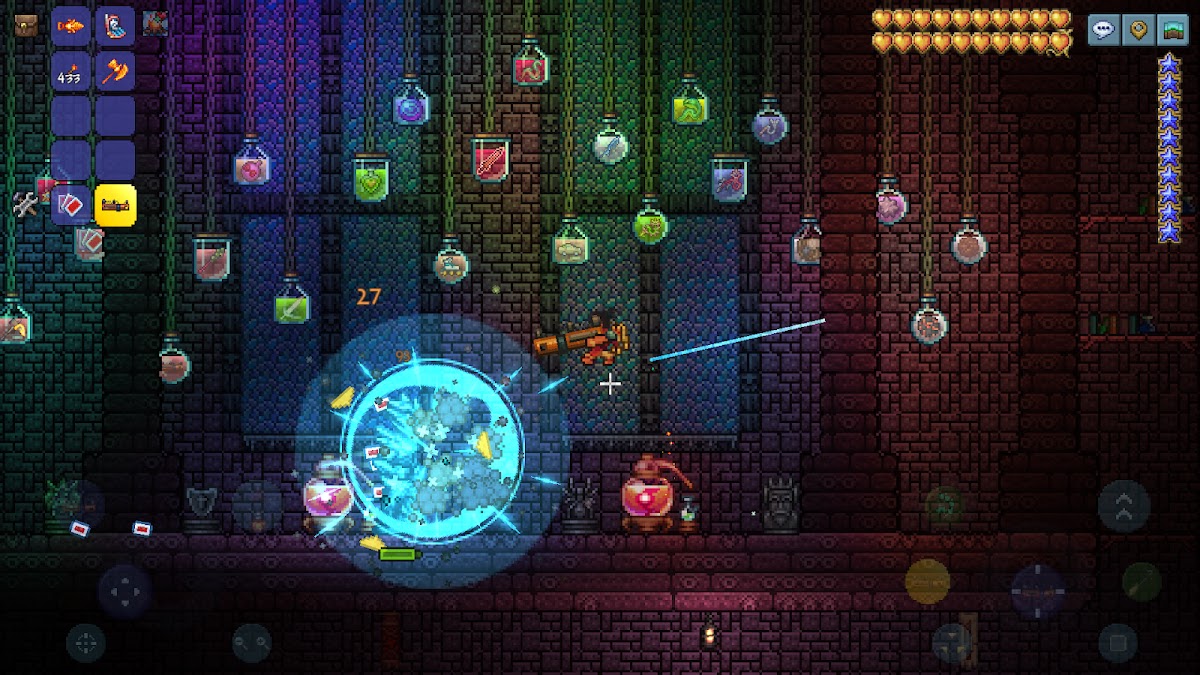
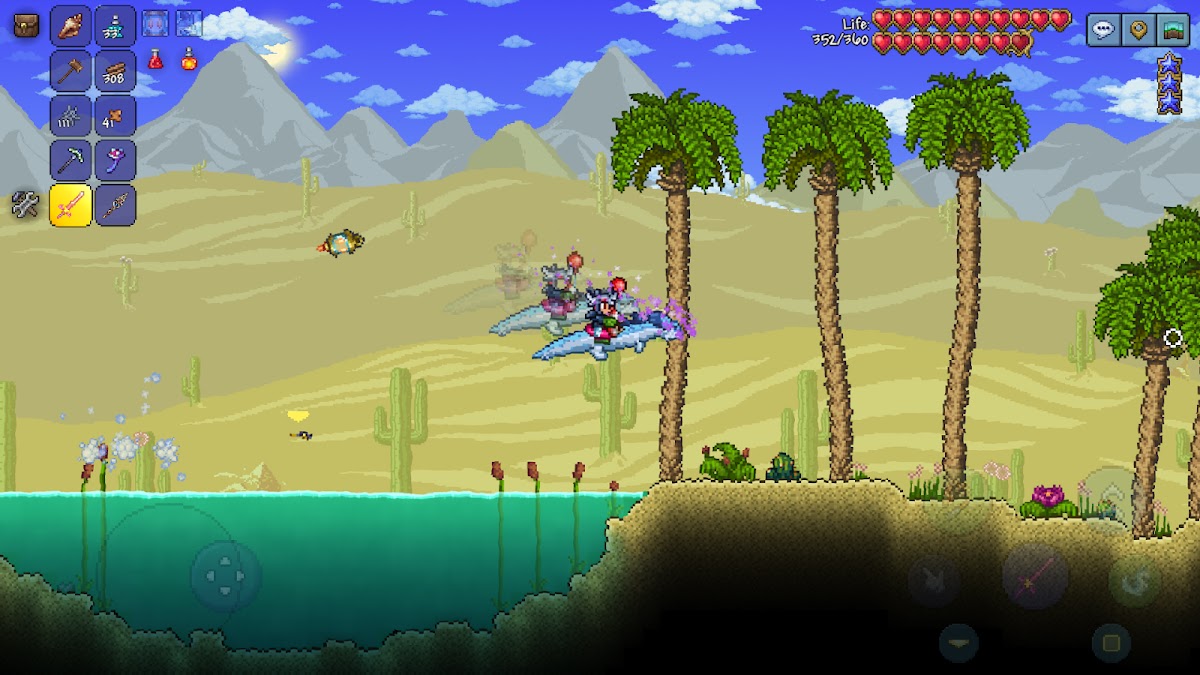
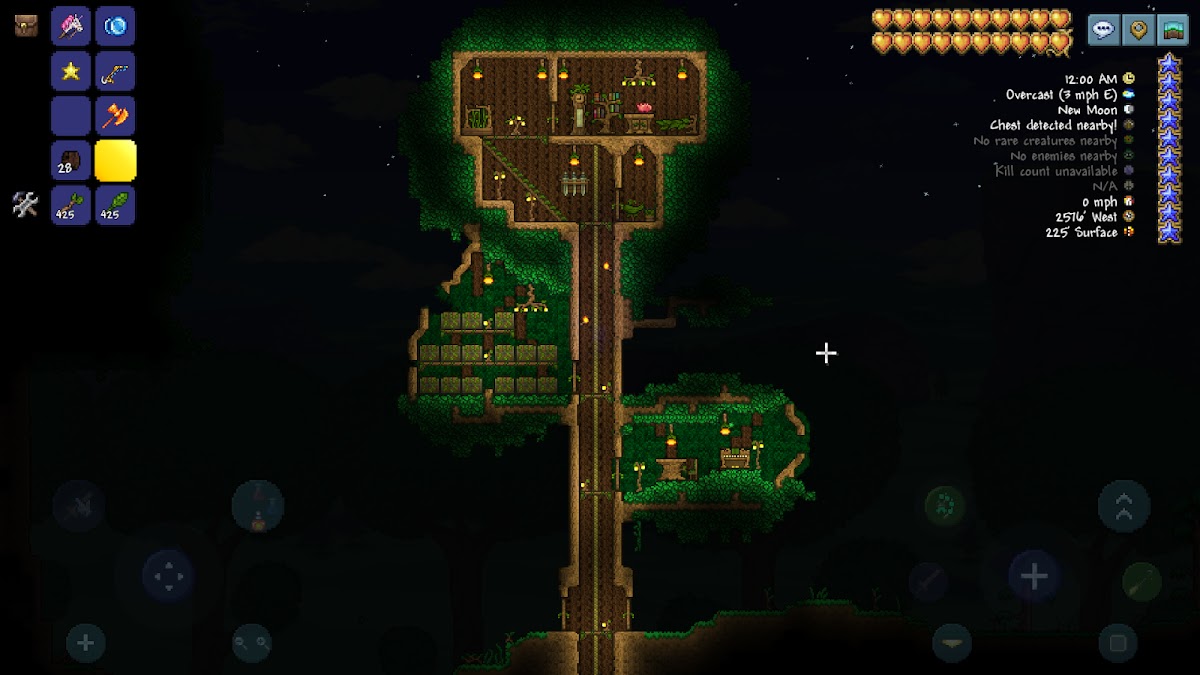
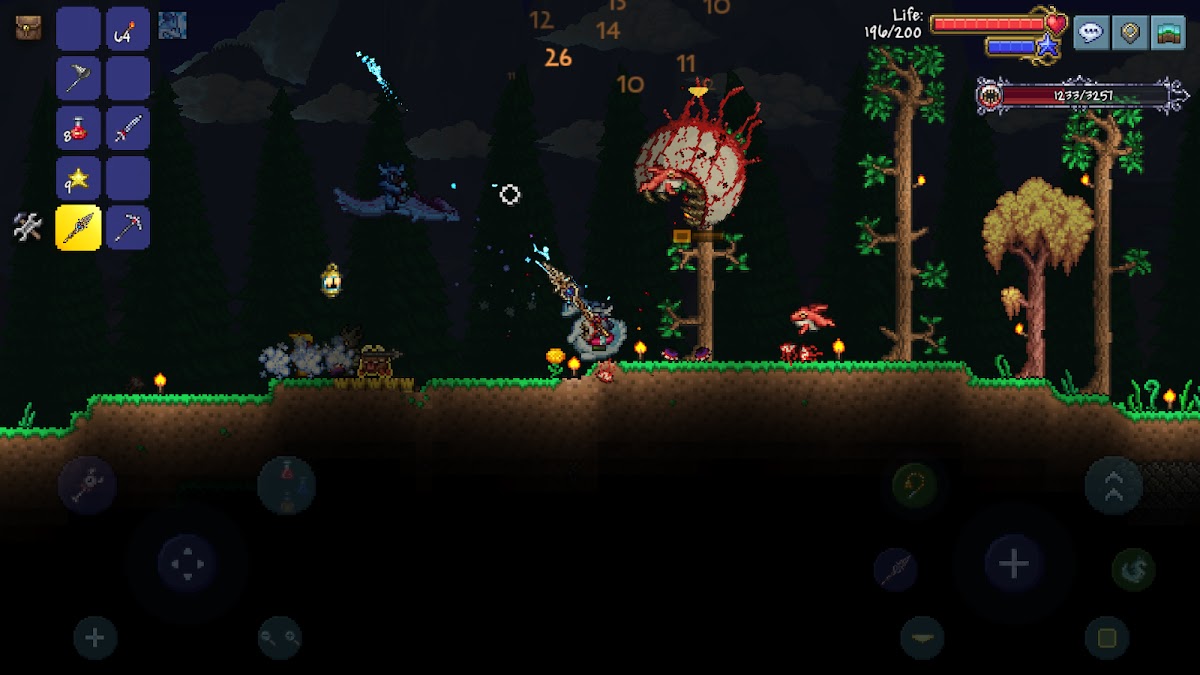
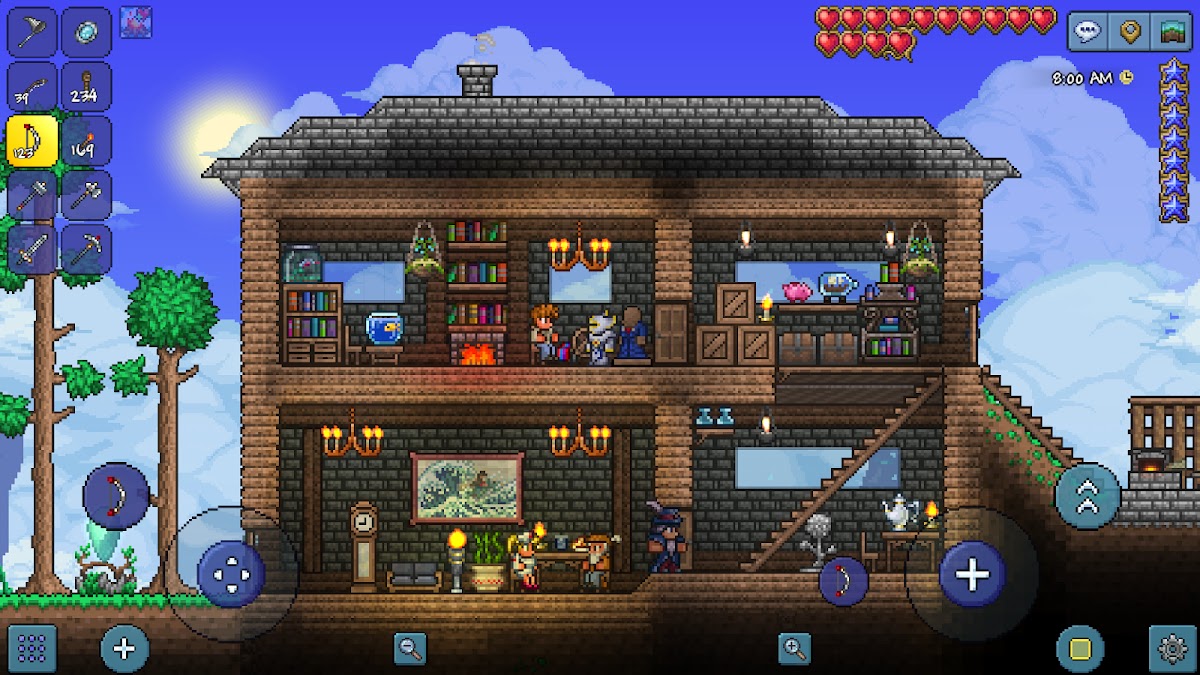
Dig for materials, build a base, and craft gear for the next boss. Exploration pays off when a new tool or piece of equipment lets you reach places you previously had to pass by. For building projects, Journey Mode lets you duplicate items after you’ve collected and researched enough copies. You earn access to materials as you discover them.
13. LostMiner — a side-view sandbox with Creative mode
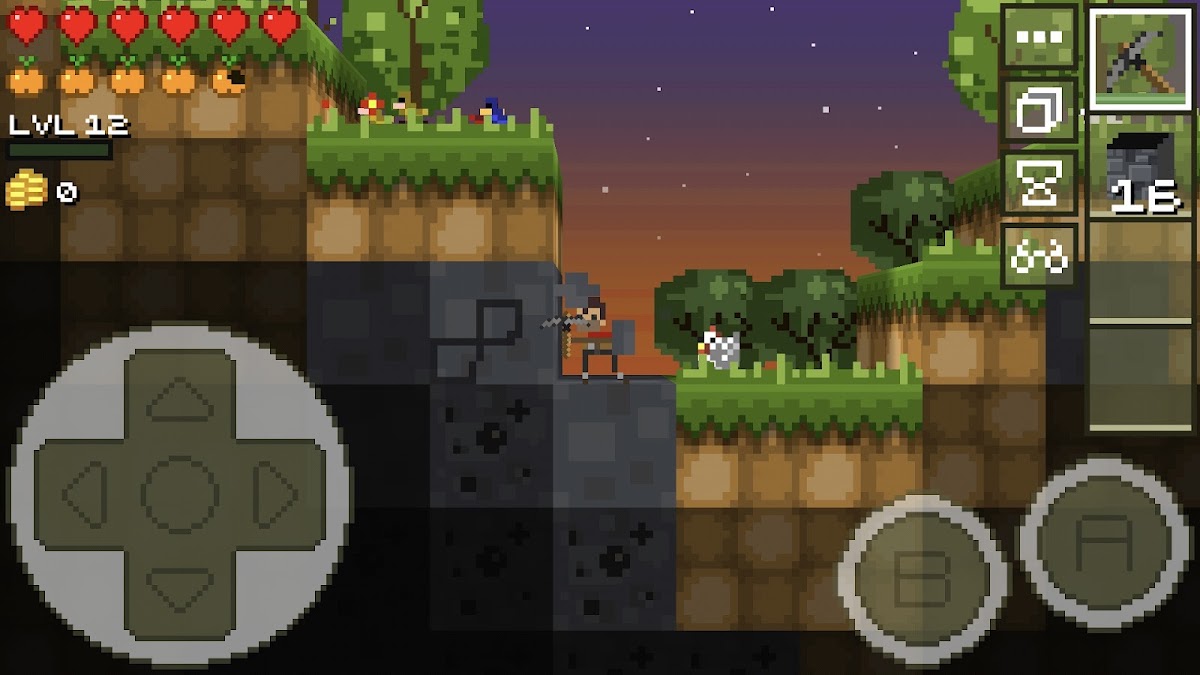
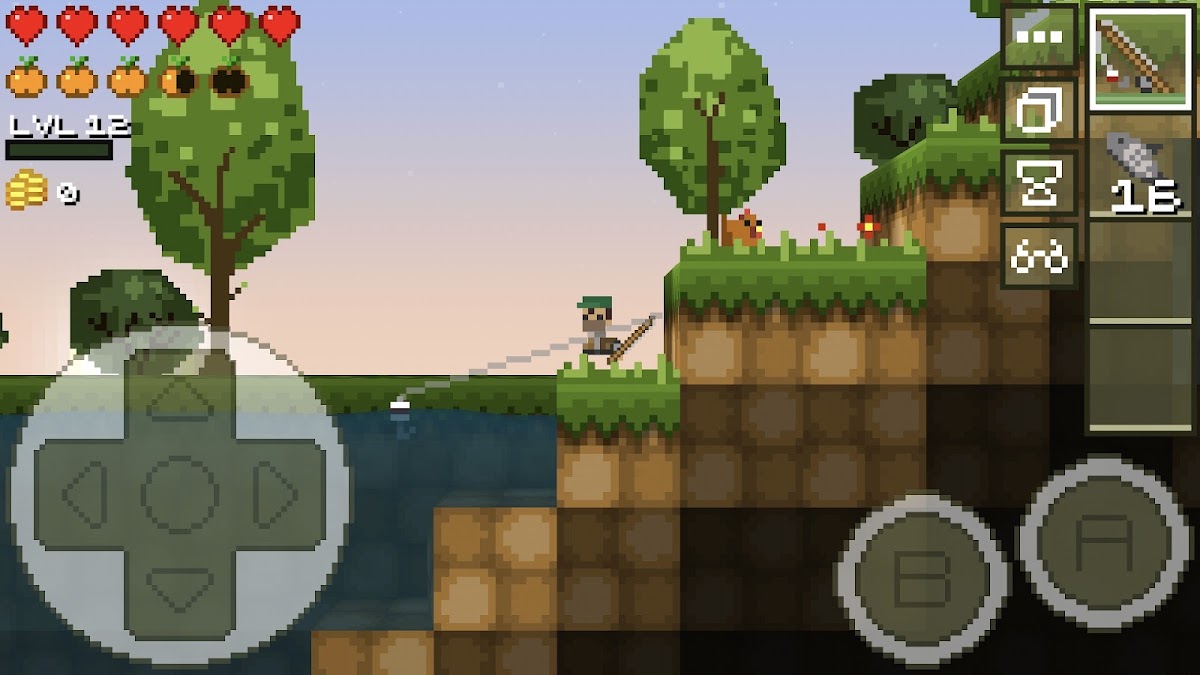
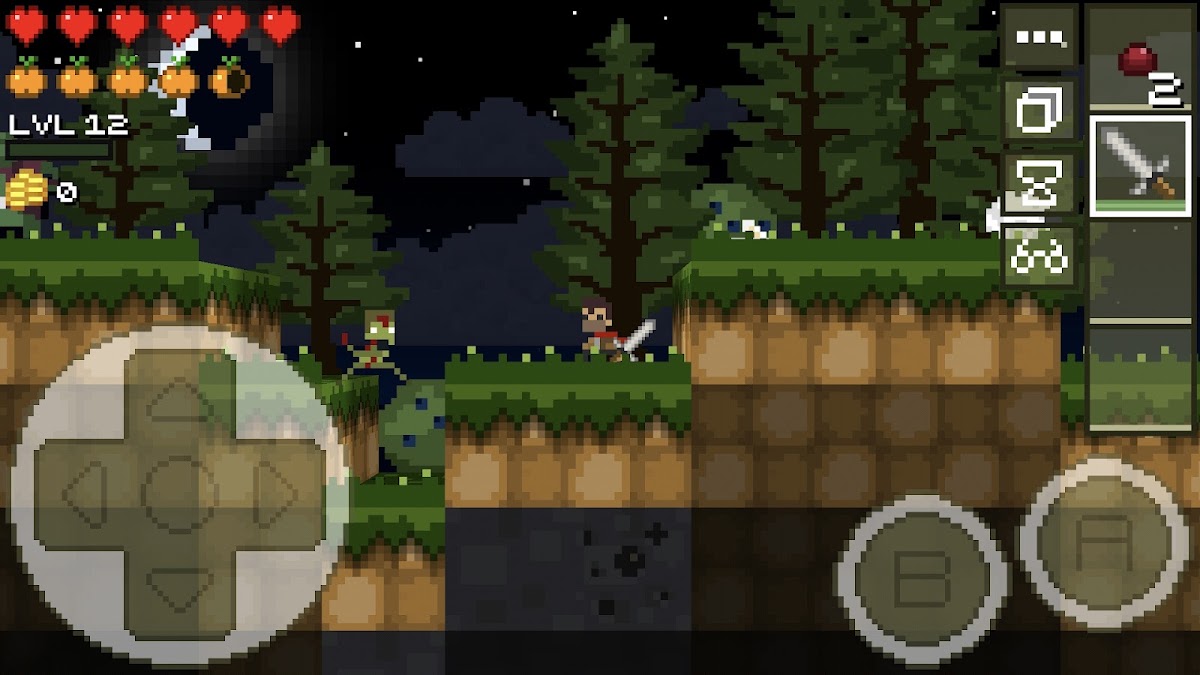
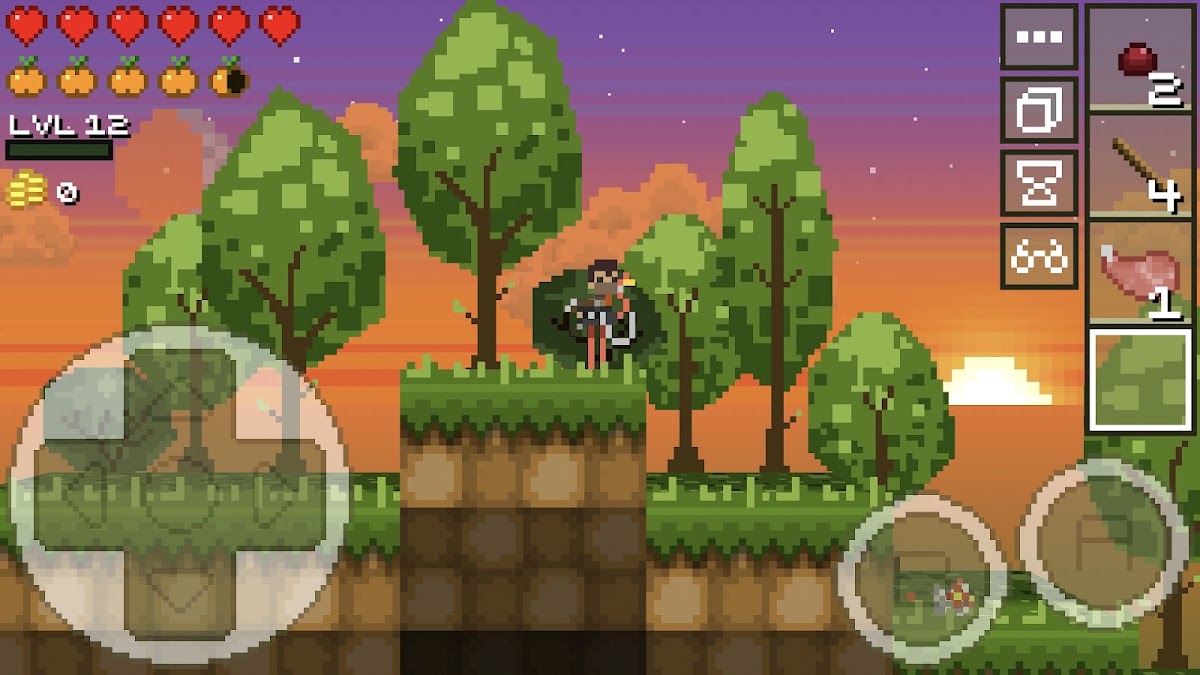
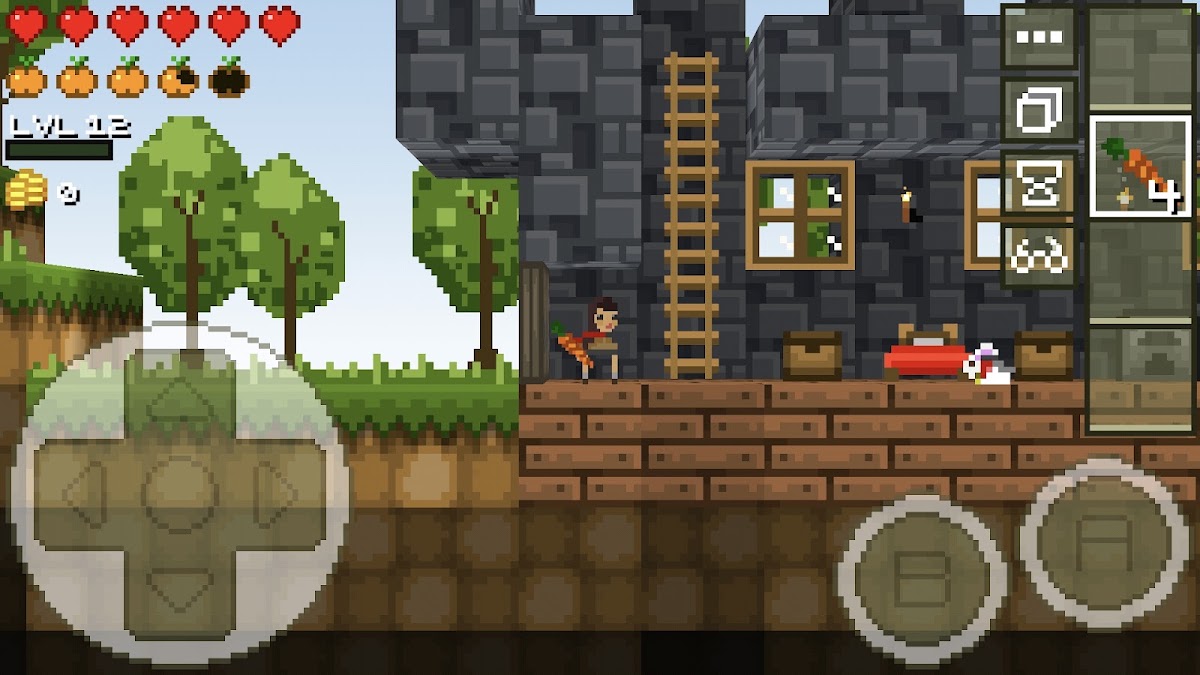
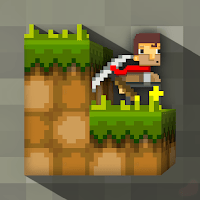
LostMiner combines mining, crafting, and building in a compact world viewed from the side. Its separate Creative mode is useful for experimenting with block layouts or starting a build right away. Pick it if you want Minecraft-style construction with the side-view perspective of Terraria.
14. Block Story — crafting, quests, and rideable dragons
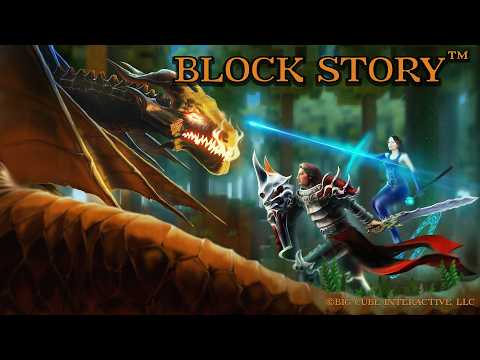
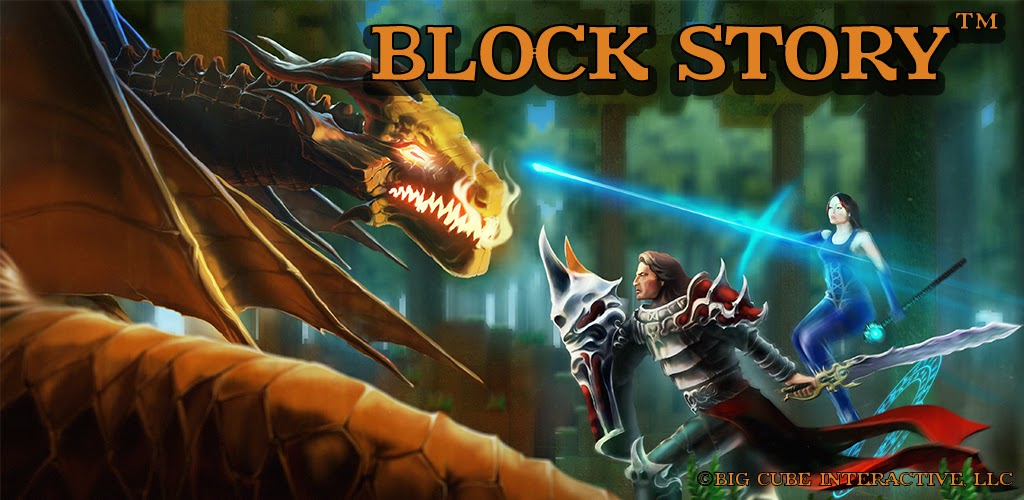
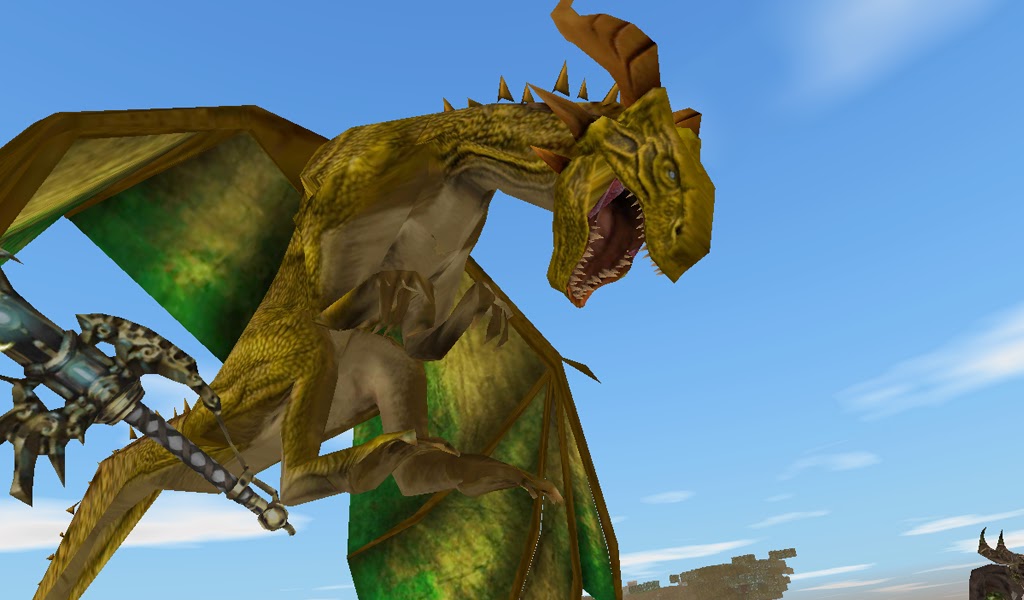
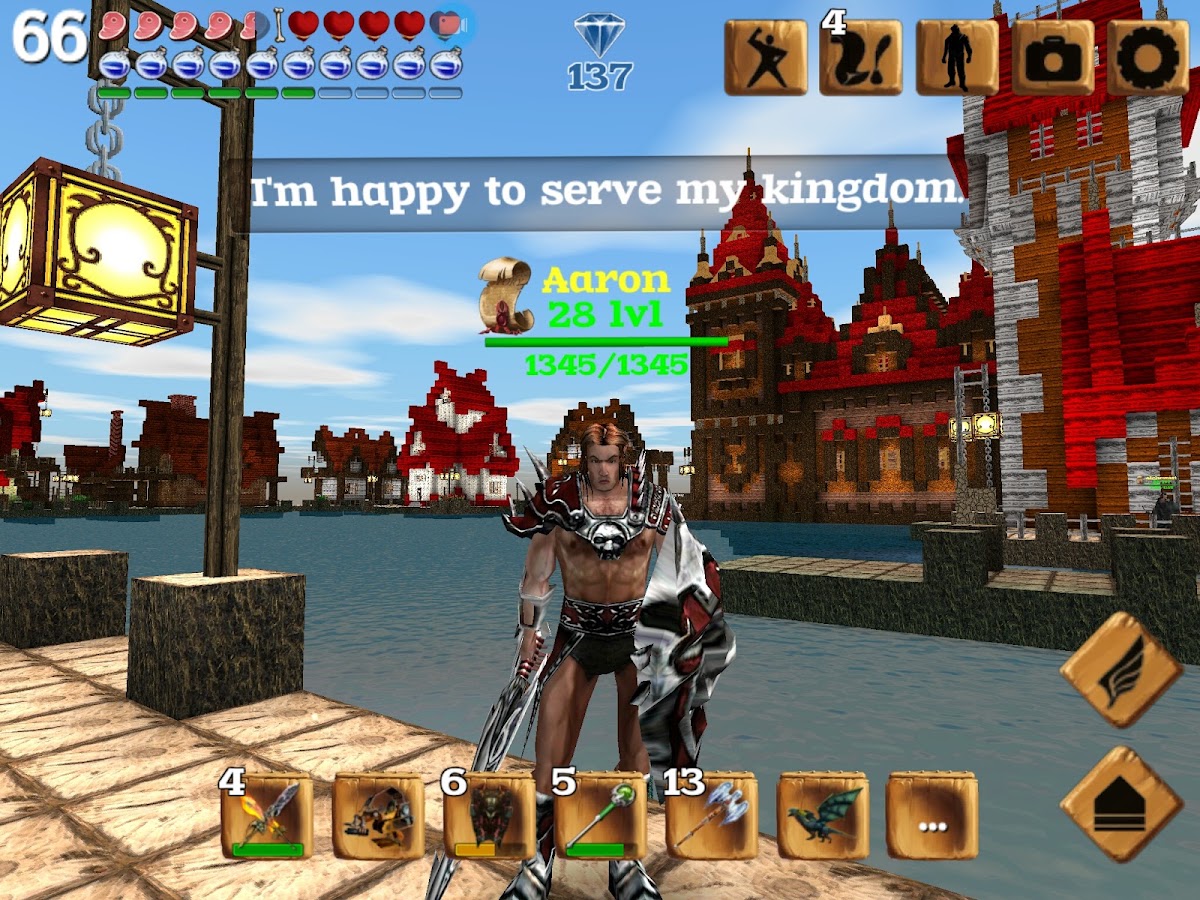
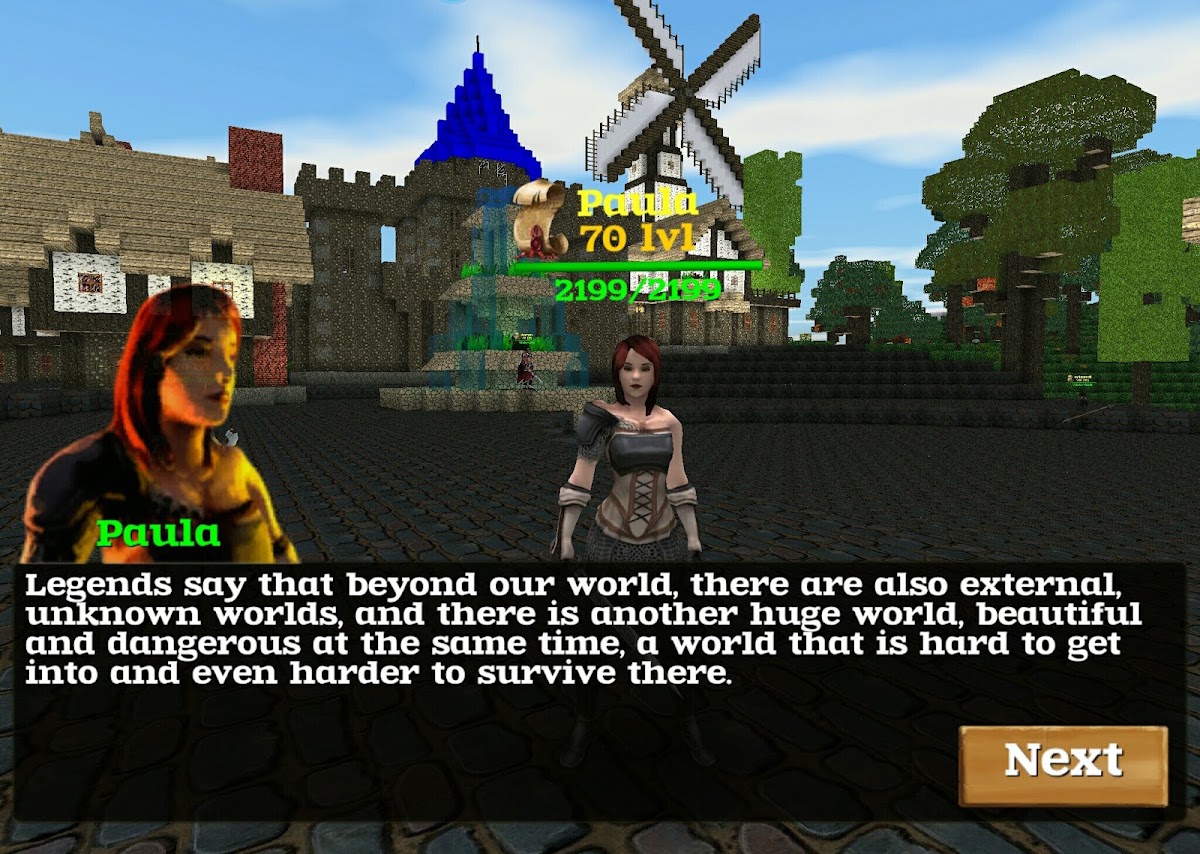
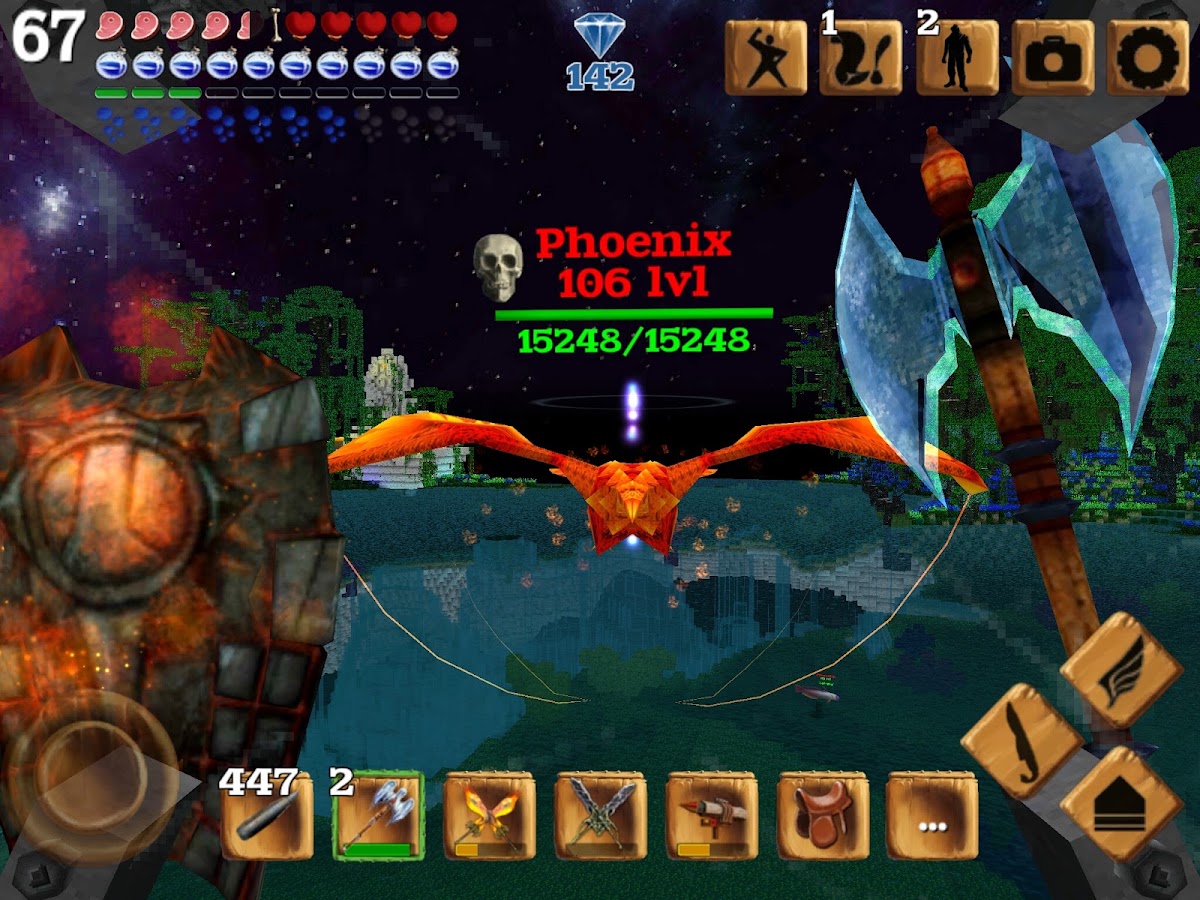
Build in a block world while completing quests, leveling your character, and crafting equipment. Rideable dragons and other creatures give exploration a fantasy RPG feel. Block Story is a good choice if you like having a base to return to and quests that give you reasons to leave it.
15. Growtopia — build online worlds and trade with players
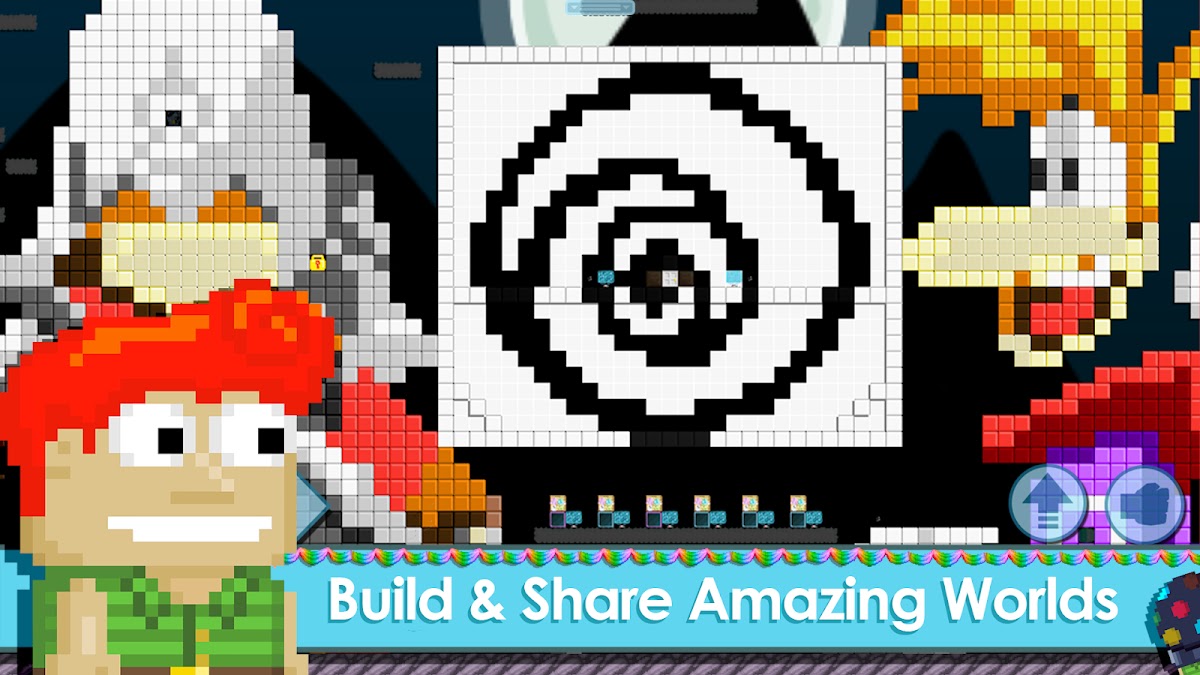
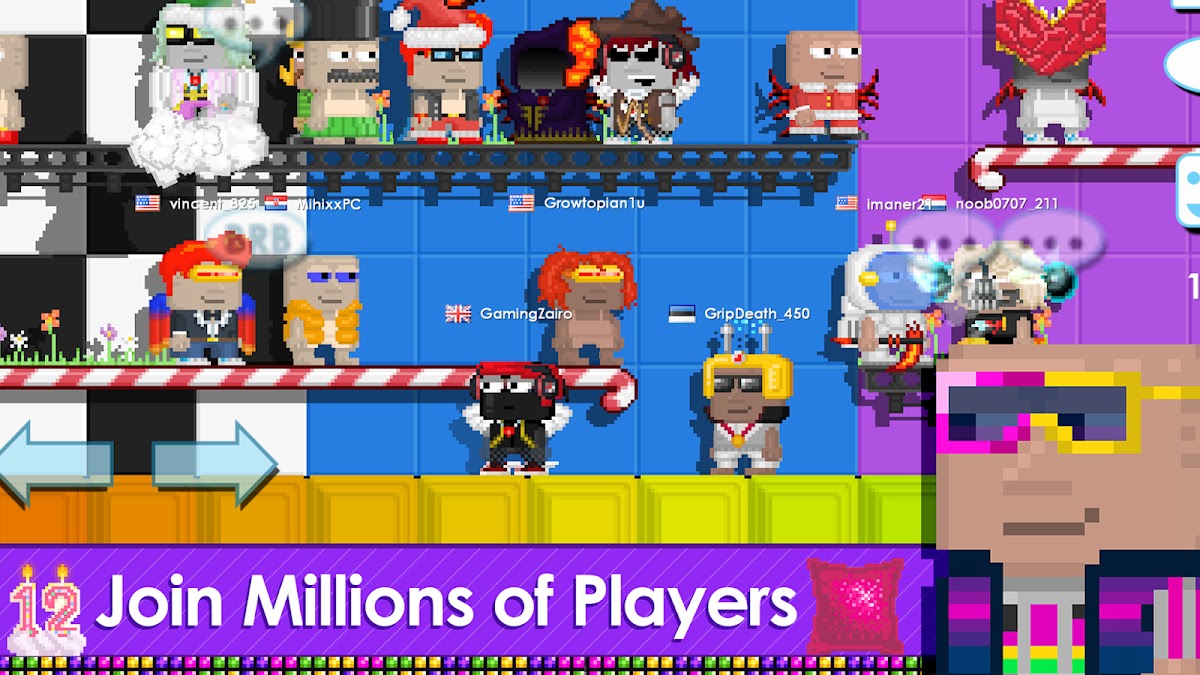
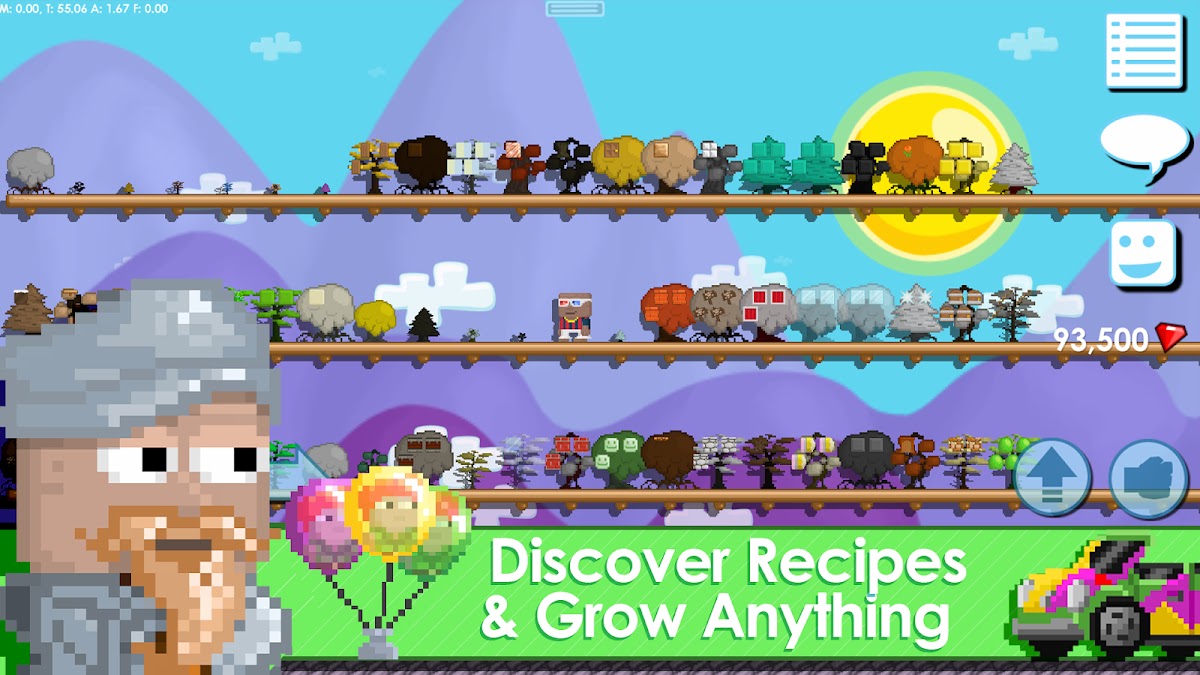
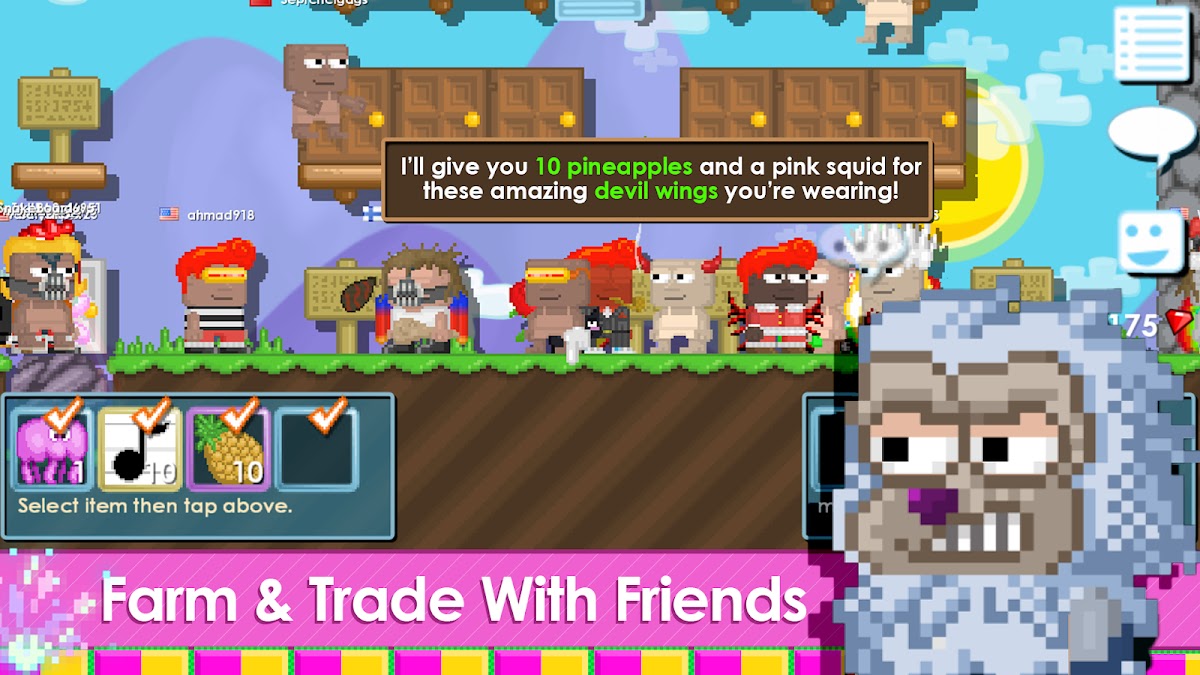
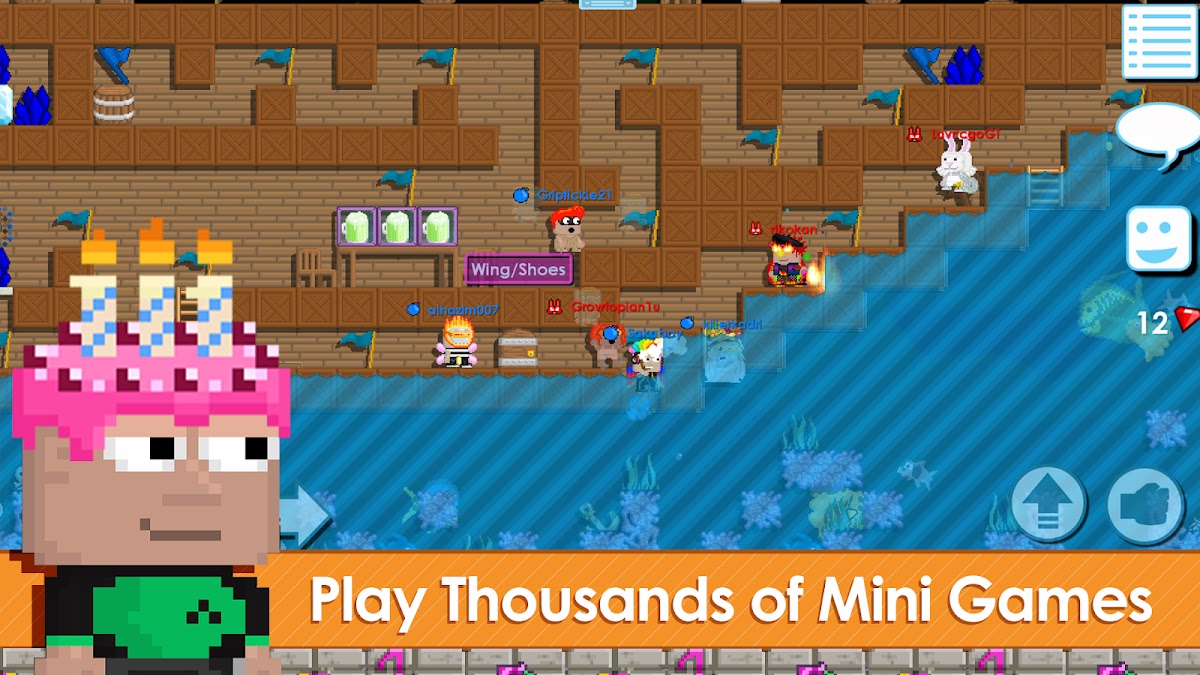
Growtopia is a 2D online sandbox where you can build worlds, splice seeds to create items, and trade with other players. Its appeal is making a place other people can visit. Choose it if you enjoy the social side of Minecraft servers and want trading to be part of the game.