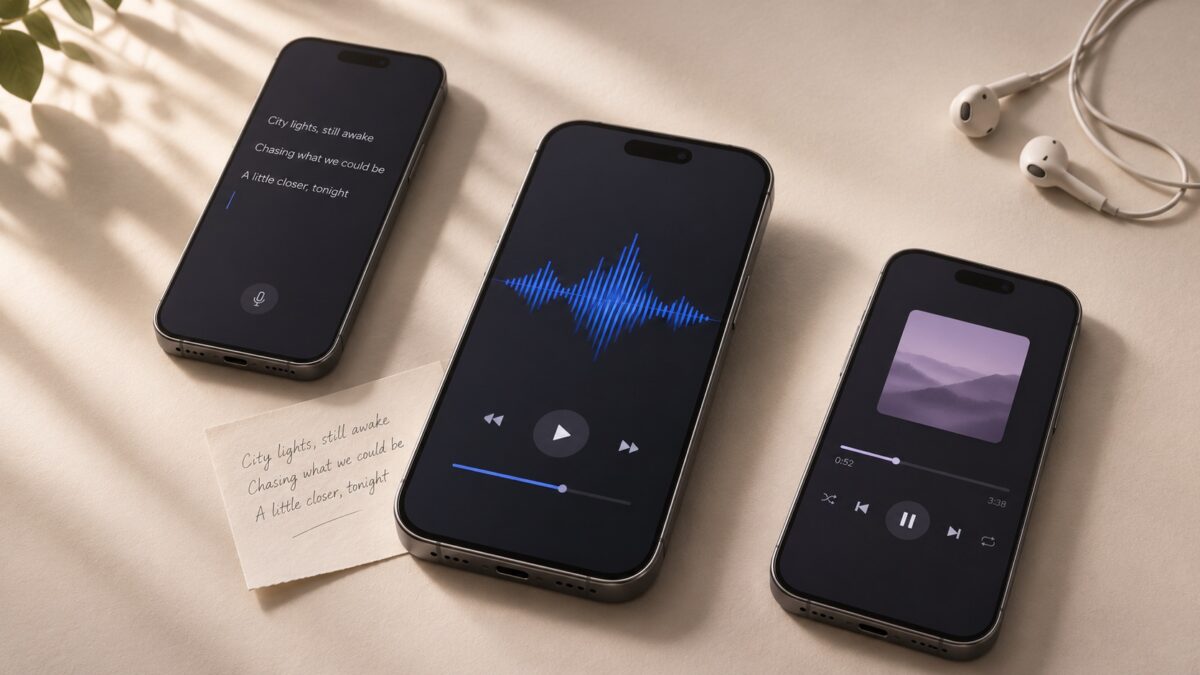
You’ve written two verses and a chorus. Now you want to hear how they sound as an acoustic ballad, a pop song, or a rap track. An AI song generator can compose a melody, sing your words, and build an arrangement around them. Look for a Custom Lyrics or Lyrics to Song mode so you can paste the words you’ve already written.
Suno is the best starting point for hearing the same lyrics in different styles. Donna is a straightforward choice for turning a draft into a song, and Beatron has a dedicated lyrics-to-song workflow. Shoom and Google Flow Music are worth a look if you want a music video as well.
Best AI song generator apps at a glance
The comparison uses documented features. Lyric accuracy, vocal quality, and track length were not independently tested. App availability can vary by country, and generation, downloads, and video features can have separate limits.
| App | Best for |
| Suno | Trying different arrangements of the same lyrics |
| Donna | Turning a lyric draft into a first demo |
| Mureka | Specifying the style and vocals |
| Beatron | Starting in a dedicated lyrics-to-song mode |
| MusicLab | Creating a song with the option to make a video |
| Shoom | Creating a song and pairing it with personal photos |
| AI Music & Song Generator by Blekitek | Adding your own lyrics or starting from a theme |
| Google Flow Music | Generating a vocal track and creating a music video |
| MelodyLab | Hearing a draft sung aloud |
| Sutunes | Turning finished lyrics into a vocal track |
1. Suno — Best for trying different arrangements
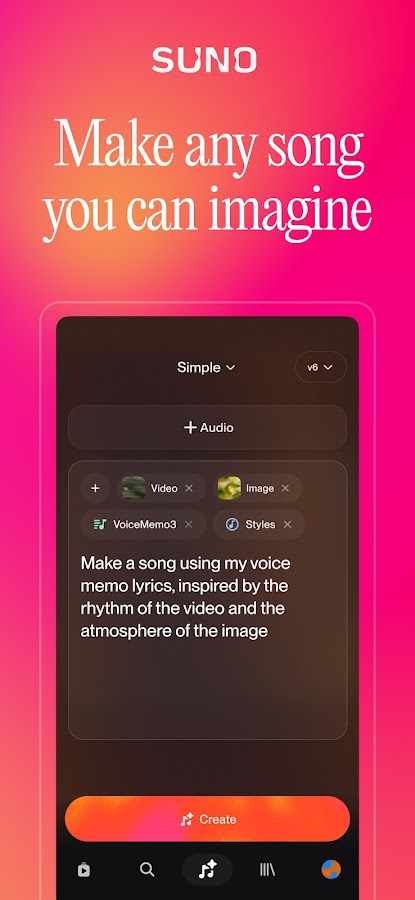
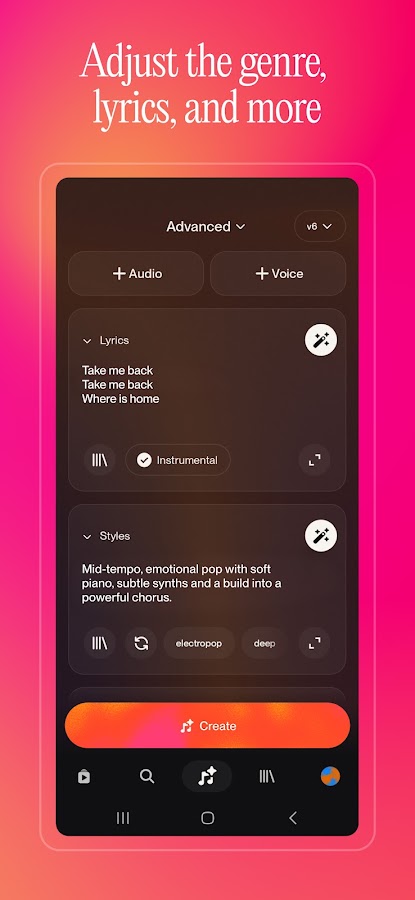
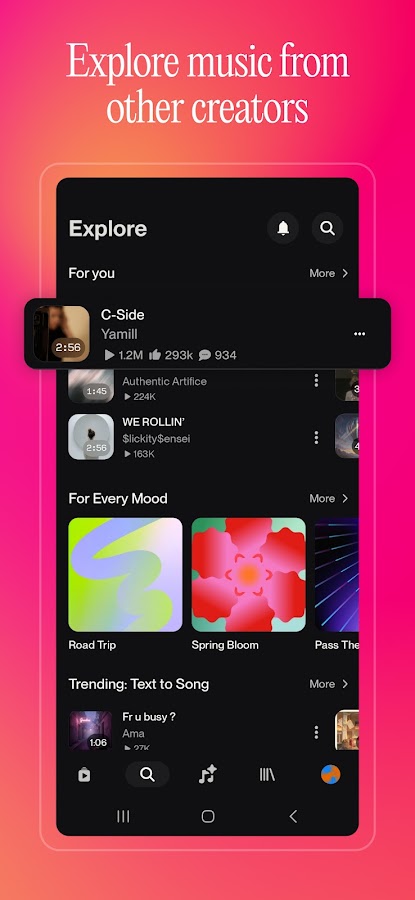
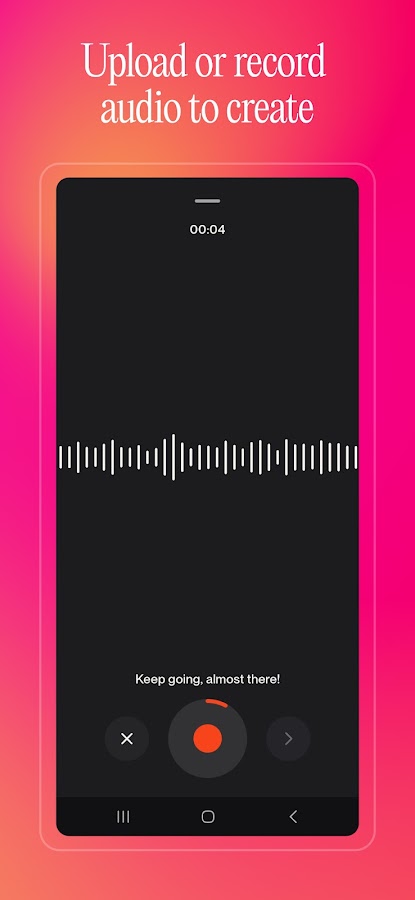
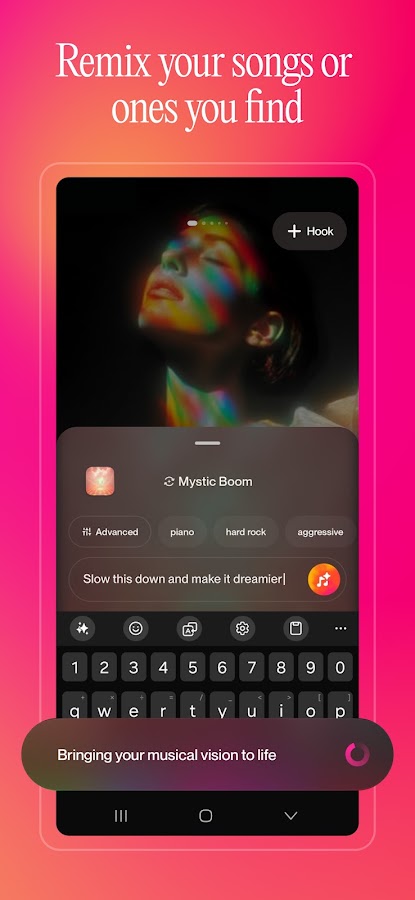

On Android and iPhone, open Custom mode and paste your lyrics. Add a separate style description with the genre, instruments, and vocal delivery you want. For example, try “slow acoustic folk, fingerpicked guitar, soft lead vocal, fuller chorus.”
Keep the lyrics fixed and change one detail in the style prompt for the next version. That makes it easier to hear whether a slower tempo, different instrumentation, or a different vocal style suits the words.
2. Donna — Best for making a first demo
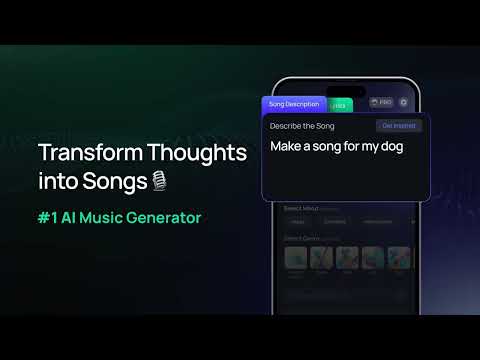
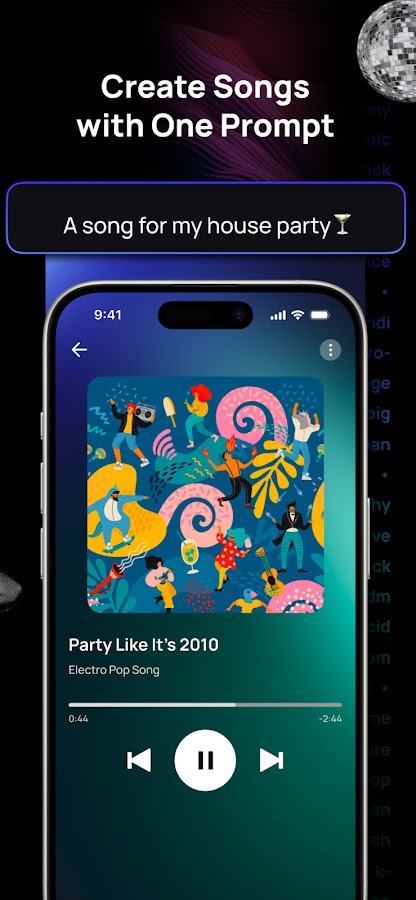
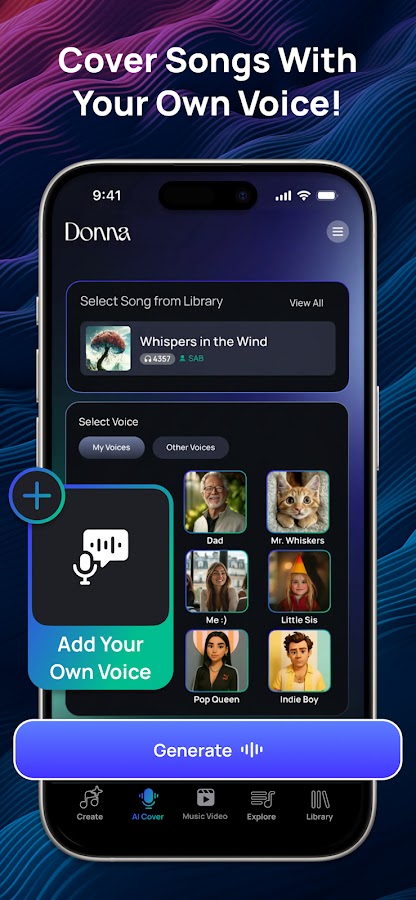
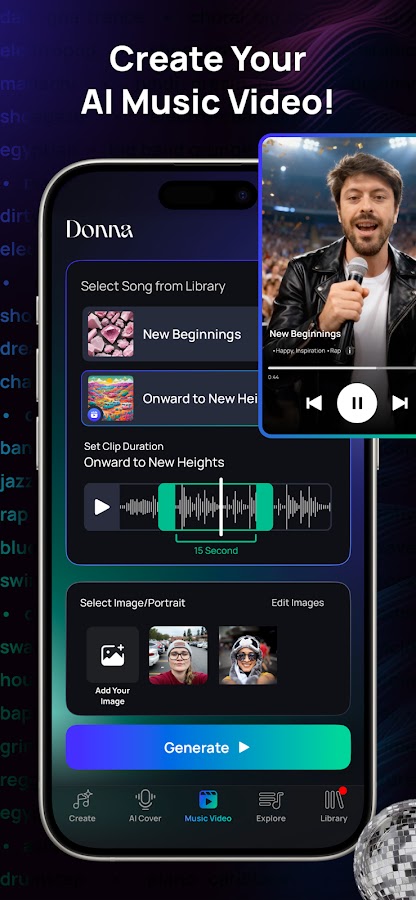
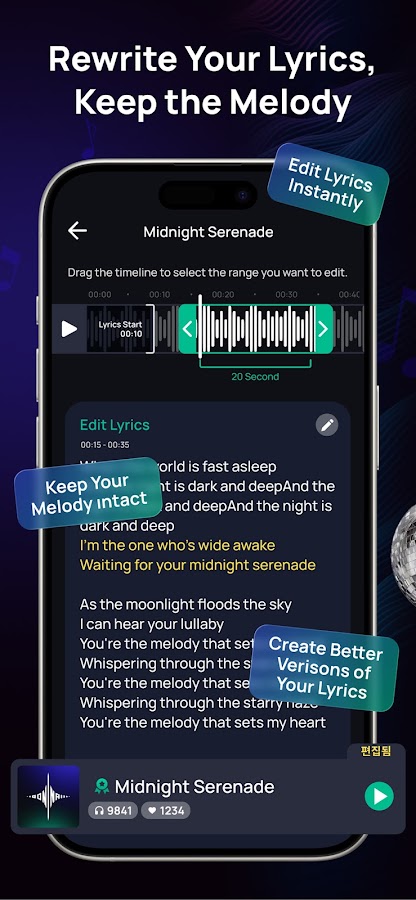

Donna takes lyrics you enter and builds a melody and arrangement around them. Start with a verse and chorus if you’re still editing. A short draft makes it easier to hear where a line feels crowded, where a rhyme lands awkwardly, and whether the chorus sounds distinct from the verse.
Donna is available on Android and iPhone. If you need an audio file for a collaborator, check the download options for your plan before settling on a version.
3. Mureka — Best for directing the style and vocals
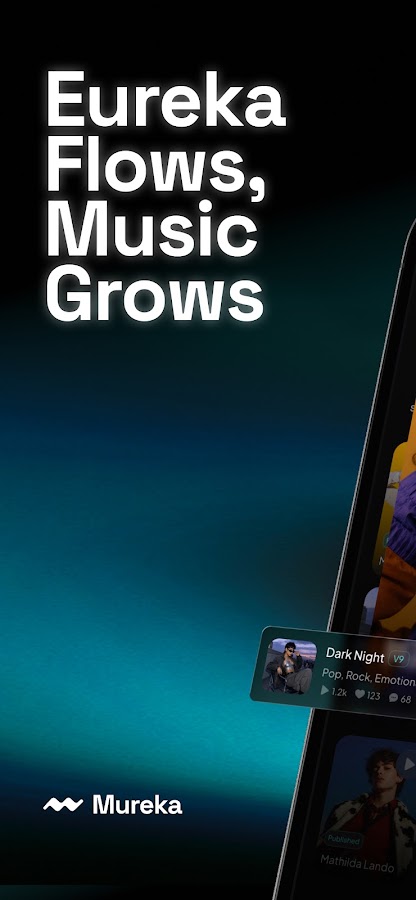
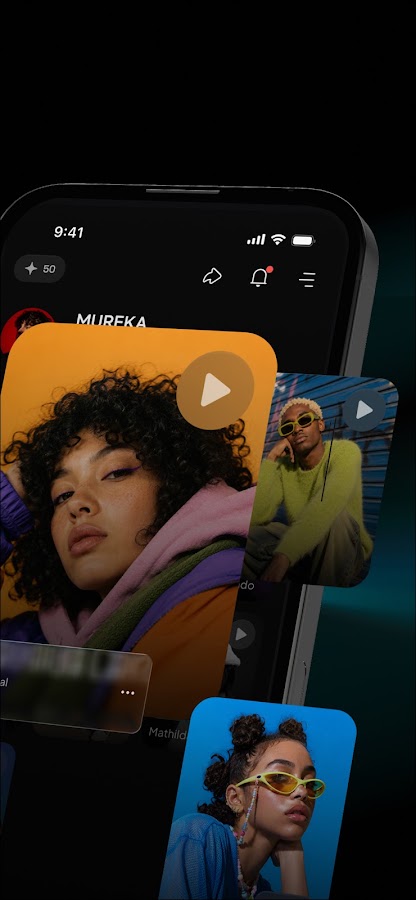
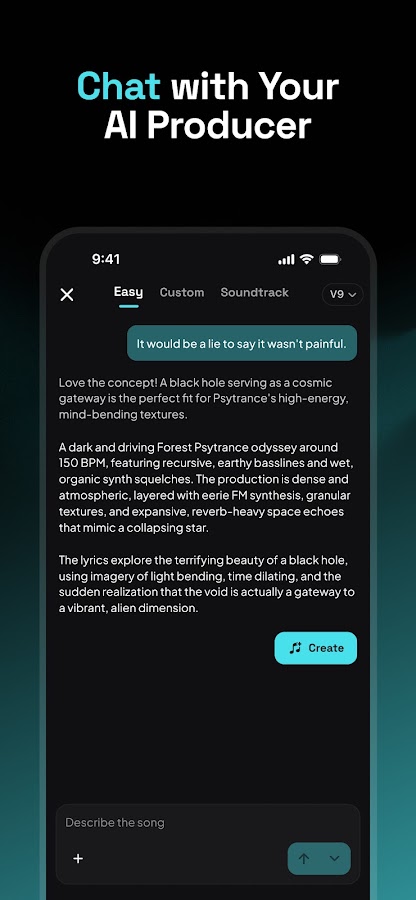
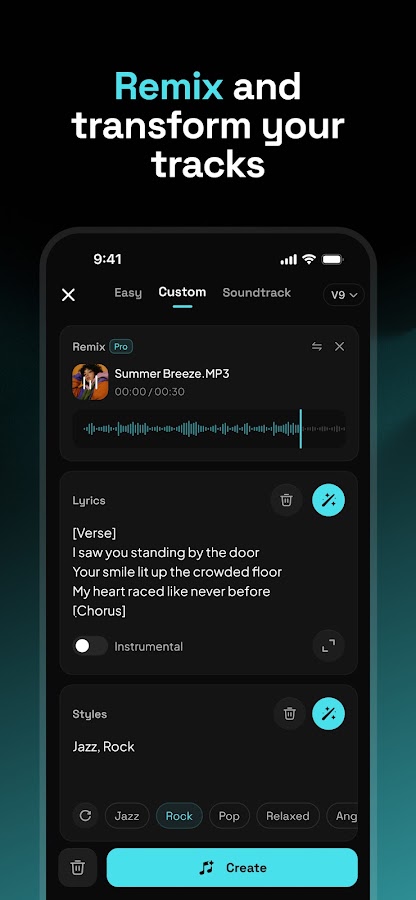
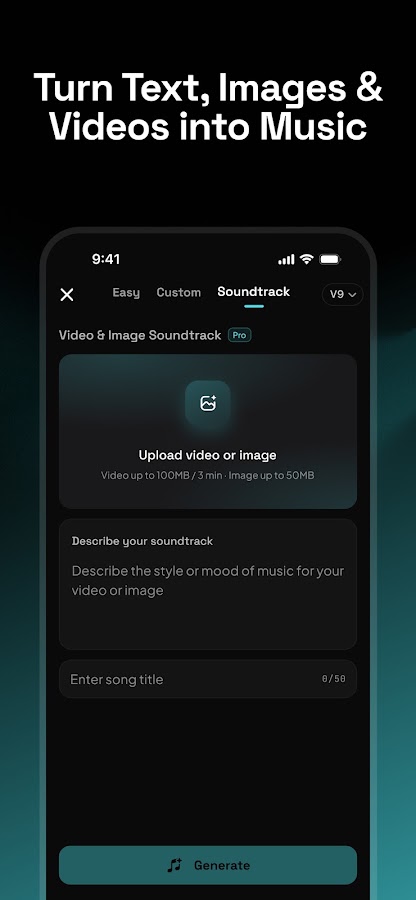

Mureka offers controls for lyrics, musical style, and vocals. It’s a good fit when you already have a clear idea of how the track should sound. A brief such as “midtempo soul, restrained verses, warm lead vocal, and a fuller arrangement in the chorus” gives you a specific result to listen for.
The app also has a discovery and remix side. For an original lyric draft, start in the creation workflow and enter your own words.
4. Beatron — Best for a dedicated lyrics-to-song workflow
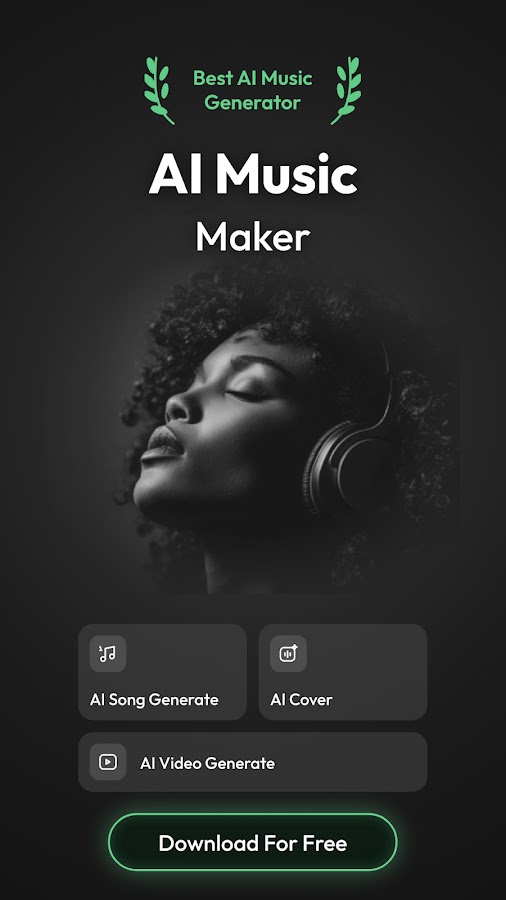
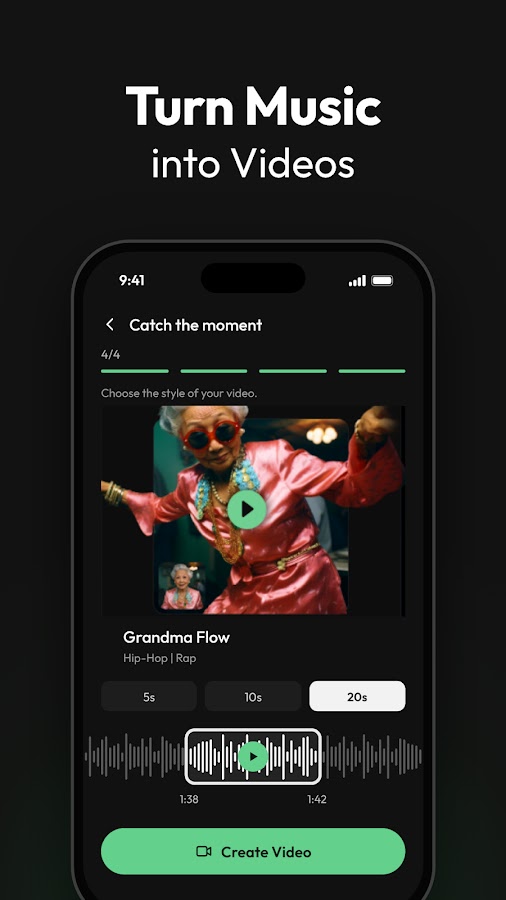
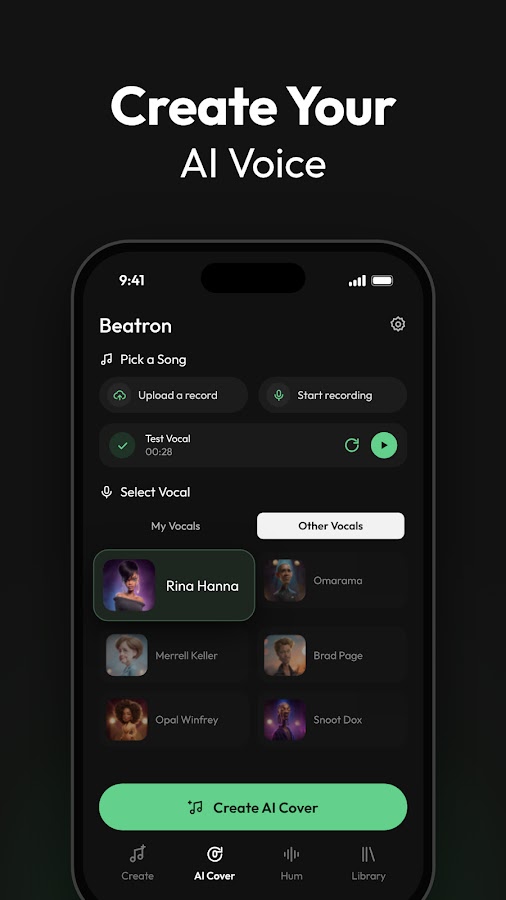
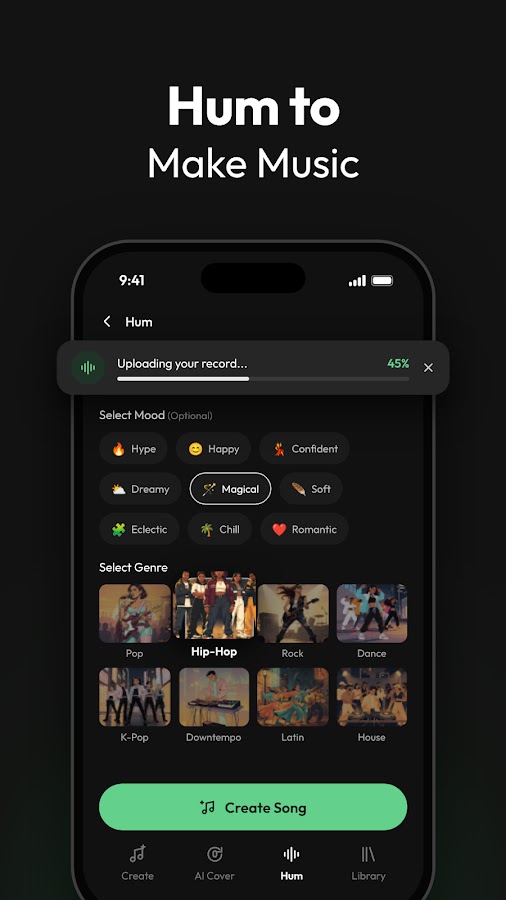
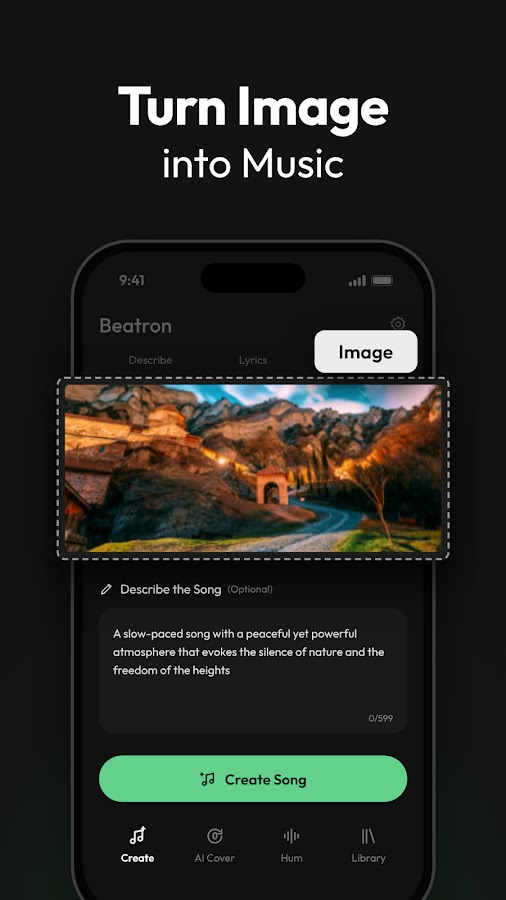
Beatron lists Lyrics to Song as a separate feature alongside generation from prompts and images. Choose that option if you have finished words and want the app to handle the composition.
Try a song with a repeated chorus on your first run. Listen for whether the chorus returns where you placed it and whether it has a melody you can recognize on the second pass.
5. MusicLab — Best for turning a song into a video
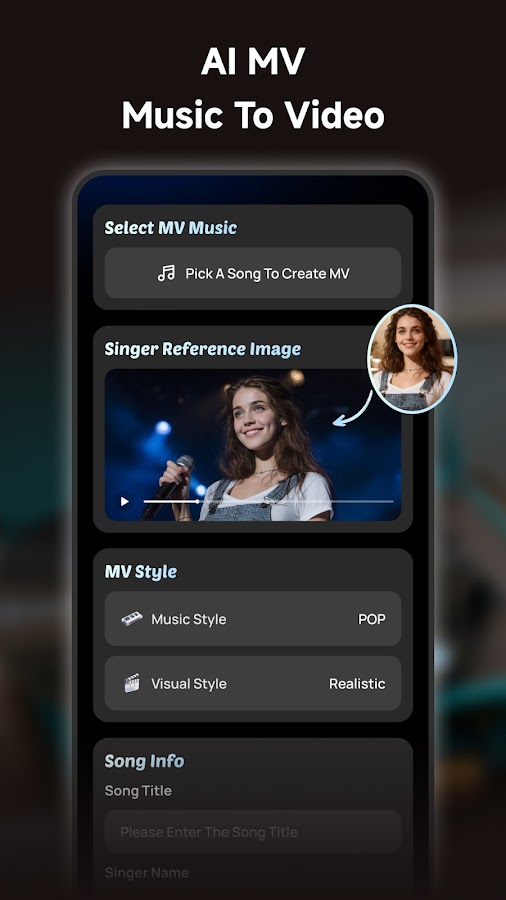
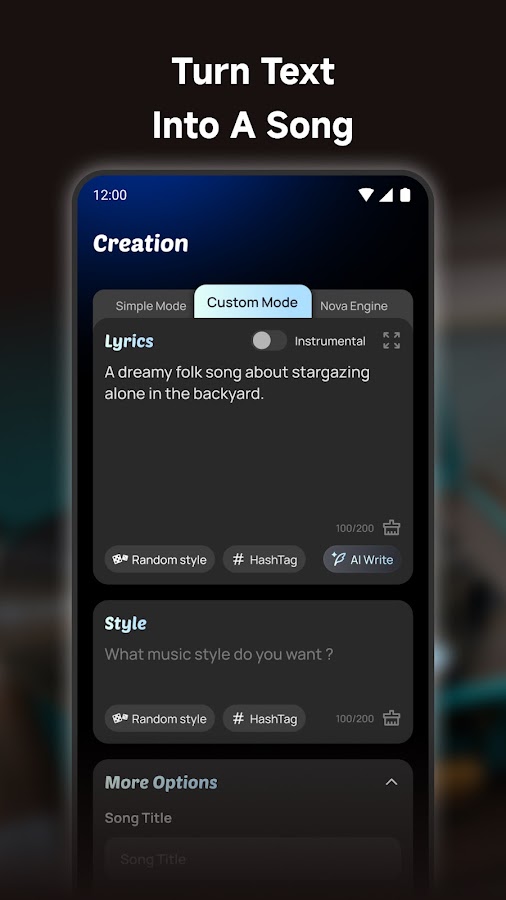
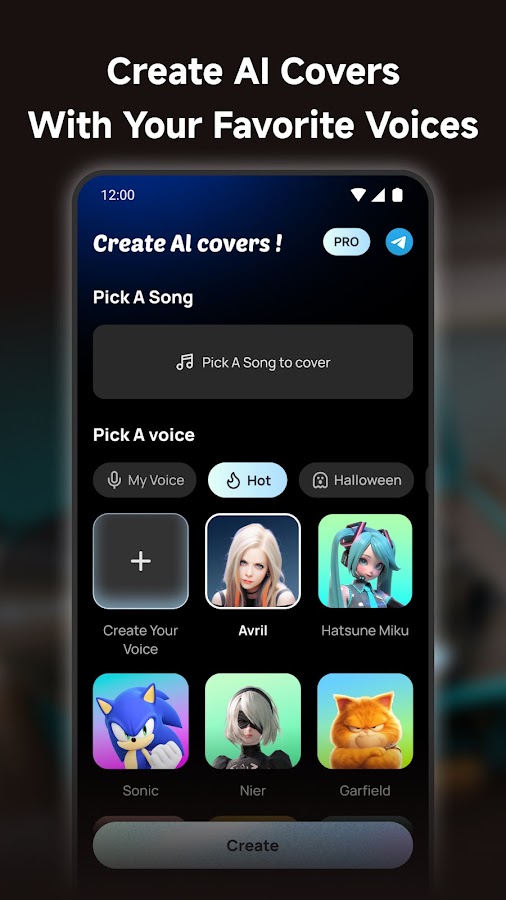
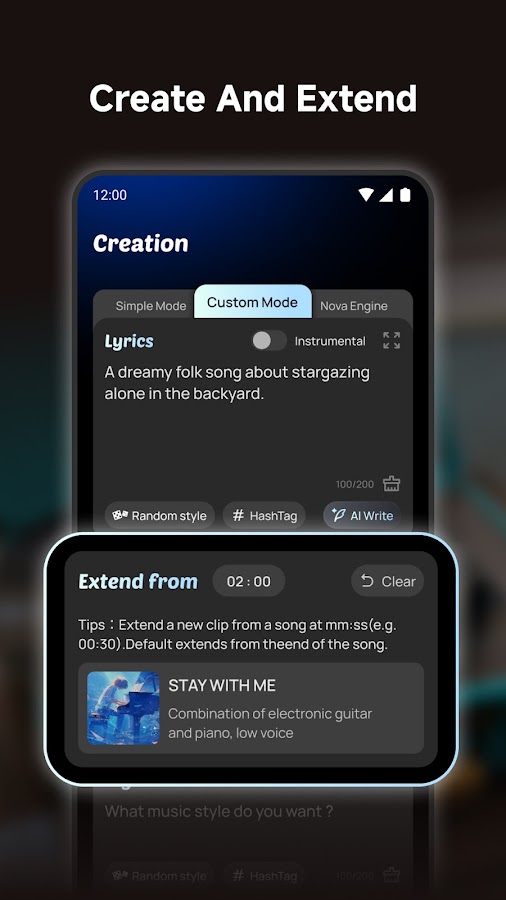
In MusicLab, enter your lyrics and choose a musical style. Its music video tools make it a practical option if you’re planning a visual to go with the finished track.
Generate the song first and check the vocal phrasing before moving on to the video. A chorus that sounds good on its own gives you a clear section to build a clip around.
6. Shoom — Best for pairing a song with personal photos
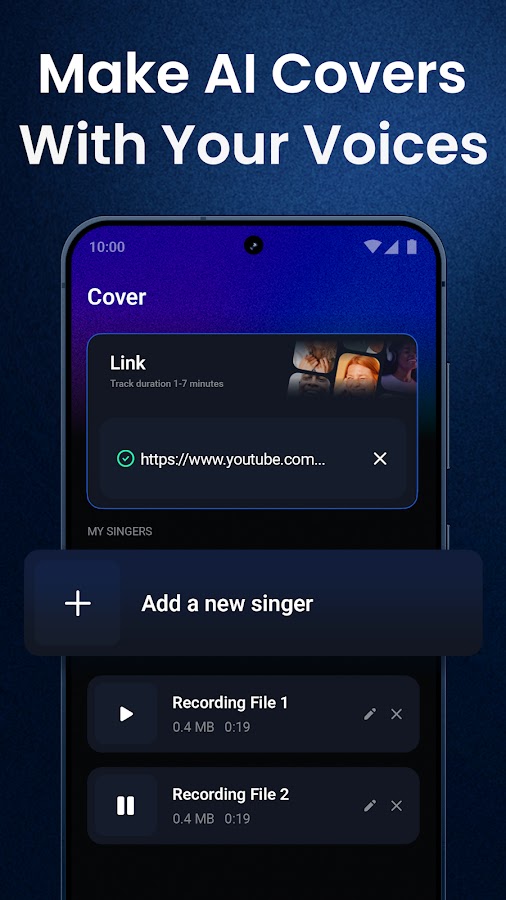
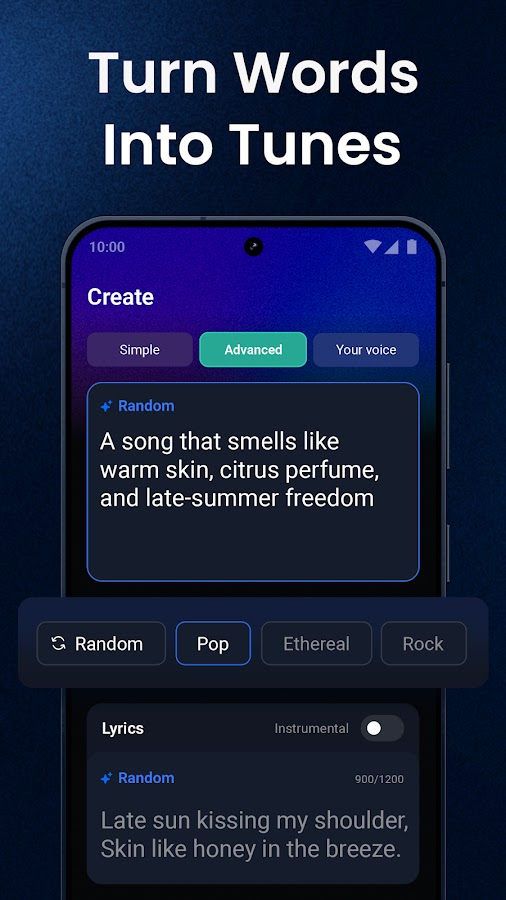
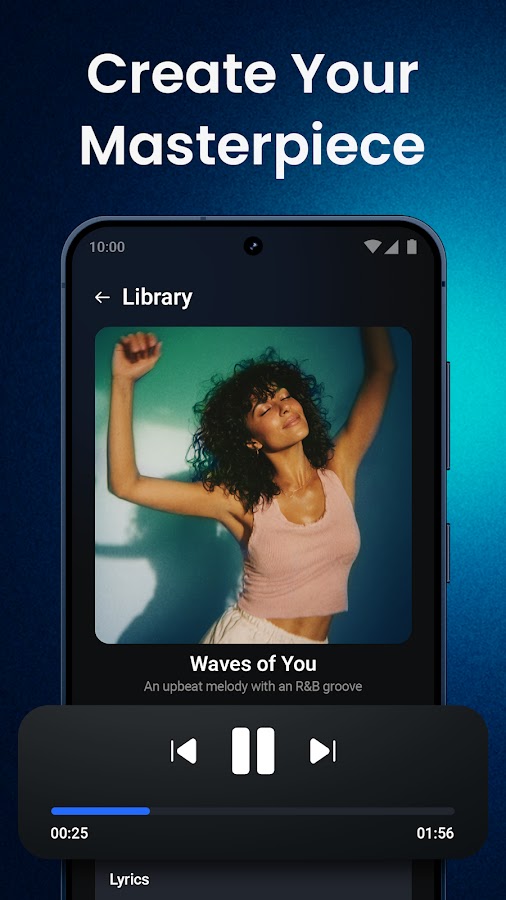
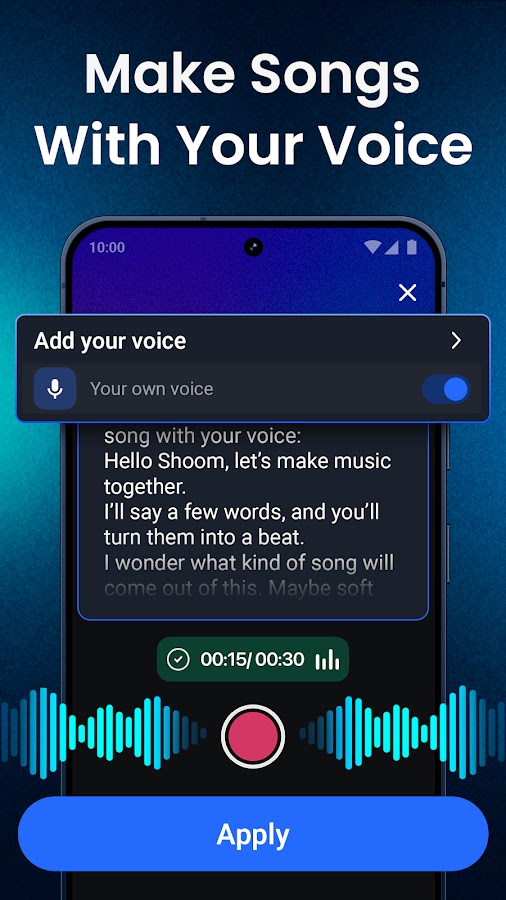

Shoom accepts your lyrics alongside a description of the genre and mood. You can also use photos to create a music video for a generated song, which suits a birthday track, anniversary song, or family montage.
For a personalized song, listen closely to names and place names before making the video. If the singer mispronounces one, try a phonetic spelling in a copy of the lyrics.
7. AI Music & Song Generator by Blekitek — Best for switching between a draft and a theme
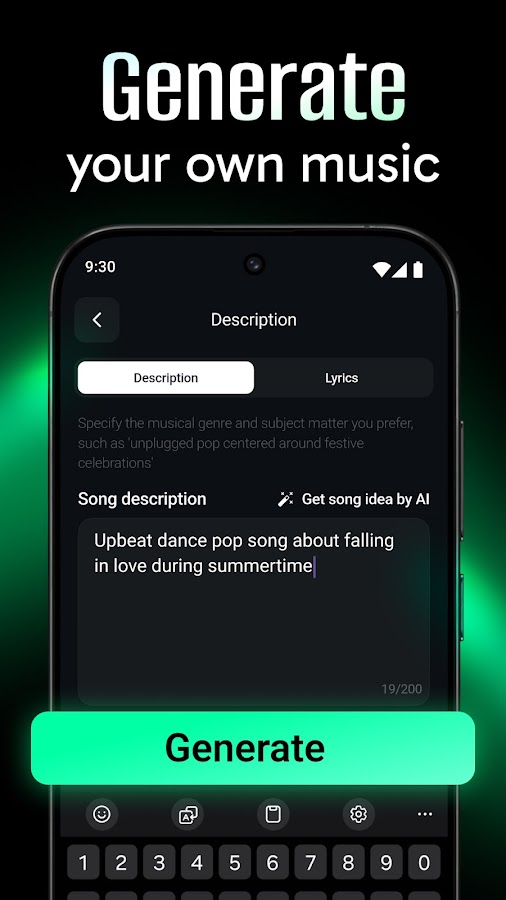
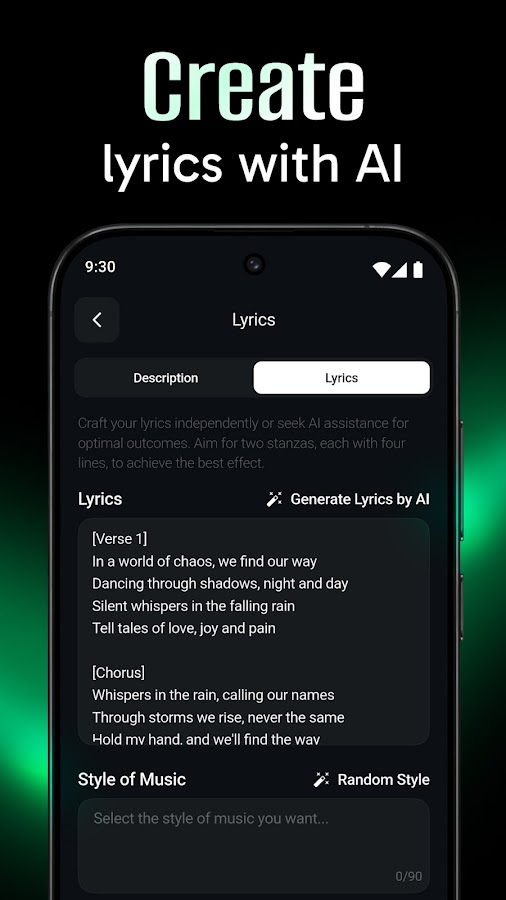
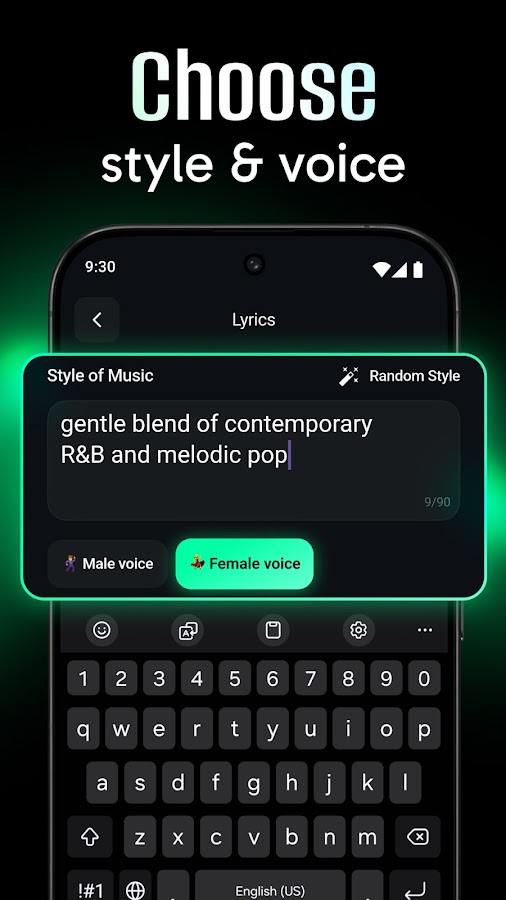
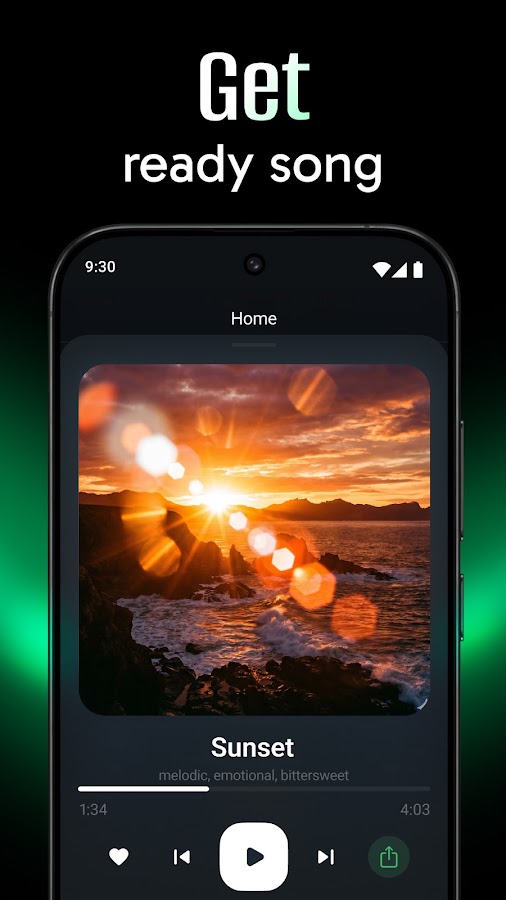
Blekitek’s Android app lets you add your lyrics or start with a theme. Use the lyrics option when you’ve written the hook and want to hear how it sounds with a melody and rhythm.
Several apps use similar names, so look for the Blekitek listing on Google Play. An iPhone listing from the same developer could not be verified.
8. Google Flow Music — Best for making a vocal track and an AI video
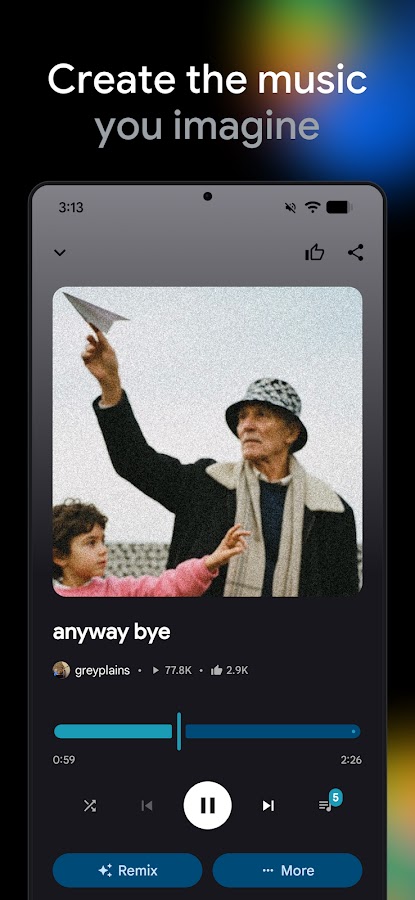
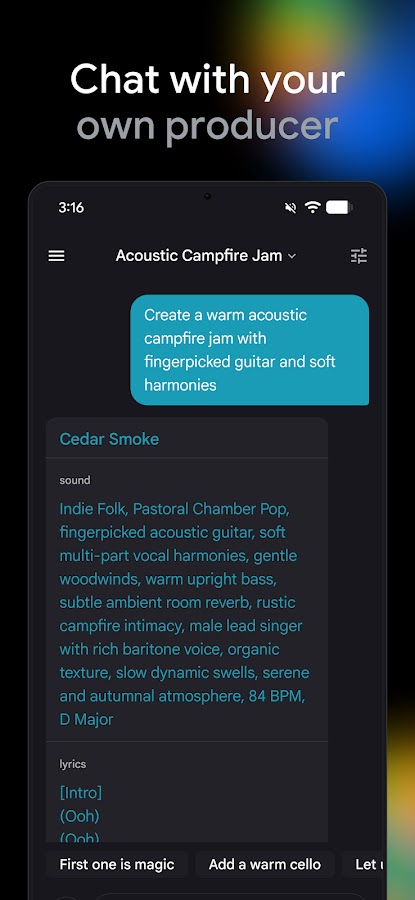
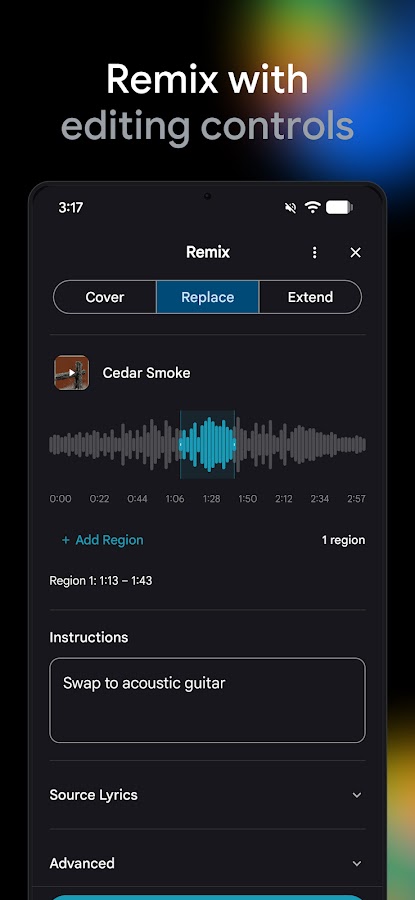
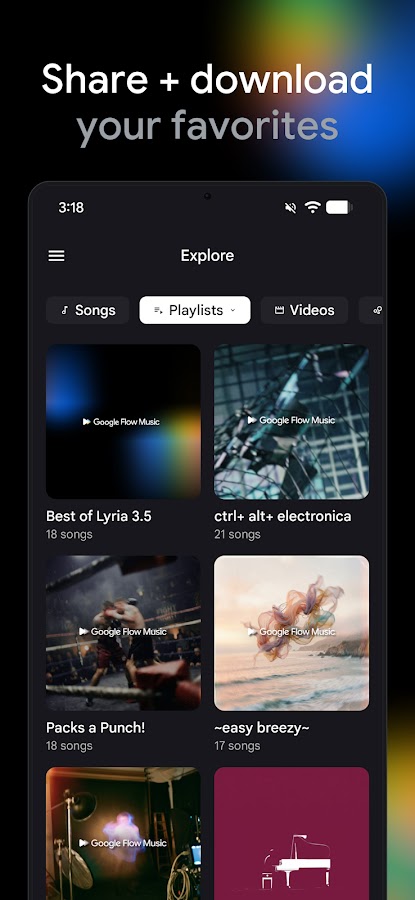

Google Flow Music accepts pasted lyrics and generates a song with vocals and instruments. It also lists music video generation with Veo. That combination makes sense if you’re producing both an original track and a visual for it.
If you only need the music, start by checking the sung words and the ending. Check regional availability and any separate limits for video generation before planning around that feature.
9. MelodyLab — Best for hearing how your lyrics scan
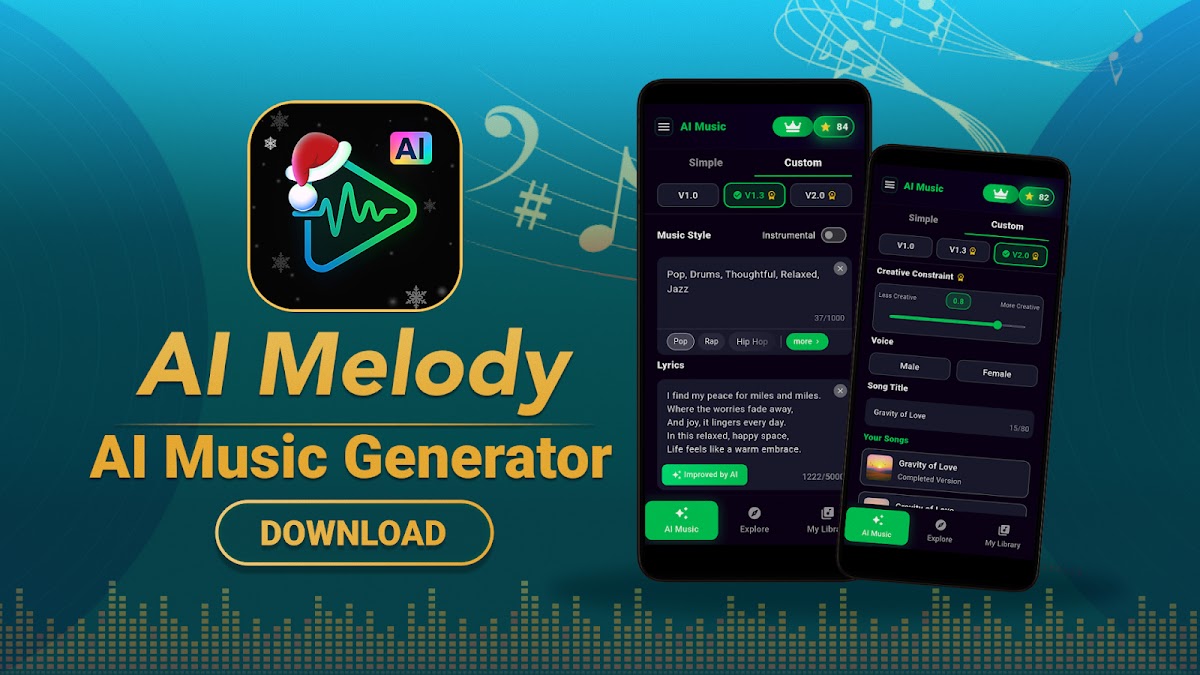
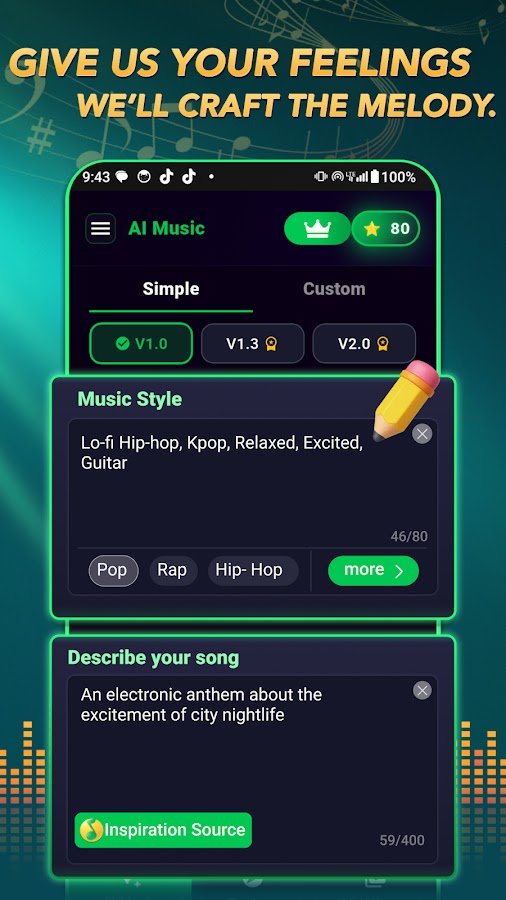
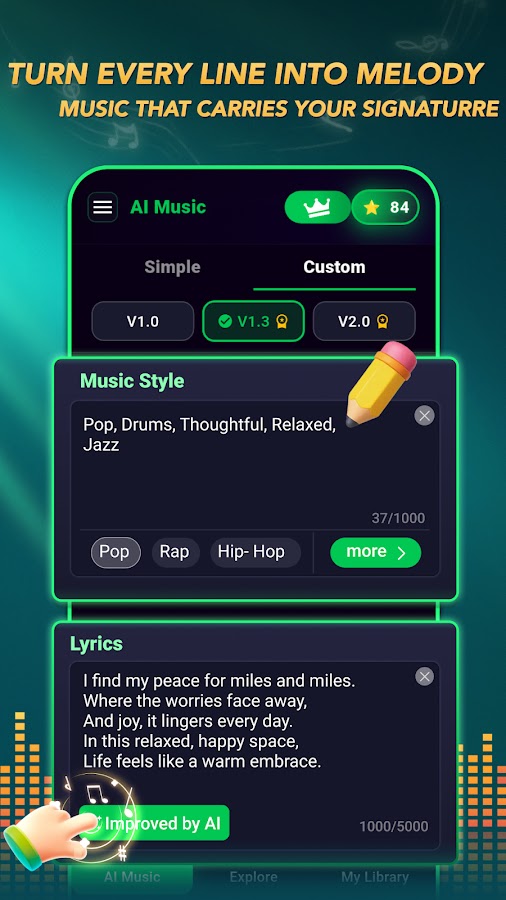
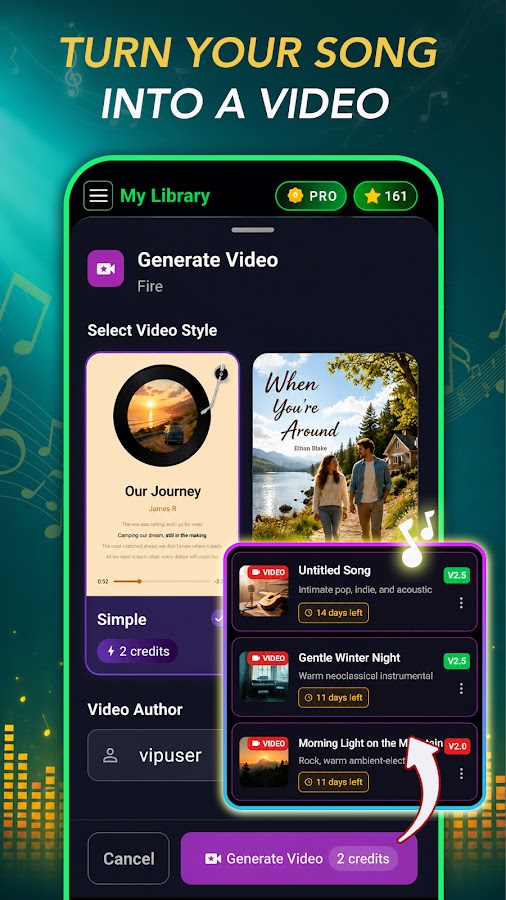
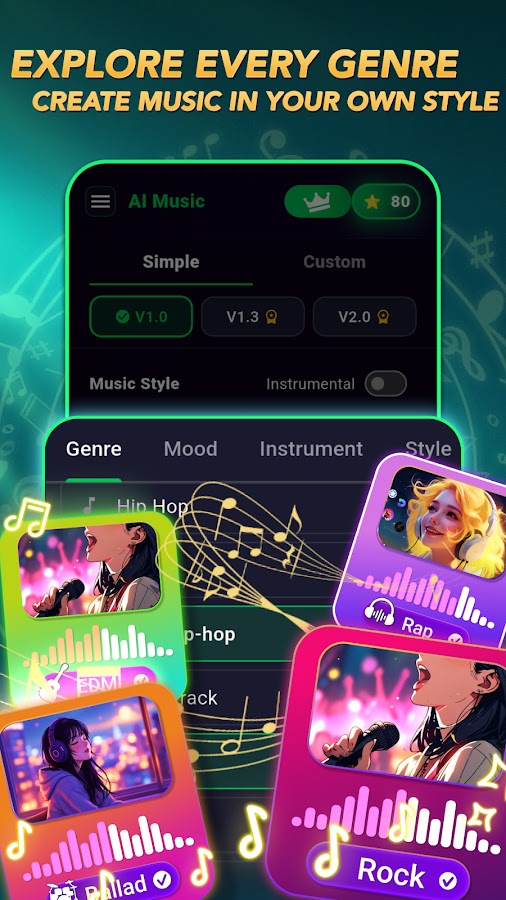
MelodyLab lets you paste lyrics and hear them sung over generated music. It’s a useful option when you want to hear whether a line has too many syllables or whether the same phrase still sounds natural when it repeats in the chorus.
The Android listing was verified. A matching iPhone version of this AI generator could not be confirmed.
10. Sutunes — Best for a complete vocal demo from finished lyrics

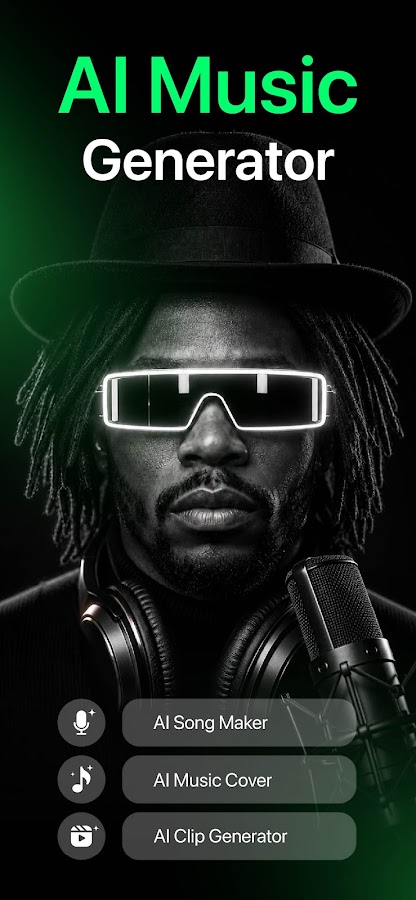
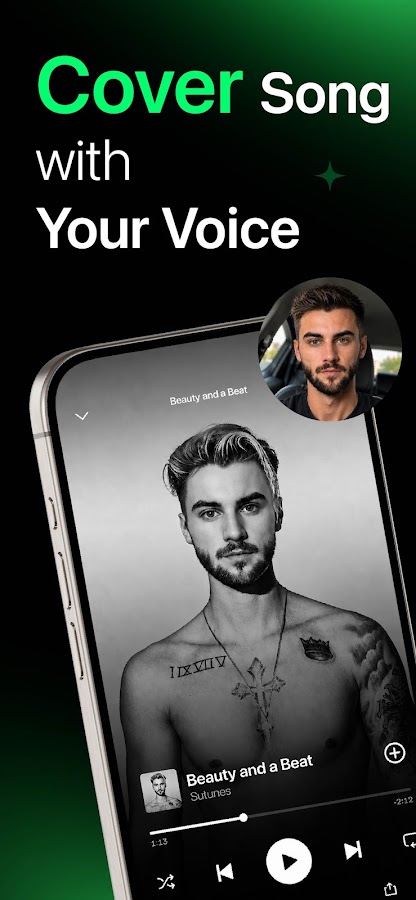
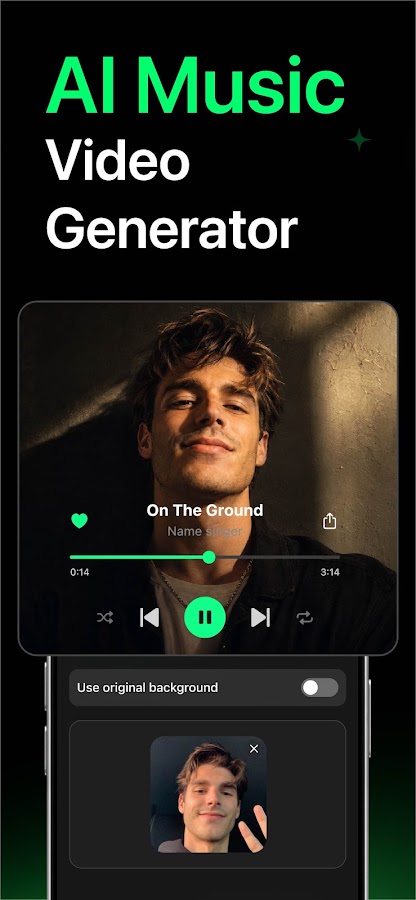
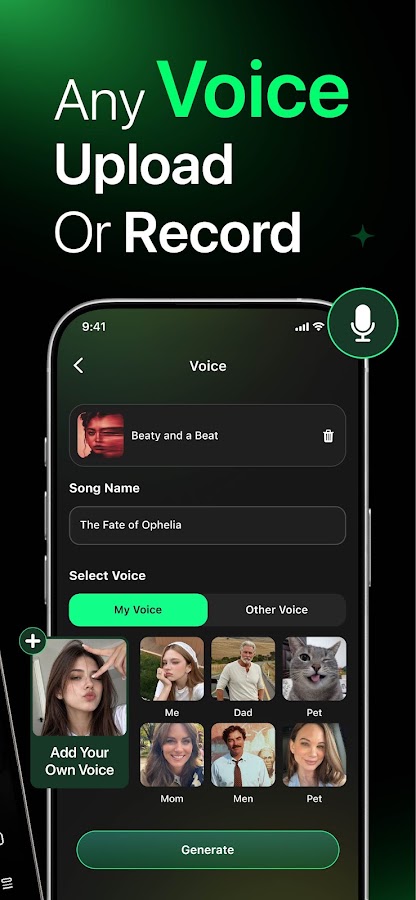
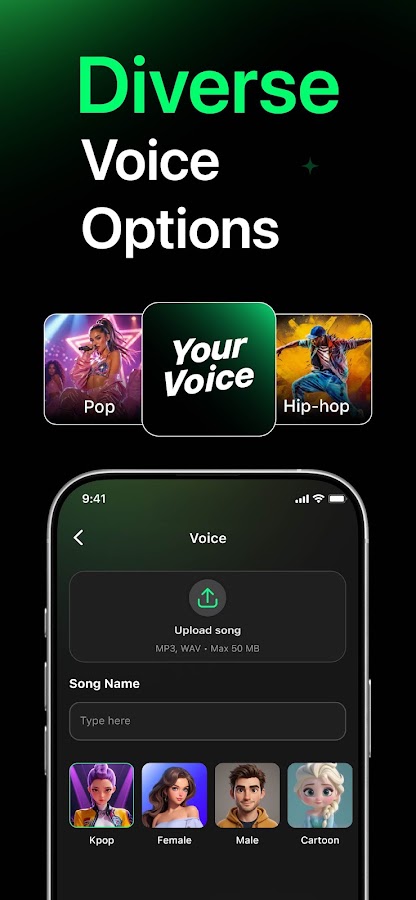
Sutunes accepts lyrics you’ve already written and builds a track with melody, instruments, and vocals. It’s a good fit when the words are ready and you want to hear the whole arrangement.
If you plan to share the result, check whether your plan lets you download the audio file. In-app playback and file export can have different limits.
How to turn your lyrics into a song with AI
- Paste your lyrics into the dedicated field. Start with two short verses and a chorus. Try section labels such as [Verse 1] and [Chorus] if the app accepts them.
- Describe the music separately. Specify the genre, approximate tempo, main instruments, and vocal style. “Midtempo indie pop with dry drums and a soft lead vocal” gives the app more direction than “make it catchy.”
- Listen with the lyrics in front of you. Check for skipped words, improvised lines, mispronounced names, and a chorus that appears in the wrong place. Listen all the way to the ending.
- Check the export before committing. Confirm the downloadable file format, any plan limits, and the terms for your intended use.