SketchUp – 3D Modeling for iOS
About SketchUp – 3D Modeling
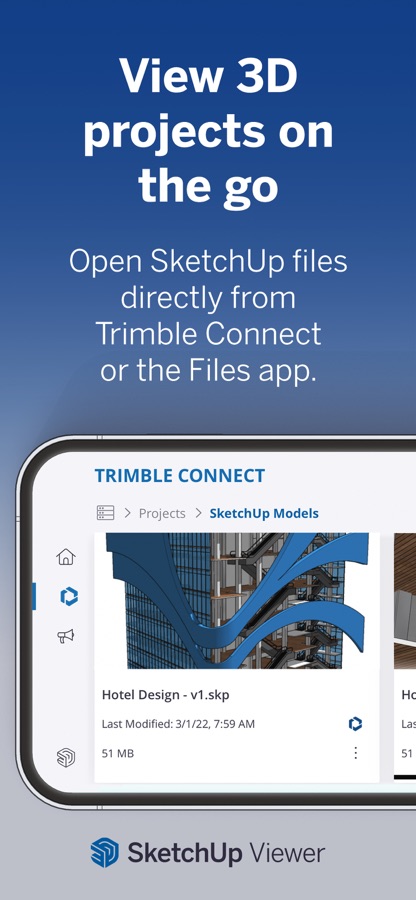
Experience the world’s leading 3D design platform with a free 7-day Go trial! Without a subscription, you can still view 3D projects for free.
Go offers essential 3D design tools, including SketchUp for iPad and SketchUp for Web. Created for design enthusiasts, architects, interior designers, contractors, home remodelers, construction professionals, and set designers, our intuitive tools streamline the creative process, allowing you to effortlessly craft 3D models and visualize concepts. Whether you’re planning a home renovation, designing interiors, or creating a detailed architectural model, SketchUp helps bring your visions to life through 3D design.
Go Features:
– Work seamlessly across devices: Create 3D models on your iPad and computer using SketchUp.com.
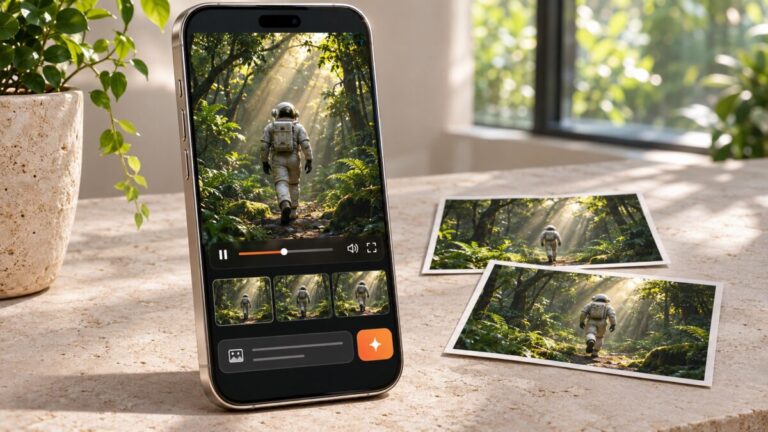
– Generative AI Designs: Harness the power of AI to create stunning visuals for architectural and home designs. Generate images that inspire your creative process and support your design narrative.
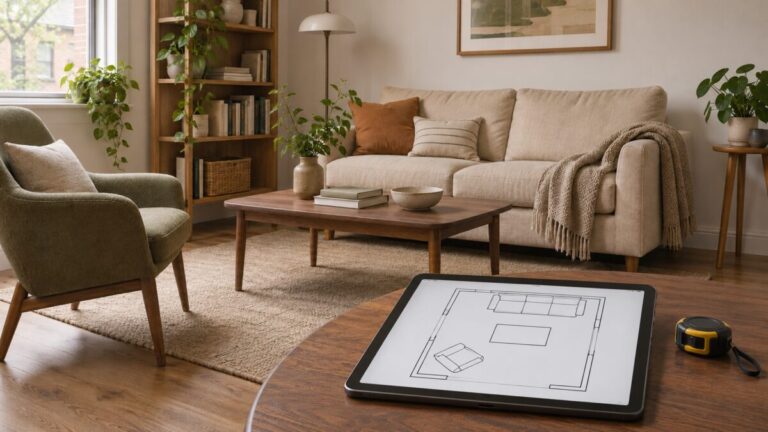
– Room Planner & Space Design: Experiment with different layouts and design options to find the perfect fit for your space. Model your space with designer fixtures and furniture.
– Real-time, realistic visuals: Create stunning photorealistic visuals by integrating environments and customizable real-world materials.
– Scan-to-Design: Use our 3D scanning feature to capture real-world spaces, which AI intelligently transforms and organizes into editable 3D models.
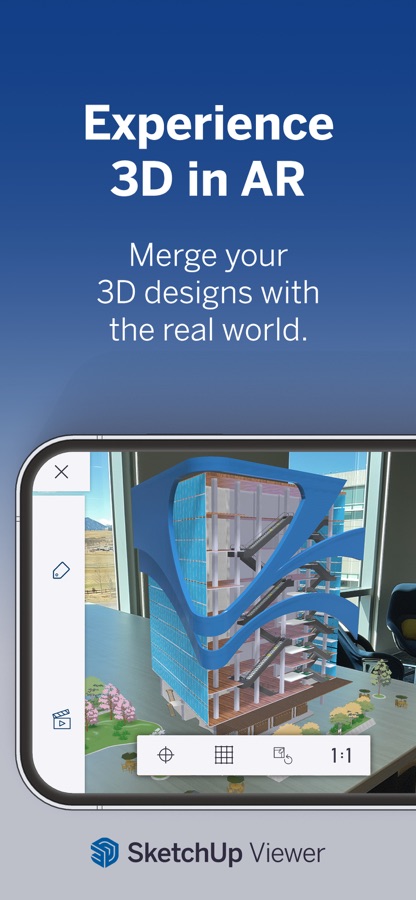
– Augmented Reality (AR): Visualize your designs in the real world with our AR capabilities.
– DWG Compatibility: Import and export DWG files seamlessly, ensuring compatibility with other CAD software.
– Import real-world information: Import images to textures, satellite imagery, 3D terrain, 3D buildings, and location information to power your designs with real-world context.
Why Go?
– Architects & Contractors: Transform your architectural visions into reality with intuitive 3D modeling tools. Quickly visualize and iterate design concepts and present ideas to clients and stakeholders.
– Interior Designers & Home Remodelers: Visualize your ideas in 3D and AR, ensuring your designs meet expectations. Use AI image generation to inspire additional finishes and layouts.
– Landscape Designer: Plan and visualize outdoor spaces, from planters to parks, with our 3D landscape tools, like real-time shadow studies, geo-locating satellite imagery, and 3D terrain.
– DIYer: Whether you’re planning a small remodel or a complete home renovation, SketchUp provides the tools you need to design and execute your projects with confidence.
Without a subscription:
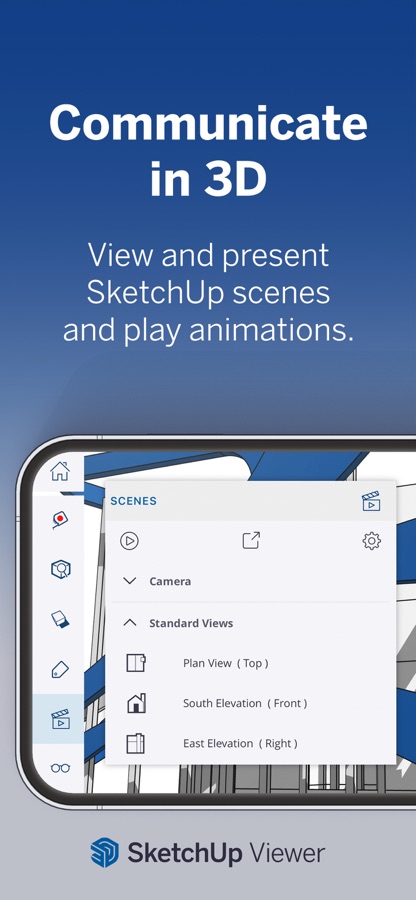
– Switch between perspective and orthographic camera views.
– Control the visibility of parts of your model.
– Adjust the look and feel of your model by controlling Edge and Face styles, Shadows, Hidden Geometry, Section Planes, and Section Cuts.
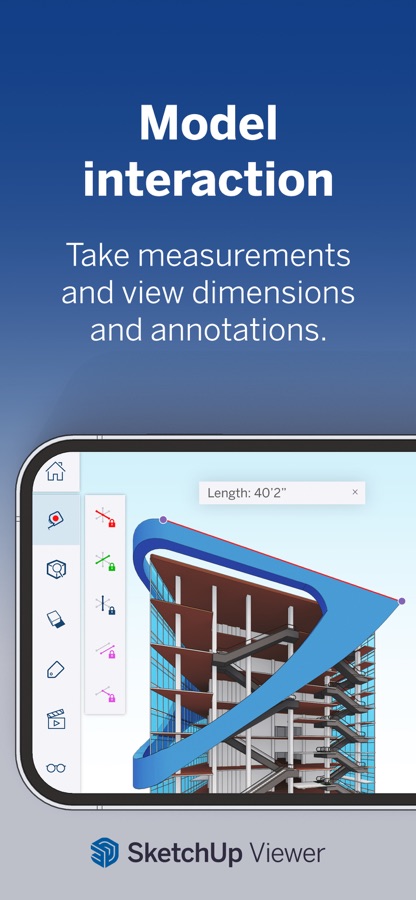
– Take measurements and get information about edge lengths, the area of faces, the volume of solids, and component and group definitions.
– View models in augmented reality.
IMPORT/EXPORT
-Import: SKP, SKE, SKM, HDR, EXR, PNG, JPG, PDF, DWG, DXF, STL
-Export: Images (PNG), Animations (MP4), SKP, USDz, PDF, DWG, DXF, OBJ, STL, MP4
REQUIREMENTS
Requires iOS 17 or higher with a minimum of 1024Mb of RAM. For additional info, please visit help.sketchup.com. The AR model viewing feature uses ARKit and is compatible with iPhone 6s and newer, iPad Pro, or any 2017 iPad or newer.
SUBSCRIPTION DETAILS
Create 3D designs with a free 7-day Go trial. Payment will be charged to your Apple Account on confirmation of purchase. Your subscription will automatically renew unless auto-renew is turned off at least 24 hours before your subscription expiration date. Your account will be charged for renewal within 24 hours before your subscription expiration date. After completing your initial purchase, you can manage your subscription and/or turn off auto-renew by visiting your Apple Account Settings.
Download SketchUp – 3D Modeling for iOS for free — the latest version (8.3.0) is now available for installation on your iPhone or iPad.
What's New in the Latest Version 8.3.0
This release makes working with Trimble Connect files safer and more flexible. It also brings two long-requested presentation tools from desktop and web to iPad: Styles and Fog.
Trimble Connect: Version History & File Management
– You can now browse every saved version of a Trimble Connect file right inside SketchUp.
– Version History: Open a file’s history to see each version’s number, date, and file size. You can open any past version to inspect it, then restore it or save it as a new file.
– Copy from past versions: Copy geometry out of an older version and paste it into your current model, without restoring the old file.
– Seamless saving: Changes to existing Connect files now save automatically when you return Home. Version History keeps every earlier version within reach.
– File Details & Duplicate: A new File Details view shows file information. It also lets you duplicate a file, local or on Connect, into the same folder, so you can branch or back up your work in one tap.
– Move to: Reorganize files across your Connect folders without leaving the app.
– UK region support: You can now create and work in Trimble Connect projects hosted in the UK region.
– More reliable syncing: We fixed several issues involving restores, duplicates, uploads in progress, and files deleted on Connect while they were open, so your changes are no longer lost.
Styles on iPad
– The Styles panel has been redesigned with three tabs:
– In Model shows the styles in your file.
– Edit Style lets you adjust the current style.
– Library lets you browse a built-in collection of ready-to-use styles.
– When you save style changes, SketchUp now warns you if other scenes using that style will also change.
Fog on iPad
– Fog settings now live in the Shadows panel. You can add atmospheric depth to your model and control where the fog begins and ends.
Other Improvements
– Refreshed Home screen. File cards and list views have a cleaner design, and file menus are better organized.
– Clearer 3D Warehouse placement. The Move tool now highlights automatically after an import, so it’s obvious your component still needs to be placed.
– Simpler guide controls. Tape Measure and Protractor guide options have been streamlined.
– Custom tag colors. Pick any color for a tag with the full color picker. The Tags panel header also got a polish pass.
Stability & Bug Fixes
– Fixed several crashes, including ones related to menus, the color picker, and exploding selections.
– Arc tools now handle Radius and Segment inputs correctly.
– Shadow changes now save properly.
– The Shadows panel now updates after you add a location.
– The Tags panel now opens in View in AR mode.
– The Recents list now sorts correctly.
– Fixed a spacing issue in the Help panel.
SketchUp – 3D Modeling App Info
- Version 8.3.0
- Updated November 11, 2026
- Requires OS iOS 18.6 and up
- Category Photo & Video
- Developer Trimble Inc.
- Age Rating 4+