AR Plan: Measure, Room Scanner for iOS
About AR Plan: Measure, Room Scanner
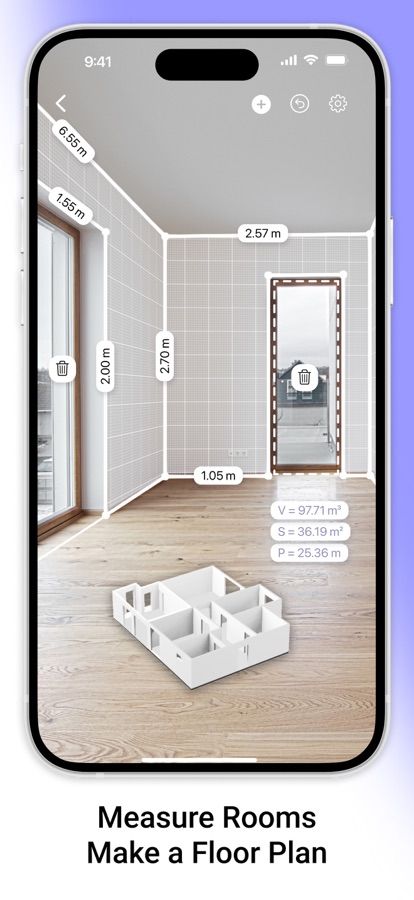
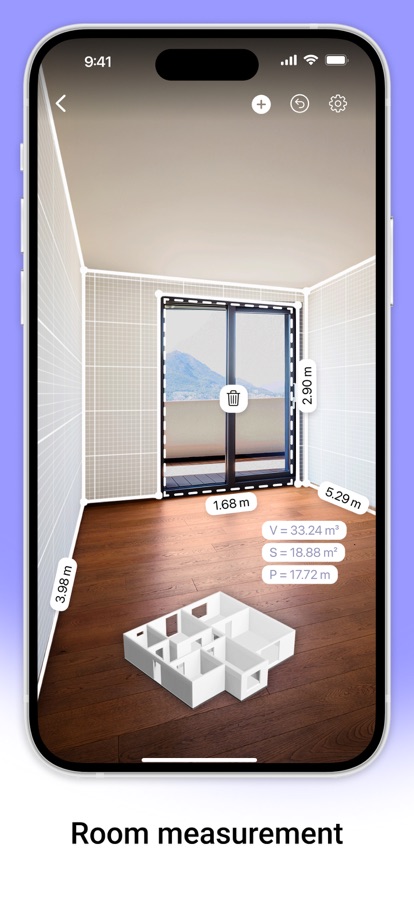
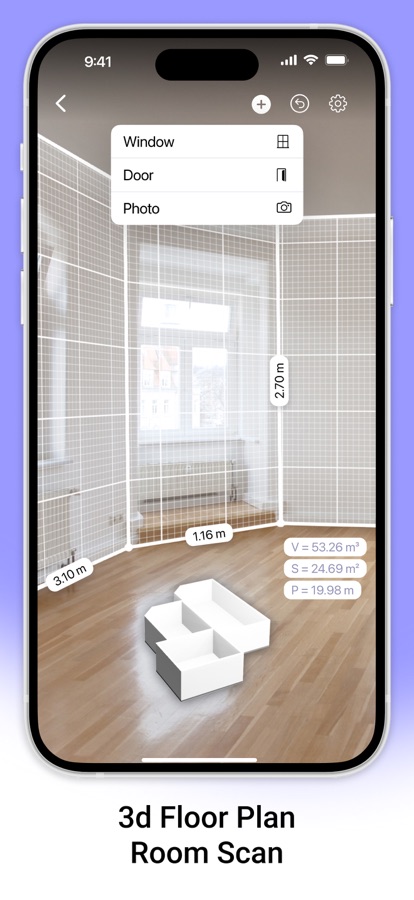
AR Plan 3D is an innovative measurement app that uses augmented reality (AR) for quick room measurement and room scan. AR technology lets you place a virtual plan measurement ruler on real-world surfaces, making measure plans and creating a 3D room floor plan AR LiDAR measurement much faster and easier.
With the AR Plan 3D ruler app, you can:
1. Instantly scan your surroundings with the Automatic room scan feature. Create a floor plan measurement of a room in just seconds.
2. Measure rooms by perimeter and height in Metric or Imperial units (cm, m, mm, inch, feet, yard).
3. Measure floor plan details, including doors and windows.
4. Automatically calculate perimeter, floor area, wall area, and other values helpful for construction or renovation planning and home measurements.
5. On LiDAR-enabled devices, easily measure room height with one tap using room scan LiDAR.
6. Use the 3D Floorplanner to create a complete room plan measurement with all dimensions.
7. Try the classic Floorplanner to generate a floor plan measurement in 2D.
8. Use the 2D Side View Floorplanner for wall layouts and side perspectives.
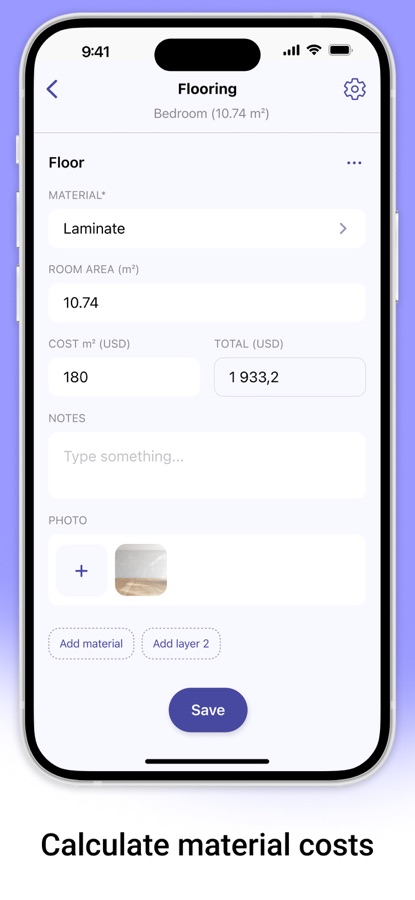
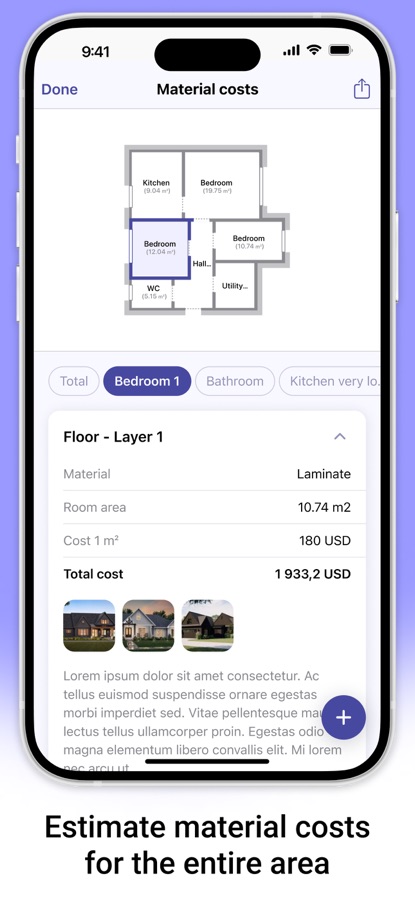
9. Estimate materials and costs based on your room measurement — including flooring, wall coverings, renovation work, and more.
10. In Manual Mode, the “Auto Corners” tool helps you detect and fix room corners directly on the planner room.
11. Create entire apartments with automatic room separation, or manually add spaces using Autoscan for precise room measuring.
12. Save your measure plans in the Floorplanner Archive.
13. Share your home measurements by email, messaging, or social networks.
Try AR Plan 3D ruler app today — we’d love to hear your feedback!
Customer Support
If you have any questions about the AR Plan 3D planner room or need help, feel free to contact us at: support@grymalaltd.com
Follow Us:
Twitter: https://twitter.com/grymalaofficial
Instagram: https://www.instagram.com/grymala_official/
Pinterest: https://www.pinterest.com/grymalaapps/
LinkedIn: https://www.linkedin.com/company/grymala/
Subscription:
Premium – 3-day free trial, then Year Premium or Month Premium
• No ads
• Unlimited projects
• Full access to premium tools
Prices may vary by country. You won’t be charged if you cancel at least 24 hours before the end of the free trial. Subscriptions renew automatically unless canceled at least 24 hours before the current period ends. Manage subscriptions in your iTunes account settings. Payment is charged through your iTunes account.
—
Terms of Service: https://www.apple.com/legal/internet-services/itunes/dev/stdeula/
Privacy Policy: https://www.grymalaltd.com/policy-new.html
Download AR Plan: Measure, Room Scanner for iOS for free — the latest version (2.9.1) is now available for installation on your iPhone or iPad.
What's New in the Latest Version 2.9.1
Dear user, in this version we’ve improved performance and fixed bugs! If you like the app, we’d be happy to receive your review. Enjoy!
AR Plan: Measure, Room Scanner App Info
- Version 2.9.1
- Updated November 7, 2026
- Requires OS iOS 16.0 and up
- Category Tools
- Developer Grymala sp. z o.o.
- Age Rating 4+