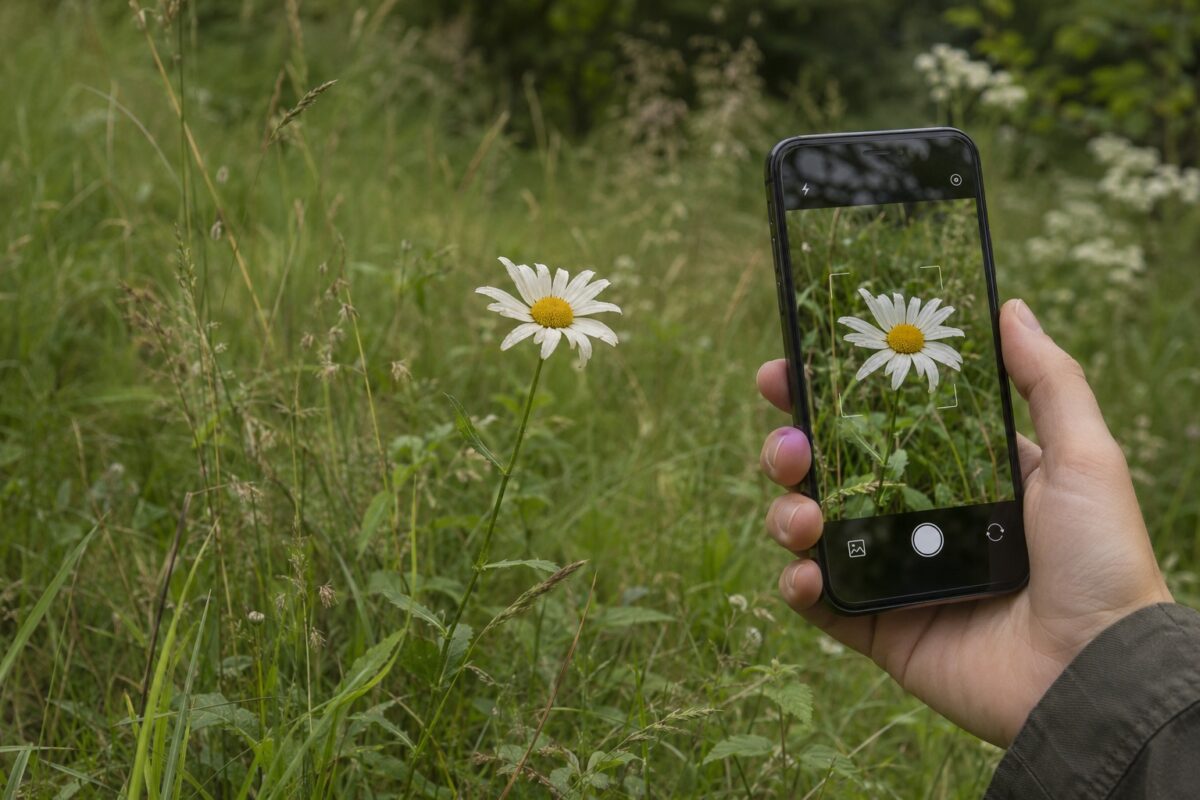
Take a close-up of a flower or leaf, then add a photo of the whole plant. A plant identification app can suggest a name from those images. The next step depends on what you photographed. A trail find is easier to check against local sightings, while a houseplant with a missing label may call for a care guide once you know its name.
Start with PlantNet if you have several photos of the same plant, Flora Incognita for wild plants, or PictureThis if you want an ID and care information together. If the first result looks doubtful, iNaturalist lets other people review your observation. Google Lens can pull up similar images and pages for a quick second look.
Compare plant identification apps for Android and iPhone
All 15 options are available on Android and iPhone. On iPhone, Google Lens is a feature in the Google app or Google Photos. App names, feature access, and subscription terms can vary by storefront and version.
| App | Use it for | What sets it apart |
| PlantNet | Wildflowers, trees, and other plants with several visible features | Uses photos of different parts of the same plant to suggest matches |
| Flora Incognita | Identifying and logging wild plants | Guides you through the plant parts to photograph |
| iNaturalist | Getting a second opinion on a tricky find | Combines automated suggestions with community identifications |
| Seek by iNaturalist | Identifying plants during a walk | Shows suggestions as you move the camera |
| ObsIdentify | Wild plants in Europe and the Dutch Caribbean | Focuses on wild species in those regions |
| PlantSnap | Flowers, succulents, and ornamentals | Pairs a photo scan with a reference library |
| PictureThis | Houseplants and garden plants | Combines photo identification with plant profiles and care guidance |
| LeafSnap | Comparing leaves, flowers, and trees | Covers several plant groups in one scanner |
| PlantIn | Identifying and tracking an indoor collection | Adds care plans and reminders after identification |
| Plantum | Identifying a plant and keeping care notes | Offers plant profiles and a growth diary |
| Blossom | Identifying plants from photos already on your phone | Accepts gallery photos and provides care information |
| Plant Parent | Setting up an indoor plant care routine | Pairs plant identification with scheduling tools |
| Planta | Managing multiple plants in different rooms | Organizes plants and their care schedules |
| PlantApp | Looking up unfamiliar flowers, trees, and weeds | Accepts both camera and gallery images |
| Google Lens | Finding similar photos and reference pages | Searches the web using the image or a selected part of it |
1. PlantNet — identify a plant using multiple photos
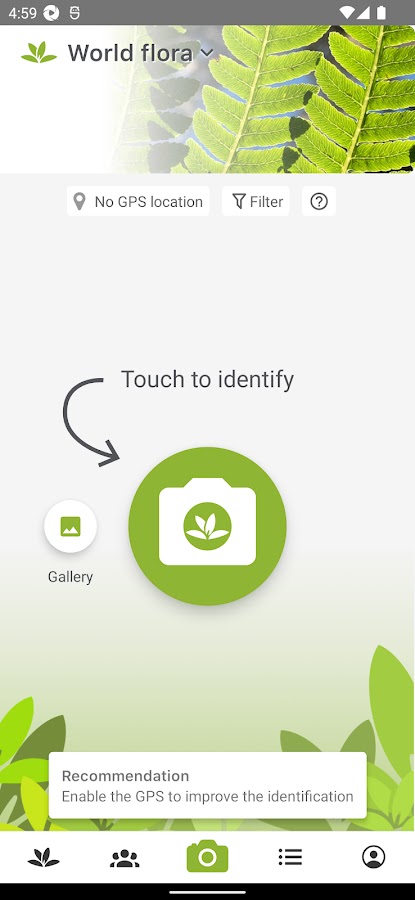
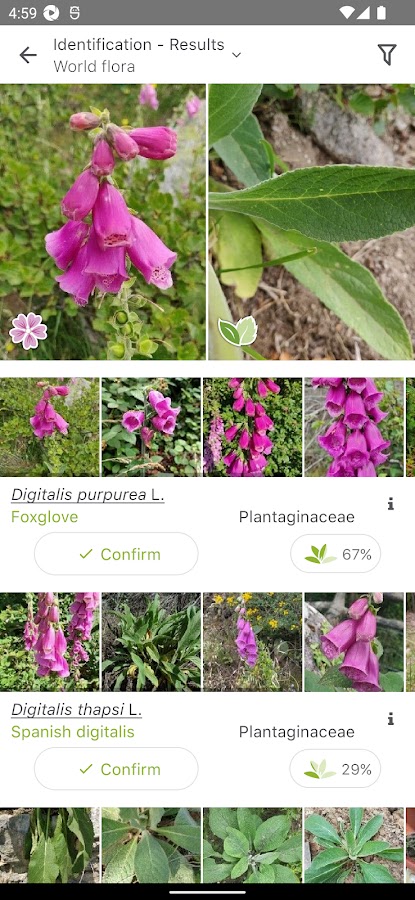
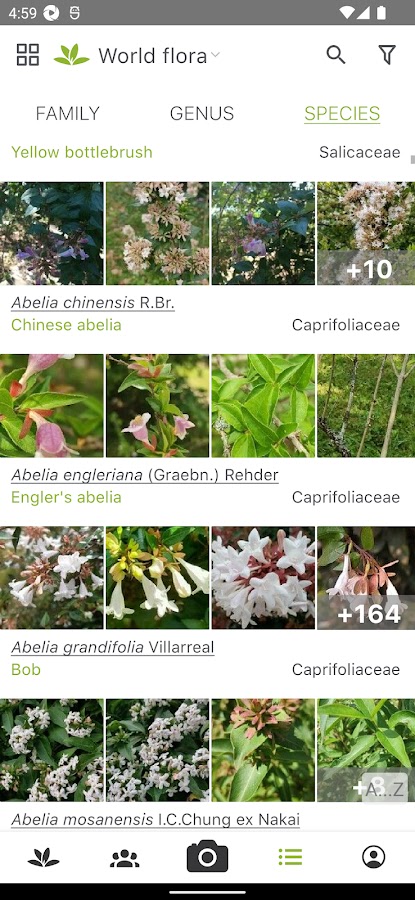
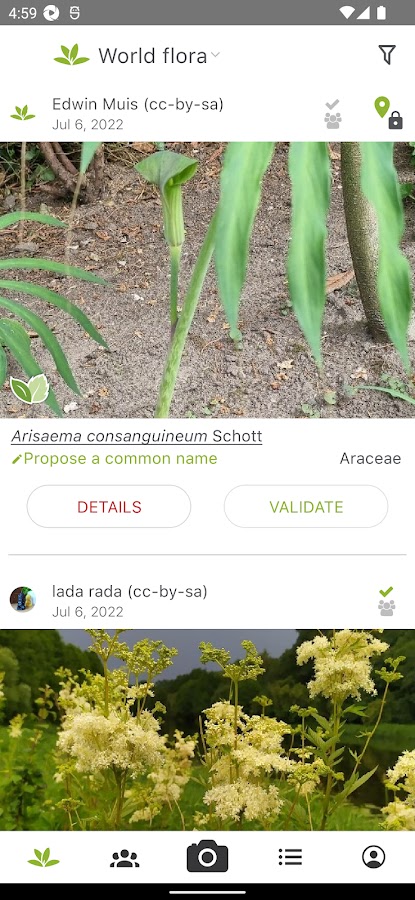
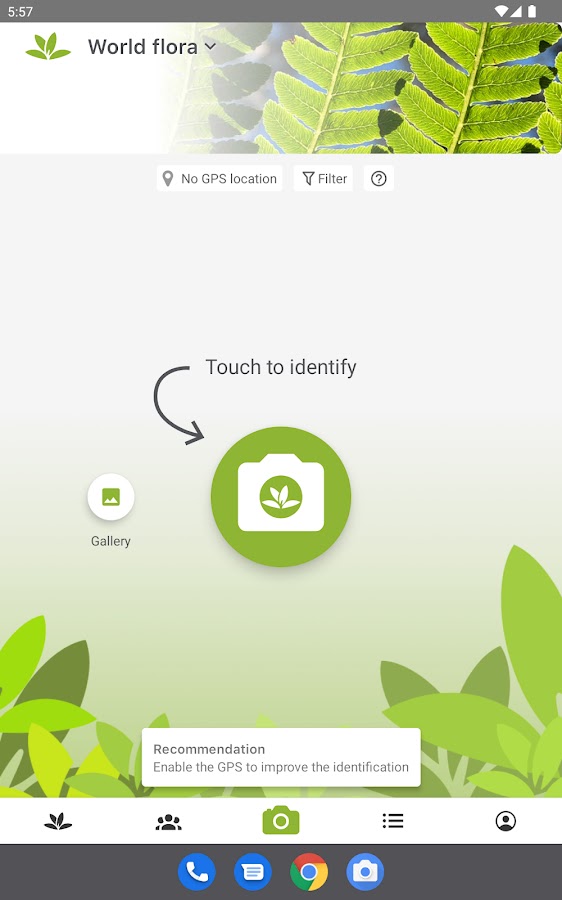

Photograph the whole plant, then add a close-up of a leaf, flower, or fruit to the same identification. PlantNet is a good starting point when several plants look alike from a distance. If the top two matches are close, look through their reference photos and check the features you can see on your specimen, such as the leaf edges or the arrangement of flowers on the stem.
2. Flora Incognita — guided photo identification for wild plants
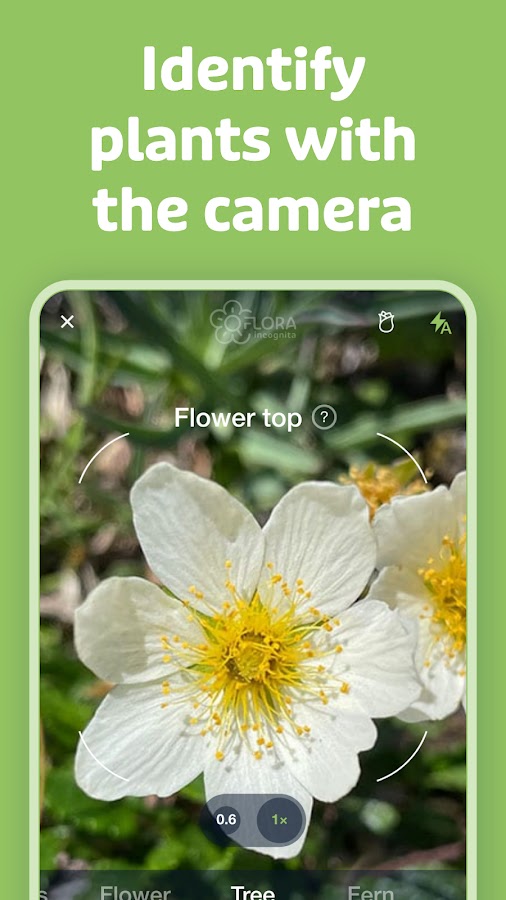
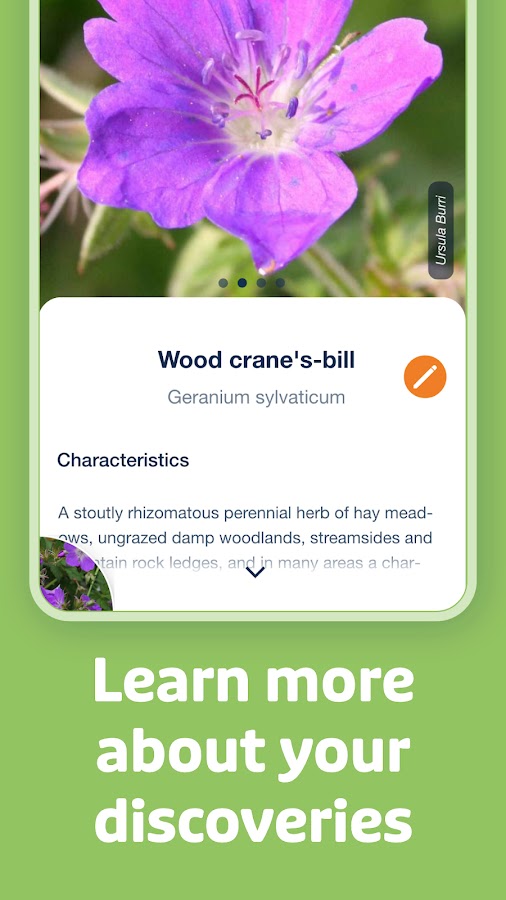
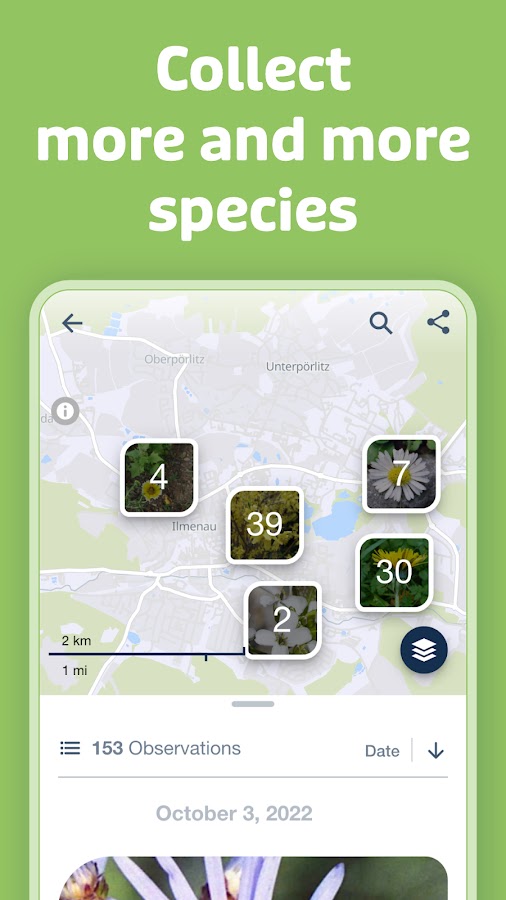
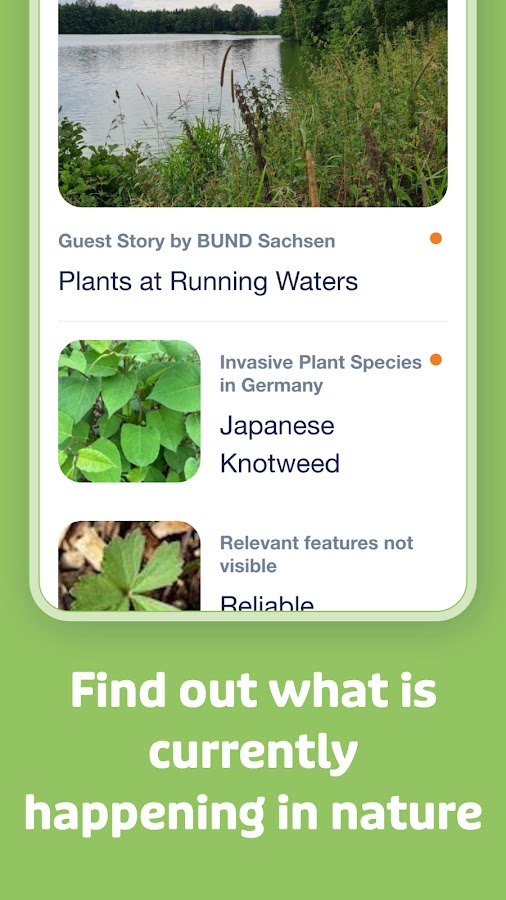

Flora Incognita prompts you to photograph useful parts of a wild plant and keeps identified finds in an observation list. If you’re hiking without reception, you can capture and save observations offline and submit them for identification when you reconnect. The app is free.
3. iNaturalist — automated suggestions with community review
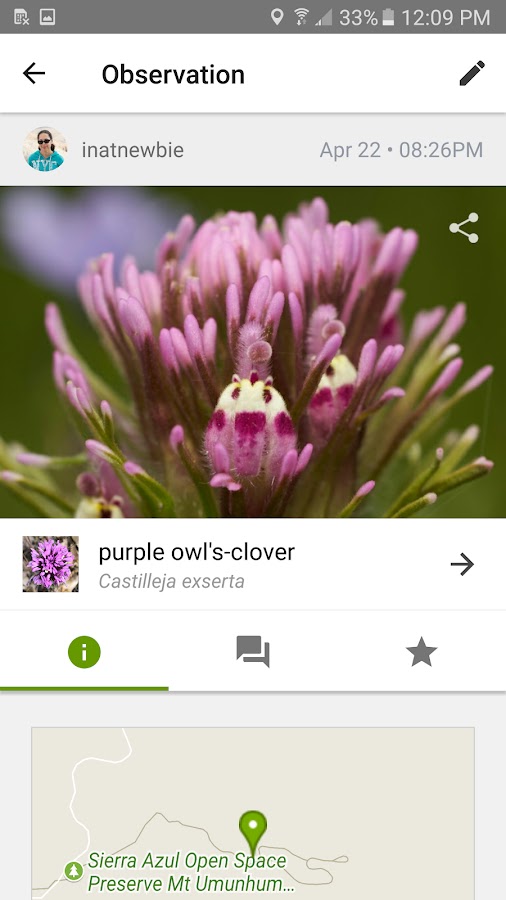
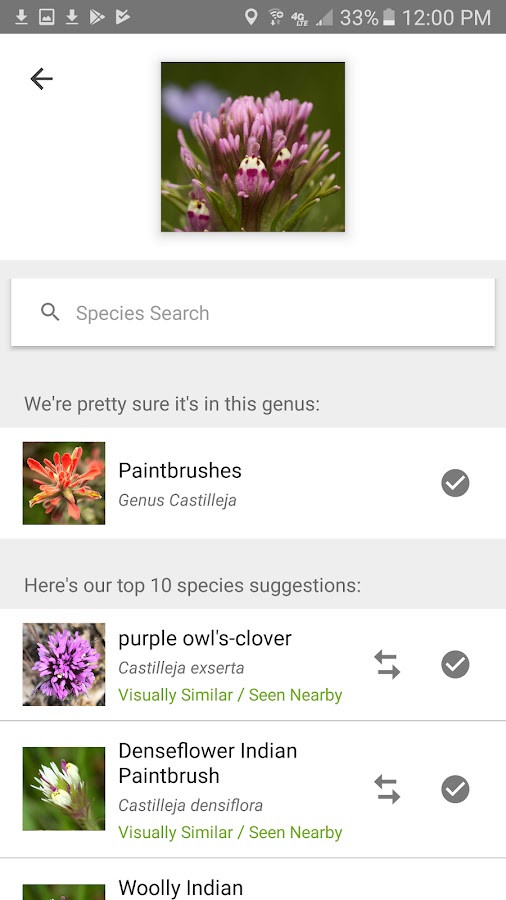
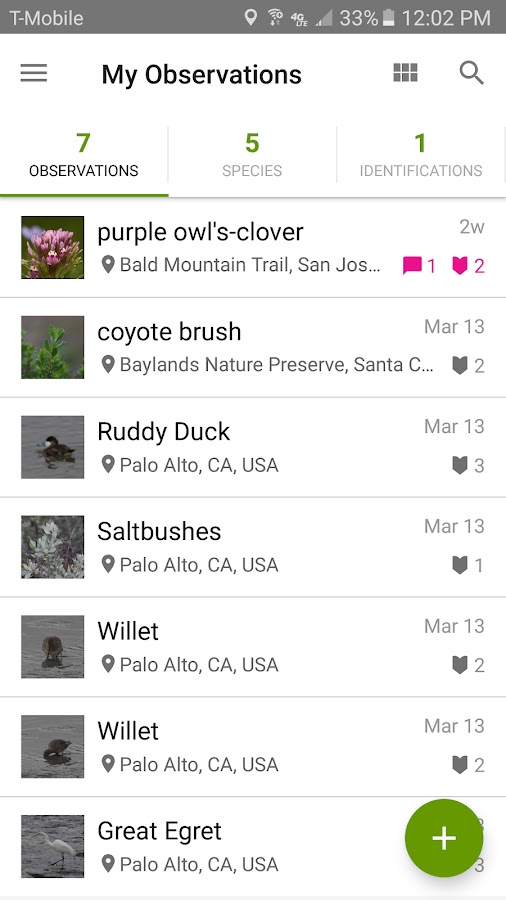
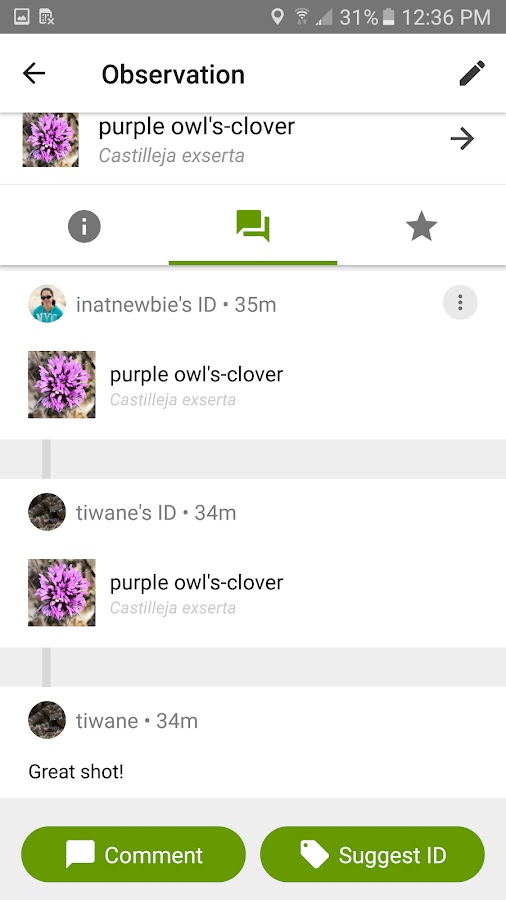
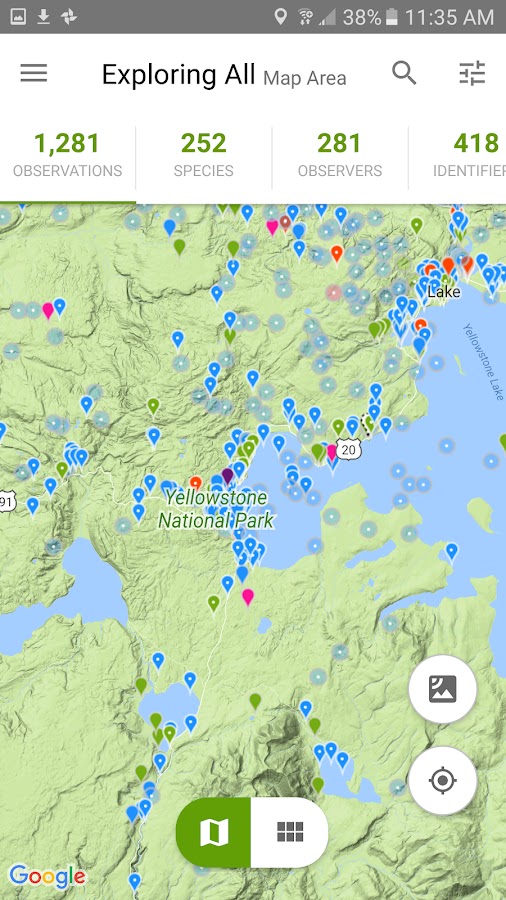

Upload a photo as an observation and use the suggested identifications as a starting point. Other users can add their own IDs, which helps when several species look nearly identical. Add the date, location, and a second angle if you have them. Community responses can take time, especially when a photo leaves out a distinguishing feature.
4. Seek by iNaturalist — live identification through the camera

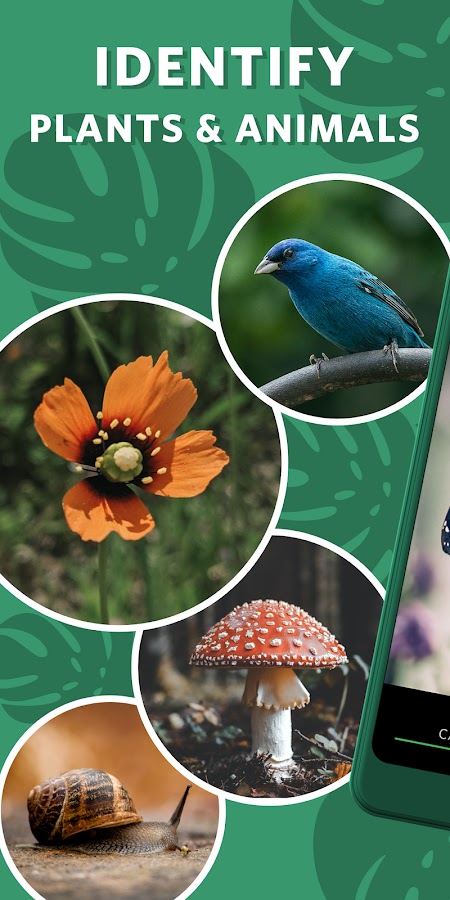
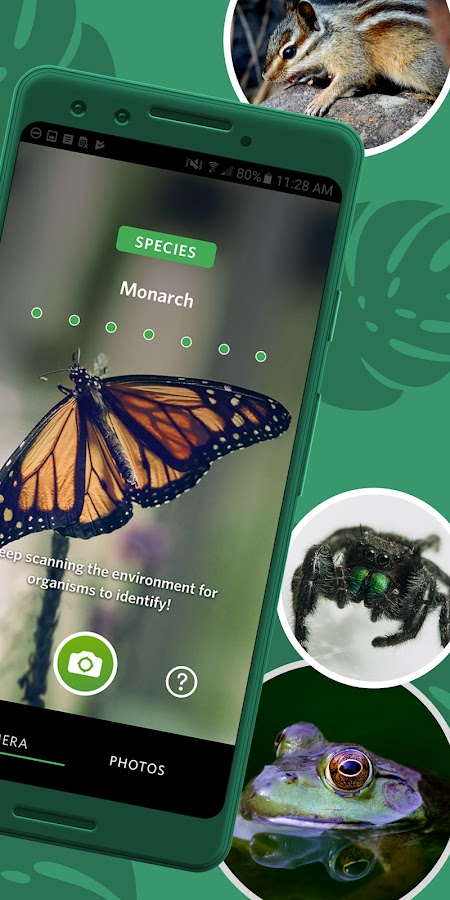
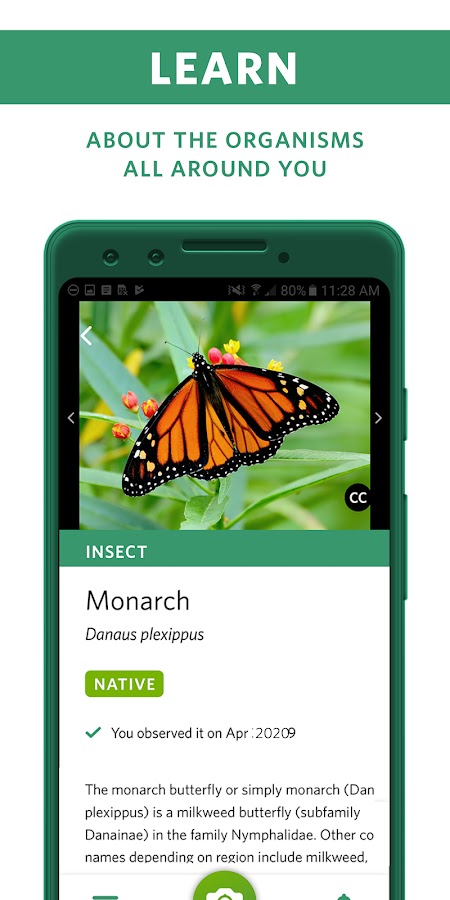
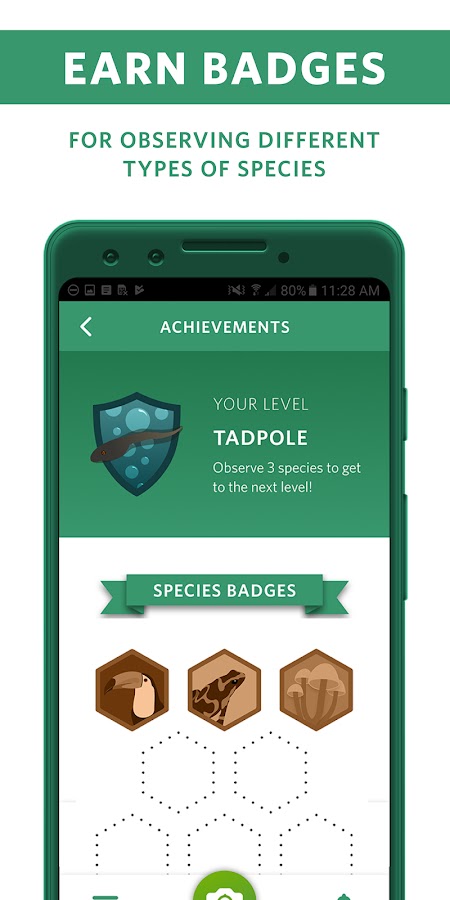
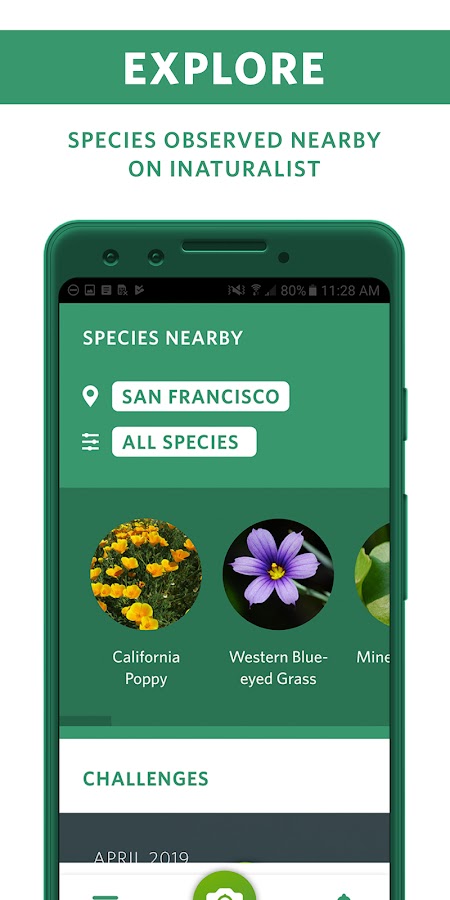

Point the camera at a plant and adjust the angle as Seek narrows down the identification. It’s useful when you want an answer during a walk without posting each find for review. If Seek stops at the genus or family, try a clearer view of a flower, the leaf arrangement, or the entire plant.
5. ObsIdentify — wild species in Europe and the Dutch Caribbean
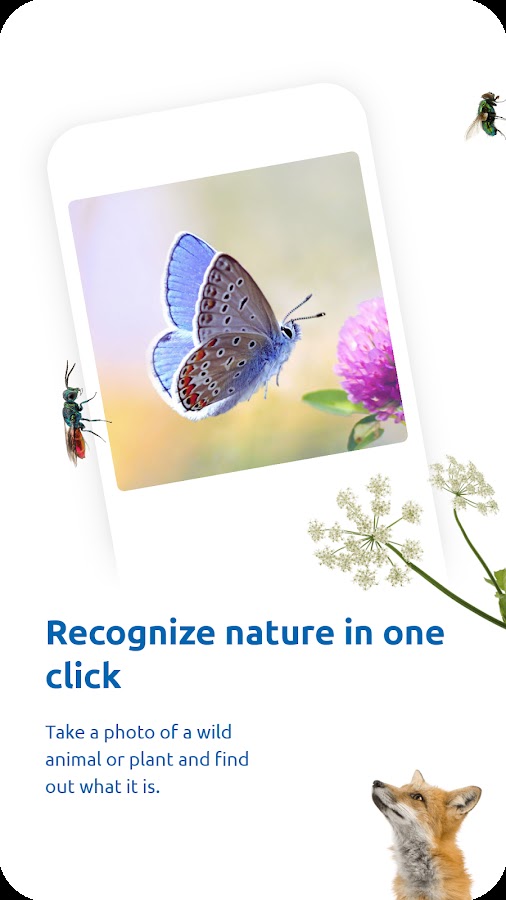
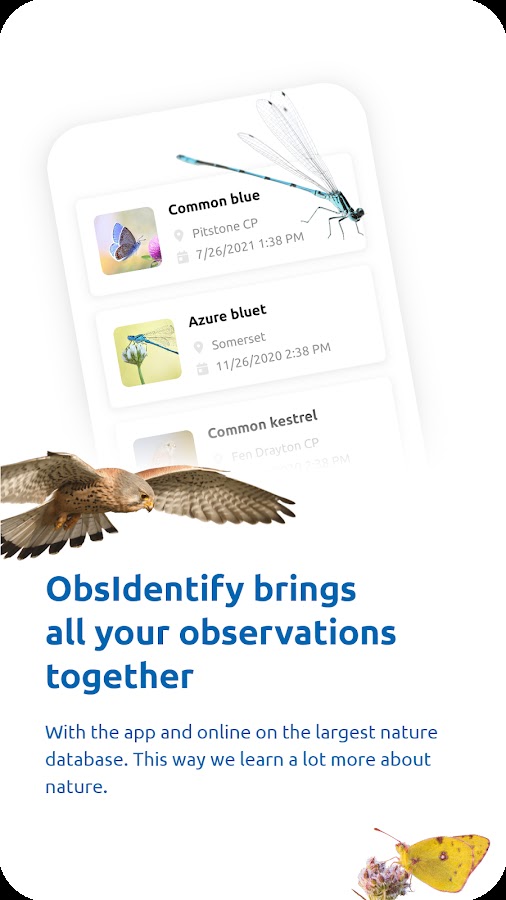
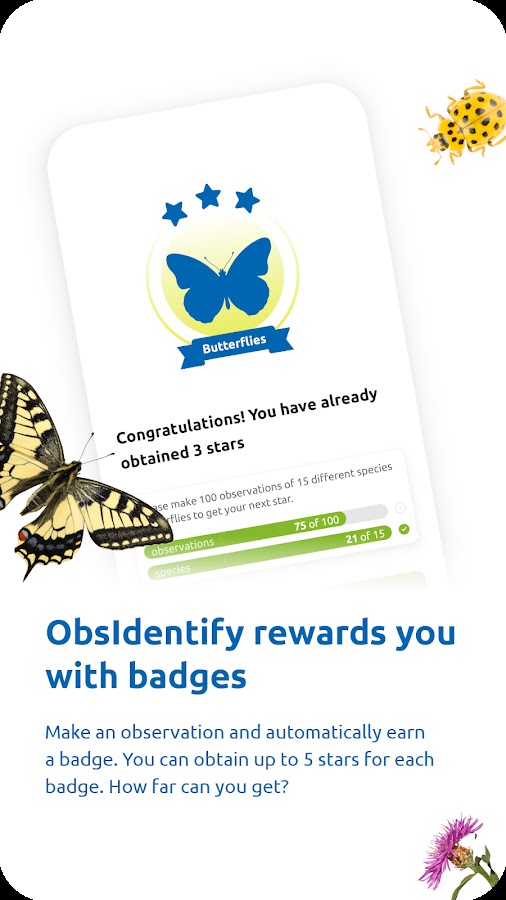
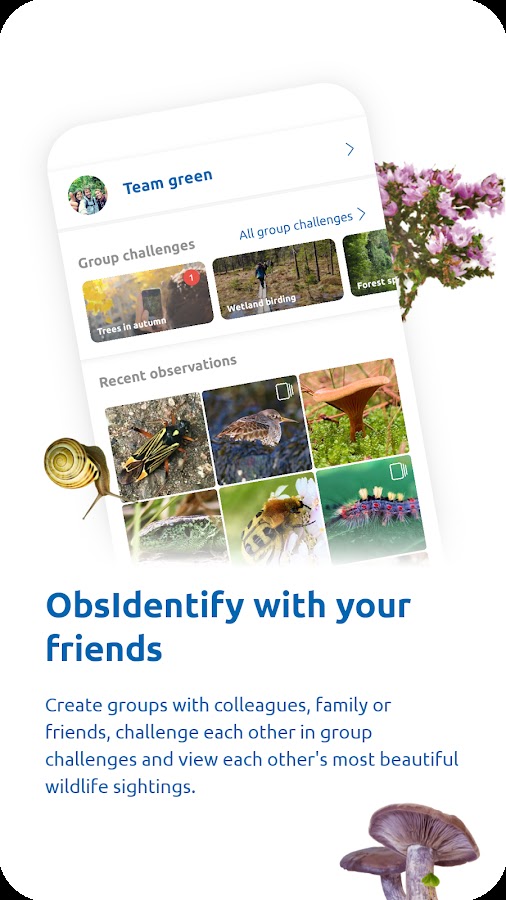
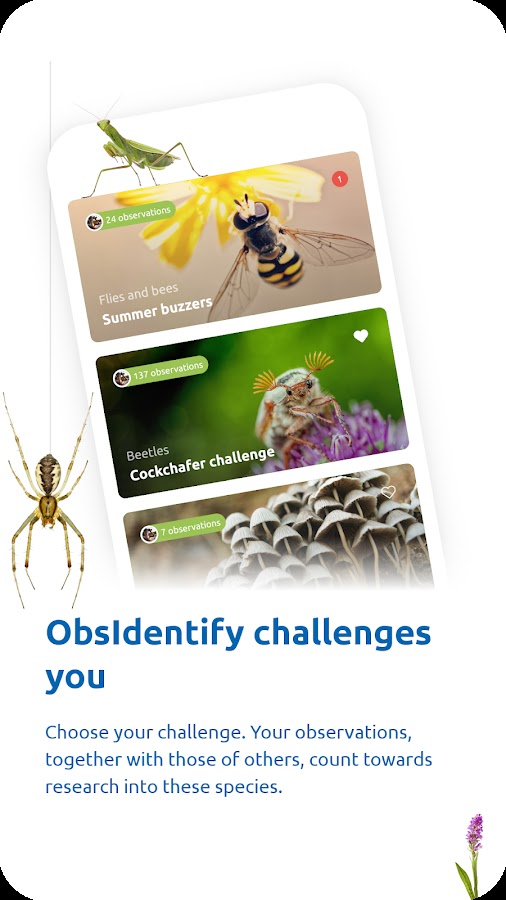

Choose ObsIdentify for a wild plant you photographed in one of its supported regions. Its geographic focus makes it a good fit for a trail or roadside find there. For houseplants and garden cultivars, start with a general plant scanner such as PictureThis or PlantSnap.
6. PlantSnap — photo ID for flowers and ornamentals
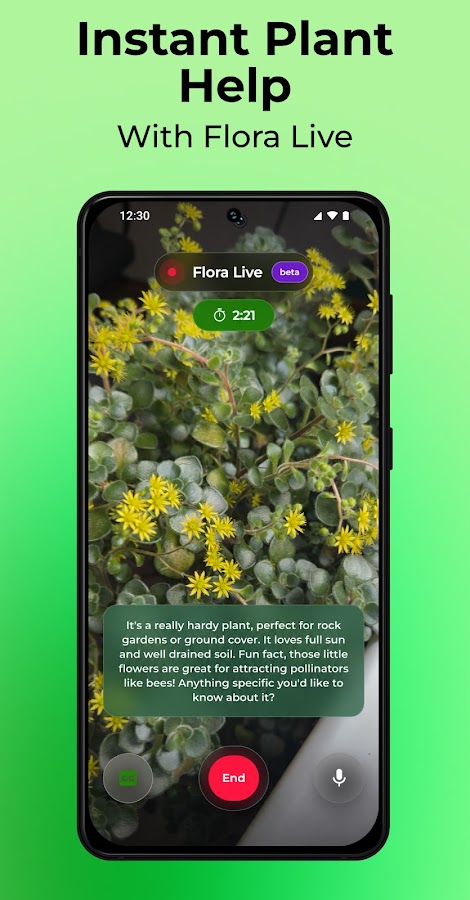
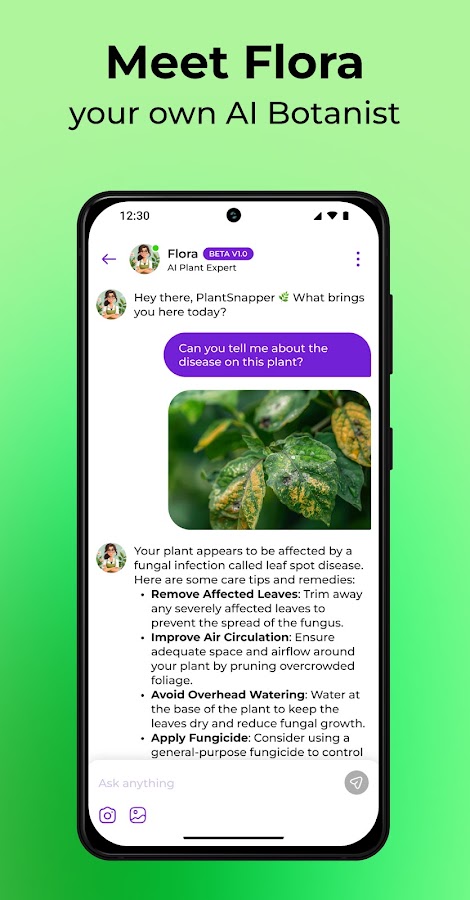
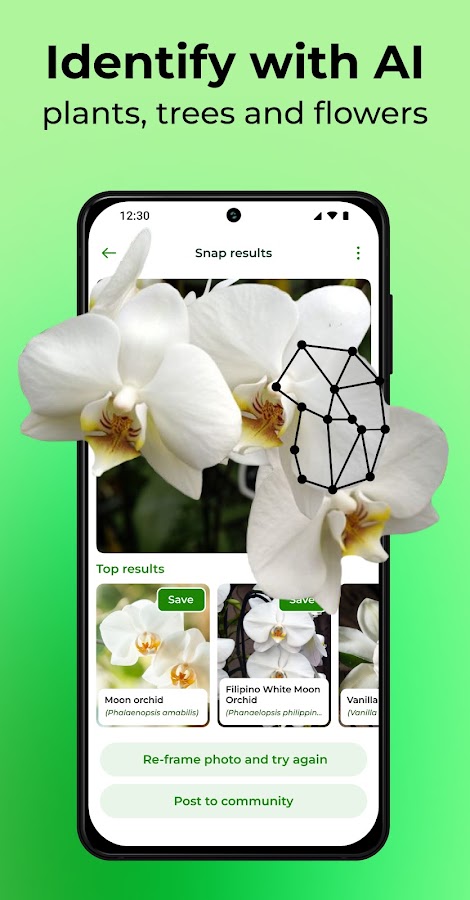
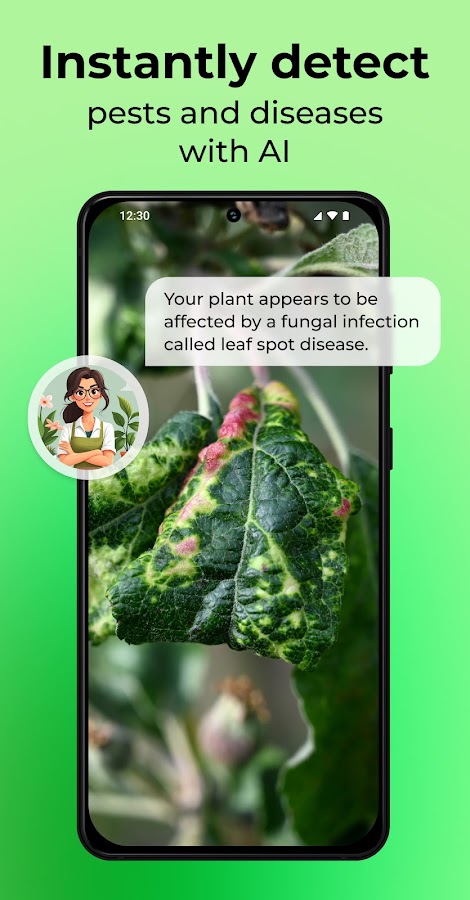

PlantSnap handles subjects such as flowers, cacti, and succulents. Use a clear photo of one plant at a time. For a succulent, a shot from above can show the leaf arrangement, while a side view can show traits such as leaf thickness and whether the plant grows on a stem.
Plant ID apps for houseplants and gardens
7. PictureThis — identify a plant and look up its care
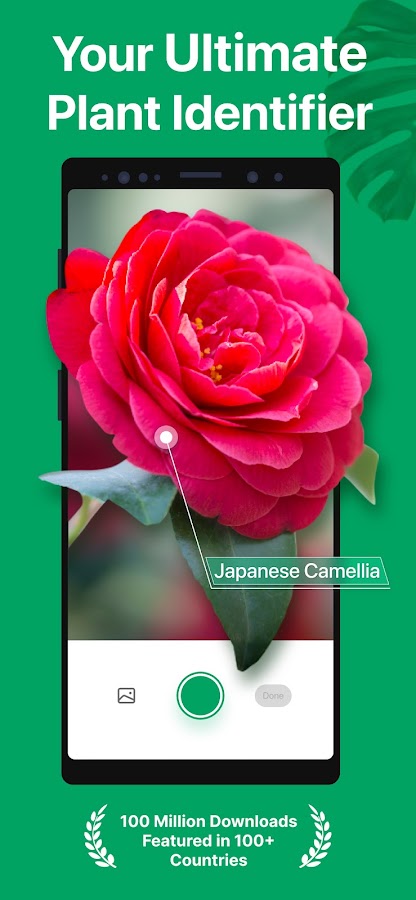
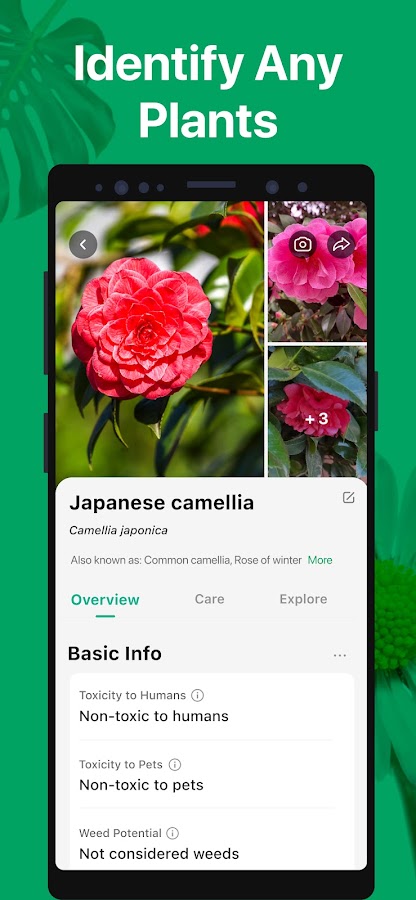
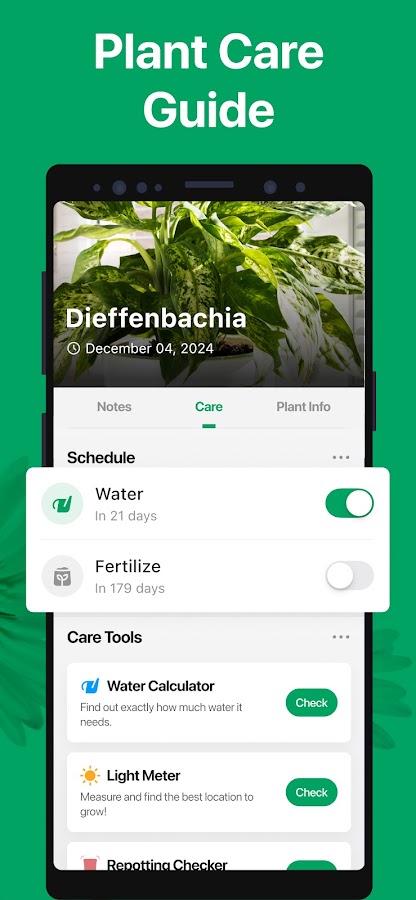
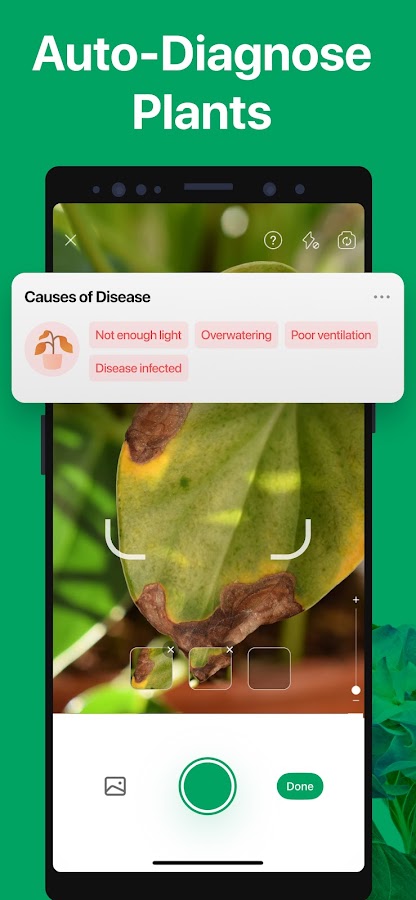
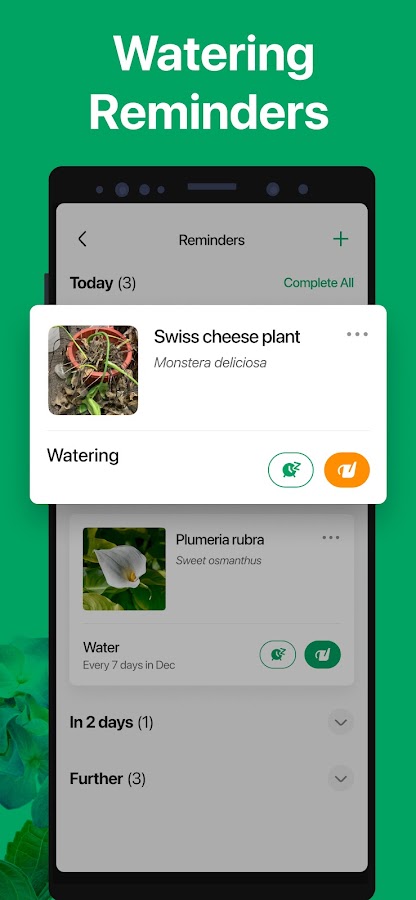

PictureThis brings the plant name and care information into one workflow. It’s useful for a nursery purchase with a vague tag such as “tropical foliage.” Compare the suggested plant’s growth habit and leaf shape with yours before basing a care routine on the match.
8. LeafSnap — identify leaves, flowers, and trees
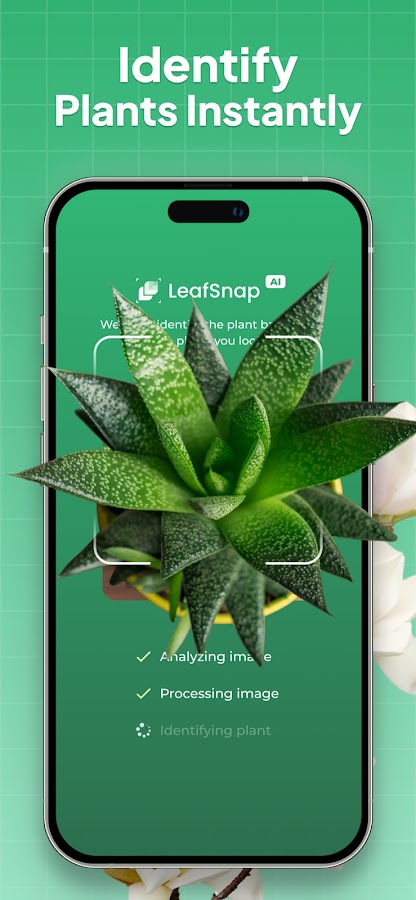
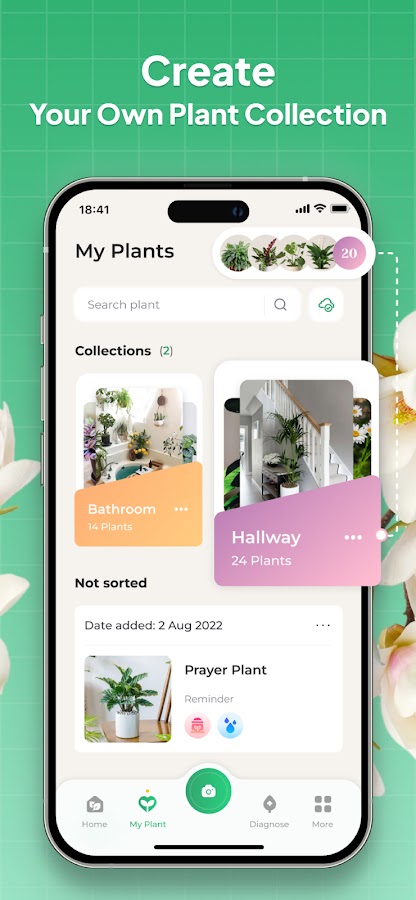
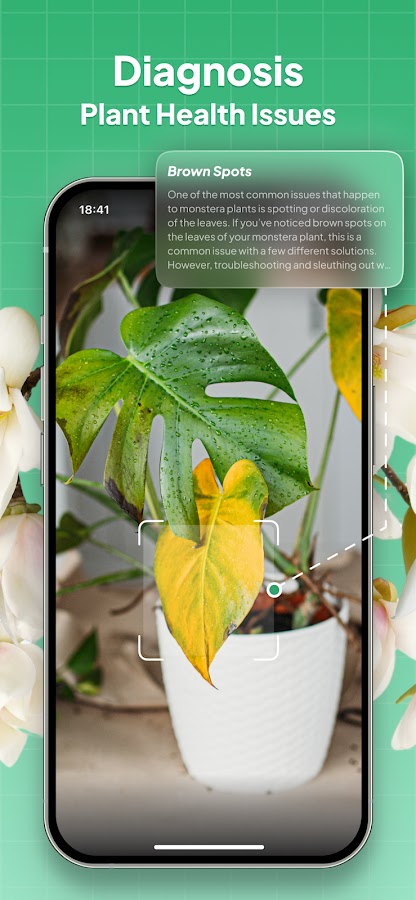
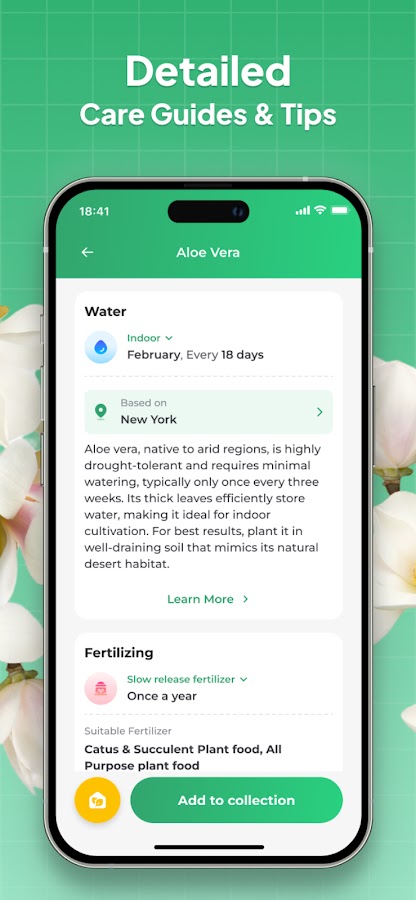


LeafSnap is useful for a yard with several unidentified plants. For a tree, photograph a leaf while it’s still attached so the app can see how it sits on the twig. A separate shot of the whole tree, bark, or fruit gives you more to compare if several results have similar leaves.
9. PlantIn — turn an identification into a care plan
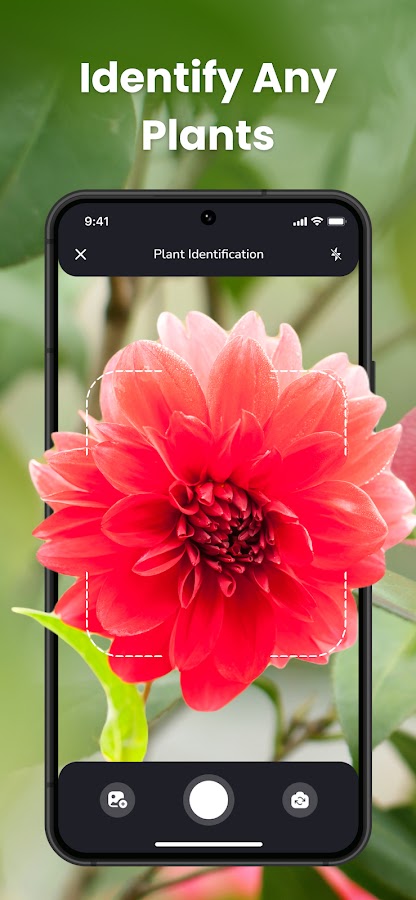
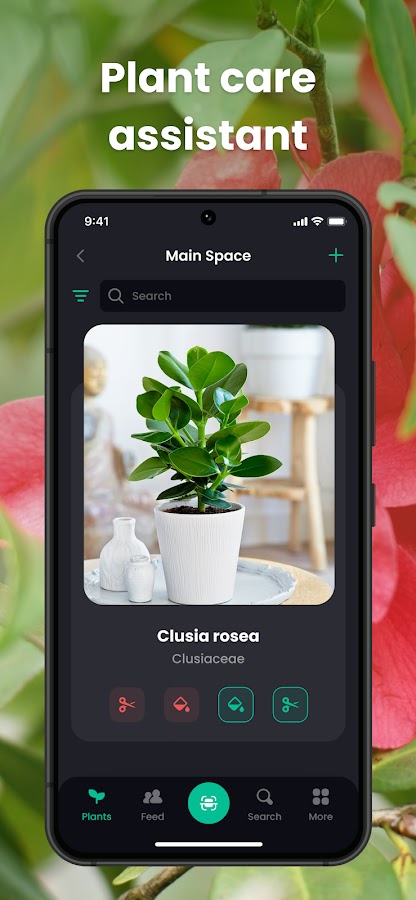
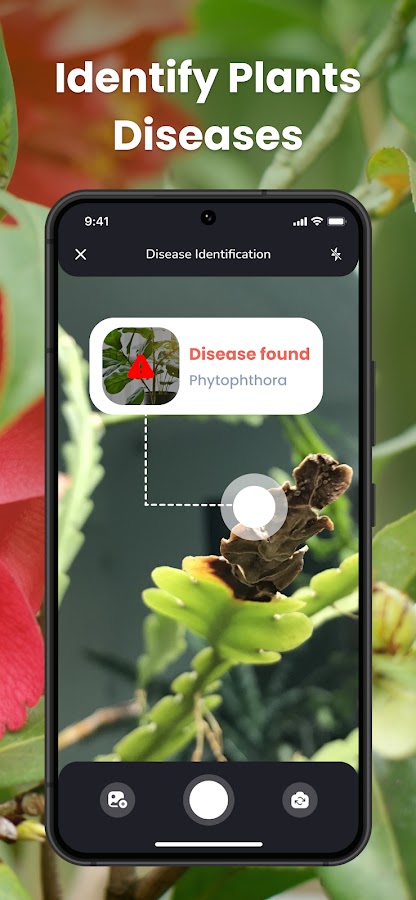
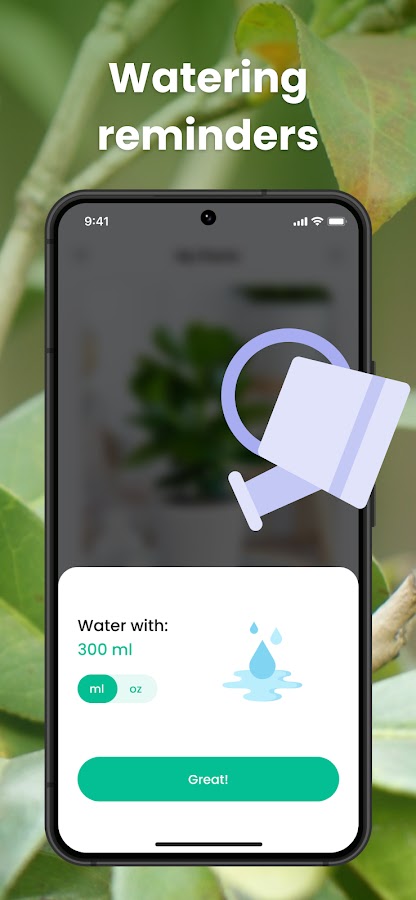
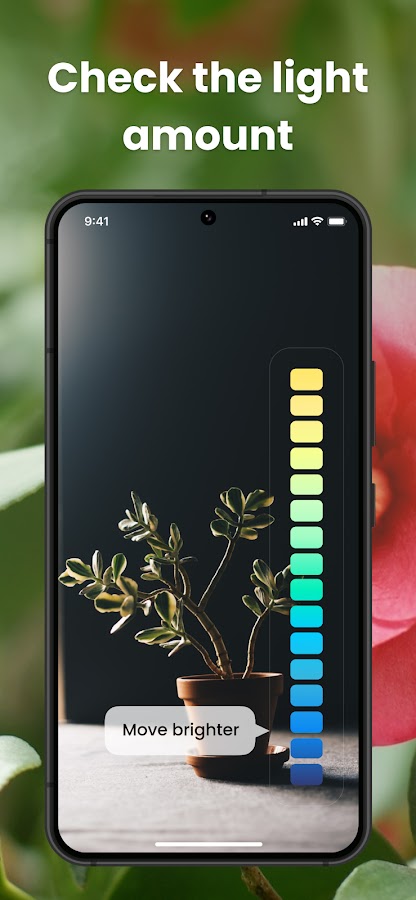

PlantIn combines photo identification with care schedules and reminders. It’s a practical choice when you’re naming several houseplants and want to keep their routines in one place. Use a watering notification as a reminder to check the soil, since pots in different rooms can dry at different rates.
10. Plantum — identify plants and track changes over time
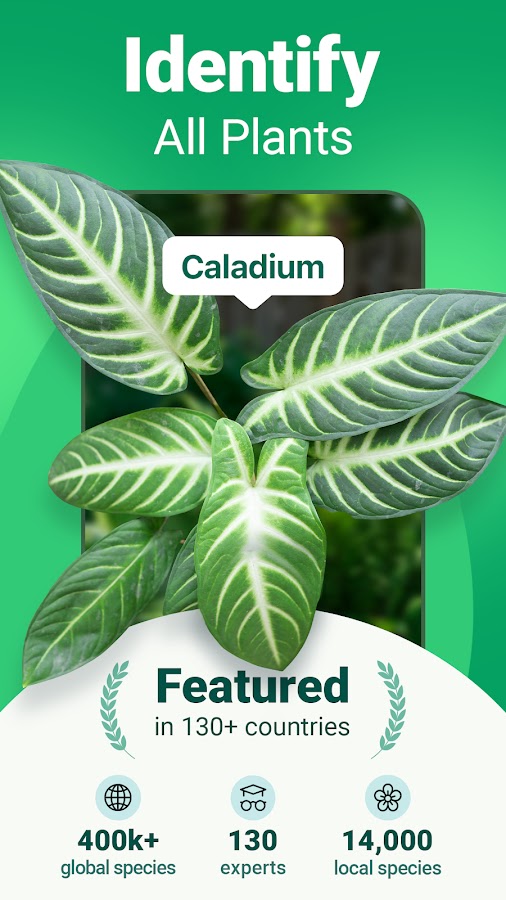
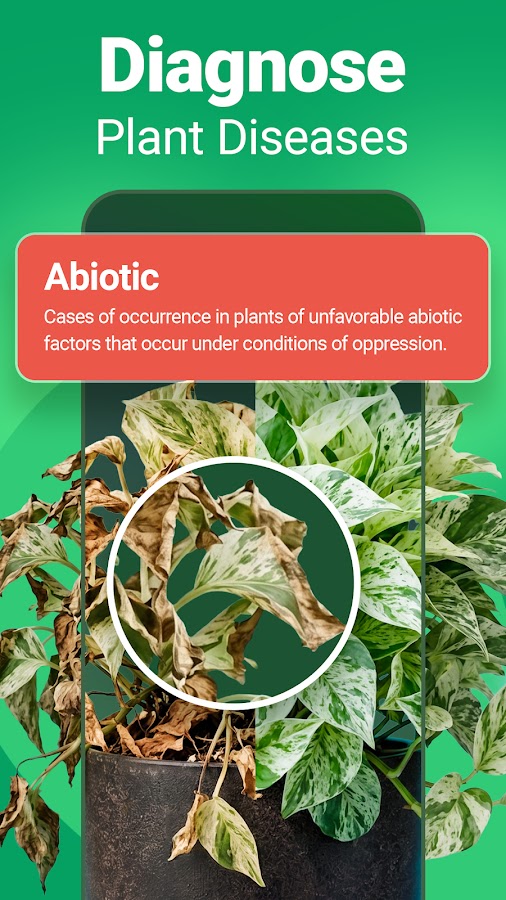
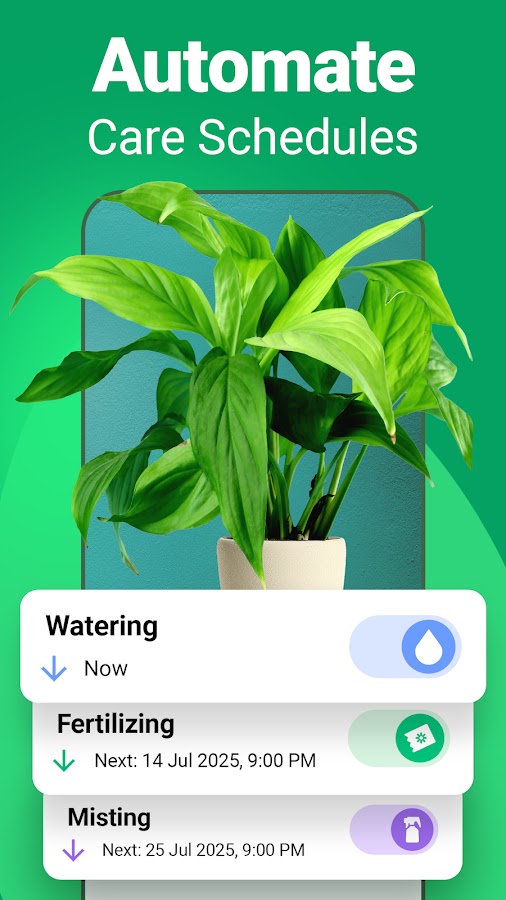
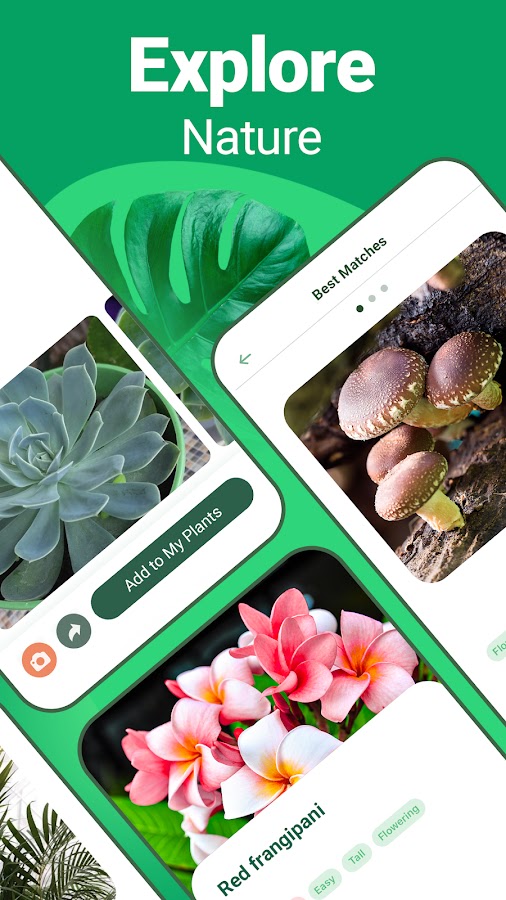
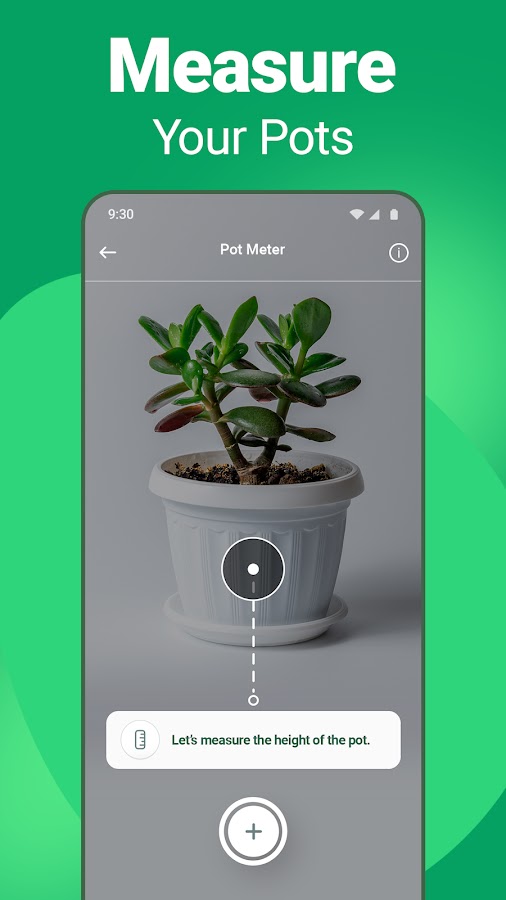
Plantum combines a photo scanner, care profiles, and a plant diary. Use the scanner to put a name to an unlabeled plant, then keep dated photos as it grows. Taking each photo from the same angle makes changes in leaf size or growth easier to compare.
11. Blossom — identify a plant from your camera roll
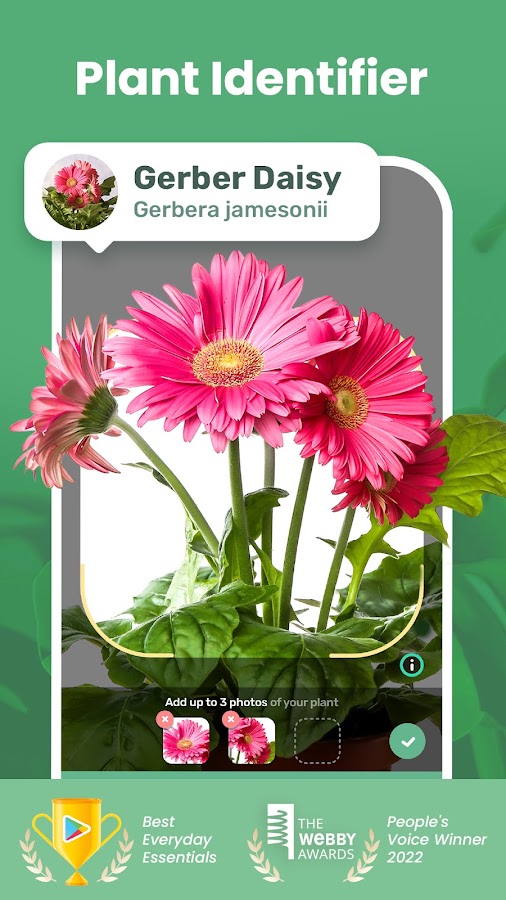
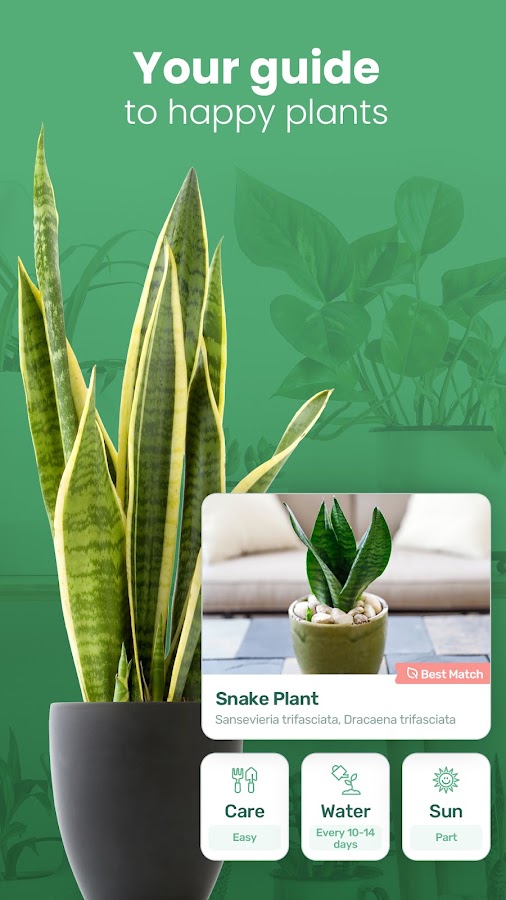
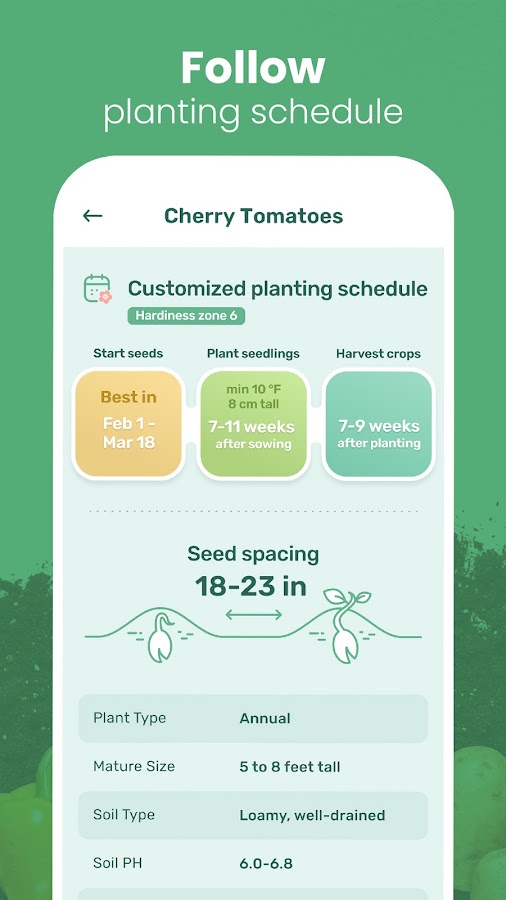
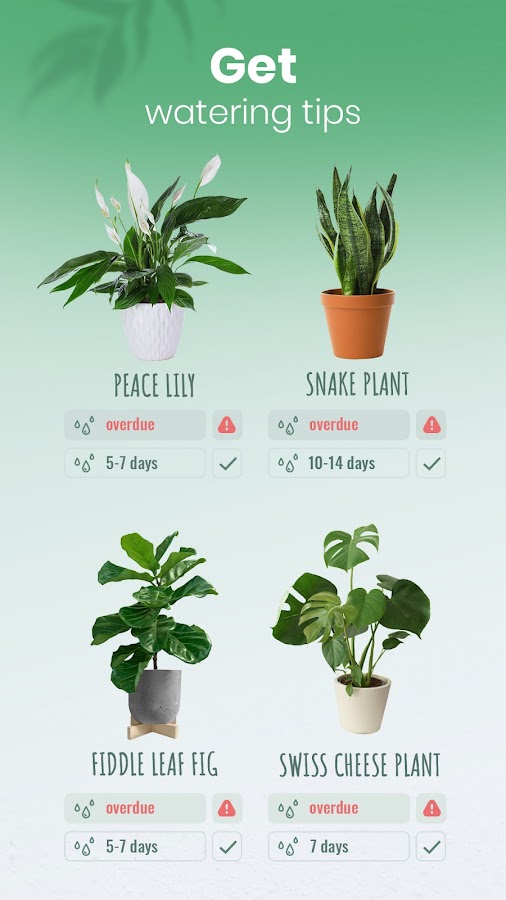
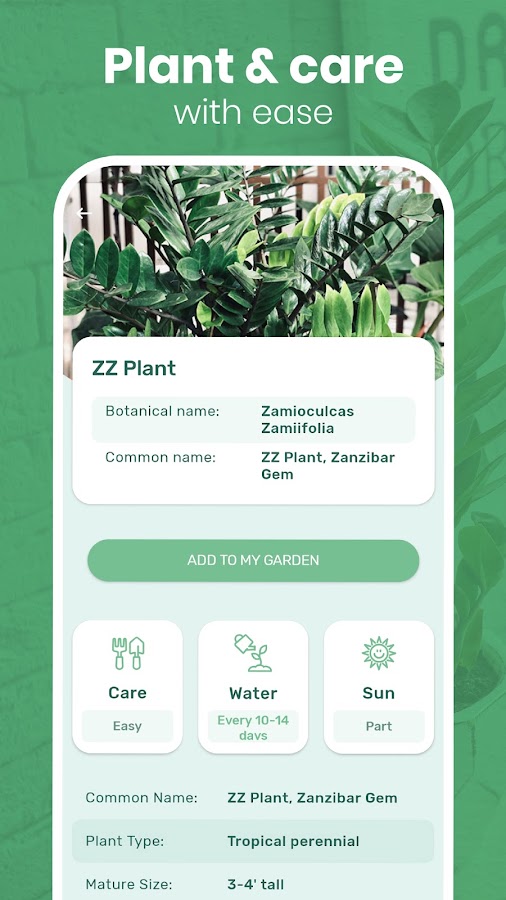

Blossom accepts a new photo or an existing image. It’s handy if you photographed a flower at a garden center or found an old photo of a plant you’d like to grow. Crop out other plants before uploading, while keeping the full flower and enough of the stem or leaves to show how they connect.
12. Plant Parent — identify a houseplant and set up reminders
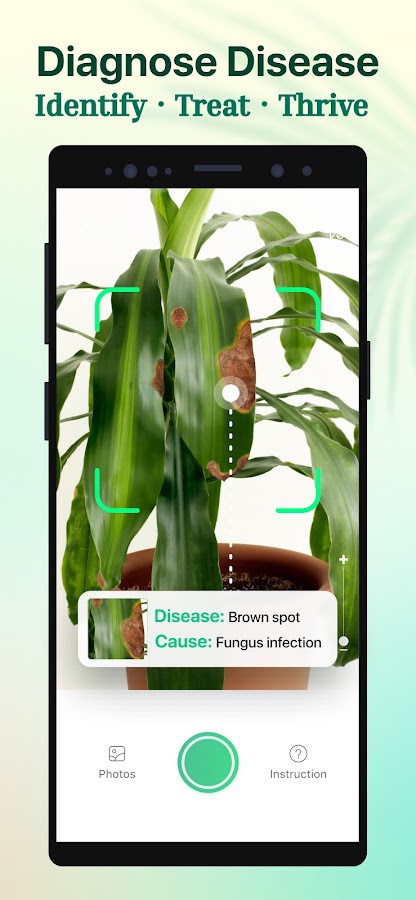
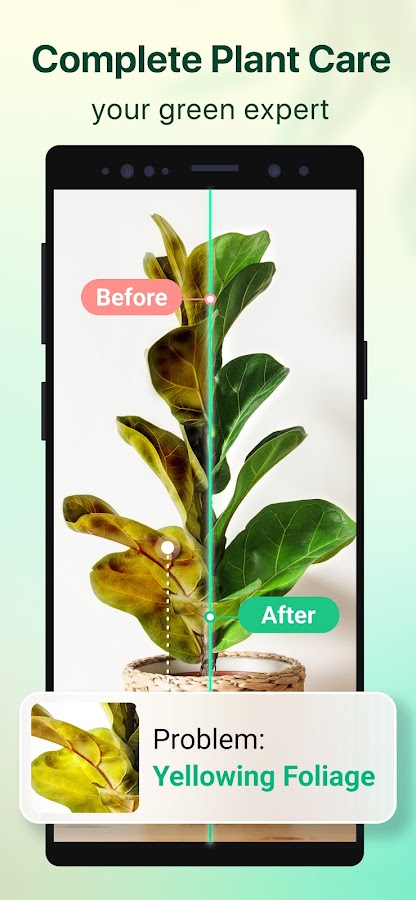
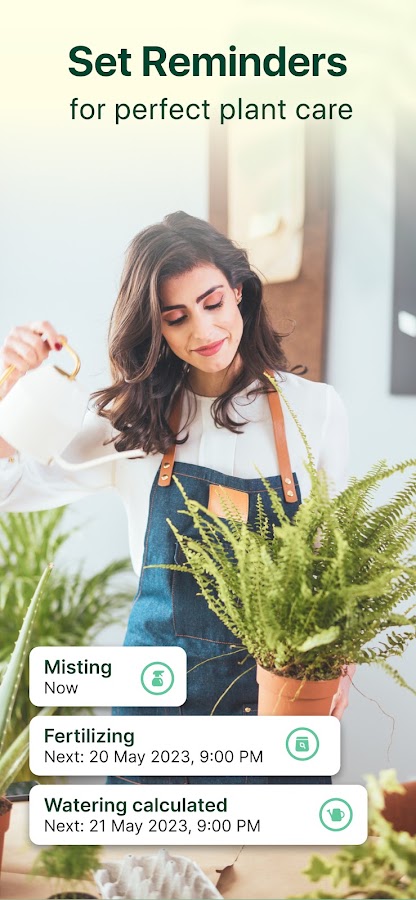
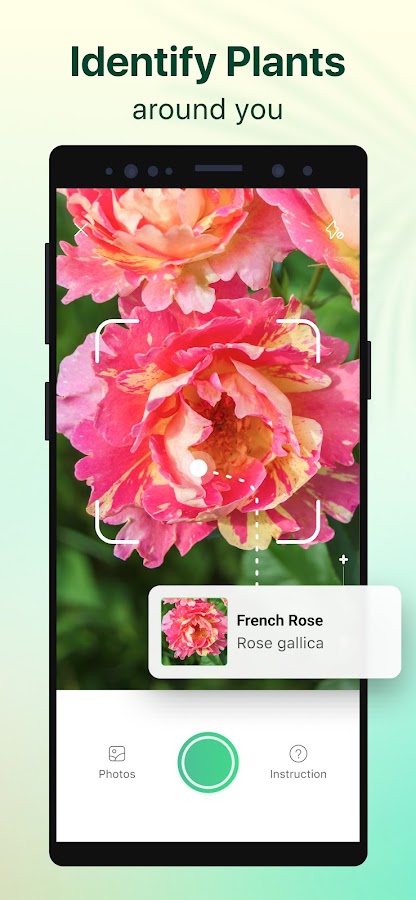
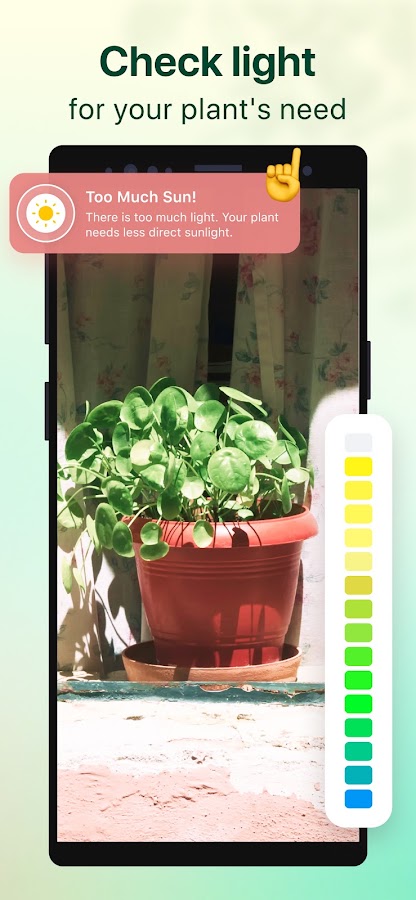

Use Plant Parent to identify a plant and organize recurring care tasks. It also offers a light meter. If you’ve moved a plant to another room, check the light where its leaves actually sit and compare the readings at the same time of day.
13. Planta — organize a mixed indoor collection
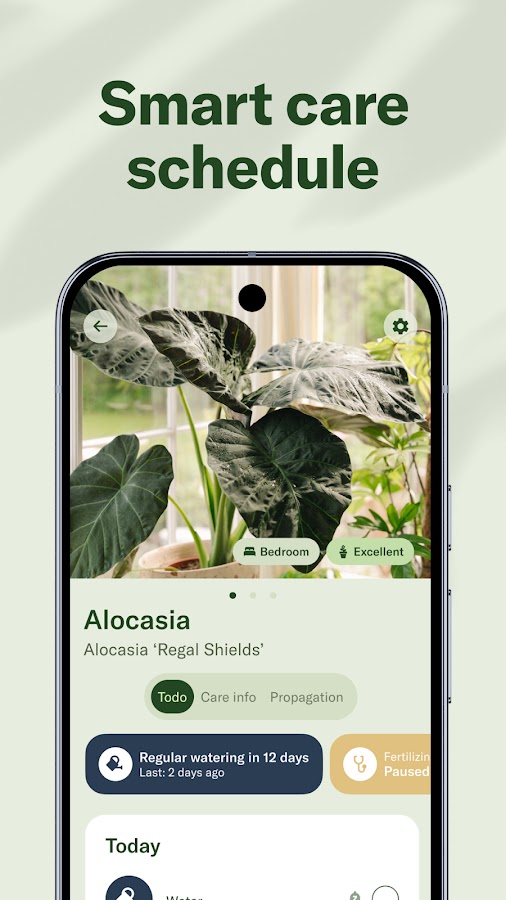
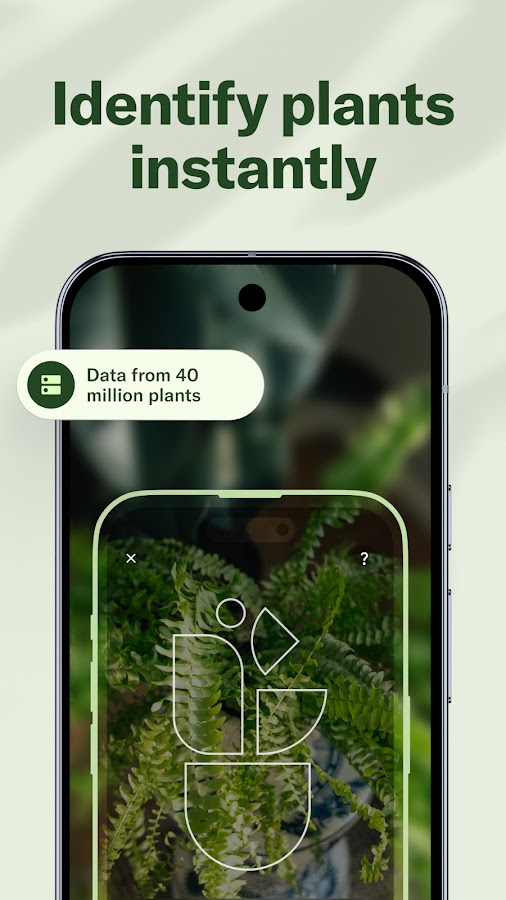
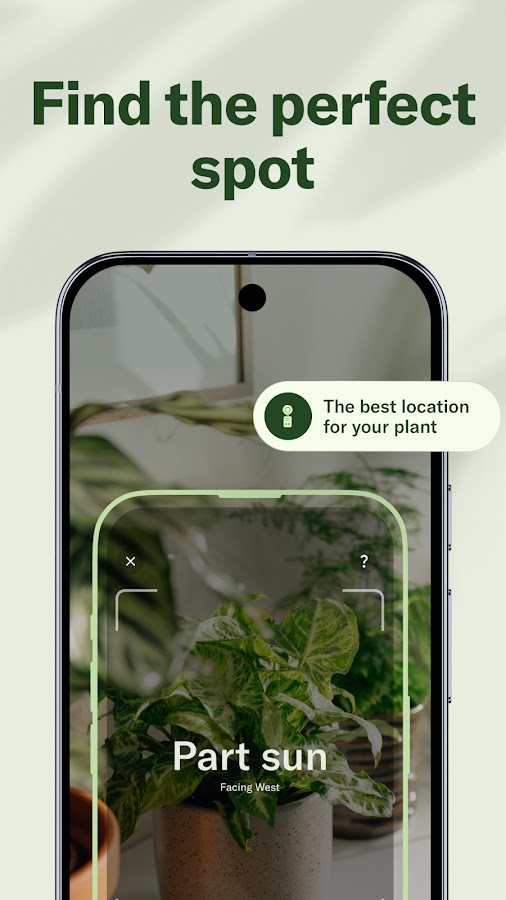
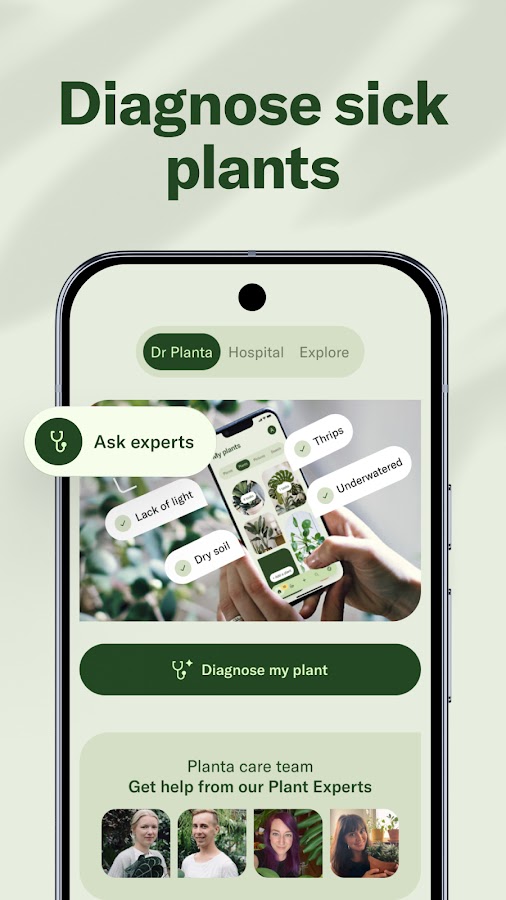

Planta pairs photo identification with room-based organization and care schedules. It makes sense if you’re building a collection and want to keep track of plants across several rooms. Start by identifying and adding each plant, then review its reminders after you change its location or pot.
14. PlantApp — look up flowers, weeds, and trees
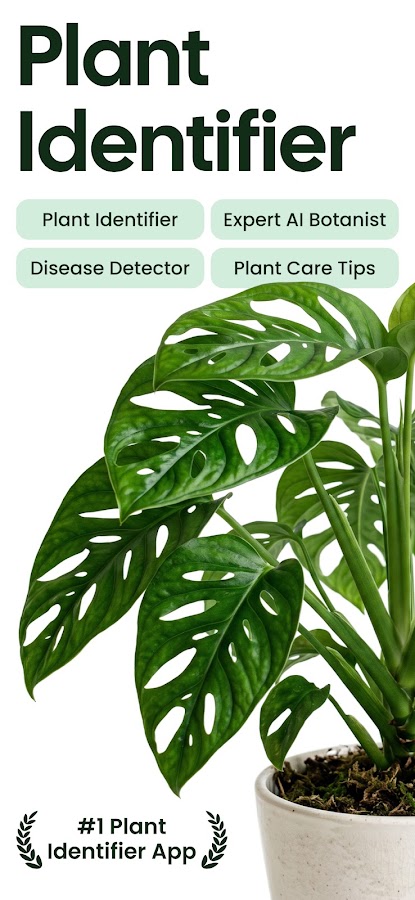
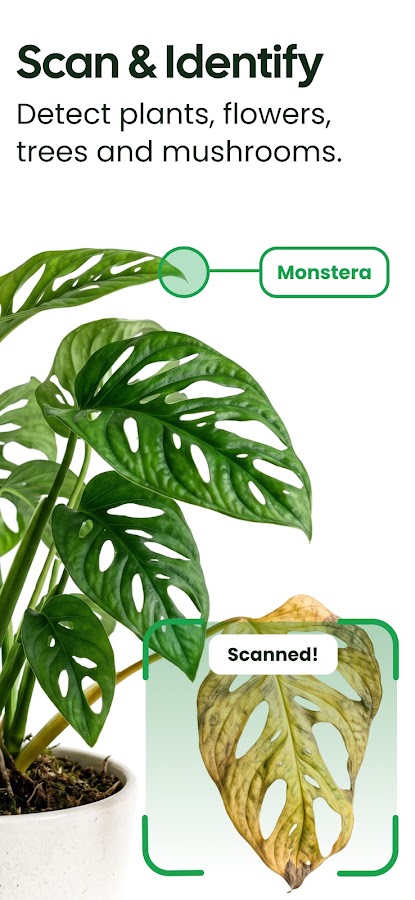
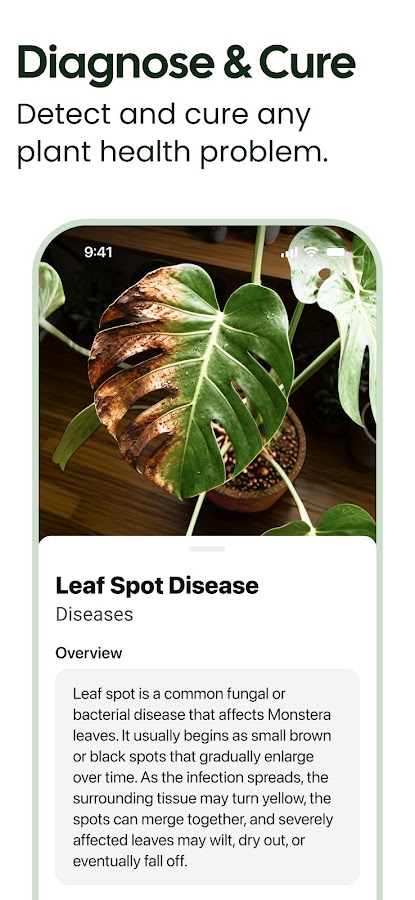
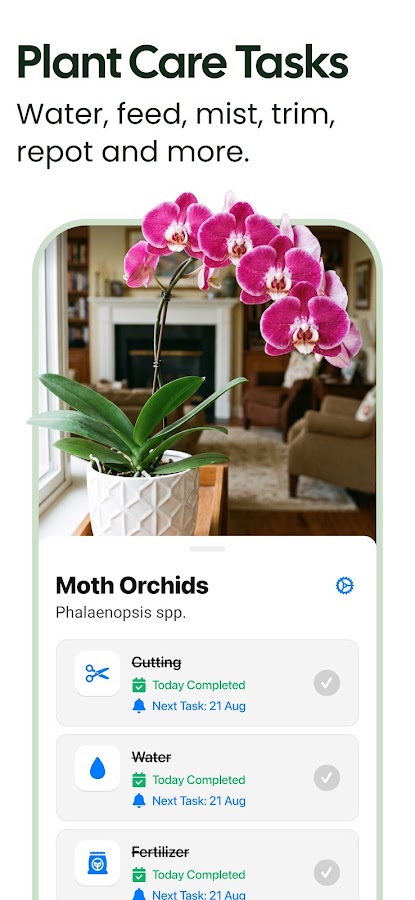
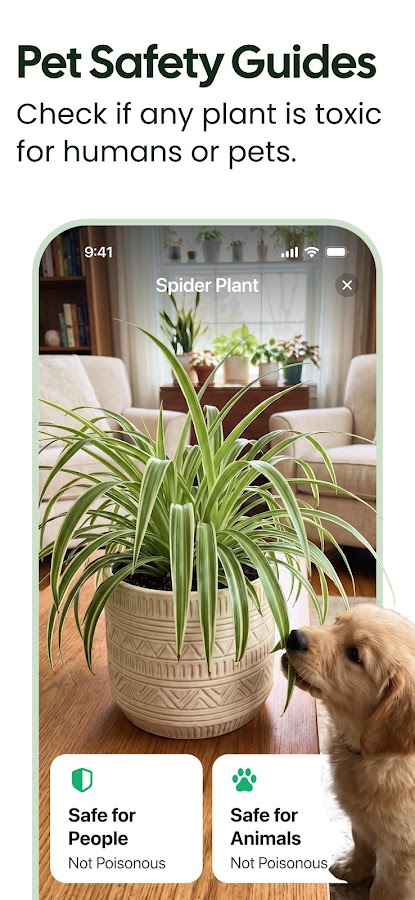

PlantApp, listed as Plant App in the stores, accepts photos from the camera or gallery. It’s useful when you come home with several photos and want to look up each plant in turn. If the image shows a crowded flower bed, crop it around the specimen you want to identify.
15. Google Lens — search the web using a plant photo



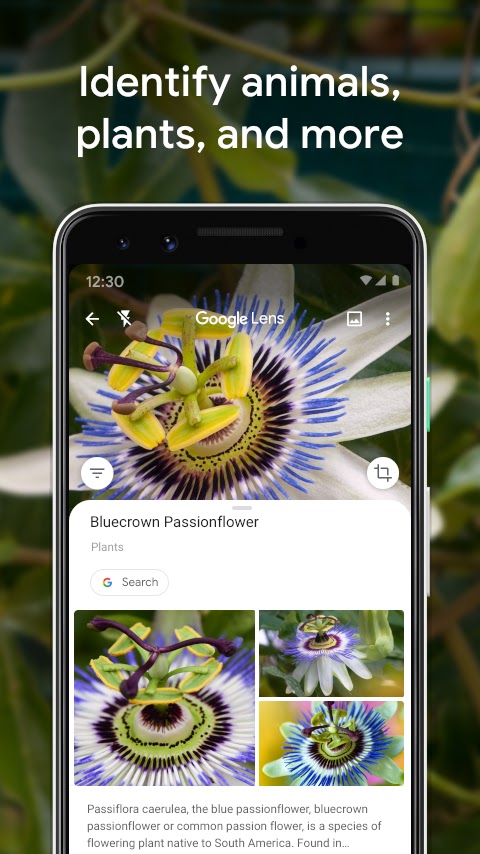


Open Lens on Android or access it through the Google app or Google Photos on iPhone. Select the plant in the image to find similar photos and related pages. Results can include shops as well as botanical references. When checking an ID, look for a regional flora, botanical garden, or university page that describes the plant’s distinguishing features.
How to identify a plant from a photo
- Start with the whole plant. Include its growth habit and frame one specimen at a time. For a tree, capture its silhouette if you can.
- Add a close-up of a useful feature. Photograph an open flower, fruit, or seed pod if one is visible. For leaves, show the edges, veins, and how they attach to the stem.
- Check the details behind the first match. A similar flower color can turn up several species. Compare leaf arrangement, flower shape, and whether the suggested plant occurs where you found yours.
- Keep a broader ID when the photo leaves room for doubt. If the visible traits support the genus but several species still fit, save that result and return for another photo when the plant flowers or fruits.