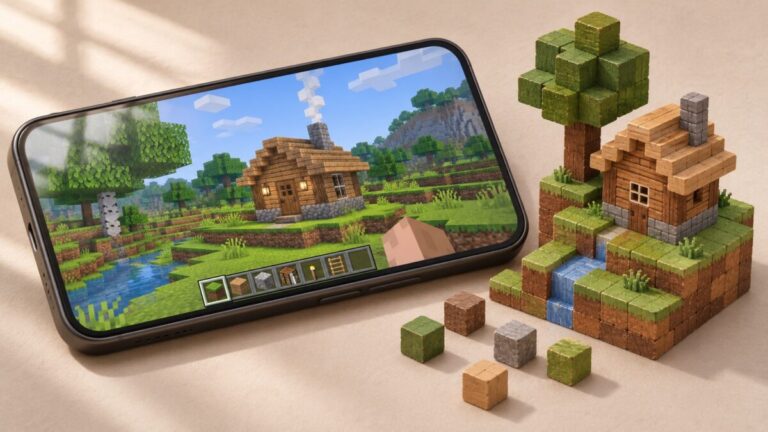
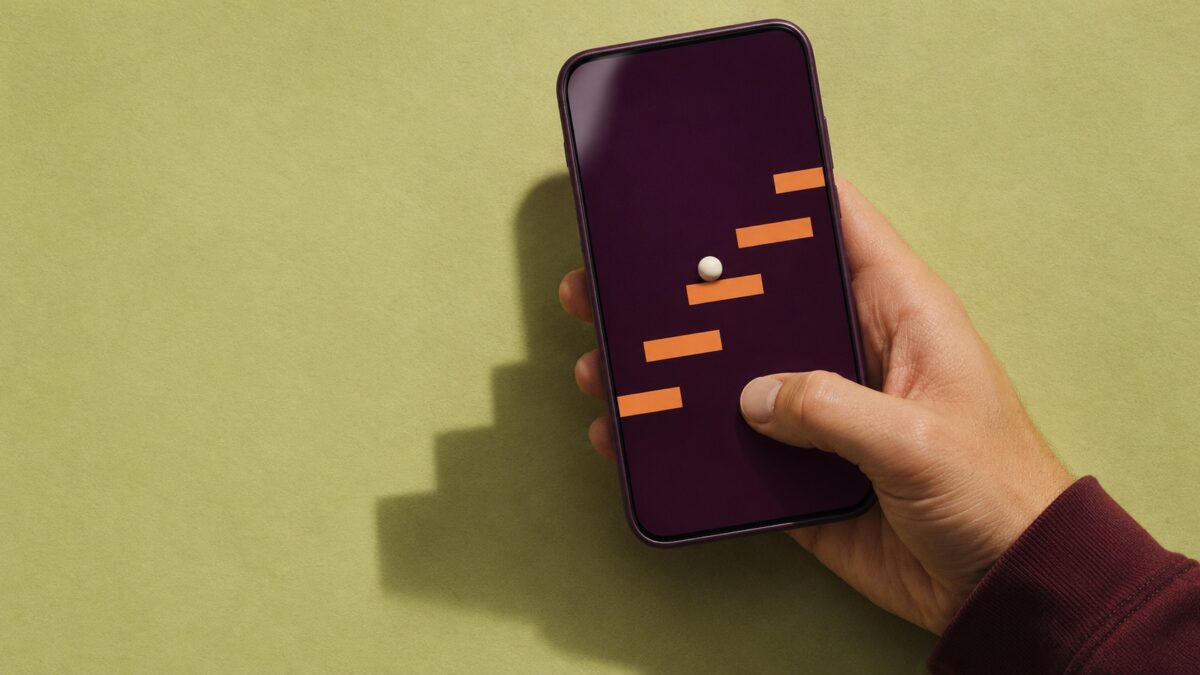
A game can run in portrait mode and still make you shift your grip every few seconds. The best one-handed mobile games let you keep a steady hold on your phone while your thumb does the work. Stack is the easiest pick for one-tap play. 2048 is better if you want time to think. Survivor.io gives you an action game with one movement control and automatic attacks.
These 20 picks use taps, swipes, or drags for their main gameplay. The table shows which games you can leave alone between moves and which demand quick reactions. Store titles can differ between Android and iPhone. The Android pick for 2048 is Androbaby’s edition, and the iPhone pick is 2048 by Gabriele Cirulli.
One-handed mobile games at a glance
| Game | Main thumb control | Good fit if you want… |
| Subway Surfers | Quick directional swipes | A fast endless run |
| Crossy Road | Tap to advance, swipe to move sideways or back | Short rounds with brief waits |
| Tomb of the Mask | Swipe in four directions | Fast maze navigation |
| Leap Day | Tap to jump and double-jump | A platformer with one-button controls |
| Stack | Tap to drop a slab | Minimal finger movement |
| Helix Jump | Drag sideways to rotate the tower | Continuous steering with one thumb |
| Color Switch | Tap repeatedly to keep the ball moving | A timing challenge |
| Orbia | Tap once per dash | Short bursts of action |
| Ballz | Drag to aim, release to fire | Time to line up each shot |
| Okay? | Swipe to set the shot angle | A ricochet puzzle without a countdown |
| 2048 | Swipe to move the tiles | An untimed number puzzle |
| 1010! | Drag shapes onto the grid | An untimed block puzzle |
| Two Dots | Trace a line through matching dots | Move-based puzzles with clear goals |
| Candy Crush Saga | Swipe to swap adjacent candies | Familiar match-three levels |
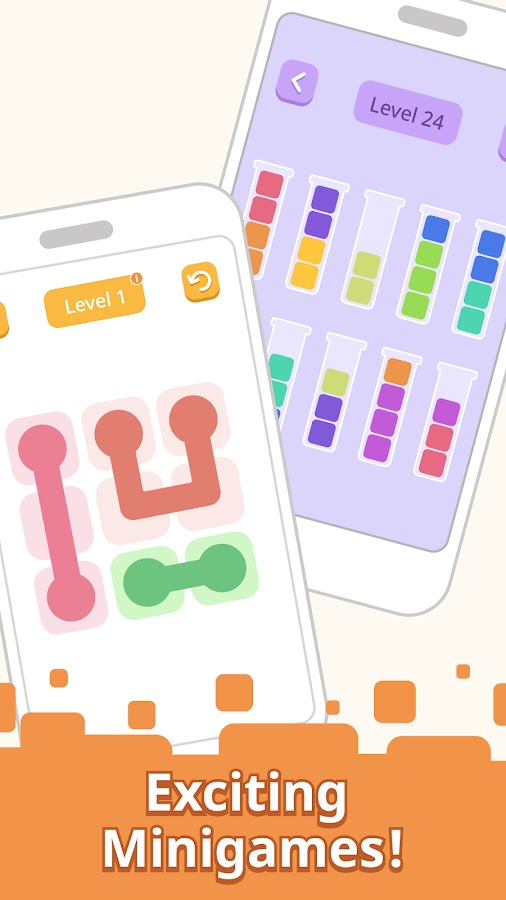
| Flow Free | Draw routes between matching dots | Logic puzzles at your own pace in Free Play |
| I Love Hue | Drag tiles into place | A quiet color puzzle |
| Survivor.io | Drag to steer, tap to choose upgrades | Action with automatic attacks |
| Archero | Drag to move, release to attack | Short rooms built around dodging |
| MARVEL SNAP | Drag cards, tap to end a turn | Competitive play with time to plan |
| Clash Royale | Drag or tap to deploy cards | Real-time battles that reward fast placement |
Best one-handed arcade games and runners
Subway Surfers — best for quick swipes


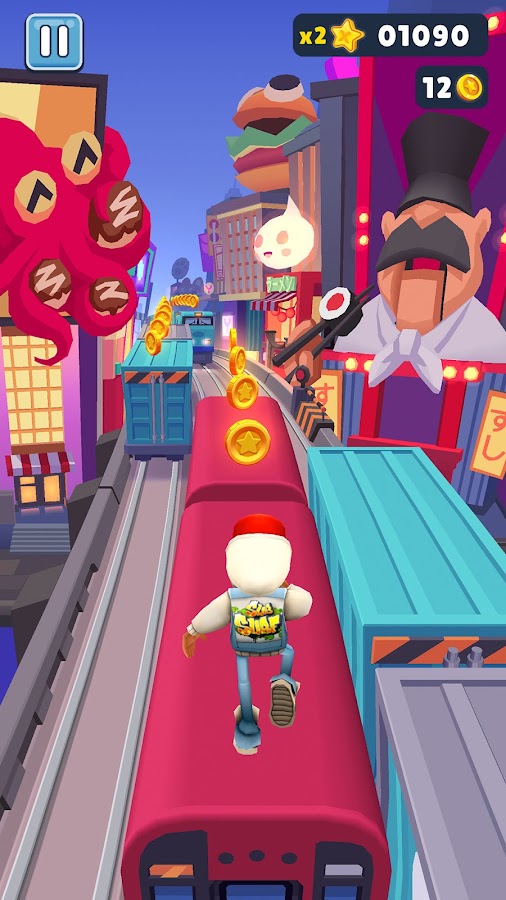
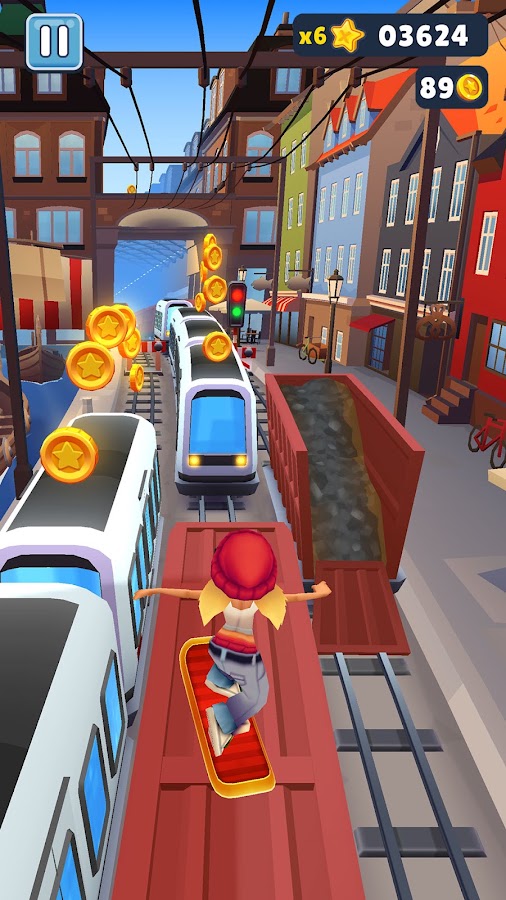
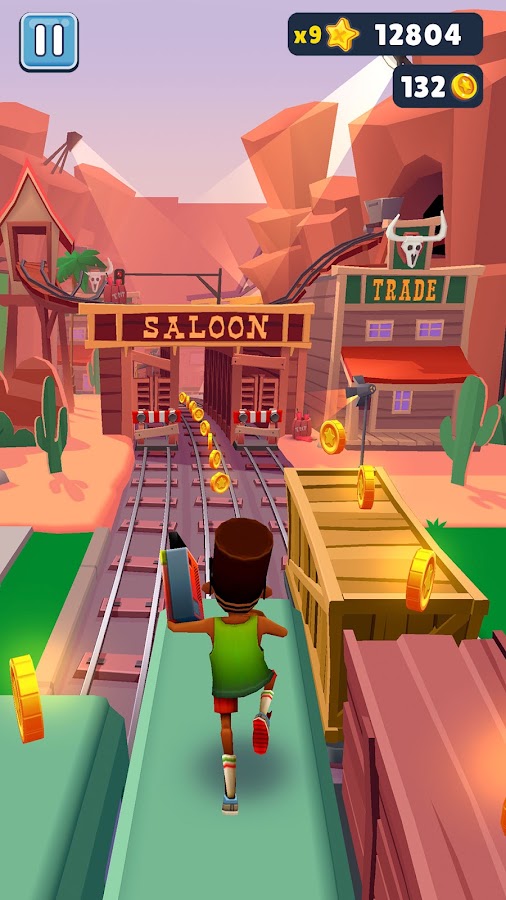
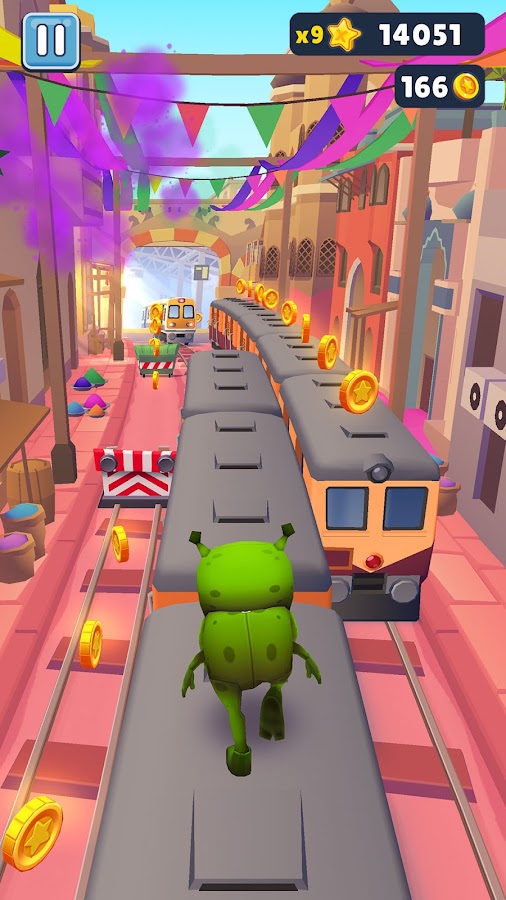

Swipe sideways to switch lanes, up to jump, and down to roll. The gestures work without aiming at a specific button, so your thumb can stay near the lower half of the screen. The controls are easy to learn, but faster runs demand your full attention.
Crossy Road — best for short sessions
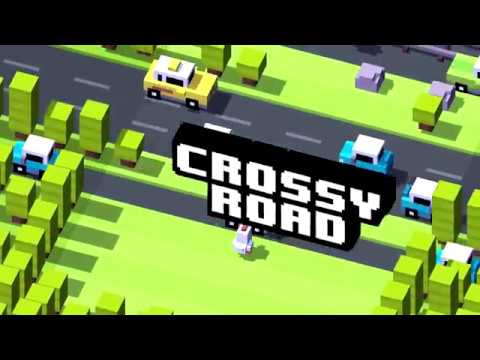
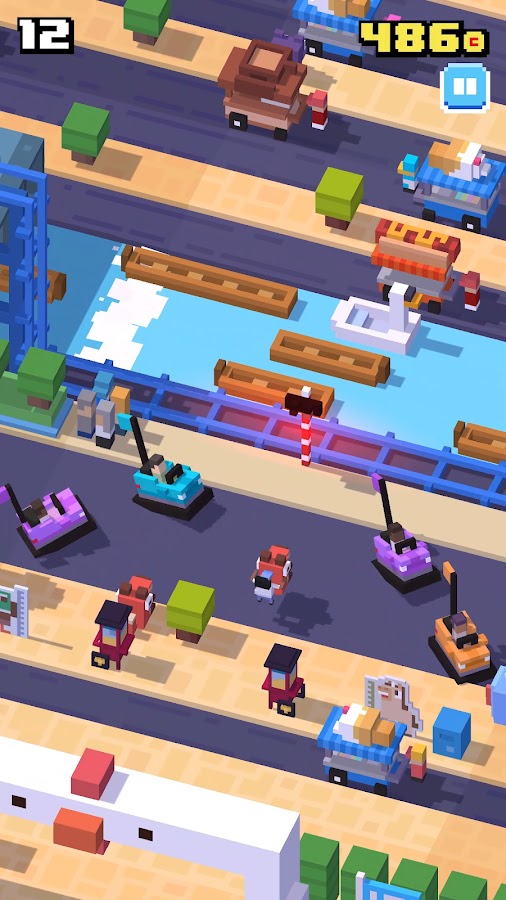
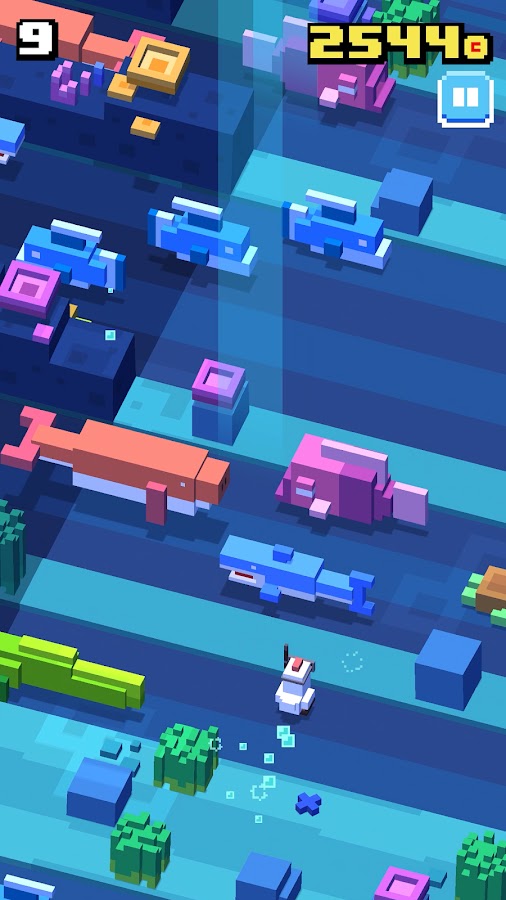
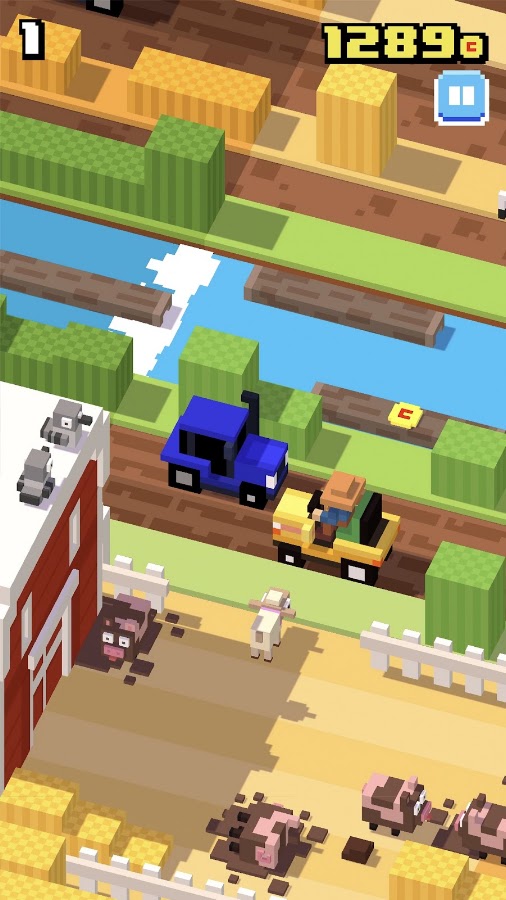
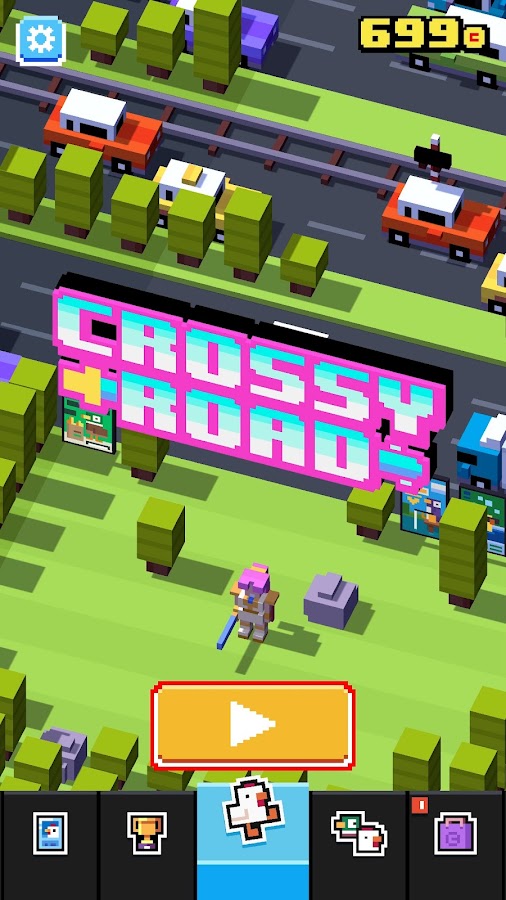
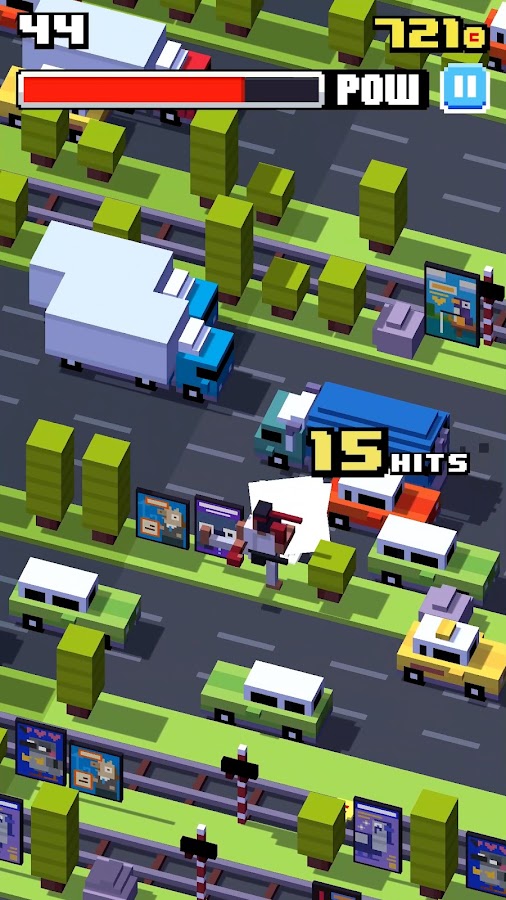
Tap to hop forward and swipe to change direction. The chicken waits while you look for a gap in traffic, though waiting too long can end the run. That small window to think makes Crossy Road easier to play one-handed than an endless runner that keeps moving on its own.
Tomb of the Mask — best for fast maze puzzles
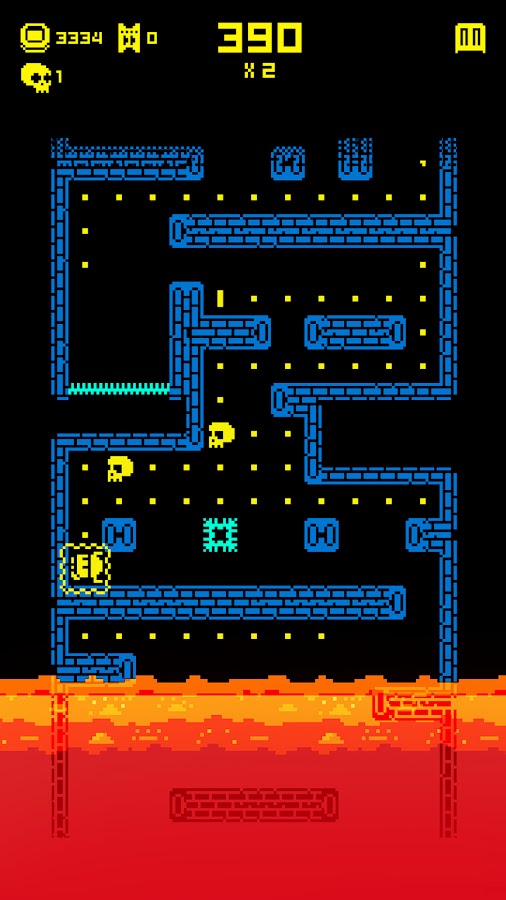
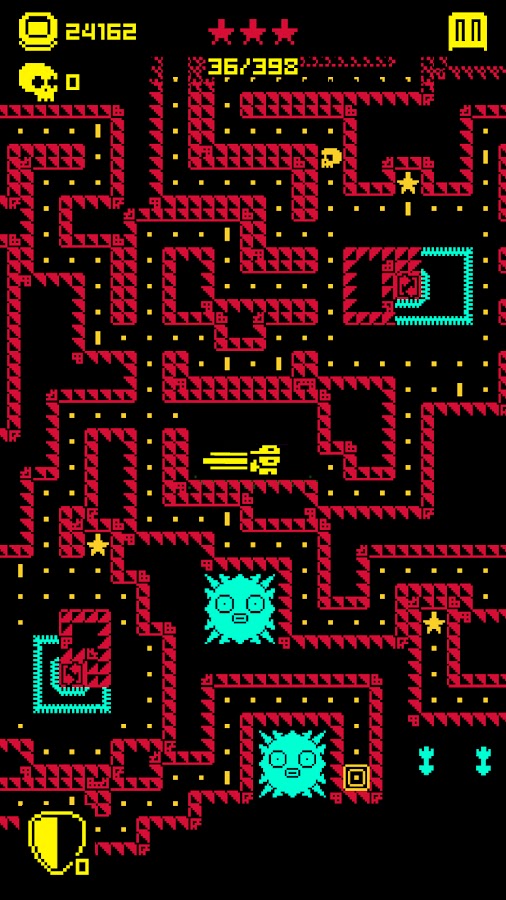
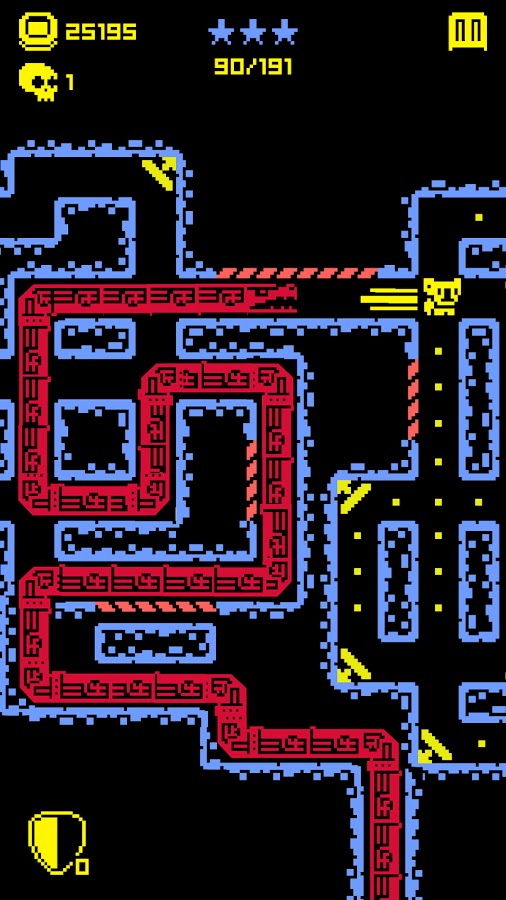
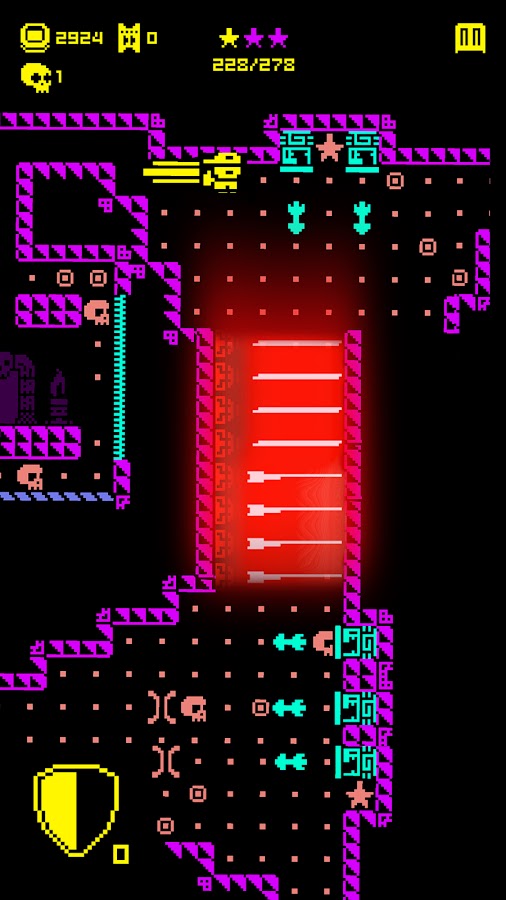
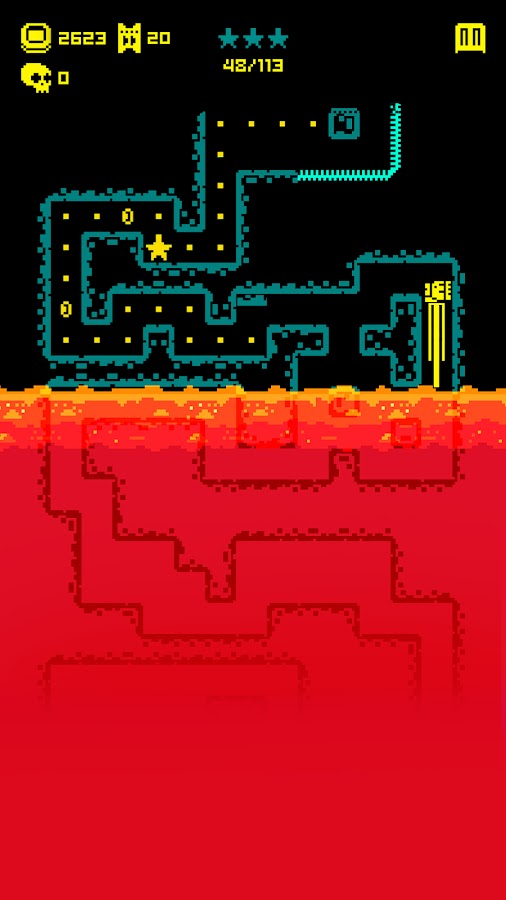
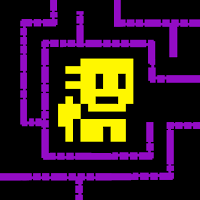
A swipe sends your character sliding until it hits a wall. The trick is to spot where the next swipe will leave you, especially when lava is rising through the maze. Search for Playgendary’s Tomb of the Mask, which may appear with a different subtitle in each store.
Leap Day — best one-button platformer

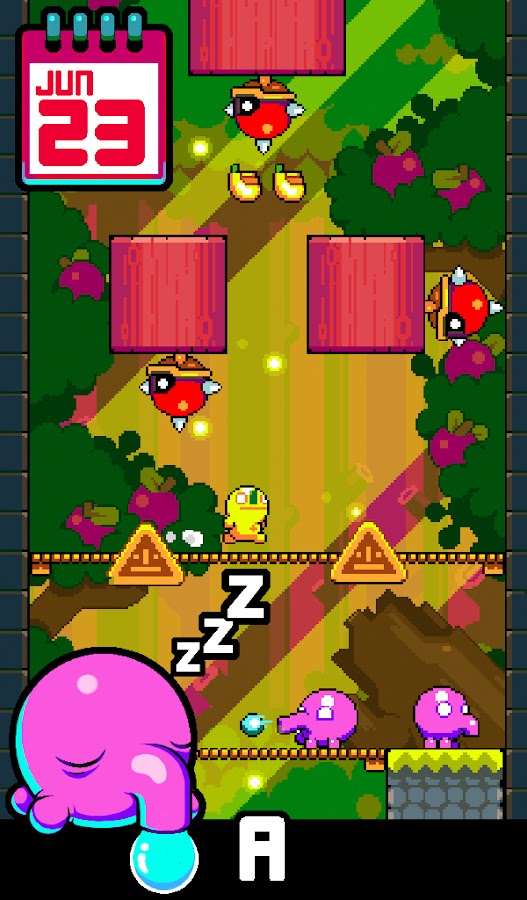
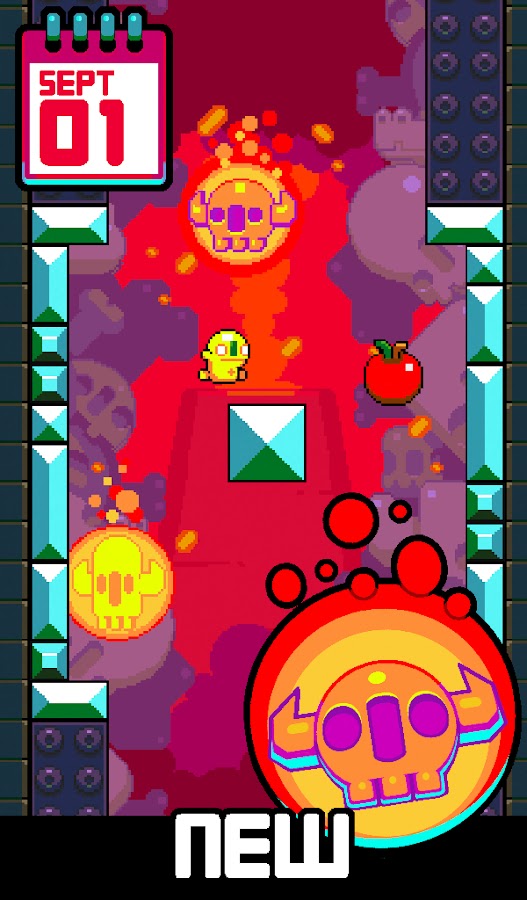
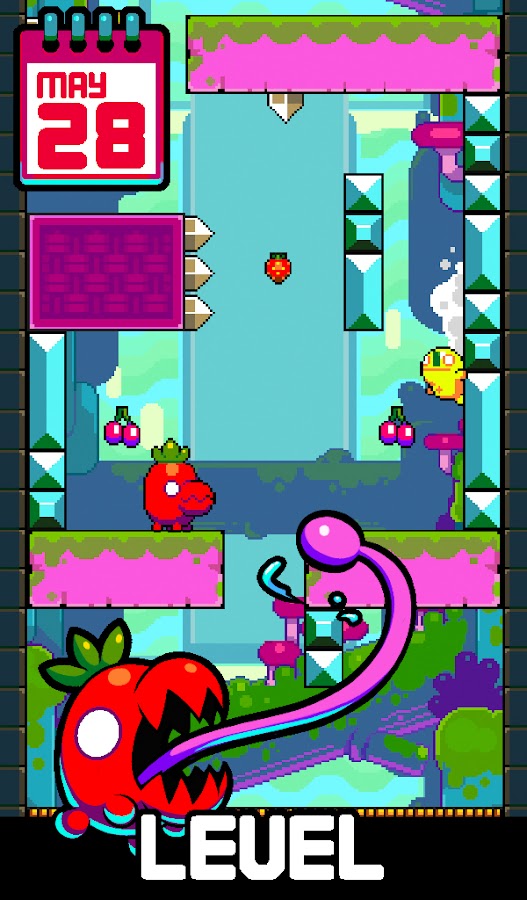
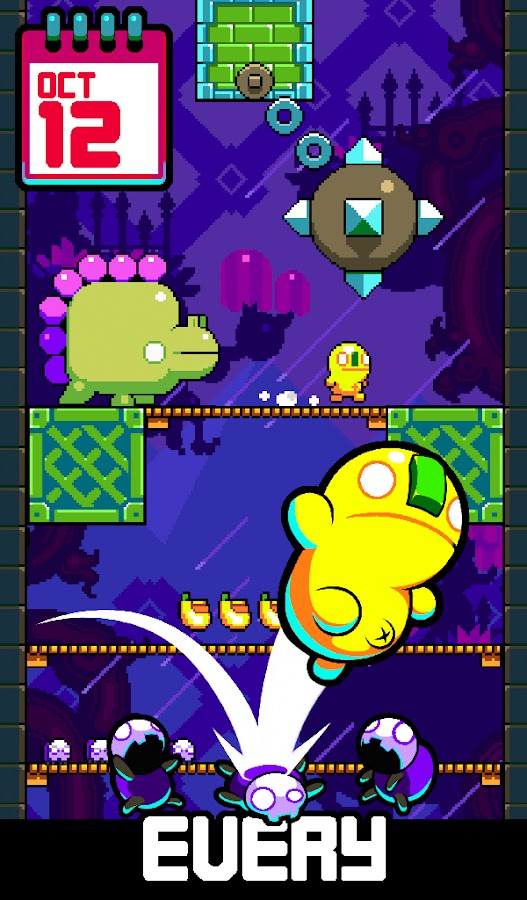
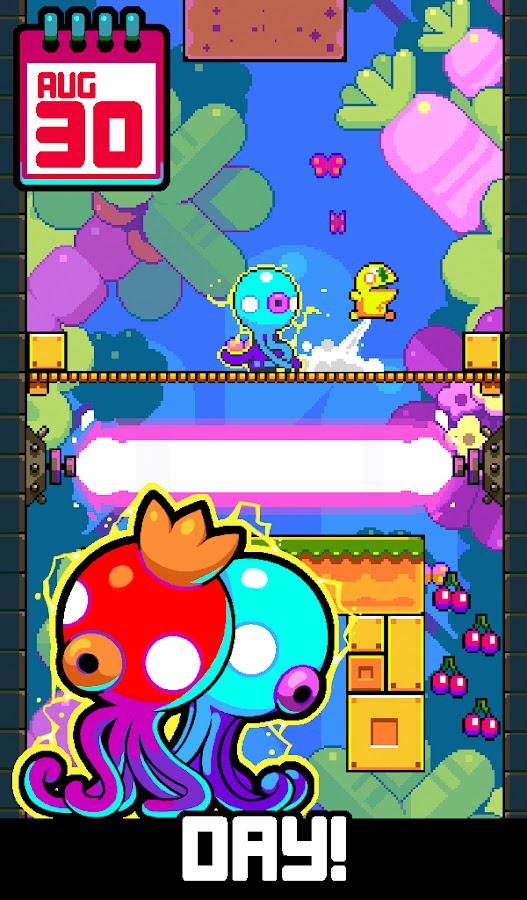
The character runs automatically. Tap to jump and tap again in midair for a double jump. Clearing a tricky section comes down to when you tap, so you can keep your grip steady even as the jumps get harder.
Stack — best for minimum thumb movement
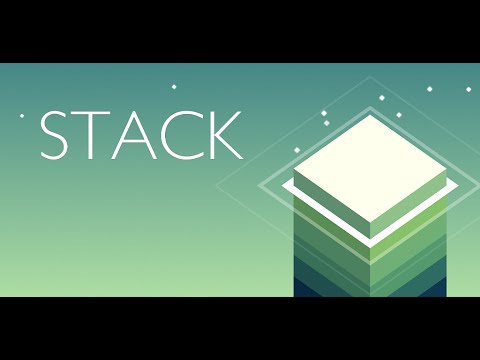
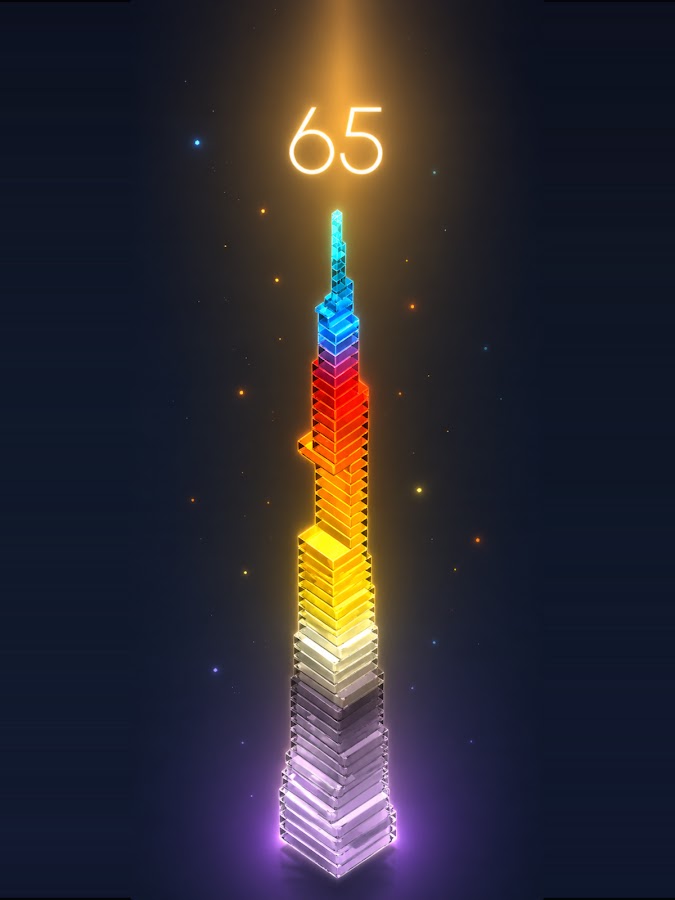
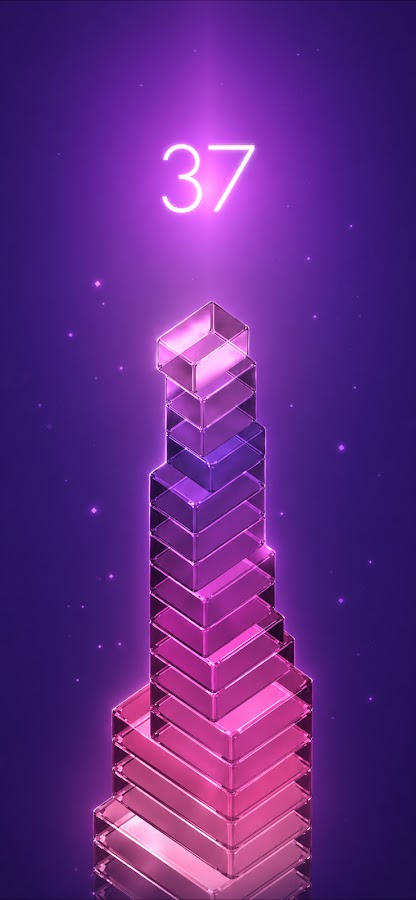
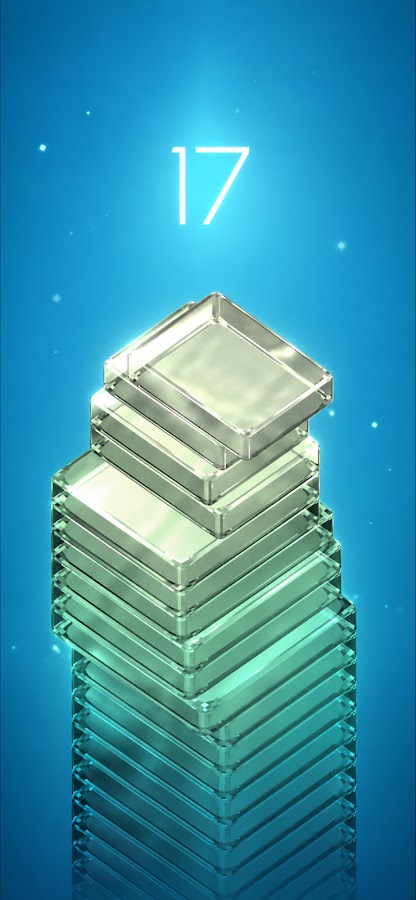
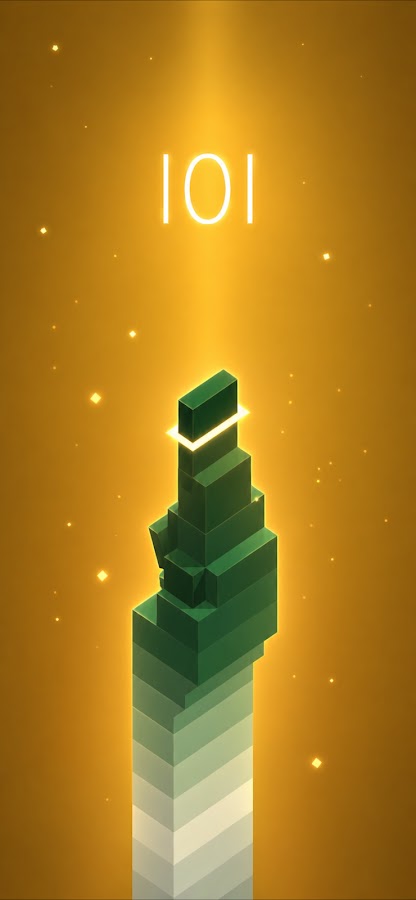
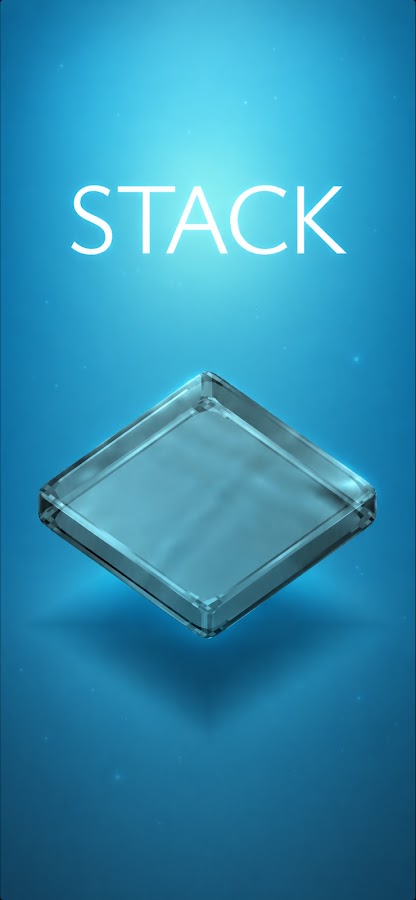

Tap when the moving slab lines up with the layer below. Any overhang gets cut away, leaving less room for the next piece. It’s a good choice for a large phone because you can keep your thumb in the same spot for the entire round.
Helix Jump — best for continuous thumb control
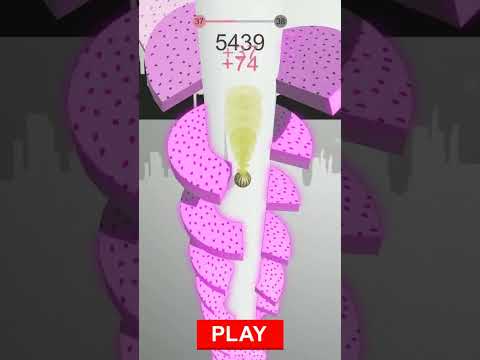
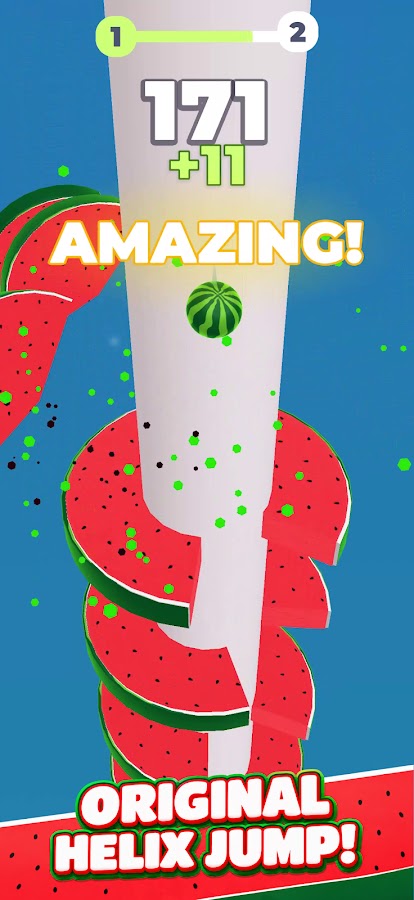
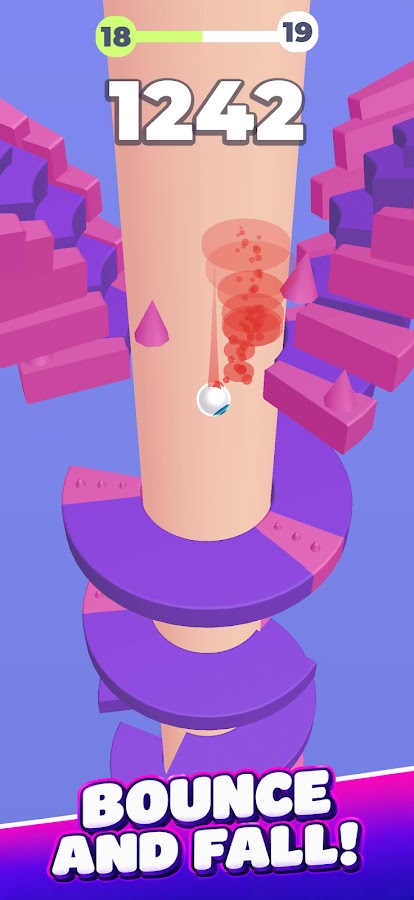
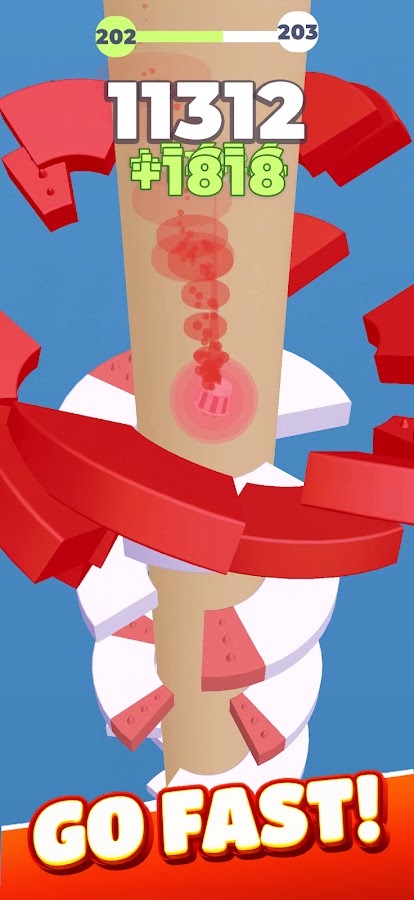
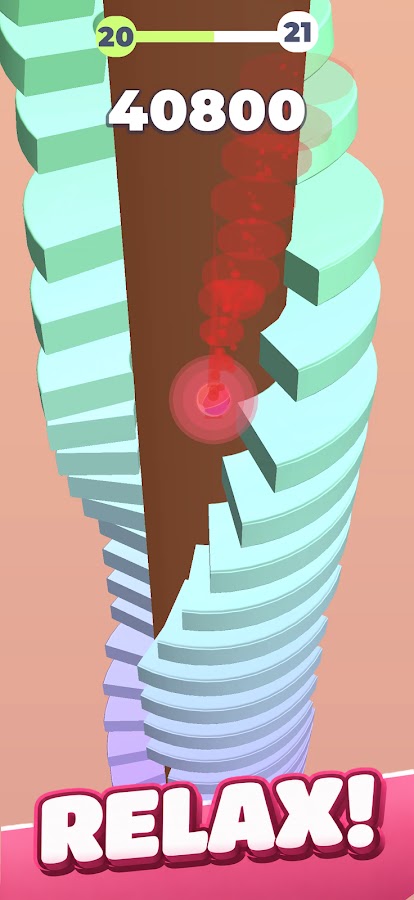
Drag sideways to rotate the tower beneath a bouncing ball. Your job is to line up the gaps and steer clear of hazardous sections. The short horizontal motion suits one-handed play, although you’ll need to keep watching as the ball drops.
Color Switch — best for repeated taps
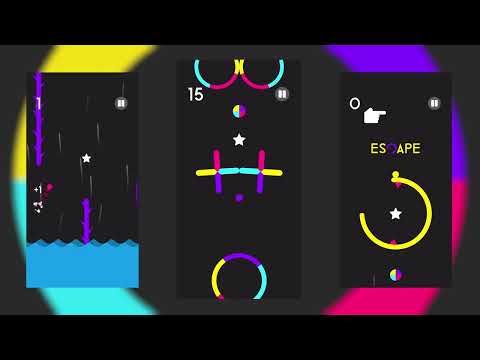
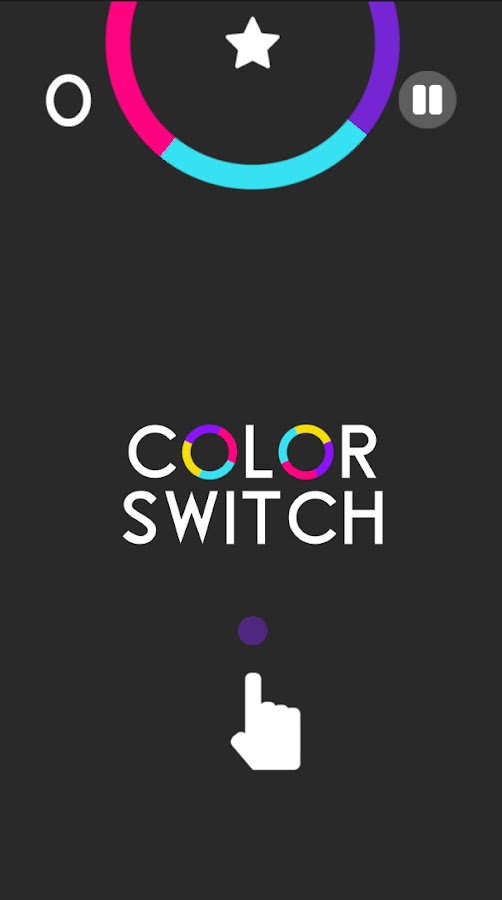
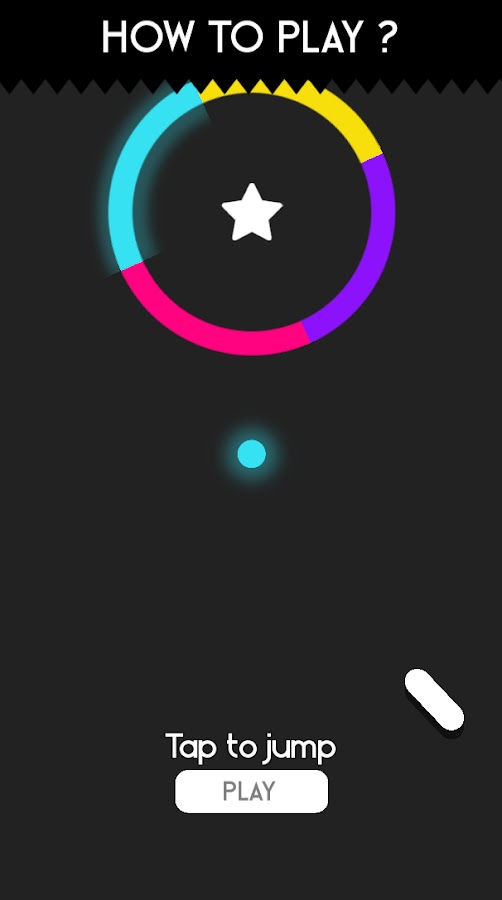
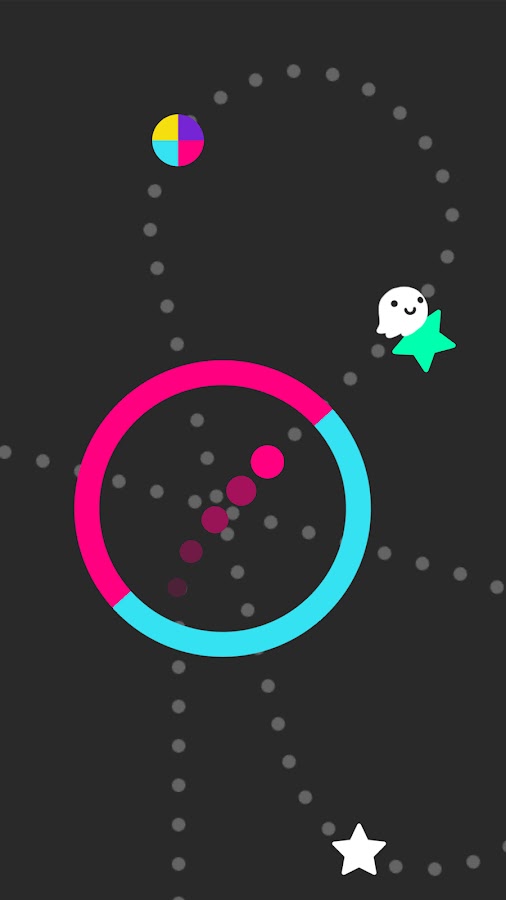
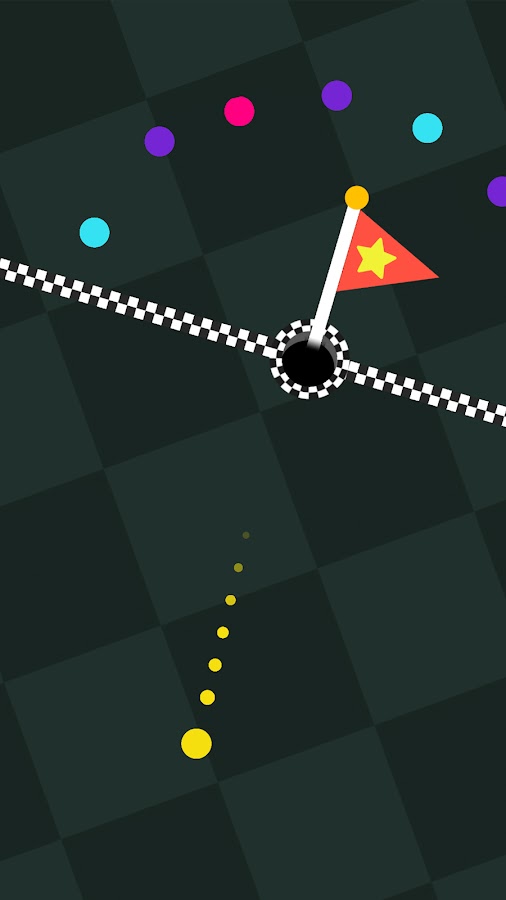
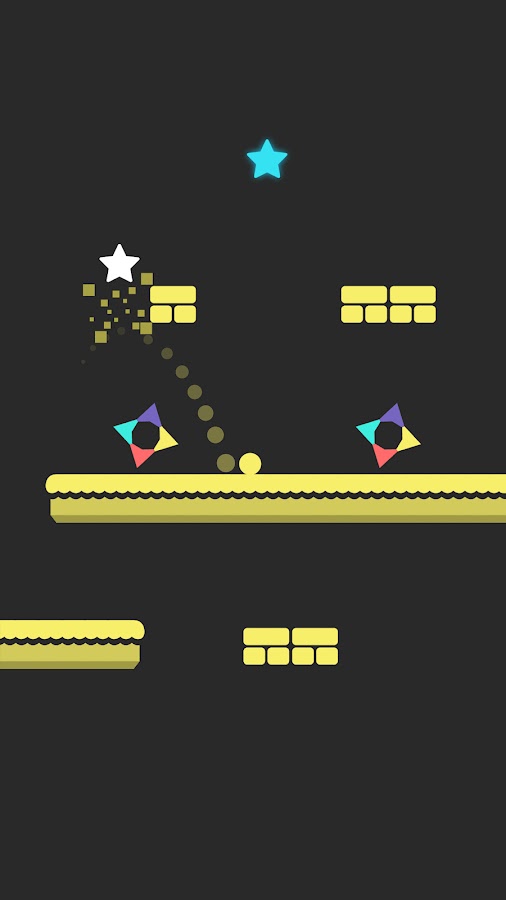
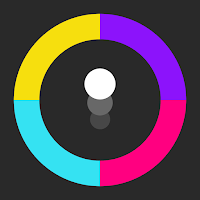
Tap to lift the ball through obstacles that match its current color. Your thumb stays in one area, but the pace can get demanding. Pick this for a timing challenge and Stack if you prefer occasional taps.
Orbia — best for single-tap bursts
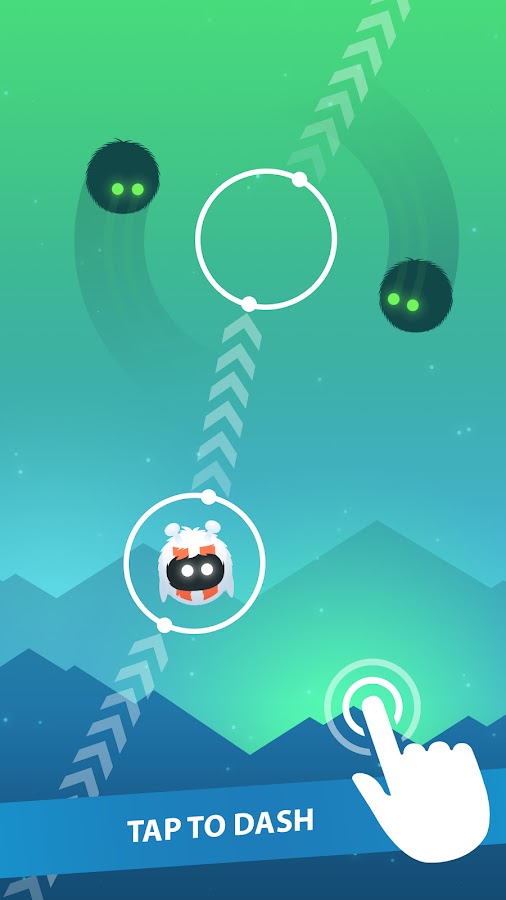
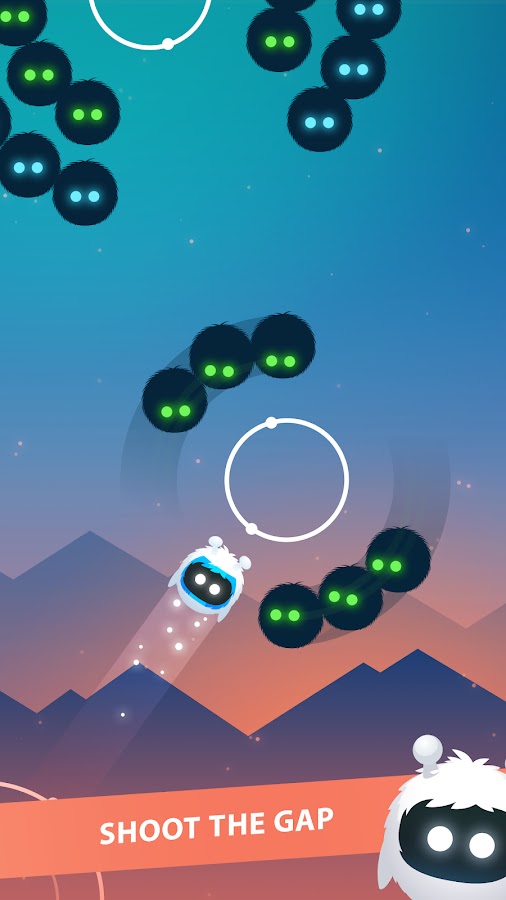
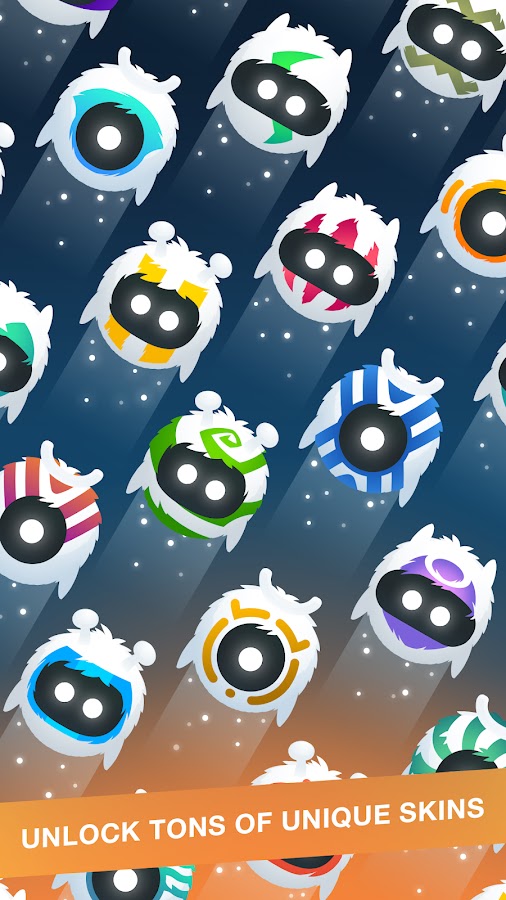
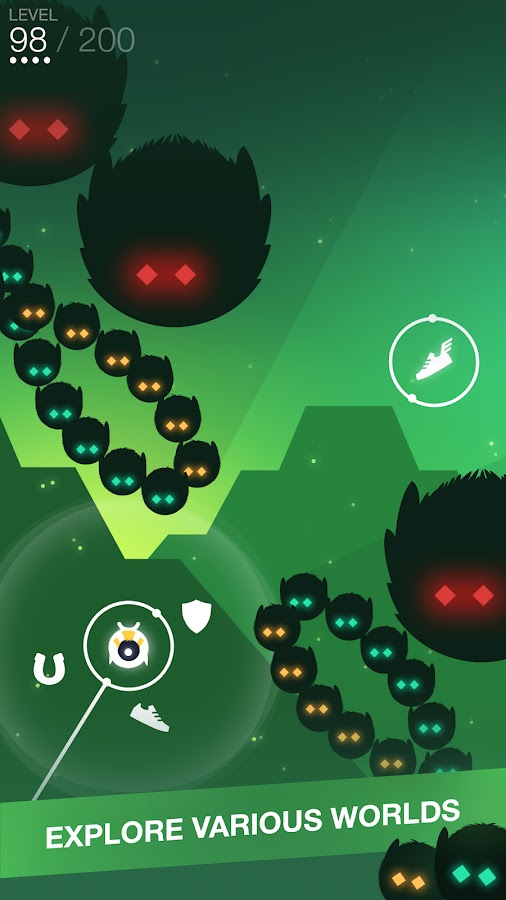
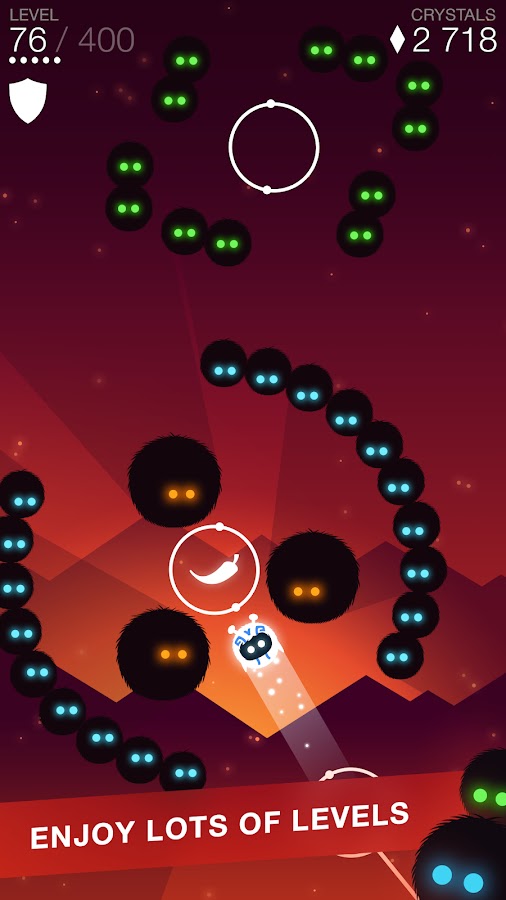

Wait for an opening, then tap to dash to the next point. Each move takes one tap, and you can watch the obstacle pattern before committing. It’s a good middle ground between a puzzle and a reflex game.
Ballz — best for aiming at your own pace
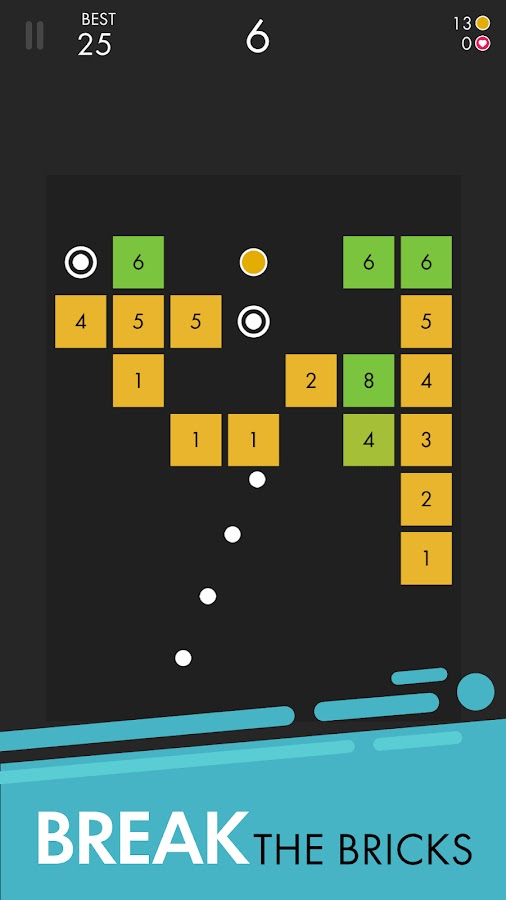
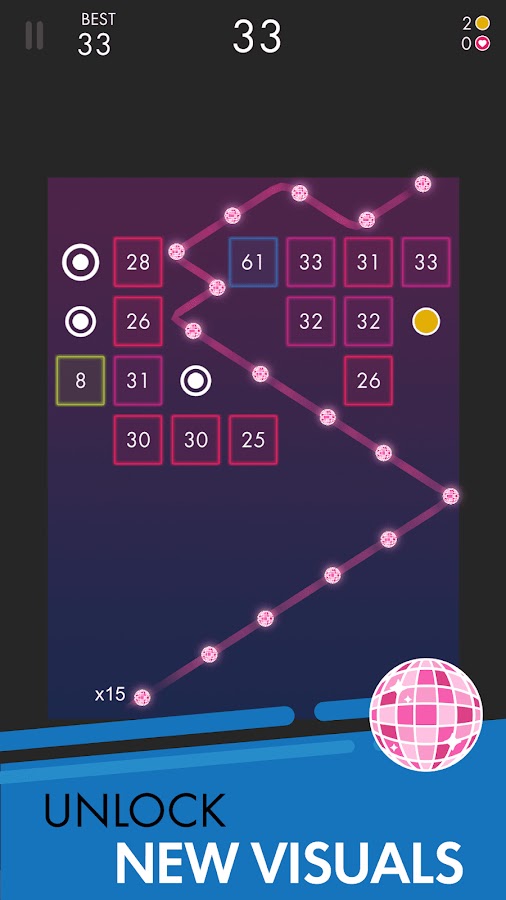
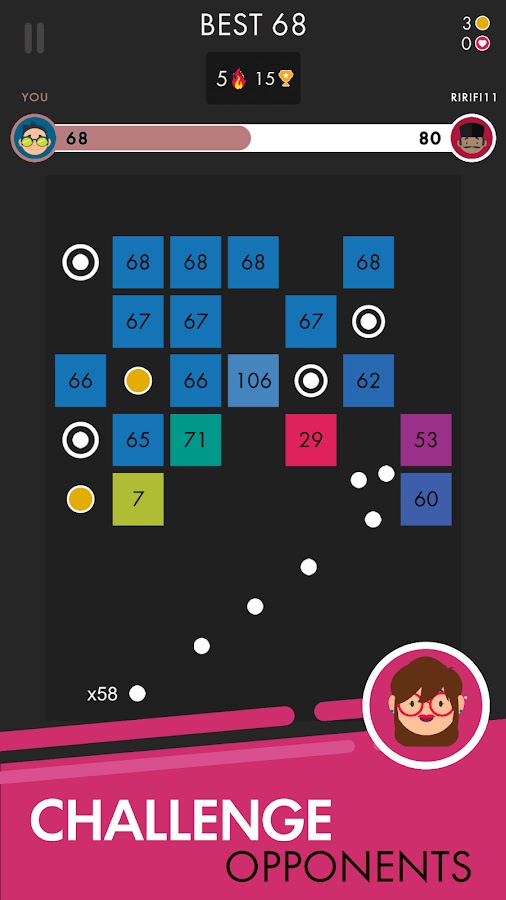
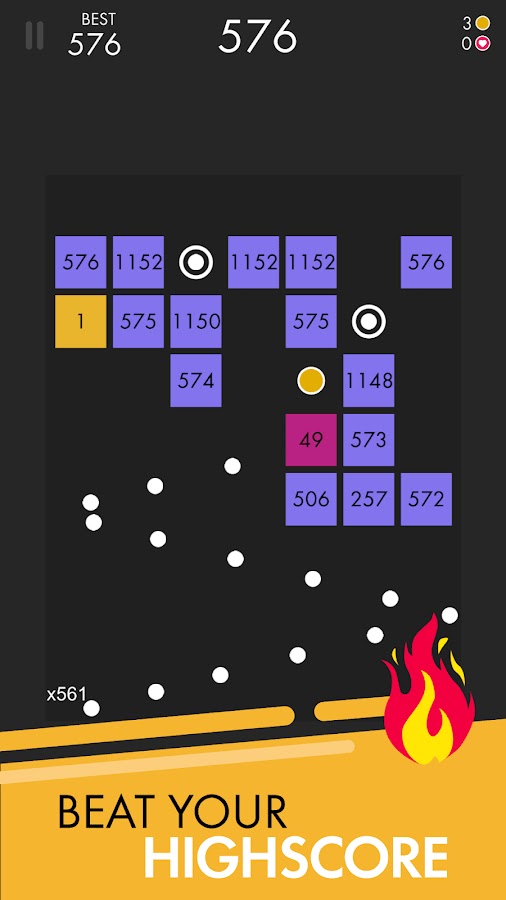
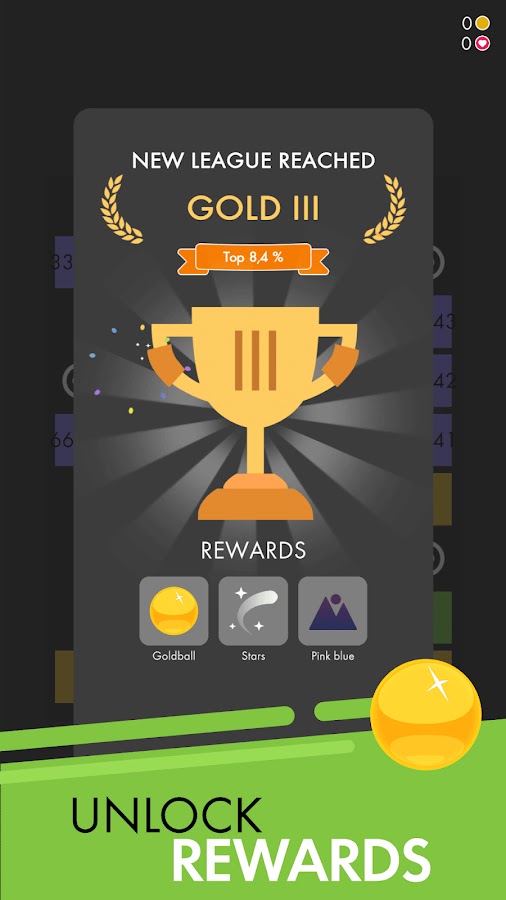

Drag to set the angle and release to send a stream of balls toward numbered blocks. A good bounce can clear several targets in one shot. You can take your time aiming, which makes the game comfortable when your other hand is busy.
Okay? — best for ricochet challenges
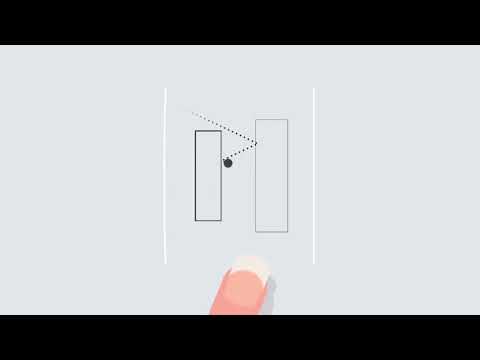
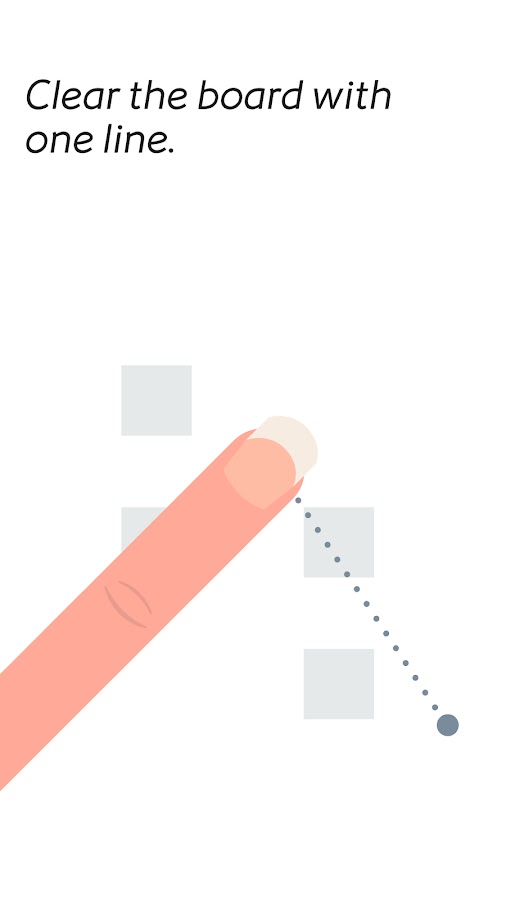
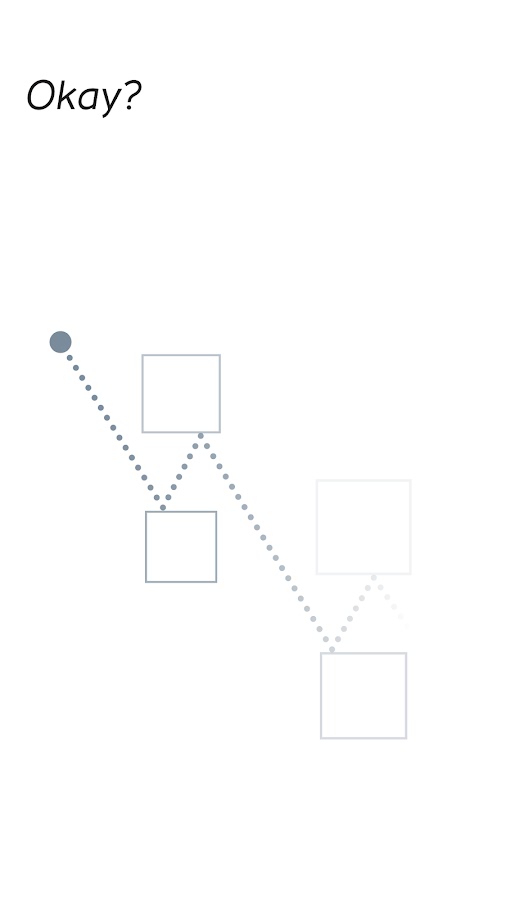
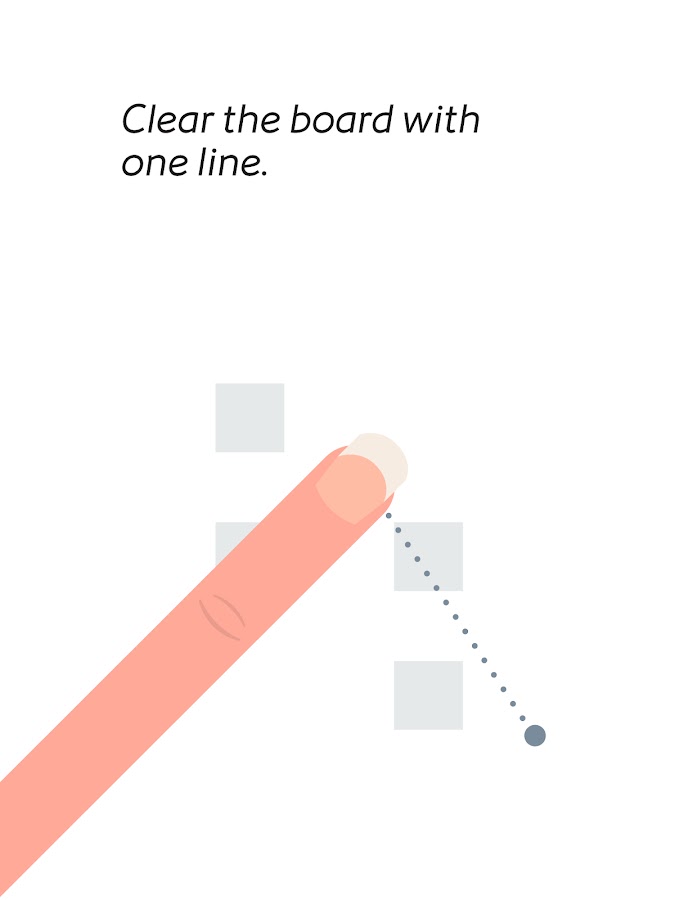
Set the ball’s path with one swipe and watch it bounce between shapes. The goal is to hit every required shape with the same shot. Some levels call for a fine adjustment, but you can study the layout as long as you like before trying again.
Best one-handed puzzle games
2048 — best untimed swipe puzzle
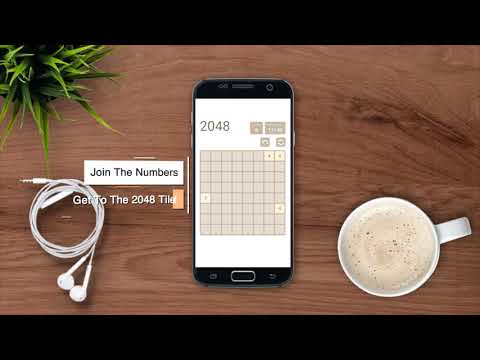
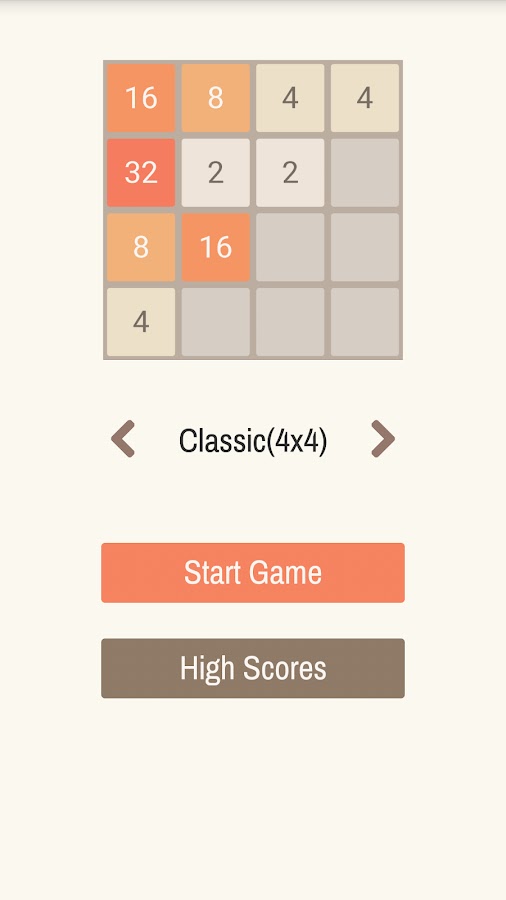
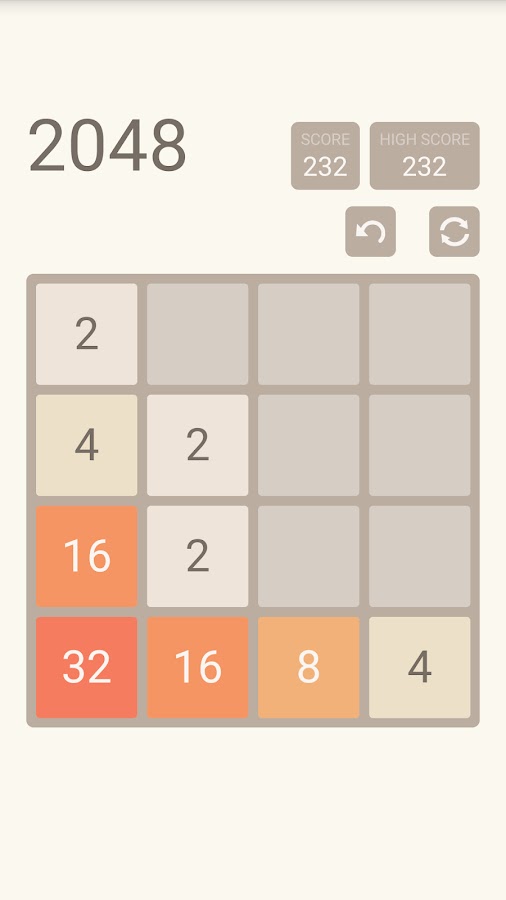
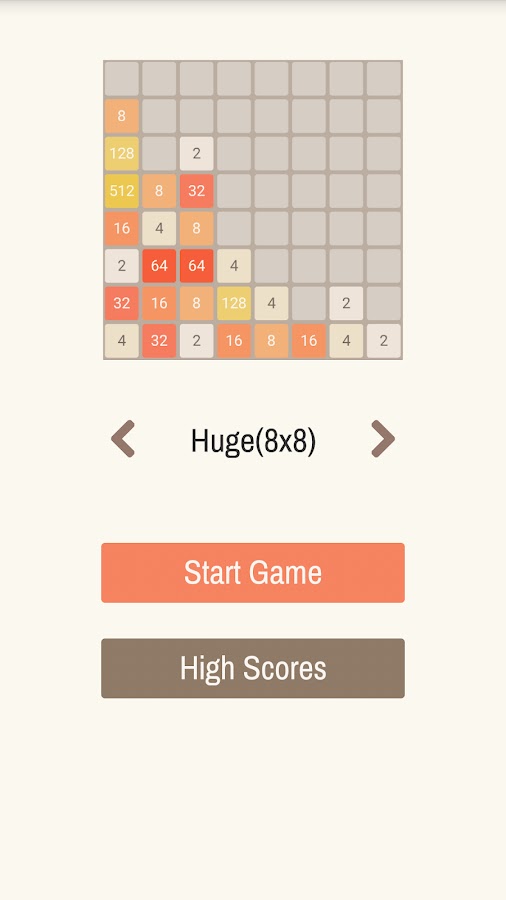
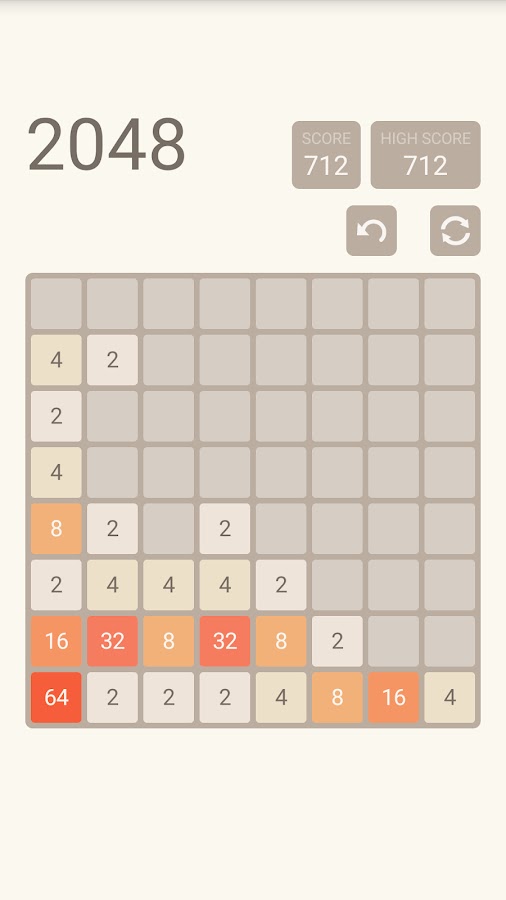
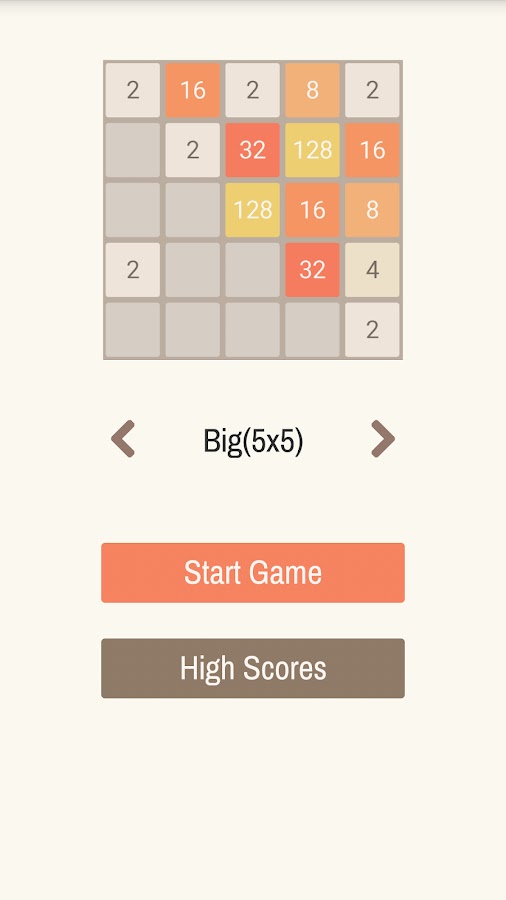
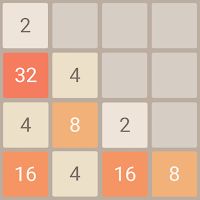
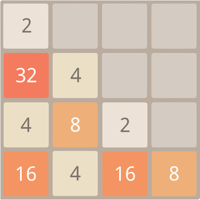
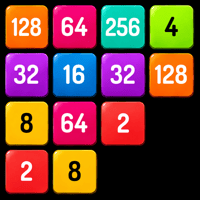
Each swipe moves the entire board and merges matching tiles that meet. You can make a move without reaching for a specific tile, then put the phone down and think about the next one. Pick Androbaby’s 2048 on Android or 2048 by Gabriele Cirulli on iPhone. They use the same core rules and are separate apps.
1010! — best for untimed block placement
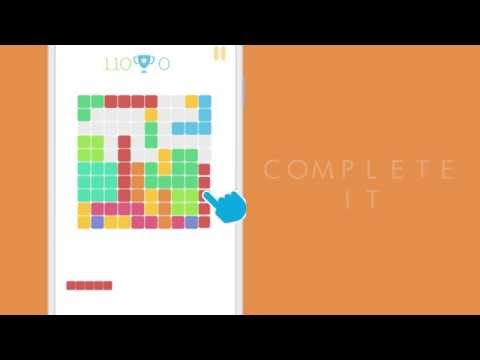
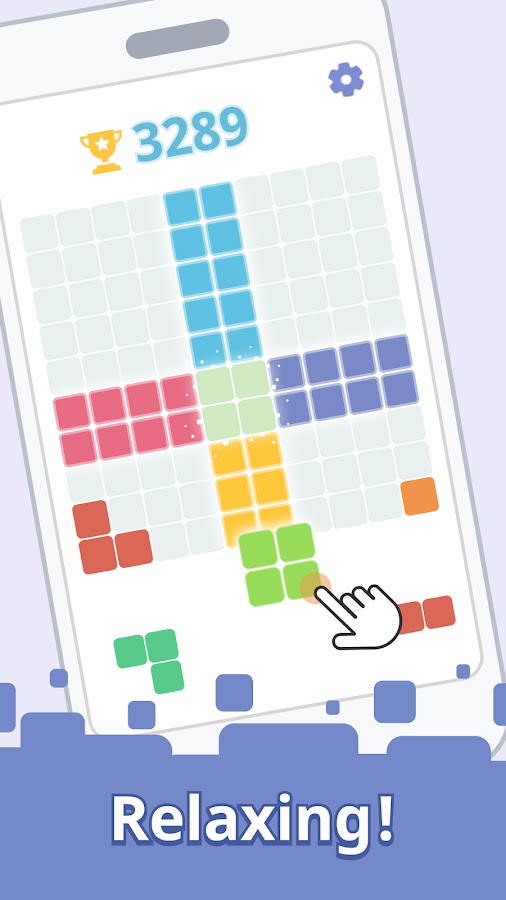
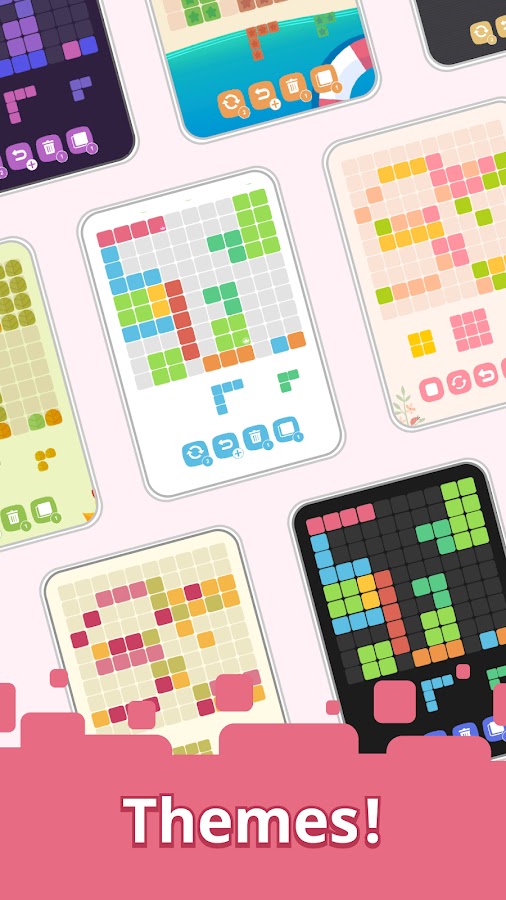
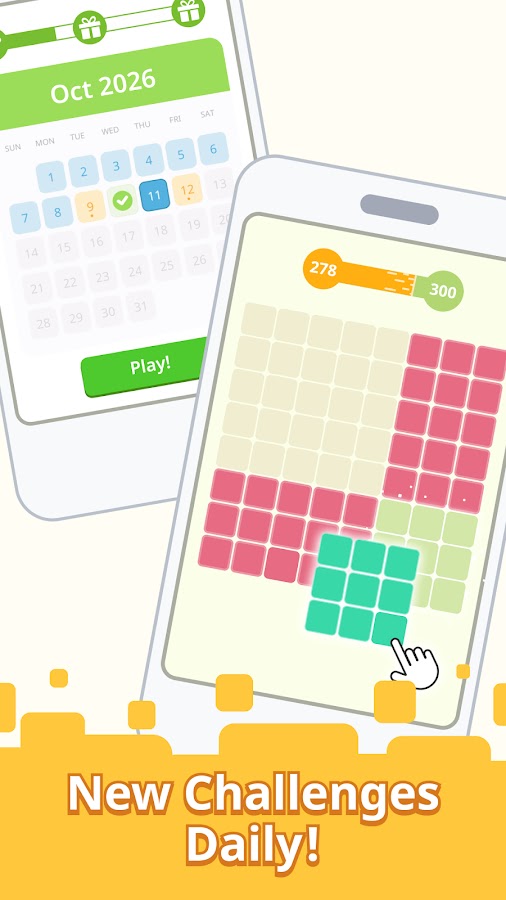
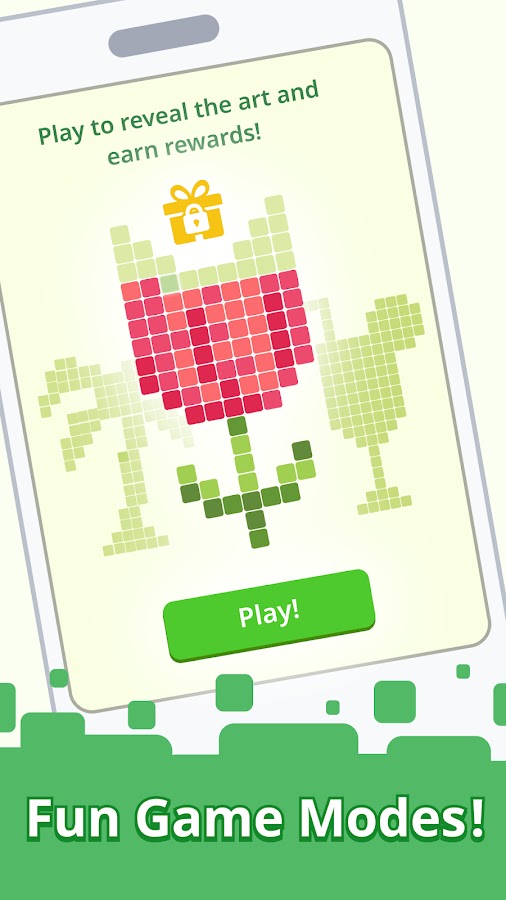
Drag shapes into a grid and clear space by completing rows or columns. The pieces wait until you place them, so you can take your time with awkward shapes. On a large phone, reaching the far corner may mean shifting your grip.
Two Dots — best for move-based challenges
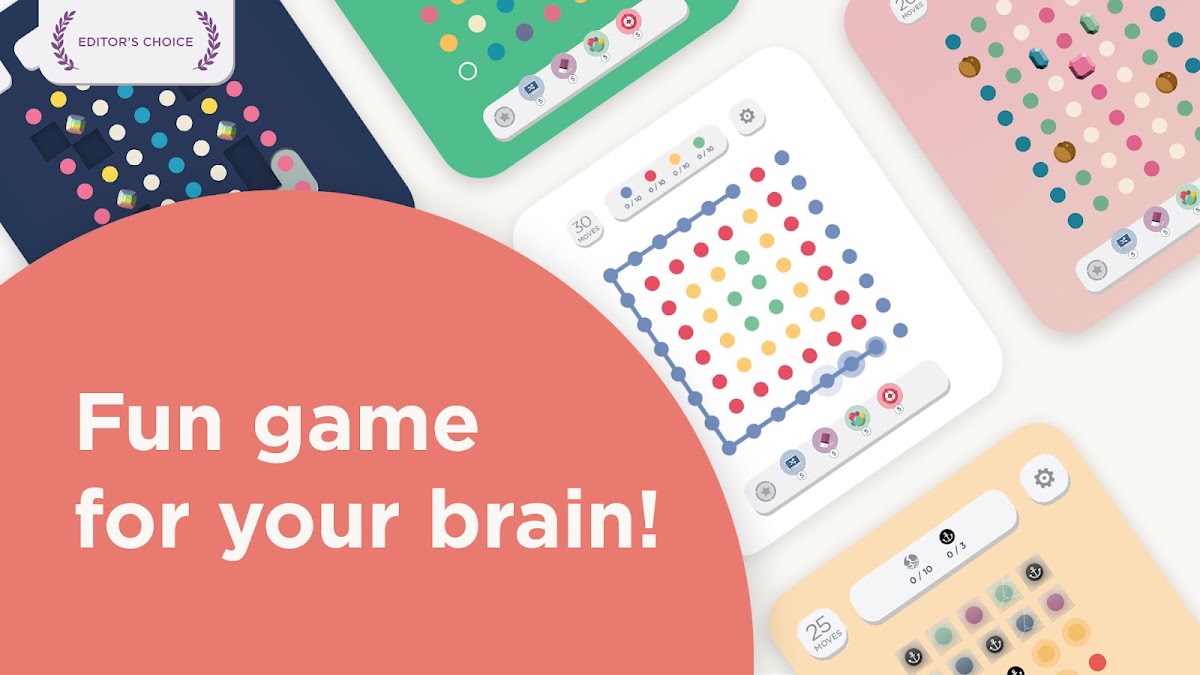
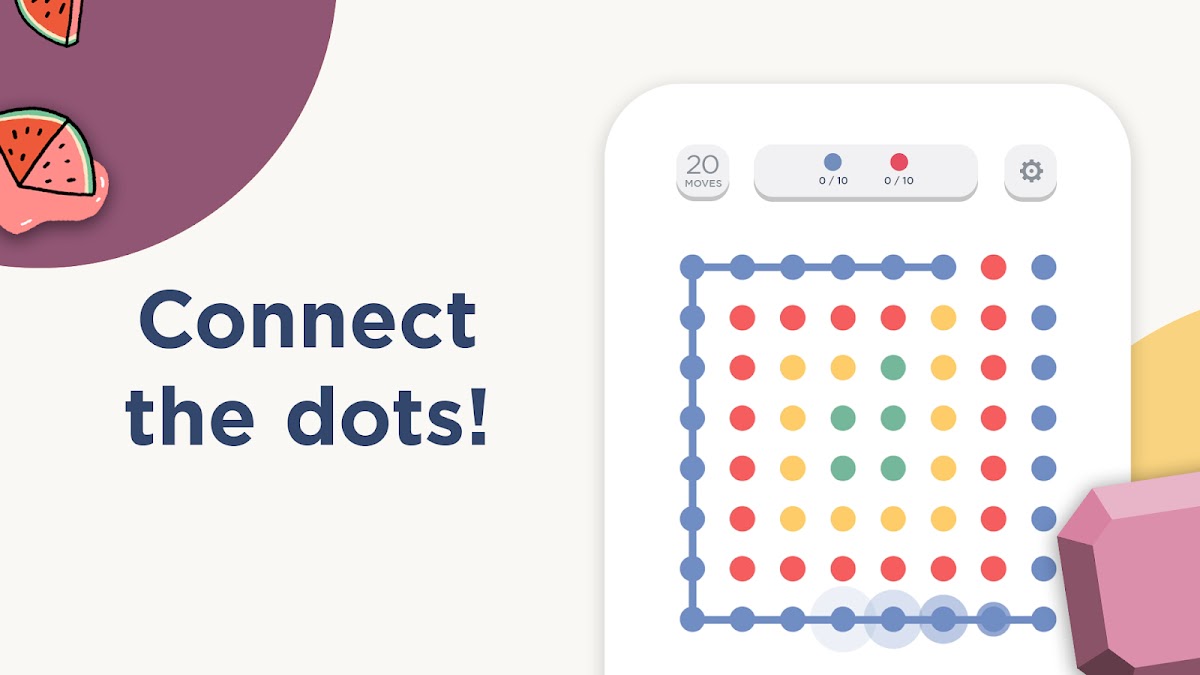
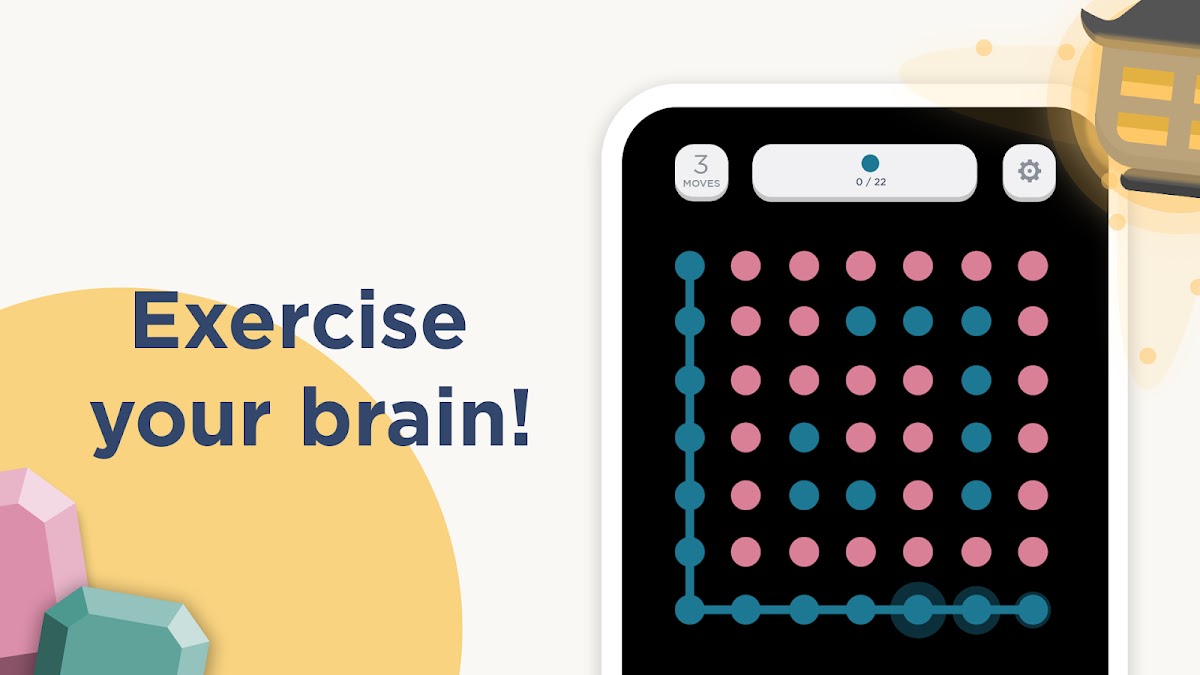
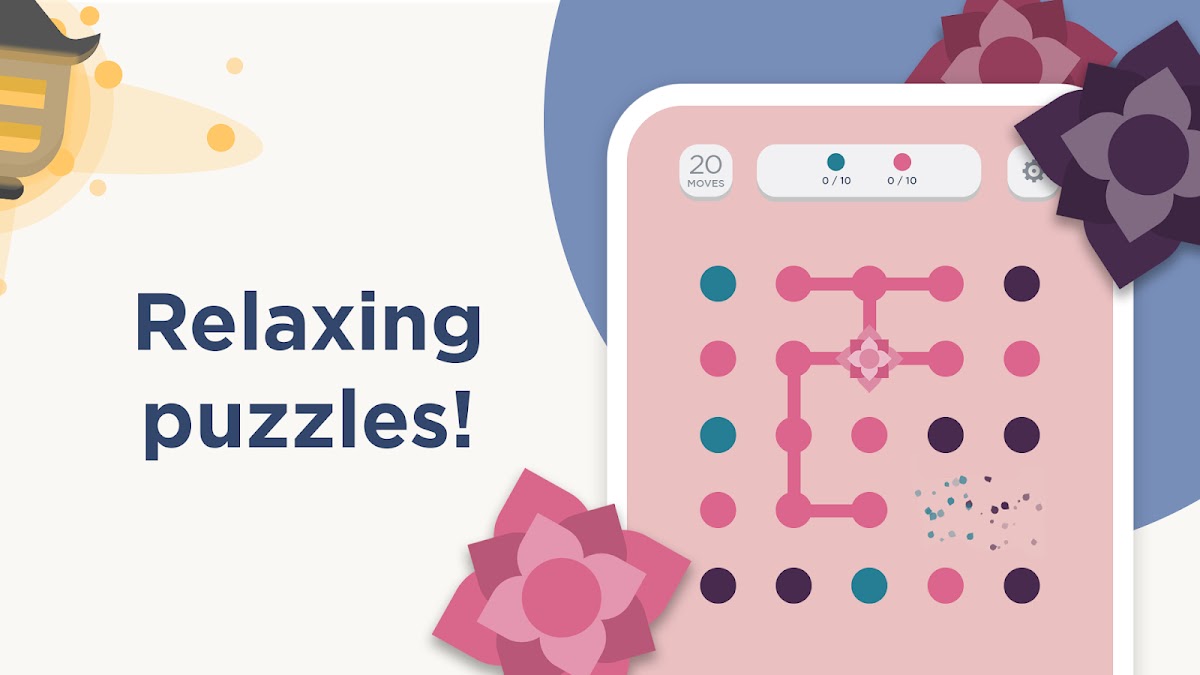
Trace a line through adjacent dots of the same color. Close a square to clear all dots of that color from the board. Before tracing a long chain, check the level objective. With a limited number of moves, a short chain that advances the objective can be worth more than a long one.
Candy Crush Saga — best for short swipes

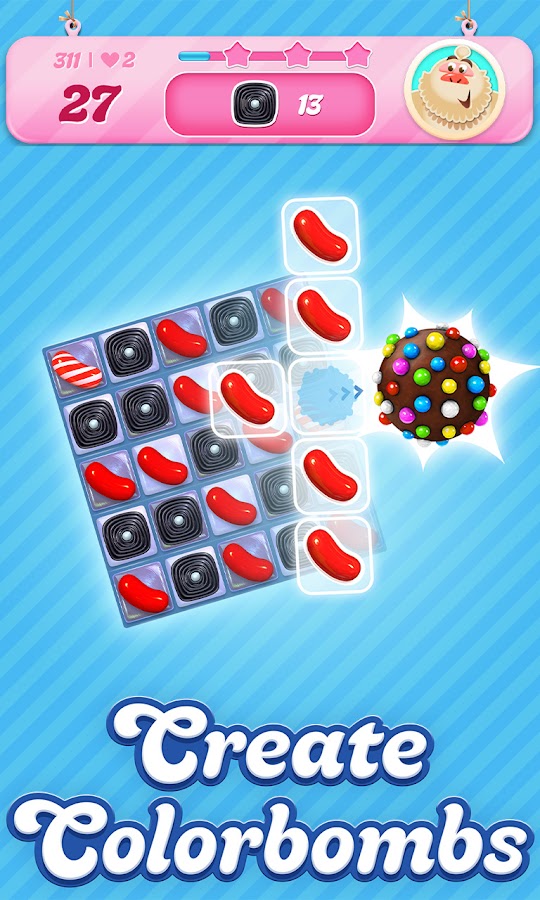
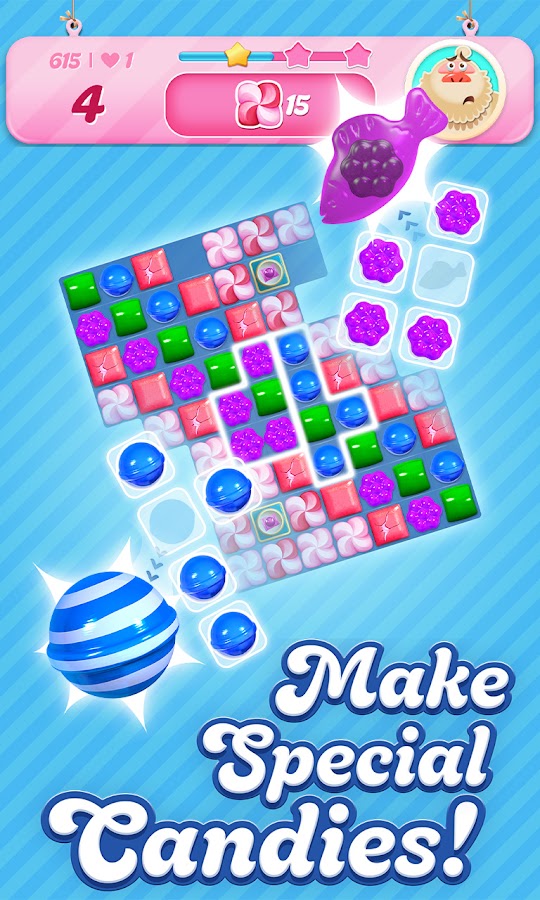
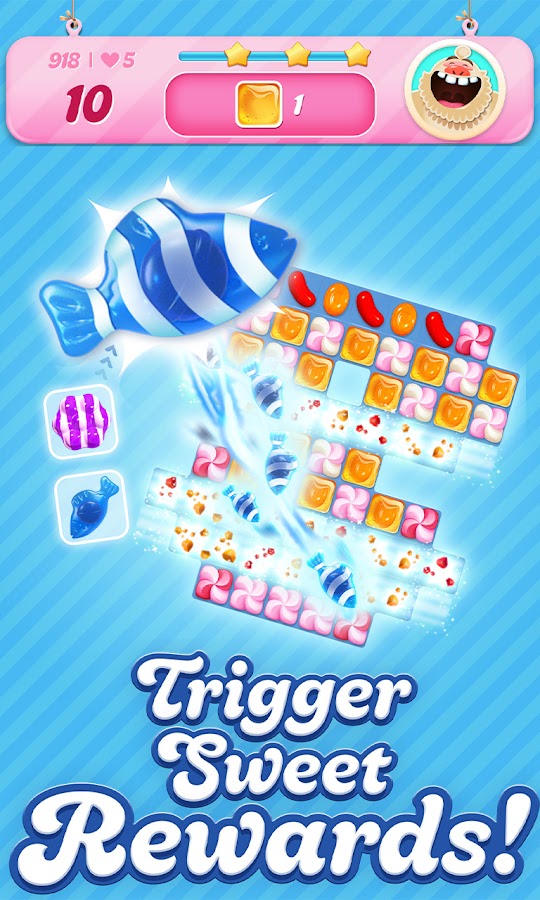
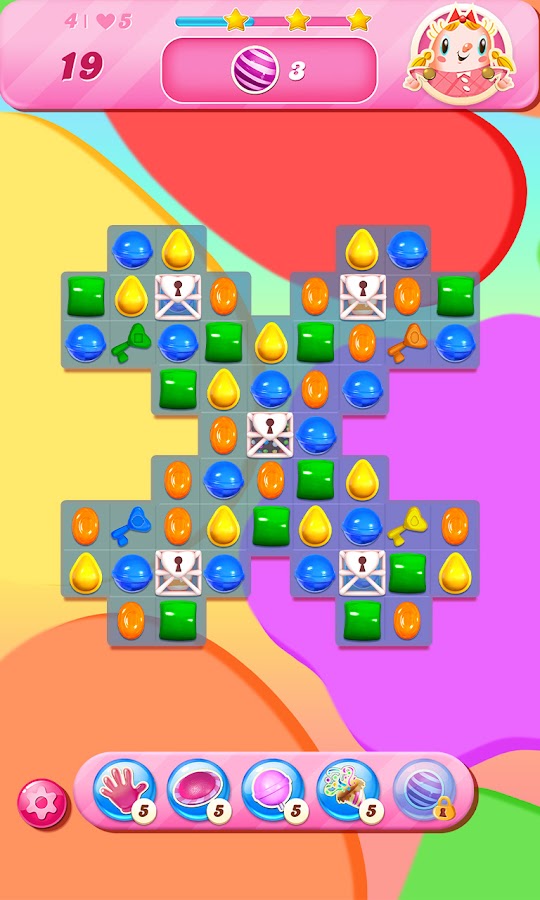
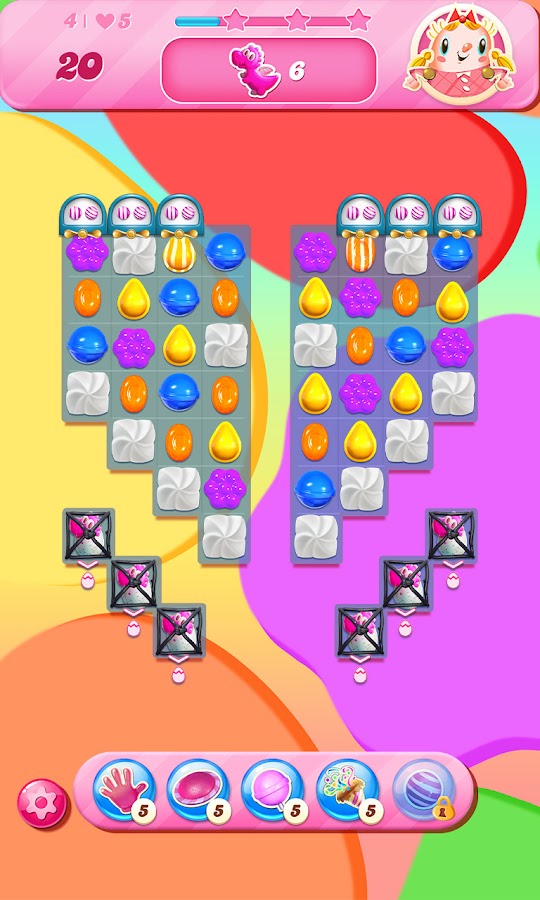

Swap adjacent candies with a brief swipe. Standard move-limited stages leave time to look for combinations and plan how to clear the objective. The gesture is small, though you still need to reach whichever part of the board your move starts on.
Flow Free — best for small-grid logic puzzles
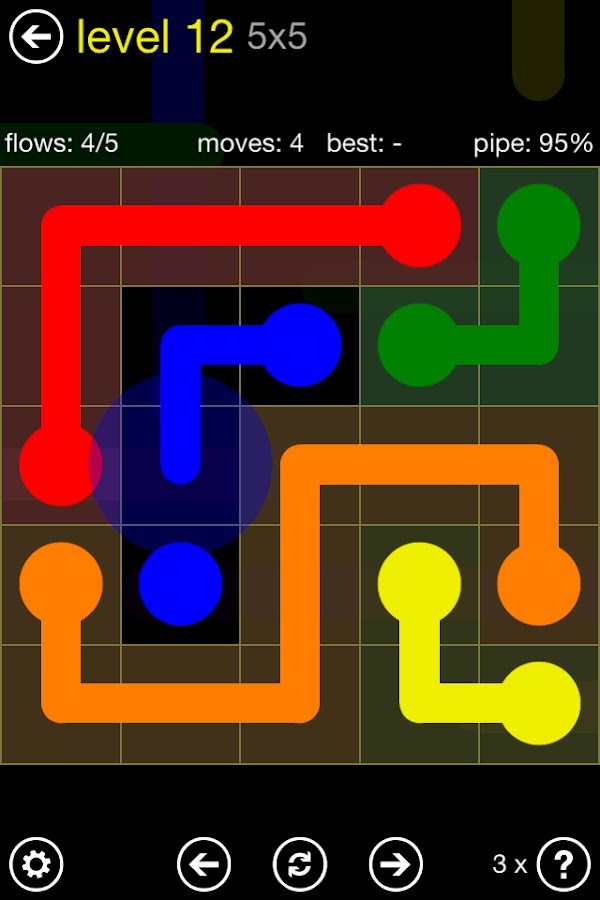
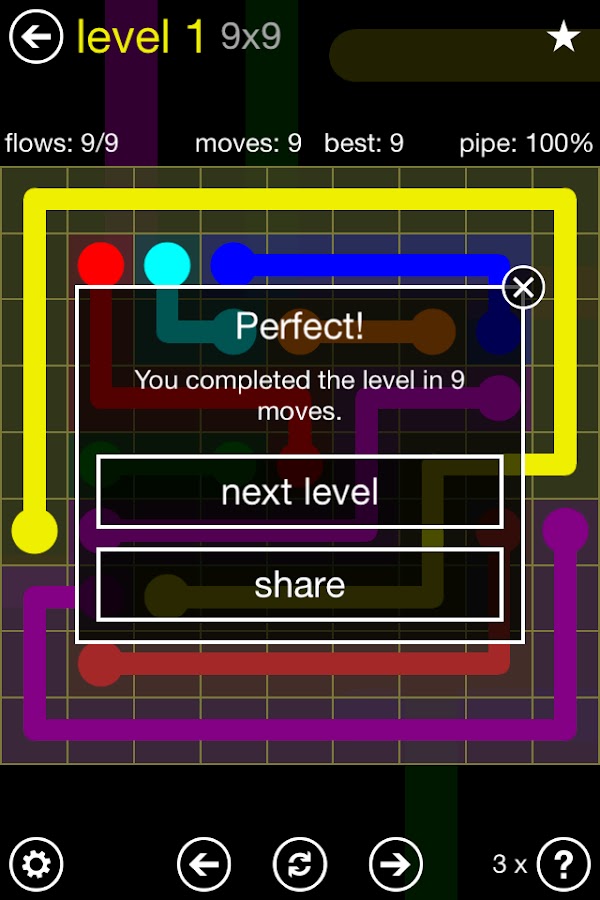
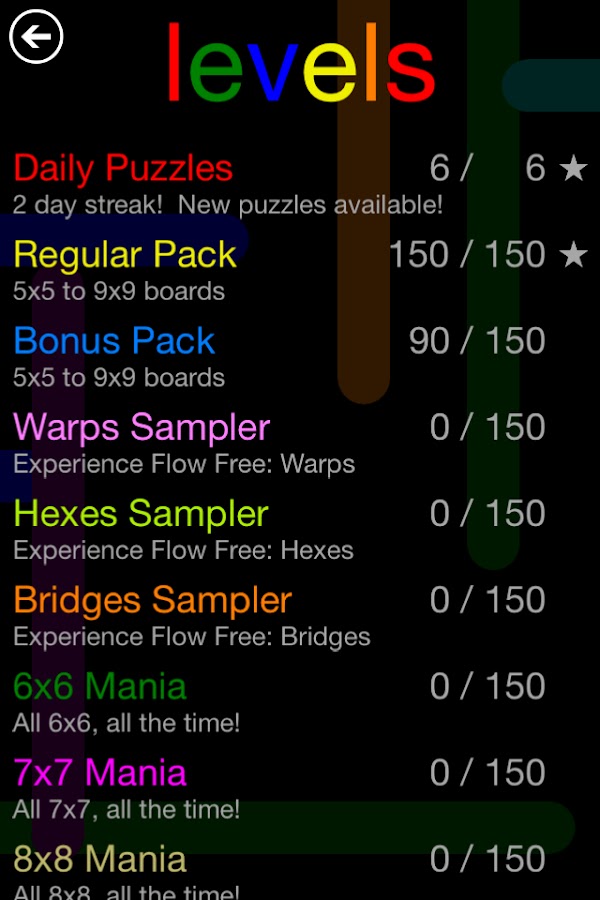
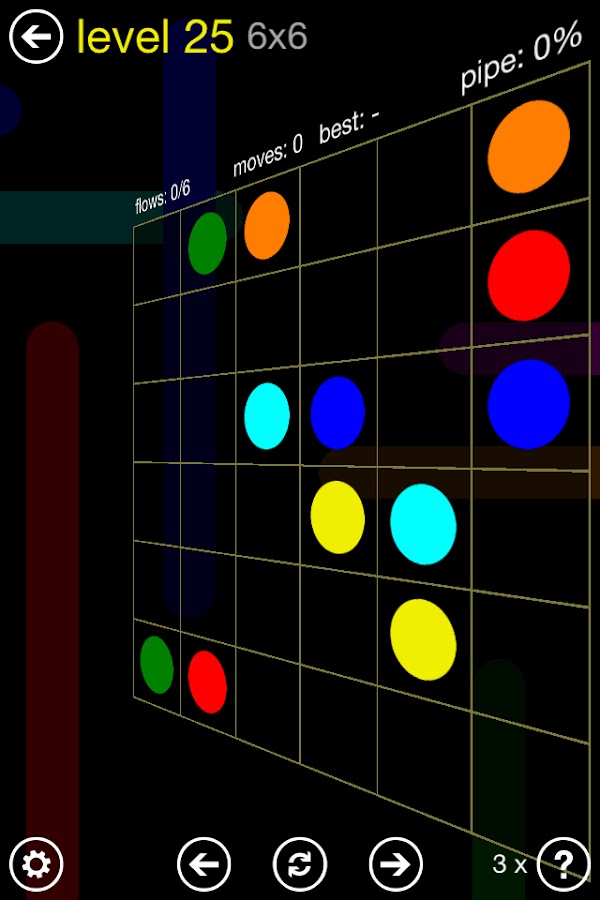
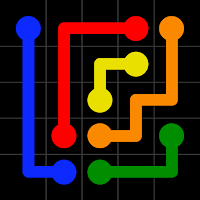
Draw a path between each pair of matching dots without crossing existing lines. Start with smaller boards for easier thumb reach, and use Free Play if you want to solve at your own pace. Larger grids make the paths more intricate and the cells harder to hit one-handed.
I Love Hue — best for relaxed color sorting
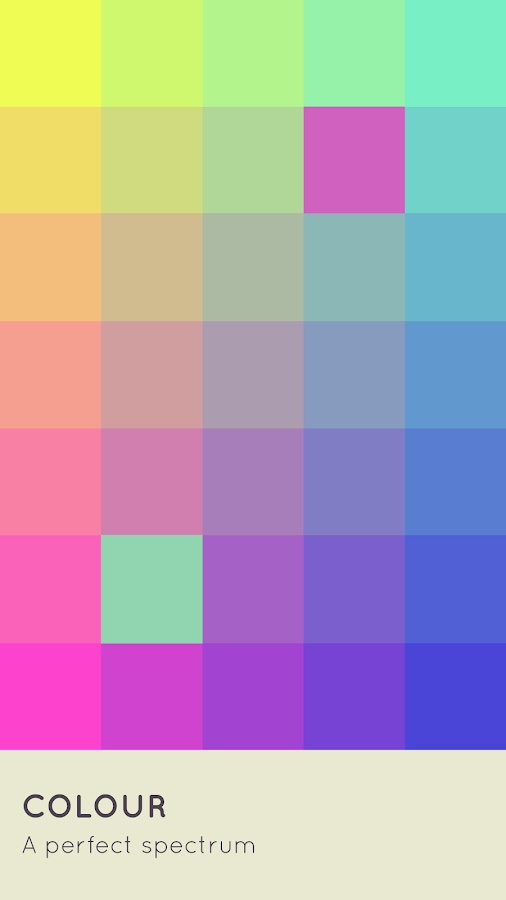
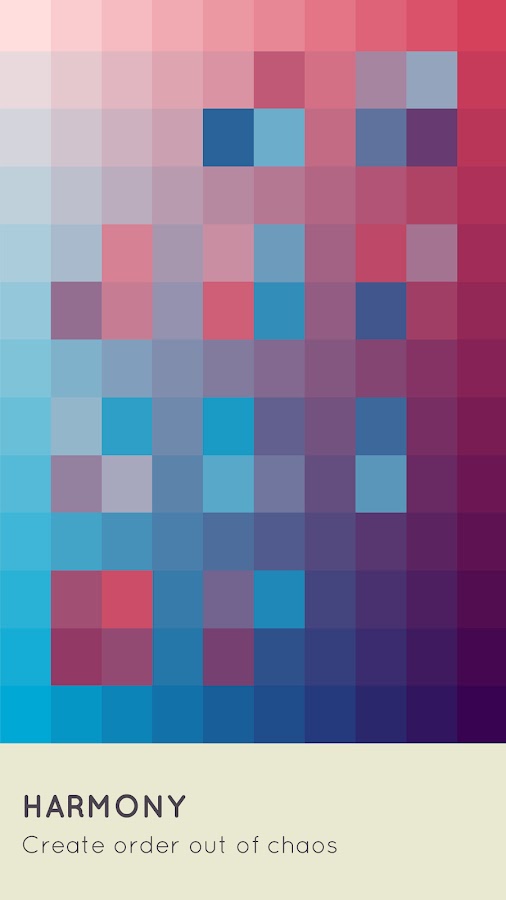
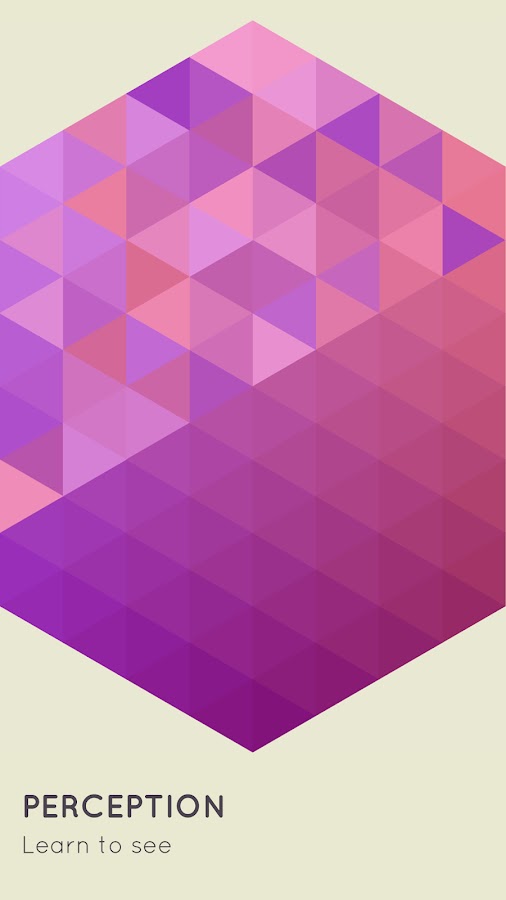

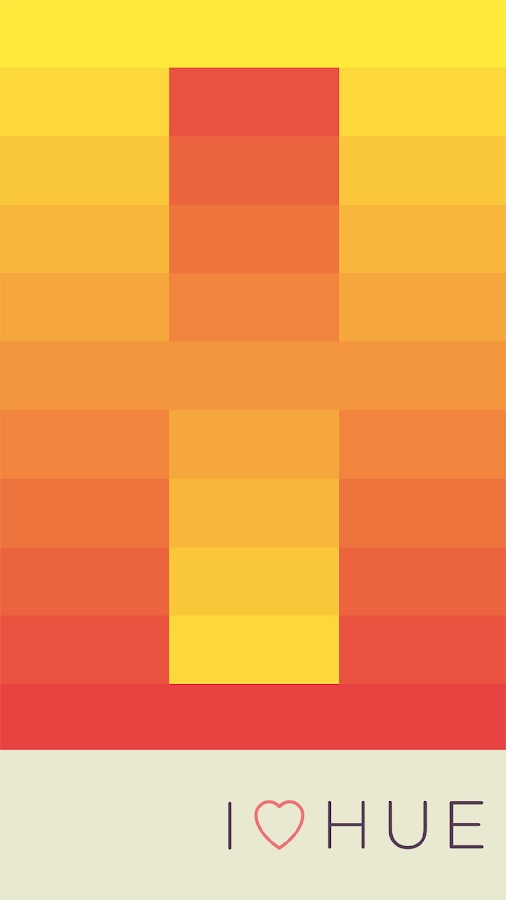
Drag tiles around to restore a smooth color gradient. The challenge is spotting subtle differences in shade, so you can pause to compare nearby tiles before moving one. On a large display, a puzzle that stretches across the board may be easier with your phone supported.
Best one-handed action and strategy games
Survivor.io — best for action with automatic attacks
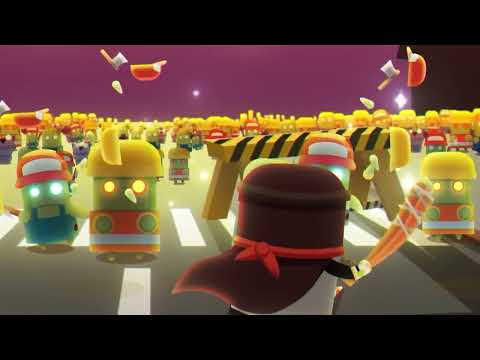

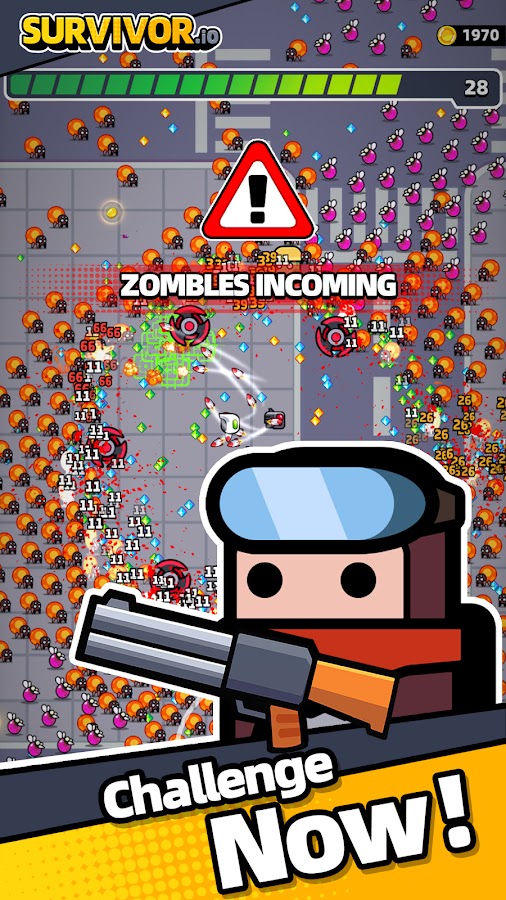
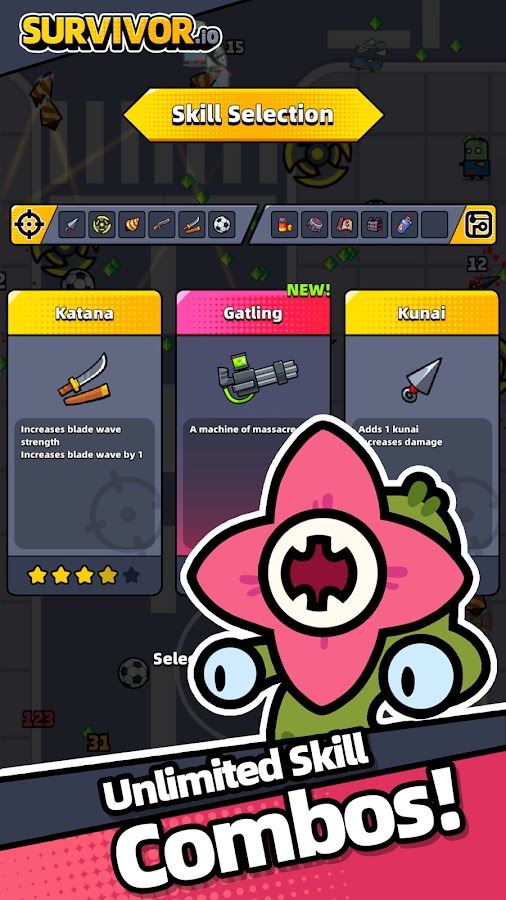
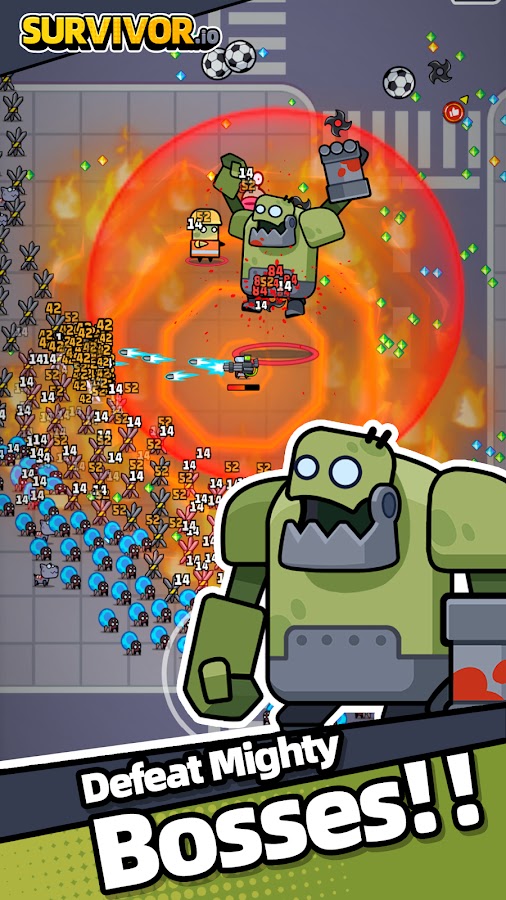
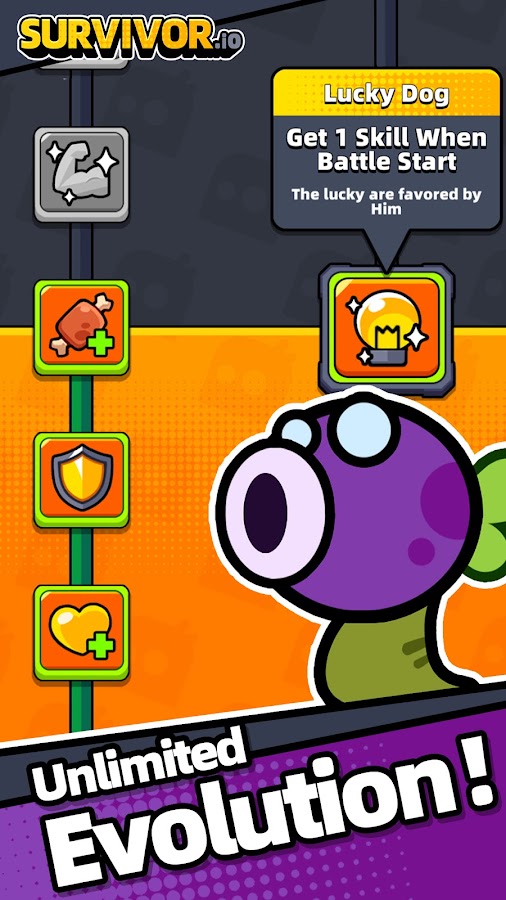

Steer the survivor away from crowds while equipped weapons fire automatically. When upgrade options appear, tap one and get back to moving. You can focus your thumb on steering throughout combat, which keeps the controls manageable even when the screen fills with enemies.
Archero — best for stop-and-shoot combat

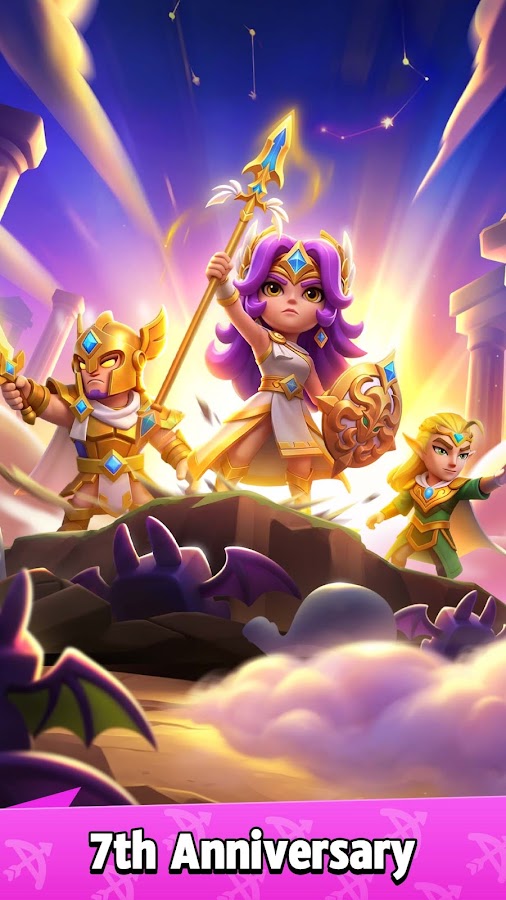
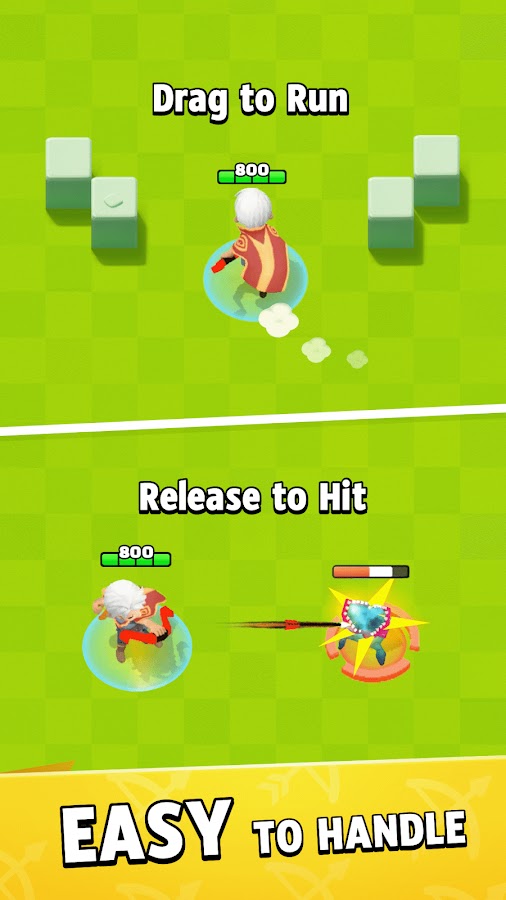
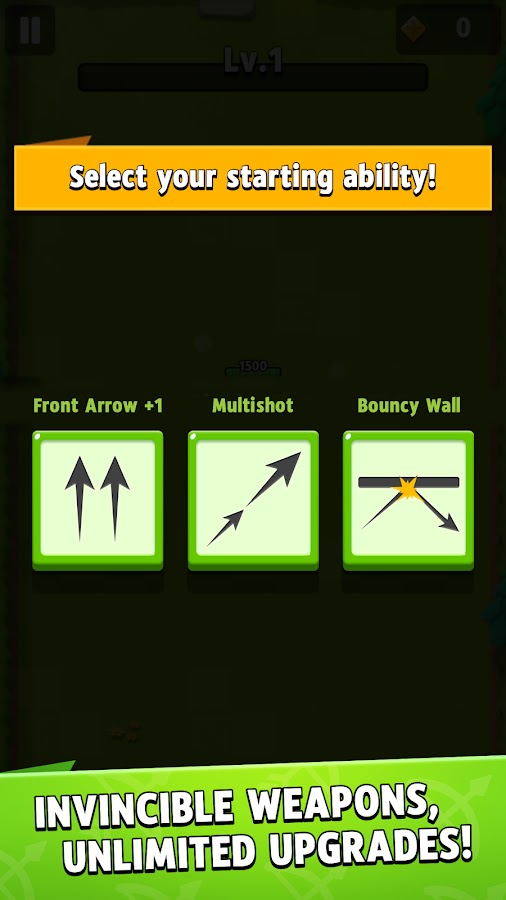
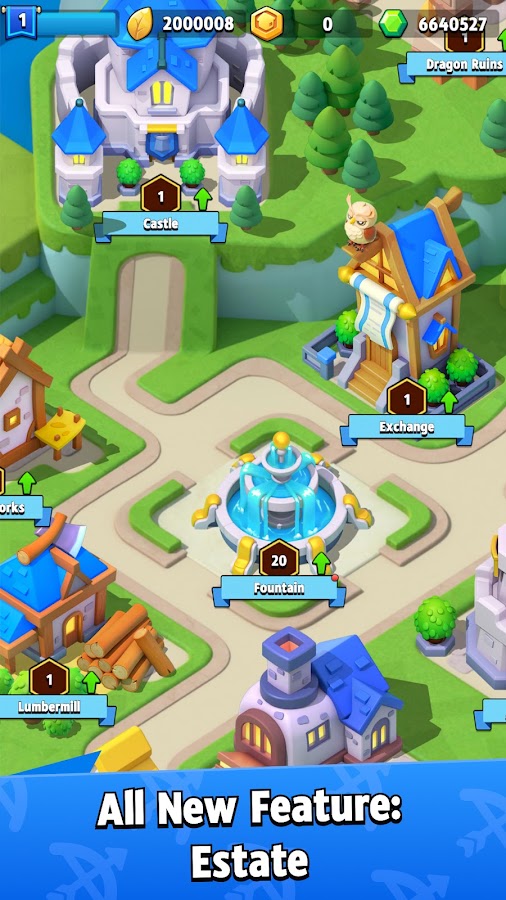
Drag to move and release to let your archer fire. Learning when to stand still is part of the game. You might dodge a volley, then stop long enough to fire a few shots before moving again. One thumb handles the whole sequence.
MARVEL SNAP — best turn-based card battler

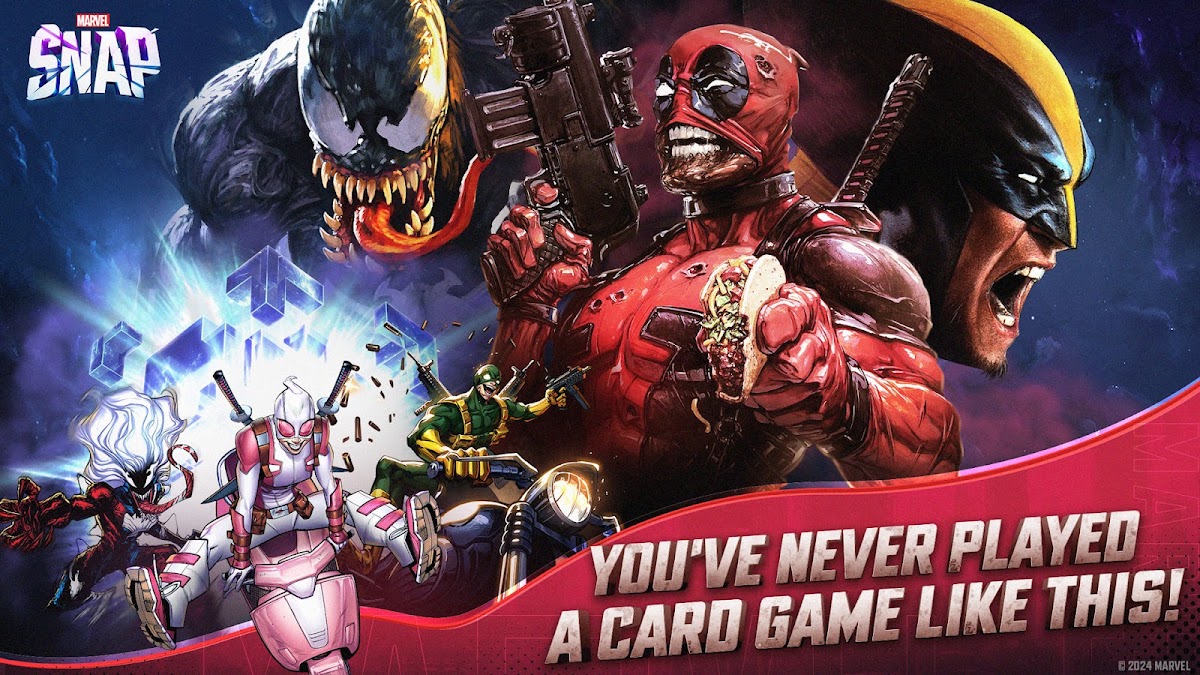
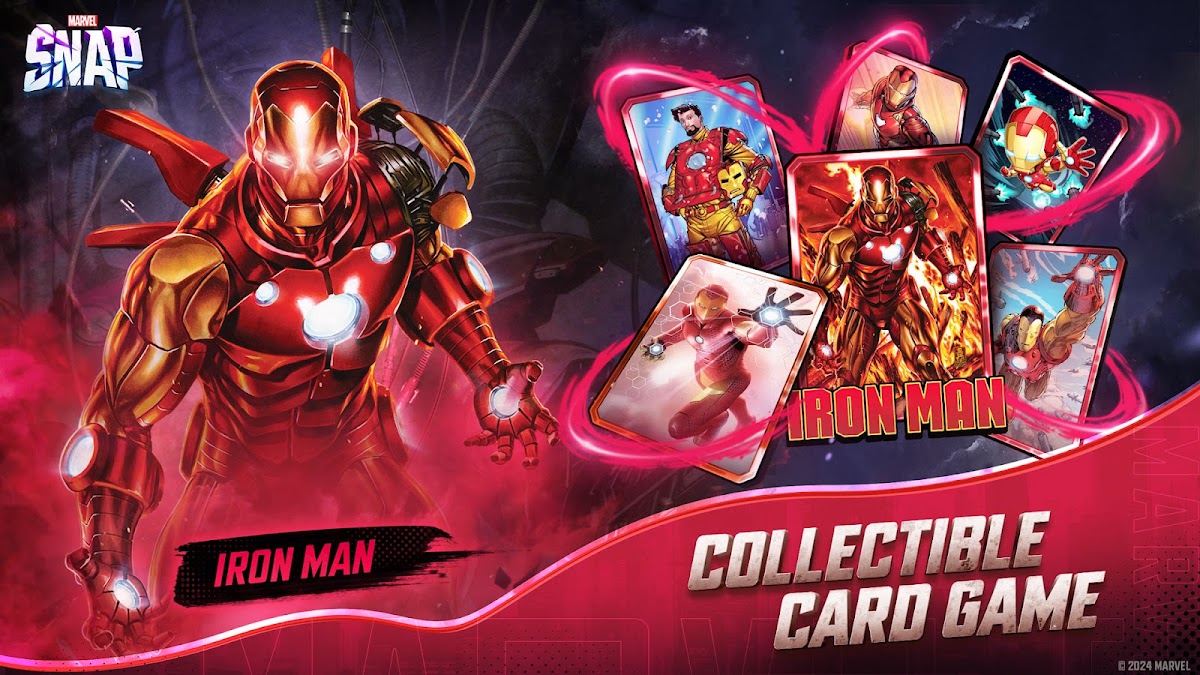
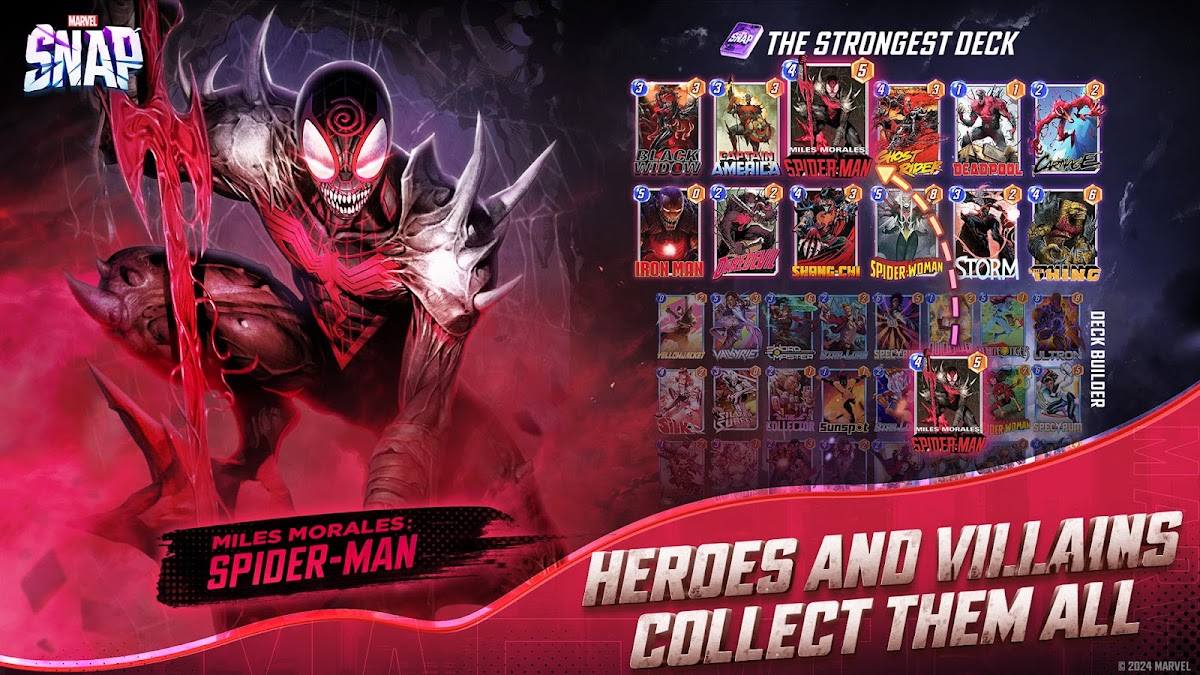
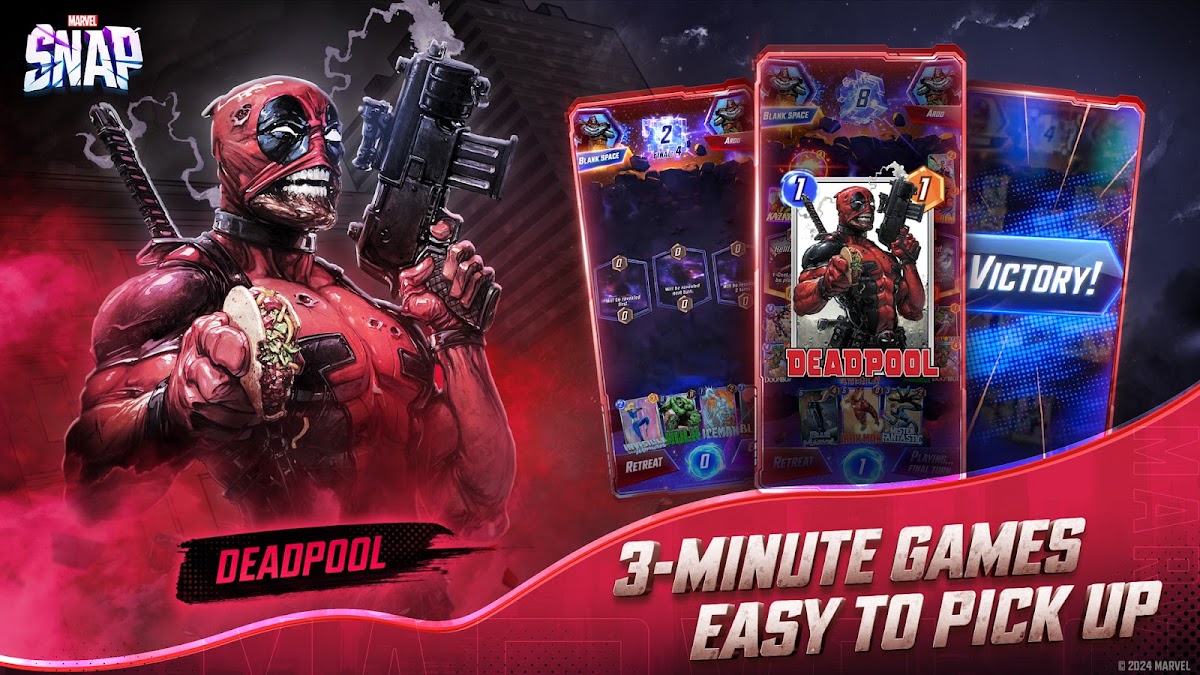
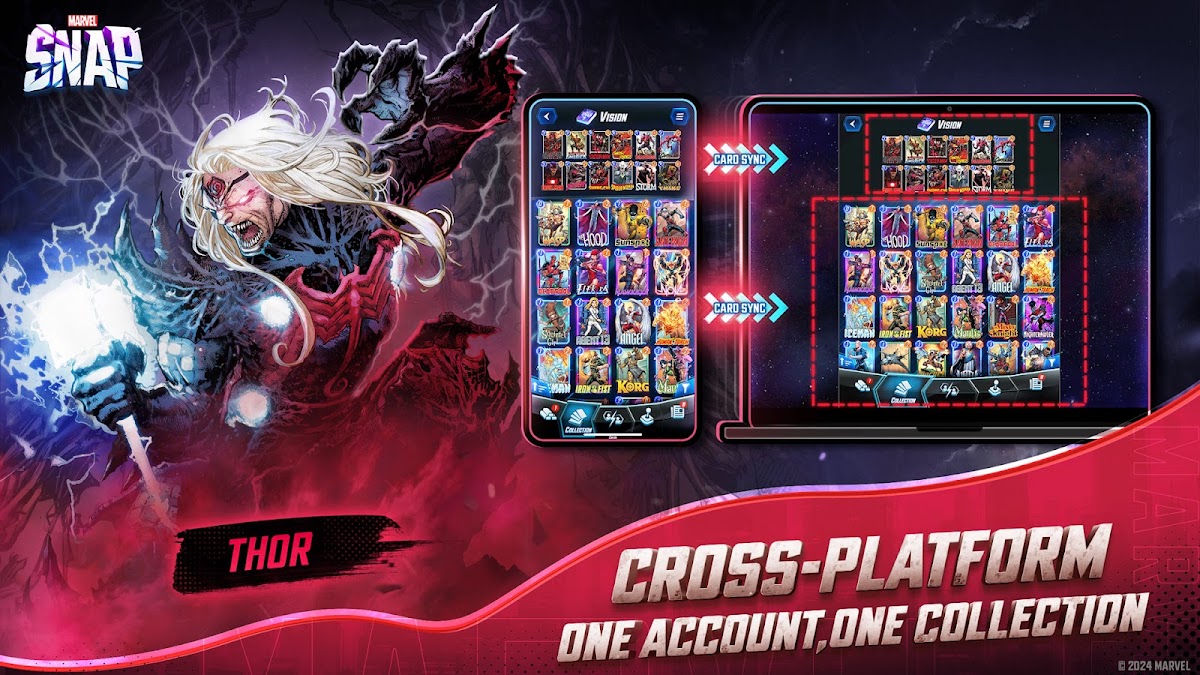
Drag cards onto one of three locations and tap to finish your turn. The turn timer leaves room to plan, and a single placement can change which locations you’re likely to win. You’ll need to reach across the board occasionally, but the controls don’t depend on rapid sequences of gestures.
Clash Royale — best real-time strategy pick
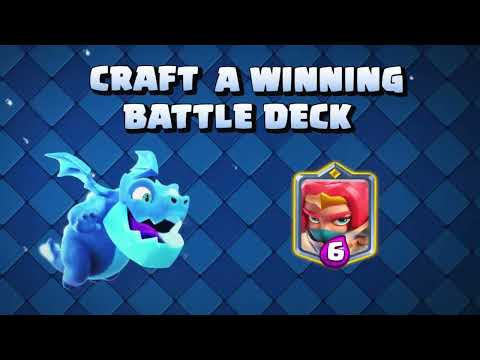
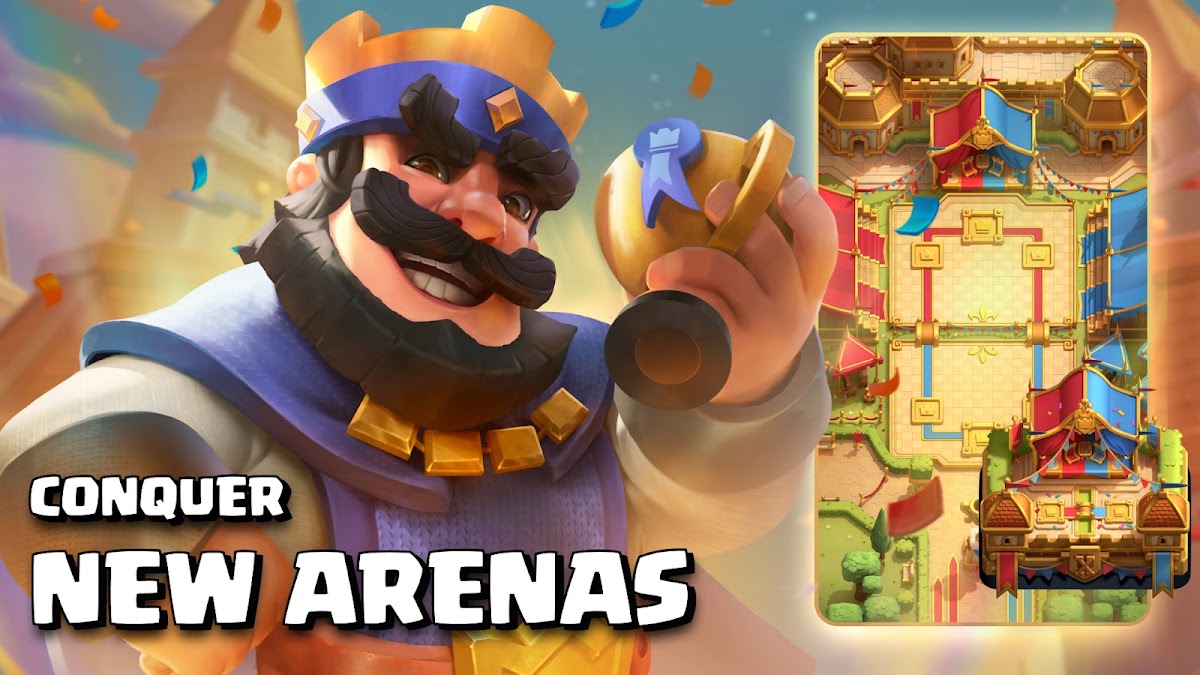
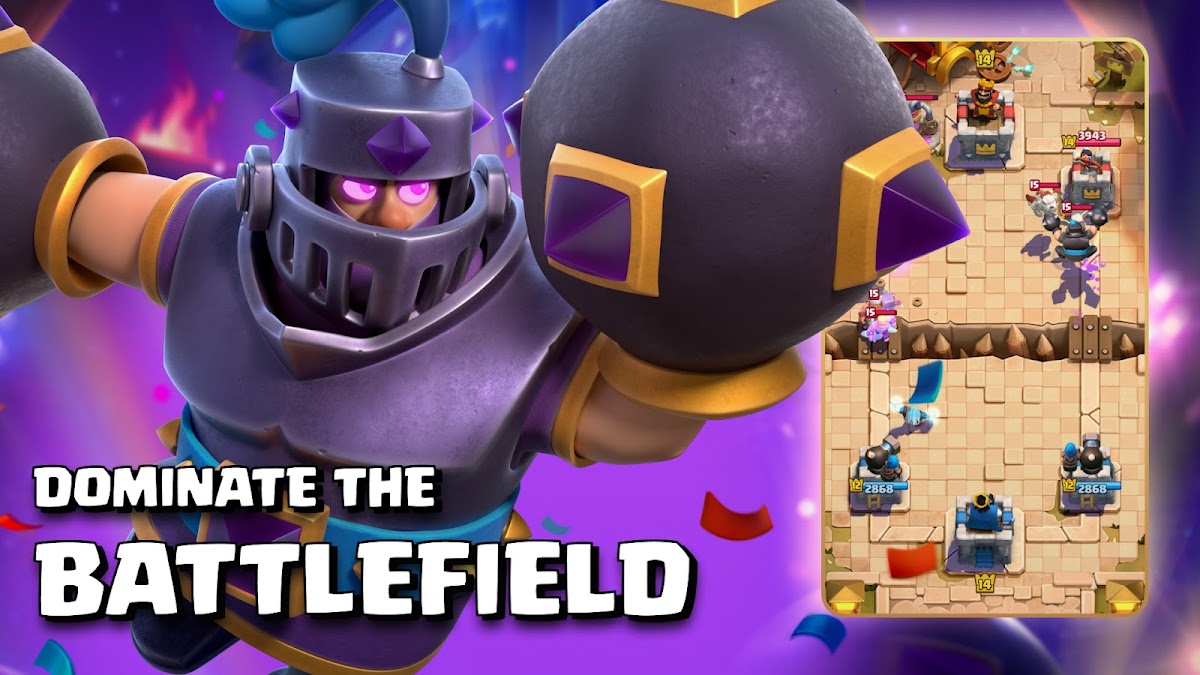
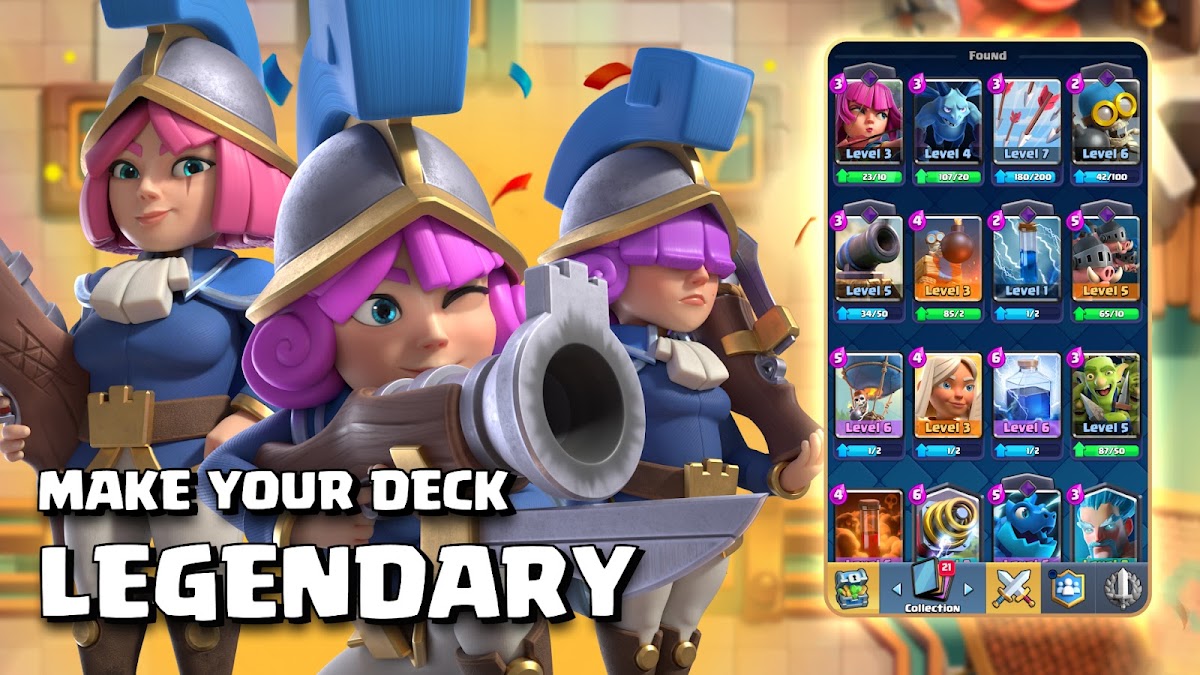
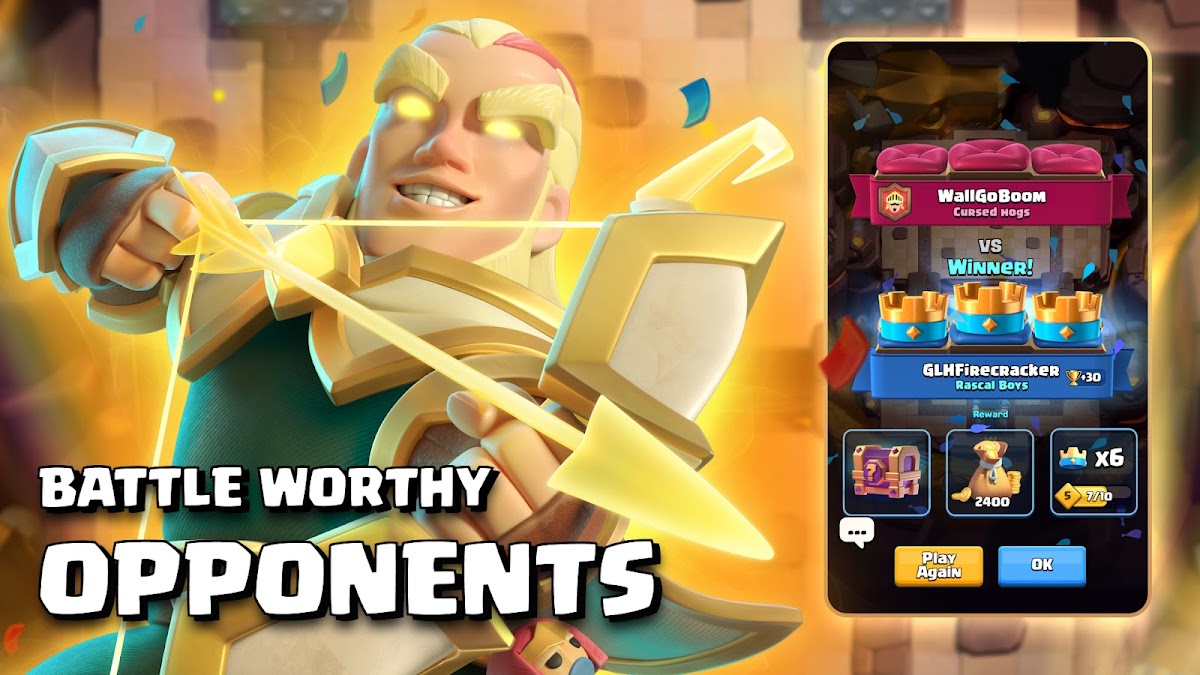
Select a card and tap its deployment spot, or drag the card directly onto the arena. One thumb can handle either method. In a close match, defending the other lane may mean reaching across the screen quickly, especially on a larger phone.