CDisplayEx is the best starting point for a dedicated CBZ and CBR reader on Android. Choose ComicScreen if you open comics straight from folders or read a mix of comic archives and PDFs. Kuro Reader+ is the better fit for a large manga collection, and Perfect Viewer gives you more control over how each page fills the screen.
Eight apps in this comparison open local CBZ and CBR files on Android. The only app in the lineup with a verified iPhone and iPad version is WEBTOON, which delivers comics from its own catalog. If you already have a CBZ or CBR file on an Apple device, you’ll need an iOS reader with explicit support for importing that format.
CBZ and CBR comic readers compared
| App | Opens local CBZ and CBR? | Best for |
| CDisplayEx | Yes, both | Dedicated comic reading and access to a home comic server |
| ComicScreen | Yes, both | Opening files from folders, USB storage or network shares |
| Perfect Viewer | Yes, both | Manga spreads, margin cropping and page scaling |
| Challenger Comics Viewer | Yes, both | Ad-free reading with continuous scrolling |
| Kuro Reader+ | Yes, both | Organizing manga and comics by series, tags and metadata |
| Comic Book Reader (cbz/cbr) | Yes, both | Opening downloaded comics and resuming offline |
| Moon+ Reader | Yes, both | Keeping ebooks and occasional comics on one bookshelf |
| Librera | Yes, both | Building a library from selected folders and formats |
| WEBTOON | No | Reading serialized comics from the WEBTOON catalog |
1. CDisplayEx — Best dedicated CBZ and CBR reader
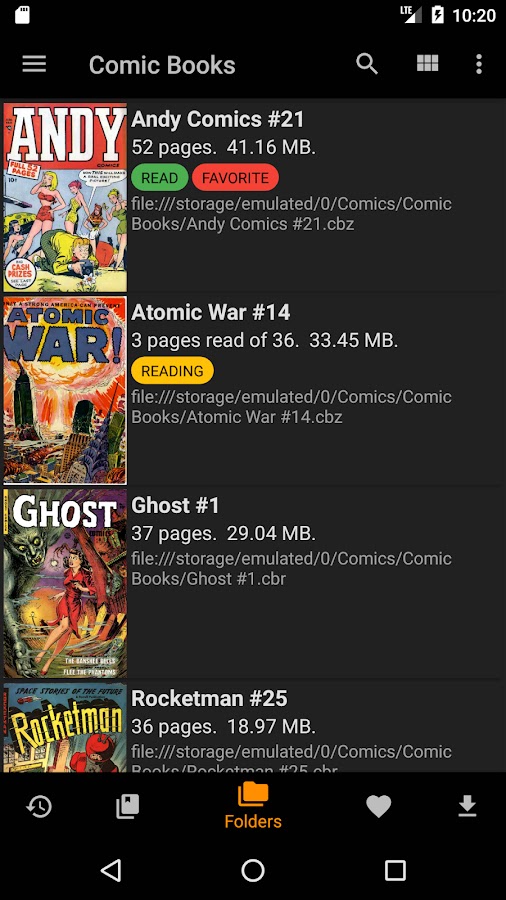
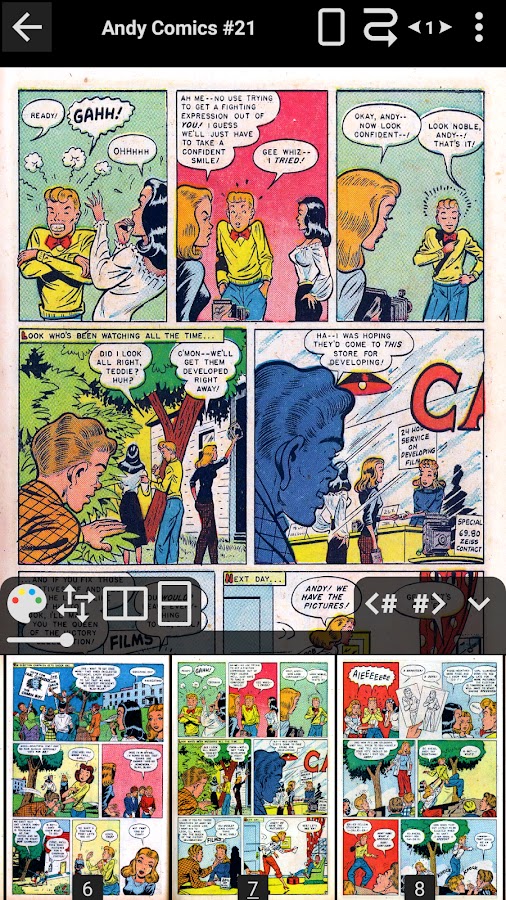
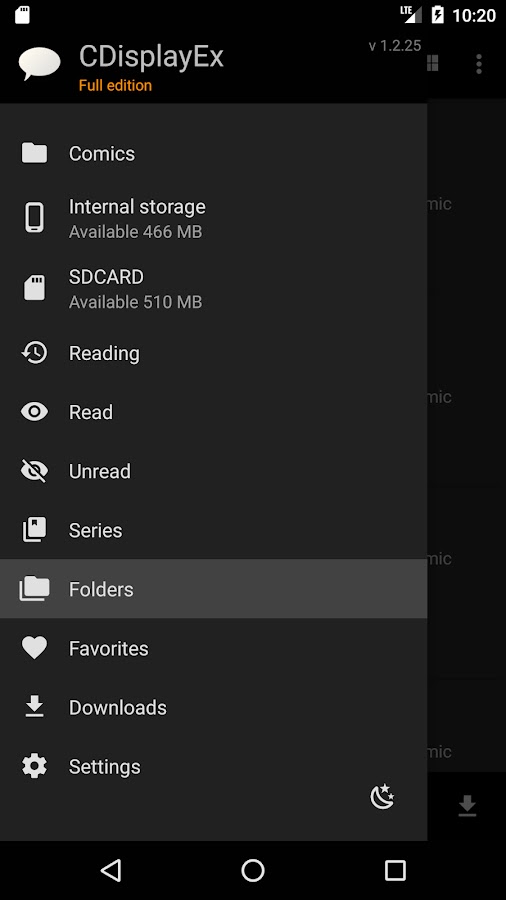
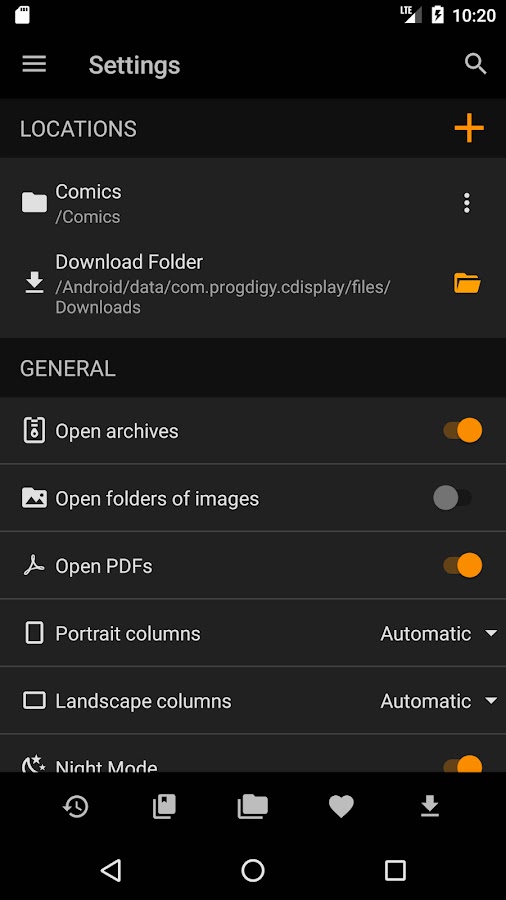
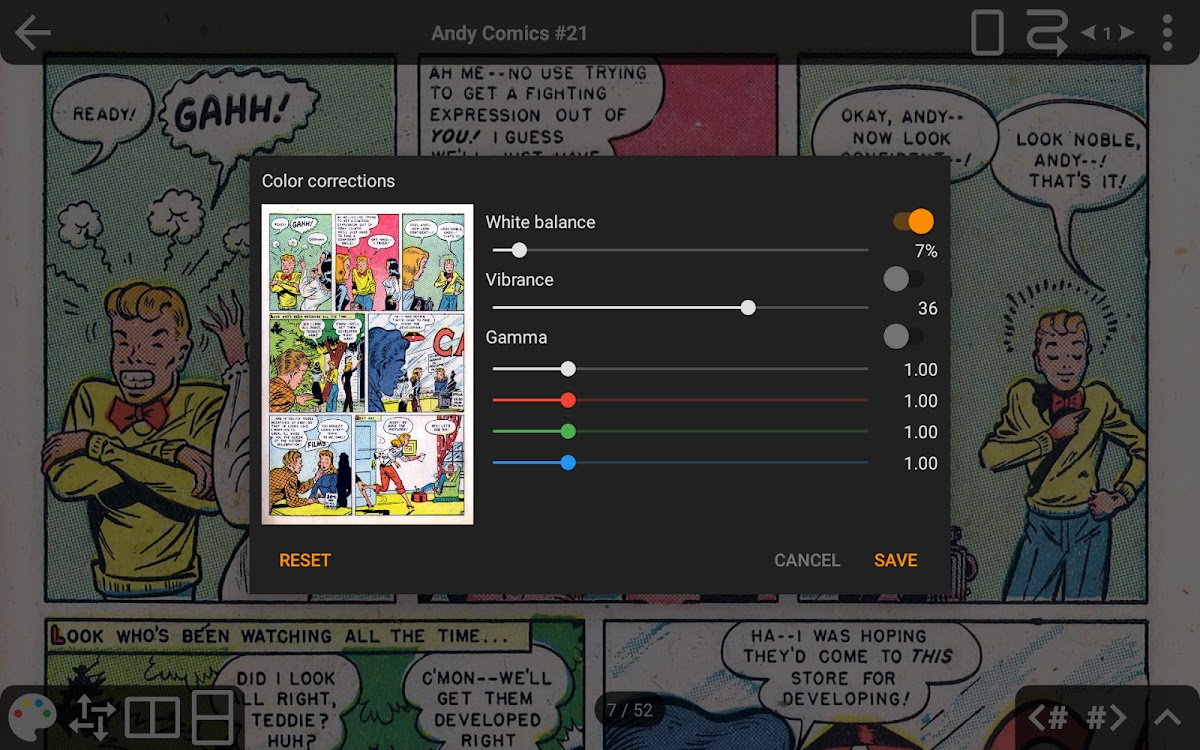

CDisplayEx opens CBZ, CBR and PDF comics. It’s a good first choice if comics make up most of your reading and you want room to grow from files saved on your phone to a collection hosted at home. The Premium edition adds continuous horizontal and vertical reading, bookmarks and access to Komga and Kavita. It can also open files over an SMB share without downloading the full archive first.
2. ComicScreen — Best for opening comics from folders
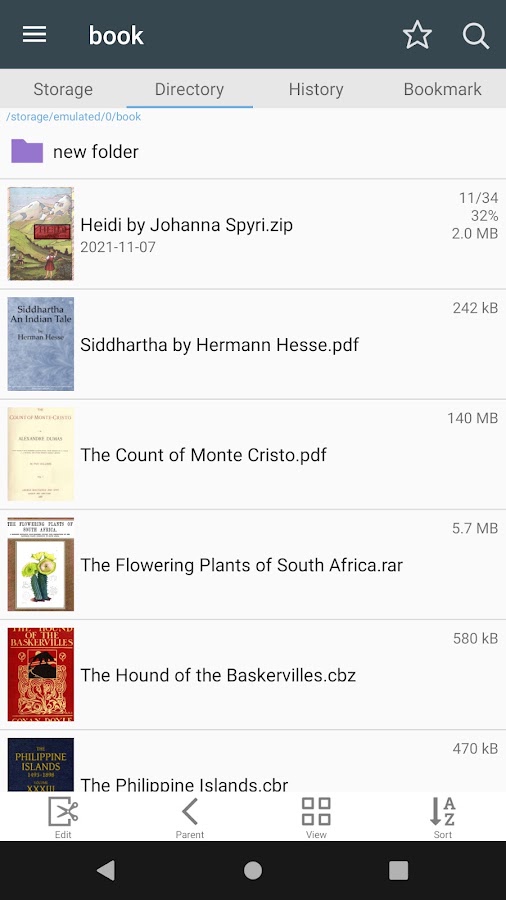
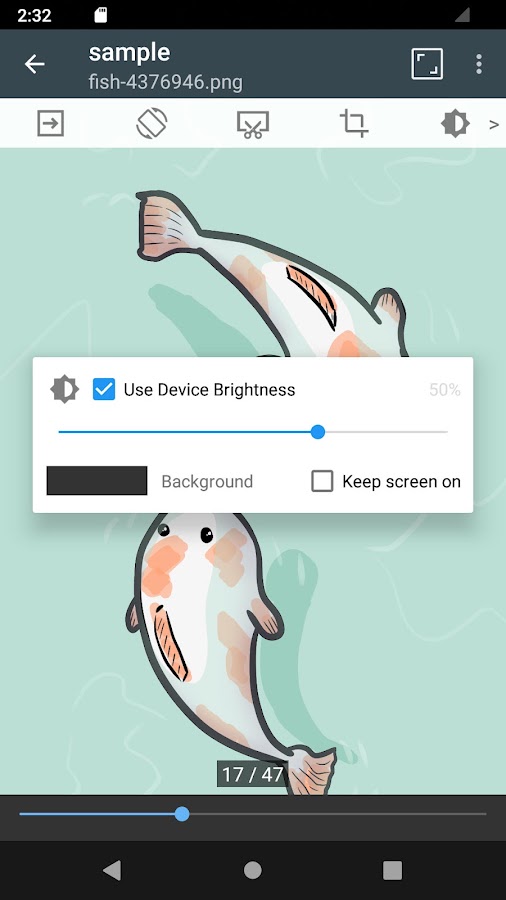
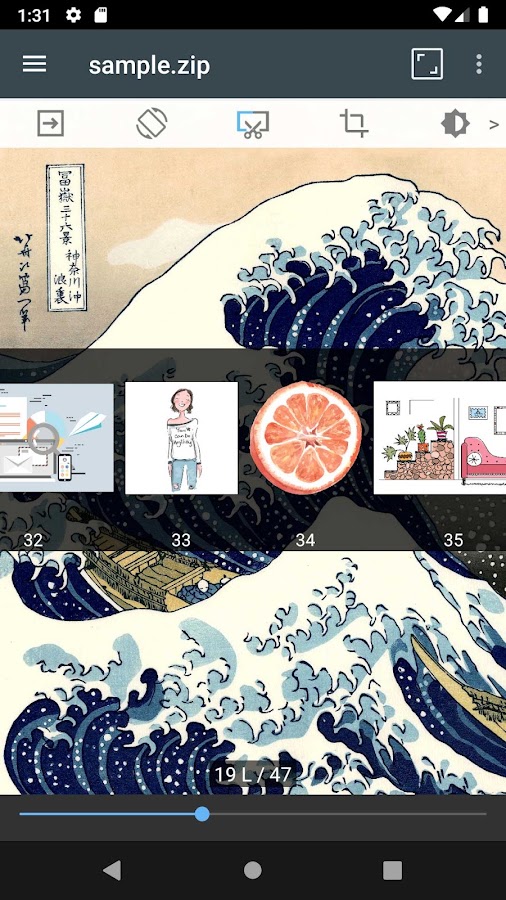
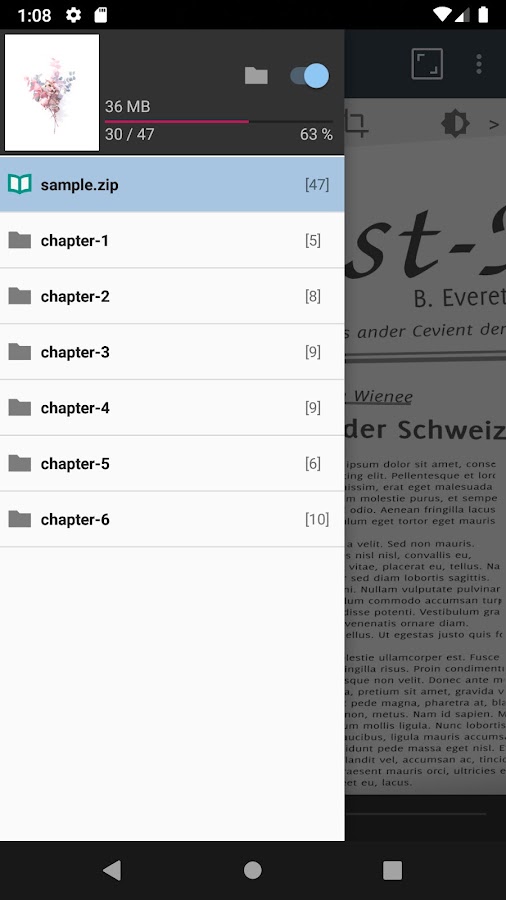
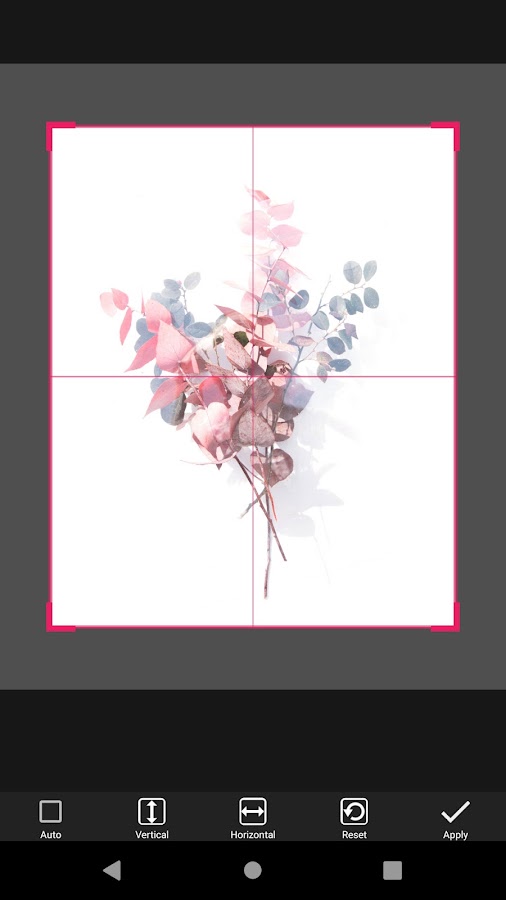

ComicScreen makes sense if you already sort comics into your own folders. Its file browser handles CBZ, CBR, PDF, ZIP and RAR and supports USB OTG drives, SMB and FTP. You can preview pages, crop margins and switch between a single-page portrait layout and a two-page landscape spread. If a ZIP archive has chapters stored in separate folders, the chapter drawer can make a long volume easier to navigate.
3. Perfect Viewer — Best for manga spreads and page controls
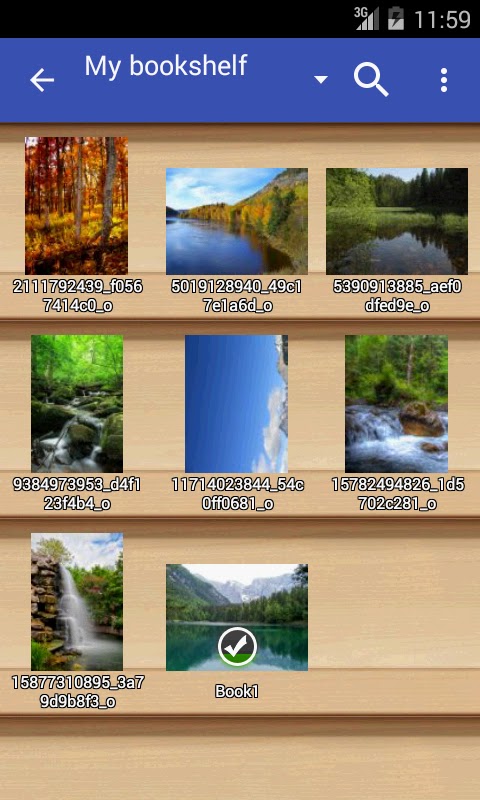
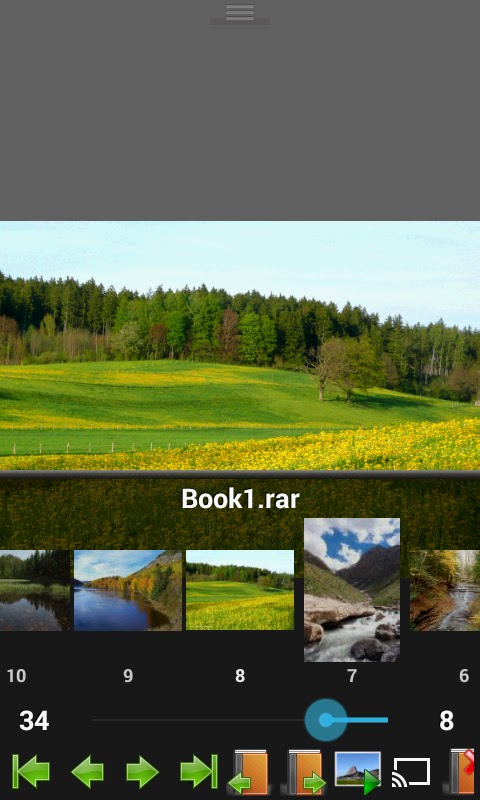
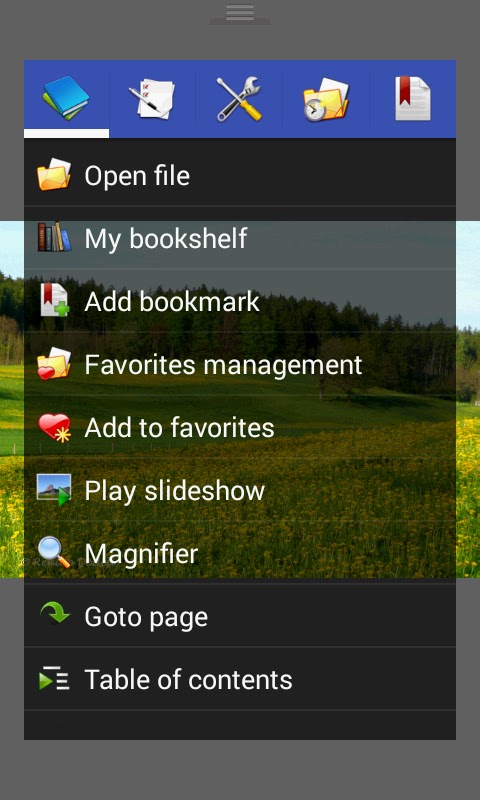
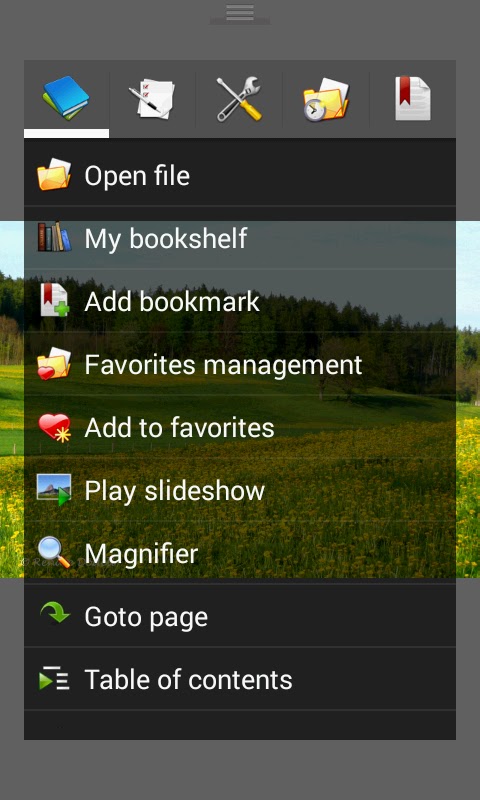

Perfect Viewer supports right-to-left page turns, single- and double-page layouts, and automatic layout changes when you rotate the screen. Use fit-to-width and automatic margin cropping on a small phone, or switch to a two-page layout in landscape to see a full manga spread on a tablet. It also offers vertical scrolling for long strips. CBZ and CBR work with the main app. PDF support requires a separate plug-in.
4. Challenger Comics Viewer — Best for ad-free continuous scrolling
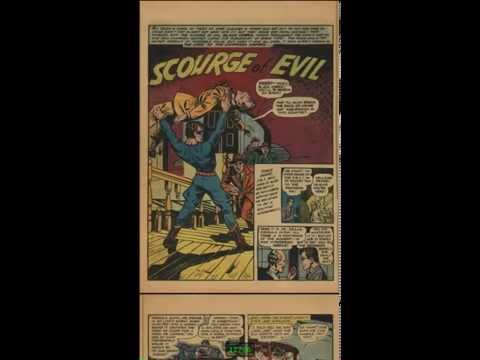
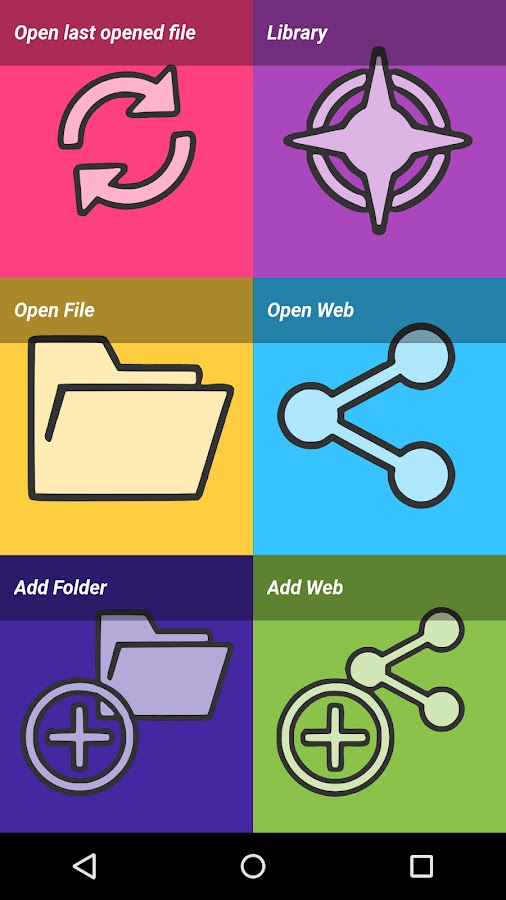
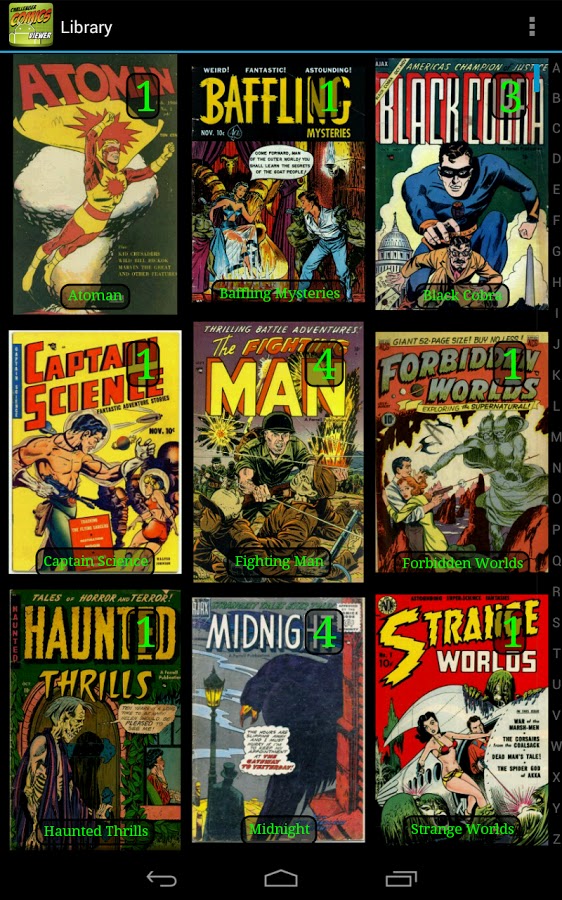
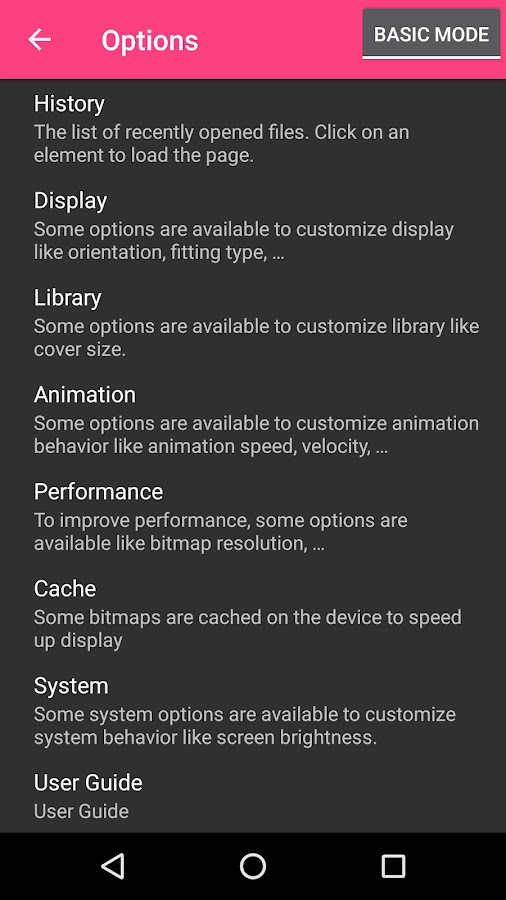
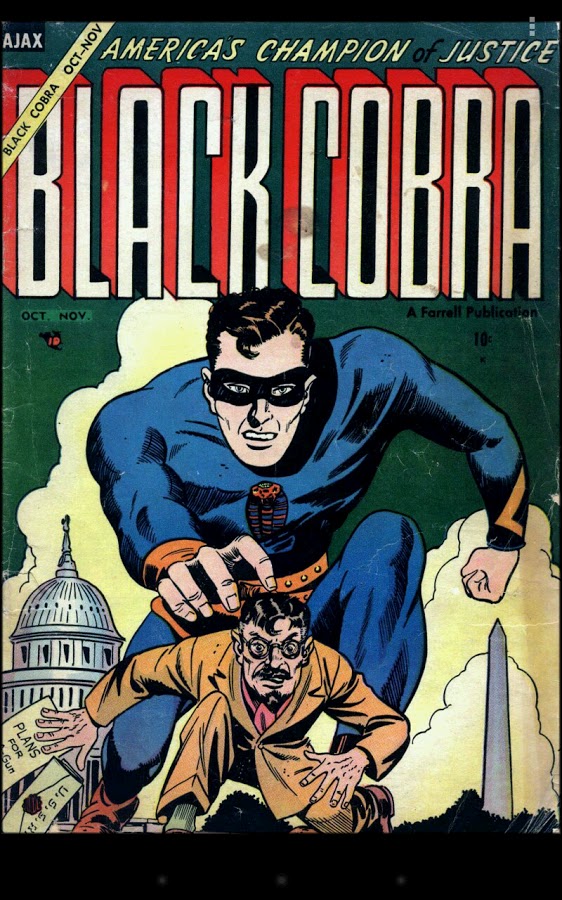
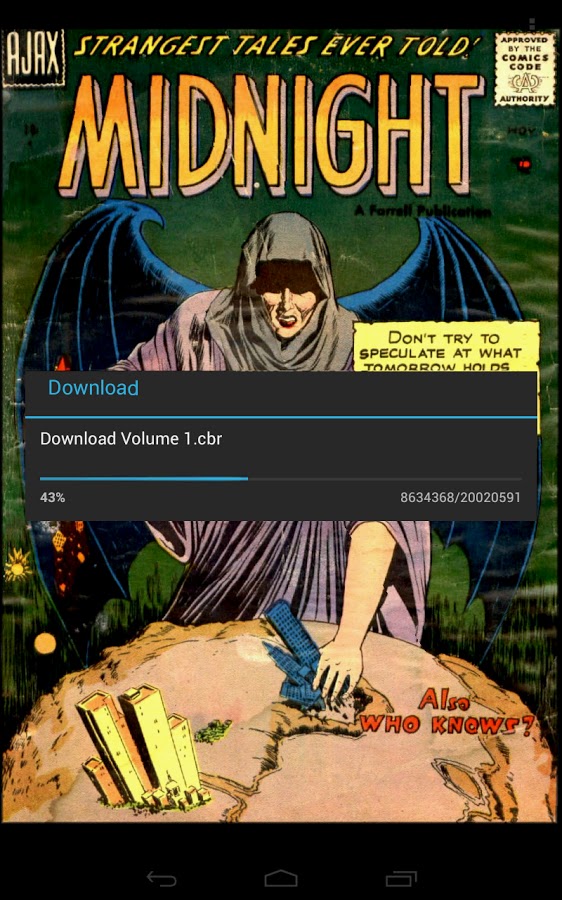
Challenger Comics Viewer loads pages as you scroll and lets you choose between a page-by-page view and a continuous strip. It offers left-to-right and right-to-left reading, plus an option to move to the next issue when you reach the final page. The app is ad-free and also opens CB7, CBT, PDF, DjVu and EPUB files. Pick it if you like to read several downloaded issues in one sitting.
5. Kuro Reader+ — Best for organizing a manga collection
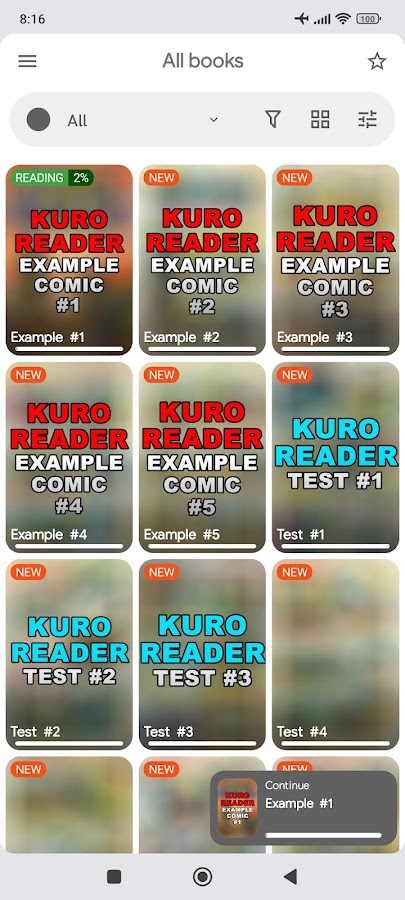
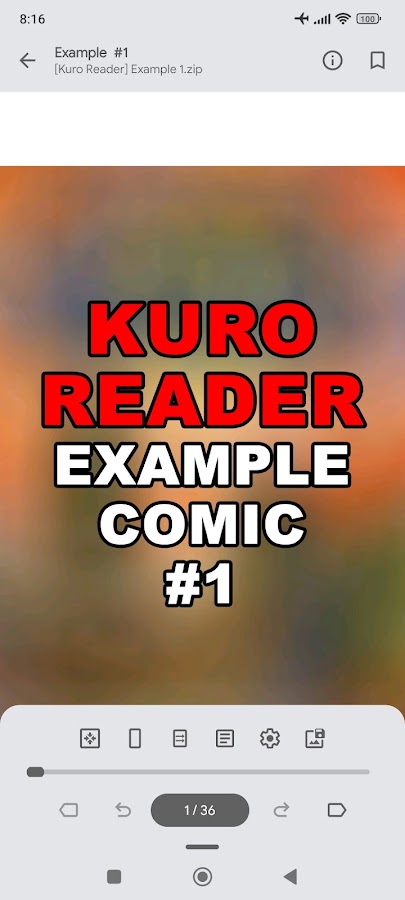
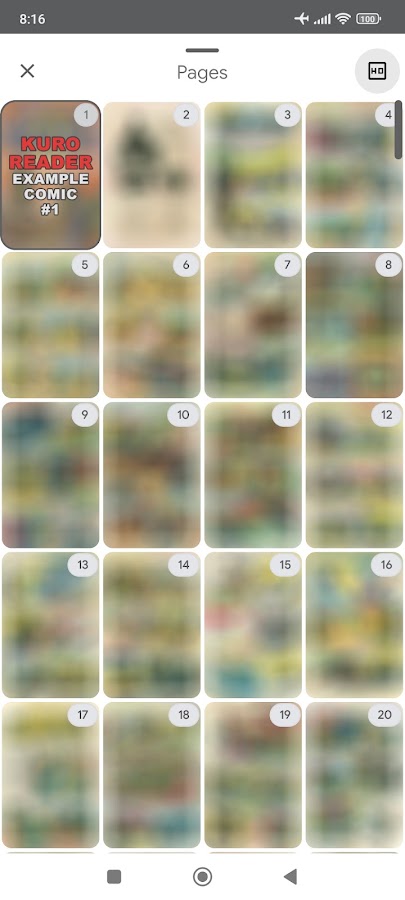
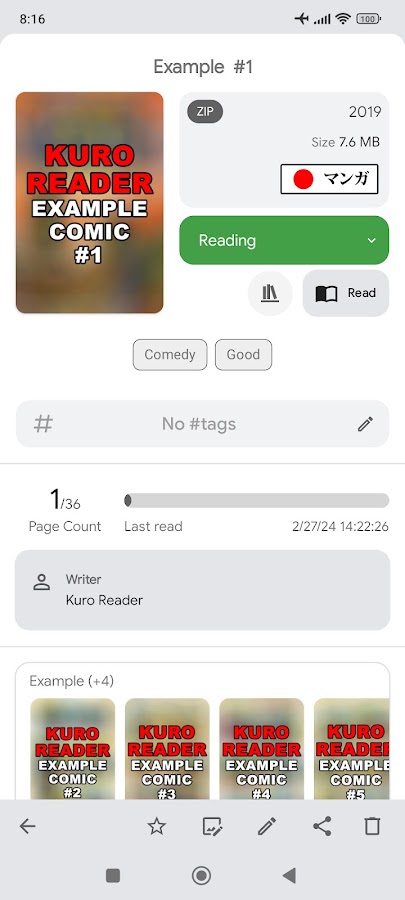
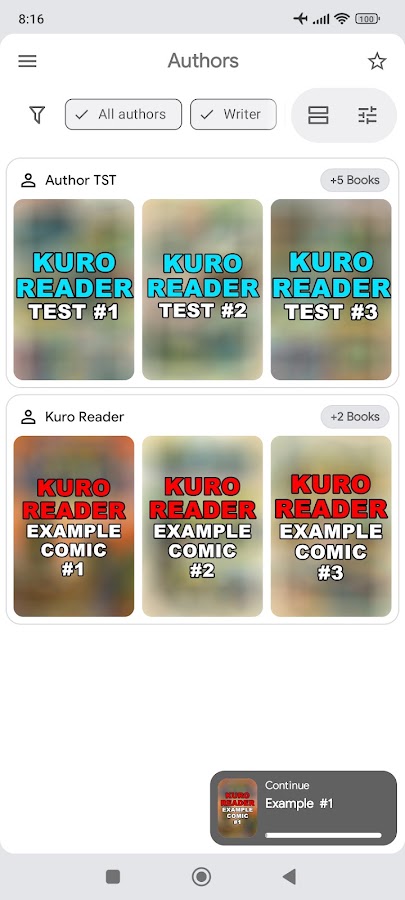

Kuro Reader+ can use the ComicInfo.xml metadata embedded in an archive and sort your library by series, author or year. Tags and custom collections help when you have multiple editions or ongoing series to keep track of. The reader includes right-to-left manga mode and a vertical strip mode for locally saved webcomics. PDF support and basic metadata editing are Pro features.
6. Comic Book Reader (cbz/cbr) — Best for quick offline reading
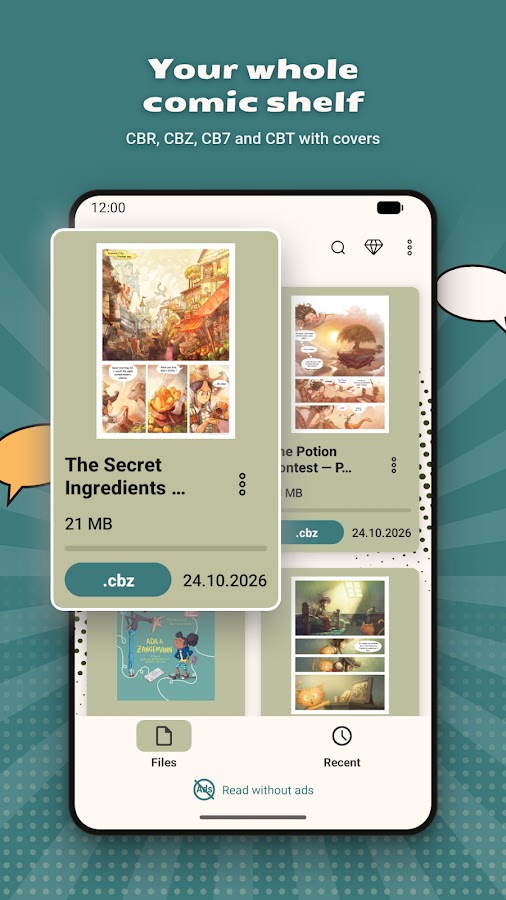
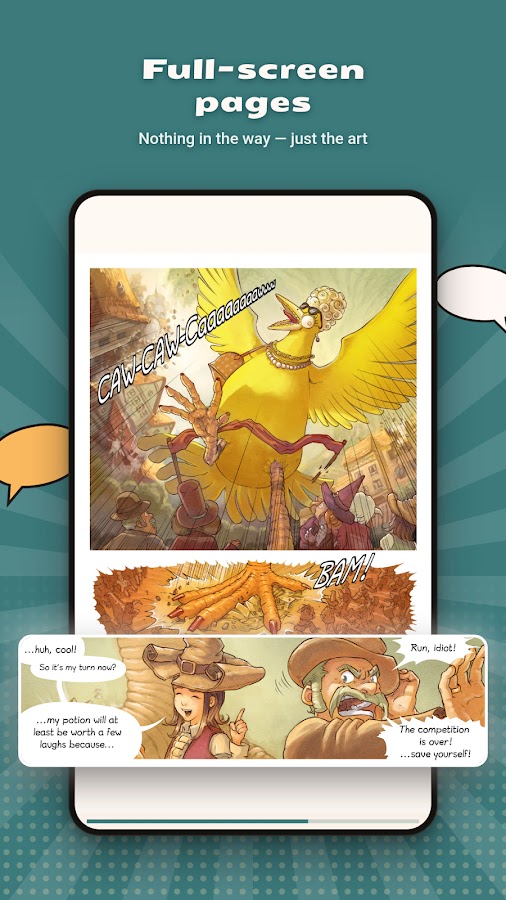
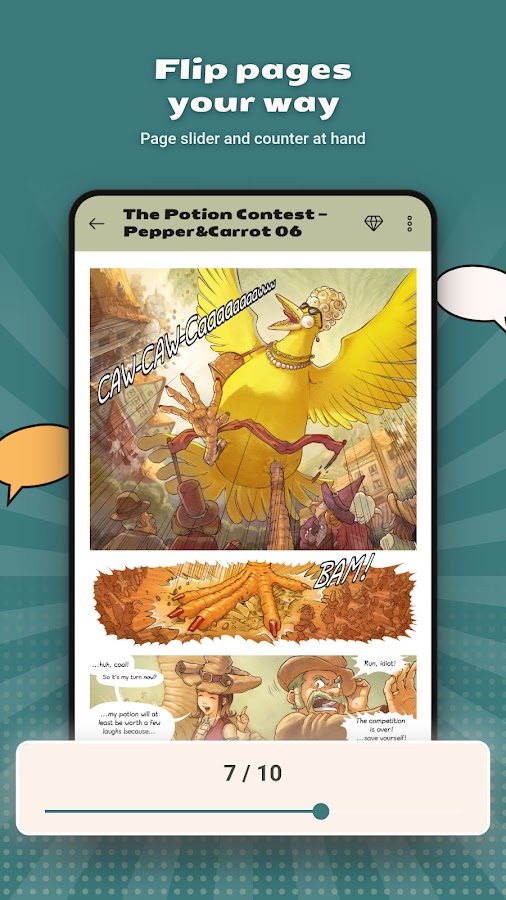
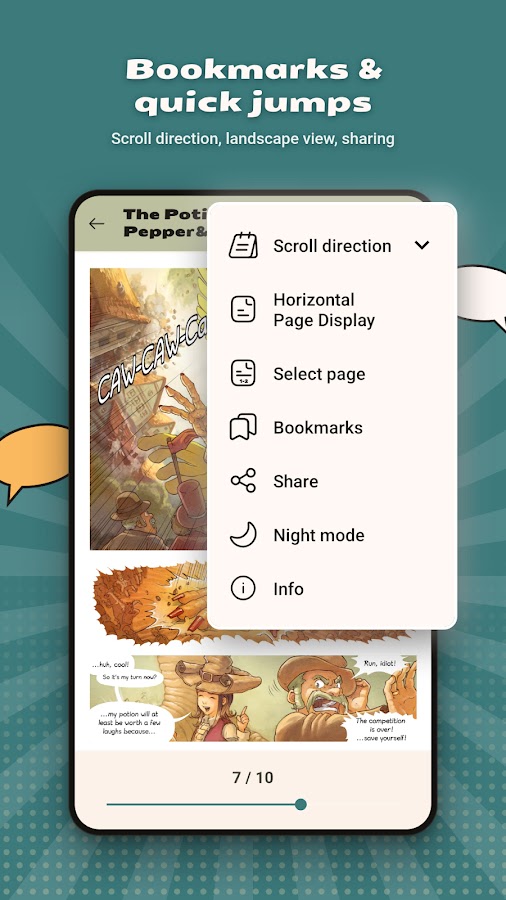
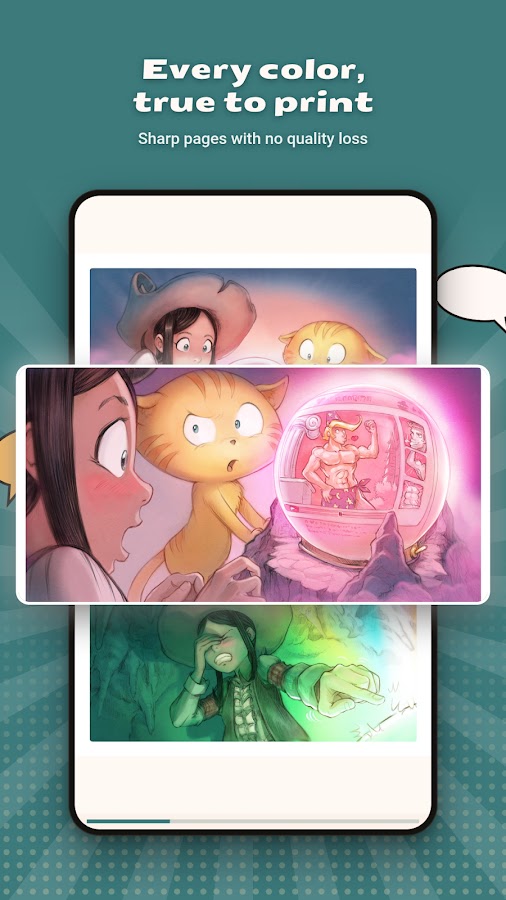
The Android Tools app opens CBZ, CBR, CB7 and CBT files saved on your device without an account. It can reopen your last comic on launch, jump to a numbered page and use the volume buttons to turn pages. Its two-page landscape layout is handy for spreads. Opening files directly from cloud storage is a Pro feature. Download a local copy before a flight or commute.
7. Moon+ Reader — Best for a bookshelf with mostly ebooks
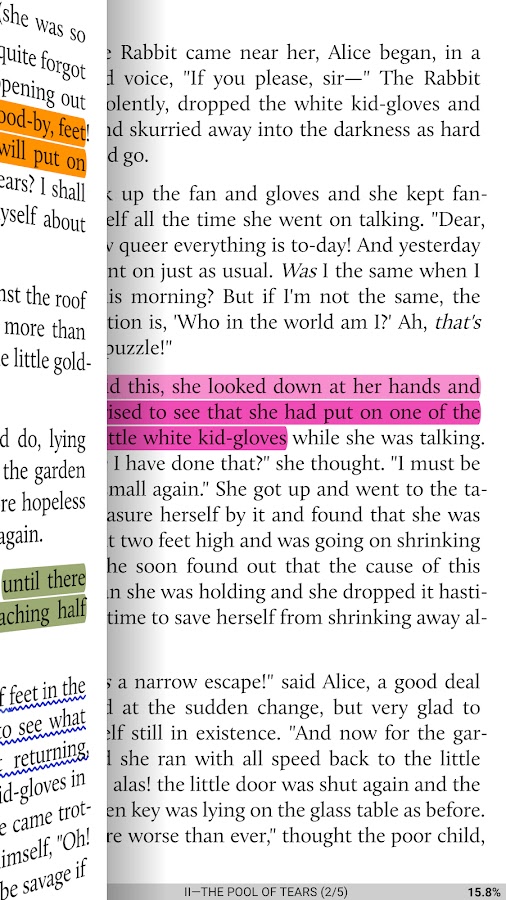
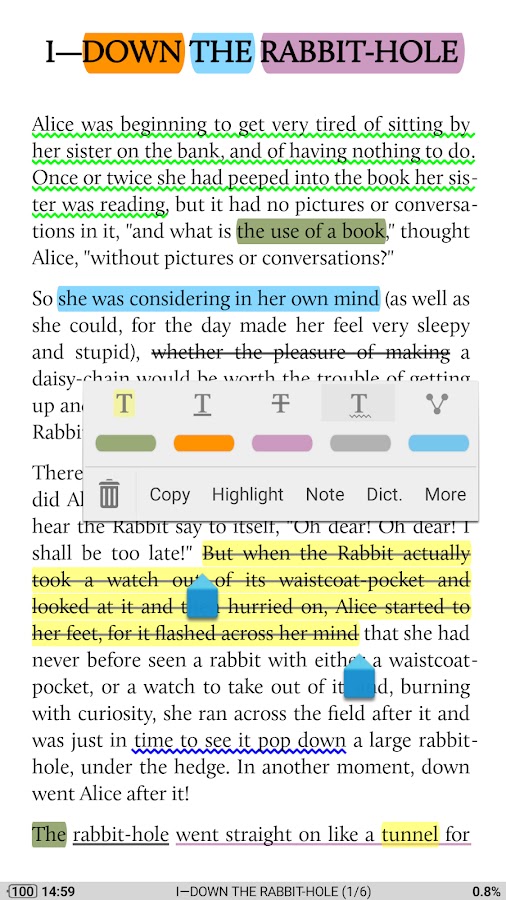
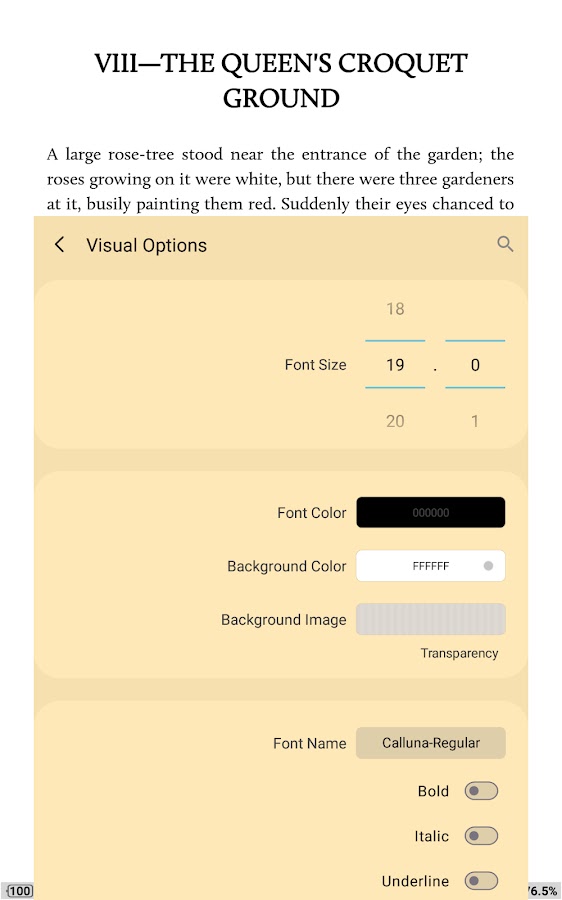
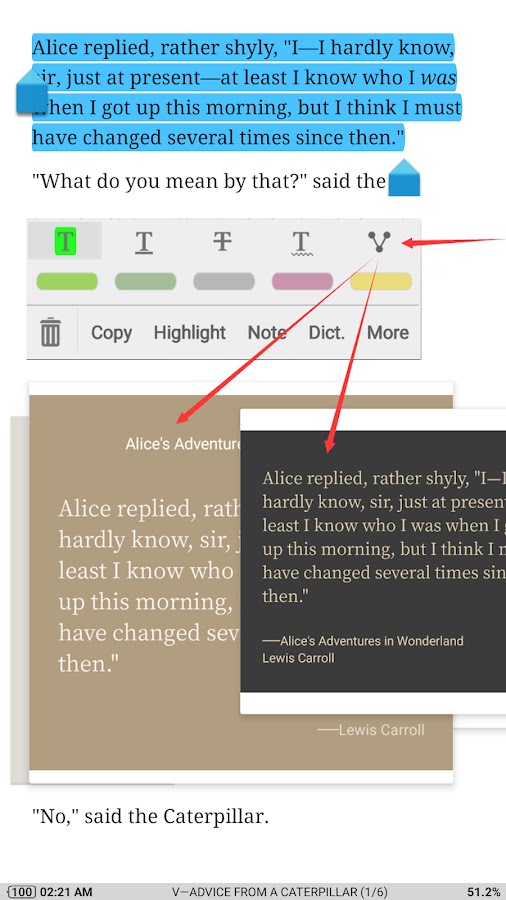
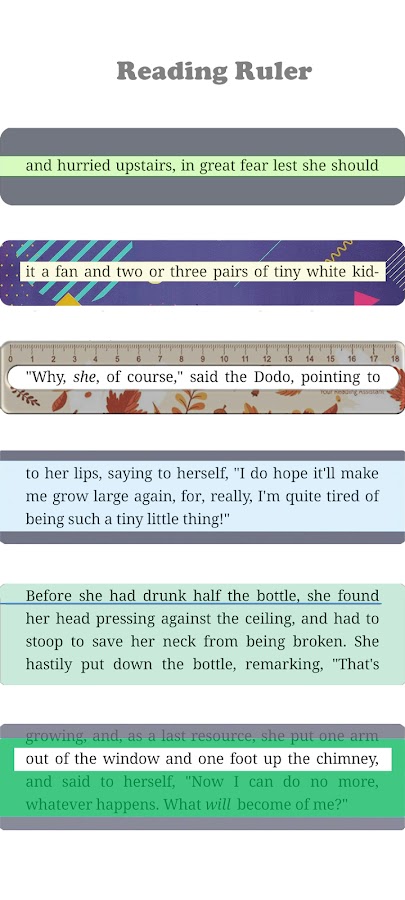

Moon+ Reader supports CBZ and CBR alongside EPUB, PDF, MOBI, FB2 and other ebook formats. Its bookshelf organizes titles with tags and favorites, so it makes sense if you read novels most days and open an occasional graphic novel. Comic archives contain fixed page images. For small lettering in a scanned comic, changing the ebook font size won’t help. Start with zoom or fit-to-width in a dedicated comic reader.
8. Librera — Best for a library built from selected folders
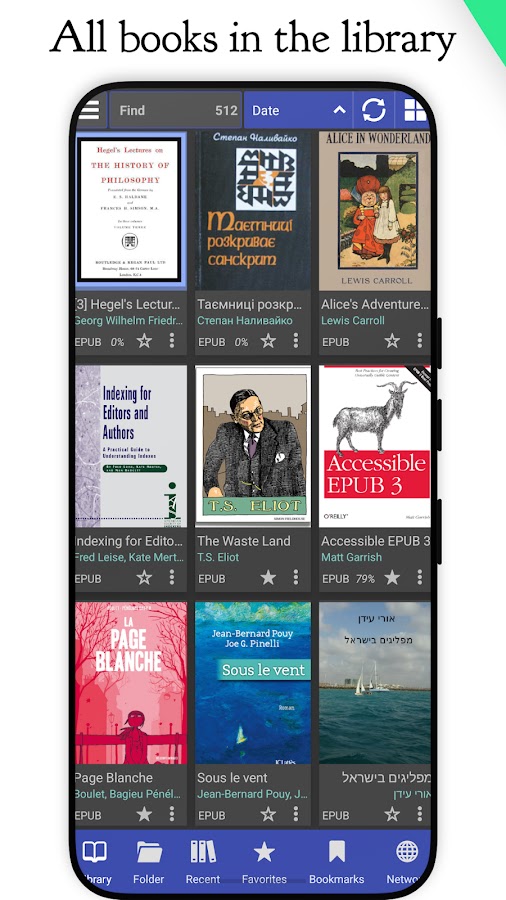
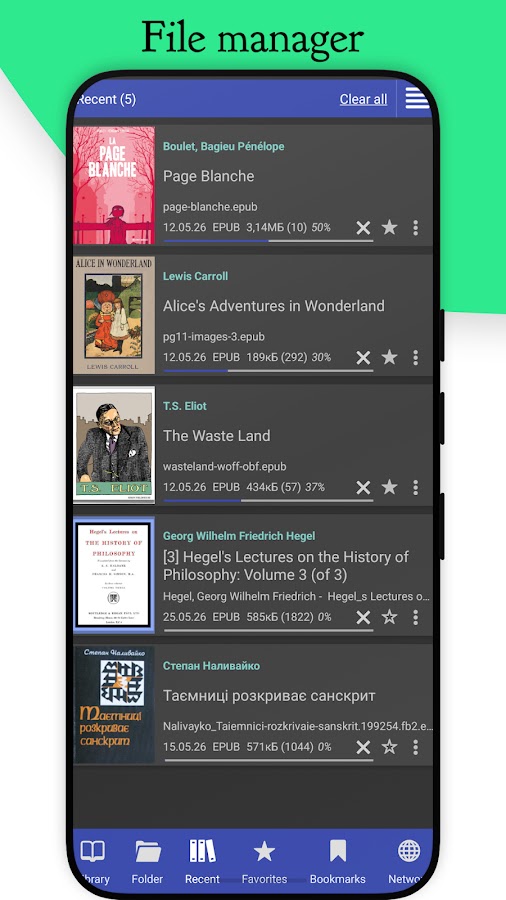
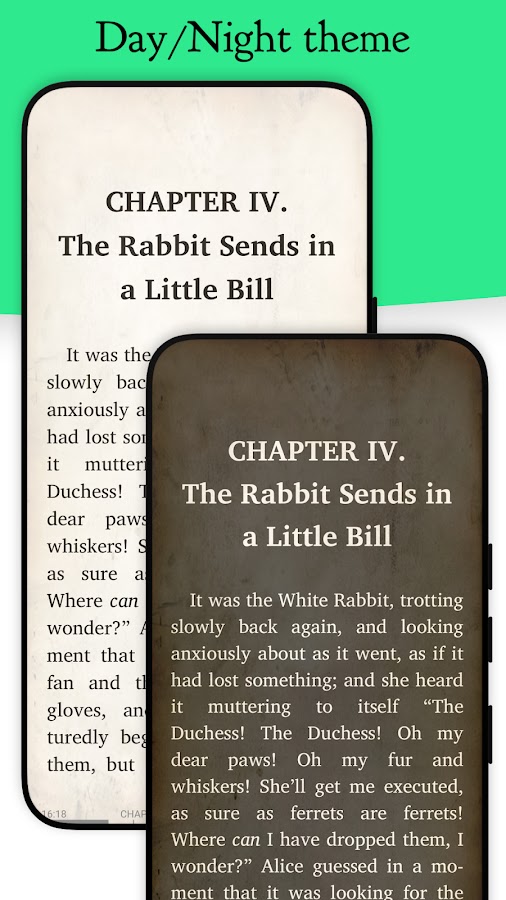
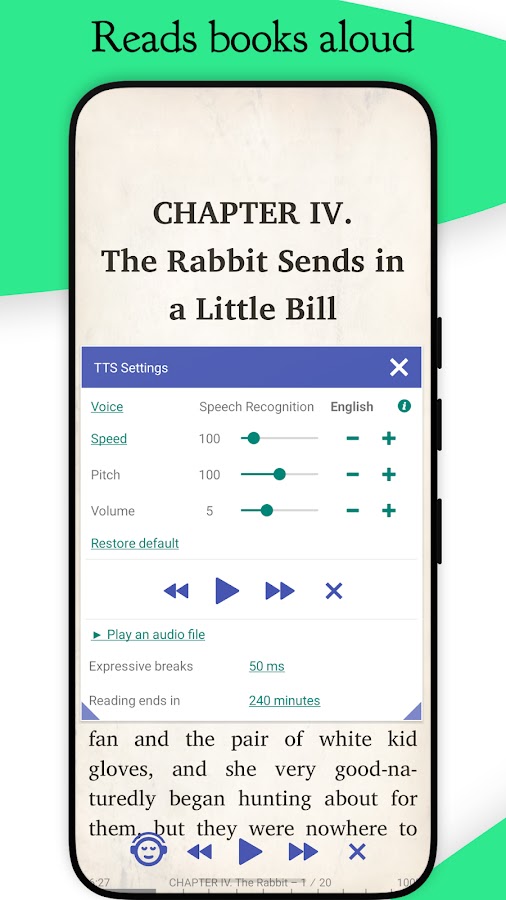
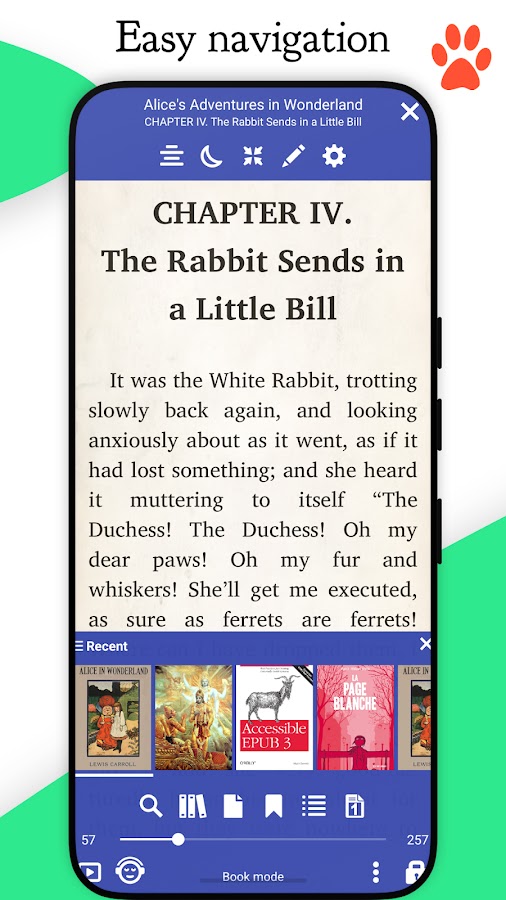

Librera is an open-source Android reader that handles CBZ and CBR alongside formats such as EPUB, PDF and DjVu. You can choose which folders it scans and which formats appear in the library. That’s useful if your manga lives in a dedicated folder and you want to keep unrelated PDFs in Downloads out of your bookshelf.
9. WEBTOON on Android, iPhone and iPad
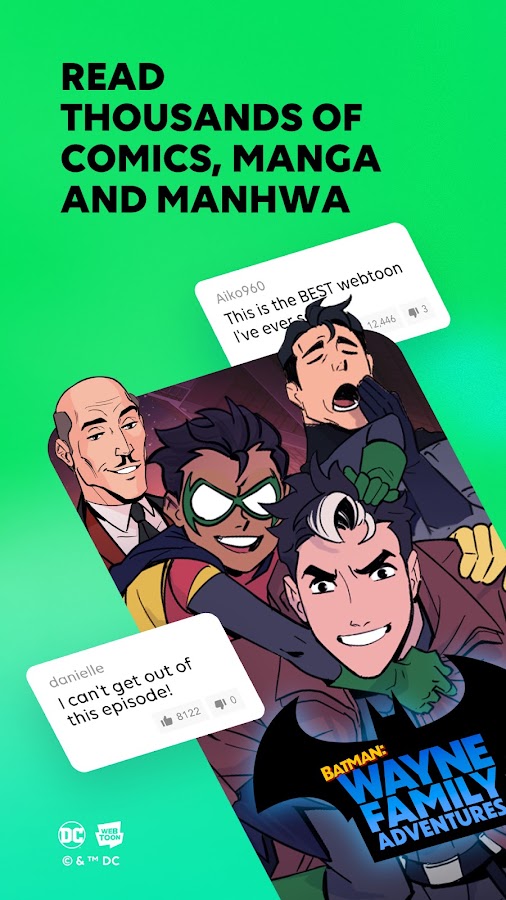
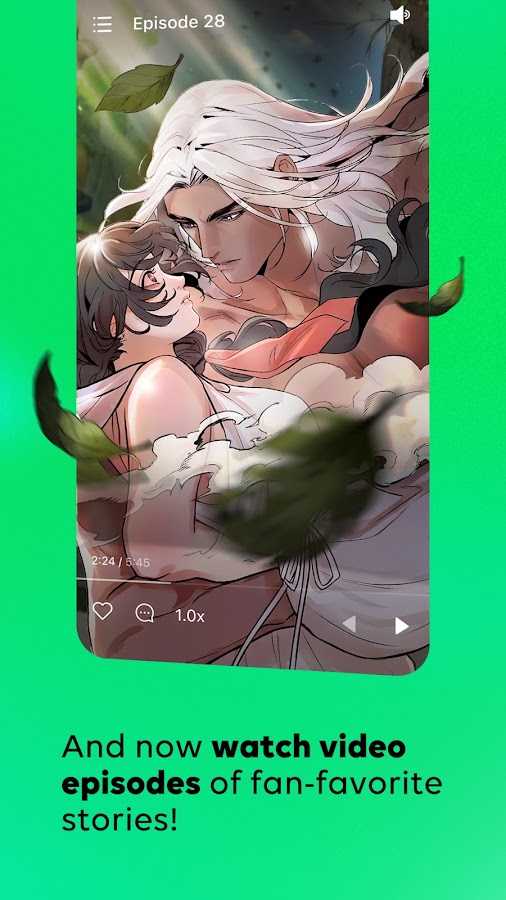
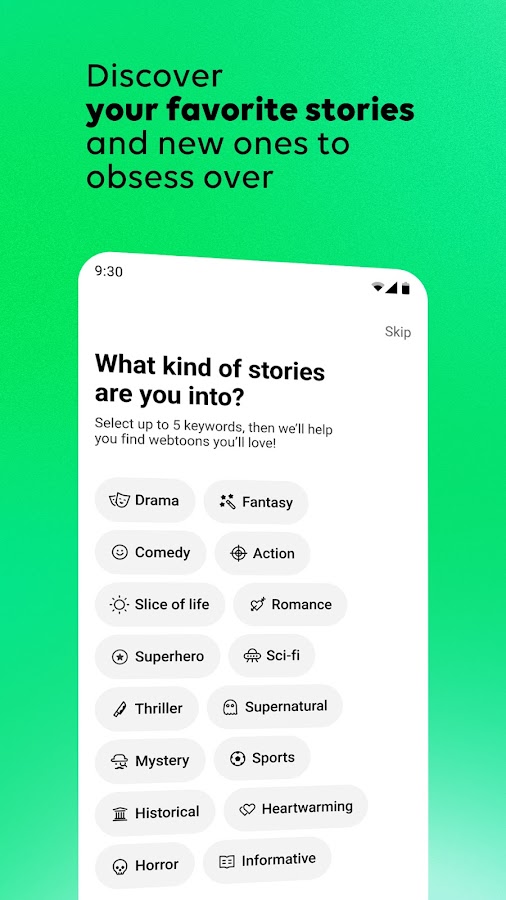

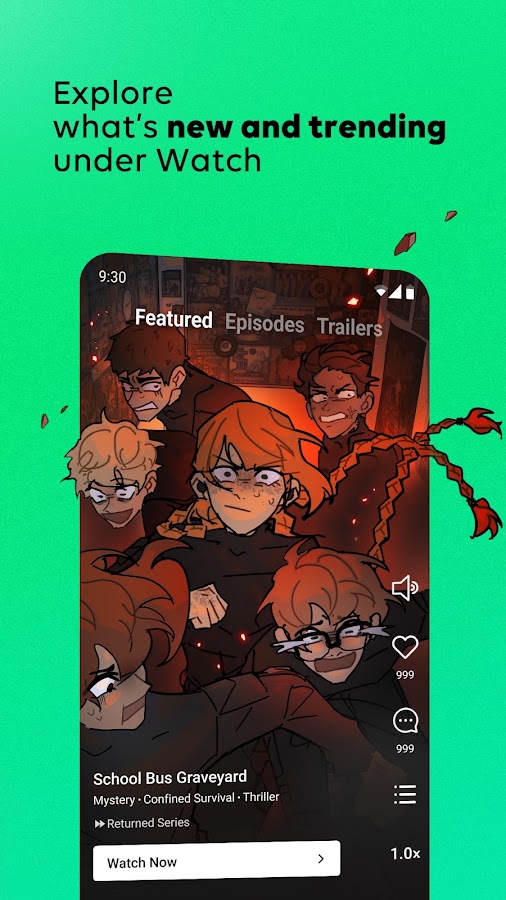

WEBTOON is for discovering and following serialized comics and manhwa from its catalog. Many series use a vertical layout suited to scrolling on a phone. Some WEBTOON Originals offer offline episode downloads within the app. A downloaded WEBTOON episode stays in the service’s reading flow, and the app does not import personal CBZ or CBR archives.
How to open CBZ and CBR files on your phone
- Android — Download the complete file to your device. Open a compatible reader, browse to Downloads or your comics folder, and select the archive. If Android offers the reader through Open with, you can also launch it from your file manager.
- iPhone or iPad — Save the archive in Files and make sure the full file has downloaded. Use Open With or the reader’s import screen to open it in a compatible app that lists support for your format.
- Set the reading layout — Start with right-to-left page turns for manga published in that order, single pages for most phone screens, or landscape spreads for a tablet. For long vertical strips, try continuous scrolling.