
mSecure – Password Manager for Android
About mSecure – Password Manager
Protect your passwords, passkeys, and personal information with mSecure 7.
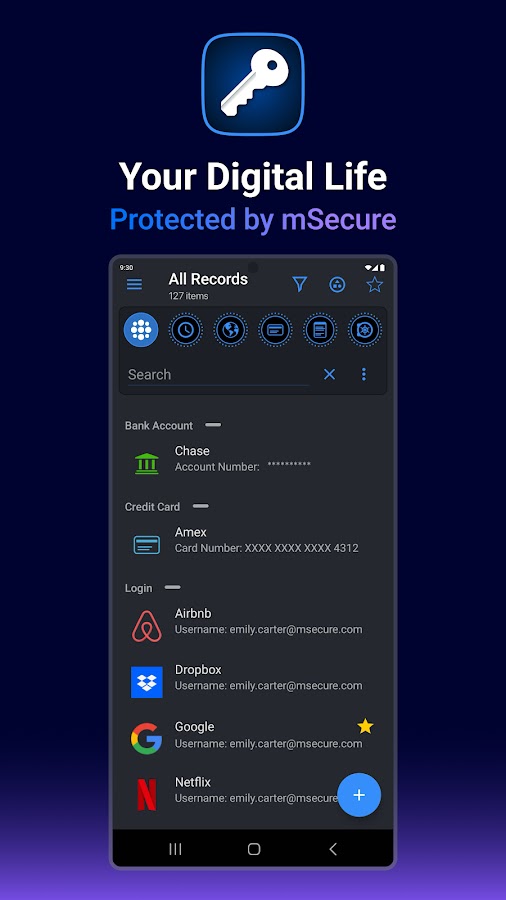
mSecure is the secure, easy-to-use password manager that helps you store, generate, autofill, and organize passwords, passkeys, one-time passwords (OTP), and sensitive information across all your devices. Your data is protected by industry-standard AES-256 encryption and a zero-knowledge architecture, ensuring only you can access your information.
WHAT’S NEW IN MSECURE 7
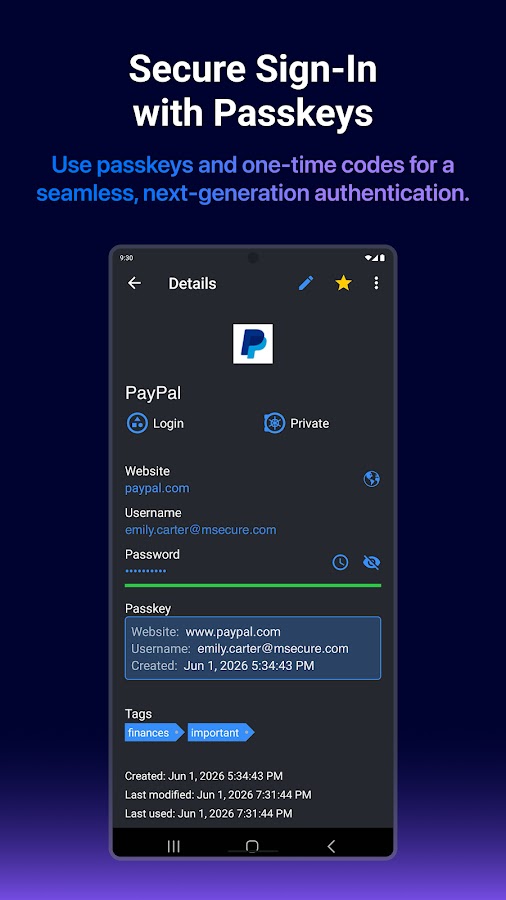
● Passkeys — sign in to passkey-enabled websites and apps without passwords.
● Built-in one-time passwords (OTP) — keep your 2FA codes alongside your logins with no separate authenticator app required.
● Sharing Center — easily manage shared vaults and records from one central location.
● Redesigned Record Details, Edit, and Recents views.
● Custom filters — save and quickly access your most important records.
● Enhanced search with faster access to the information you need.
● Improved password generator and refreshed user experience.
● Performance improvements and numerous enhancements throughout the app.
CHOOSE THE PLAN THAT FITS
Every plan includes the same AES-256 encryption and zero-knowledge architecture.
Free:
● Unlimited records.
● Password generator.
● AutoFill support.
● Customizable templates.
● Enhanced search.
Essentials:
● Cloud syncing via mSecure Cloud, Dropbox, Google Drive, OneDrive, or Wi-Fi.
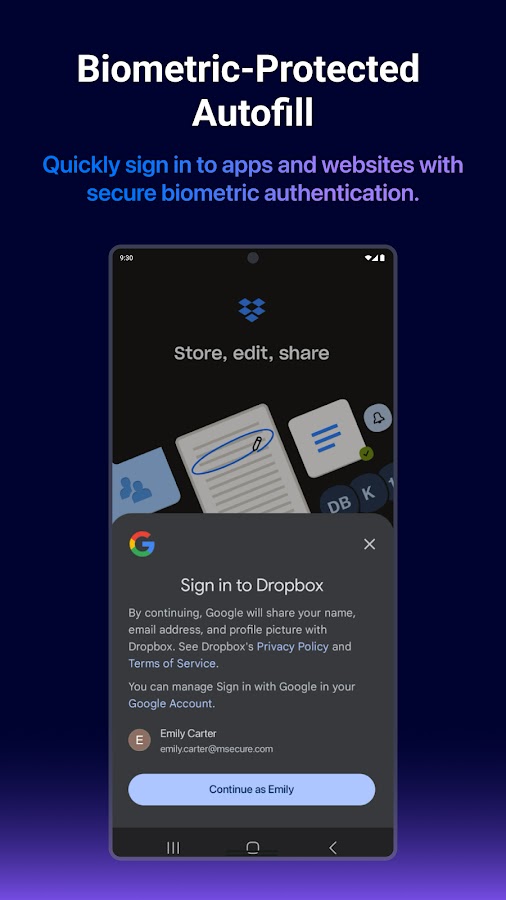
● Biometric unlock on supported devices.
● Passkeys.
● Built-in OTP authentication.
● Security Center.
● Backup and CSV import/export.
Premium:
● Sharing Center.
● Custom filters.
● Advanced field settings.
● Multiple tags per record.
● File attachments including documents and images.
Family:
● All Premium features.
● Up to 5 family members.
● Shared vaults.
SECURE
Protect your information with confidence.
● AES-256 encryption.
● Zero-knowledge architecture.
● Biometric unlock on supported devices.
● Auto-lock protection.
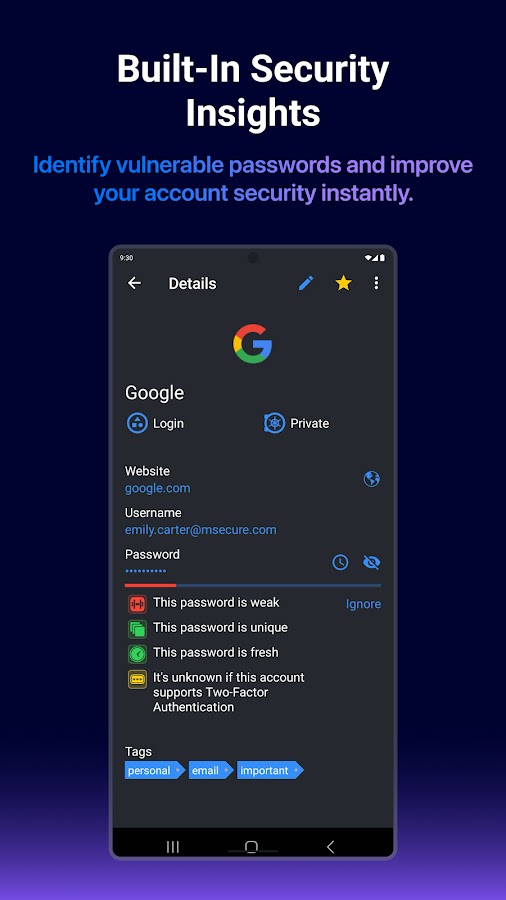
● Security Center identifies weak, reused, and compromised passwords.
● Powerful password generator with customizable settings.
SIMPLE
Manage your information without friction.
● AutoFill passwords and passkeys in supported apps and browsers.
● Over 20 built-in templates plus custom templates.
● Powerful search, smart sorting, tags, and custom filters.
● Quickly organize passwords, identities, payment cards, notes, and more.
● Redesigned record views streamline editing and management.
SEAMLESS
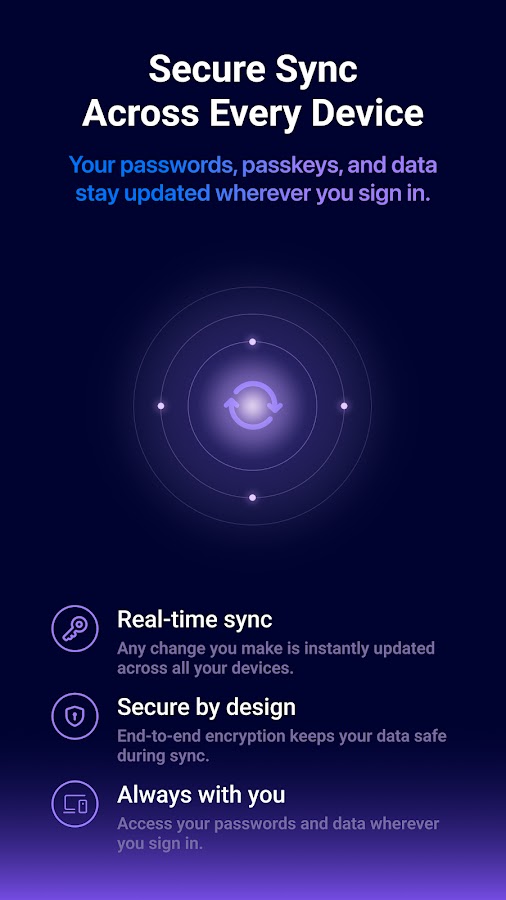
Access your information wherever you need it. Sync your data securely across devices using mSecure Cloud, Dropbox or Wi-Fi. Whether you’re using Android, Windows, Mac, or iOS, your information is always available when you need it.
SUPPORT
Questions or feedback? Visit support.msecure.com or contact support@msevensoftware.com
Privacy Policy: msecure.com/privacy-statement
Download mSecure – Password Manager for Android for free — the latest version (7.0.1) is now available for installation on your phone or tablet.
What's New in the Latest Version 7.0.1
• Added new biometric settings to support all levels of Android Biometrics security
• Bug fixes
mSecure – Password Manager App Info
- Version 7.0.1
- Updated November 23, 2026
- Requires OS Android 7.0 and up
- Category Productivity
- Developer mSeven Software LLC
- Age Rating 3+