SAP SuccessFactors Mobile for iOS
About SAP SuccessFactors Mobile
SAP SuccessFactors Mobile helps businesses bring HR closer to their employees, so they are more engaged, more productive, and much smarter about the way they work. SAP SuccessFactors Mobile provides a native, consumer-like experience, ability to meet strict security standards, manageability of features and functionalities in mobile devices and optimized procedures for mobile performance.
Use SAP SuccessFactors Mobile to:
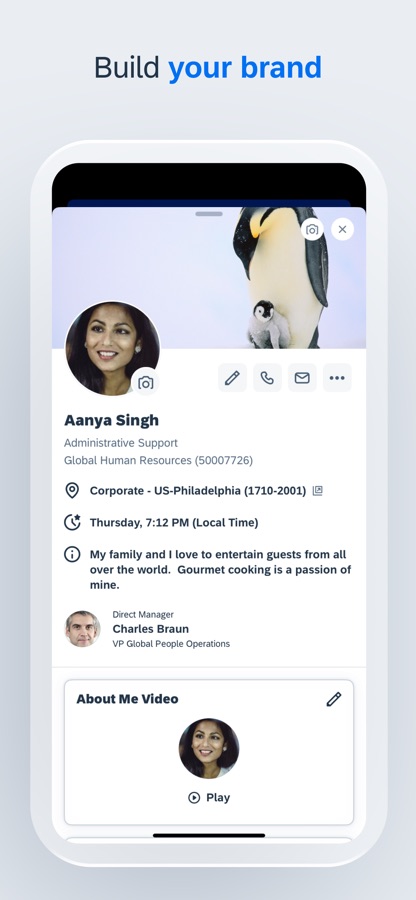
· View employee profiles and call, text, or email them directly
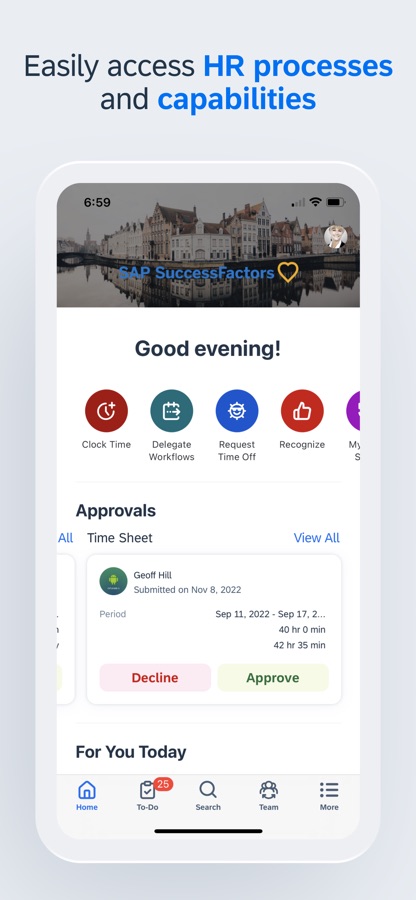
· Approve all your requisitions within seconds
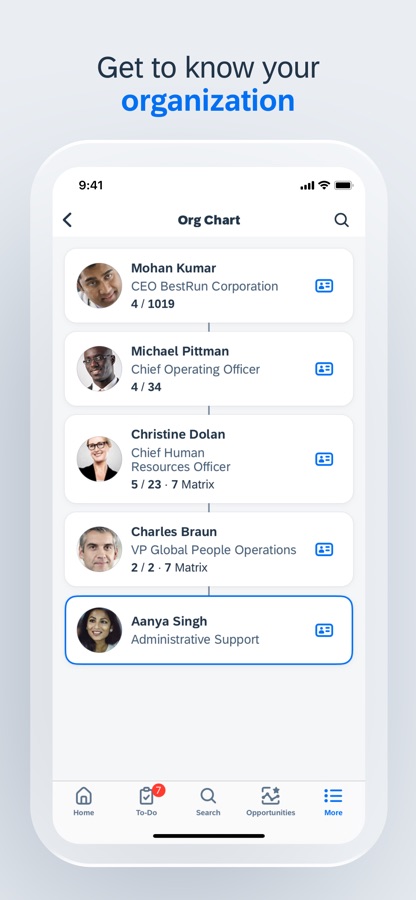
· View your company’s organization chart to see how everyone is connected, including direct reports, matrix reports and new hires
· Post your own text, photo and video updates
· View and add comments to entire documents, presentations, videos and links
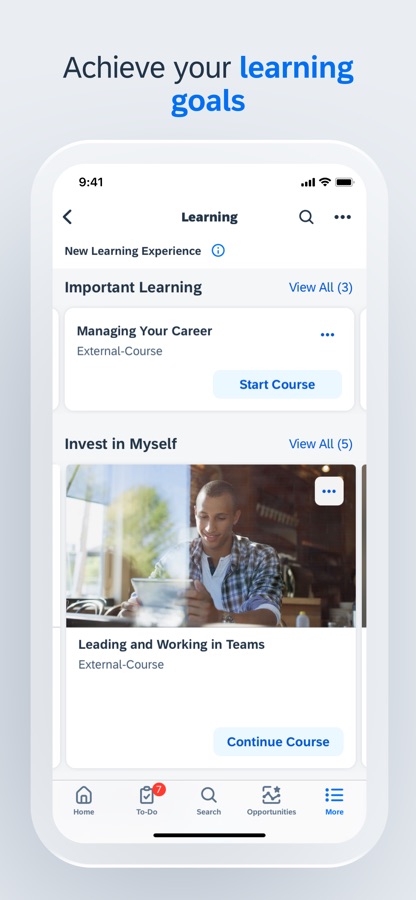
· Sign up for courses, connect with experts and complete entire classes
· Manage your active goal plans and update your goal status and progress towards completion
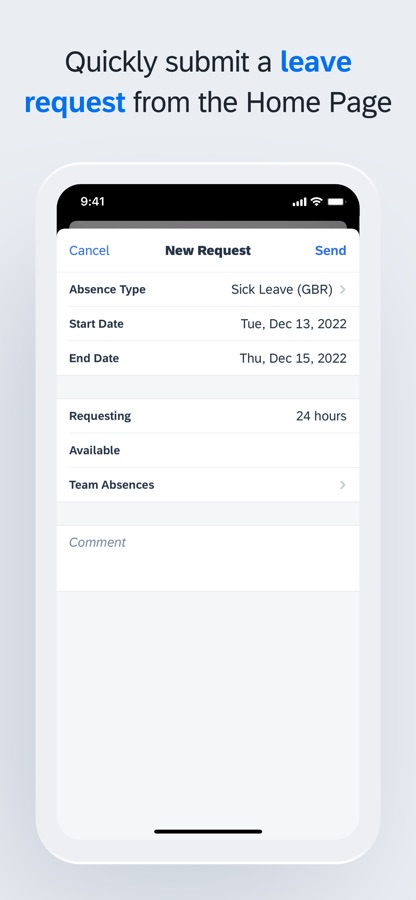
· View your time off balance, submit time off requests to your manager and let colleagues know when you will be away from work
To make the most of the mobile app, we recommend that you grant the following permissions:
· (Optional) Camera – For scanning QR codes and taking photos.
· (Optional) Contact – For adding people to your device’s contact list.
· (Optional) Calendar – For registering courses or class events in your calendar.
· (Optional) Fingerprint/Face ID – As secondary user validation means.
· (Optional) Location – For obtaining your location when you clock in or clock out.
· (Optional) Notification – For receiving notifications.
· (Optional) Photos – For uploading photos as attachments. (Note: This is a read-only permission and your photos are never modified. It is granted by default and can’t be denied by users.)
You can use the app without granting optional permissions, except the specific features they enable. To deny the permissions, go to App > Settings > Permissions on your device.
Important: If you are an SAP SuccessFactors customer and are having trouble logging in, contact your SAP SuccessFactors administrator.
About SAP SuccessFactors
SAP SuccessFactors provides the leading cloud-based SAP SuccessFactors HCM Suite, which helps HR drive business execution with solutions that are complete, beautiful, and flexible enough to start anywhere – optimizing your workforce today and preparing them for tomorrow. SAP SuccessFactors solutions are supported by a global partner ecosystem and the experience and commitment of SAP.
Download SAP SuccessFactors Mobile for iOS for free — the latest version (17.2.2) is now available for installation on your iPhone or iPad.
What's New in the Latest Version 17.2.2
BUG FIXES
• Fixes an issue where the Approval Details button on the course home screen didn’t open details.
• Fixes an issue where the collapse button didn’t show for online Learning content in full-screen mode.
• Fixes an issue in Time Off where the “+1 day” suffix was missing from start/end times for midnight users.
• Fixes an issue where the back button didn’t show on Switch/Hidden/New Channels screens.
• Fixes issues to improve overall app stability and reliability.
SAP SuccessFactors Mobile App Info
- Version 17.2.2
- Updated November 8, 2026
- Requires OS iOS 18.0 and up
- Category Business
- Developer SAP SE
- Age Rating 16+