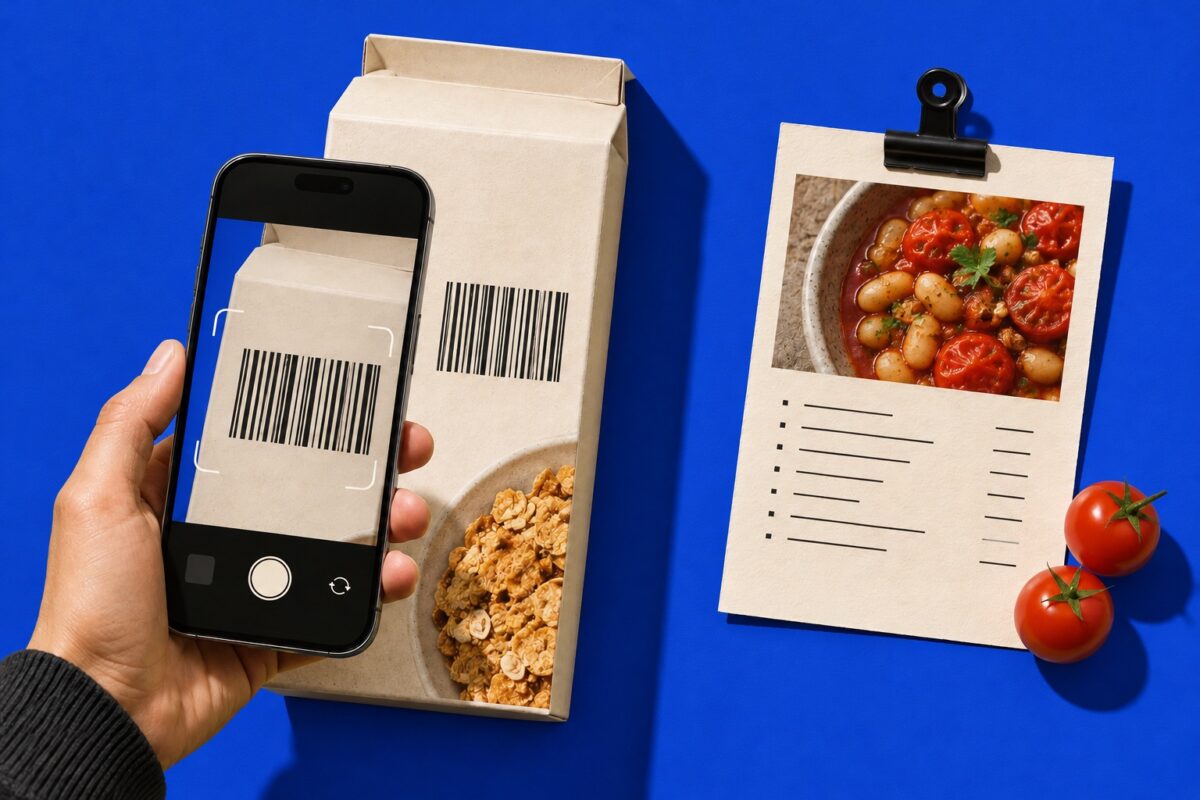
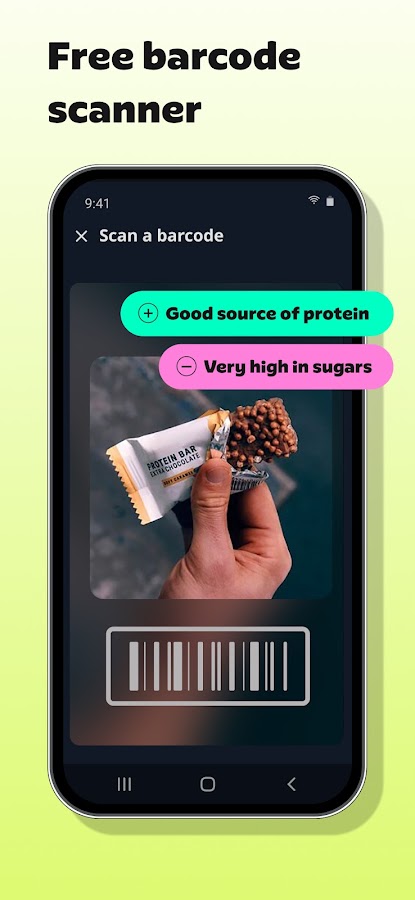
A barcode scanner can log a carton of yogurt in seconds. Dinner takes more work, especially if the recipe has a dozen ingredients and you only ate one serving. A recipe importer pulls ingredients from a web page or social post so you can review the quantities, match the foods, and save the dish for next time.
Start with MyNetDiary or Cronometer if a free barcode scanner matters and you’re willing to subscribe for recipe import. Try MyFitnessPal if you cook from English-language recipe sites and want the option to paste an ingredient list. For recipes you find on Instagram or TikTok, compare Fitia and WiseMeal. If you mostly cook the same few dishes, a recipe builder in fatsecret or Macros may be enough.
Calorie counter apps compared
All 16 apps have Android and iPhone versions. The comparison is based on store listings and developer documentation. Feature access can vary by plan, app version, or region.
| App | Barcode scanning | Recipe tools |
| MyFitnessPal | Premium | Import English-language recipe pages or paste an ingredient list |
| Fitia | Available | Save recipes from websites, Instagram, and TikTok |
| MyNetDiary | Free | Premium import from websites and pasted recipe text |
| Cronometer | Free | Gold import from recipe URLs with editable servings |
| Carb Manager | Free | Premium import from supported websites |
| MacroFactor | Subscription | Import a recipe from a link and review matched ingredients |
| Eat This Much | Available | Share recipe pages from a browser to the app |
| WiseMeal | Available | Import recipes from Instagram, YouTube, and TikTok |
| fatsecret | Available | Build and save recipes in CookBook |
| Yazio | Available | Create recipes with ingredients and preparation instructions |
| Lose It! | Premium | Build a recipe or save a logged meal. Premium import is documented, with Android availability unconfirmed |
| Lifesum | Available | Create recipes with ingredients and cooking steps |
| Foodvisor | Available | Create recipes and save frequent foods, recipes, and meals |
| Fitatu | Available | Create custom recipes and log them by portion |
| Macros by JosmanTek | Available | Build a personal recipe library |
| Fddb | Available | Create recipes and set the number of servings |
Best calorie counter apps with recipe import
MyFitnessPal

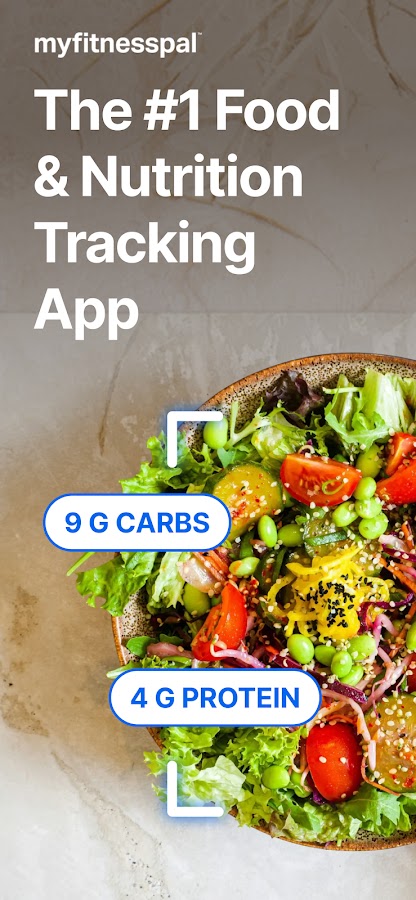
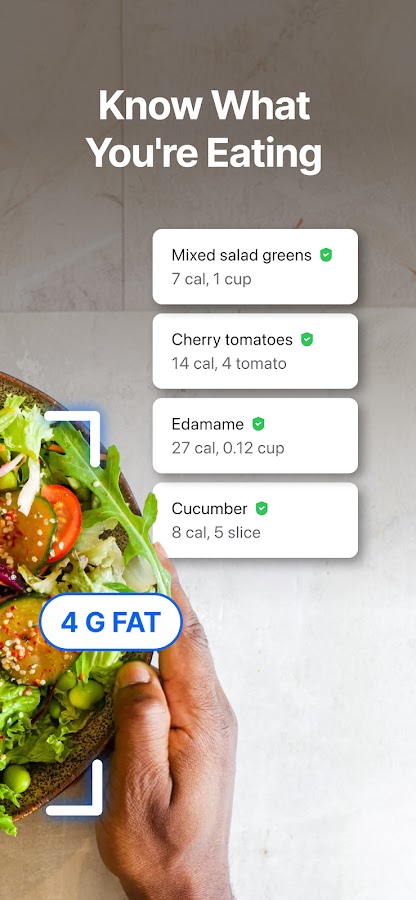
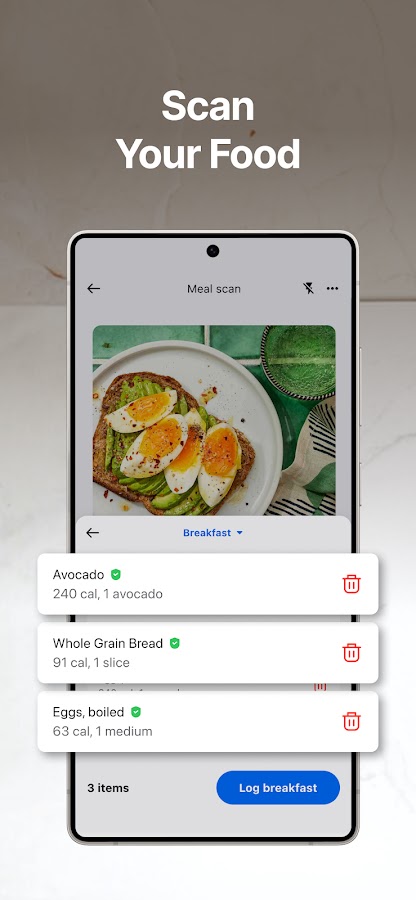
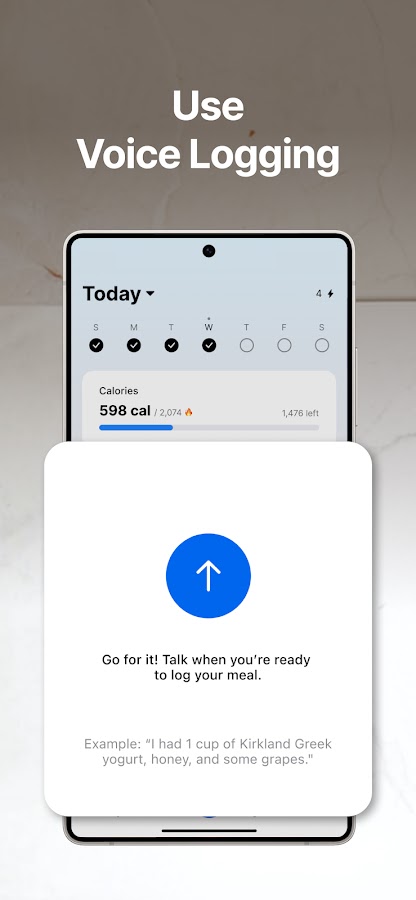
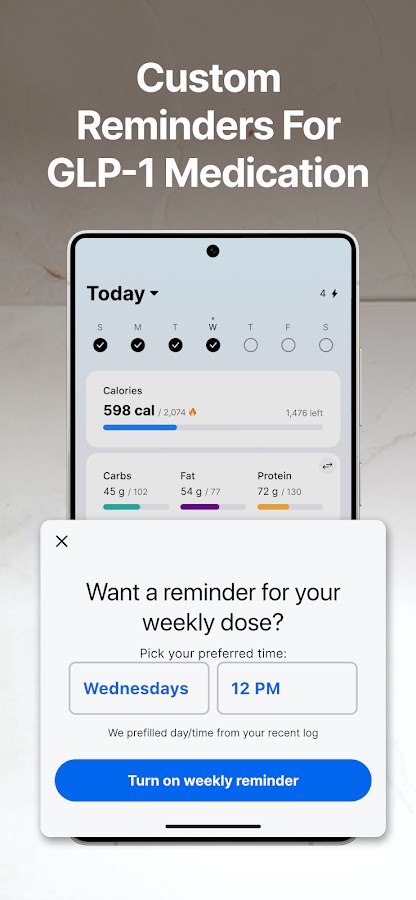

Paste a recipe link into the mobile importer or copy the full ingredient list when the page fails to load. The bulk-entry option also works for recipes stored in your notes. Review the suggested matches before saving, especially for entries like “1 can of beans,” where the package size can change the calculation. Barcode scanning requires Premium.
Fitia
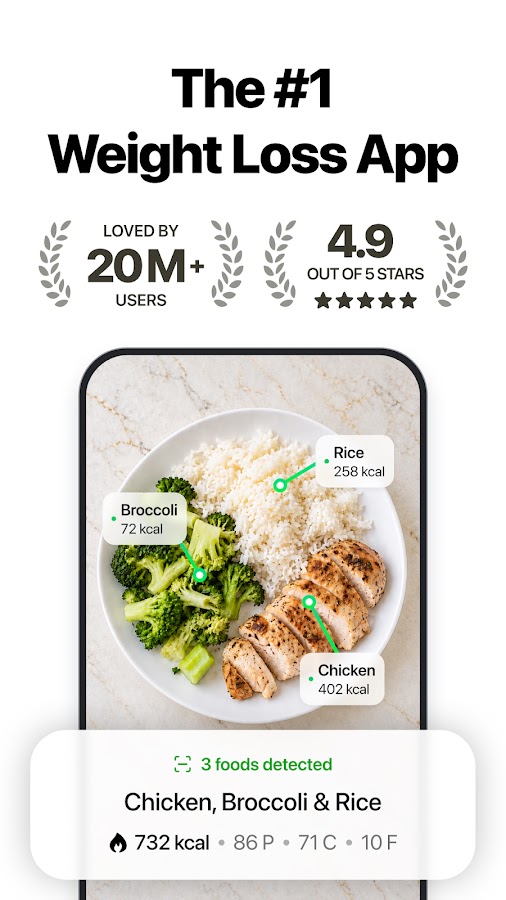
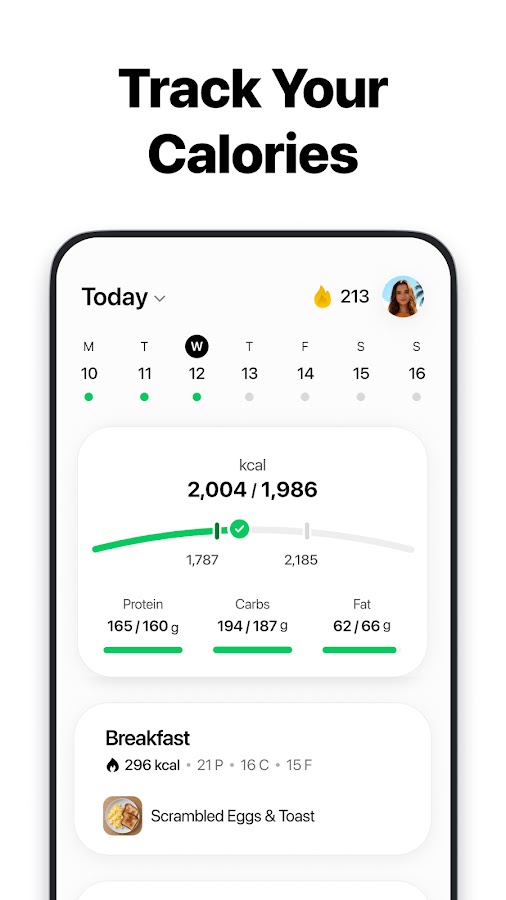
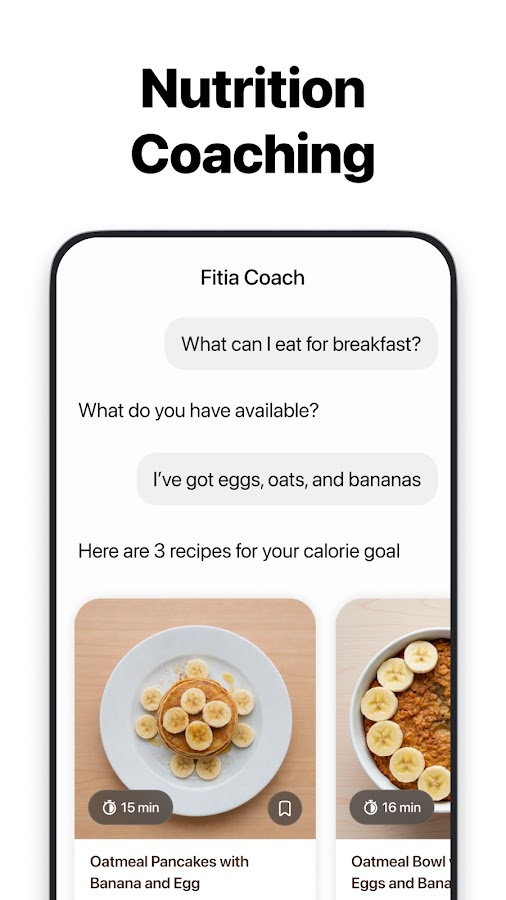
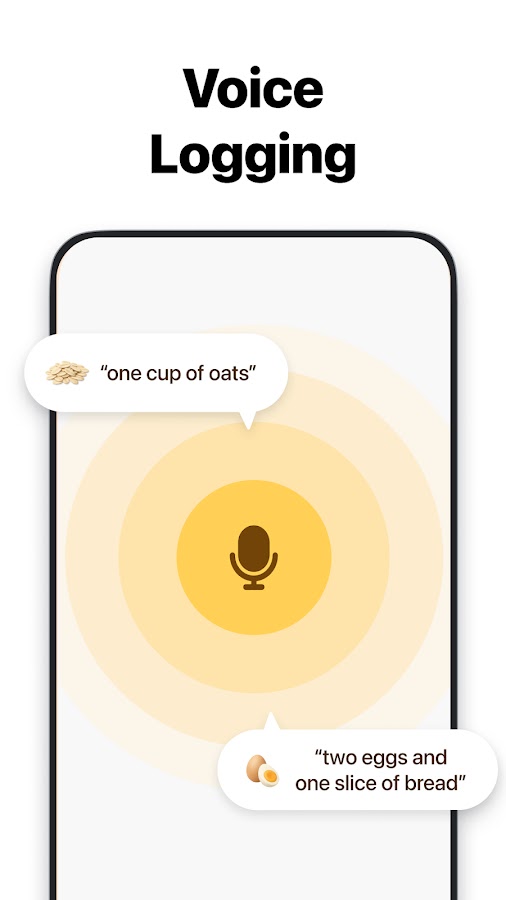
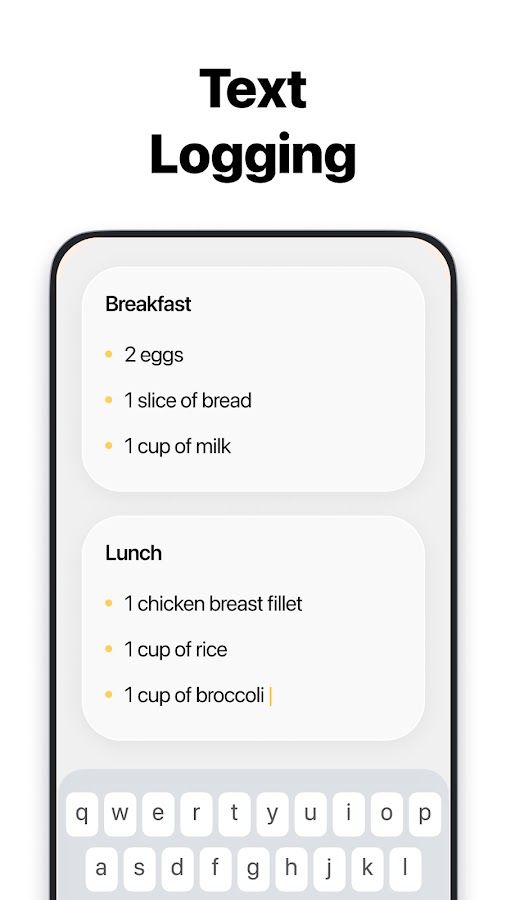

Fitia can save recipes from websites, Instagram, and TikTok. It’s a good fit when your recipes are scattered across bookmarks and saved posts. It also supports barcode logging for packaged foods. With a social recipe, check that the post gives quantities and a serving count before you rely on the nutrition breakdown.
MyNetDiary
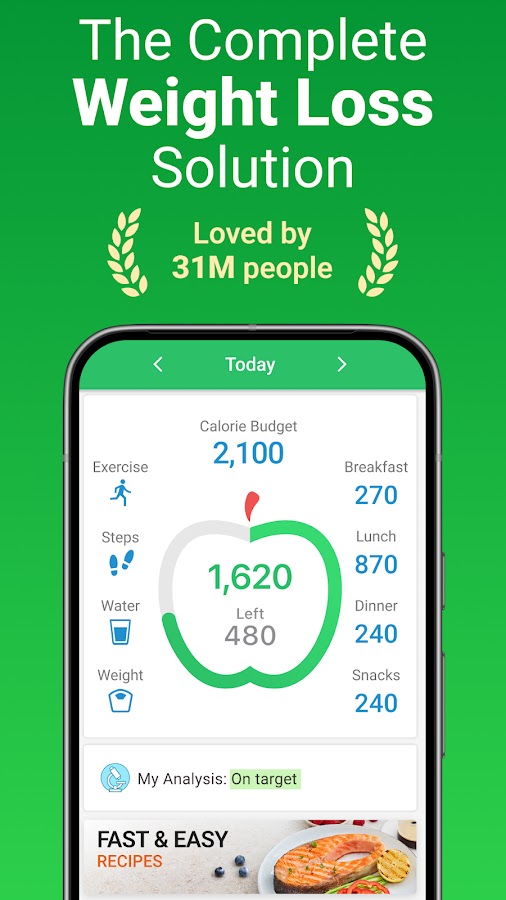
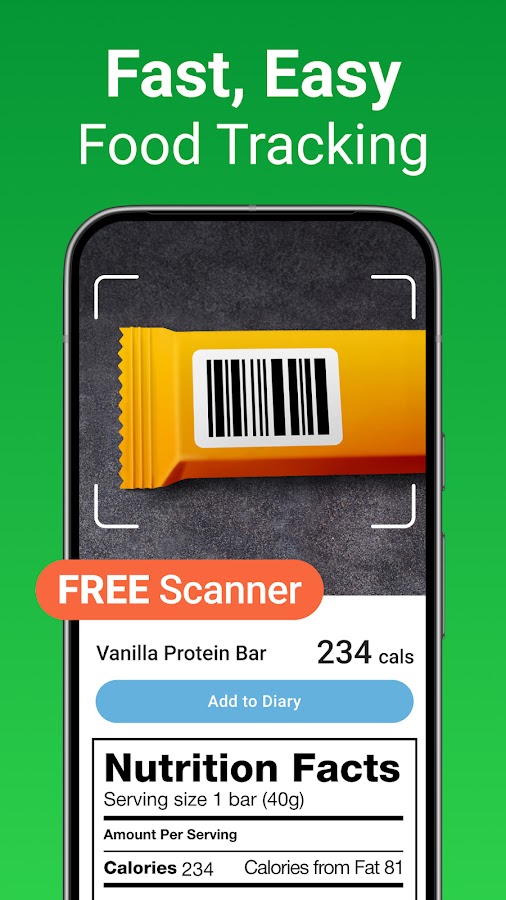
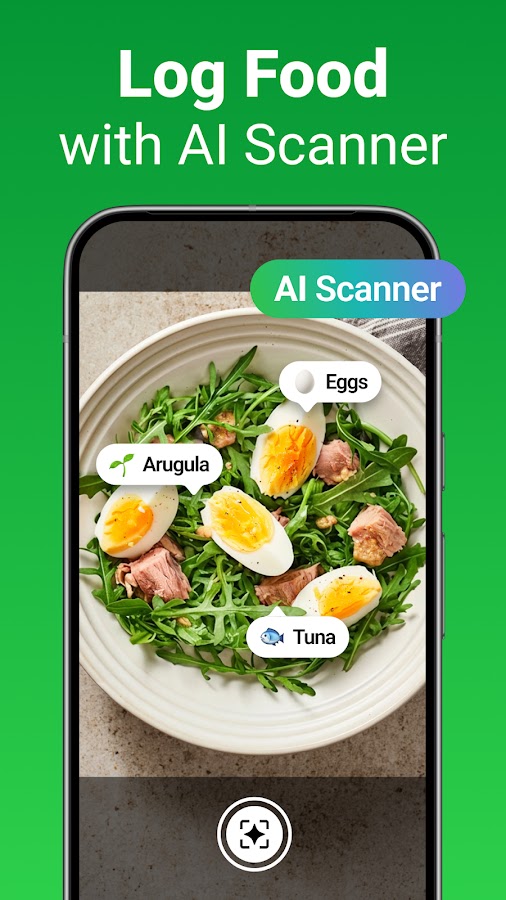
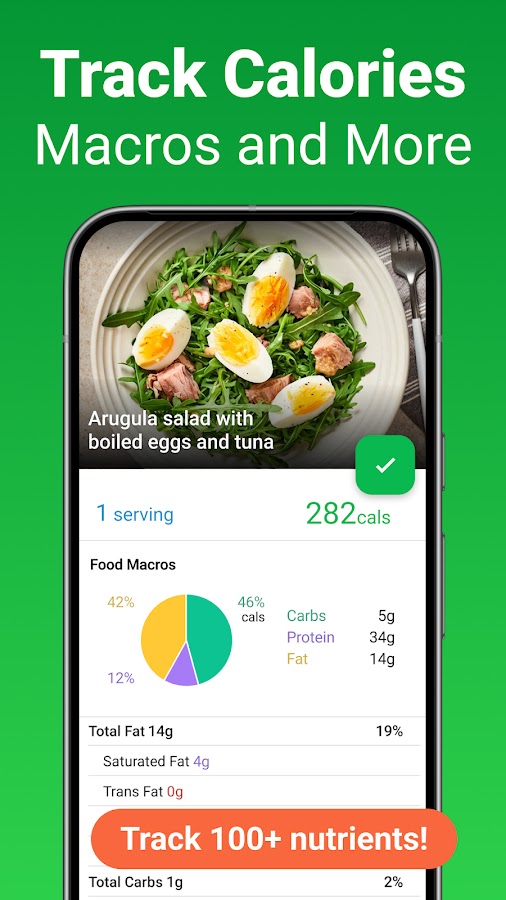
MyNetDiary includes barcode scanning and manual recipe creation in its free tier. The expanded recipe importer accepts web recipes and pasted text. Try the free scanner on products you buy regularly before deciding whether the importer would save enough time to justify subscribing.
Cronometer
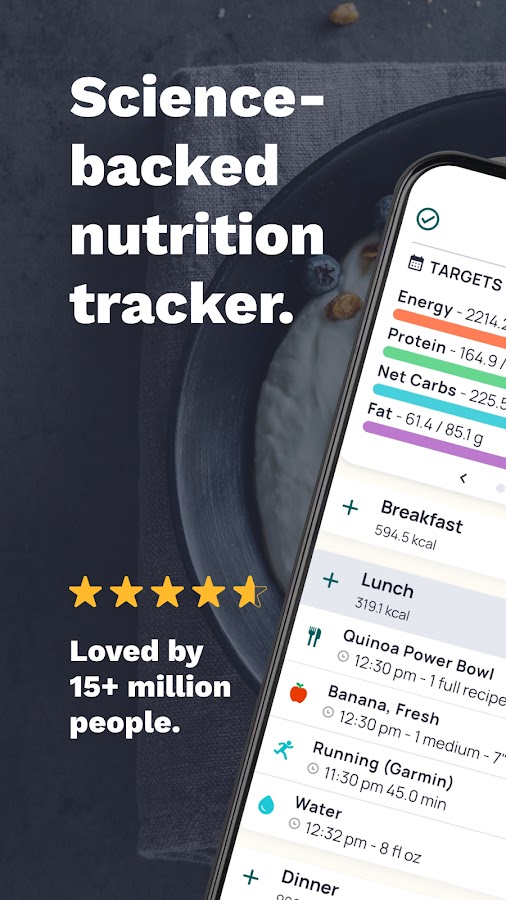
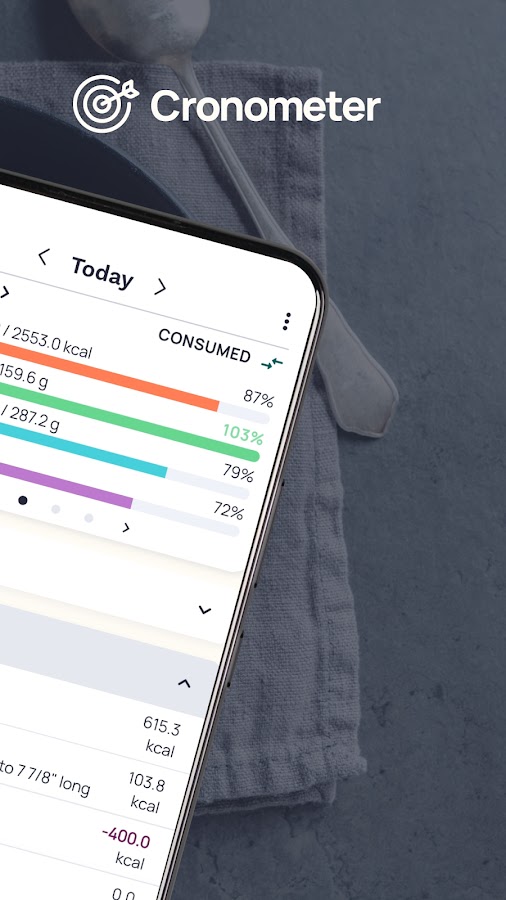
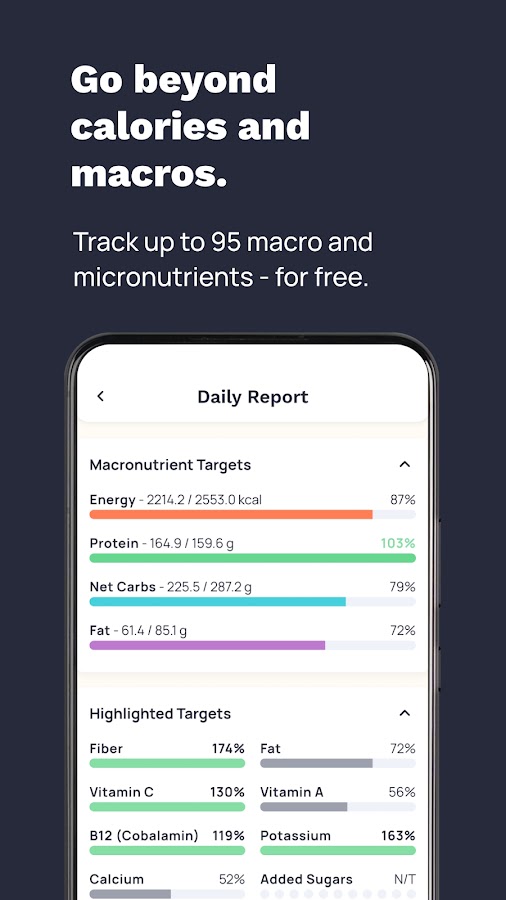
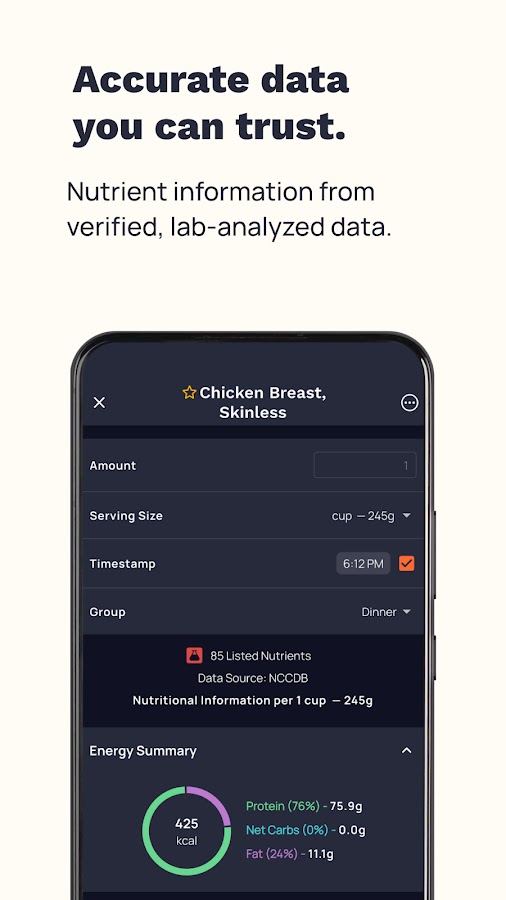

Cronometer displays micronutrients alongside calories, protein, carbs, and fat. The barcode scanner is included in the free version, while the mobile URL importer requires Gold. You can change the original serving count before saving. That helps when a recipe says four servings and you divide the batch into six containers.
Carb Manager
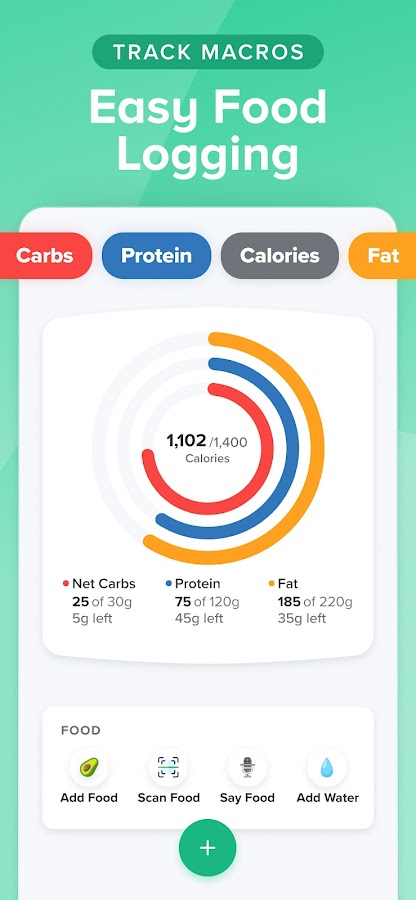
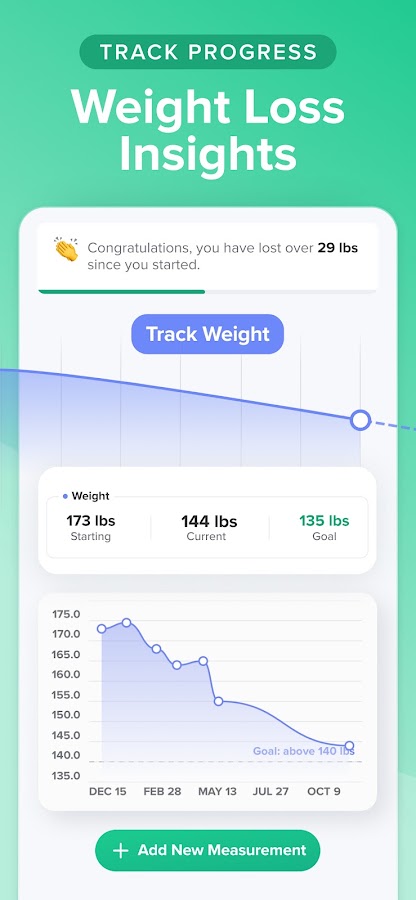
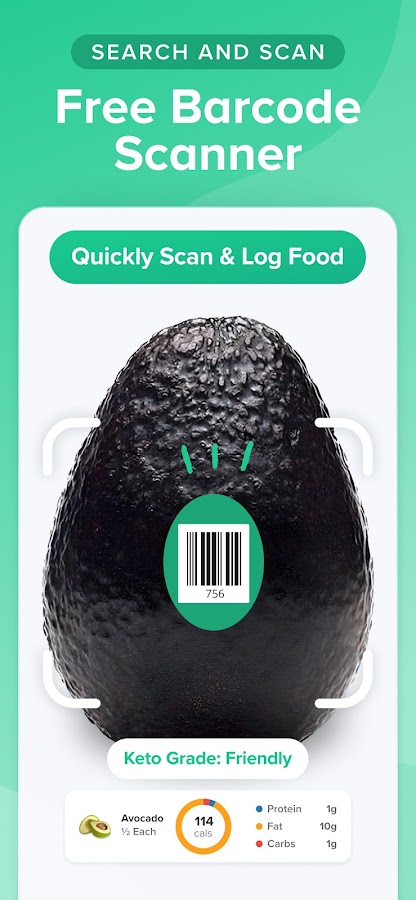
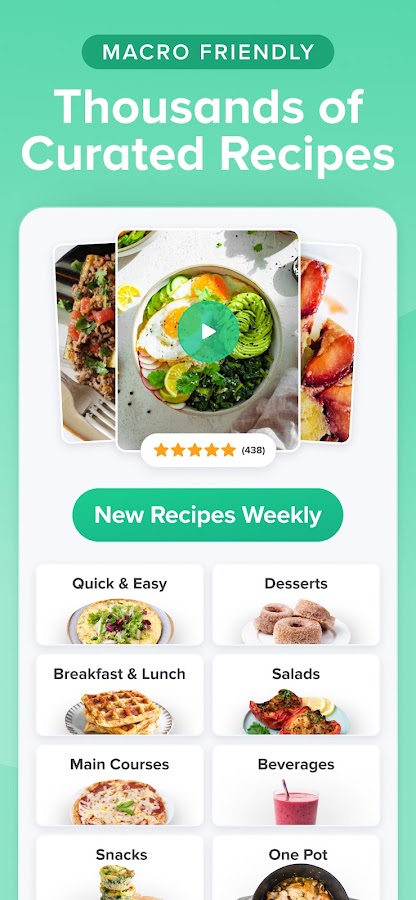

Carb Manager scans UPC and EAN barcodes in its mobile app. Premium adds recipe import by URL from supported websites. If you track net carbs, review the matched ingredients after importing. A generic database entry can have a different fiber or carb breakdown from the brand you actually used.
MacroFactor
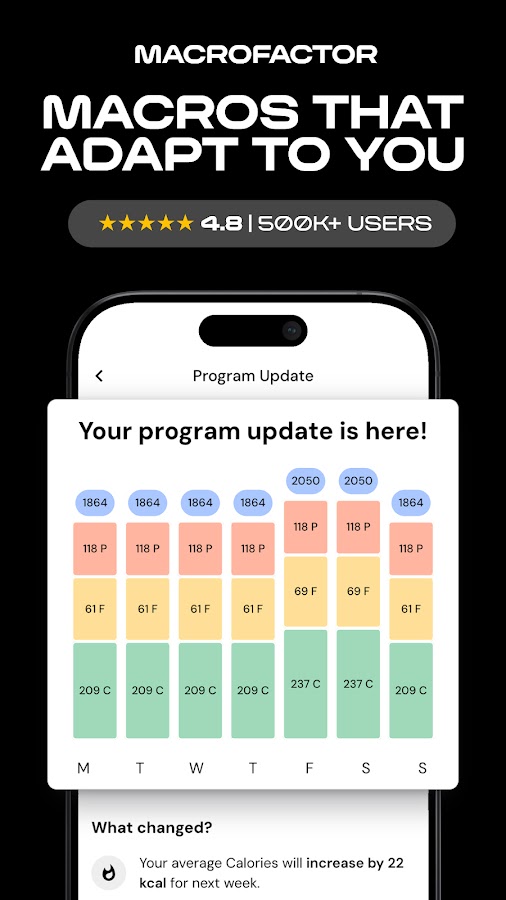
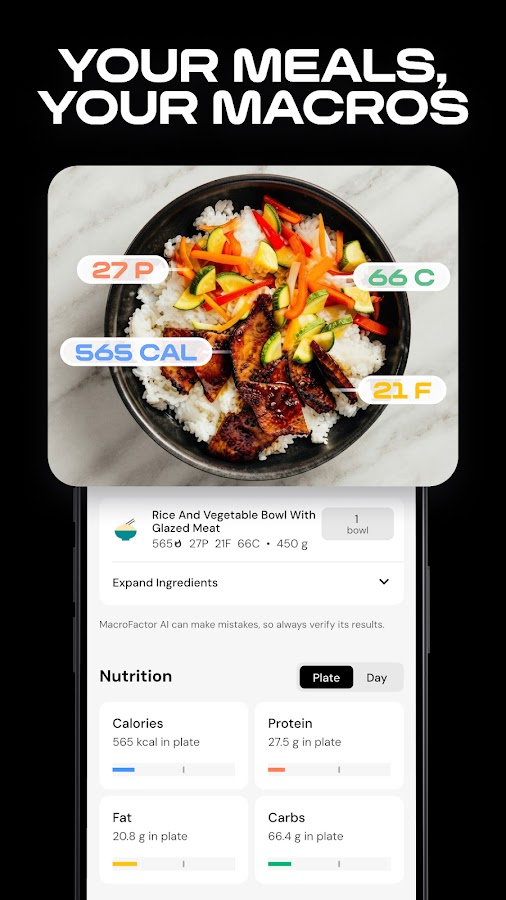
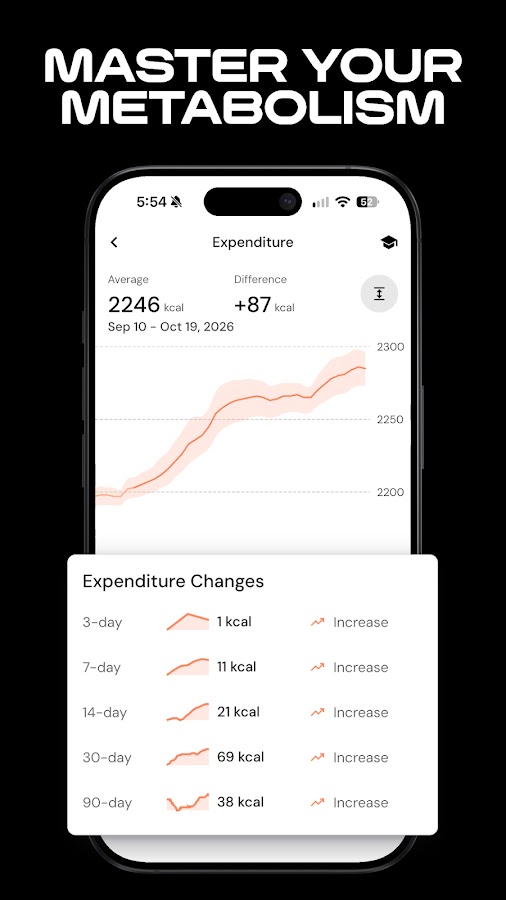
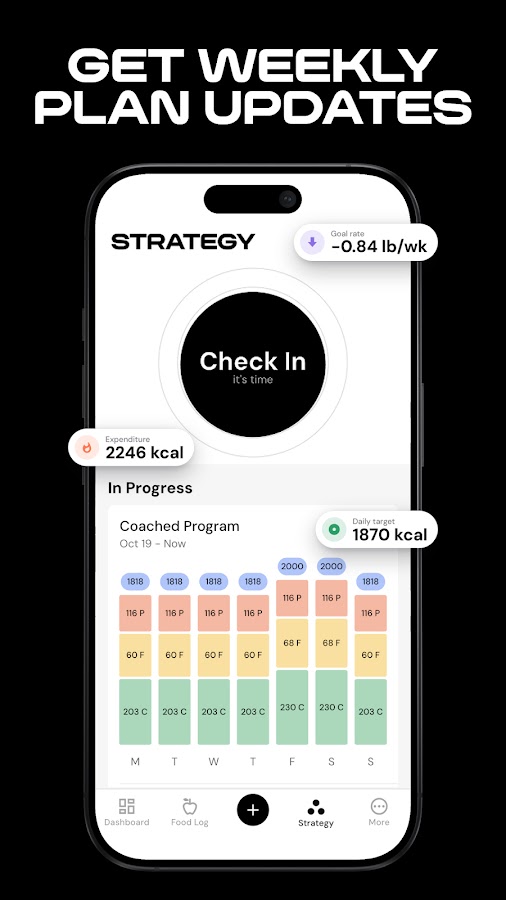
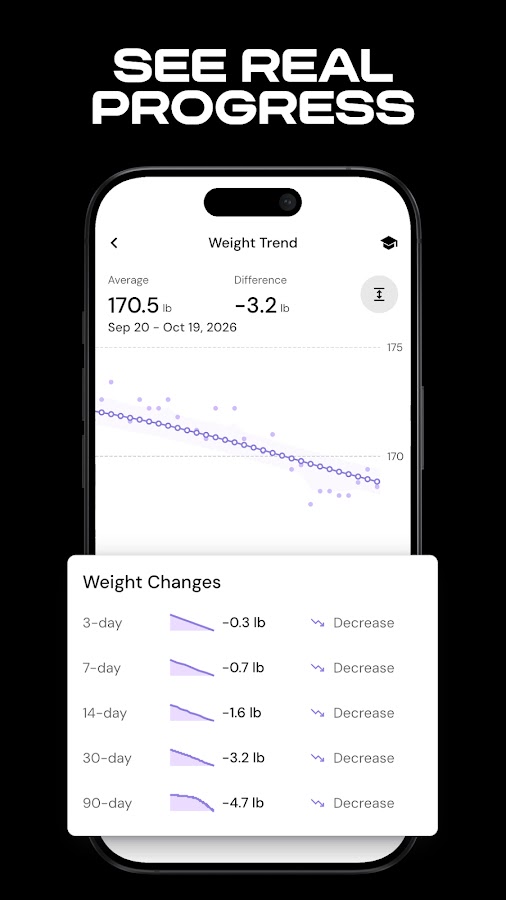

MacroFactor combines barcode scanning with URL-based recipe import in a subscription app. It suits readers who track macros regularly and want homemade dishes in the same log as packaged foods. Check the matched food, unit, and quantity for ingredients that carry much of the recipe’s energy, such as oils, nuts, and sauces.
Eat This Much

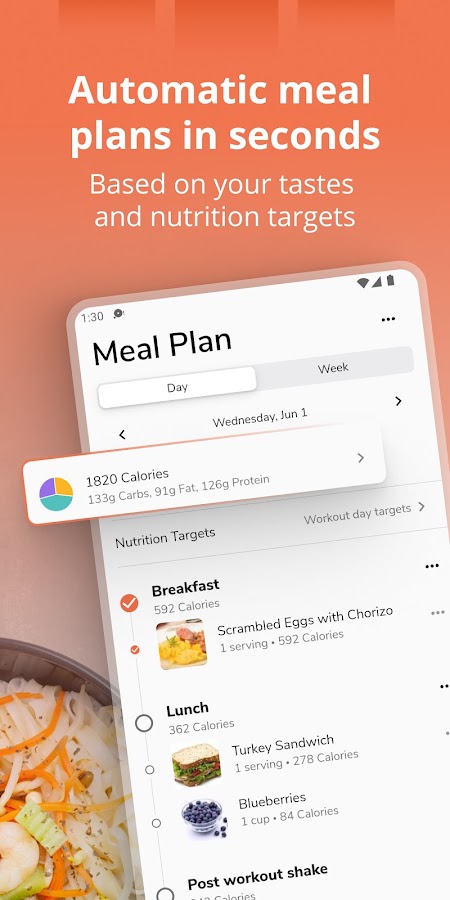
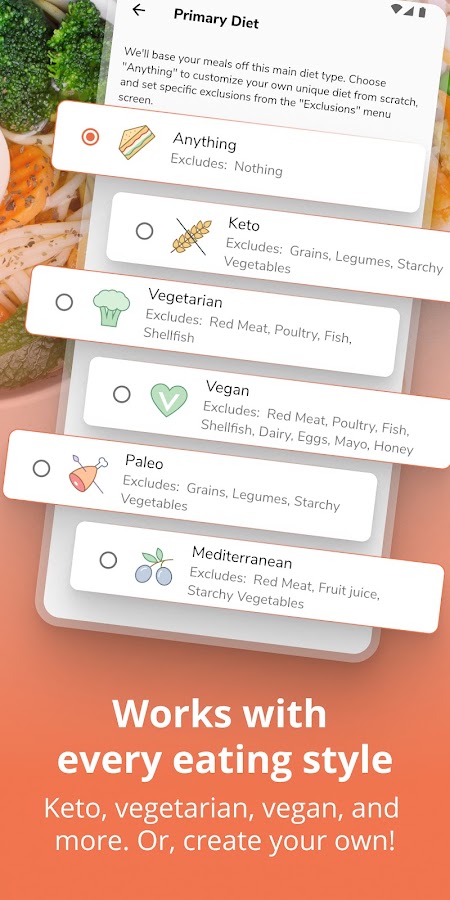
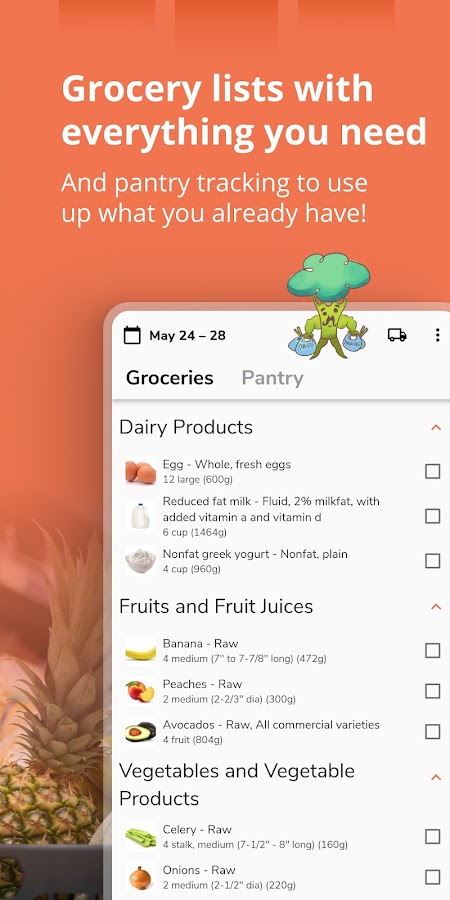
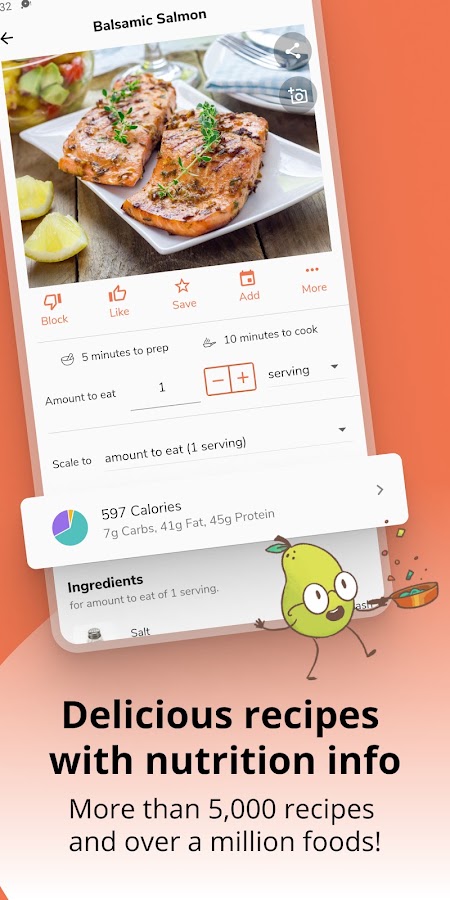
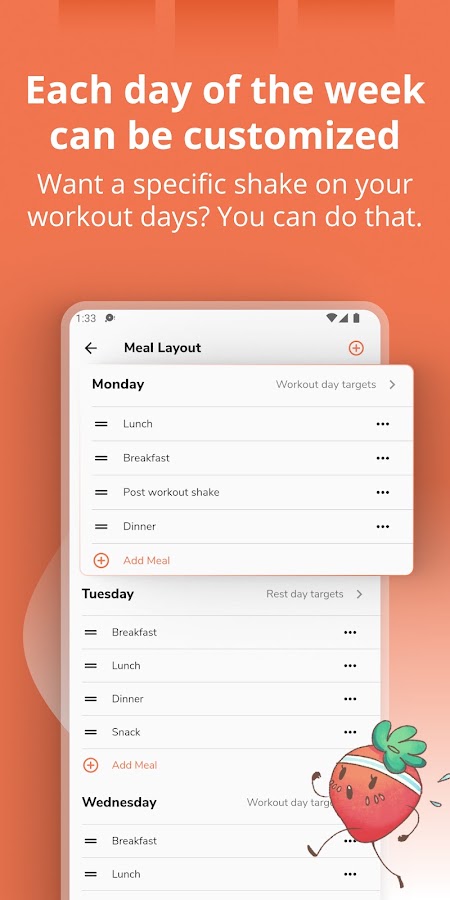

Share a recipe page from your phone’s browser to Eat This Much, then use the saved recipe when planning meals. The app also has a barcode scanner for packaged foods. It makes the most sense if you decide what to cook ahead of time and want to reuse those dishes in future meal plans.
WiseMeal
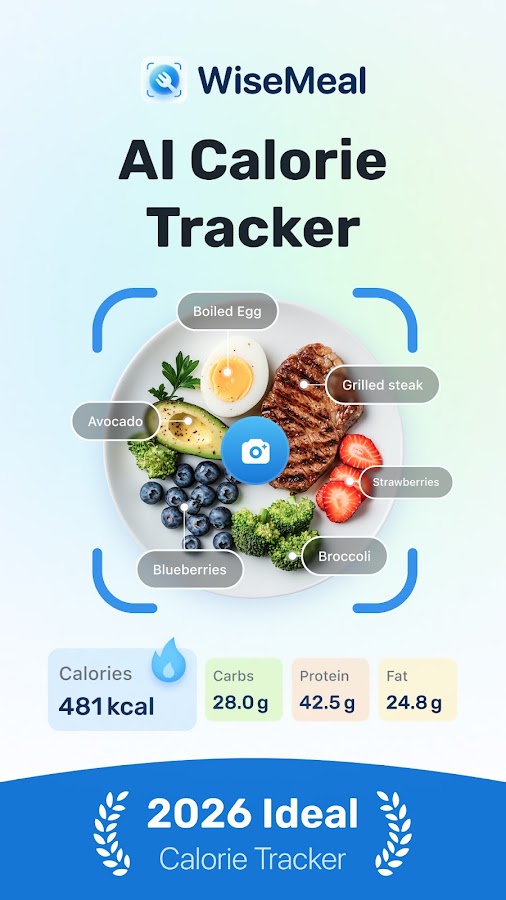
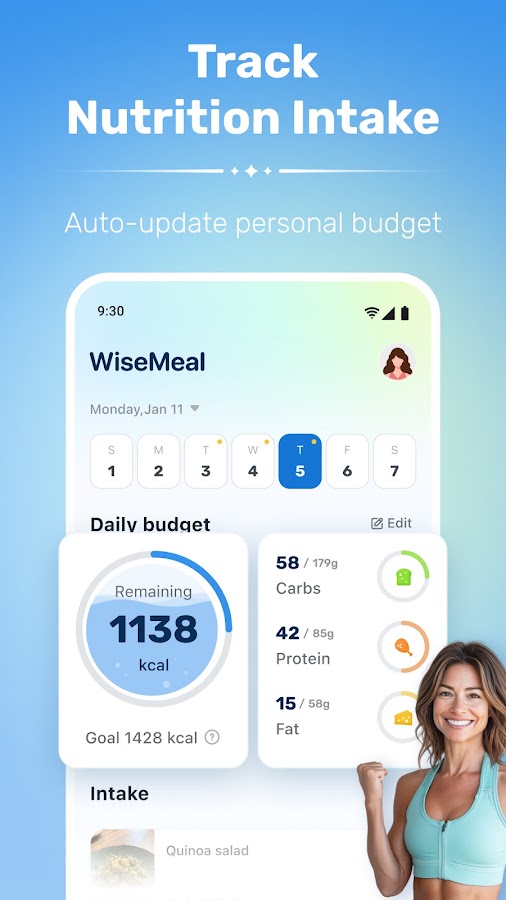
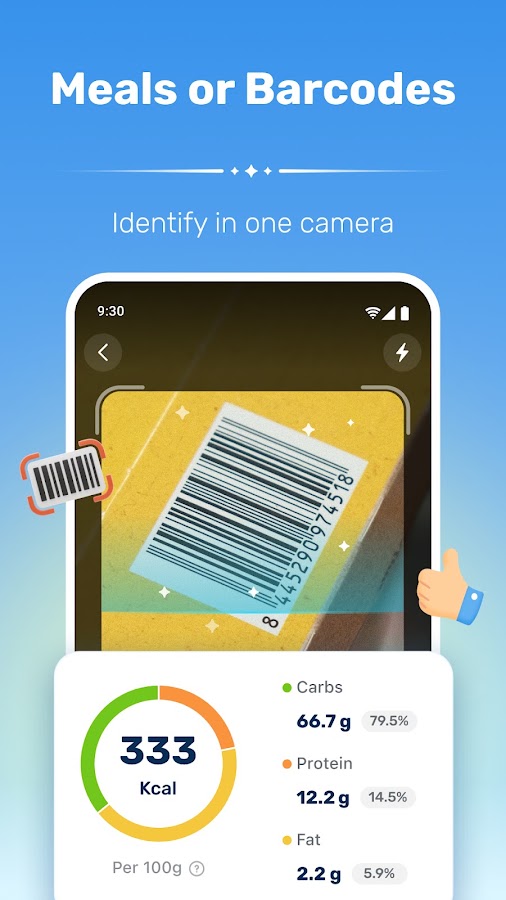
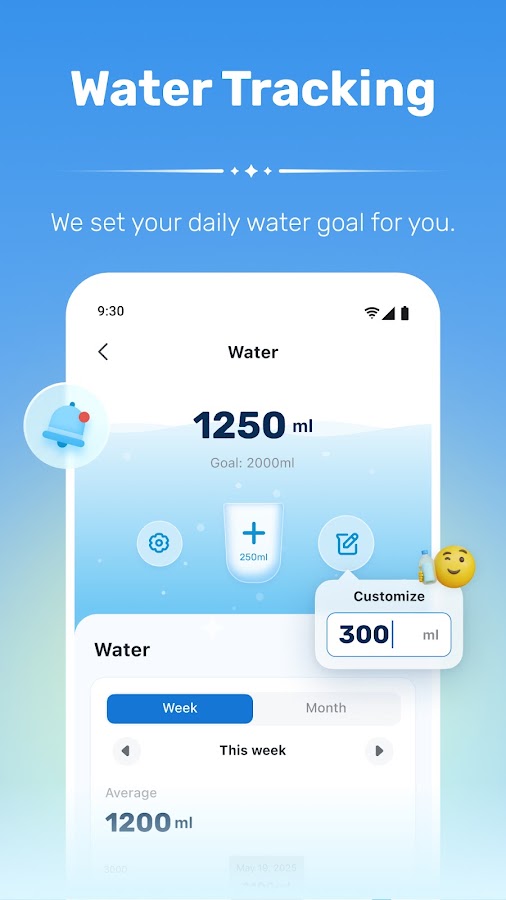
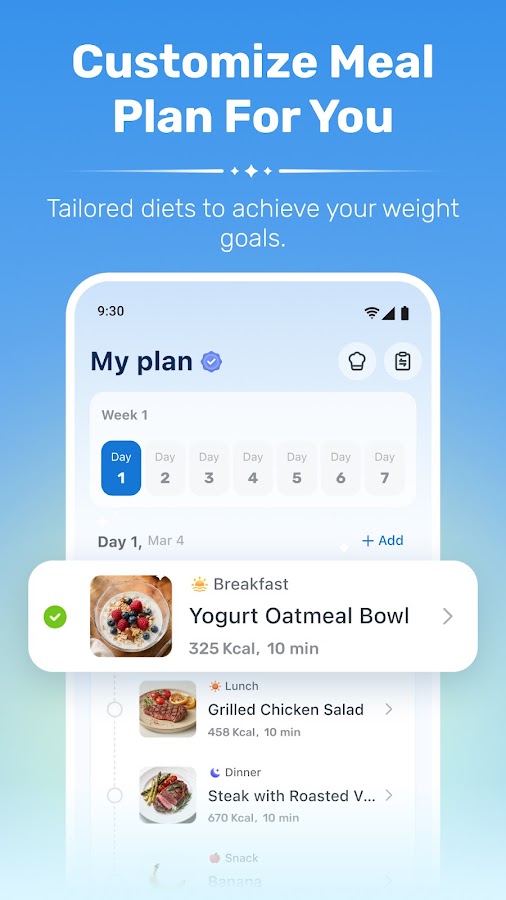
WiseMeal lists recipe import from YouTube, Instagram, and TikTok in its mobile store descriptions. It also scans packaged-food barcodes. If a creator gives quantities only in the caption or skips them altogether, compare the imported ingredients with the original post and fill in what’s missing.
Calorie trackers for building your own recipes
fatsecret
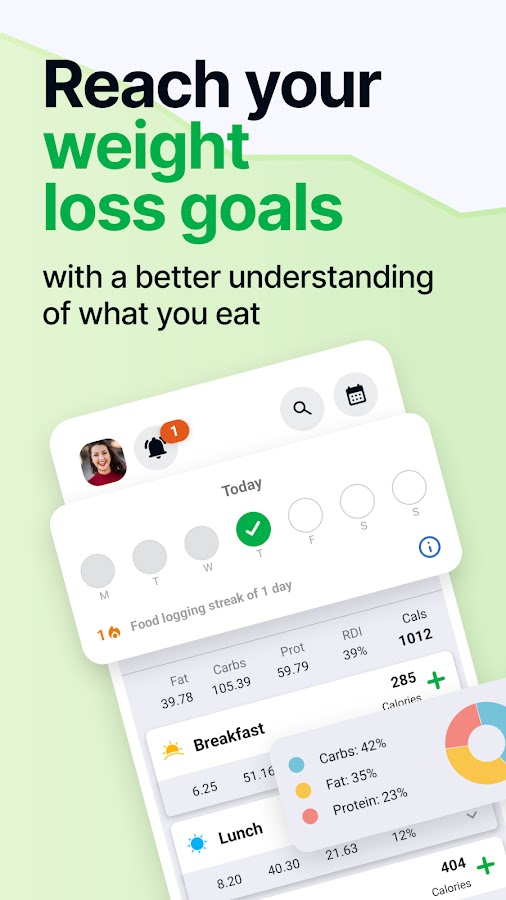
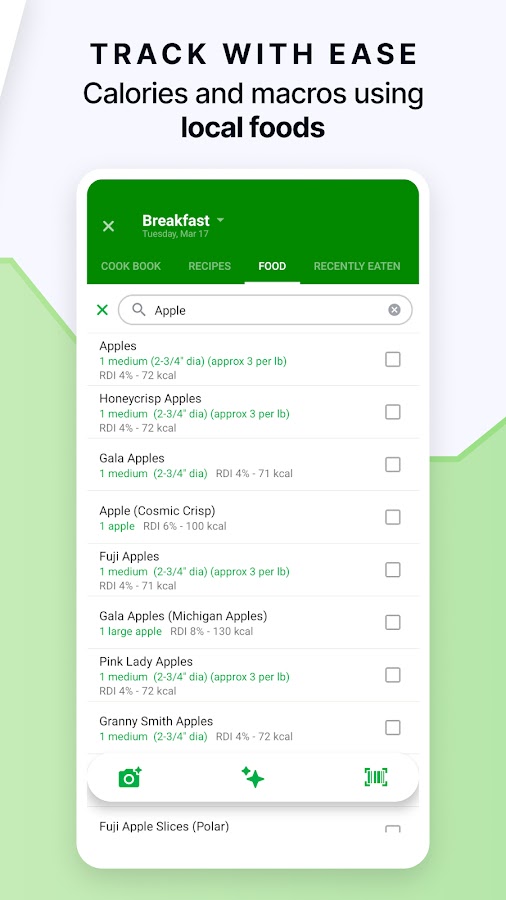
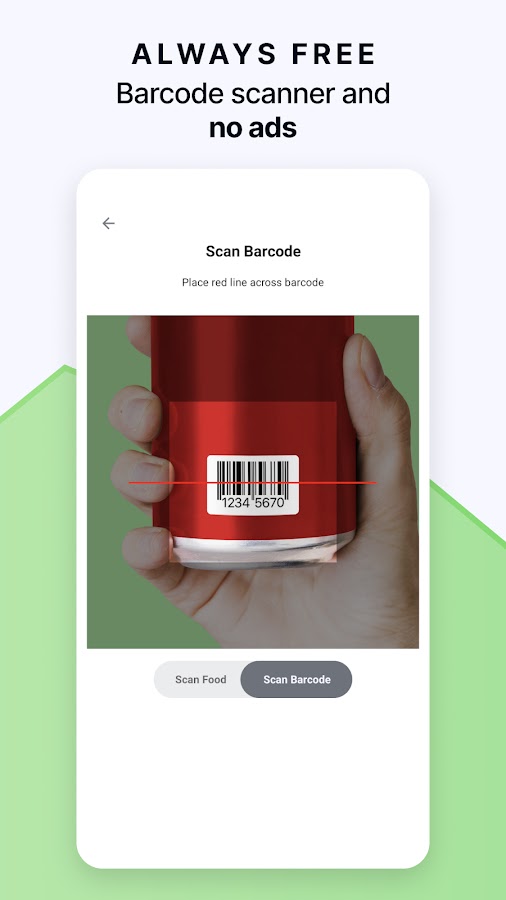
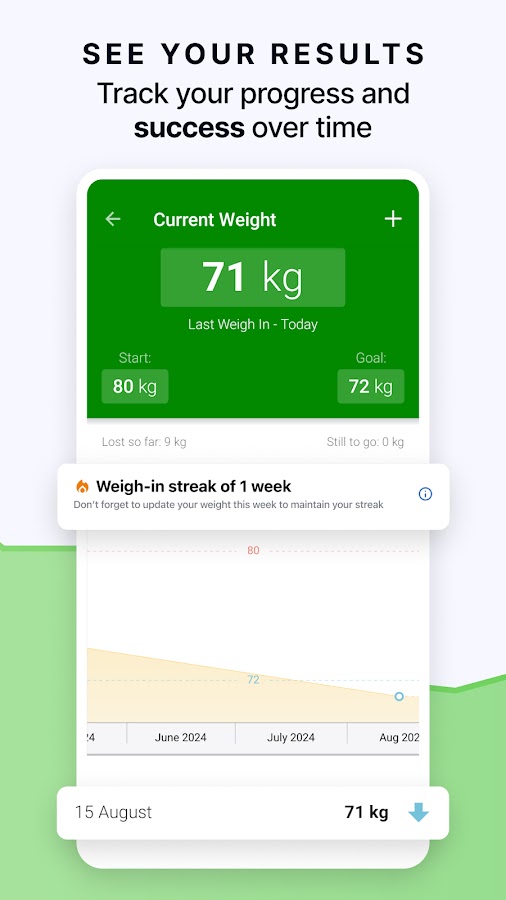
Create a recipe in CookBook and reuse it when the same dish comes around again. It’s a practical choice for recording a rotation of home-cooked meals alongside packaged foods.
Yazio
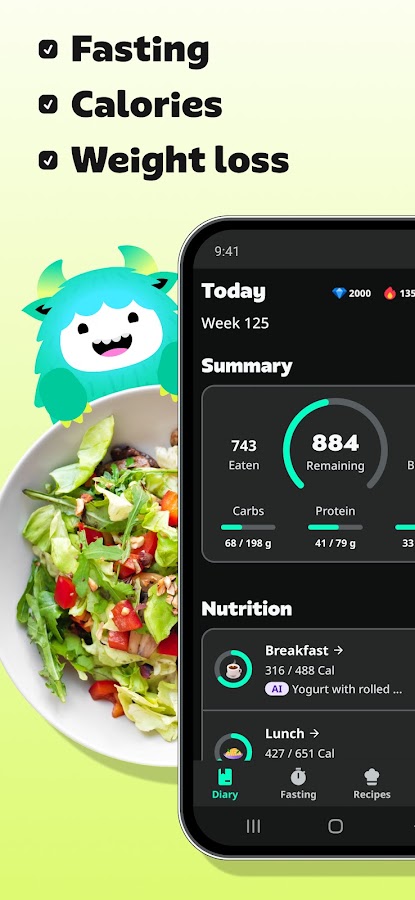

Save ingredients and cooking instructions in a custom recipe. The instructions field gives you a place to note substitutions or record how you prepared a dish before you log it again.
Lose It!
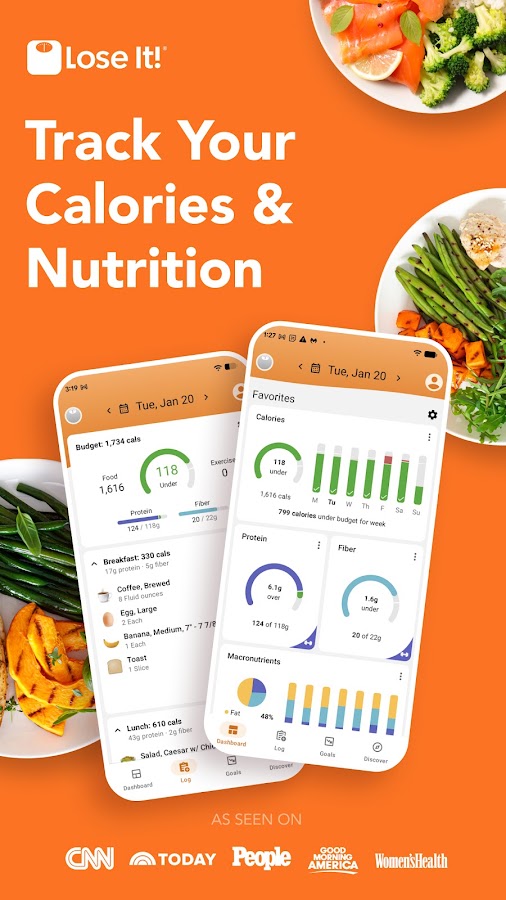
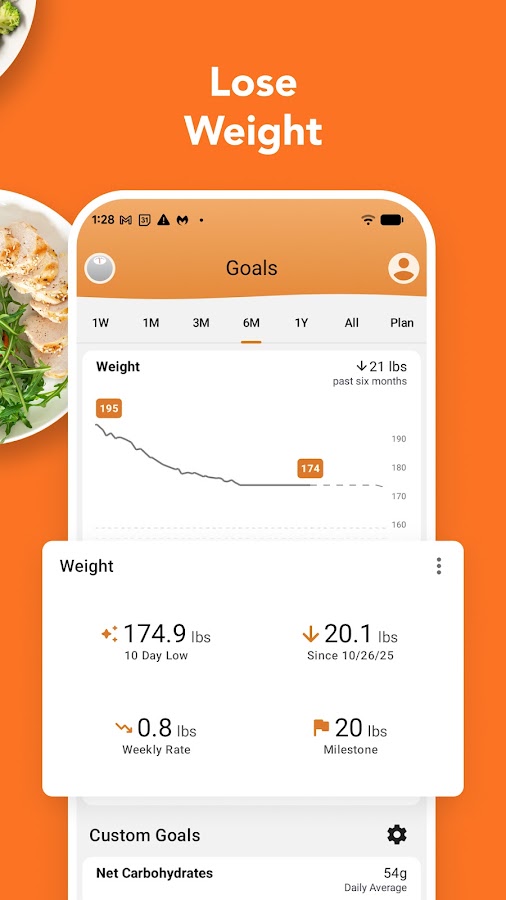
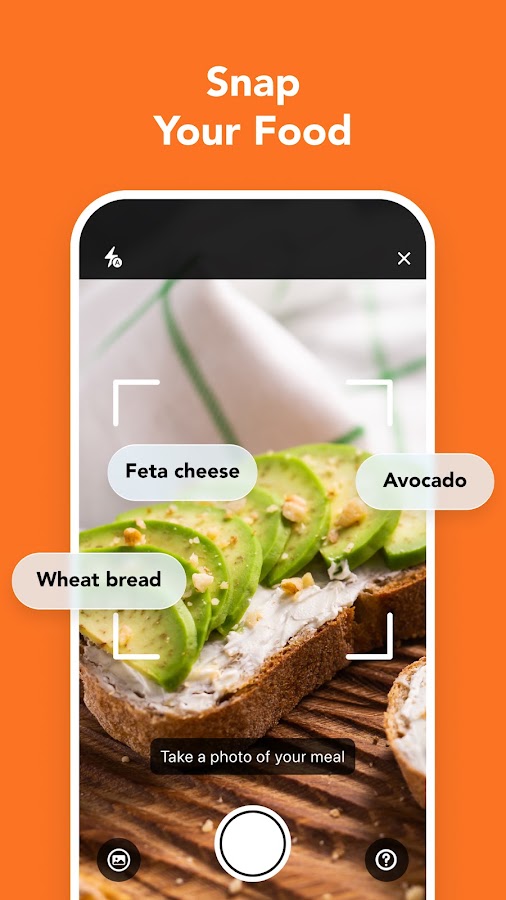
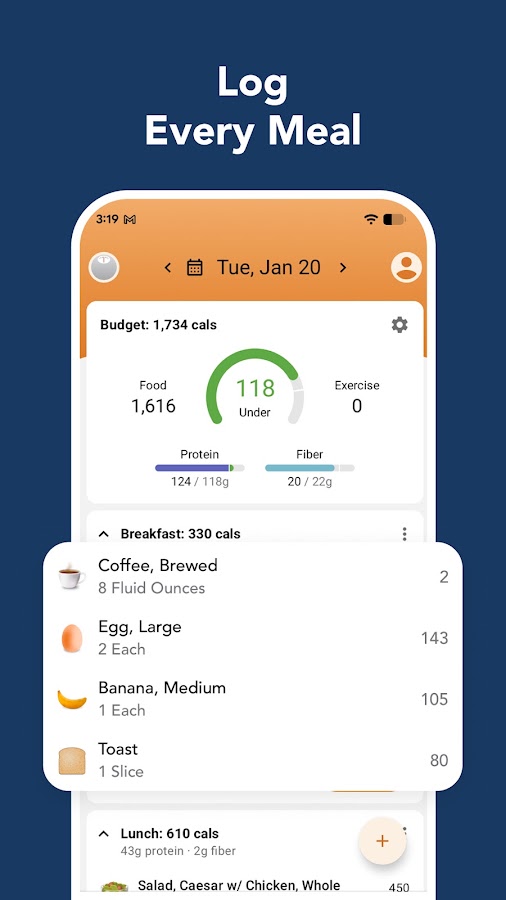
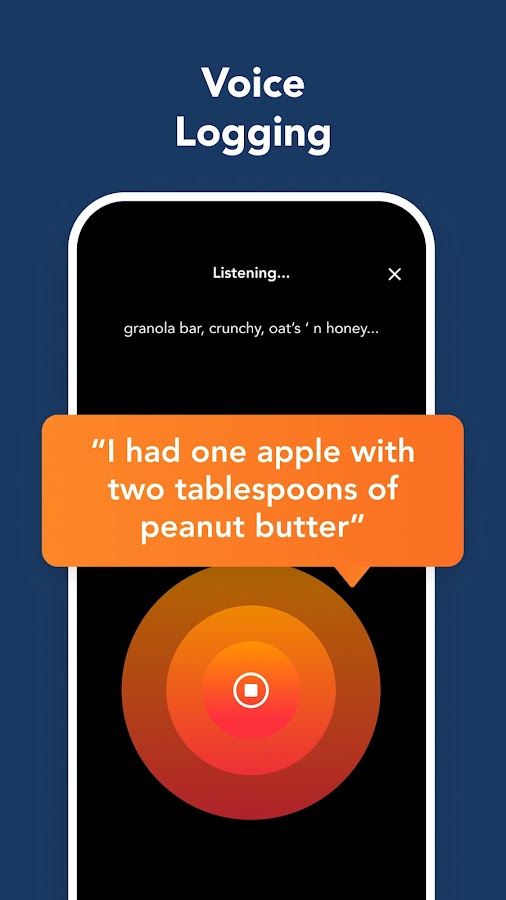

On Android and iPhone, you can build a recipe from ingredients or turn a logged meal into a reusable recipe. Lose It! also documents a Premium recipe importer and a fallback that accepts pasted ingredient text. Check for the import option on your device before subscribing for that feature.
Lifesum
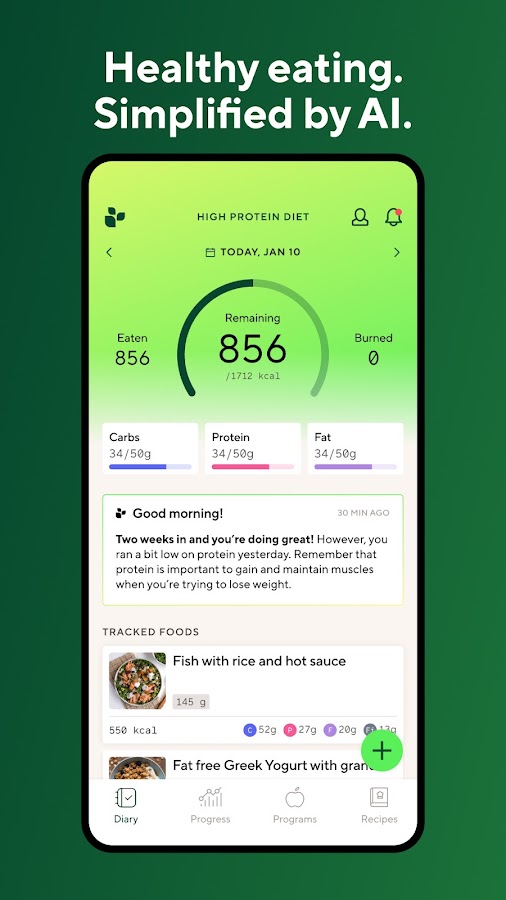
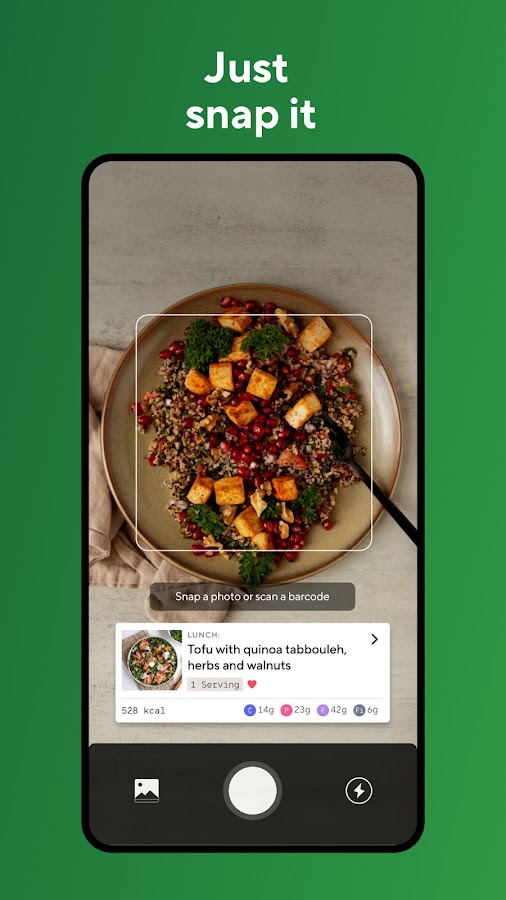
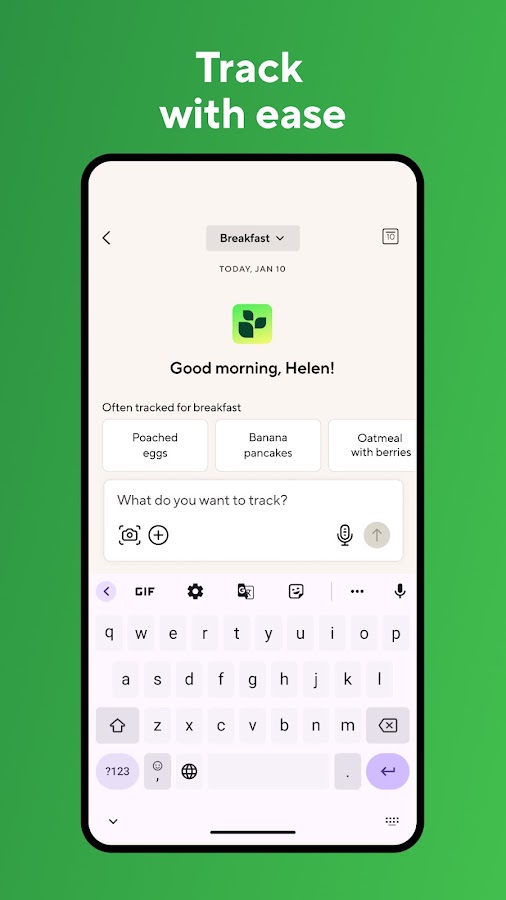
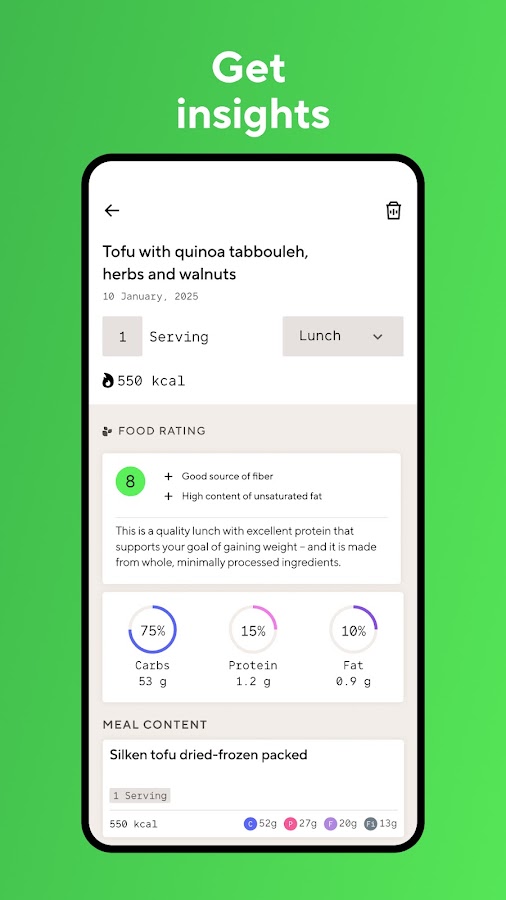
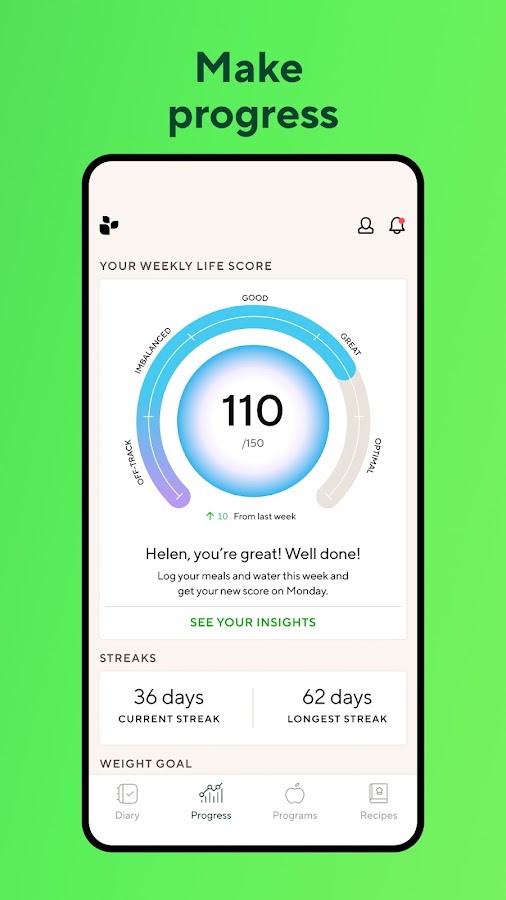

The traditional food log lets you create a recipe with ingredients and step-by-step instructions. It works well for dishes you know how to cook and only need to enter once.
Foodvisor
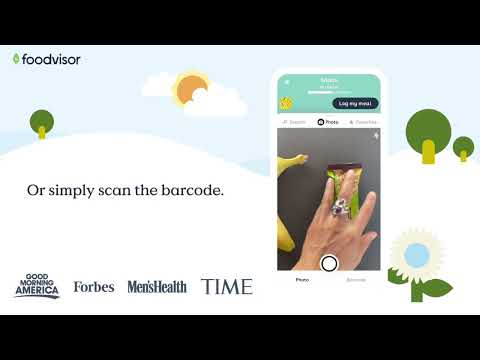
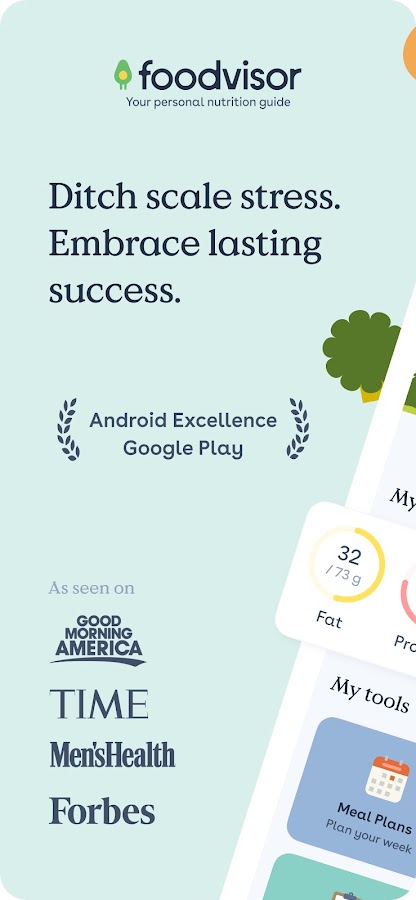
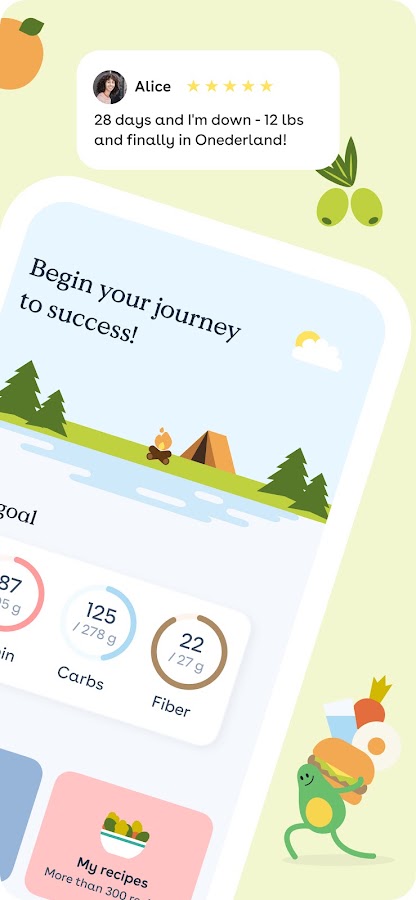
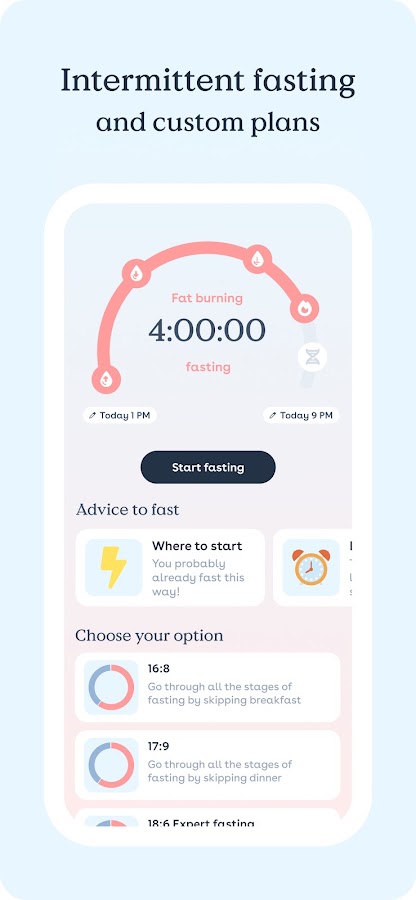
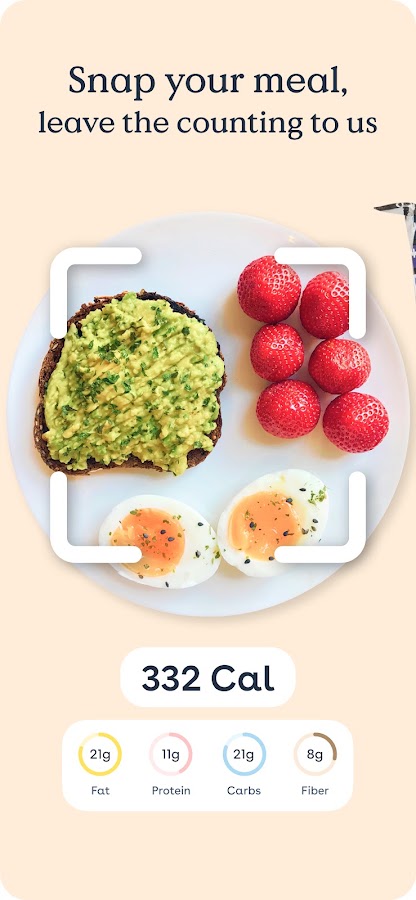
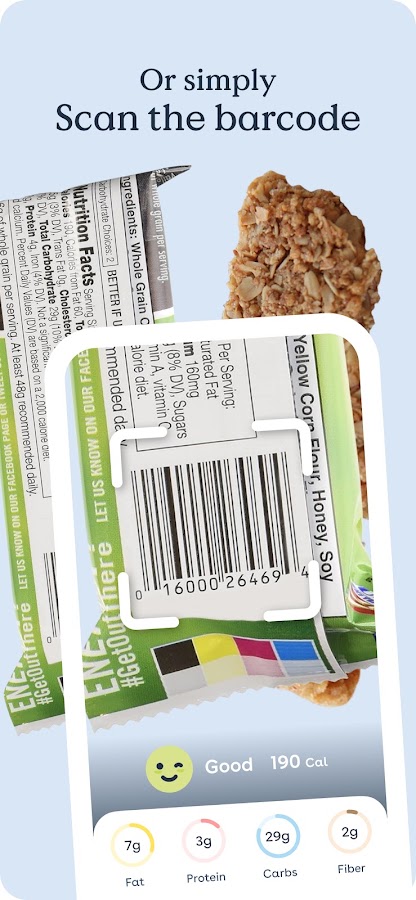

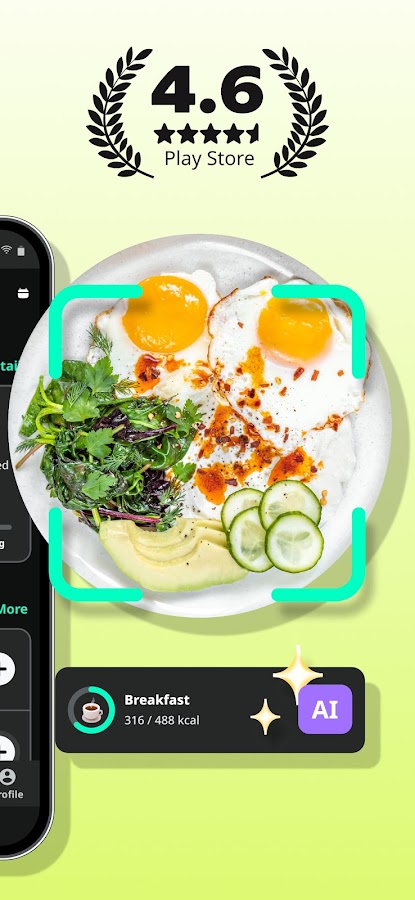
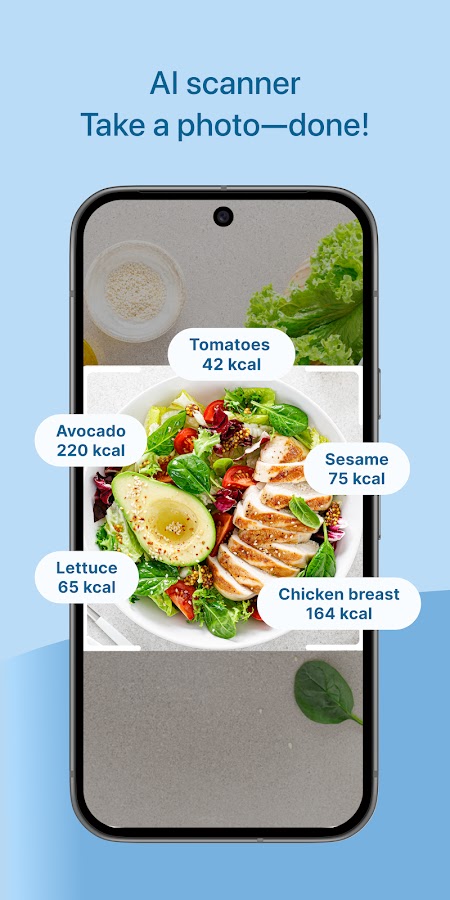
Foodvisor combines barcode logging with food recognition from photos. You can also create your own recipes and save frequently logged items. For a mixed dish you make regularly, a saved recipe gives you a repeatable entry with quantities you can review.
Fitatu
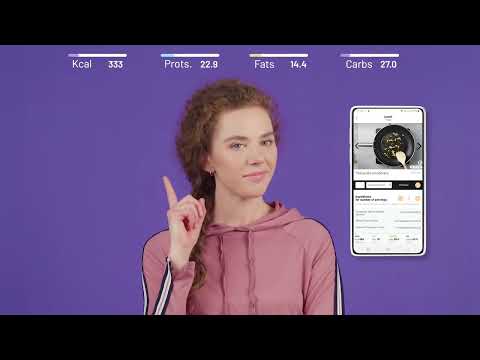
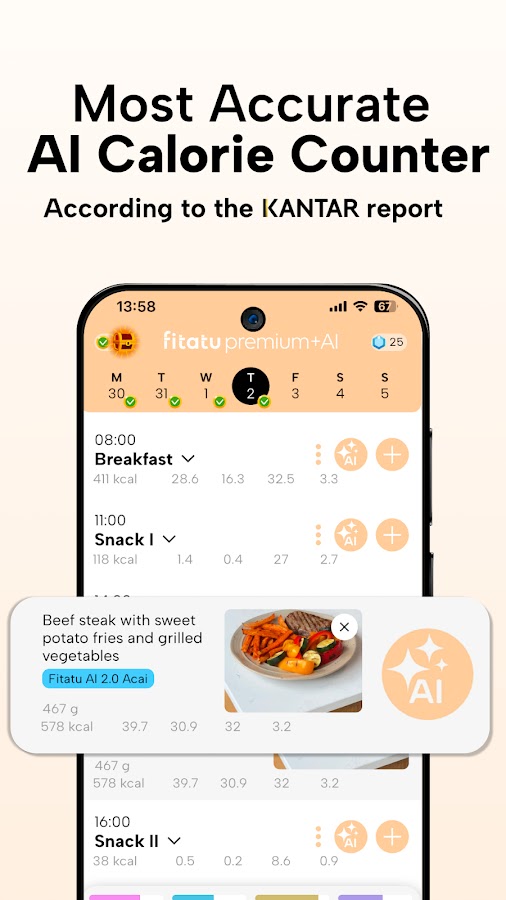
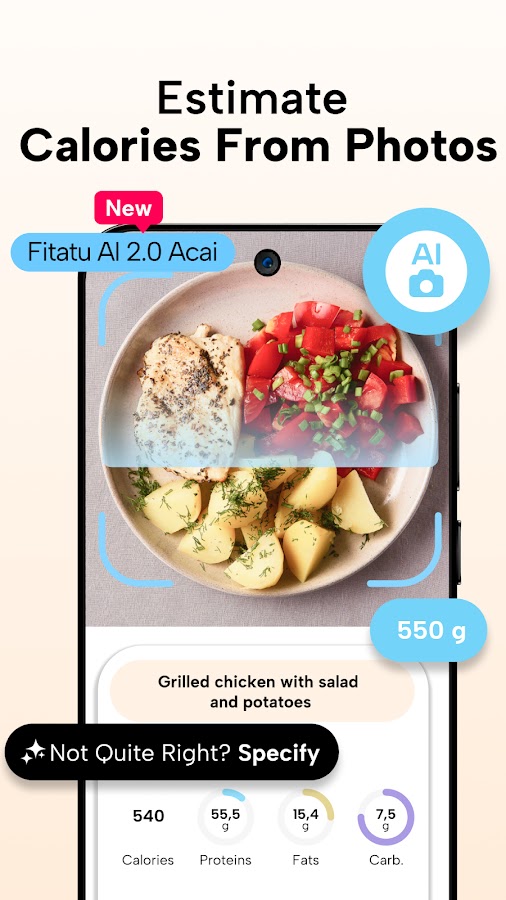
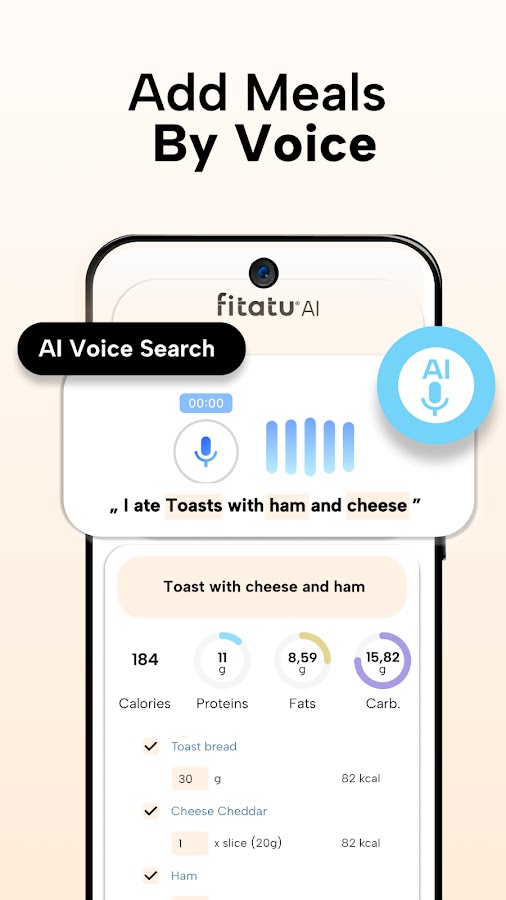
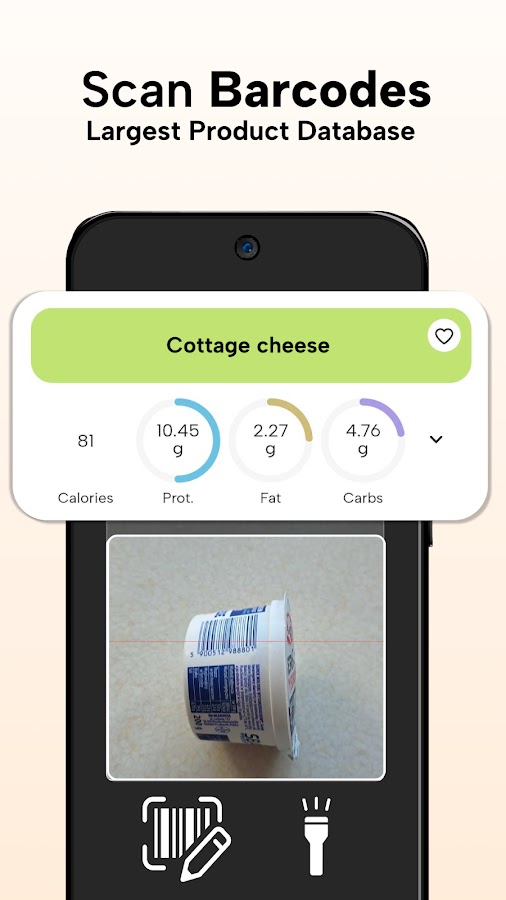
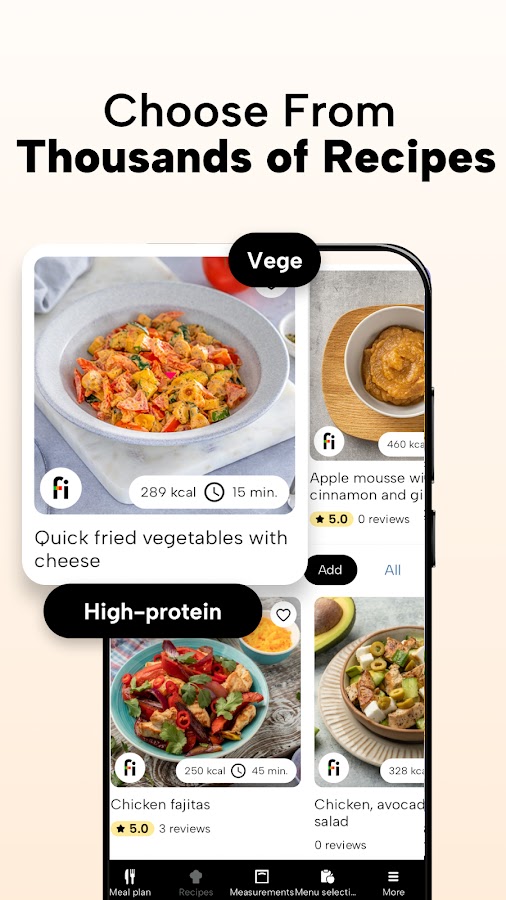

Add a custom recipe, save it, and log the portion you ate. Fitatu displays calories and macros for the serving, which helps when the same batch covers several meals.
Macros
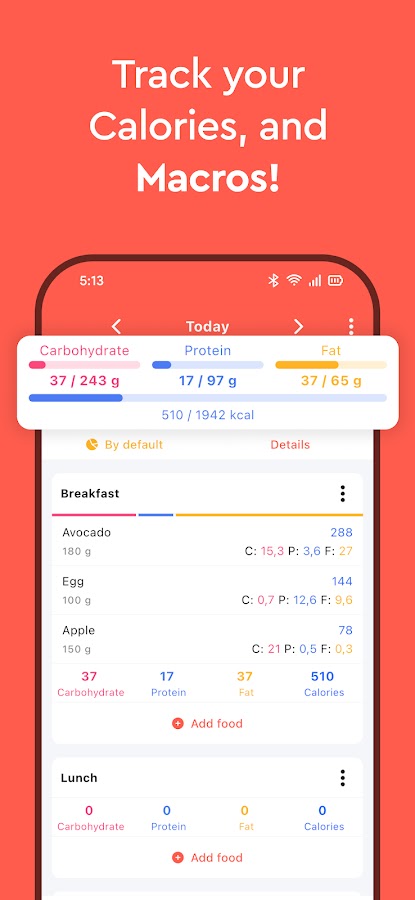
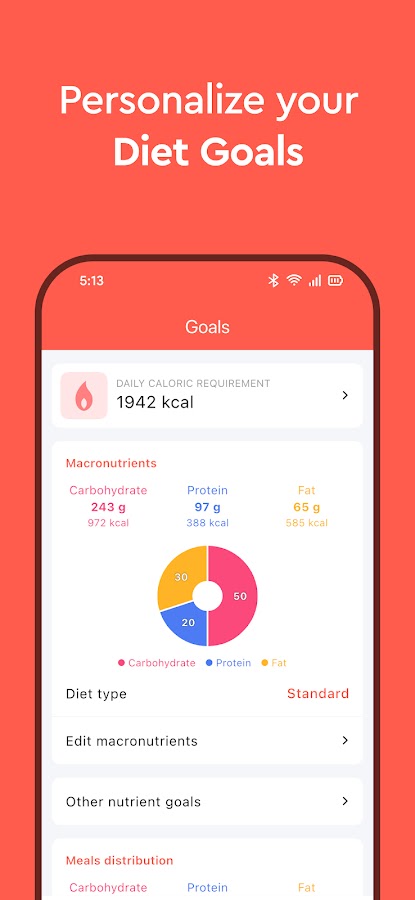
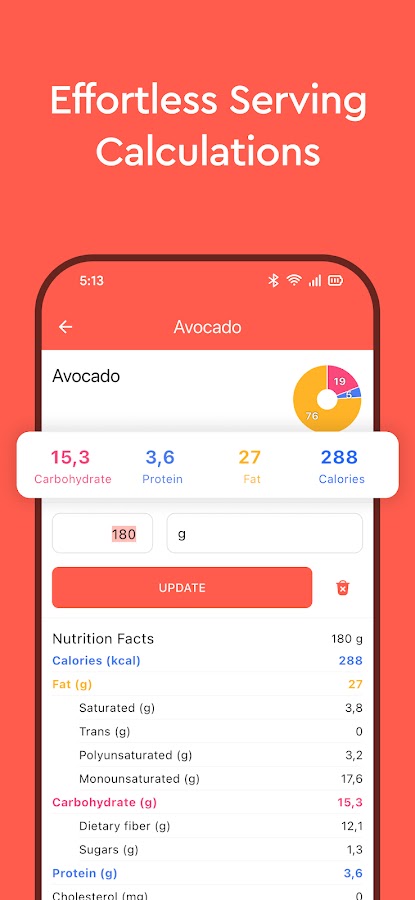
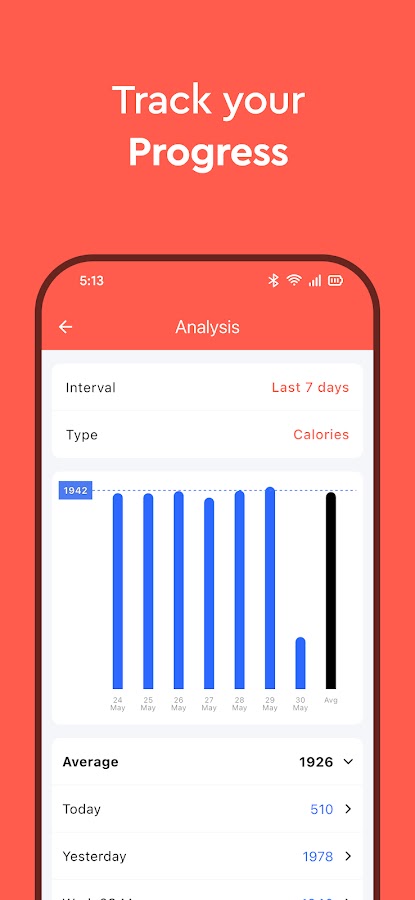
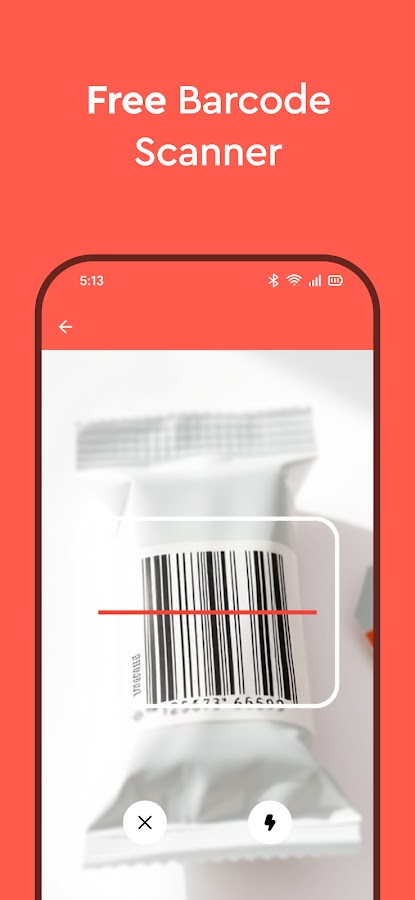

Look for Macros by JosmanTek in the app store. It has barcode logging and a personal recipe library. The Android listing also documents using one saved recipe as an ingredient in another, useful for dressings or sauces you make in batches.
Fddb
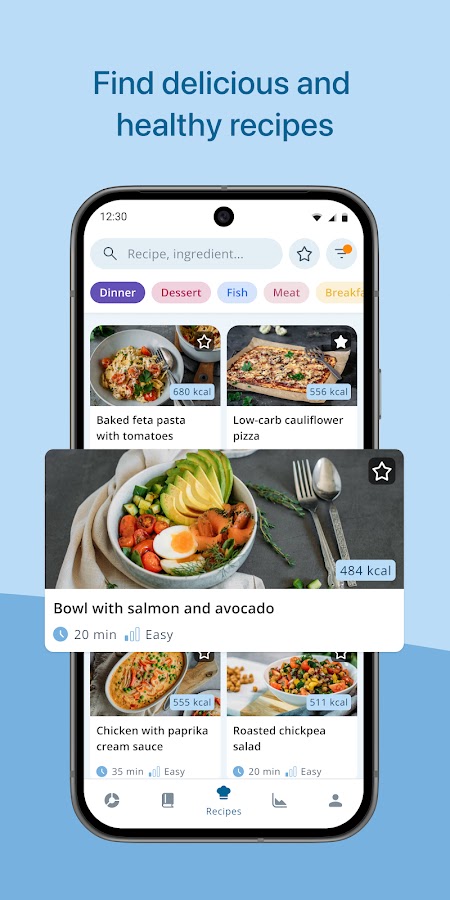


Create a dish in My Recipes, enter the ingredients, and set the serving count. Its scanner handles packaged items in the same diary. If you shop in several countries, try your usual brands before deciding whether the database is a good fit.
Check these three things before choosing an app
- Scan a product you actually buy. Check the brand, flavor, serving size, and whether the app shows nutrition per serving or per 100 g. Compare the entry with the label.
- Import a recipe you know. Pick a dish with a mix of grams, cups, and package sizes. Check what the app did with entries such as “one can, drained” or “two cups cooked rice.”
- Log a serving from the finished batch. If your portion differs from the recipe’s default, use the fraction of the batch you ate. If the app supports cooked weight, enter the weight of the whole finished dish and the amount you served.