
Password Depot for Android for Android
About Password Depot for Android
Password Depot has often been cited as an outstanding password manager for Android, Windows, iOS and Mac OS. Store all your passwords and confidential information, starting right away, in a safe vault, protected with AES 256-bit encryption.
From now on, you will only have to remember one password: the master password which you will use to open Password Depot. You now will be able to generate only safe and uncrackable passwords for your logins and for all practical purposes. Protect your sensitive data so that you can always access it when you need it.
You can decide where Password Depot should keep your encrypted vault:
• on your smartphone
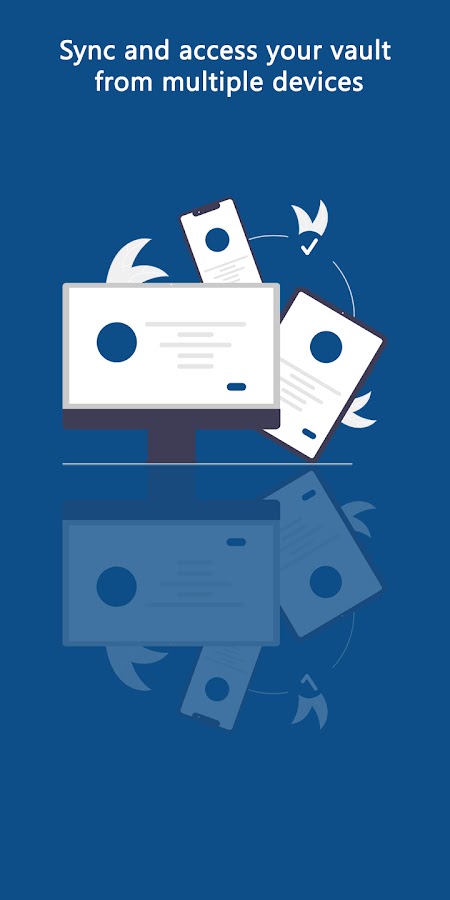
• in the Cloud (Dropbox, Google Drive, OneDrive, HiDrive or Box) – so that you can access it from several different devices simultaneously
• on a FTP server
• on your corporate server using the accessory module, Password Depot Enterprise Server
You can have confidence in the team of AceBIT and its 20 years of experience and know-how!
It has already been 10 years since the prestigious and independent Fraunhofer Institute, after conducting a large comparative survey of password managers, certified that the PC edition of Password Depot offers the “highest level of security of all tested programs”. It has further been described as the “only software that made a good impression in our comprehensive security tests”.
Since then, we have improved and expanded Password Depot even further!
So now, it’s really time for you to get going!
Download Password Depot and benefit from the protection this password manager is offering. You can use Password Depot on all your devices, including smartphones, tablets, Windows PCs and Mac computers.
You won’t want to be without Password Depot any longer!
Here is an overview of some of the highlights of the Android edition:
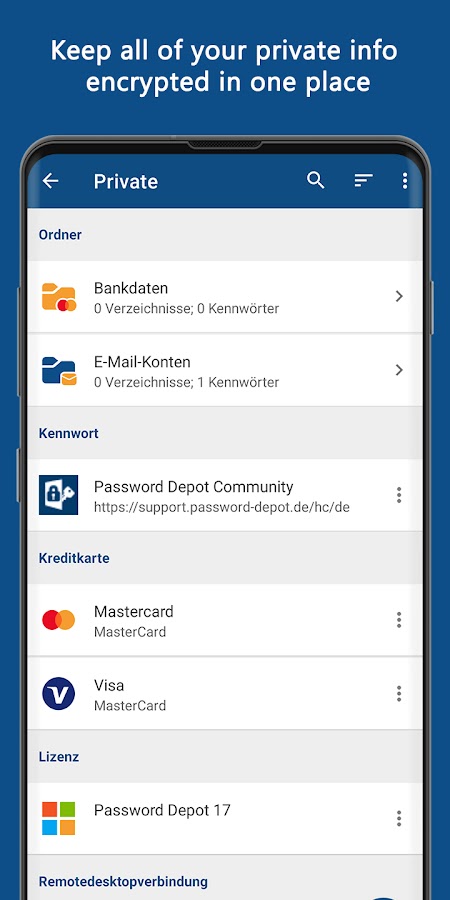
• Password manager: a secure vault for your passwords
• Secure databases for all passwords — your passwords are AES 256-bit encrypted
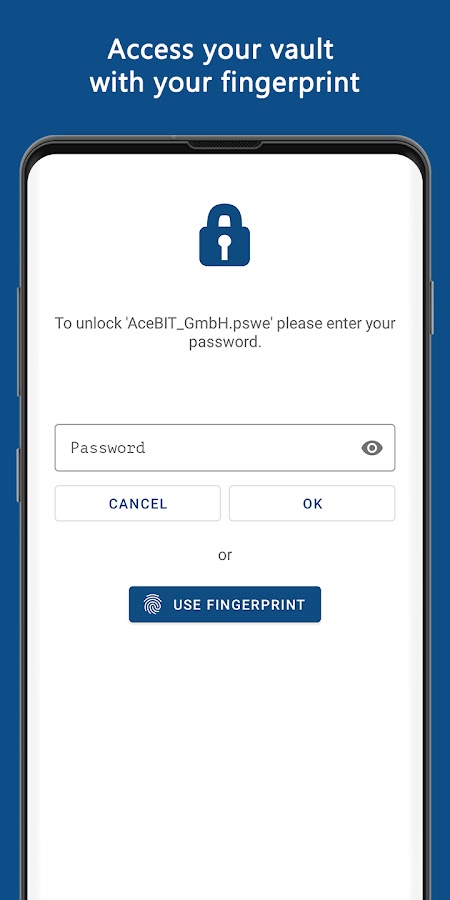
• Fingerprint scanner support
• Authentication with key file for additional protection of your databases
• Password generator: create safe and virtually uncrackable passwords
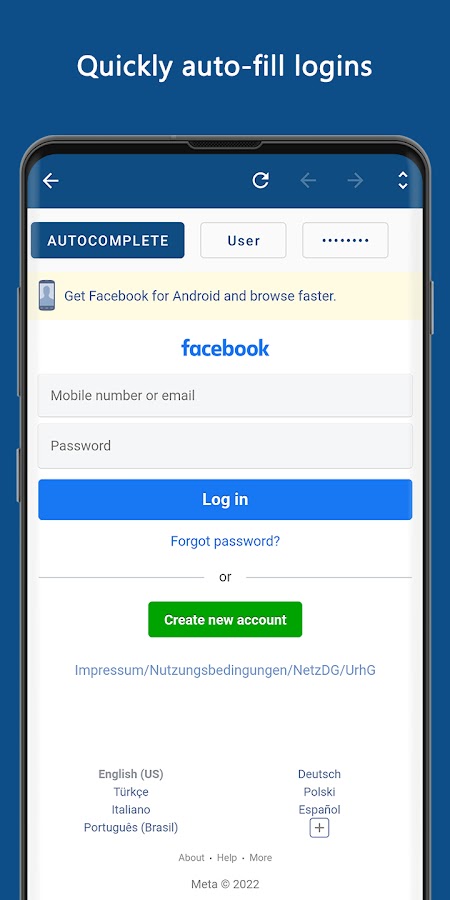
• Automatic completion of access data with the integrated browser instead of manual typing
• Group passwords in folders in order to be clearly structured
• Arrange entries for example by category or description
• Quickly search your entries
• Automatically lock the app
• The database self-destructs after 10 failed login attempts
• Automatic deletion of passwords copied to the clipboard
• Protection from screenshots and video photography
• Automatic storage
• Automatic backup
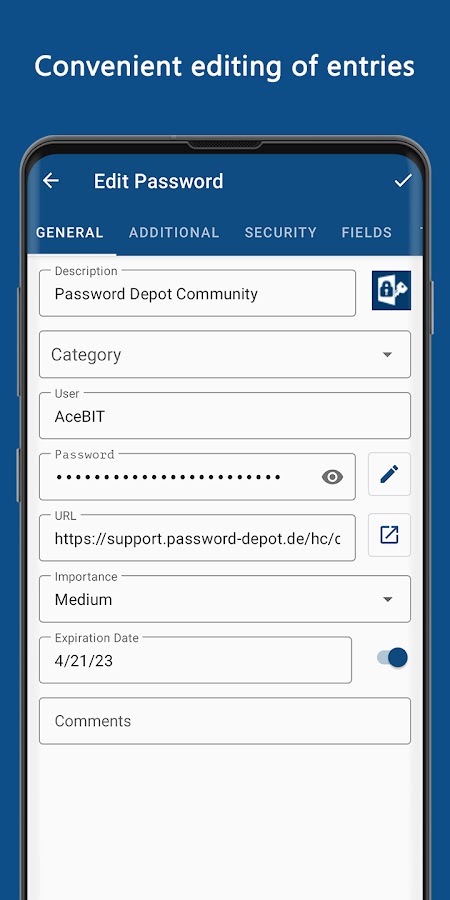
• User-defined fields
• Manage TANs
• Native Android app
• First class and fast support via e-mail
• Completely free of charge and free of advertising!
No one can open your Password Depot vault without its master password — even the manufacturer, AceBIT, isn’t able to do so. Your vault is safely encrypted with AES 256-bit encryption.
Password Depot is the easiest way to save your passwords safely.
Download Password Depot now and convince yourself!
Download Password Depot for Android for Android for free — the latest version (19.1.1.2) is now available for installation on your phone or tablet.
What's New in the Latest Version 19.1.1.2
Version 19.1.1.2
– Support for GCM encryption
– New icons and colors, aligned with the Windows app
– Password generator: more secure random generation
– Updated Box SDK
– Fixed “Submit feedback” link
– Minor layout fixes
Note: Enterprise Server 17 is no longer supported. Please update to a current server version.
Password Depot for Android App Info
- Version 19.1.1.2
- Updated November 23, 2026
- Requires OS Android 12 and up
- Category Tools
- Developer AceBIT
- Age Rating 3+