AppLock Pro – App Lock & Guard for Android
About AppLock Pro – App Lock & Guard
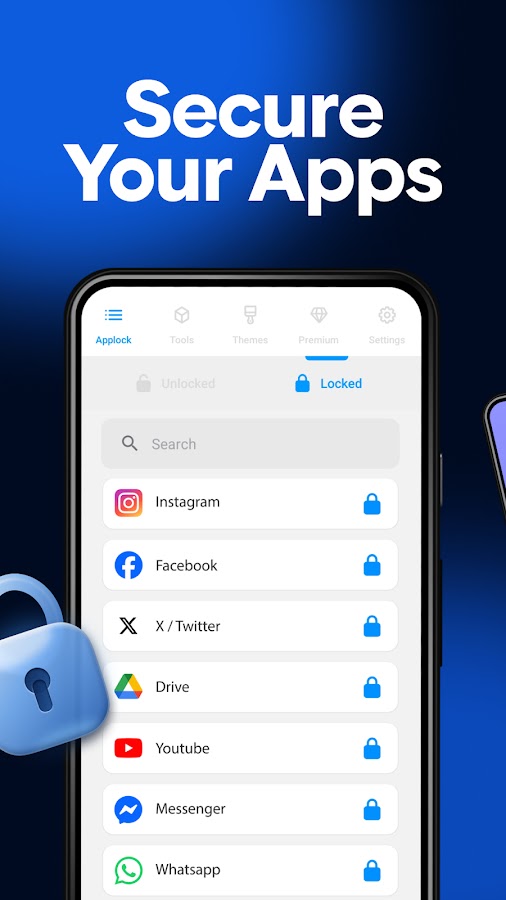
Hand your phone to anyone without worrying about what they’ll see. AppLock Pro is the app lock that keeps your chats, photos and private apps behind a password, PIN or fingerprint, so a curious partner, a nosy coworker or a friend borrowing your phone only sees what you allow.
A fast app locker, app blocker and privacy guard for your phone.
🔐 Lock apps with password, PIN or fingerprint
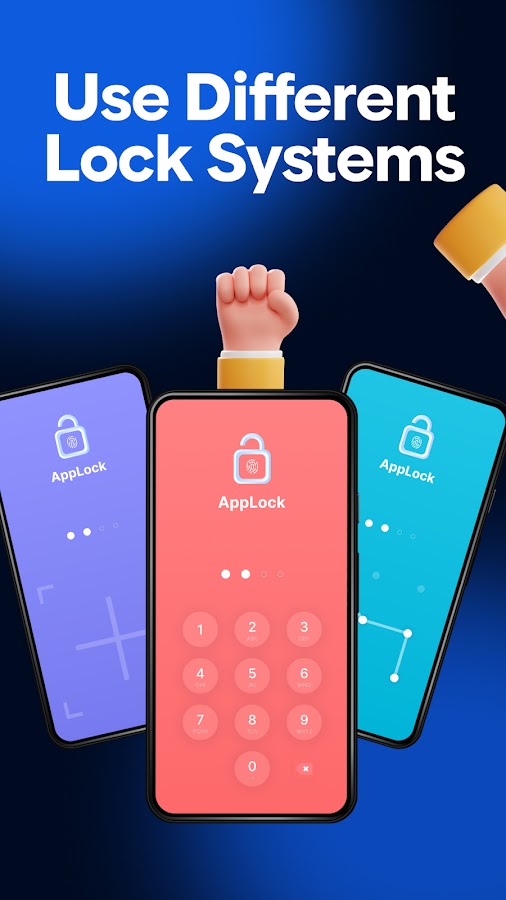
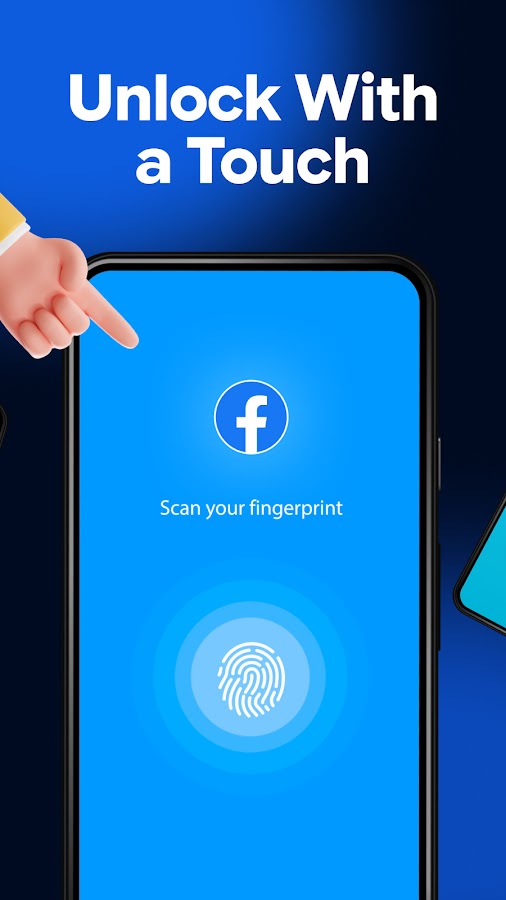
Choose the apps to protect and AppLock Pro locks them instantly: messaging and social apps, your photo gallery, email, banking apps, Settings and more. Put a password on apps or use a fingerprint app lock (on supported devices), PIN lock (4–8 digit passcode for apps), pattern or knock code.
🚫 App blocker & website blocker
Block apps you don’t want anyone to open on your phone. The built-in website blocker stops the sites you choose in supported browsers. As a password app blocker with password protection, only you decide what opens.
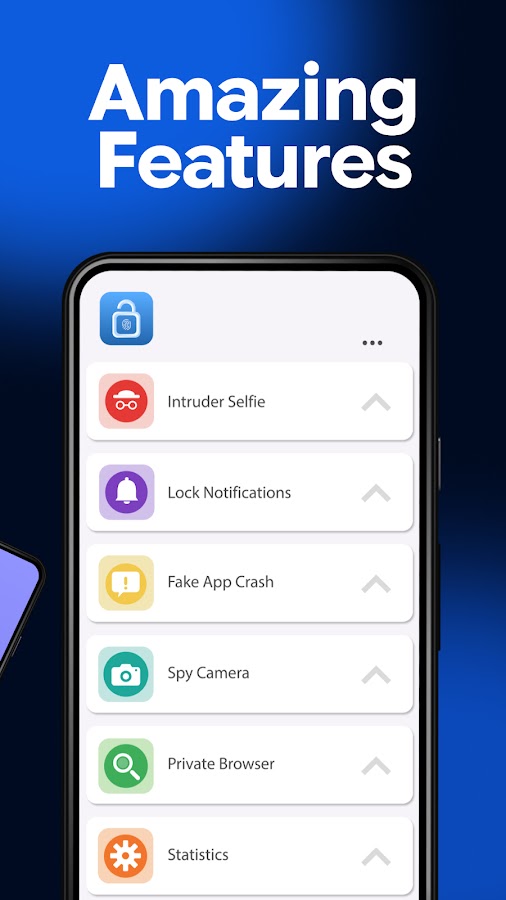
📸 Intruder selfie
Wrong password? The app locker quietly takes a front-camera photo, so you know who tried to open your apps.
🧠 Fake error screen
Show a fake crash message instead of the lock screen, so snoopers don’t know the app is locked.
🔕 Hide notifications
Lock messages and hide previews from locked apps so private chats don’t pop up on your screen.
👀 Hide the AppLock icon
Hide the icon and lock system settings so no one can find or uninstall your app protector.
⏱ Auto lock & lock timer
Auto lock apps after a short break, or pause the app lock during hours you choose.
🚨 Intruder alarm
Sound a loud alarm after several wrong password attempts.
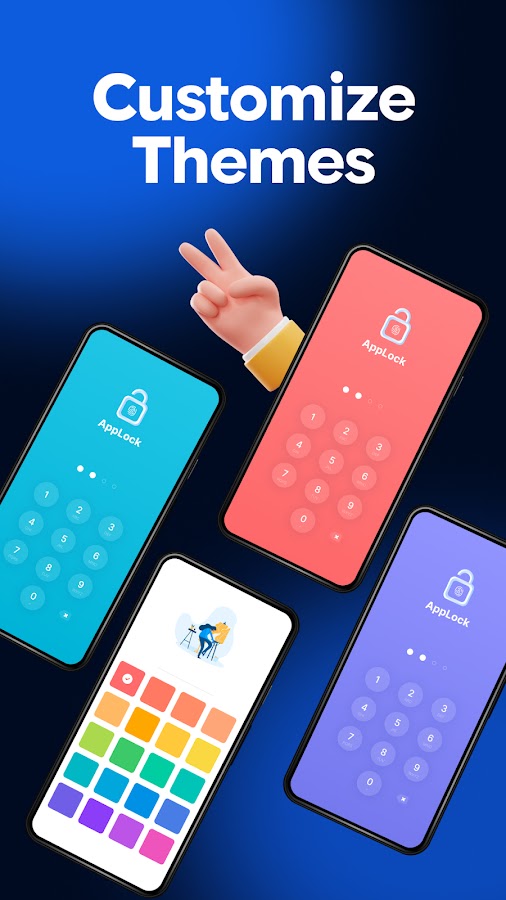
🎨 Custom lock screen
Pick a theme or set your own photo as the lock screen background.
⚙️ Light phone locking app
A phone lock for your apps with low battery and RAM use, vibration, alerts to lock new apps, and lock recent apps.
Why people use AppLock Pro
• Lend your phone to friends or kids without exposing chats and photos
• Keep private messages away from a partner or roommate
• Stop coworkers scrolling through your gallery
• Add an app password to banking and payment apps
• Block apps and websites kids shouldn’t open
FAQ
Q: Is AppLock Pro a free app lock?
A: Yes, you can lock apps for free. Some extra features are optional in-app purchases.
Q: How do I stop someone from uninstalling the app lock?
A: Lock system settings and turn on Hide Icon.
Q: Why are permissions needed?
A: Only for the features you use: showing the lock screen over other apps, the camera for intruder selfies, and Accessibility for the website blocker (details below).
Q: What if I forget my password?
A: Reset it with your security question.
Q: Can I lock photos and videos?
A: Yes. Lock your gallery app to keep private photos away from others.
Lock apps in seconds with AppLock Pro, the app lock and privacy app that puts you first.
Accessibility Service disclosure
AppLock’s Website Blocker feature uses Android’s Accessibility Service to block the websites you choose. When you turn on Website Blocker and grant the permission, the service reads only the web address (URL) shown in your browser’s address bar in supported browsers (Google Chrome and Samsung Internet) to detect when you open a site or category you’ve chosen to block, and then shows a block screen instead of the page.
• It is used only for the Website Blocker feature, and only after you enable it and grant the permission.
• It reads only the address bar (the site’s web address). It does not read page content, capture what you type, read your passwords, or record your screen.
• Android does not offer another way for an app to detect the page a browser is showing, so this permission is required for the feature to work.
• You can turn Website Blocker off at any time in the app, or revoke the permission at any time in Android Settings > Accessibility, which stops the service completely
Download AppLock Pro – App Lock & Guard for Android for free — the latest version (5.8.2) is now available for installation on your phone or tablet.
What's New in the Latest Version 5.8.2
AppLock Pro – App Lock & Guard App Info
- Version 5.8.2
- Updated November 12, 2026
- Requires OS Android 7.0 and up
- Category Productivity
- Developer App Lock LLC
- Age Rating 3+