FL Studio Mobile for iOS
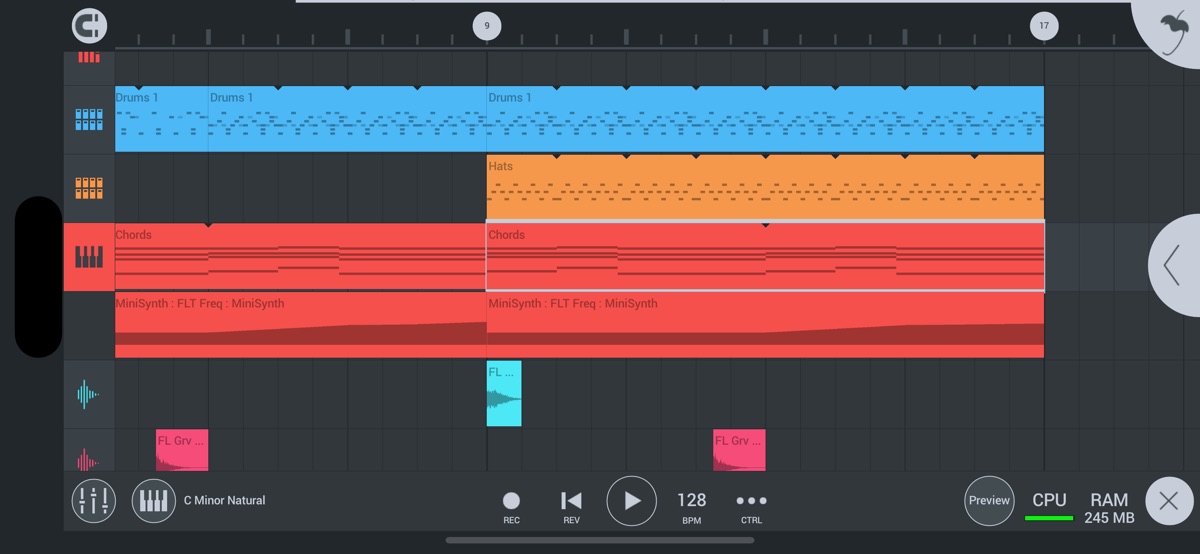
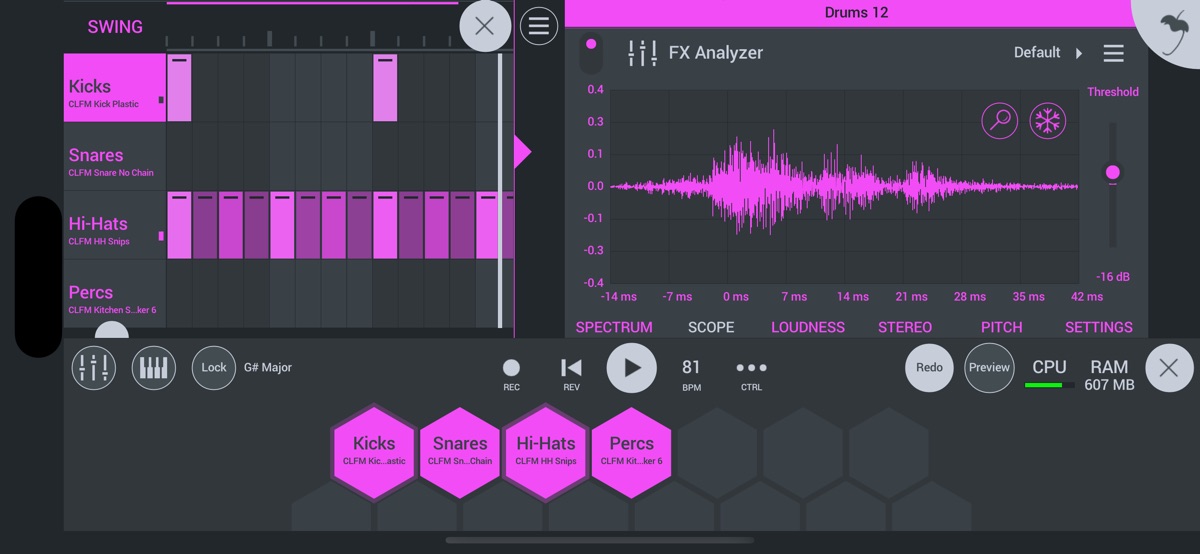
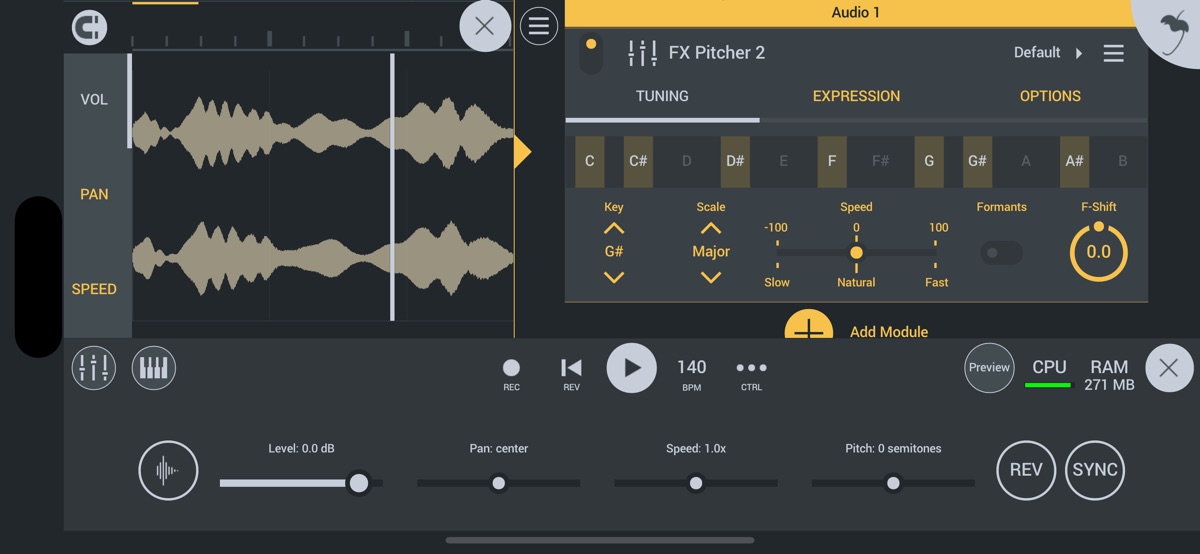
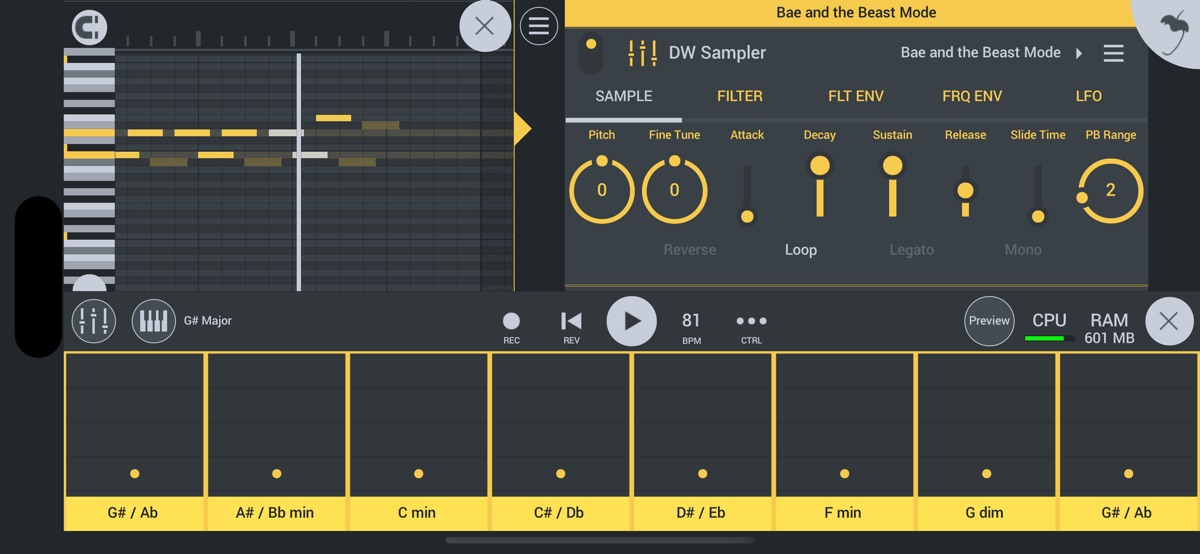
About FL Studio Mobile
Create and save complete multi-track music projects on your iPad, iPhone or Mac. Record, sequence, edit, mix and render complete songs.
FEATURE HIGHLIGHTS
* Audio recording, track-length stem/wav import
* Browse sample and presets with preview
* Effects modules (see Included Content)
* Full-screen MacBook and iMac Trackpad and Mouse support.
* High quality synthesizers, sampler, drum kits & sliced-loop beats
* Instrument modules (see Included Content)
* Load projects in the FL STUDIO** FREE Plugin version of this App
* MIDI controller support (class compliant). Automation support.
* MIDI file import and Export (Single-track or Multi-track)
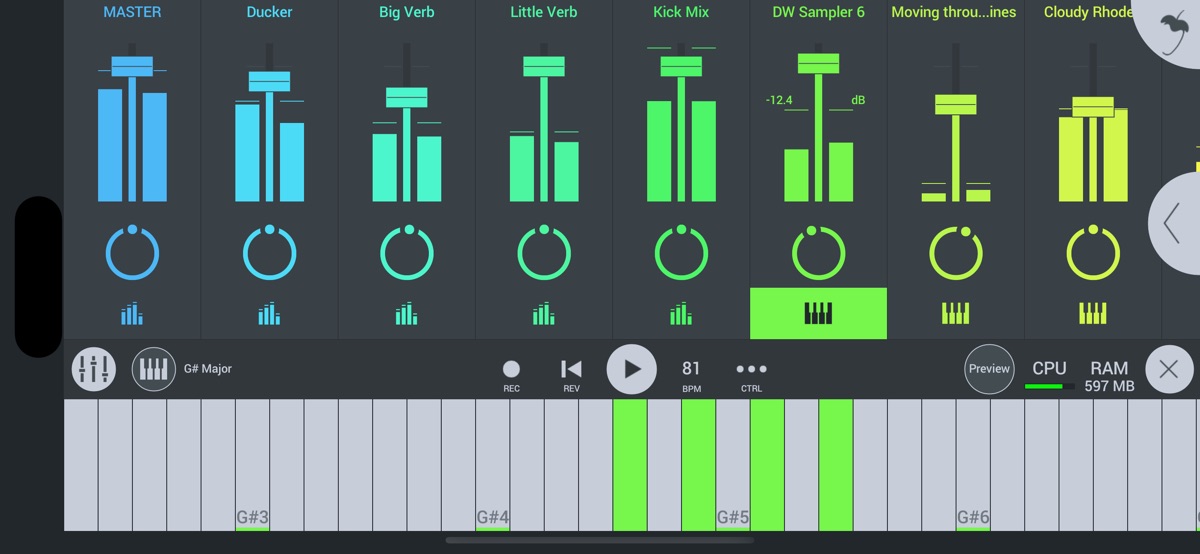
* Mixer: Per-track mute, solo, effect bus, pan and volume adjustment
* Piano roll. Edit notes or capture recorded performances.
* Save and load WAV, MP3, AAC*, FLAC, MIDI
* Share your songs via Wi-Fi or Cloud to other Mobile 3 installations
* Step sequencer
* User interface configurable with all screen resolutions and sizes.
* Virtual piano-keyboard & Drumpads
* IAA App support (In/Out), Audiobus support (In/Out)
* Audio recording (external and internal sources)
* Share your songs via Sync to other Mobile 3 devices / installations
* Load your projects in the FL STUDIO* FREE ‘Plugin’ Version of this App#
IN APP PURCHASES & INCLUDED CONTENT
FL Studio Mobile includes in-app purchases for the DirectWave sample player. You can install your own samples and don’t need to buy content.
All Instrument modules are included: Drum Sampler, DirectWave Sample Player, GMS (Groove Machine Synth), Transistor Bass, MiniSynth & SuperSaw.
All Effect modules are included: Analyzer (visual), Auto Ducker, Auto-Pitch (pitch correction), Chorus, Compressor, Limiter, Distortion, Parametric Equalizer, Graphic Equalizer, Flanger, Reverb, Tuner (Guitar/Vocal/Inst), High-Pass/Low-Pass/Band-Pass/Formant (Vox) Filters, Delays, Phaser and Stereoizer.
Included Drum Samples: Cymbals, Hats, Kicks, Snares, Toms, Percussion, Risers, SFX
Included DirectWave Instruments: Guitars, Keyboards, Orchestral, Synth, Bass, Synth Keyboards, Synth Leads, Synth Pads, Sliced, Drums, Drum Kits and Effects.
Included MiniSynth Presets: Bass, Keys, Leads, Pads, SFX, Synths
Included SuperSaw Presets: Arps, Bass, Bells, SFX, Leads, Pads, Sequences, Synths
WANT TO TRY BEFORE YOU BUY?
Install FL STUDIO 20 for macOS / Windows and you can use the FL Studio Mobile Plugin. This is identical to the App, as a plugin inside FL Studio. Get it here: http://www.image-line.com/downloads/flstudiodownload.html
MANUAL / TRAINING / VIDEOS
http://support.image-line.com/redirect/flstudiomobile_help
http://support.image-line.com/redirect/flstudiomobile_videos
SUPPORT
Please help us to help you! In the App, tap ‘Help > Users & Support Forums’ to register FL Studio Mobile to your Image-Line account and gain access to the forum. You can then report bugs, make feature requests and access free downloadable content: http://support.image-line.com/redirect/flmobile_forum
Download FL Studio Mobile for iOS — the latest version (5.0.5) is now available for installation on your iPhone or iPad.
What's New in the Latest Version 5.0.5
FL Studio Mobile 5 is here. 10 years of FL Studio Mobile, and one of our biggest updates yet.
FL CLOUD SOUNDS
– Thousands of free sounds, right inside the app. No account needed.
– Unlock over two million sounds with an FL Cloud plan. Start your free trial in the app.
– Previews stream instantly without using storage. Sounds you add download in full quality.
PORTRAIT MODE
– It’s finally here. One of your most requested features.
– The app rotates with your device, or lock it in settings.
NEW LOOK
– Refreshed playlist, editors, Channel Rack and transport bar
– UI scaling now updates live, no restart needed
– Zoom out to fit a whole project on screen
– New reduced animations mode
WORKFLOW
– Drag and drop files from other apps
– Better mouse and keyboard support, with new shortcuts and hover hints
– Smart Solo: soloing a channel now solos its sends too
– Burn Notes to Track: turn note effects into editable notes
– Unsolo all, paste preview in the Piano Roll and Playlist, and more
Plus new demo songs to explore and lots of fixes. Happy music making!
FL Studio Mobile App Info
- Version 5.0.5
- Updated November 10, 2026
- Requires OS iOS 16.3 and up
- Category Music & Audio
- Developer Image Line Software
- Age Rating 4+